Solar EPC project management software helps EPC (engineering, procurement and construction) firms track the build of a solar plant. Smartsheet ranks first on this list, at 74.7/100, but it is a general tool, not a solar one.
Only three solar tools reached our minimum match score (4 out of 10), and none is a full build suite. To rank five, we added the two best-scoring general tools, Smartsheet and Quickbase. This guide is for EPC firms and developers who build commercial rooftop, carport and ground-mount plants. It covers buying equipment, drawings and RFIs (requests for information), install quality, progress against plan and seeing many sites at once.
Are you a home installer tracking jobs from contract to PTO (permission to operate)? Our solar project management guide fits better. To schedule home install crews, see our solar installation management guide.
Is EPC project management mostly general software?
Yes. We scored 11 products. Three solar tools reached the minimum score, and so did five general project and build tools.
Two of them, Smartsheet and Quickbase, beat all three solar tools. That is mainly because they have thousands of public reviews and listed prices. The solar tools have almost no reviews.
Solar tools do not go first by default. Our rule is to rank at least five products in score order. We rank every solar tool that qualifies, then add the top general tools until the list reaches five.
Sitetracker and Procore score above SenseHawk but are not ranked, because the rule stops adding general tools at five. Fieldwire has a high total score but is below the minimum match score, so it is not eligible.
Many EPCs use both kinds. A general tool runs the build schedule, drawings and change orders. A solar tool handles field work, commissioning or O&M (operation and maintenance) handover.
Quick picks: best solar EPC project management tools
Rank | Product | Best for | Starting price (company page, checked October 2026) | Pricing model | Free plan / trial | Score /100 |
|---|---|---|---|---|---|---|
1 | A master schedule across many projects at a low seat cost | ✓ USD 9 per member per month (Pro, billed annually) | Per member | Free trial (length not stated) | 74.7 | |
2 | EPCs that want to build their own tracking apps | ✓ From USD 35 per user per month (Team, billed annually) plus a platform minimum | Per user plus minimum | 30-day free trial | 66.9 | |
3 | Small and mid-sized C&I contractors that also run O&M | ✓ USD 90 per user per month (Field) | Per user | Demo only | 62.2 | |
4 | Coordinating subcontracted crews and commissioning | Quote only | Modules and volume. Unlimited users | Demo only | 60.2 | |
5 | Utility-scale progress and QA on a digital twin | Quote only | Enterprise quote | Demo only | 54.0 |
✓ Verified on the company’s own pricing page. ◐ Published by the company outside its pricing page (help centre, store or press release). ? We could not read the company’s pricing page, so the figure is not confirmed. Prices checked October 2026.
Quote only means the company shows no public price. You ask it for a quote.
How the 8 tools scored
- Use-case fit 35%
- User reviews 20%
- Pricing 15%
- Ease of use 10%
- Support 10%
- Momentum 10%
Tool | Score chart | Score |
|---|---|---|
74.7 out of 100 | 74.7 | |
66.9 out of 100 | 66.9 | |
62.2 out of 100 | 62.2 | |
60.2 out of 100 | 60.2 | |
54 out of 100 | 54.0 | |
Sitetracker (general) | 62.1 out of 100 | 62.1 |
Procore (general) | 60.1 out of 100 | 60.1 |
Celoxis (general) | 58.8 out of 100 | 58.8 |
Each bar shows the weighted score out of 100. Tools marked (general) are general tools that are not solar-specific.
Sub-scores at a glance (0-10)
Product | Use-case fit | User reviews | Pricing | Ease of use | Support | Momentum | Total /100 |
|---|---|---|---|---|---|---|---|
7.6 | 7.5 | 7.0 | 7.5 | 7.5 | 7.5 | 74.7 | |
6.2 | 7.4 | 7.0 | 7.5 | 7.5 | 5.0 | 66.9 | |
7.6 | 5.0 | 7.0 | 5.0 | 5.0 | 5.0 | 62.2 | |
7.6 | 5.0 | 4.0 | 5.0 | 5.0 | 7.5 | 60.2 | |
7.1 | 5.0 | 4.0 | 5.0 | 5.0 | 3.0 | 54.0 | |
Sitetracker (general) | 7.6 | 6.0 | 4.0 | 5.0 | 7.5 | 5.0 | 62.1 |
Procore (general) | 6.2 | 7.5 | 4.0 | 5.0 | 7.5 | 5.0 | 60.1 |
Celoxis (general) | 5.2 | 7.7 | 3.0 | 7.5 | 10.0 | 3.0 | 58.8 |
A 5.0 on reviews, ease, support or momentum is our neutral score. We use it when public evidence is thin. It is not a judgement.
Other general tools EPCs also use (same rubric, not built for solar): Sitetracker 62.1, Procore 60.1 and Celoxis 58.8.
How did we rank these tools?
How the score is weighted
- Use-case fit 35%
- User reviews 20%
- Pricing 15%
- Ease of use 10%
- Support 10%
- Momentum 10%
We scored 11 products from 22 to 25 October 2026: 5 ranked, 3 general tools listed apart and 3 also considered. We used company documents, pricing pages, marketplace listings and public user reviews.
This was desk research. We did not run projects in any tool. We gave each product a score on six points.
- Use-case fit (35%): How well it does this page’s job. We looked for build tracking, buying or stock, quality and punch lists, field work, commissioning and multi-project views.
- User reviews (20%): G2 and Capterra ratings. Ratings from a few reviews count for less. Solar tools with few or no reviews sit at a neutral 5 out of 10.
- Pricing (15%): Listed prices score higher than quote only or unchecked prices.
- Ease of use, support and momentum (10% each): Review sub-scores and dated product updates. Neutral with no proof. If we could not confirm a tool’s core facts on the company’s own site, we took off points and say so in its entry.
Tools below the minimum score go to "Also considered". When fewer than five solar tools qualify, the top general tools that reach the minimum fill the gap, in score order.
Third-party ratings are context only. We never use them in rating markup (the code that shows star ratings in search results). SurgePV is not part of this ranking. Read the full method: how we score software.
Scores are set per page. The same tool can score differently on another page.
Which kind of EPC are you?
- C&I (commercial and industrial) rooftop and carport contractors, from a few hundred kW to a few MW: Jobs are short and frequent. A field tool with a customer record matters more than a heavy build suite. Look at Coperniq or Scoop Solar, with Smartsheet for the master schedule.
- Utility-scale EPCs: Long builds with thousands of piles, trackers and strings. Progress counts, quality records and drawings come first. SenseHawk covers progress and QA (quality assurance) on a map. Procore covers drawings, RFIs and change orders.
- Developers and IPPs (independent power producers) with portfolios: Sites, permits, land deals and capital across many projects. Sitetracker is built for this across many sectors.
1. Smartsheet (general work management): best for a master schedule across many projects
Best for: EPCs that want one master schedule across projects at a low cost per seat. Score: 74.7/100.
What it is: Smartsheet Inc. makes this spreadsheet-style work tool with Gantt (timeline chart) views, dashboards, forms and automations. It is not built for solar, but solar developers and installers use it to track pipelines and builds. Smartsheet shares a story from Eurus Energy, a wind and solar developer, on running build projects.
Why we picked it: It scored highest of all the tools we checked. It has a big review base, published prices and a strong fit for multi-project schedules.
Key features:
- Grid, Gantt, board, calendar and timeline views.
- Baselines and workload tracking (Business).
- Portfolio and scenario planning (Enterprise).
- Forms for site intake and automations (unlimited on Business).
- Unlimited free contributors, so subcontractors can update sheets without a paid seat.
- API (a way for other software to connect) access on Business, and links to Power BI, Microsoft Dynamics 365 and DocuSign.
Pricing: Pro is USD 9 per member per month billed annually (USD 12 monthly). It allows up to 10 members, with no baselines or API. Business is USD 19 billed annually (USD 24 monthly), with a 3-member minimum, API, baselines and unlimited automations. Enterprise and Advanced Work Management are by quote. A free trial is offered, but the company does not state its length. Checked October 2026 on the Smartsheet pricing page.
Pros (from Capterra reviews):
- The familiar grid keeps projects, tasks and owners in order.
- Strong live dashboards and reports.
- Unlicensed users can work in it, which cuts cost.
Cons (from Capterra reviews):
- Pricing is confusing and high for small teams.
- Formulas and automations take time to learn and set up.
- The mobile app is weak for field use.
Reviews: Capterra 4.5/5 (3,560 reviews), checked October 2026.
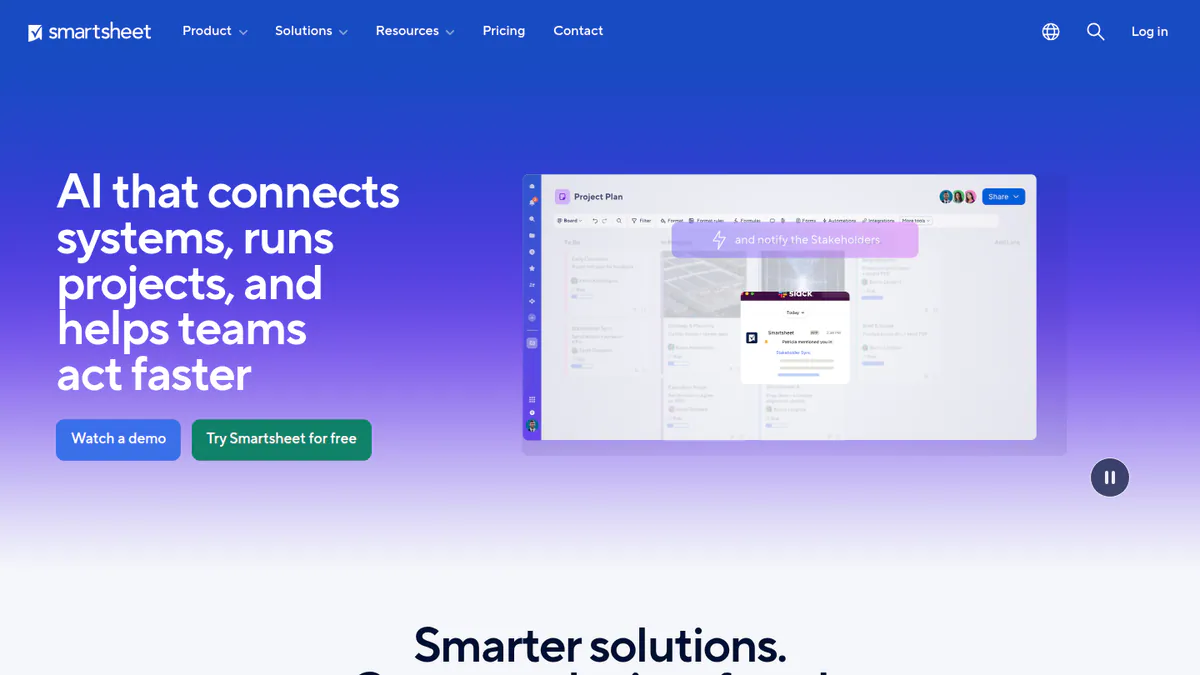
Want to see Smartsheet (general work management) working? Book a demo with the SolarSoftwares team.
Book a demoYour request goes by email to the SolarSoftwares team. A time is set only after we reply. It does not change any score or ranking.
2. Quickbase (general low-code platform): best for EPCs that build their own tracking apps
Best for: Mid-sized and larger EPCs with an in-house builder or partner budget. Score: 66.9/100.
What it is: Quickbase, Inc. makes this low-code database. You build your own tracking apps in it with little coding. It is not built for solar, but Quickbase names solar customers such as Canadian Solar. A Paradise Energy Solutions case study reports 75% faster build time for its apps.
Why we picked it: It suits EPCs whose process does not fit a ready-made tool, because you build the exact trackers you need. A large review base and a 30-day trial make it easy to test.
Key features:
- Low-code builder for custom project and install tracking apps.
- Install milestone and scheduling tracking (built as apps).
- Labour, kit, vehicle and material tracking.
- Offline-ready mobile apps for inspections and installs.
- Dashboards and workflow rules.
- 40+ prebuilt links to ERP (software for buying, stock and accounts), CRM (customer records software) and accounting, plus REST APIs.
Pricing: Team is from USD 35 and Business from USD 55 per user per month, billed annually. Each adds a platform minimum that the company does not state. Enterprise is by quote, and there is a 30-day free trial. Checked October 2026 on the Quickbase pricing page.
Pros (from reviews and our research):
- Good value, scales well and lets teams build tools in-house (Capterra).
- Offline mobile apps suit inspections on remote sites.
- Prebuilt links and REST APIs connect to ERP and accounting.
Cons (from reviews and our research):
- Costly for smaller firms as seat counts grow (Capterra).
- Pricing is hard to follow, and prices sometimes rise (Capterra).
- Solar features are apps you set up, not ready-made modules.
Reviews: G2 4.5/5 (1,640 reviews), Capterra 4.4/5 (334 reviews), checked October 2026.
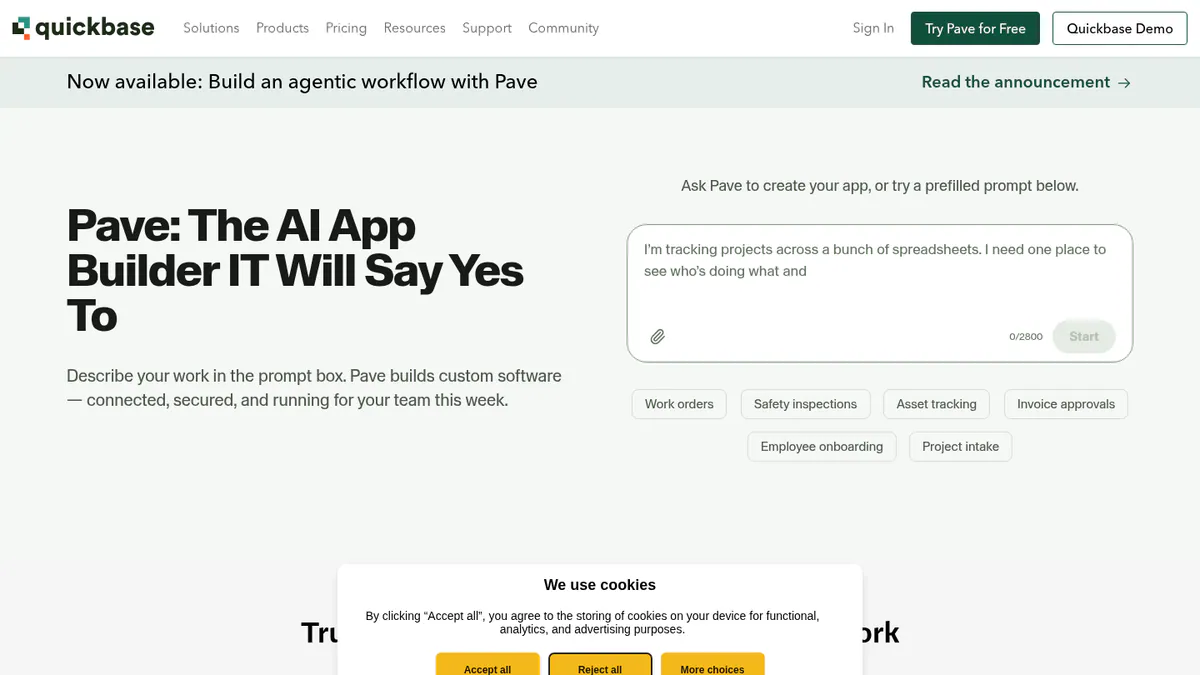
Want to see Quickbase (general low-code platform) working? Book a demo with the SolarSoftwares team.
Book a demoYour request goes by email to the SolarSoftwares team. A time is set only after we reply. It does not change any score or ranking.
3. Coperniq: best for small and mid-sized C&I contractors that also run O&M
Best for: US and Canadian commercial contractors whose jobs are short enough to run as workflows, and who keep the client for service. It is not built for large utility builds. Score: 62.2/100.
What it is: US firm Coperniq Inc. makes this ops platform for solar, storage and other trades. Project phases, dispatch, work orders, project finances and O&M plans share one record. So the commissioning data is still there when the first service call comes in.
Why we picked it: It is the top-scoring solar tool here and the only solar tool here with per-seat prices on its own site. Build and O&M on one record suits contractors who service what they install.
Key features:
- Project finances and work orders on the Office plan.
- Phase workflows through permit, install, inspection and PTO.
- Dispatch with route planning and live tech tracking.
- O&M work orders, upkeep plans and spare-parts stock.
- Asset monitoring alerts for inverters and panels (native or linked not confirmed).
Pricing: Field is USD 90 per user per month. Office is USD 200 per user per month, with scheduling, work orders, invoicing, project finances and reports. AI features and add-ons cost extra, with no figures shown. Checked October 2026 on the Coperniq pricing page. Third-party listings quote other figures, so get the Field rate in writing.
Pros (from our research):
- You can budget from listed per-seat prices.
- Build and O&M in one system.
- Offline field app with GPS-stamped photos for site records.
Cons (from our research):
- No drawing control, RFIs or submittals shown.
- No user reviews on G2 or Capterra.
- Links to ERP or accounting systems not listed.
Reviews: No user reviews found on G2 or Capterra as of October 2026.

Want to see Coperniq working? Book a demo with the SolarSoftwares team.
Book a demoYour request goes by email to the SolarSoftwares team. A time is set only after we reply. It does not change any score or ranking.
4. Scoop Solar: best for coordinating subcontracted crews and commissioning
Best for: EPCs that do little work themselves and manage subcontractor crews across commercial or utility sites. Score: 60.2/100.
What it is: Scoop is a field service and project hub based in Vancouver, used by contractors from small home jobs to utility scale. It covers solar, storage, EV charging and wind O&M. The company claims more than 250,000 job sites in 14 countries.
Why we picked it: Unlimited users and a subcontractor portal fit EPCs that run outside crews. Required forms make each crew leave the records the next team needs.
Key features:
- Subcontractor portal with scoped access.
- If-then workflow rules and required forms per stage.
- Planned upkeep, asset history and SLA (service level agreement) records.
- Stock, price book and quoting module.
- Managed app connections (GLOO, 500+ claimed). TrustRadius lists NetSuite ERP and QuickBooks Online.
Pricing: Quote only, based on modules, workflows and install or service volume. Every plan has unlimited users, storage and devices. Checked October 2026 on the Scoop pricing page.
Pros (from our research):
- Unlimited users, so subcontractor crews add no seat cost.
- Covers home jobs through utility, so one system can span a mixed portfolio.
- The NetSuite link (per TrustRadius) suits EPCs already on that ERP.
Cons (from our research):
- No listed prices.
- No drawing control, RFIs or change-order module shown.
- LOOXY dashboards are an add-on.
Reviews: No user reviews found. There was no G2 or Capterra listing as of October 2026.
Read our full Scoop Solar review.
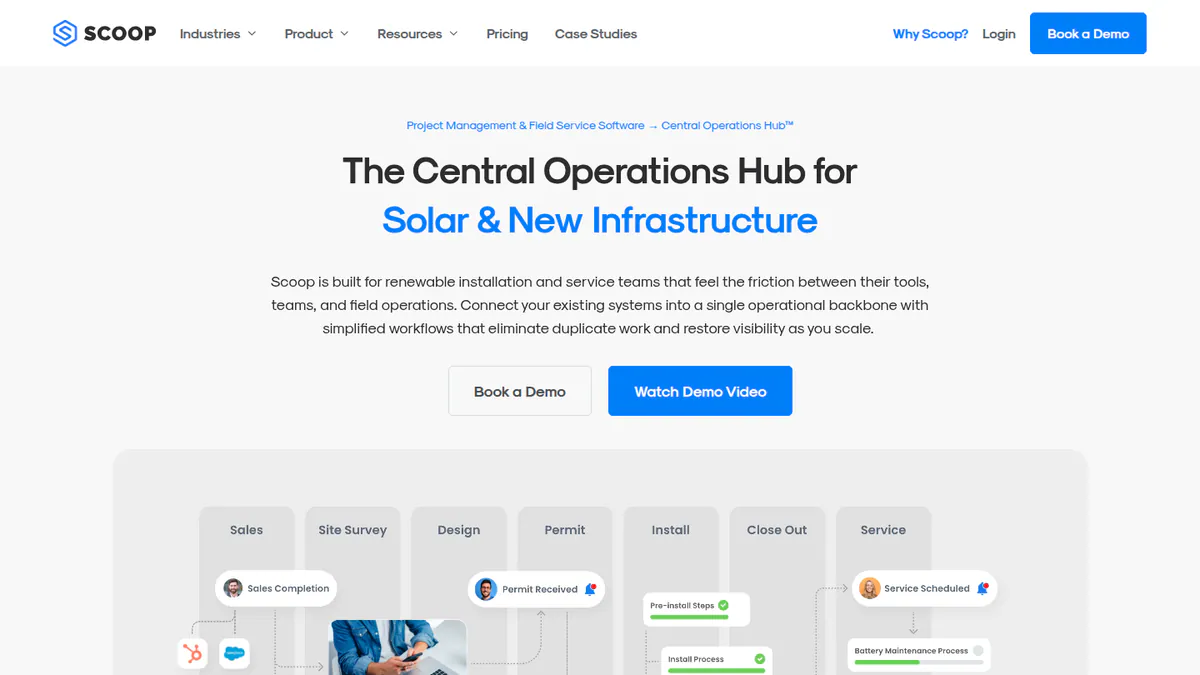
Want to see Scoop Solar working? Book a demo with the SolarSoftwares team.
Book a demoYour request goes by email to the SolarSoftwares team. A time is set only after we reply. It does not change any score or ranking.
5. SenseHawk (TaskMapper / Therm): best for utility-scale progress and QA on a digital twin
Best for: Teams tracking build counts and quality on a map. Score: 54.0/100.
What it is: SenseHawk is a California-based solar digital-twin platform. Reliance Industries agreed to buy a 79.4% stake for USD 32 million in September 2022, per pv magazine USA. Utility-scale developers, EPCs and O&M teams use TaskMapper for progress, quality and field tasks, and Therm for drone thermal checks. Note: we could not reach the company’s own site, so the facts below come from its G2 profile and the SoftwareOne marketplace listing.
Why we picked it: It is the only tool here built around utility-scale build counts and quality on a digital twin (a map-based model of the site). That is the job general tools handle worst.
Key features:
- Build progress tracking with planned versus actual dashboards.
- Install quality: no-code forms, non-conformance records and punch lists.
- Stock and logistics by barcode scanning.
- GIS (map-based) layers of design, terrain and sunlight.
- Drone visual and thermal scan analytics with defect locations (Therm).
Pricing: Quote only. The SoftwareOne listing has an "Enquire now" button. Checked October 2026.
Pros (from our research):
- Planned versus actual dashboards show build progress at a glance.
- Quality records and punch lists sit on the same map as the design.
- ISO 27001 (a data security standard) certified, per the marketplace listing.
Cons (from our research):
- Quote only, with no public price.
- Only 4 G2 reviews across both listings, too few to judge it by.
- Field progress only: no buying, cost or document control.
Reviews: G2 4.8/5 for TaskMapper (2 reviews) and 4.5/5 for SenseHawk (2 reviews), checked October 2026. The review text is not shown.
What we could not confirm: Product facts on the company’s own site, recent product updates, and whether the Reliance stake has changed since 2022.
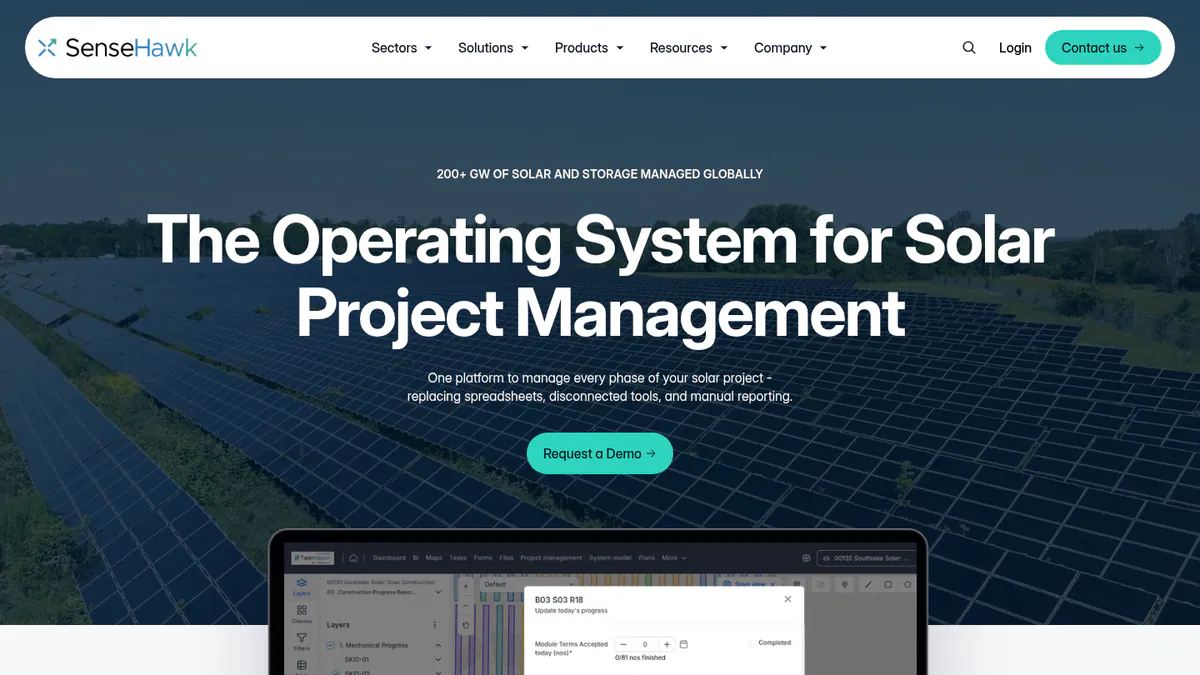
Want to see SenseHawk (TaskMapper / Therm) working? Book a demo with the SolarSoftwares team.
Book a demoYour request goes by email to the SolarSoftwares team. A time is set only after we reply. It does not change any score or ranking.
General tools EPCs also use
These use the same rubric but are not built for solar. They scored below the five ranked tools or came after the list reached five. They are listed in score order.
Sitetracker (multi-vertical infrastructure deployment): 62.1/100
Sitetracker is an enterprise tool for planning, build scheduling, cost control and field work against SLAs. It also covers site and asset tracking, lease and contract records, and GIS maps. It serves telecom, utilities, EV charging and renewables, and its renewables page names no solar customers. A 2019 Capterra reviewer says it runs on force.com (Salesforce’s platform) and is slower as a result.
Pricing: Quote only. Checked October 2026 on the Sitetracker renewables page.
Reviews: G2 4.3/5 (31 reviews), Capterra 5.0/5 (1 review, 2019), checked October 2026. G2 reviewers praise custom setup, maps and support.
Procore (general construction management): 60.1/100
Procore handles build documents and drawings with version control. It also covers RFIs, submittals, daily logs, inspections, change orders and project finances linked to tools such as Sage. Vanguard Energy Partners, a New Jersey solar EPC, uses it for document control, QA inspections and change orders, per a Procore case study.
Pricing: Quote only. Per TrustRadius, you pay a yearly fee per product, scaled by yearly build volume, with unlimited users. We could not get Procore’s own pricing page. Checked October 2026.
Reviews: Capterra 4.5/5 (2,680 reviews), checked October 2026. Reviewers like having every part of a project in one place. They find it costly and hard to learn at first.
Celoxis (general project portfolio management): 58.8/100
Celoxis is project and portfolio software with Gantt scheduling, resource planning, dashboards and timesheets. We could not reach its own website, so these facts come from G2 and Capterra. We found no solar customers, and it lost 2 points because we could not check its core facts with the company.
Pricing: Not checked on the company site. Capterra lists Core at USD 10, Essential USD 25 and Professional USD 35 per user per month. Business is USD 45 (period not stated) and Enterprise is custom. Checked October 2026.
Reviews: G2 4.6/5 (745 reviews), Capterra 4.5/5 (569 reviews), checked October 2026. Reviewers like having projects, resources and reports in one place. They call the look dated.
How do the 5 EPC tools compare?
Product | Solar-specific | Segment | Construction progress | Quality / punch lists | Documents and RFIs | O&M handover | Starting price |
|---|---|---|---|---|---|---|---|
No | All | Gantt, baselines (Business) | Via forms | Attachments | Build your own | USD 9/member/mo | |
No | All | Custom apps | Custom apps | Custom apps | Build your own | USD 35/user/mo | |
Yes | Residential, C&I | Phase workflows | Forms, photos | Not documented | Yes | USD 90/user/mo | |
Yes | Residential to utility | Configurable workflows | Required forms | Not documented | Yes | Quote only | |
Yes | Utility, C&I | Planned vs actual on map | Yes, non-conformance | Not documented | Thermal inspection | Quote only |
Also considered
- Fieldwire (general construction field app, below the minimum score): Plan markup, punch lists and inspections. It has a free Basic plan for 5 users and 3 projects. Its total score was 63.8, but we found no solar use, so it is a weak match for this job.
- Blu Banyan SolarSuccess (ERP & Inventory) (just below the minimum score): NetSuite-based buying, stock and project accounts, with multi-SPV (special purpose vehicle) support. Strong on the buying and finance side, but not a build tracker. See our solar ERP guide.
- ACTIS ERP (a weak match for this job): An asset and O&M ERP for portfolio owners, not builds. We could not reach the company site.
How do you choose solar EPC project management software?
- Want one master schedule across projects at low cost per seat? Smartsheet Business adds baselines and API at USD 19 per member per month, billed annually.
- Have someone who can build apps? Quickbase lets you make your own milestone, labour and inspection trackers.
- C&I contractor that installs and then services the same sites? Pick Coperniq.
- Managing many subcontracted crews and need gated stage records? Pick Scoop Solar.
- Building utility-scale plants and need progress counts and quality records on a map? Shortlist SenseHawk and confirm the details with the company.
- Your pain is drawings, RFIs, submittals and change orders? Procore is the known general choice. Pair it with a solar tool for commissioning and O&M.
- Developer or IPP tracking sites, permits and deals across a portfolio? Look at Sitetracker.
- Also need a CRM for long C&I sales cycles? See our CRM for solar EPCs guide. For engineering design, see solar design software for EPCs.
Want more choices? Browse every tool we checked in our operations and project management category.
Solar EPC project management FAQs
What software do solar EPCs use to manage projects?
Many EPCs pair a general tool with a solar tool. Procore, Smartsheet and Quickbase are common for schedules, documents and change orders. Solar tools such as Scoop Solar, Coperniq and SenseHawk cover field work, quality and O&M handover (checked October 2026).
How do Sitetracker and Procore differ for solar EPC workflows?
Sitetracker is built for rollout across many sites: planning, permits, build scheduling, assets and leases. Procore is built for running a single build: drawings, RFIs, submittals, inspections and change orders. Both are quote only as of October 2026, and neither is built for solar.
Which tools integrate engineering, procurement and construction data via API?
Quickbase and Smartsheet offer APIs. Quickbase has REST APIs and 40+ prebuilt links to ERP, CRM and accounting. Smartsheet’s API comes with Business (USD 19 per member per month billed annually, checked October 2026). Scoop Solar lists NetSuite and QuickBooks Online on TrustRadius. Procore links project finances to Sage.
How do solar EPCs track permits, interconnection and procurement milestones?
Mostly as workflow stages, not a separate module. Coperniq has a permit stage, and Sitetracker covers permits in planning. SolarSuccess on NetSuite handles buying and project BOMs (parts lists). No tool we checked in October 2026 has a grid connection queue tracker, so expect to build that stage yourself.
Is generic construction software like Procore enough for a solar EPC?
Often yes for documents, RFIs and change orders. Vanguard Energy Partners runs QA inspections and change orders in Procore. It lacks solar stages such as commissioning, PTO and O&M handover, so you may add a solar tool. Procore is quote only, priced on yearly build volume (TrustRadius, checked October 2026).
Sources
All checked 22 to 25 October 2026.
- Coperniq: pricing, solar page, products
- Scoop Solar: pricing, Aurora vs Scoop, TrustRadius
- SenseHawk: SoftwareOne listing, G2 TaskMapper, G2 SenseHawk, pv magazine USA, September 2022
- Smartsheet: pricing, Capterra, Eurus Energy story
- Quickbase: pricing, solar page, integrations, G2, Capterra
- Sitetracker: renewables page, G2, Capterra
- Procore: TrustRadius pricing, Capterra, Vanguard Energy Partners case study
- Celoxis: Capterra pricing, Capterra reviews, G2
- Also considered: Fieldwire pricing, Blu Banyan SolarSuccess, ACTIS ERP press release
Last updated 28 October 2026. Next scheduled review: 23 January 2027.