Solar ERP software is one system that runs the whole business. ERP means enterprise resource planning. It ties sales, projects, buying, stock and the books together. Microsoft Dynamics 365 Business Central ranks first at 74.8/100. Acumatica follows at 74.7/100.
Solar ERP is a thin category. Of the 7 systems we ranked, only 2 are built for solar, and only SolarSuccess is aimed at installers. ACTIS ERP serves O&M (operations and maintenance) firms and asset owners. The rest are general ERPs that solar firms set up or extend with a partner.
If you only need the books, see our guide to solar accounting software. If panels and inverters keep going missing, see solar inventory management software.
Quick picks
Rank | Product | Best for | Starting price (company page, checked October 2026) | Pricing model | Free plan / trial | Score /100 |
|---|---|---|---|---|---|---|
1 | Installers already on Microsoft 365 wanting a published per-user price | ✓ USD 80 per user per month, paid yearly | Per user, annual commitment | 30-day trial | 74.8 | |
2 | EPCs and contractors with many users and construction job costing | ✓ Construction Edition from under USD 1,500 per month | Resource-based, unlimited users | Demo only | 74.7 | |
3 | US installers doing 20+ installs a month who want a solar-built ERP | Quote only (plus NetSuite licence) | Custom quote | Demo only | 64.0 | |
4 | Multi-entity finance teams that do not need ERP inventory | Quote only | Custom quote | Demo only | 63.4 | |
5 | The platform under SolarSuccess, or a blank-slate build | Quote only | Platform plus modules plus users | Demo only | 61.5 | |
6 | Budget-conscious firms willing to configure a modular suite | ✓ Not checked with the company (Capterra lists USD 31.10 per user per month) | Per user | Free version and trial per Capterra | 49.0 | |
7 | O&M providers and asset owners running PV portfolios (status unconfirmed) | Quote only | Custom quote | Unknown | 45.5 |
✓ Verified on the company’s own pricing page. ◐ Published by the company outside its pricing page (help centre, store or press release). ? We could not read the company’s pricing page, so the figure is not confirmed. Prices checked October 2026.
Quote only means the company shows no public price. You ask it for a quote.
How the 7 tools scored
- Use-case fit 35%
- User reviews 20%
- Pricing 15%
- Ease of use 10%
- Support 10%
- Momentum 10%
Tool | Score chart | Score |
|---|---|---|
Microsoft Dynamics 365 Business Central | 74.8 out of 100 | 74.8 |
74.7 out of 100 | 74.7 | |
64 out of 100 | 64.0 | |
63.4 out of 100 | 63.4 | |
61.5 out of 100 | 61.5 | |
49 out of 100 | 49.0 | |
45.5 out of 100 | 45.5 |
Each bar shows the weighted score out of 100.
Sub-scores at a glance (0-10)
Product | Use-case fit | User reviews | Pricing | Ease of use | Support | Momentum | Total /100 |
|---|---|---|---|---|---|---|---|
Microsoft Dynamics 365 Business Central | 8.3 | 5.1 | 7.0 | 7.5 | 7.5 | 10.0 | 74.8 |
7.2 | 7.0 | 7.0 | 7.5 | 7.5 | 10.0 | 74.7 | |
9.4 | 5.0 | 4.0 | 5.0 | 5.0 | 5.0 | 64.0 | |
5.6 | 6.5 | 4.0 | 7.5 | 7.5 | 10.0 | 63.4 | |
8.3 | 5.7 | 4.0 | 5.0 | 5.0 | 5.0 | 61.5 | |
5.0 | 6.0 | 3.0 | 5.0 | 5.0 | 5.0 | 49.0 | |
5.6 | 5.0 | 4.0 | 5.0 | 5.0 | 0.0 | 45.5 |
A 5.0 on reviews, ease, support or momentum is our neutral value where public evidence is thin. It is not a judgement.
How did we rank these ERP systems?
How the score is weighted
- Use-case fit 35%
- User reviews 20%
- Pricing 15%
- Ease of use 10%
- Support 10%
- Momentum 10%
We scored 8 products from 22 to 24 October 2026: 7 ranked and 1 also considered. We used company documents, pricing pages and public user reviews.
This was desk research. We did not run any ERP. Six criteria:
- Use-case fit (35%): How well it does this job. Accounts and ERP depth count most, then stock and buying, then projects.
- User reviews (20%): G2 and Capterra ratings. A few reviews count for less. Tools with none sit at a middle score of 5 out of 10.
- Pricing (15%): Listed prices score higher than prices you must ask for.
- Ease of use, support and momentum (10% each): Review sub-scores and dated releases. With no proof, each sits at the middle score.
Tools below our minimum match score (4 out of 10) go to "Also considered". General ERPs face the same rubric as solar-built ones and are labelled as general.
SurgePV is not part of this ranking. Full method: how we score software. Scores are specific to this page’s job.
What does a solar ERP have to handle?
An ERP earns its cost when simple questions need three systems to answer. What did this install cost? Where is its inverter? We looked for five jobs.
- Job costing per install: Modules, inverters, racking, labour, permit fees and adders (extra priced items) posted to one project, with budget against actual. Business Central, Acumatica and SolarSuccess (bluBudget) show this. Sage Intacct shows WIP (work in progress) cost forecasts for builds.
- Milestone and progress billing: Bills raised when a job hits install, inspection or PTO (permission to operate), which is how financiers and customers pay. SolarSuccess has milestone billing. Acumatica and Sage Intacct have contract billing with retainage (part of each payment held until the job is done). That suits C&I (commercial and industrial) and EPC work.
- Equipment tied to the project: A BOM (bill of materials) that holds stock or raises purchase orders for the job. SolarSuccess syncs project BOMs to sales orders and tracks distributor buying. We could not confirm serial tracking for panels or inverters in any ERP here. Our inventory guide covers the tools that document it.
- A link to the solar CRM and proposal tool: SolarSuccess syncs both ways with proposal tools and lists OpenSolar. The general ERPs rely on partners or link tools.
- Multiple entities: Separate companies or SPVs (special purpose vehicles) for PPAs (power purchase agreements) and community solar. SolarSuccess lists multi-subsidiary and multi-SPV support and PPA production billing. Sage Intacct can roll up many companies into one set of books.
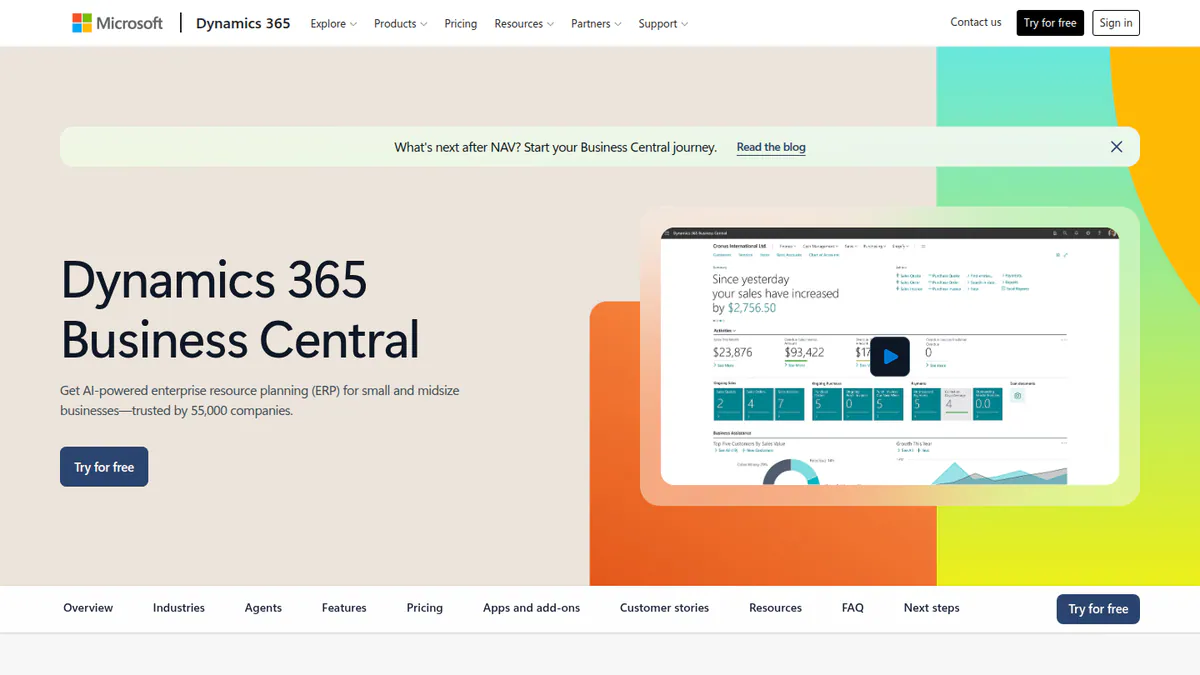
1. Microsoft Dynamics 365 Business Central (general ERP): best for installers on Microsoft 365 who want a published price
Best for: Small and mid-sized installers and EPCs that want finance, buying, stock and projects in one system at a known per-user cost. Score: 74.8/100.
What it is: Business Central is Microsoft’s cloud ERP for smaller firms, sold through partners. Some solar distributors and EPCs use it, but it is not solar-specific. Its strength here is that projects, job costing and warehouse tools sit in the base Essentials plan.
Why we picked it: Stock, projects and job costing all come in the base plan at a public per-user price. Microsoft also ships updates often.
Key features:
- Project management and job costing in Essentials.
- Inventory, supply chain planning and warehouse management.
- Service orders on Premium, useful for warranty call-outs.
- Copilot agents for sales orders, payables and expenses.
- Power BI, Power Apps and Power Automate for your own solar workflows.
Pricing: Essentials is USD 80 per user per month for finance, sales, purchasing, supply chain planning, projects and warehouse management. Premium (USD 110) adds service orders and manufacturing. Team Members (USD 8) is for light users who read, approve and edit some records. All are paid yearly. Copilot Studio credits, needed for the Sales Order and Payables agents, cost extra with no listed price. The page shows no currency code and says prices may vary by country. Partner set-up is extra. Checked October 2026 on the Business Central pricing page.
Pros (from reviews and our research):
- Reviewers find it easy to learn and set up (Capterra).
- Microsoft 365 integration is a common strength (G2).
- About 109 features ship (general availability dates) from April to October 2026 in the 2026 wave 1 release plan.
Cons (from reviews and our research):
- Reviewers call the price steep, with yearly renewal costs (Capterra).
- Set-up is complex and usually needs a partner (Capterra).
- No built-in solar layer, so commissions, financier milestones and proposal sync need set-up or add-ons.
Reviews: G2 4.0/5 (908 reviews) and Capterra 4.1/5 (211 reviews, Canadian listing), checked October 2026. Users like the Microsoft fit and are mixed on cost and set-up.
Want to see Microsoft Dynamics 365 Business Central (general ERP) working? Book a demo with the SolarSoftwares team.
Book a demoYour request goes by email to the SolarSoftwares team. A time is set only after we reply. It does not change any score or ranking.
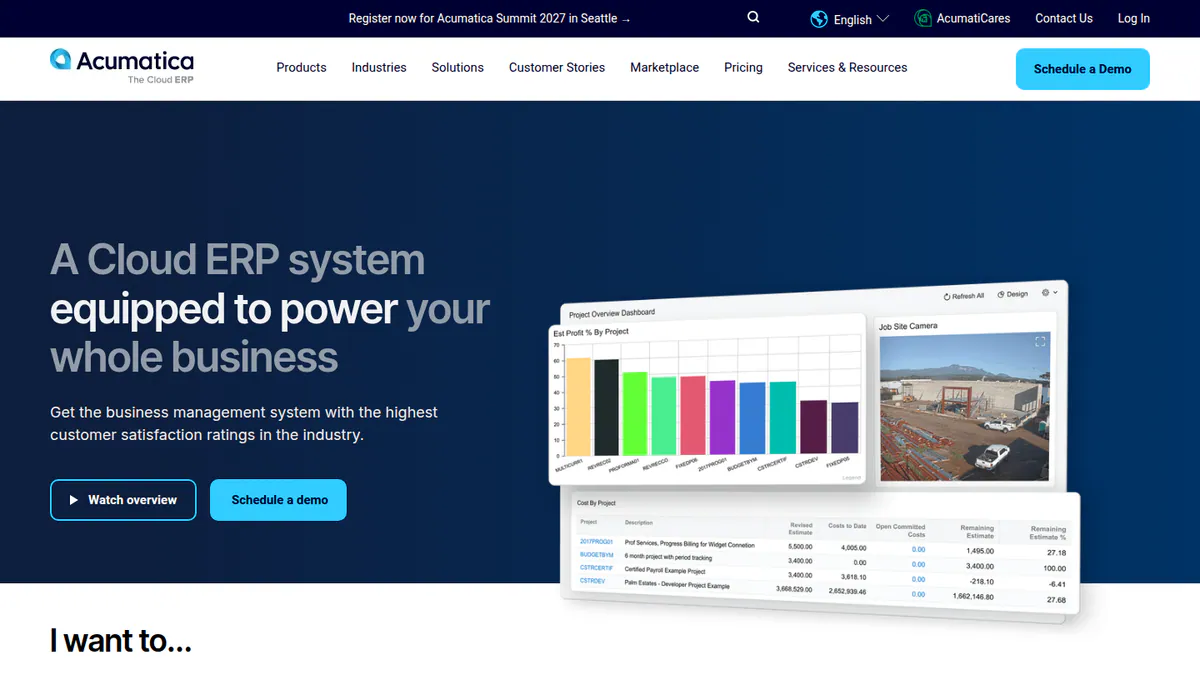
2. Acumatica (general ERP): best for EPCs with many users and construction-style billing
Best for: C&I contractors and EPCs with large teams that need job costing, change orders and retainage. Score: 74.7/100.
What it is: Acumatica, Inc. sells its mid-market cloud ERP through resellers. Its construction edition covers job costing, project billing, construction payroll and a field app. We found no solar version or solar add-on.
Why we picked it: It has the strongest reviews of the general ERPs here and a public start price. It also ships often, with its latest release on 1 October 2026.
Key features:
- Job costing for builds, with budgets, change orders and retainage.
- Project billing and contracts.
- Mobile daily field reports, RFIs (requests for information), submittals and photo logs.
- Service management app (2026 R2).
- AI assistant, built-in data warehouse and MCP connector for AI tools (2026 R2, released 1 October 2026).
Pricing: The construction edition starts at "under USD 1,500 monthly" with unlimited users. The real price depends on resources used, and a partner quotes it. ERP Research, a third party, cites USD 1,800 to 5,000+ per month, with set-up, support and hosting extra. Checked October 2026 on the Acumatica construction pricing page.
Pros (from reviews and our research):
- "Intuitive" is the top G2 theme, with G2 ease of use 8.4/10 from 919 ratings (G2).
- You can tailor it without making upgrades hard (G2).
- Unlimited users, so adding crew leads adds no licence fees.
Cons (from reviews and our research):
- Some users report slow processing, even at small companies (Capterra).
- Gaps in some areas, such as contract management (G2).
- No solar version or add-on, so solar steps need partner set-up.
Reviews: G2 4.4/5 (2,050 reviews) and Capterra 4.4/5 (243 reviews), checked October 2026.
What we could not confirm: How deep its stock and distribution tools go. Company pages did not show it.
Want to see Acumatica (general ERP) working? Book a demo with the SolarSoftwares team.
Book a demoYour request goes by email to the SolarSoftwares team. A time is set only after we reply. It does not change any score or ranking.
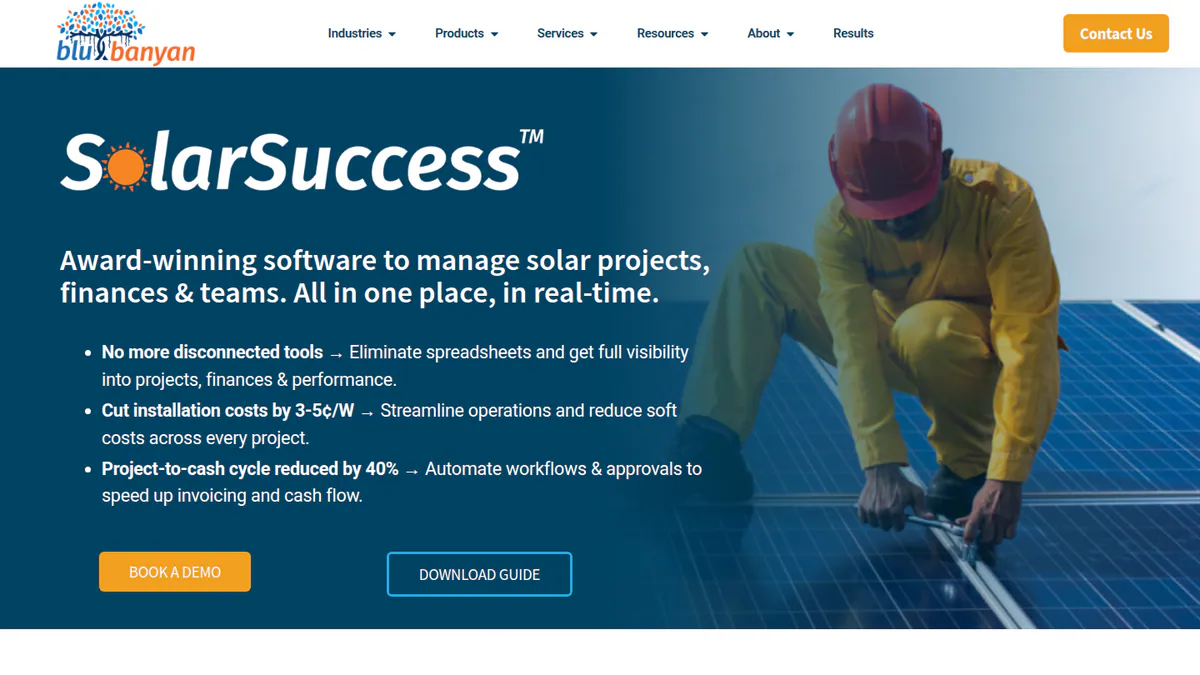
3. Blu Banyan SolarSuccess: best for US installers who want an ERP built for solar
Best for: US residential installers doing 20+ installs a month (the company’s own target), plus multi-entity C&I developers and asset owners. Score: 64.0/100.
What it is: Blu Banyan, a NetSuite partner, built SolarSuccess as a solar suite on Oracle NetSuite. We scored its ERP and Inventory module. The wider suite adds a solar CRM, commissions, service and asset tools.
Why we picked it: It is the one system here made for installers, with solar billing, commissions and project BOMs built in. No reviews and no listed price hold its score down.
Key features:
- Milestone-based accounts and billing, with WIP and deferred revenue journals.
- Project BOMs synced to sales orders, plus distributor buying and live stock levels.
- Commissions that include adders, redlines and milestones.
- Solar financial templates and budget against actual (bluBudget).
- Multi-subsidiary and multi-SPV support, with PPA and community-solar production billing.
- Installs into an existing NetSuite account without migration (bluApps).
Pricing: Quote only, after a discovery call. You also need an Oracle NetSuite licence. Twice-yearly updates are included. Premium support costs extra. Checked October 2026 on the SolarSuccess page.
Pros (from our research):
- The only installer-focused ERP we found, with solar terms built into billing and commissions.
- Lists links to OpenSolar, DocuSign, Paystand and Workato, plus a QuickBooks move path.
- Go-live in 3-4 months from a template, says the company.
Cons (from our research):
- Two costs to budget, neither listed: Blu Banyan’s quote and the NetSuite licence.
- No user reviews on G2 or Capterra to judge it by.
- US focus, and several new modules say "coming soon" with no dated release notes.
Reviews: No user reviews found. G2 and Capterra had no ratings as of October 2026 (a G2 listing exists without a score). Named clients include BayWa r.e., Titan Solar Power and All Energy Solar.
What we could not confirm: Multi-warehouse support, and serial or lot tracking.
Want to see Blu Banyan SolarSuccess working? Book a demo with the SolarSoftwares team.
Book a demoYour request goes by email to the SolarSoftwares team. A time is set only after we reply. It does not change any score or ranking.
4. Sage Intacct (general financial management): best for multi-entity finance teams
Best for: Developers and EPCs running several companies or currencies who need joined-up reports more than warehouse control. Score: 63.4/100.
What it is: Sage Group sells Sage Intacct as cloud finance software, with a construction edition. It is strong on the books but light on the rest of ERP. We found no stock module, which pulls its fit down here.
Why we picked it: Its reviews are strong, and its 2026 construction release added retainage and WIP forecasts. It earns its place on finance depth, not stock.
Key features:
- Roll-up of many companies and currencies.
- Reports sliced by project, region or product line.
- Tools for builders: automatic retainage, contract billing and WIP cost forecasts (2026 Release 3, 7 August 2026).
- AI that flags odd bills in AP (accounts payable) automation.
Pricing: Quote only, through Sage or partners. Checked October 2026 on Sage’s project-based companies page.
Pros (from reviews and our research):
- Sliced reporting saves hours each month (G2).
- Handles many companies and currencies well (Capterra).
- Quarterly releases. The latest adds construction billing.
Cons (from reviews and our research):
- No stock module found. You need another tool, such as Ply, which lists a Sage Intacct link.
- High price for small firms, and support can be patchy (Capterra).
- Non-finance users face a learning curve (Capterra).
Reviews: G2 4.3/5 (4,523 reviews) and Capterra 4.3/5 (718 reviews), checked October 2026.
Want to see Sage Intacct (general financial management) working? Book a demo with the SolarSoftwares team.
Book a demoYour request goes by email to the SolarSoftwares team. A time is set only after we reply. It does not change any score or ranking.
5. Oracle NetSuite (general ERP): best as the platform under a solar layer
Best for: Mid-size and larger solar firms that plan to add SolarSuccess. It also suits firms that want warehouse and CRM in one database. Score: 61.5/100.
What it is: NetSuite is Oracle’s modular cloud ERP for mid-size and larger firms. It has no solar workflows of its own.
Why we picked it: It covers finance, stock, warehouse and projects in one system. It is also the platform SolarSuccess runs on.
Key features:
- Core financials, Advanced Financials, SuiteBilling and revenue management.
- Inventory management, Smart Count and order management.
- Warehouse management with barcode scanning.
- SuiteProjects for project accounting.
- Field Service Management module, plus NetSuite CRM and CPQ (quoting).
Pricing: Quote only. NetSuite says you can add modules mid-contract and cost varies by module. Reseller guides describe a core platform fee, module fees and per-user fees. Checked October 2026 on the NetSuite modules page.
Pros (from reviews and our research):
- Finance, inventory, CRM and reporting in one system (Capterra).
- Easy to tailor to your process (G2).
- The only general ERP here with a checked solar layer from a partner (SolarSuccess).
Cons (from user reviews):
- The learning curve is the top G2 complaint, and G2 ease of use is 7.5/10.
- Expensive, with add-on fees (Capterra).
- G2 quality of support is 7.0/10, with 152 "poor customer support" tags.
Reviews: G2 4.1/5 (4,912 reviews) and Capterra 4.2/5 (2,081 reviews), checked October 2026.
Want to see Oracle NetSuite (general ERP) working? Book a demo with the SolarSoftwares team.
Book a demoYour request goes by email to the SolarSoftwares team. A time is set only after we reply. It does not change any score or ranking.
6. Odoo (general ERP): best for budget builds with a third-party solar module
Best for: Small and mid-sized installers with tech help who want a low-cost suite. Score: 49.0/100.
What it is: Odoo S.A. makes Odoo, a modular suite for CRM, sales, stock, accounts and projects. It is not solar-specific. A third party, Probuse, sells a "Solar Panel Installation" module on the Odoo Apps Store for USD 484.92. It links leads to estimates, projects, job costing and site visits.
Why we picked it: It links CRM, stock, accounts and projects at a low per-user price, though only Capterra shows that price. A third-party solar module adds install job costing.
Key features:
- Linked CRM, sales, inventory, accounting and project apps.
- Odoo Studio tailoring and external API (Custom plan, per Capterra).
- Third-party solar installation module (Probuse) with job costing.
Pricing: Odoo lists per-user prices, but its pricing page blocked our checks. Capterra lists Standard at USD 31.10 and Custom at USD 61 per user per month, plus a free version and a free trial. The company has not confirmed these. Checked October 2026 on Capterra’s Odoo pricing page.
Pros (from user reviews):
- The apps are tightly linked (Capterra).
- Strong features for the price (Capterra).
- Easy to tailor (Capterra).
Cons (from reviews and our research):
- Heavy tailoring makes upgrades costly and risky (Capterra).
- Steep learning curve, and you may need tech help (Capterra).
- The solar module comes from a third party, not Odoo S.A.
Reviews: Capterra 4.2/5 (1,335 reviews), checked October 2026. Capterra customer service is 3.9/5.
Read our full Odoo review.
Want to see Odoo (general ERP) working? Book a demo with the SolarSoftwares team.
Book a demoYour request goes by email to the SolarSoftwares team. A time is set only after we reply. It does not change any score or ranking.
7. ACTIS ERP: best for O&M providers and PV asset owners
Best for: O&M firms, asset managers and investors with utility and C&I portfolios, not installers (status unconfirmed). Score: 45.5/100.
What it is: Alectris, a solar asset-care firm, makes the ACTIS renewables ERP. O&M firms and asset owners use it to run live PV portfolios. We could not reach the company site. So features come from 2020-2021 trade press, partly from the company. Its current status is unconfirmed.
Why we picked it: It is one of only two solar-built ERPs we found, made for running PV assets. Its unconfirmed status keeps it last.
Key features:
- One hub for alerts, tickets and asset data, above SCADA (site control systems).
- Technical and financial asset tracking.
- Work orders with mobile checklists, photos and spare-parts tracking.
- Crew planning and tracking, with offline mobile logging via Resco.
Pricing: No listed pricing found. Alectris sells direct and through resellers such as Profergy in Australia. Checked October 2026 against pv magazine Australia.
Pros (from our research):
- Built for PV asset operations, including spare parts.
- Used to run Alectris’s 24/7 control centre (January 2021 coverage).
- Has a reseller in Australia.
Cons (from our research):
- No dated product news after January 2021.
- Its website would not load, a risk for a system you depend on.
- No user reviews anywhere.
Reviews: No user reviews found on G2 or Capterra as of October 2026.
Read our full ACTIS ERP review.
Want to see ACTIS ERP working? Book a demo with the SolarSoftwares team.
Book a demoYour request goes by email to the SolarSoftwares team. A time is set only after we reply. It does not change any score or ranking.
How do the 7 solar ERP systems compare?
Product | Solar layer | Job costing and billing | Inventory and warehouse | Multi-entity | Licensing | Starting price |
|---|---|---|---|---|---|---|
Business Central | None verified | Projects and job costing | Inventory and warehouse | Not documented in our research | Per user | USD 80/user/mo |
None found | Job costing, change orders, retainage, project billing | Not confirmed | Yes (partner-implemented) | Resources, unlimited users | Under USD 1,500/mo | |
Native | Milestone invoicing, WIP, budget vs actual | Project BOMs, purchasing, warehouse (serials not confirmed) | Multi-subsidiary and SPV | Quote plus NetSuite | Quote only | |
None found | Retainage, contract billing, WIP forecasts | Not evidenced | Yes, with consolidation | Quote | Quote only | |
NetSuite | Via SolarSuccess | SuiteProjects, SuiteBilling | Inventory, WMS with barcodes | Via SolarSuccess | Platform, modules, users | Quote only |
Third-party module | Job costing via solar module | Inventory app | Not checked | Per user | Not checked with the company | |
Native (O&M) | Financial asset management | Spare parts | Portfolio level | Quote | Quote only |
Also considered
- Coperniq (a weak match for this job): A solar and storage operations platform with CRM, project workflows, billing and project finance. Office costs USD 200 per user per month (checked October 2026). It is not an ERP and shows no general ledger, so it fits our solar project management page better.
- Odoo implementation partners: Firms that set up Odoo for solar companies are services, not software, so we do not rank them.
How do you choose a solar ERP?
- US installer doing 20 or more installs a month, wanting solar billing and commissions ready to go? Shortlist SolarSuccess, and budget for NetSuite too.
- On Microsoft 365 and want a known per-user cost? Start with Business Central. Ask partners what a solar set-up costs.
- EPC or C&I contractor with many users? Compare Acumatica’s unlimited users with Business Central’s per-user price.
- Pain is joining up several companies or SPVs, not stock? Sage Intacct is the stronger finance system. Pair it with a stock tool.
- Tight budget, but you have tech help? Odoo plus the Probuse solar module is a low-cost route, if the Capterra prices hold. Check Odoo’s prices first.
- Run PV assets rather than install them? ACTIS ERP is the only asset-focused ERP here. Ask Alectris for a current demo.
- Fewer than about 10 staff? You likely need good accounts software plus a solar CRM, not an ERP. See our accounting and solar CRM guides.
Want the wider field? Browse every verified tool in our operations and project management category.
Solar ERP software FAQs
What is solar ERP software?
It is one system that holds a solar firm’s accounts, buying, stock and project records. Each install’s costs, stock and bills sit together. As of October 2026, SolarSuccess by Blu Banyan, built on Oracle NetSuite, is the only installer-focused solar ERP we found.
Do solar installers need an ERP or is a CRM enough?
A solar CRM plus accounts software is usually enough for smaller installers. An ERP starts to pay off when you have several companies, a warehouse, many installs at once or financier milestone billing. Blu Banyan targets home installers doing 20 or more installs a month.
Can QuickBooks serve as the finance backbone for a solar business?
Yes, for many installers. QuickBooks Online Plus (USD 140 per month, checked October 2026) adds project profitability and inventory tracking. Advanced (USD 340) adds construction financials and up to 25 users. SolarSuccess lists a QuickBooks move path for firms that outgrow it. Our solar accounting guide compares it in detail.
What is the difference between NetSuite and a solar-focused ERP?
NetSuite is a general ERP with no solar workflows of its own. SolarSuccess installs on top of a NetSuite account. It adds milestone billing, commissions with adders and redlines, project BOMs and PPA production billing. As of October 2026 you pay for both, and neither publishes prices.
When does a solar company outgrow spreadsheets and need an ERP?
Watch for three signs. You learn an install’s true margin only weeks after PTO. You re-type data between the CRM, buying and accounts. You lose track of equipment ordered for specific jobs. If accounts software plus a CRM sync leaves those gaps, look at an ERP.
Sources
All checked 22 to 24 October 2026.
- Business Central: pricing, 2026 wave 1 release plan, G2, Capterra
- Acumatica: construction pricing, 2026 R2 release, G2, Capterra, G2 comparison
- Blu Banyan SolarSuccess: SolarSuccess, Solar ERP, Solar CRM, Solar Power World, August 2021
- Sage Intacct: 2026 Release 3 notes, G2, Capterra
- Oracle NetSuite: modules, Capterra, G2
- Odoo: Capterra pricing, Capterra reviews, Probuse solar module
- ACTIS ERP: pv magazine Australia, Solar Power World, June 2020, Renewable Energy Magazine, January 2021
- Coperniq: pricing
Last updated 28 October 2026. Next scheduled review: 23 January 2027.