Solar project management software tracks each solar job from signed contract to PTO (permission to operate). Coperniq ranks first on this list, at 62.2/100, for permit-to-PTO tracking with published per-seat pricing. Scoop Solar is second at 60.2/100.
This is a thin category. Only 5 solar tools reached our minimum match score (4 out of 10), so we rank 5 and do not pad the list.
This page covers the job pipeline from contract to PTO for home and light commercial installers. Is your pain the install itself, such as crew handoff and site photos? Jump to managing the install stage. If you build C&I (commercial and industrial) or utility-scale plants, read our solar EPC project management guide.
Quick picks: solar-specific project management tools
Rank | Product | Best for | Starting price (company page, checked October 2026) | Pricing model | Free plan / trial | Score /100 |
|---|---|---|---|---|---|---|
1 | Permit-to-PTO tracking with published per-seat prices | ✓ USD 90 per user per month (Field) | Per user | Demo only | 62.2 | |
2 | Installers with large crews or subcontractor networks | Quote only | Modules and volume. Unlimited users | Demo only | 60.2 | |
3 | Sales-led installers wanting CRM and job tracking together | ✓ From USD 59 per user per month | Per user, custom modules | Not confirmed | 52.2 | |
4 | Small US teams wanting design, proposal and workflow in one licence (status unconfirmed) | ✓ From USD 90 per licence (3 minimum) | Per licence | Demo only | 49.7 | |
5 | High-volume US dealers tracking installs after the sale | Quote only | Flat monthly fee by volume | Demo only | 47.7 |
✓ Verified on the company’s own pricing page. ◐ Published by the company outside its pricing page (help centre, store or press release). ? We could not read the company’s pricing page, so the figure is not confirmed. Prices checked October 2026.
Quote only means the company shows no public price. You ask it for a quote.
How the 10 tools scored
- Use-case fit 35%
- User reviews 20%
- Pricing 15%
- Ease of use 10%
- Support 10%
- Momentum 10%
Tool | Score chart | Score |
|---|---|---|
62.2 out of 100 | 62.2 | |
60.2 out of 100 | 60.2 | |
52.2 out of 100 | 52.2 | |
49.7 out of 100 | 49.7 | |
47.7 out of 100 | 47.7 | |
Smartsheet (general) | 74.7 out of 100 | 74.7 |
Quickbase (general) | 66.9 out of 100 | 66.9 |
monday.com (general) | 66.4 out of 100 | 66.4 |
Sitetracker (general) | 62.1 out of 100 | 62.1 |
Procore (general) | 60.1 out of 100 | 60.1 |
Each bar shows the weighted score out of 100. Tools marked (general) are general tools that are not solar-specific.
Sub-scores at a glance (0-10)
Product | Use-case fit | User reviews | Pricing | Ease of use | Support | Momentum | Total /100 |
|---|---|---|---|---|---|---|---|
7.6 | 5.0 | 7.0 | 5.0 | 5.0 | 5.0 | 62.2 | |
7.6 | 5.0 | 4.0 | 5.0 | 5.0 | 7.5 | 60.2 | |
4.8 | 5.0 | 7.0 | 5.0 | 5.0 | 5.0 | 52.2 | |
4.8 | 5.0 | 7.0 | 5.0 | 5.0 | 2.5 | 49.7 | |
4.8 | 5.0 | 4.0 | 5.0 | 5.0 | 5.0 | 47.7 | |
Smartsheet (general) | 7.6 | 7.5 | 7.0 | 7.5 | 7.5 | 7.5 | 74.7 |
Quickbase (general) | 6.2 | 7.4 | 7.0 | 7.5 | 7.5 | 5.0 | 66.9 |
monday.com (general) | 6.2 | 8.3 | 7.0 | 7.5 | 5.0 | 5.0 | 66.4 |
Sitetracker (general) | 7.6 | 6.0 | 4.0 | 5.0 | 7.5 | 5.0 | 62.1 |
Procore (general) | 6.2 | 7.5 | 4.0 | 5.0 | 7.5 | 5.0 | 60.1 |
A 5.0 on reviews, ease, support or momentum is our neutral score. We use it when public evidence is thin. It is not a judgement.
General tools installers also use (same rubric, not built for solar): Smartsheet 74.7, Quickbase 66.9, monday.com 66.4, Sitetracker 62.1 and Procore 60.1. The top three beat every solar tool because they have thousands of reviews and list their prices. But you or a consultant must build every solar step.
How did we rank these solar project management tools?
How the score is weighted
- Use-case fit 35%
- User reviews 20%
- Pricing 15%
- Ease of use 10%
- Support 10%
- Momentum 10%
We scored 13 products from 22 to 25 October 2026: 5 ranked, 5 general tools listed apart and 3 also considered. We used company docs, pricing pages and public user reviews.
This was desk research. We did not run projects in any tool. Each product gets a score on six points.
- Use-case fit (35%): How well it does this page’s job. We looked for solar job phases (survey, design, permit, install, inspection, interconnection, PTO), workflow rules, scheduling and a field app.
- User reviews (20%): G2 and Capterra ratings. Ratings from a few reviews count for less. Tools with few or no reviews sit at a neutral 5 out of 10.
- Pricing (15%): Listed prices score higher than quote only.
- Ease of use, support and momentum (10% each): Review sub-scores and dated product updates. Neutral with no proof.
Third-party ratings are shown for context only. We never use them in rating markup (the code that shows star ratings in search results). SurgePV is not part of this ranking. Read the full method: how we score software.
Scores are set per page, so the same tool can score in a different way elsewhere.
What does installer project management have to track?
A home solar job has more hand-offs than most trade jobs. Most of the delay sits between the office and outside parties. We judged each tool on how well it keeps these stages in view:
- Pre-build: Site survey, final design, engineering stamp and plan set (the drawings a permit office reviews).
- Approvals: AHJ (local permit office) filing and fixes, HOA (homeowners’ association) where needed, and the utility grid application.
- Build: Kit allocation, crew scheduling, install, photos and checklists.
- Close-out: Inspection, PTO, monitoring set-up, and the final invoice or funding milestone.
A spreadsheet can list these stages. A project tool adds required fields, makes tasks when a stage closes and shows homeowners their progress.
1. Coperniq: best for permit-to-PTO tracking with published per-seat pricing
Best for: Small and mid-sized US and Canadian installers that want project workflows, dispatch and service in one system. Score: 62.2/100.
What it is: US firm Coperniq Inc. makes this ops platform for solar, storage and other trade contractors. It runs each project as phases inside the customer record. That record then carries on into O&M (operation and maintenance).
Why we picked it: It ties for the best fit to this job among the solar tools. It is also one of three solar tools with prices on its own site. Cheap Field seats keep crews affordable as you grow.
Key features:
- Phase workflows from survey through permit, install, inspection and PTO.
- Scheduling and dispatch with route planning and live tech tracking.
- Offline iOS and Android field app with forms and GPS-stamped photos.
- Homeowner portal with output data and service tracking.
- O&M work orders, upkeep plans and spare-parts stock.
Pricing: Field is USD 90 per user per month (crew mobile app). Office is USD 200 per user per month. It includes a CRM (software that tracks customers and sales), scheduling, work orders, invoicing, project finances, workflows and reports. AI features and add-ons cost extra, with no figures shown. Checked October 2026 on the Coperniq pricing page. Third-party listings show other prices, so confirm the Field rate.
Pros (from our research):
- Listed per-seat prices, rare in this category.
- Field seats cost less than half of Office seats, so crews are cheaper to add.
- One record from sale to service, so post-PTO tickets keep the install history.
Cons (from our research):
- No user reviews on G2 or Capterra to show how it performs.
- Named integrations are not listed on the pages we read.
- AI features cost extra and have no public price.
Reviews: No user reviews found on G2 or Capterra as of October 2026. The G2 listing shows no score and Capterra shows 0 reviews.

Want to see Coperniq working? Book a demo with the SolarSoftwares team.
Book a demoYour request goes by email to the SolarSoftwares team. A time is set only after we reply. It does not change any score or ranking.
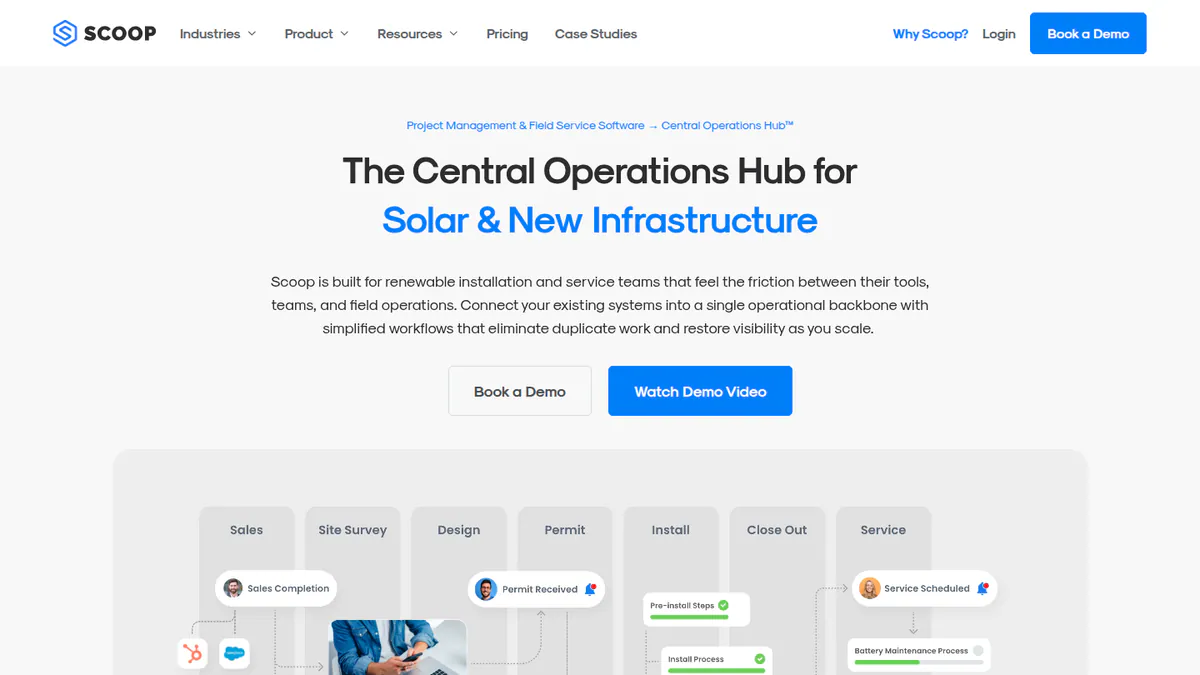
2. Scoop Solar: best for installers with large crews or subcontractor networks
Best for: Installers whose bottleneck is crews, subcontractors and service calls rather than sales. Score: 60.2/100.
What it is: Scoop is a field service and project hub for solar, storage, EV charging and wind O&M contractors. The company is based in Vancouver. It is not a CRM, so it sits next to your sales tool.
Why we picked it: It ties with Coperniq for fit to this job and is built around crews rather than sales. Unlimited users and a subcontractor portal suit firms that rely on outside crews.
Key features:
- Project workflows you can set up, with if-then rules and required forms.
- Offline field app with geotagged photos.
- Subcontractor portal with scoped access.
- Crew scheduling, dispatch and service calls.
- Managed integrations (GLOO). TrustRadius lists Aurora Solar, OpenSolar, NetSuite, QuickBooks Online and HubSpot.
Pricing: Quote only. Plans are priced by modules, workflows and install or service volume. Every plan has unlimited users, storage and devices. Checked October 2026 on the Scoop pricing page.
Pros (from our research):
- Unlimited users, so adding subcontractor crews adds no seat costs.
- Required forms stop a stage closing without the photos or data the next team needs.
- The product is still moving: AI scheduling and report helpers launched in June 2025.
Cons (from our research):
- No listed prices.
- Not a CRM, so you still need a sales system.
- Onboarding is managed and the company asks for buy-in from the top. It is not a weekend set-up.
Reviews: No user reviews found. There was no G2 or Capterra listing as of October 2026.
Read our full Scoop Solar review.
Want to see Scoop Solar working? Book a demo with the SolarSoftwares team.
Book a demoYour request goes by email to the SolarSoftwares team. A time is set only after we reply. It does not change any score or ranking.
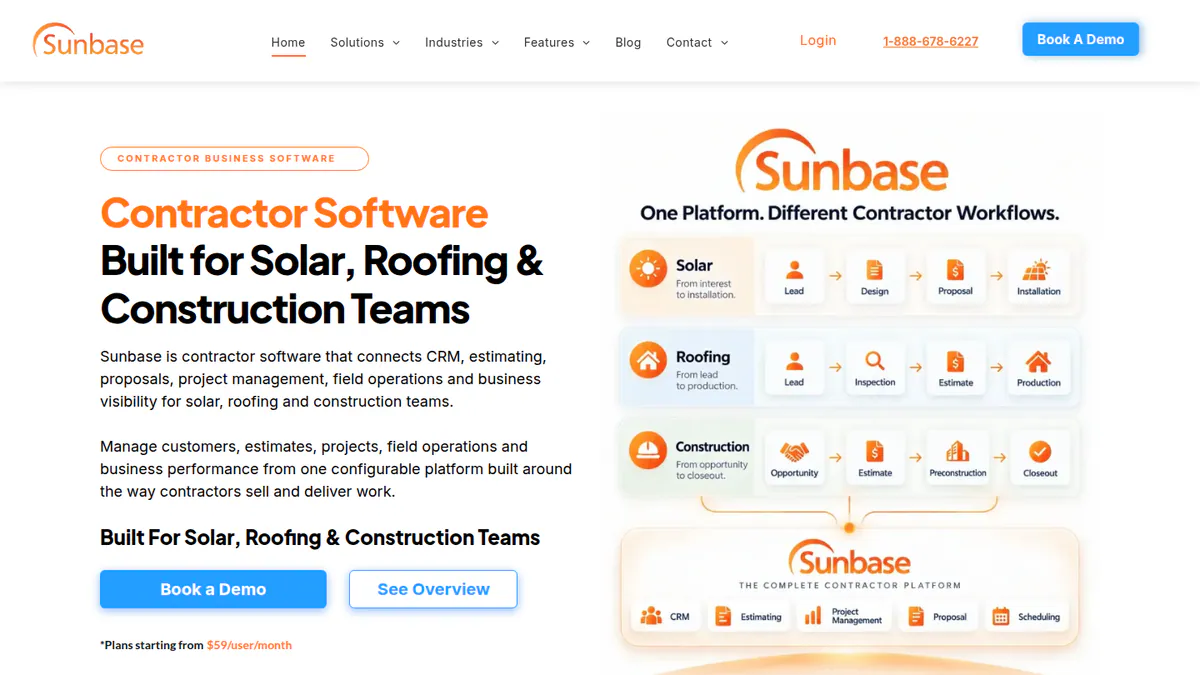
3. Sunbase: best for sales-led installers wanting CRM and job tracking in one
Best for: US home solar installers whose sales pipeline matters most and who want project stages on the same record. Score: 52.2/100.
What it is: Sunbase Data sells a modular CRM and contractor suite for home solar, also sold to roofers and builders. Project tracking and workflow rules are modules next to CRM, proposals, stock and finance. There is also a design module with shading and output estimates.
Why we picked it: It puts project stages on the same record as the sale, so nothing is re-typed at handoff. It also has the lowest published entry price of the solar tools here.
Key features:
- Project tracking and workflow rules in the CRM.
- Proposals, estimates and e-signed contracts.
- Stock and asset tracking.
- Built-in design with shading and output estimate.
- Report dashboards and finance tools.
Pricing: Plans start from USD 59 per user per month. The final price is a custom quote based on users, modules, workflows and onboarding. The design page says there are no long-term contracts. Checked October 2026 on the Sunbase pricing page.
Pros (from reviews and our research):
- Automated emails and tasks save time on projects (Capterra).
- You can budget from a published per-user entry price.
- No long-term contract, per the company.
Cons (from reviews and our research):
- Set-up is not simple for admins without tech skills (Capterra).
- No named integrations on the company pages we read.
- The final price depends on a quote, so USD 59 is a floor.
Reviews: Capterra 4.0/5 (1 review), checked October 2026. The G2 listing shows no rating. That is too few reviews to rely on.
Read our full Sunbase review or our Sunbase alternatives.
Want to see Sunbase working? Book a demo with the SolarSoftwares team.
Book a demoYour request goes by email to the SolarSoftwares team. A time is set only after we reply. It does not change any score or ranking.
4. SolarNexus: best for small US teams wanting design, proposal and workflow in one licence
Best for: Small teams that want one licence for sales, energy modelling and project workflow (status unconfirmed). Score: 49.7/100.
What it is: Solo has owned SolarNexus since September 2023. The tool joins lead capture, array design, hourly energy modelling and proposals with project workflows. Its users are small US home and commercial installers. Note: we could not confirm that it is still sold to new customers.
Why we picked it: One licence covers design, proposals and project workflow, which keeps costs simple for a small team. Workload balancing and progress emails help a busy office keep jobs moving.
Key features:
- Custom workflows that assign tasks and balance workload.
- Automated customer progress emails and a mobile app.
- Array design on aerial images with hourly full-year modelling.
- Cost-item pricing, commissions and an API (per 2024 release notes).
Pricing: From USD 90 per licence with a three-licence minimum. The billing period is not stated, and volume discounts are on offer. Checked October 2026 on the SolarNexus solutions page.
Pros (from our research):
- Workload balancing spreads tasks across the office team.
- Customer progress emails cut "where is my install" calls.
- Design and project tracking share one licence.
Cons (from our research):
- The latest release notes we found are from February 2024.
- The three-licence minimum rules out a solo installer.
- No user reviews to judge it by.
Reviews: No user reviews found on G2 or Capterra as of October 2026.
What we could not confirm: Whether it is still sold to new buyers or being folded into Solo, and the billing period for the licence.
Read our full SolarNexus review.

Want to see SolarNexus working? Book a demo with the SolarSoftwares team.
Book a demoYour request goes by email to the SolarSoftwares team. A time is set only after we reply. It does not change any score or ranking.
5. Enerflo: best for high-volume US dealers tracking installs after the sale
Best for: Dealers that sell at volume and need install milestones tied to the sale and finance. Score: 47.7/100.
What it is: Enerflo links the sale to the install for mid-sized and large US home solar dealers and EPCs (engineering, procurement and construction firms). It sits on top of your design tools and CRM. Most of the product covers proposals, finance and contracts.
Why we picked it: Its Install Tracker ties milestones and change orders to the sold job and its finance. That suits high-volume dealers who need the install to match what was sold.
Key features:
- Install Tracker with milestones and change orders.
- White-label homeowner portal.
- Links to Aurora Solar, OpenSolar, Solargraf, Salesforce, HubSpot and Zoho.
- REST and GraphQL APIs with webhooks.
- Domo-powered reports.
Pricing: Quote only. You pay a flat monthly fee based on average monthly volume, with no per-seat or per-proposal fees. There is also a one-time set-up fee and a 12-month minimum. Checked October 2026 on the Enerflo FAQ.
Pros (from our research):
- No per-seat fees, so large rep teams do not raise the bill.
- Change orders are tracked against the sold job.
- Widest listed set of integrations of the solar tools here.
Cons (from our research):
- US only.
- 12-month minimum plus a set-up fee.
- Project tracking is a smaller part of the product than sales and finance.
Reviews: G2 5.0/5 (2 reviews), checked October 2026. That is too few to rely on, and the review text is not visible. The Capterra listing has 0 reviews.
Read our full Enerflo review or our Enerflo alternatives.
Want to see Enerflo working? Book a demo with the SolarSoftwares team.
Book a demoYour request goes by email to the SolarSoftwares team. A time is set only after we reply. It does not change any score or ranking.
Which general tools do installers also use?
These tools use the same rubric but are not built for solar. You build the permit, grid and PTO stages yourself. They are listed in score order and are not part of the solar ranking.
Smartsheet (general work management): 74.7/100
A spreadsheet-style project tool with Gantt (timeline chart), board and calendar views, dashboards and automations. Solar firms use it to track pipelines and builds.
Pricing: Pro is USD 9 per member per month billed annually (USD 12 monthly), for up to 10 members. Business is USD 19 billed annually (USD 24 monthly), with a 3-member minimum. Checked October 2026 on the Smartsheet pricing page. Reviews: Capterra 4.5/5 (3,560 reviews). Reviewers like the grid but say pricing gets high for small teams. Who should not buy it: Crews that need a strong mobile app.
Quickbase (general low-code platform): 66.9/100
A low-code database for building your own tracking apps. It markets a solar project tool and names solar customers such as Canadian Solar, but you set up the solar features yourself.
Pricing: Team is from USD 35 and Business from USD 55 per user per month, billed annually, plus a platform minimum the company does not state. There is a 30-day free trial. Checked October 2026 on the Quickbase pricing page. Reviews: G2 4.5/5 (1,640 reviews), Capterra 4.4/5 (334 reviews). Who should not buy it: Small installers with no one to build and run the apps.
monday.com (general work management): 66.4/100
Custom boards, automations and dashboards. A partner, Fruition, sells a Solar Operations Suite on it (price on request).
Pricing: Free covers 2 seats and 3 boards. Basic is USD 9, Standard USD 12 and Pro USD 19 per seat per month, billed annually, with a 3-seat minimum. No currency code is shown, so we assume USD. Checked October 2026 on the monday.com pricing page. Reviews: G2 4.7/5 (14,996 reviews), Capterra 4.6/5 (6,123 reviews). Reviewers say costs climb as seats grow.
Sitetracker (multi-vertical infrastructure deployment): 62.1/100
An enterprise tool for site development, permits and builds across telecom, utilities and renewables. It suits developers and IPPs (independent power producers), not home installers. Quote only. G2 4.3/5 (31 reviews). See our EPC page.
Procore (general construction management): 60.1/100
Construction software with drawings, RFIs (requests for information), inspections and change orders. Quote only: per TrustRadius, a yearly fee per product scaled by build volume. Capterra 4.5/5 (2,680 reviews). It has no permit-to-PTO pipeline, so it does not suit home installers.
How do the 5 solar project management tools compare?
Product | Solar-specific | Solar job phases | Field app | Homeowner portal | Users | Starting price |
|---|---|---|---|---|---|---|
Yes | Survey to PTO, built in | Yes, offline | Yes | Per seat | USD 90/user/mo | |
Yes | Configurable workflows | Yes, offline | Not confirmed | Unlimited | Quote only | |
Yes | Project module in CRM | Not confirmed | Not confirmed | Per user | USD 59/user/mo | |
Yes | Custom workflows | Mobile app | Progress emails | Per licence | USD 90/licence | |
Yes | Install Tracker milestones | Not confirmed | Yes, white-label | No seat fees | Quote only |
How do you manage the install stage: crew handoff, scheduling and field apps?
The install stage is narrower than the pipeline. It covers the handoff from sales to ops, crew scheduling, getting the right kit to site and proof the work was done right.
We scored 11 tools apart for this job in October 2026, weighting crew scheduling, offline field apps, photos, change orders and the sales handoff.
Only Coperniq, Scoop Solar and Enerflo show enough to qualify. Sunbase and SolarNexus rank above for pipeline tracking, but they show no crew scheduling or field app.
Most install-day problems start before the truck leaves the yard. The design changed after the sale, or the wrong battery is on the van. Check four things:
- A clean handoff: Final design, contract, adders and change orders on the job the crew sees.
- Scheduling that respects order: No install booked before permit approval and kit allocation.
- Offline field capture: Required photos and checklists before a stage can close.
- Subcontractor access: Outside crews see their own jobs and nothing else.
Tool | Type | Crew scheduling | Offline field app | Subcontractor access | Change orders | Install-stage score /100 (separate scoring, Oct 2026) |
|---|---|---|---|---|---|---|
Solar | Yes, with route optimisation | Yes | Not documented | Not documented | 62.2 | |
Solar | Yes | Yes | Scoped portal | Not documented | 60.2 | |
Solar | Not documented | Not documented | Not documented | Yes, against the contract | 46.0 | |
Contractor+ | General contractor app | Yes | Mobile app (offline not stated) | Not documented | Not documented | 70.7 |
Knowify | General trade-contractor tool | Yes (Gantt) | Mobile app (offline not stated) | Subcontract management | Yes | 67.2 |
In-house crews: Coperniq’s Field seat (USD 90 per user per month, checked October 2026) covers assigned work, job updates, photos, notes, forms and time tracking. Scheduling and dispatch sit on the USD 200 Office seat.
Subcontracted crews: Scoop Solar’s scoped portal and required forms set photo and data rules for crews you do not employ. Unlimited users mean each new crew adds no seat cost.
High-volume dealers: Enerflo ties change orders to the first Docflo contract packet. It shows no crew scheduling or field app. So dealers often push its install milestones to a field tool through its APIs and webhooks.
Two general contractor apps score higher here, thanks to many reviews and listed prices. Neither has permit or PTO stages.
Contractor+ has a free FREEDOM plan (up to 250 leads or clients, 5 estimates or invoices a month). PRO TEAM is USD 58 per month for 2 users, plus USD 20 per extra user. It holds Capterra 4.7/5 (233 reviews), and reviewers report lag on some devices.
Knowify starts at USD 99 or USD 149 per month for 1 user. The company page does not say which is annual. It adds change orders, progress or AIA (American Institute of Architects) billing and QuickBooks sync. It holds Capterra 4.5/5 (110 reviews), though reviewers call its Gantt scheduling clunky. All checked October 2026.
Also considered
- OpenSolar (not a match for this job): A free design and proposal tool. We found no project-tracking workflow in its docs, so it does not qualify here.
- Blu Banyan SolarSuccess (ERP & Inventory) (just below the minimum score): A NetSuite-based ERP and stock module for installers doing 20 or more installs a month. The module we scored covers buying and accounts. See our solar ERP guide.
- Fuzen Solar CRM template (just below the minimum score): A one-time-purchase CRM template on a no-code builder for Indian rooftop installers, with light project tracking.
How do you choose solar project management software?
- Want permit-to-PTO stages ready on day one? Pick Coperniq.
- Crews or subcontractors outnumber your office staff? Pick Scoop Solar for unlimited users and a subcontractor portal.
- Sales team runs the business, with projects as a follow-on? Pick Sunbase and keep it all in one record.
- Selling at high volume in the US, with install milestones tied to finance? Pick Enerflo.
- Have someone who builds spreadsheets and automations? Smartsheet or Quickbase cost less per seat, but budget time to build solar stages.
- Building C&I or utility projects? Go to our EPC project management guide.
- Install-day work is the pain, not the pipeline? See managing the install stage. For a dispatch board and crew calendar, see the scheduling and dispatch section of our field service guide.
- Very small installer on a tight budget? Contractor+’s free plan covers basic scheduling and invoicing, but you will track permits and PTO elsewhere.
Want more choices? Browse every tool we checked in our operations and project management category.
Solar project management software FAQs
What is solar project management software?
It tracks each solar job through survey, design, permit, install, inspection, grid approval and PTO. It assigns tasks as each stage closes. Coperniq, for example, runs these as phases inside the customer record (checked October 2026). General tools lack these stages out of the box.
What is the difference between solar design software and solar project management software?
Design software makes the layout, stringing (how panels wire into the inverter), output estimate and often the proposal. Project software tracks the job after the sale: permits, crews, inspections and PTO. Some suites, such as SolarNexus and Sunbase, do both.
Is there free solar project management software?
We found no free solar project tool as of October 2026. monday.com has a free general plan for 2 seats and 3 boards, enough to test a simple pipeline board. OpenSolar is free but covers design and proposals, not project tracking.
How much does solar project management software cost?
Prices checked October 2026 start at USD 59 per user per month for Sunbase. SolarNexus starts from USD 90 per licence, with a three-licence minimum. Coperniq costs USD 90 per field user and USD 200 per office user per month. Scoop Solar and Enerflo are quote only.
Can a CRM work as solar project management software?
It can, if the CRM has a project module that tracks stages after the sale. Sunbase and Coperniq both keep the project inside the CRM record. A sales-only CRM stops at the signed contract, so permits and PTO end up in spreadsheets. See our solar CRM guide for that side.
Should small solar installers use Excel, generic PM software or a solar-specific tool?
Spreadsheets work for a handful of jobs a month, but they do not chase late permits. General tools such as Smartsheet (from USD 9 per member per month, checked October 2026) add automations, but you build the solar stages. A solar tool costs more per seat but includes them.
Sources
All checked 22 to 25 October 2026.
- Coperniq: pricing, solar page, products
- Scoop Solar: pricing, FAQ, Aurora vs Scoop, TrustRadius, Field Technologies Online, June 2025
- Sunbase: pricing, solar CRM, Capterra
- SolarNexus: solutions and pricing, 2024 release notes
- Enerflo: FAQ, home page, G2
- Smartsheet: pricing, Capterra, Smartsheet Community thread
- Quickbase: pricing, solar page, G2, Capterra
- monday.com: pricing, Solar Operations Suite, Capterra
- Sitetracker: renewables page, G2, Capterra
- Procore: TrustRadius pricing, Capterra, Vanguard Energy Partners case study
- Contractor+: pricing, Capterra
- Knowify: pricing, Capterra
- Also considered: OpenSolar, Blu Banyan SolarSuccess, Fuzen Solar CRM
Last updated 28 October 2026. Next scheduled review: 23 January 2027.