Solar customer portal software is an app or web page where homeowners follow their solar project from contract to switch-on. It can also show how much power the system makes afterwards.
Buildertrend ranks first because it has thousands of user reviews and a mature client portal. It has no solar-specific features. It has no PTO (permission to operate) stages and no production data. Sunvoy puts project tracking, production data and service tickets in one app. Its data comes from 20+ inverter brands (inverters turn panel power into home power). Coperniq publishes per-user prices.
Few tools do this job. Only four solar-built products passed our minimum fit score (4 out of 10). To reach five, we also rank Buildertrend, a general builder tool, and label it clearly.
What does a solar customer portal do?
A solar customer portal keeps homeowners up to date from contract to PTO, and after the system goes live. Done well, it swaps the "where is my permit?" phone call for a push alert. A push alert is a message on the phone.
The core jobs are simple. Show project status (survey, design, permit, install, inspection, PTO). Share files. Give the homeowner a message channel that reaches your team. After switch-on, add production data and service requests.
A portal is not the same as an inverter monitoring app. Enphase Enlighten and mySolarEdge show production for one brand of hardware. They know nothing about your permit queue or install date.
If production data is all you need, see our solar monitoring apps. For fleet alerts on your side, see fleet monitoring software for installers. This page sits in our operations and project management category.
Quick picks: best solar customer portal software
Rank | Product | Best for | Starting price (company page, checked October 2026) | Pricing model | Free plan / trial | Score /100 |
|---|---|---|---|---|---|---|
1 | Installers who also build or remodel homes | Quote only | Custom subscription. Unlimited users and projects | Demo only | 73.3 | |
2 | White-label homeowner app with monitoring and service | ✓ USD 95 per new system, plus base fee and USD 5,000 setup | Per system plus fleet base fee | Demo only | 64.2 | |
3 | Portal inside a full operations platform | ✓ USD 90 per user per month (Field). USD 200 (Office) | Per user | Demo only | 61.8 | |
4 | Free start for US residential installers | ✓ Free tier (5 new projects a month). Paid tiers not confirmed | Tiered | Free tier | 59.8 | |
5 | Field-ops teams adding customer and subcontractor visibility | Quote only | By modules and volume. Unlimited users | Demo only | 51.0 |
✓ Verified on the company’s own pricing page. ◐ Published by the company outside its pricing page (help centre, store or press release). ? We could not read the company’s pricing page, so the figure is not confirmed. Prices checked October 2026.
Quote only means the company shows no public price. You ask it for a quote.
How the 5 tools scored
- Use-case fit 35%
- User reviews 20%
- Pricing 15%
- Ease of use 10%
- Support 10%
- Momentum 10%
Tool | Score chart | Score |
|---|---|---|
73.3 out of 100 | 73.3 | |
64.2 out of 100 | 64.2 | |
61.8 out of 100 | 61.8 | |
59.8 out of 100 | 59.8 | |
51 out of 100 | 51.0 |
Each bar shows the weighted score out of 100. Tools marked (general) are general tools that are not solar-specific.
Sub-scores at a glance (0-10)
Product | Use-case fit | User reviews | Pricing | Ease of use | Support | Momentum | Total /100 |
|---|---|---|---|---|---|---|---|
10.0 | 7.4 | 4.0 | 5.0 | 7.5 | 5.0 | 73.3 | |
7.5 | 5.0 | 7.0 | 5.0 | 5.0 | 7.5 | 64.2 | |
7.5 | 5.0 | 7.0 | 5.0 | 5.0 | 5.0 | 61.8 | |
7.5 | 5.0 | 7.0 | 5.0 | 5.0 | 3.0 | 59.8 | |
5.0 | 5.0 | 4.0 | 5.0 | 5.0 | 7.5 | 51.0 |
A 5.0 on reviews, ease, support or momentum is our neutral value where public evidence is thin, not a judgement.
How did we rank these solar customer portal tools?
How the score is weighted
- Use-case fit 35%
- User reviews 20%
- Pricing 15%
- Ease of use 10%
- Support 10%
- Momentum 10%
We scored 7 products from 22 to 24 October 2026: 5 ranked (one of them a general tool) and 2 also considered. We used company docs, price pages, press releases and public user reviews.
This was desk research. We did not run projects in any tool. We left out no products for unconfirmed facts. We score each product on six measures.
- Use-case fit (35%): How well it does this page’s job. A homeowner portal or app counts most. Then come auto status updates, white-labelling, and production and service tools after install.
- User reviews (20%): G2 and Capterra ratings. Ratings from only a few reviews count for less. None of the four solar tools has enough reviews to move this score. So they get a middle score of 5 out of 10, not a penalty.
- Pricing (15%): Published prices score higher than prices you have to ask for.
- Ease of use, support and momentum (10% each): Review sub-scores and dated product updates. Without evidence, each gets a middle score.
Products below the minimum fit score go to "Also considered". Buildertrend joins the list in score order, labelled as general. SurgePV is not part of this ranking. Full method: how we score software.
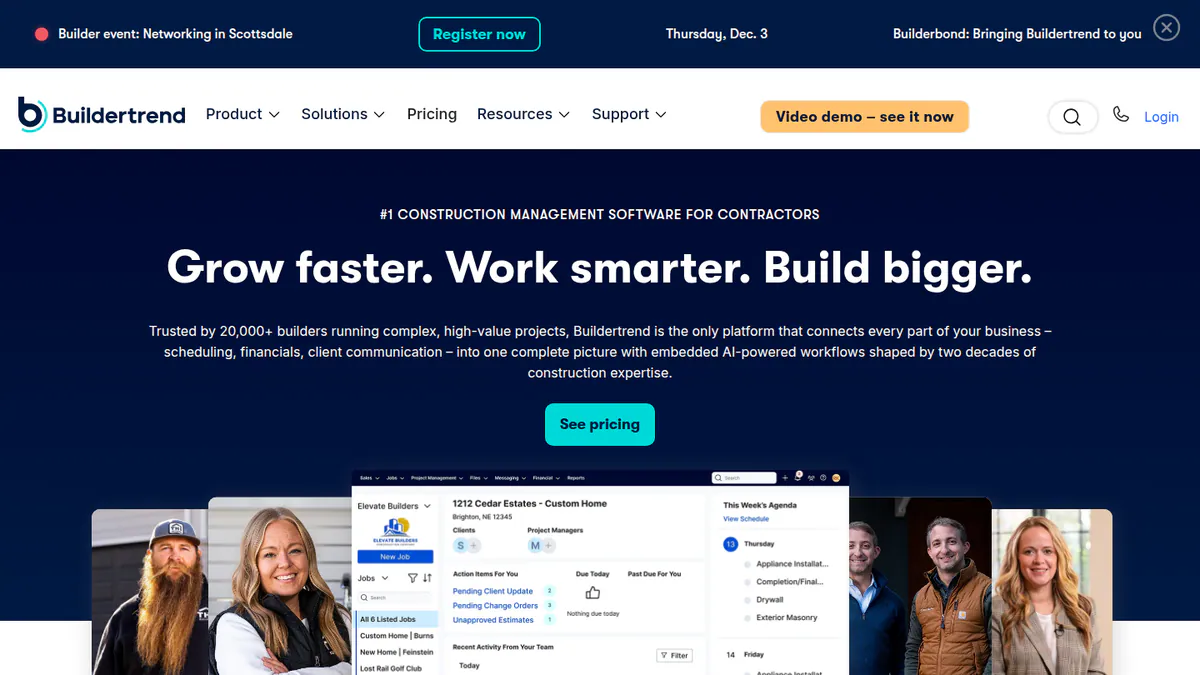
1. Buildertrend (general construction project management): best for installers who also build or remodel homes
Best for: Solar firms that also do roofing or remodelling and may already run it. Score: 73.3/100.
What it is: Buildertrend is building software from Omaha, Nebraska. US home builders and remodellers use it for schedules, budgets, change orders and a client portal. It is not solar software, so it has no permit, interconnection or PTO stages and no production data.
Why we picked it: It scored top marks for fit because its client portal is mature, and 2,489 Capterra reviews back it up. Every quote includes unlimited users and projects.
Key features:
- Client portal with approvals, photos, progress updates and file sharing.
- Project scheduling and to-dos.
- Budgets, estimates, bids and change orders.
- Daily logs and document management.
- Online payments (US only).
- QuickBooks, Xero and Gusto connections.
Pricing: You have to ask the company for a price, with unlimited users and projects. Paying annually upfront gets 10% off. Onboarding and consulting are paid add-ons. Checked October 2026 on the Buildertrend pricing page.
Pros (from user reviews):
- Scheduling, budgets, documents and client communication in one place (Capterra).
- Homeowners trust the progress photos in the client portal (Capterra).
- Responsive onboarding and support, though not for everyone (Capterra).
Cons (from user reviews):
- A steep learning curve and a cluttered interface with many clicks (Capterra).
- Add-on upselling, and an annual contract that is hard to exit (Capterra).
- Weak reporting, plus poor UK VAT and Canadian tax handling (Capterra).
Reviews: Capterra 4.5/5 (2,489 reviews) and G2 4.3/5 (231 reviews), checked October 2026.
What we could not confirm: whether the client portal is in every plan, as the company does not say.
Want to see Buildertrend (general construction project management) working? Book a demo with the SolarSoftwares team.
Book a demoYour request goes by email to the SolarSoftwares team. A time is set only after we reply. It does not change any score or ranking.
2. Sunvoy: best for a white-label homeowner app with monitoring and service
Best for: Home installers with a growing base of live systems who want one branded app from sale to service. Score: 64.2/100.
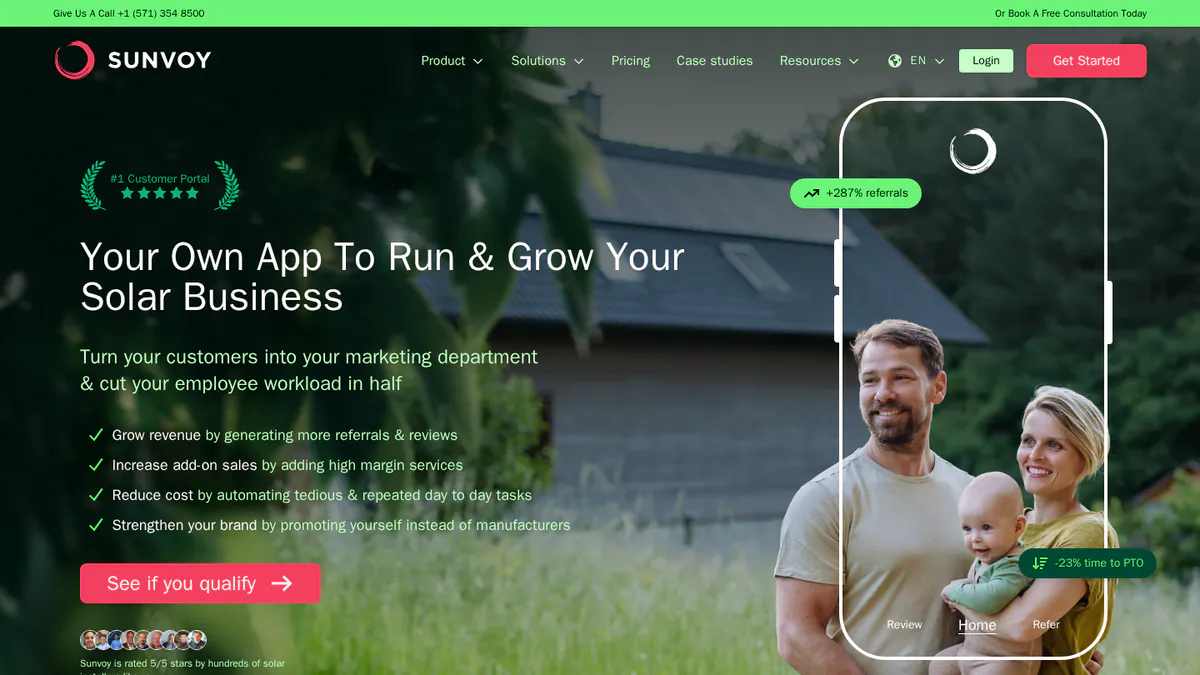
What it is: Sunvoy, with offices in Munich and Vancouver, sells home installers a white-label customer app and fleet tool. Homeowners track their project, get files and push alerts, then see production in the same app once the system is live. It is the most portal-focused product we found. Note: we could not open Sunvoy’s own website in October 2026, so its facts come from its own HubSpot Marketplace listing.
Why we picked it: One branded app covers the homeowner from project tracking to live production and service. Its per-system price is published, which is rare for portal tools.
Key features:
- White-label homeowner mobile app and web portal.
- Project progress tracking, documents and push notifications.
- Production data from 20+ inverter brands, with a fleet map that flags offline or low-output systems.
- AI service tools that aim to head off service tickets (support requests), announced in June 2026.
- Referral and review requests, plus Stripe payments in the app.
- Two-way HubSpot sync, with Salesforce, Aurora Solar, NetSuite, Asana, Enphase and SolarEdge connections listed.
Pricing: From USD 95 per new home system. On top comes a monthly base fee set by fleet size (for older systems) and a one-off USD 5,000 setup fee. Larger plans and API access (a way to connect other apps) are on request. Sunvoy does not state the base fee. Source: Sunvoy’s listing on the HubSpot App Marketplace, checked October 2026.
Pros (from reviews and our research):
- One app covers project updates before PTO and monitoring after it.
- A single Capterra reviewer (October 2022) praised how it ties tools together.
- A single HubSpot Marketplace reviewer (February 2023) reported responsive support during setup.
Cons (from our research):
- A USD 5,000 setup fee before the first system is onboarded.
- The monthly base fee by fleet size is not published, so total cost is hard to plan.
- Only two public reviews, both from 2022-2023, too few to judge it on.
Reviews: Capterra 5.0/5 (1 review), checked October 2026. We found no G2 listing. One review is too few to rely on.
Want to see Sunvoy working? Book a demo with the SolarSoftwares team.
Book a demoYour request goes by email to the SolarSoftwares team. A time is set only after we reply. It does not change any score or ranking.
3. Coperniq: best for a portal inside a full operations platform
Best for: Small and mid-sized US and Canadian installers who want CRM, workflows, dispatch, O&M (operations and maintenance) and the portal in one place. Score: 61.8/100.
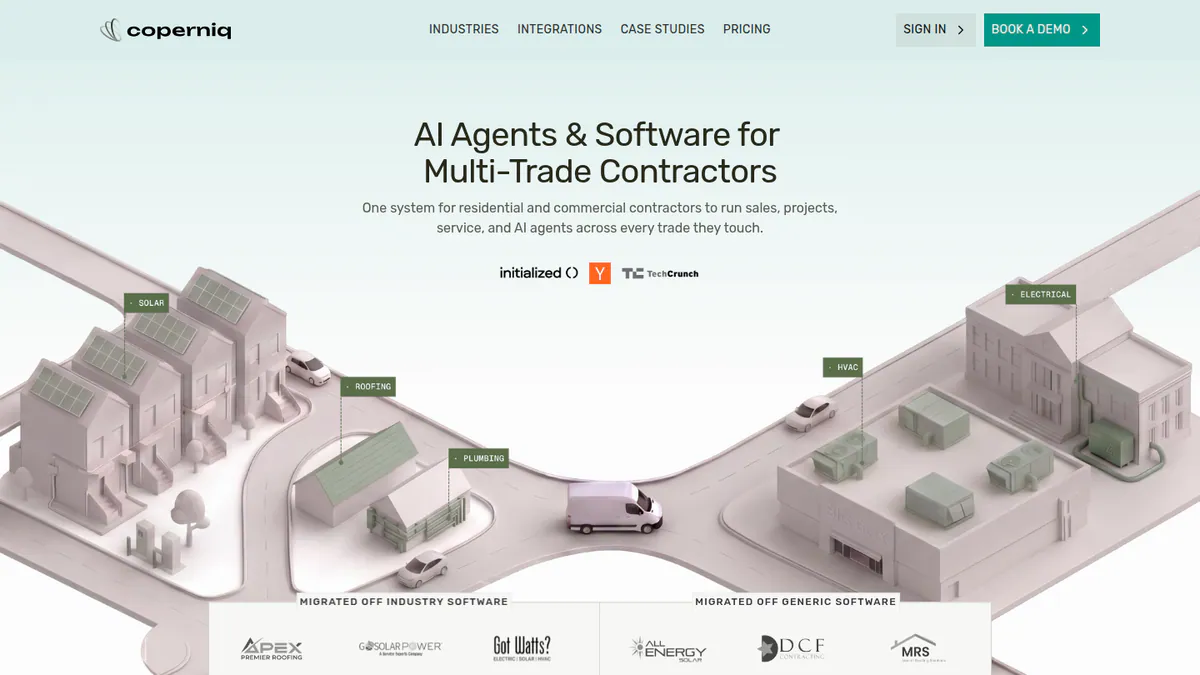
What it is: Coperniq, backed by Y Combinator, builds an operations platform for solar, storage and other trade contractors. The homeowner portal is one module, fed by the same phase workflows your office runs. So you are buying an operations system, not just a portal.
Why we picked it: The portal reads from the phase workflows your office already runs, so nobody re-keys status. Its per-user prices are on its own website.
Key features:
- Homeowner portal with production data and service tracking.
- Phase workflows: survey, design, permit, install, inspection, PTO.
- Asset monitoring alerts for inverters and panels.
- O&M memberships, work orders and spare-parts inventory.
- Offline iOS and Android field app with forms and GPS photos.
- AI voice agent for 24/7 customer calls.
Pricing: Field is USD 90 per user per month (technician app). Office is USD 200 per user per month (CRM, scheduling, work orders, invoicing, workflows, reporting). AI tools and add-ons cost extra, with no prices shown. Checked October 2026 on the Coperniq pricing page. Capterra lists different per-user tiers (USD 54 to 180), so check with the company.
Pros (from our research):
- Published per-user prices, unlike most portal companies.
- Portal status comes from the same workflow the office updates, so nothing is re-keyed.
- Covers service after install with memberships and work orders.
Cons (from our research):
- No public user reviews to judge it on. G2 shows no score and Capterra shows 0 reviews.
- AI tools and add-ons cost extra, with no prices shown.
- Per-user pricing adds up if office staff only need the portal.
Reviews: No rated reviews on G2 or Capterra as of October 2026.
What we could not confirm: whether monitoring is built in or runs through a connection, and which connections it offers.
Want to see Coperniq working? Book a demo with the SolarSoftwares team.
Book a demoYour request goes by email to the SolarSoftwares team. A time is set only after we reply. It does not change any score or ranking.
4. Bodhi: best for a free start for US residential installers
Best for: Small US home installers who want automatic homeowner updates for free. Score: 59.8/100.
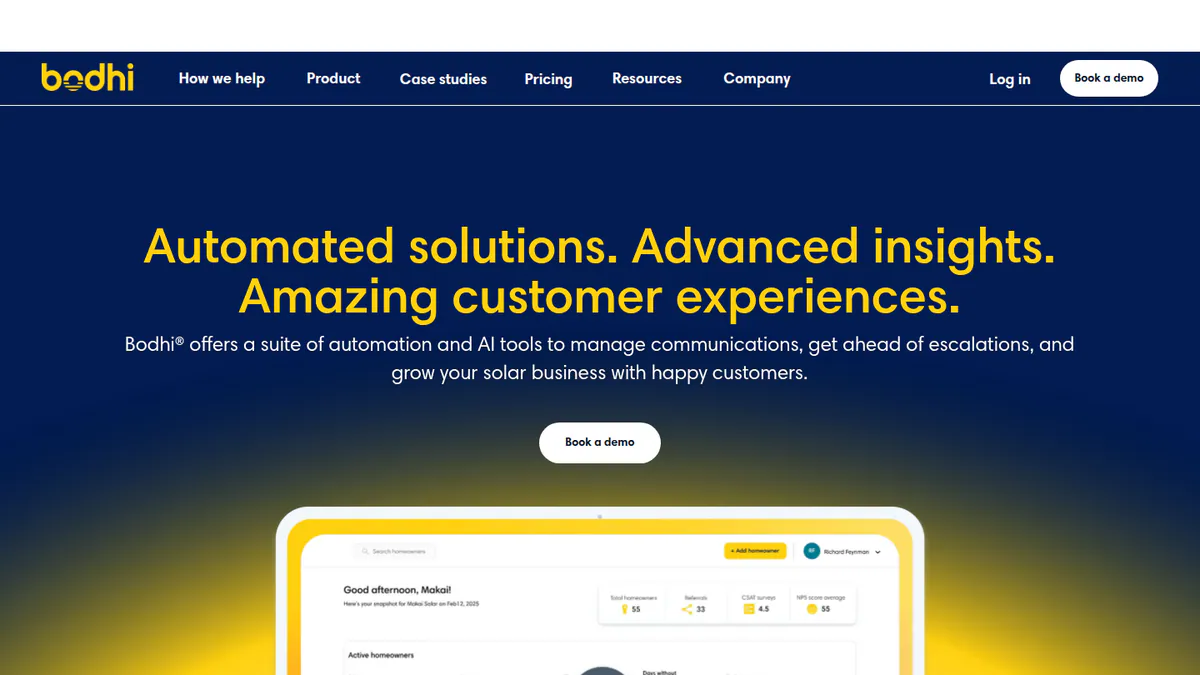
What it is: Bodhi is a solar-only app that US home installers use to keep homeowners updated. OneEthos, a climate fintech, bought Bodhi on 31 March 2026 and says Bodhi carries on as a product. Note: we could not open Bodhi’s website, so its features and prices are unconfirmed. They come from its 2023 announcement and the 2026 sale release, both published by third parties.
Why we picked it: It is built only for solar and sends updates from design to PTO by app, text and email. It is the only tool here with a documented free tier.
Key features:
- White-labelled homeowner app and portal.
- Automatic status updates by app, text and email, from design to PTO.
- Shared team inbox for customer texts and emails.
- File sharing (photos, designs, contracts) and CSAT (customer satisfaction) surveys.
- One-click review and referral requests.
- Production and usage data for homeowners, plus a Bodhi Fleet add-on for service.
Pricing: A free tier covers up to 5 new projects a month and 60 projects in total. That comes from Bodhi’s September 2023 announcement, published by North American Clean Energy (checked October 2026). Starter and Pro tiers exist, but we could not confirm their prices on the company site. OneEthos says it gives Bodhi free to qualifying installers that use its loans. Prices may have changed since the sale.
Pros (from our research):
- The only product here with a documented free tier, so you can start at no cost.
- Built only for solar, with PTO-stage updates out of the box.
- The free tier includes a dedicated CX (customer experience) specialist, per the 2023 announcement.
Cons (from our research):
- No published paid-tier prices, and prices may have changed since the 2026 sale.
- The free tier caps at 60 projects in total.
- No user reviews to judge it on. The average installer NPS (net promoter score) of 65 is a claim by the company, and we could not check it.
Reviews: No listing on G2 or Capterra as of October 2026.
Want to see Bodhi working? Book a demo with the SolarSoftwares team.
Book a demoYour request goes by email to the SolarSoftwares team. A time is set only after we reply. It does not change any score or ranking.
5. Scoop Solar: best for field-ops teams adding customer and subcontractor visibility
Best for: Installers and service firms who care most about field work, with customer updates as a second need. Score: 51.0/100.
What it is: Scoop, based in Vancouver, sells a field service and project hub to solar, storage, EV charging and wind contractors. It earns its place for workflow-driven updates and a documented subcontractor portal. It documents no homeowner portal, so it is a weaker match for this job.
Why we picked it: It suits field teams that need crews and subcontractors to see job status, with unlimited users on every plan. It is the weakest homeowner-portal match of the five.
Key features:
- Custom project workflows with if-then rules and required forms.
- Subcontractor portal with scoped permissions.
- Offline field app with geotagged photos.
- Crew scheduling, dispatch and service calls.
- Preventive maintenance, asset history and SLA (service level agreement) records.
- Managed connections (GLOO), with HubSpot, Aurora Solar, OpenSolar and QuickBooks Online listed on TrustRadius.
Pricing: You have to ask the company for a price, based on modules, workflows and install or service volume. Every plan has unlimited users, storage and devices. Checked October 2026 on the Scoop pricing page.
Pros (from our research):
- Unlimited users on every plan.
- Covers install and long-term service in one system.
- Active development: AI scheduling and reporting assistants arrived in June 2025, and the blog was still active in October 2026.
Cons (from our research):
- No homeowner portal in its docs, only a subcontractor portal.
- You have to ask the company for a price, so you cannot compare cost upfront.
- Onboarding needs buy-in from senior staff, per the company FAQ.
Reviews: No G2 or Capterra listing found as of October 2026.
Read our full Scoop Solar review.
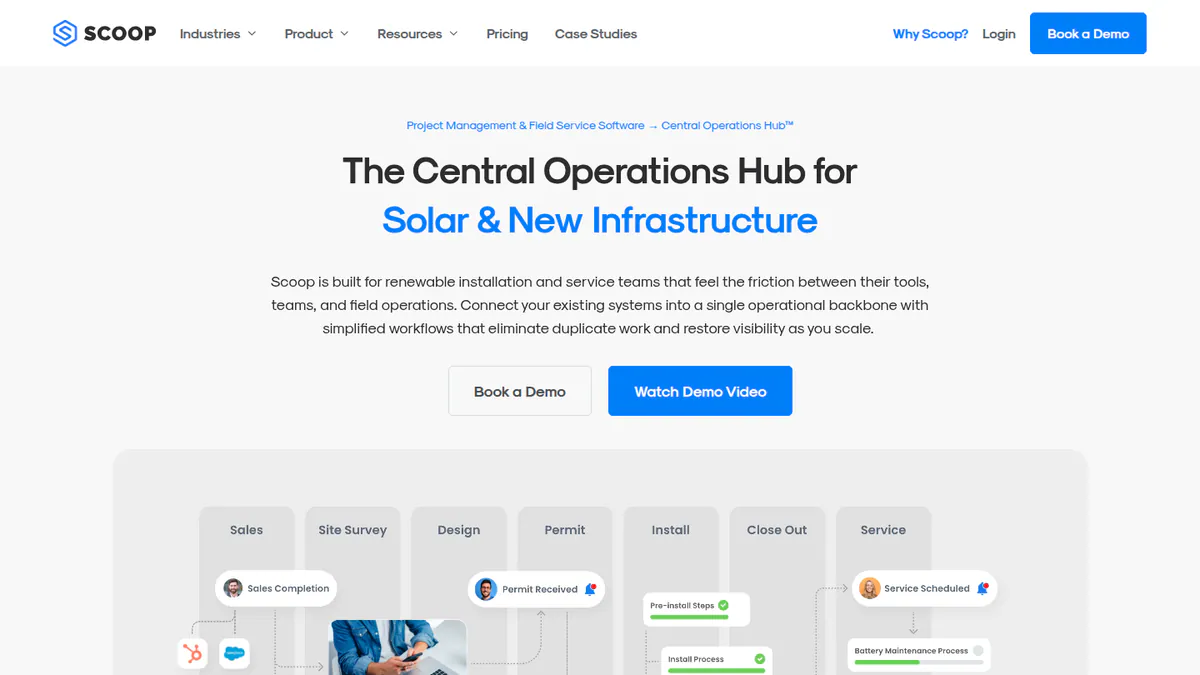
Want to see Scoop Solar working? Book a demo with the SolarSoftwares team.
Book a demoYour request goes by email to the SolarSoftwares team. A time is set only after we reply. It does not change any score or ranking.
How do the 5 solar customer portal tools compare?
Product | Homeowner portal or app | White-label | Automated status updates | Post-install production data | Service tickets | Starting price |
|---|---|---|---|---|---|---|
Client portal | Not documented | Progress updates | No | No | Quote only | |
App and web portal | Yes | Push notifications | Yes, 20+ inverter brands | Yes, with AI deflection | USD 95/new system + setup | |
Portal | Not documented | From phase workflows | Yes (depth not confirmed) | Yes, work orders | USD 90/user/mo | |
App and portal | Yes | App, text and email | Yes | Bodhi Fleet add-on | Free tier | |
Not documented (subcontractor portal only) | Not documented | Workflow rules | Not documented | Yes, service calls | Quote only |
Also considered
- SolarNexus, scored 38.8/100: a weak match for this job. It is a business suite owned by Solo. It sends automatic progress emails to customers but has no documented portal. The latest release notes we found are from February 2024.
- Enact (Design & Proposals), scored 30.0/100: no match for this job. Its Enact Home app shows homeowners their production, but it is not a project portal. We know its features only from trade press.
- Inverter monitoring apps (Enphase Enlighten, mySolarEdge): production apps tied to one hardware brand, not customer portals. See our solar monitoring apps.
How do you choose solar customer portal software?
- Want a branded homeowner app that carries on after PTO with monitoring and service tickets? Pick Sunvoy, and budget for the USD 5,000 setup fee.
- Replacing your CRM and project tool anyway? Pick Coperniq, so the portal reads from the same workflow your office updates.
- Installing fewer than five US homes a month and want to start free? Try Bodhi’s free tier, and ask for paid-tier prices before you pass 60 projects.
- If field work and subcontractors are a bigger problem than homeowner calls, look at Scoop Solar. Compare it with our solar field service management ranking.
- Already run Buildertrend because you also build or remodel homes? Its client portal may be enough. Add a monitoring app for production data.
- If your real need is review and referral requests, compare review management software for solar companies.
For the project pipeline that feeds a portal, see our solar project management software ranking.
Want more choices? Browse every tool we checked in our operations and project management category.
Solar customer portal software FAQs
What is a solar customer portal?
A solar customer portal is software that shows homeowners their project status and files. After switch-on, it also shows system production and service requests. In our October 2026 ranking, Sunvoy, Coperniq and Bodhi document a homeowner portal or app. Buildertrend has a general client portal.
What should a solar customer portal include?
At minimum, a portal needs stage-by-stage status from survey to PTO, shared files and a message channel that reaches your team. Stronger products add production monitoring and service tickets. Sunvoy and Coperniq both document these as of October 2026.
What is the difference between a solar customer portal and a monitoring app?
A monitoring app, such as Enphase Enlighten or mySolarEdge, shows production from one hardware brand. A customer portal covers your whole link with the homeowner, including permit and install status before the system makes power. Sunvoy combines both, with monitoring across 20+ inverter brands (company listing, checked October 2026).
How does a solar customer portal reduce support calls?
Automatic status updates answer the most common question, where the project stands, before the homeowner picks up the phone. Bodhi sends them by app, text and email. Sunvoy announced AI tools to head off service tickets in June 2026. We found no independent figure for how many calls this saves.
Should a solar company build or buy a customer portal?
Buy, unless you have developers, a CRM (software that tracks customers) with an API and time to maintain it. The hard part is the monitoring feed, not the status page. Sunvoy links to 20+ inverter brands, and keeping those links working never stops (company listing checked October 2026).
How much does a solar customer portal cost?
As of October 2026, Bodhi has a free tier (5 new projects a month). Sunvoy starts at USD 95 per new system, plus a fleet base fee and USD 5,000 setup. Coperniq charges USD 90-200 per user per month for its wider platform. Scoop Solar and Buildertrend price on request.
Sources
All checked 22 to 24 October 2026.
- Sunvoy: HubSpot Marketplace listing, June 2026 press release, Capterra
- Coperniq: pricing, solar page, products
- Bodhi: free tier announcement, OneEthos acquisition release, Electrek
- Scoop Solar: pricing, product comparison, TrustRadius, FAQ
- Buildertrend: pricing, Capterra, G2
- SolarNexus: solutions, 2024 release notes. Enact: Solar Power World, January 2026
Last updated 28 October 2026. Next scheduled review: 23 January 2027.