Solar field service management software helps you send technicians to solar systems after the install. It tracks work orders, schedules visits and keeps a service record for each site. This work is also called O&M (operations and maintenance). Praxedo ranks first at 77.8/100. Salesforce Field Service follows at 74.1/100.
This guide covers work after commissioning (when a system is switched on). That means inverter faults, warranty swaps, yearly checks, cleaning and alerts that need a truck roll (a technician visit in a van). We ranked 5 tools out of 10 scored.
Booking install crews? Jump to scheduling and dispatch. To run the install itself, see the install-stage section of our solar project management guide.
Why do two general tools lead this ranking?
Only three solar or renewables tools reach our minimum match score (4 out of 10) for service work. They are Scoop Solar, Coperniq and 60Hertz. We rank at least five tools on every page, so the two best general tools join the list. They outscore the solar tools, mainly on real reviews and listed prices.
None of the solar tools has enough G2 or Capterra reviews to score. One search note: "Solarvista" is a UK field service brand, not a solar product. We did not score it.
Quick picks: best field service and O&M tools for solar teams
Rank | Product | Best for | Starting price (company page, checked October 2026) | Pricing model | Free plan / trial | Score /100 |
|---|---|---|---|---|---|---|
1 | Service teams of five or more who want listed prices | ✓ 39 per user per month (START. Currency not stated. 5-user minimum) | Per user | None stated by the company | 77.8 | |
2 | Large service teams already on Salesforce | ✓ USD 175 per user per month (Dispatcher or Technician, billed annually) | Per user. Needs a Service Cloud licence | 30-day Service Cloud trial | 74.1 | |
3 | Service and O&M contractors across residential, C&I and utility | Quote only | Modules, workflows and volume. Unlimited users | Demo only | 66.2 | |
4 | Residential installers running their own service and maintenance plans | ✓ USD 90 per user per month (Field) | Per user | Demo only | 61.2 | |
5 | O&M teams maintaining remote, off-grid and microgrid assets | Quote only (no company pricing found) | Not published | Not confirmed by the company | 55.0 |
✓ Verified on the company’s own pricing page. ◐ Published by the company outside its pricing page (help centre, store or press release). ? We could not read the company’s pricing page, so the figure is not confirmed. Prices checked October 2026.
Quote only means the company shows no public price. You ask it for a quote.
How the 8 tools scored
- Use-case fit 35%
- User reviews 20%
- Pricing 15%
- Ease of use 10%
- Support 10%
- Momentum 10%
Tool | Score chart | Score |
|---|---|---|
77.8 out of 100 | 77.8 | |
74.1 out of 100 | 74.1 | |
66.2 out of 100 | 66.2 | |
61.2 out of 100 | 61.2 | |
55 out of 100 | 55.0 | |
Zuper (general) | 65.4 out of 100 | 65.4 |
ServiceTitan (general) | 62.4 out of 100 | 62.4 |
AEX, formerly Field Squared (general) | 59.3 out of 100 | 59.3 |
Each bar shows the weighted score out of 100. Tools marked (general) are general tools that are not solar-specific.
Sub-scores at a glance (0-10)
Product | Use-case fit | User reviews | Pricing | Ease of use | Support | Momentum | Total /100 |
|---|---|---|---|---|---|---|---|
7.3 | 7.0 | 7.0 | 7.5 | 10.0 | 10.0 | 77.8 | |
7.3 | 6.5 | 7.0 | 7.5 | 7.5 | 10.0 | 74.1 | |
9.3 | 5.0 | 4.0 | 5.0 | 5.0 | 7.5 | 66.2 | |
7.3 | 5.0 | 7.0 | 5.0 | 5.0 | 5.0 | 61.2 | |
6.0 | 5.0 | 4.0 | 5.0 | 7.5 | 5.5 | 55.0 | |
Zuper (general) | 6.0 | 8.0 | 4.0 | 7.5 | 7.5 | 7.5 | 65.4 |
ServiceTitan (general) | 8.0 | 6.7 | 4.0 | 5.0 | 5.0 | 5.0 | 62.4 |
AEX, formerly Field Squared (general) | 7.3 | 5.1 | 4.0 | 7.5 | 7.5 | 2.5 | 59.3 |
A 5.0 on reviews, ease, support or momentum is our neutral value where public evidence is thin. It is not a judgement.
General tools installers also use (same rubric, not solar-specific, not ranked): Zuper 65.4, ServiceTitan 62.4 and AEX (formerly Field Squared) 59.3.
How did we rank these field service tools?
How the score is weighted
- Use-case fit 35%
- User reviews 20%
- Pricing 15%
- Ease of use 10%
- Support 10%
- Momentum 10%
We looked at 11 products and scored 10: 5 ranked, 3 general tools listed apart and 2 also considered. Scoring ran from 22 to 24 October 2026. Sources: company documents, pricing pages and user reviews.
This was desk research. We did not run jobs in any tool. We left out Omnidian, a service rather than software. Six criteria:
- Use-case fit (35%): Work orders, planned maintenance, asset history, an offline field app, SLA (service level agreement) tracking and alerts that open a job.
- User reviews (20%): G2, Capterra and app-store ratings. Few reviews count for less. Tools with few or none sit at a middle score of 5 out of 10.
- Pricing (15%): Listed prices score higher than prices you must ask for.
- Ease of use, support and momentum (10% each): Review sub-scores and dated updates. Each gets a middle score without proof.
Tools below the minimum go to "Also considered". If we could not confirm core facts on the company’s site, we take off points. Third-party ratings are never used in rating markup.
SurgePV is not part of this ranking. Full method: how we score software. Scores are specific to this page’s job.
How does residential service differ from C&I and utility O&M?
"Solar field service" covers two jobs. Pick the tool for the one you run.
- Residential service: Warranty claims, inverter and optimiser swaps, roof leaks, battery add-ons and customer calls. Visits are many and short, so wasted truck rolls cost the most. You need fast intake, dispatch, photos and a status the customer can see. Coperniq, Scoop Solar and home-service apps fit.
- C&I (commercial and industrial) and utility O&M: Planned maintenance, repairs from alarms, contract SLAs and uptime reports for owners. Sites are fewer and larger, and the asset record matters as much as the visit. This is closer to a CMMS (maintenance management system). Scoop Solar, 60Hertz and monitoring tools with work orders fit.
1. Praxedo (general field service management): best for service teams of five or more who want listed prices
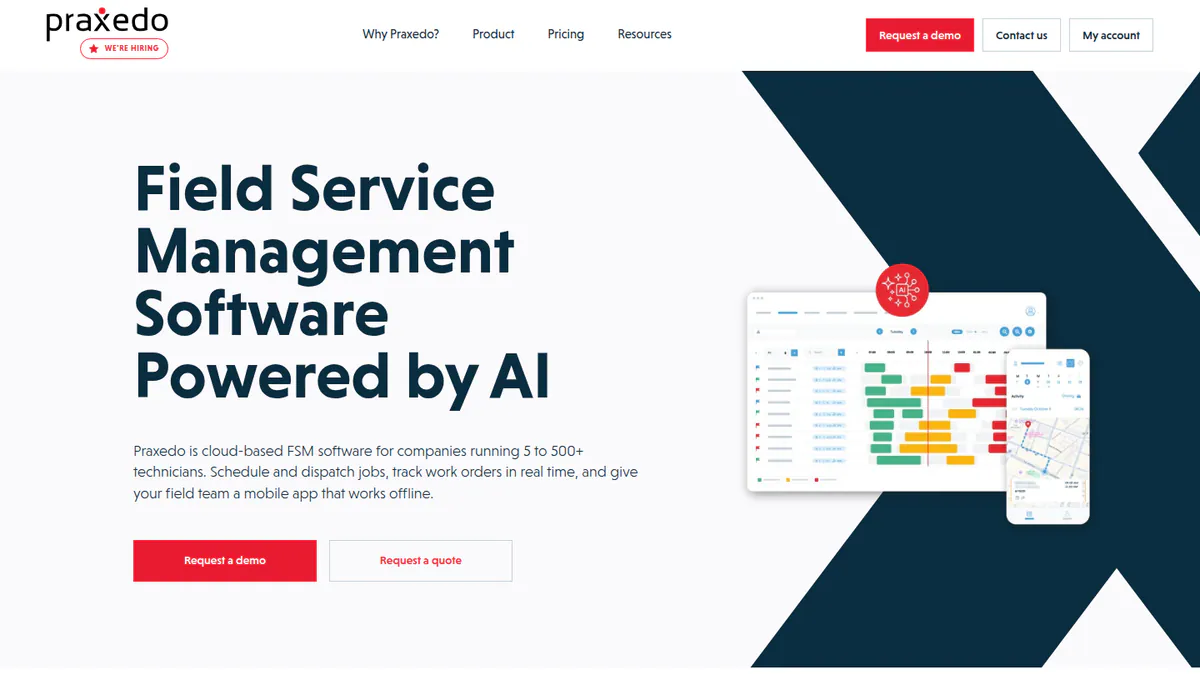
Best for: Service teams of five or more who want smart scheduling at a listed price. Score: 77.8/100.
What it is: French firm Praxedo sells a field service platform of the same name. Service teams use it for work orders, scheduling and an offline app. It is not solar-specific but names solar customers WattSun Innovation and Reden Solar.
Why we picked it: Its users rate its support highly, and it shows plan prices on its own site. It also names two solar customers.
Key features:
- Work orders with several tasks per service order.
- SmartScheduler assigns jobs by skills, location and duration.
- Map-based scheduling and recurring visits.
- Offline mobile app with real-time sync.
- Projects module with linked tasks.
- AI comment rewriting and photo analysis (Spring 2026 release, 15 June 2026).
Pricing: START 39, CLASSIC 63 and PREMIUM 89 per user per month, with a 5-user minimum. No currency code is shown. Set-up is by quote. ERP (business management system) links for Business Central, QuickBooks and Sage X3 cost 73 to 83 per month. The page header reads "Pricing (until December 2024)" and Capterra lists other tiers, so confirm the price with Praxedo. Checked October 2026 on the Praxedo pricing page.
Pros (from user reviews):
- Technicians find the mobile app easy to use.
- The offline mode works in the field.
- Support is quick and helpful.
Cons (from user reviews):
- The map module could be easier to use.
- Templates are hard to build at first.
- The phone app is basic. Some tasks need the web.
Reviews: Capterra 4.6/5 (43 reviews), checked October 2026. Most date from 2018-2019. None are from solar firms.
Want to see Praxedo (general field service management) working? Book a demo with the SolarSoftwares team.
Book a demoYour request goes by email to the SolarSoftwares team. A time is set only after we reply. It does not change any score or ranking.
2. Salesforce Field Service (general enterprise FSM): best for large service teams already on Salesforce
Best for: Large teams already on Salesforce, with an admin. Score: 74.1/100.
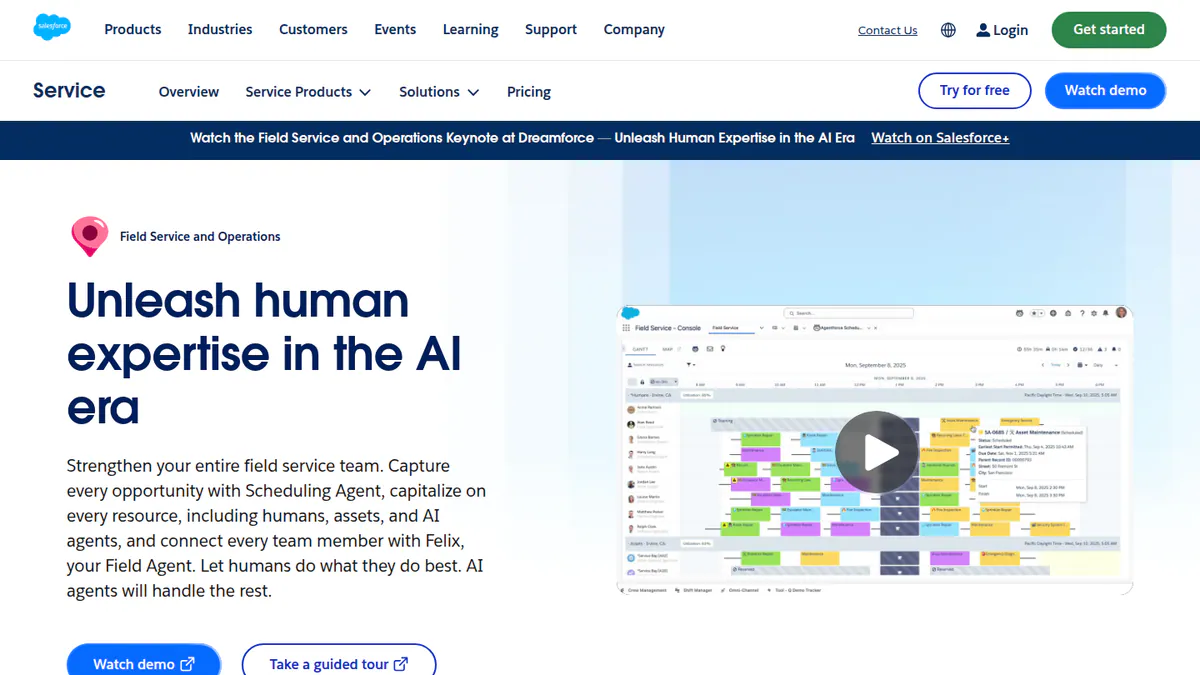
What it is: Salesforce, Inc. sells Field Service as an FSM (field service management) add-on to Salesforce Service Cloud. Large firms, some in solar O&M, use it for scheduling, dispatch and mobile work orders. It has no solar features.
Why we picked it: It has more user reviews than any tool here, with 1,254 on G2, and it lists its prices. Salesforce also ships updates often.
Key features:
- AI scheduling and route planning.
- Dispatcher console with a live view of the field.
- Offline mobile work orders.
- Quotes and payments taken in the field.
- Contractor portal and app.
- Asset and service history on the Salesforce platform.
Pricing: Dispatcher or Technician USD 175 per user per month. Field Service Plus USD 230 and Agentforce 1 Field Service USD 650. All three are billed annually on Enterprise Edition. Contractor Plus costs USD 80 per user per month or USD 32 per login. You need at least one Service Cloud licence. Checked October 2026 on the Salesforce Field Service pricing page.
Pros (from user reviews):
- Automated scheduling and dispatch.
- Live technician tracking and good mobile access.
- Field work and customer data sit on one platform.
Cons (from user reviews):
- Set-up is complex and slow.
- It costs a lot.
- Some users report app crashes and slow sync.
Reviews: G2 4.3/5 (1,254 reviews) and Capterra 4.3/5 (33 reviews), checked October 2026.
Want to see Salesforce Field Service (general enterprise FSM) working? Book a demo with the SolarSoftwares team.
Book a demoYour request goes by email to the SolarSoftwares team. A time is set only after we reply. It does not change any score or ranking.
3. Scoop Solar: best for service and O&M contractors across residential, C&I and utility
Best for: Solar, storage and EV-charging firms with many sites and subcontracted crews. Score: 66.2/100.
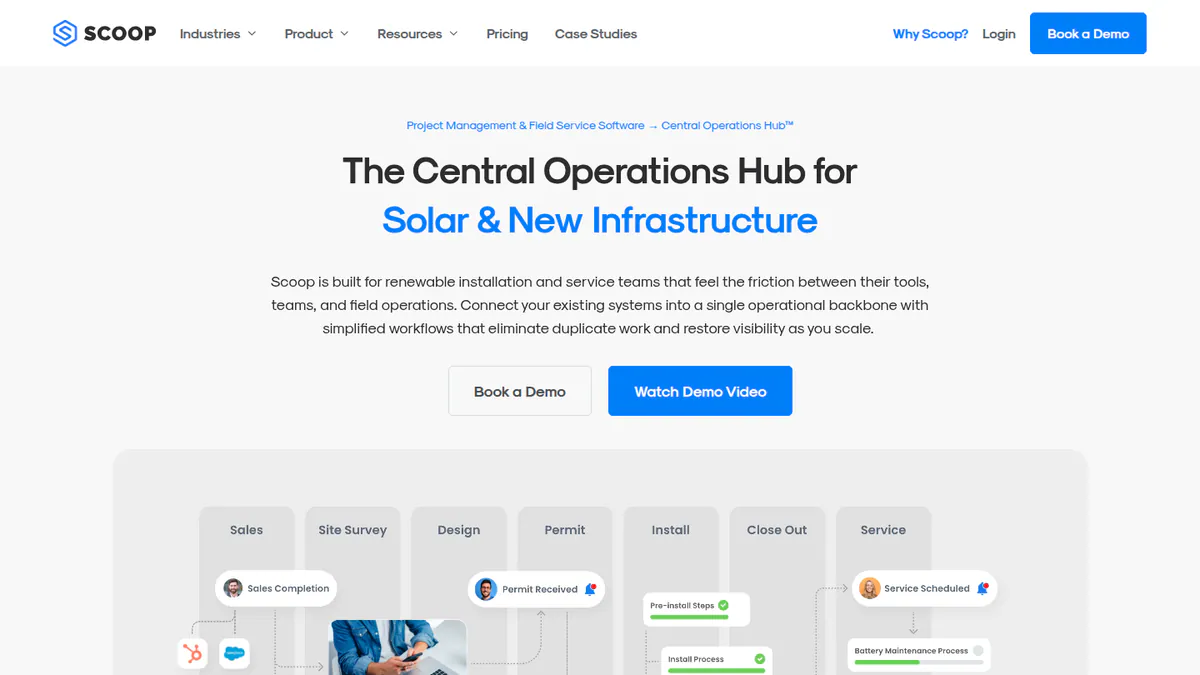
What it is: Vancouver-based Scoop Solar builds a field service and operations hub for clean-energy contractors. It claims more than 250,000 job sites in 14 countries.
Why we picked it: It is the best fit of the solar-built tools we scored. Planned maintenance, asset history and SLAs are all built in.
Key features:
- Planned maintenance with asset history and SLA records.
- Crew scheduling, dispatch and service calls.
- Offline field app with geotagged photos and required forms.
- Workflows you can set up with if-then rules.
- Subcontractor portal with limited permissions.
- Stock, price book and quoting, plus LOOXY dashboards as an add-on.
Pricing: Quote only. Price depends on modules and volume. Every plan has unlimited users, storage and devices. Checked October 2026 on the Scoop Solar pricing page.
Pros (from our research):
- Unlimited users, so adding crews does not raise the bill.
- One system for residential, C&I, utility, storage, EV and wind O&M.
- Managed links through its GLOO service, which the company says covers 500+ connections.
Cons (from our research):
- No listed prices before a sales call.
- Its FAQ says onboarding needs executive buy-in, so expect a project.
- No user reviews on G2 or Capterra to judge it by.
Reviews: No user reviews found on G2 or Capterra as of October 2026. A TrustRadius listing, not the company, names links to Aurora Solar, OpenSolar, NetSuite, QuickBooks Online and HubSpot.
What we could not confirm: We found no named link to a monitoring platform, so check alarm-to-ticket automation in a demo.
Read our full Scoop Solar review.
Want to see Scoop Solar working? Book a demo with the SolarSoftwares team.
Book a demoYour request goes by email to the SolarSoftwares team. A time is set only after we reply. It does not change any score or ranking.
4. Coperniq: best for residential installers running their own service and maintenance plans
Best for: US and Canadian home installers who want service and memberships on the install record. Score: 61.2/100.
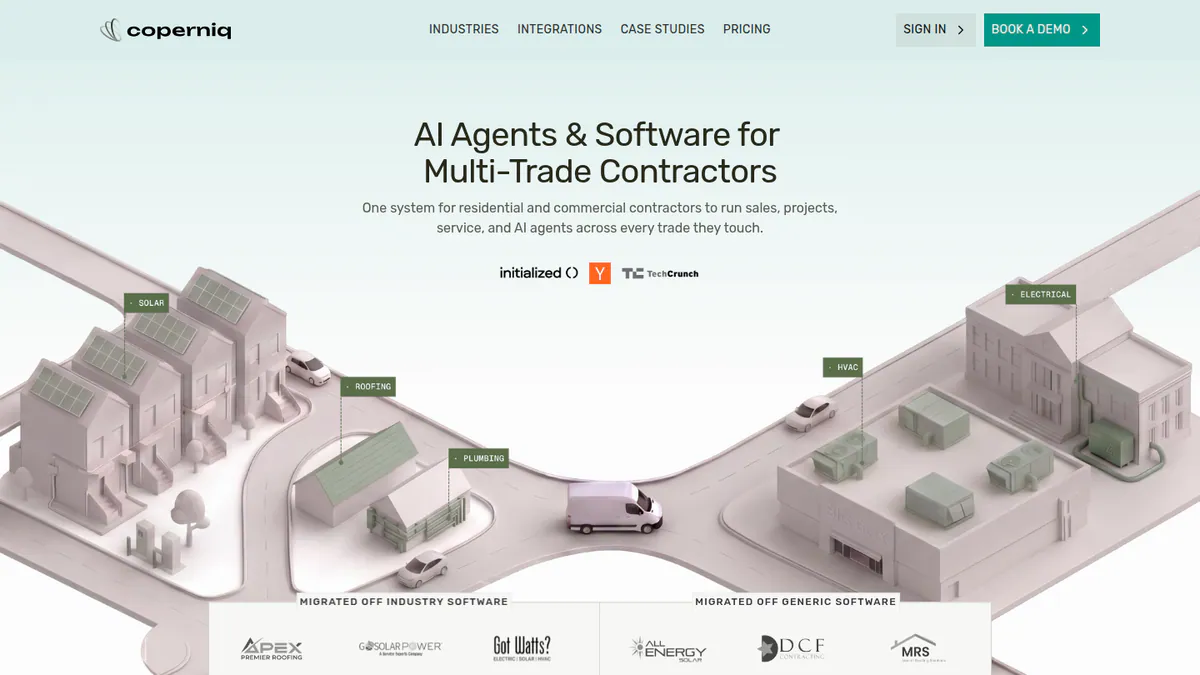
What it is: Coperniq is a US operations platform for solar and storage contractors that also sells to other trades. It covers CRM, workflows, dispatch and O&M.
Why we picked it: It is the only ranked solar tool with listed per-seat prices. Maintenance plans and work orders run in the same system as the install.
Key features:
- O&M module with maintenance memberships, work orders and spare-parts stock.
- Scheduling, dispatch and route planning with live technician tracking.
- Offline iOS and Android field app with forms and GPS-stamped photos.
- Customer portal with production data and service tracking.
- Monitoring alerts for inverters and panels.
- AI voice agent that answers customer calls around the clock.
Pricing: Field is USD 90 per user per month for the technician app (assigned work, photos, forms, time tracking). Office is USD 200 per user per month for CRM, dispatch, work orders, invoicing, workflows and reporting. AI features, including the voice agent, and other add-ons cost extra (no figures shown). No annual terms or minimums are stated. Checked October 2026 on the Coperniq pricing page. Capterra lists a different start price ("from USD 180 per user"), so confirm in a quote.
Pros (from our research):
- Listed per-seat prices. Two technicians plus one office seat list at USD 380 per month.
- Service history sits on the same record as the install.
- Maintenance memberships give you repeat service revenue.
Cons (from our research):
- AI and add-on prices are not published.
- Office seats cost USD 200 per user per month, so office-heavy teams pay more.
- No user reviews yet to judge it by.
Reviews: No user reviews found. G2 shows a listing with no rating, and Capterra shows 0 reviews, as of October 2026.
What we could not confirm: Whether monitoring alerts are built in or come from a third party, which inverters work, and which integrations it offers.
Want to see Coperniq working? Book a demo with the SolarSoftwares team.
Book a demoYour request goes by email to the SolarSoftwares team. A time is set only after we reply. It does not change any score or ranking.
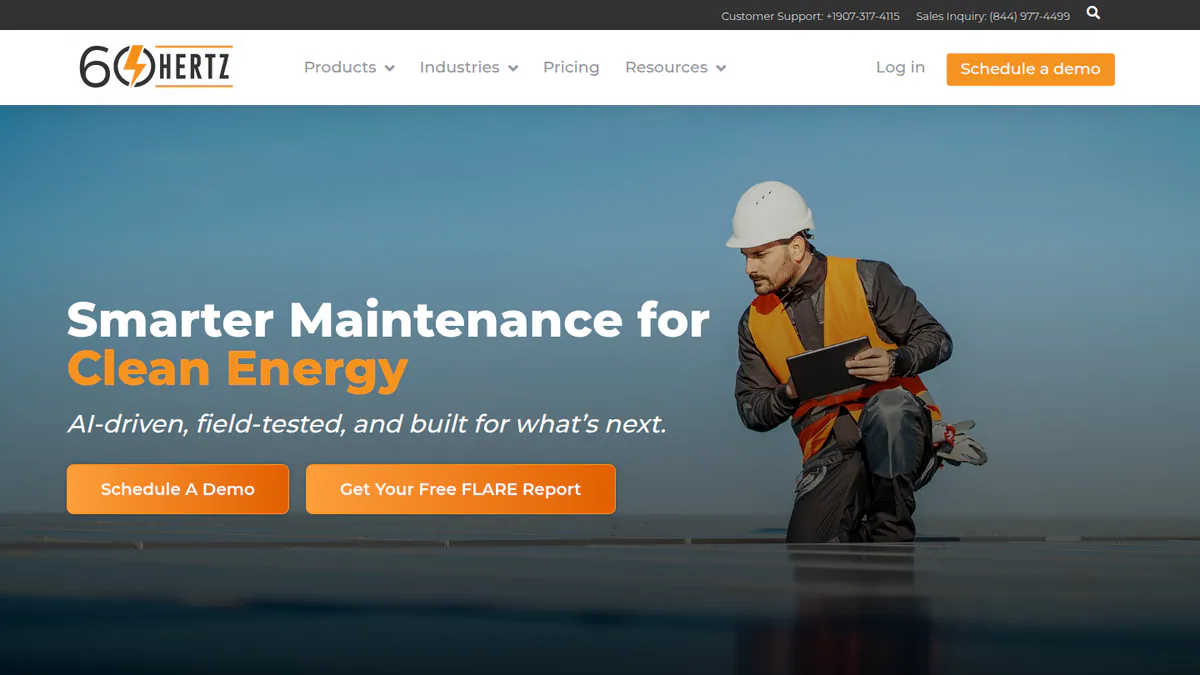
5. 60Hertz: best for O&M teams maintaining remote, off-grid and microgrid assets
Best for: O&M teams with solar, battery and diesel systems at remote sites. Score: 55.0/100.
What it is: 60Hertz Inc of Anchorage, Alaska, makes 60Hertz, a mobile-first CMMS for remote and off-grid energy assets. Users work in rural power, microgrids, mining, telecom and backup power. We could not reach the company’s site. So facts come from Capterra and the App Store, and we took off points.
Why we picked it: It handles planned maintenance and asset registers across many remote sites, which home-service apps do not. It also has a few real Capterra reviews.
Key features:
- Work orders completed on mobile.
- Planned maintenance scheduling and service history.
- Offline field app with data checks, photos and notes.
- No-code designer for forms, checklists and workflows.
- Asset tracking and registers across many sites.
- Reports with graphs and filters.
Pricing: No company pricing page found, so treat it as quote only. Capterra lists a start price of USD 20 per month and a free trial. The company has confirmed neither. Checked October 2026 on the Capterra listing.
Request pricing from 60Hertz directly. We could not reach its website.
Pros (from user reviews):
- Reporting tools with graphs, filters and report output.
- Easy to manage many assets across many sites.
- Quick, well-informed staff (customer service 4.0/5).
Cons (from user reviews):
- Steep admin learning curve for checklists (ease of use 3.1/5).
- Mobile access is its lowest-rated feature (3.3/5).
- Some third-party controllers are hard to link.
Reviews: Capterra 4.1/5 (7 reviews), checked October 2026. Seven reviews are too few to rely on. Per the App Store, the iOS app got version 3.22.0 on 9 October, with new controls, dark mode and diagrams in forms.
Want to see 60Hertz working? Book a demo with the SolarSoftwares team.
Book a demoYour request goes by email to the SolarSoftwares team. A time is set only after we reply. It does not change any score or ranking.
Which general tools do installers also use?
Scored on the same rubric but not solar-specific and not ranked. None links to solar monitoring or keeps solar service records.
Zuper (general field service management): 65.4/100
A US field service platform aimed at roofing and home-service firms. It has a live dispatch board, an offline app with checklists, proposals from inspection findings and 60+ integrations. Its solar page shows roofer testimonials. We found no solar features. Quote only, demo-led (Zuper solar page, checked October 2026).
Reviews: Capterra 4.5/5 (56 reviews) and G2 4.7/5 (152 reviews), checked October 2026. Users like the app and HubSpot sync but note bugs and thin reporting.
ServiceTitan (general contractor FSM): 62.4/100
A large platform for home and commercial trades: scheduling, dispatch, estimates, service agreements, stock, job costing and a client portal. Its feature page does not mention solar. It suits installers that also do HVAC or electrical. Quote only, per technician in three tiers (Starter, Essentials, The Works), per Capterra. We could not load the company page (checked October 2026).
Reviews: G2 4.4/5 (381 reviews) and Capterra 4.3/5 (342 reviews), checked October 2026. Users like its depth but cite hard set-up (G2 ease of setup 6.7), high cost and rigid contracts.
AEX, formerly Field Squared (general FSM and asset management): 59.3/100
A field service and asset platform with skills-based dispatch, customer self-booking, no-code forms, planned maintenance and Esri ArcGIS (mapping software) links. Some solar O&M teams used Field Squared, but since its 2025 sale AEX targets US fibre broadband, with no solar content. Quote only (AEX site, checked October 2026).
Reviews: Capterra 4.0/5 (9 reviews) and G2 4.5/5 (1 review), checked October 2026. Most Capterra reviews date from 2015-2019.
How do the 5 field service tools compare?
Product | Type | Preventive maintenance | Monitoring link | Customer or owner view | Segment | Starting price |
|---|---|---|---|---|---|---|
General FSM (ranked) | Recurring visits | None named | Not documented | Residential, C&I | 39/user/mo (5-user min) | |
General FSM (ranked) | Not documented (asset and service history kept) | None found | Contractor portal | Mid to enterprise | USD 175/user/mo | |
Solar-specific | Yes, with asset history and SLAs | None named | Not documented | Residential, C&I, utility | Quote only | |
Solar-specific | Maintenance memberships | Inverter and panel alerts (depth unconfirmed) | Customer portal with production data | Residential, C&I | USD 90/user/mo | |
Remote-energy CMMS | Yes | None named | Not documented | C&I, utility, off-grid | Not confirmed | |
Zuper | General FSM | Not documented | None found | Not documented | Residential, C&I | Quote only |
ServiceTitan | General FSM | Service agreements | None found | Client portal | Residential, C&I | Quote only |
AEX | General FSM and EAM | Yes | None found | Customer self-scheduling | Mid to enterprise | Quote only |
How do you schedule and dispatch install crews?
The other half of field work is the install calendar: booking surveys, installs and inspections, and sending the right crew.
We scored 11 tools for this job in October 2026. General and home-service apps lead on reviews, listed prices and ease of use, but most have no permit, inspection or PTO (permission to operate) steps. Sunbase and SolarNexus show no crew scheduling or dispatch at all.
A home job runs survey, install (often several days, with a separate electrical crew), then an AHJ (local permit office) or utility inspection. Look for:
- Multi-visit jobs on one record.
- A gate that stops an install being booked before the permit is approved.
- Crew skills, so licensed electricians go only where needed.
- Reminders or live ETAs to cut no-access visits.
Tool | Type | Entry price (checked October 2026) | 1 dispatcher + 4 crew, per month | Permit and inspection steps | Trial |
|---|---|---|---|---|---|
Solar | Quote only | Not published | Configurable workflow rules | Demo only | |
Solar | USD 90/user/mo (Field). Office USD 200 | USD 560 | Permit, inspection and PTO phases | Demo only | |
Arrivy | General, solar package | 50 per user, 3-user minimum (currency not stated) | 250 (currency not stated) | Yes | 14 days, no card |
Housecall Pro | General home-service | USD 59/mo billed annually, 1 user | USD 149 billed annually (Essentials) | Not documented | 14 days, no card |
Jobber | General home-service | USD 29/mo billed annually, 1 user | USD 149 billed annually (Connect) | Not documented | 14 days, no card |
General FSM | 39/user/mo, 5-user minimum (currency not stated) | 195 (currency not stated) | Not documented. Projects with task dependencies | Not stated by the company | |
QuoteIQ | General home-service | USD 29.99/mo, 1 user | USD 224.99 (Pro plus 1 user, monthly) | Not documented | 14 days, card required |
ServiceTitan | General FSM | Quote only | Not published | Not documented | Demo only |
Zuper | General FSM | Quote only | Not published | Not documented | Demo only |
Arrivy is the general tool closest to a solar workflow. Two-way CRM sync turns won deals into survey and install jobs. Permit and inspection tasks sit next to crew bookings, and customers get self-booking and live ETAs. It names Photon Brothers, Complete Solar and Ambia Solar as customers, but has only 4 G2 reviews and no O&M work orders.
For small crews that want a known price, look at Housecall Pro (Capterra 4.7/5, 2,749 reviews) and Jobber (Capterra 4.6/5, 1,487 reviews). Neither lists solar among its industries, so permits and PTO live elsewhere (checked October 2026). QuoteIQ adds on-site quoting and roof measuring.
Coperniq keeps the schedule on the same record as permit, inspection and PTO phases, but lists highest for five people. Scoop Solar shows no customer self-booking or ETA messages.
Also considered
- VCOM Cloud by meteocontrol (below the minimum score): PV monitoring with tickets, a licence-based CMMS module and an offline O&M app. Alarms can raise work orders. Its CMMS docs do not describe planned maintenance or spare parts. Worth a look if your fleet already reports to VCOM.
- PowerTrack by AlsoEnergy (Stem) (a weak match for this job): Brand-neutral monitoring and SCADA (site control system). It turns alerts into work orders for third-party CMMS tools but does not dispatch technicians. App Store 3.1/5 (42 ratings), checked October 2026.
- Omnidian (excluded): A performance-assurance service, not software. It sends its own technicians under a production guarantee.
- Jobber and Housecall Pro: home-service apps for short visits. Housecall Pro’s Max plan (USD 299 per month billed annually, checked October 2026) adds repeat service plans. Neither has asset registers, planned maintenance or SLA tracking (see scheduling and dispatch).
- Aerial and thermal inspection tools: out of scope. They feed O&M work but do not manage it.
How do you choose field service software?
- Five or more users and want listed prices? Praxedo.
- On Salesforce, with an admin? Salesforce Field Service.
- Home, commercial and utility sites with subcontractors? Scoop Solar. Check the monitoring link in the demo.
- Home service book with memberships and a customer portal? Coperniq.
- Remote, off-grid or microgrid sites? 60Hertz. For design, see our off-grid solar design guide.
- Fleet already on VCOM Cloud or PowerTrack? Try their work-order modules first.
- Install crews? Arrivy for CRM-linked jobs, or Jobber or Housecall Pro on a set budget (see scheduling and dispatch). For commercial builds, see our EPC project management guide.
- Van stock holding you up? Add a tool from our solar inventory management guide.
Want the wider field? Browse every verified tool in our operations and project management category.
Solar field service software FAQs
What is field service management in the solar industry?
It is software that sends technicians to installed systems and logs their work. That includes service calls, warranty work, inspections and planned maintenance. As of October 2026, Scoop Solar, Coperniq and 60Hertz are the solar tools that reach our minimum match score.
How can FSM software improve efficiency for solar installations and O&M?
It cuts wasted visits and admin. Technicians arrive with the asset history, parts and a checklist. The office gets photos without chasing paper. We found no independent figures, so ask companies for references. Scoop Solar’s app has required forms and geotagged photos (checked October 2026).
What features should solar field service software have?
It needs work orders, scheduling and dispatch, an offline app with photos and forms, and asset and service history per site. O&M contracts also need planned maintenance and SLA tracking. Few tools link alarms to jobs. Coperniq lists inverter and panel alerts, but we could not confirm their depth.
Is ServiceTitan or Jobber good for solar companies?
Both run service visits, but neither mentions solar. ServiceTitan scores 62.4 here and is quote only. Jobber starts at USD 29 per month billed annually (checked October 2026). We compare it in our scheduling and dispatch section.
What is the difference between solar FSM and a CMMS for solar farms?
FSM centres on the visit, often for many small customers. A CMMS centres on the asset: maintenance plans, part history and spares for a few large sites. 60Hertz is a CMMS. VCOM Cloud adds a CMMS module. Scoop Solar covers both service calls and planned maintenance (checked October 2026).
How much does solar installation scheduling software cost?
Prices start at USD 29 per month billed annually (Jobber Core, 1 user, October 2026). For one dispatcher and four crew, prices run from USD 149 (Housecall Pro Essentials or Jobber Connect, billed annually) to USD 560 (Coperniq) per month. Zuper, ServiceTitan and Scoop Solar are quote only.
Sources
All checked 22 to 24 October 2026.
- Scoop Solar: pricing, FAQ, Aurora vs Scoop, TrustRadius, Field Technologies Online
- Coperniq: pricing, solar page, products
- 60Hertz: Capterra, App Store
- Praxedo: pricing, solar page, Spring 2026 release note, Capterra
- Salesforce Field Service: pricing, G2, Capterra
- Zuper: solar page, Capterra, G2
- ServiceTitan: Capterra pricing, G2, G2 comparison
- AEX: company site, Capterra, G2
- Arrivy: pricing, G2. Housecall Pro: pricing, Capterra. Jobber: pricing, Capterra. QuoteIQ: pricing
- VCOM Cloud: O&M app, CMMS help. PowerTrack: product page, App Store. Omnidian: dealer page
Last updated 28 October 2026. Next scheduled review: 23 January 2027.