Solar design software for EPCs helps engineering, procurement and construction firms turn a solar project into build documents. Those include drawings, cable schedules, a single-line diagram (SLD) and a yield file (a forecast of how much power the plant will make). PVcase Roof Mount ranks first at 69.6/100 for commercial and industrial (C&I) roofs in AutoCAD.
An EPC is judged on drawings, schedules and a yield file, not on proposals. Whatever you draw in, expect to hand the yield model to PVsyst for financed projects.
We scored 14 tools and ranked the top 7. For a ranking across every segment, see our best solar design software list.
Quick picks
Rank | Product | Best for | Starting price (company page, checked October 2026) | Pricing model | Free plan / trial | Score /100 |
|---|---|---|---|---|---|---|
1 | C&I rooftop engineering drawings in AutoCAD | Quote only | Single Professional plan | Demo only | 69.6 | |
2 | EPCs that design and sell C&I | ✓ USD 159 per month (international list) | Subscription | Demo only | 69.1 | |
3 | European EPCs with storage and load studies | ✓ EUR 845 per named user per year, plus VAT | Desktop licence, annual or 3-month | 30-day trial | 68.6 | |
4 | One tool across roof, carport and ground to 30 MW DC | ✓ USD 159 per month (USD 1,620 per year if billed yearly) | Per licence, capped by MW DC | Free trial (length not stated) | 68.6 | |
5 | The yield file your IE will ask for | ✓ CHF 700 per seat per year | Annual desktop subscription | 30-day evaluation | 63.8 | |
6 | Utility EPCs: MV/LV and substation | Quote only | Three tiers, talk to sales | Demo only | 62.7 | |
7 | Utility EPCs: civil and piling in AutoCAD | Quote only | Single Professional plan | Demo only | 62.7 |
✓ Verified on the company’s own pricing page. ◐ Published by the company outside its pricing page (help centre, store or press release). ? We could not read the company’s pricing page, so the figure is not confirmed. Prices checked October 2026.
Quote only means the company shows no public price. You ask it for a quote.
How the 7 tools scored
- Use-case fit 35%
- User reviews 20%
- Pricing 15%
- Ease of use 10%
- Support 10%
- Momentum 10%
Tool | Score chart | Score |
|---|---|---|
69.6 out of 100 | 69.6 | |
69.1 out of 100 | 69.1 | |
68.6 out of 100 | 68.6 | |
68.6 out of 100 | 68.6 | |
63.8 out of 100 | 63.8 | |
62.7 out of 100 | 62.7 | |
62.7 out of 100 | 62.7 |
Each bar shows the weighted score out of 100.
Sub-scores at a glance (0-10)
Product | Use-case fit | User reviews | Pricing | Ease of use | Support | Momentum | Total /100 |
|---|---|---|---|---|---|---|---|
6.7 | 6.4 | 4.0 | 10.0 | 10.0 | 7.5 | 69.6 | |
7.1 | 6.3 | 6.0 | 7.5 | 10.0 | 5.0 | 69.1 | |
6.7 | 5.4 | 8.0 | 7.5 | 7.5 | 7.5 | 68.6 | |
7.6 | 6.2 | 8.0 | 7.5 | 5.0 | 5.0 | 68.6 | |
4.8 | 6.3 | 8.0 | 5.0 | 7.5 | 10.0 | 63.8 | |
5.1 | 6.9 | 4.0 | 7.5 | 7.5 | 10.0 | 62.7 | |
5.7 | 8.3 | 4.0 | 7.5 | 7.5 | 5.0 | 62.7 |
A 5.0 on reviews, ease, support or momentum is our neutral value where public evidence is thin, not a judgement.
How did we rank these EPC design tools?
How the score is weighted
- Use-case fit 35%
- User reviews 20%
- Pricing 15%
- Ease of use 10%
- Support 10%
- Momentum 10%
We considered 17 products, scored 14 and ranked the top 7 from 22 to 25 October 2026. The other scored tools sit in "Also considered" with their scores. This was desk research using company documents, pricing pages and public reviews. The weights:
- Use-case fit (35%): How well the tool does this page’s job. Layout, yield simulation and electrical output (stringing, which is how panels wire into inverters, plus cable sizing and SLD) weigh the same, with a smaller weight for project hand-over. This page leans towards C&I work, so tools built only for utility plants score lower on fit.
- User reviews (20%): G2 and Capterra ratings. Ratings based on only a few reviews count for less. Under 8 reviews scores a neutral 5 out of 10.
- Pricing transparency (15%): Published prices score above quote-only.
- Ease of use, support and momentum (10% each): Review sub-scores and dated release notes. These are neutral without evidence.
Scores are for this page’s job, so a tool can score differently on another page. Where we could not reach a company’s pages, we took off 2 points. SurgePV is not part of this ranking. Full method: how we score software.
What does an EPC need that an installer does not?
An installer’s design tool ends at a proposal. An EPC’s tool has to produce documents that a build crew, an AHJ (local permit office) or utility, and a lender’s engineer will accept.
That means stringing and cable schedules, a single-line diagram and a BOM (bill of materials) for procurement. It also means drawings that open in CAD and a yield file the IE (independent engineer) recognises. Seat licensing matters too, because engineering teams share work. This page ranks tools on those deliverables.
For layout and sales on commercial roofs, see commercial solar design software. For open-land plants judged on yield and bankability, see utility-scale solar design software. Scheduling, procurement and site management sit on our EPC project management software list.
1. PVcase Roof Mount: best for C&I rooftop engineering drawings in AutoCAD
Best for: C&I EPCs that issue engineering drawings for commercial roofs. Score: 69.6/100.
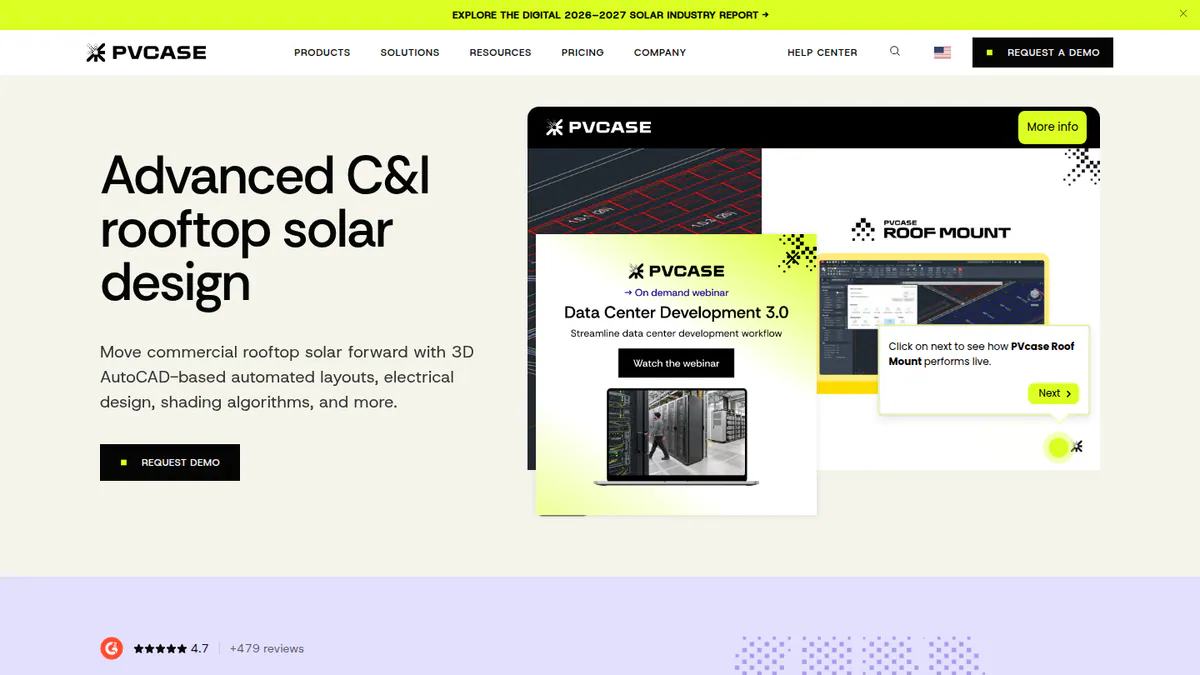
What it is: PVcase Roof Mount is a rooftop design tool from PVcase that runs inside AutoCAD. C&I EPCs and engineering firms use it, not residential installers.
Why we picked it: Layout, stringing, cable sizing, SLD and BOM all happen in one AutoCAD session. G2 users also give it top marks for ease of use and support.
Key features:
- DWG/DXF (CAD file) and drone-image conversion into roof geometry.
- MPPT (maximum power point tracking) configuration, cable trays, 3D cabling, cable sizing and voltage drop.
- SLD and BOM export.
- Mounting calculator, with PanelClaw ballast reports in Eurocode (European structural standards) countries.
- PVsyst export.
- Compatible with AutoCAD 2026.
Pricing: Quote only (Professional). The page does not say whether AutoCAD is included. Checked October 2026 on the PVcase Roof Mount pricing page.
Pros (from G2 reviews):
- Reviewers say it saves them time on roof layouts.
- Your CAD team works in AutoCAD, which it already knows.
- Help is well rated: support scores 9.8/10 and ease 9.1/10 from 16 reviewers.
Cons (from our research):
- There is no public price, so you need a sales call to budget.
- Ballast reports cover Eurocode countries only.
- It runs inside AutoCAD, so it does not suit teams without CAD skills.
Reviews: G2 4.6/5 (17 reviews), checked October 2026.
What we could not confirm: whether an AutoCAD licence is included, and how often it updates, as release notes are undated.
Want to see PVcase Roof Mount working? Book a demo with the SolarSoftwares team.
Book a demoYour request goes by email to the SolarSoftwares team. A time is set only after we reply. It does not change any score or ranking.
2. Arka 360: best for EPCs that design and sell C&I
Best for: EPCs that sell their own C&I projects and need SLD export without CAD staff. Score: 69.1/100.
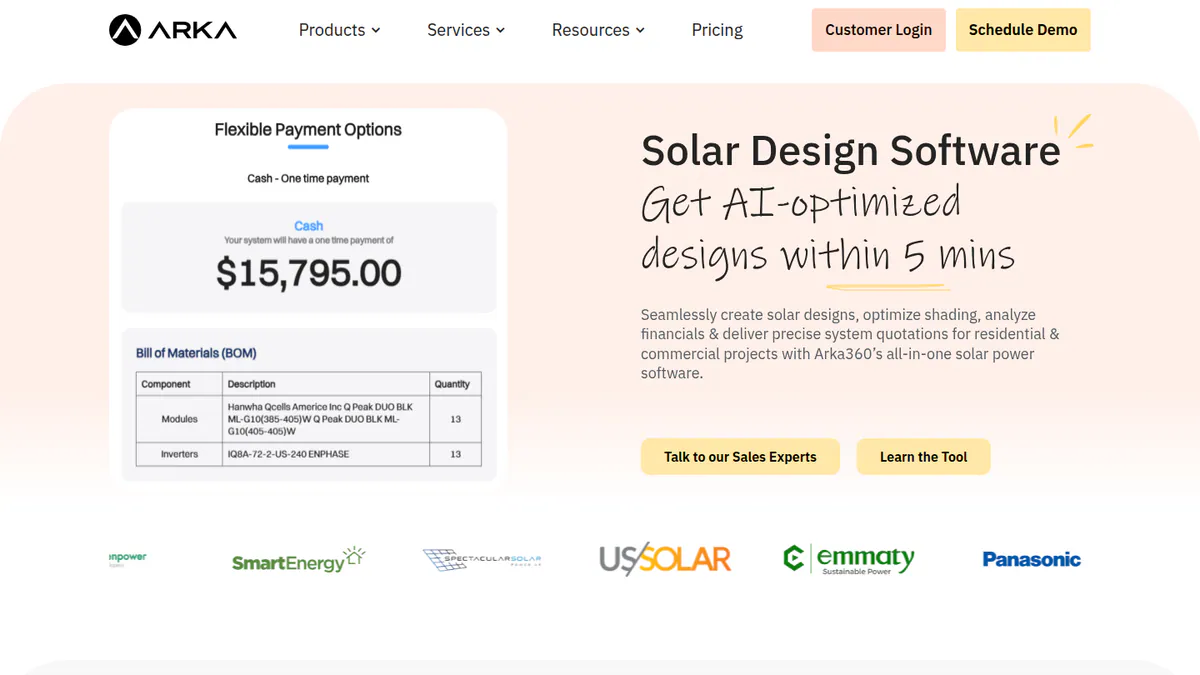
What it is: Arka 360 (formerly The Solar Labs) is a cloud design and proposal platform with a light CRM. It is strongest in India and also sells in the US. It exports to PVsyst and SketchUp rather than to DWG.
Why we picked it: It gives you SLD export at a published price, which most EPC tools here do not. Its 137 G2 reviews and well-rated support also helped.
Key features:
- 3D rooftop and ground-mount design.
- SLD export, manual stringing and optimiser design (Premium).
- PVsyst and SketchUp 3D export, plus an API (Premium).
- Permitting checks and AI design generation.
- Lead management add-on.
Pricing: International-list Basic USD 159 per month (USD 1,699 per year). Premium USD 199 per month (USD 1,999 per year) adds SLD export, manual stringing, optimiser design, PVsyst and SketchUp 3D export and API. Enterprise USD 999 per month. Indian INR prices conflict on the page, so we have not quoted them. Checked October 2026 on the Arka 360 pricing page.
Pros (from G2):
- New staff pick it up fast: ease of use gets 14 mentions.
- Reviewers praise caring support staff (9.2/10).
- 3D views help you win clients.
Cons (from G2):
- It lags or hangs on 3 MWp+ projects.
- Teams hit limits when several users share work.
- Structure choice lacks flexibility.
Reviews: G2 4.3/5 (137 reviews), checked October 2026.
Read our full Arka 360 review or our Arka 360 alternatives.
Want to see Arka 360 working? Book a demo with the SolarSoftwares team.
Book a demoYour request goes by email to the SolarSoftwares team. A time is set only after we reply. It does not change any score or ranking.
3. PV*SOL premium: best for European EPCs running storage and load studies
Best for: European EPCs that need storage and load studies per site. Score: 68.6/100.
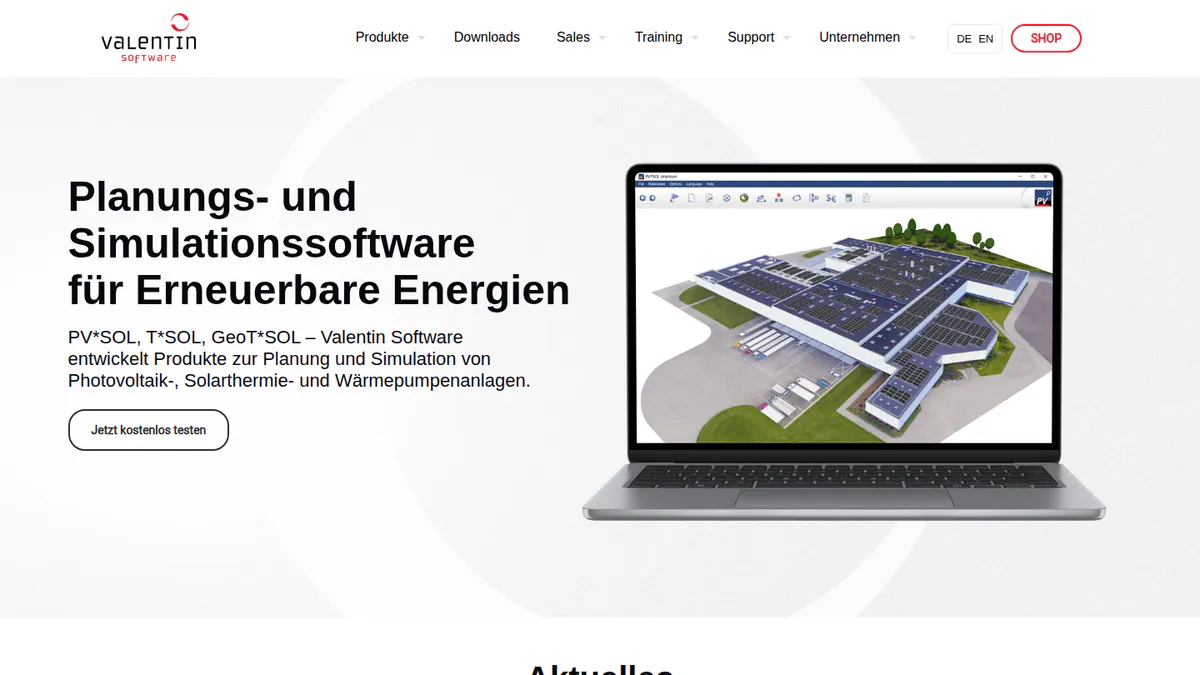
What it is: Germany’s Valentin Software makes PV*SOL premium, a desktop design and simulation tool. European installers and planners use it for residential and C&I systems. For EPCs, its value is modelling batteries, heat pumps and EV tariffs per consumer.
Why we picked it: Public prices and a major update every year helped its score. It ranks below the top two because we could not confirm SLD or CAD output.
Key features:
- 3D shading on Meteonorm 9 climate data.
- AC- and DC-coupled storage.
- Per-consumer tariffs, including EV and heat pumps.
- JSON export of project data to CRM or ERP.
- PDF/DOCX customer reports.
Pricing: EUR 845 per named user per year, or EUR 285 per 3 months, plus VAT. Checked October 2026 in the Valentin shop.
Pros (from our research):
- You can add one licence per engineer as the team grows.
- You can buy 3 months for a busy season instead of a full year.
- You get a major update every year (the 2026 version came out on 24 November 2025).
Cons (from our research):
- It is desktop software, not a browser tool.
- Its features centre on batteries, heat pumps and tariffs, not construction drawings.
- There are only 12 G2 reviews and no review text to judge it by.
Reviews: G2 4.2/5 (12 reviews), checked October 2026.
What we could not confirm: SLD, cable sizing or CAD export.
Read our full PV*SOL premium review or our PV*SOL alternatives.
Want to see PV*SOL premium working? Book a demo with the SolarSoftwares team.
Book a demoYour request goes by email to the SolarSoftwares team. A time is set only after we reply. It does not change any score or ranking.
4. HelioScope: best for one tool across roof, carport and ground to 30 MW DC
Best for: EPCs that want one licence for roofs, carports and small ground mounts. Score: 68.6/100.
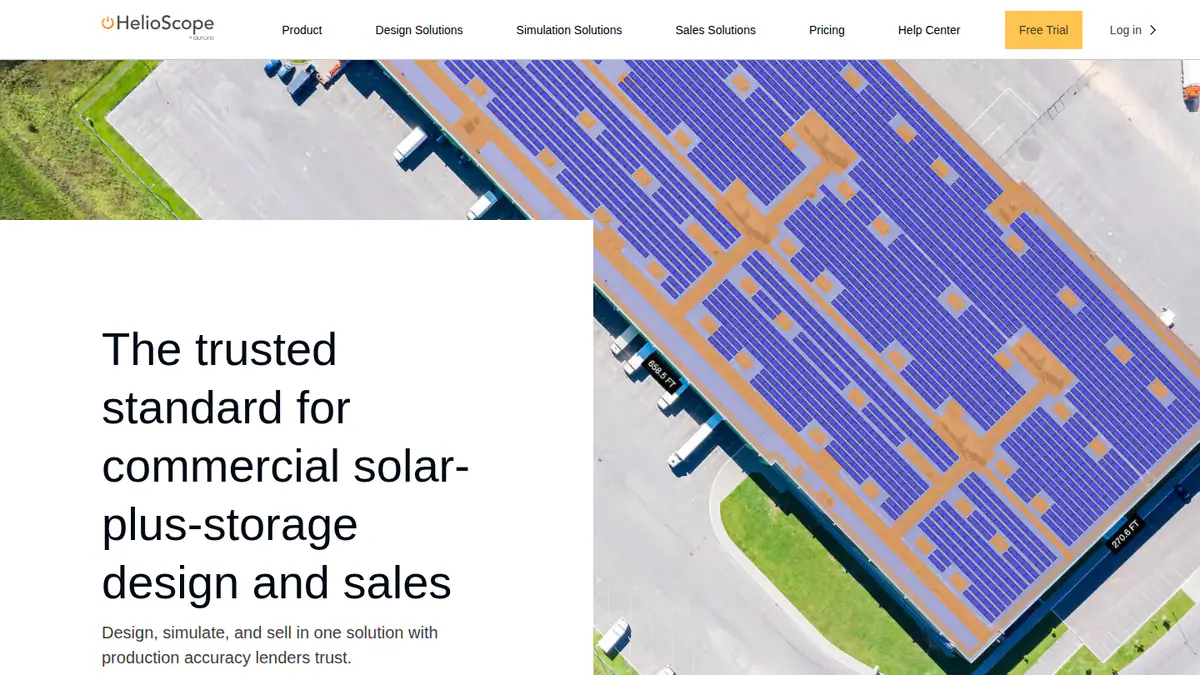
What it is: HelioScope is Aurora Solar’s web tool for commercial design and simulation. It is separate from Aurora’s core product. It suits EPCs whose pipeline mixes C&I roofs with community ground mounts.
Why we picked it: It has the highest fit score on this page, because one licence covers roofs, carports and ground mounts up to 30 MW DC. Its published prices also helped.
Key features:
- Rooftop, carport and ground-mount layout.
- Wiring-loss and shading calculations.
- P90/P95/P99 values, the yield a plant should beat in 90, 95 or 99% of years (Pro).
- Storage design.
- Single-axis trackers, PVsyst export, API and SSO (single sign-on) on Enterprise.
Pricing: Basic USD 159 per month, or USD 1,620 per year if billed yearly (1 user, 1.25 MW DC). Pro USD 259 per month or USD 2,640 per year (5 MW DC). Enterprise is custom (30 MW DC, trackers, PVsyst export, API, SSO). Checked October 2026 on the HelioScope pricing page.
Pros (from G2):
- New engineers learn it fast.
- Wiring-loss numbers are accurate, so you can trust early designs.
- You can turn out SLDs quickly.
Cons (from G2 and our research):
- Reviewers find it costly, and the tiers do not suit occasional users.
- Project caps limit large systems.
- Trackers and PVsyst export are locked to Enterprise.
Reviews: G2 4.5/5 (19 reviews), checked October 2026.
Read our full HelioScope review or our HelioScope alternatives.
Want to see HelioScope working? Book a demo with the SolarSoftwares team.
Book a demoYour request goes by email to the SolarSoftwares team. A time is set only after we reply. It does not change any score or ranking.
5. PVsyst: best for the yield file your IE will ask for
Best for: EPCs that deliver yield reports for financed projects. Score: 63.8/100.
What it is: Swiss firm PVsyst SA makes PVsyst, a Windows desktop simulation tool. It is not a drawing tool, and it has no SLD or construction output. Lenders’ advisers treat it as the yield reference.
Why we picked it: Financed projects usually need a PVsyst yield file, whatever you draw in. Public prices and steady updates helped its score.
Key features:
- Imports 3D scenes from CAD tools, with a SketchUp route.
- P50/P90 reports (expected and conservative yield) with a full loss diagram.
- Bifacial (two-sided) modules and trackers with backtracking (tilting back to avoid row-to-row shading).
- PVsystCLI (CHF 3,000 per year) for server-side automation.
Pricing: CHF 700 per seat per year. Multi-seat discounts are 5% for 2-4 seats, 15% for 5-9 and 20% for 10+. Checked October 2026 in the PVsyst shop.
Pros (from G2 review themes):
- Accurate modelling gives lenders a yield file they trust.
- Thorough loss analysis shows where energy goes.
- You can build shading scenes in SketchUp.
Cons (from reviews and company docs):
- The interface looks dated.
- New users face a steep learning curve.
- The workspace cannot sit in OneDrive, Dropbox or Google Drive synced folders.
Reviews: G2 4.5/5 (22 reviews), checked October 2026.
Read our full PVsyst review or our PVsyst alternatives.
Want to see PVsyst working? Book a demo with the SolarSoftwares team.
Book a demoYour request goes by email to the SolarSoftwares team. A time is set only after we reply. It does not change any score or ranking.
6. RatedPower: best for utility EPCs needing MV/LV and substation design
Best for: Utility EPCs that need MV/LV (medium and low voltage) and substation design in the cloud. Score: 62.7/100.
What it is: Enverus owns RatedPower, a cloud platform for utility PV, BESS (battery storage) and hybrid plants. Developers, EPCs and engineering firms use it worldwide.
Why we picked it: Its documented electrical scope goes further than any other tool on this page, and it has 305 G2 reviews. It lost fit points because this page leans towards C&I and it is built for utility plants.
Key features:
- MV/LV design, SLDs and substation engineering.
- 400+ editable documents, including BoQ (bill of quantities) and drawings.
- DWG export and re-import with AutoCAD.
- CAPEX (upfront build cost) and LCOE (levelised cost of energy).
Pricing: Quote only (Basic, Advanced, Enterprise). Enterprise adds SSO and team management. Checked October 2026 on the RatedPower pricing page.
Pros (from G2 themes):
- Ease of use gets the most praise (22 mentions).
- Automated electrical diagrams help you finish layouts fast.
- Users praise customer support (11 mentions).
Cons (from G2 themes):
- Handling land and site limits in the layout is the top complaint (14 mentions).
- Some BESS-PCS combinations are missing.
- You cannot change drawings much.
Reviews: G2 4.4/5 (305 reviews), checked October 2026.
Read our full RatedPower review or our RatedPower alternatives.
Want to see RatedPower working? Book a demo with the SolarSoftwares team.
Book a demoYour request goes by email to the SolarSoftwares team. A time is set only after we reply. It does not change any score or ranking.
7. PVcase Ground Mount: best for utility EPCs doing civil and piling in AutoCAD
Best for: Utility EPCs doing civil, piling and layout work in AutoCAD. Score: 62.7/100.
What it is: PVcase Ground Mount is the ground-mount sibling of #1. G2 reviewers describe it as an AutoCAD plug-in. Grading, cross-sections and piling analysis are where it saves EPC hours.
Why we picked it: It has the highest G2 score on this page (4.7/5) and does civil, piling and electrical design in AutoCAD. Like RatedPower, it lost fit points because it is built for utility plants.
Key features:
- Terrain-following layouts for fixed-tilt and trackers.
- Grading heatmaps, cross-sections and piling analysis.
- Stringing, cable sizing and SLDs.
- BOM export, plus export to PVcase Yield and PVsyst.
- AC- and DC-coupled BESS layout.
Pricing: Quote only (Professional). Checked October 2026 on the PVcase pricing page.
Pros (from G2):
- Every visible review cites large time savings on layouts.
- PVsyst shade-scene export saves hours.
- Support often replies within a day.
Cons (from G2):
- Users want more automation for breakers, CTs (current transformers) and DC boxes.
- Reviewers call it costly for small and mid-sized firms.
- New users need training before they are productive.
Reviews: G2 4.7/5 (415 reviews per G2’s listing, while the company cites 479), checked October 2026.
Read our full PVcase Ground Mount review or our PVcase alternatives.
Want to see PVcase Ground Mount working? Book a demo with the SolarSoftwares team.
Book a demoYour request goes by email to the SolarSoftwares team. A time is set only after we reply. It does not change any score or ranking.
SurgePV (unscored): for readers comparing roof modelling, panel layout, shading, electrical drawings and proposals. Verify the outputs and commercial fit on a representative project. The numbered scores above do not include it.
Sources checked 27 October 2026: SurgePV product information · SolarSoftwares SurgePV review
Book a demo of SurgePV with the SolarSoftwares team.
Book a demoYour request goes by email to the SolarSoftwares team. A time is set only after we reply. It does not change any score or ranking.
How do the 7 EPC design tools compare on deliverables?
This table compares what each of the 7 ranked tools delivers.
Product | CAD route | Stringing / cable sizing | SLD | BOM / BoQ | Yield handoff | Licence basis |
|---|---|---|---|---|---|---|
AutoCAD plug-in | Yes / yes | Export | Yes | PVsyst export | Quote | |
SketchUp export | Yes / not documented | Premium | Not documented | PVsyst 3D export | Monthly or yearly | |
Not documented | Not confirmed | Not confirmed | Not documented | Own simulation | Per named user | |
Not documented | Wiring losses | Per reviewers | Not documented | PVsyst export (Enterprise) | Per licence | |
3D scene import | Stringing | No | No | Reference | Per seat | |
DWG round-trip | Yes / yes | MV/LV, substation | Yes | PVsyst reconciled | Quote | |
AutoCAD plug-in | Yes / yes | Yes | Yes | PVsyst, PVcase Yield | Quote |
Also considered
- Solargis Evaluate: Scored 55.7/100. A strong second-opinion yield tool from EUR 12,000 per year, but it produces no drawings or electrical output.
- PVFarm: Scored 54.3/100. Browser-based utility engineering with DXF export and a 7-day free trial. G2 reviewers say its AutoCAD export needs work, and it does not suit rooftop C&I.
- PVComplete / PVCAD: Scored 53.3/100. It builds commercial permit plan sets inside AutoCAD. We could not reach the company site, the company has not confirmed its price, and it has only 2 G2 reviews.
- DNV SolarFarmer: Scored 52.7/100. Good for scripted, batch yield runs with transferable licences, but it makes no drawings and has no user reviews.
- Enact (Design & Proposals): Scored 46.7/100. It bought PVComplete in January 2026 and bundles PVCAD. We could not verify its prices or features, and it has no user reviews.
- HELIOS 3D: Scored 44.0/100. Plant design inside Autodesk Civil 3D for utility EPCs only. It needs extra Autodesk and Microsoft licences and has 1 G2 review.
- PlantPredict (below the minimum score): A utility energy-modelling tool with string-voltage checks. It has no layout drawings or SLDs for C&I. It ranks on our utility-scale list.
- Aurora Solar (core product): Residential and light-commercial design. Aurora’s engineering-grade option for C&I is HelioScope (#4).
- Terabase Terafab: Construction automation, not design software.
- Sitetracker: Multi-industry project management, not design. See EPC project management software and CRM for solar EPCs.
How do you choose solar design software for an EPC?
- If you engineer C&I roofs and issue DWG drawings, pick PVcase Roof Mount. Add Ground Mount if you also build plants.
- If your EPC sells its own projects and needs SLD export without CAD staff, pick Arka 360 Premium.
- If you need commercial permit plan sets from AutoCAD, look at PVCAD under Also considered. Confirm post-merger pricing with Enact.
- If your pipeline is utility-scale, pick RatedPower for substations and cloud teams, or PVcase Ground Mount for civil work in AutoCAD. If you want a trial first, PVFarm (Also considered) offers 7 days.
- If a lender is involved, budget for PVsyst seats whatever your drawing tool. For a second-opinion yield, see SolarFarmer or Solargis Evaluate under Also considered.
- If your projects mix roofs and small ground mounts, HelioScope covers both in one licence. Pro goes to 5 MW DC and Enterprise (custom price) to 30 MW DC.
Want more choices? Browse every tool we checked in our design and simulation category.
Solar design software for EPCs FAQs
What design software do solar EPCs use?
Most EPCs pair a layout and electrical tool with PVsyst. In our October 2026 scoring, PVcase Roof Mount leads for C&I engineering. RatedPower and PVcase Ground Mount lead for utility plants, with PVsyst (CHF 700 per seat per year) as the common yield tool.
Is PVsyst required for bankable EPC projects?
No rule requires it for a bankable (lender-accepted) project. Lenders’ advisers widely treat it as the reference, so EPCs on financed projects usually supply a PVsyst file. PVcase, RatedPower, HelioScope (Enterprise) and Arka 360 all export to PVsyst in some form (October 2026). PVFarm and PVCAD (also considered) do too.
What is the difference between PVcase and RatedPower?
PVcase sells separate AutoCAD-based Roof Mount and Ground Mount products, strong on terrain and civil work. RatedPower is a single cloud platform for utility plants, with MV/LV, substation design and a DWG round-trip. Both are quote only. G2 rates Ground Mount 4.7/5 and RatedPower 4.4/5 from 305 reviews (October 2026).
Can one tool cover both rooftop C&I and utility-scale design?
Partly. HelioScope covers roof, carport and ground mount up to 30 MW DC. PVcase splits the two jobs into separate products. PVCAD (Also considered) pairs commercial plan sets with PVCAD Mega for utility. No single tool here leads in both segments.
Which solar design tools export to AutoCAD?
PVcase Roof Mount works inside AutoCAD, and G2 reviewers say the same of PVcase Ground Mount. RatedPower exports DWG and re-imports edits (October 2026). Among the also-considered tools, PVCAD works inside AutoCAD, PVFarm exports DXF and HELIOS 3D runs inside Civil 3D.
Sources
All checked 22 to 25 October 2026.
- PVcase Roof Mount: pricing, G2
- Arka 360: pricing, G2
- PV*SOL premium: shop, 2026 release, G2
- HelioScope: pricing, G2
- PVsyst: shop, product page, G2
- RatedPower: pricing, comparison, G2
- PVcase Ground Mount: pricing, G2
- Solargis Evaluate: pricing, subscriptions
- PVFarm: FAQ, G2
- PVCAD and Enact: Solar Power World, January 2026, G2 reviews, G2 pricing
- DNV SolarFarmer: product page, licensing guide
- HELIOS 3D: PVcase comparison, G2
Last updated 28 October 2026. Next scheduled review: 23 January 2027.