Solar monitoring apps are phone apps that show installers which solar system has a fault. They also show what is wrong and whether it can be fixed from the phone. Enlighten / Enphase App ranks first on this list, at 78.1/100.
Which solar monitoring app does an installer need in the van?
Most "best solar monitoring app" lists are for owners and sorted by app-store score. This one is for the installer or service tech between jobs. You need three answers fast. Which site has a fault, what is wrong, and can you fix it, or commission it (set it up), from here?
Four of our 7 apps work only with the maker’s own hardware, so the inverter often picks the app. The real choice is which brand app your crews live in, and whether to add a multi-brand layer.
For desk-based tools, see fleet monitoring software for installers.
Quick picks
Rank | App | Best for | Starting price (company page, checked October 2026) | Free plan / trial | Hardware it reads | Score /100 |
|---|---|---|---|---|---|---|
1 | Remote commissioning on microinverter sites | ◐ Free with Enphase hardware | Free | Enphase only | 78.1 | |
2 | Alarm triage across many plants | ◐ Free with Huawei hardware | Free | Huawei only | 76.5 | |
3 | Mixed-brand estates with Tigo optimisers | ✓ Free (Basic). Premium USD 20 per site per year | Free Basic plan | Tigo plus 20,000+ third-party device types | 74.0 | |
4 | Remote control of off-grid and hybrid fleets | ◐ Free (GX device required) | Free | Victron only | 72.1 | |
5 | Optimiser pairing and commissioning reports | ✓ Free with SolarEdge hardware | Free | SolarEdge only | 71.6 | |
6 | Distributors and O&M teams on logger sites | Quote only | Unknown | SOLARMAN loggers, third-party inverters | 68.5 | |
7 | Australian retailers adding fault diagnostics | ✓ AUD 6 per inverter per month | 30-day trial | Five inverter brands | 68.0 |
✓ Verified on the company’s own pricing page. ◐ Published by the company outside its pricing page (help centre, store or press release). ? We could not read the company’s pricing page, so the figure is not confirmed. Prices checked October 2026.
Quote only means the company shows no public price. You ask it for a quote.
How the 7 tools scored
- Use-case fit 35%
- User reviews 20%
- Pricing 15%
- Ease of use 10%
- Support 10%
- Momentum 10%
Tool | Score chart | Score |
|---|---|---|
78.1 out of 100 | 78.1 | |
76.5 out of 100 | 76.5 | |
74 out of 100 | 74.0 | |
72.1 out of 100 | 72.1 | |
mySolarEdge / SolarEdge Monitoring | 71.6 out of 100 | 71.6 |
68.5 out of 100 | 68.5 | |
68 out of 100 | 68.0 |
Each bar shows the weighted score out of 100.
Sub-scores at a glance (0-10)
Product | Use-case fit | User reviews | Pricing | Ease of use | Support | Momentum | Total /100 |
|---|---|---|---|---|---|---|---|
10.0 | 7.1 | 6.0 | 7.5 | 5.0 | 7.5 | 78.1 | |
10.0 | 7.5 | 6.0 | 7.5 | 2.5 | 7.5 | 76.5 | |
10.0 | 5.0 | 6.0 | 7.5 | 5.0 | 7.5 | 74.0 | |
10.0 | 2.8 | 6.0 | 5.0 | 7.5 | 10.0 | 72.1 | |
mySolarEdge / SolarEdge Monitoring | 10.0 | 5.0 | 6.0 | 5.0 | 2.5 | 10.0 | 71.6 |
10.0 | 5.0 | 4.0 | 5.0 | 5.0 | 7.5 | 68.5 | |
10.0 | 5.0 | 7.0 | 5.0 | 2.5 | 5.0 | 68.0 |
A 5.0 on reviews, ease, support or momentum is our neutral value where public evidence is thin, not a judgement.
How did we rank these solar monitoring apps?
How the score is weighted
- Use-case fit 35%
- User reviews 20%
- Pricing 15%
- Ease of use 10%
- Support 10%
- Momentum 10%
We scored 13 apps from 22 to 24 October 2026 and ranked the top 7. We used company docs, distributor pages, app-store listings and user comments. This was desk research, so we did not commission or monitor a system in any app.
- Use-case fit (35%): How well it does this page’s job, judged on how much monitoring the company documents. Eleven apps get full marks. Sunsynk Connect and ShinePhone document less, so they score lower.
- User reviews (20%): App Store and Google Play ratings combined. A rating based on few reviews counts for less, and fewer than 8 ratings counts as neutral.
- Pricing (15%): Out of 10, free with hardware scores 6, a published plan 7 and a price on request 4.
- Ease of use, support and momentum (10% each): Based on user comments and dated releases, or neutral with no evidence.
Apps ranked 8th or lower go to Also considered. None fell below our minimum fit score (4 out of 10). Apps whose core facts we could not confirm on the company’s own site lose 2 points. Scores are specific to this page. SurgePV is not part of this ranking. Full method: how we score software and how we verify pricing.
What does an installer need from the app on site?
Four things matter in the field:
- A fleet view with status and filters.
- Alarms that reach the installer with a likely cause.
- Commissioning from the same phone.
- Remote settings or firmware that save a truck roll (a trip to the site).
Multi-brand cover matters only for mixed estates. Only Tigo EI, SOLARMAN Business and Solar Analytics have it. For the wider field, see solar monitoring software and the monitoring and asset management hub.
1. Enlighten / Enphase App: best for remote commissioning on microinverter sites
Best for: Enphase installers who commission, check CTs and sort customer faults from a phone. Score: 78.1/100.
What it is: Enphase Energy pairs the Enphase App for owners with the Installer Portal and Installer Toolkit app for installers. The owner app was once called Enlighten and relaunched in November 2025.
Why we picked it: Installers can commission, check CTs and set grid profiles remotely, which saves trips on microinverter (small inverter on each panel) sites. It pairs that with a large, well-rated owner app.
Key features:
- Fleet dashboard with site filters (evidence: July 2023 installer newsletter).
- Remote commissioning, CT (current transformer) checks and grid-profile choice.
- Installer Toolkit app for commissioning on site.
- Per-panel array view and Live Status power flow for solar, battery and grid.
- Battery profiles, reserve settings and Storm Guard.
Pricing: Free with Enphase hardware for owners and registered installers. We found no paid tiers on company pages checked October 2026 (Enphase app announcement).
Pros (from user reviews):
- Panel-level data makes a failed module easy to find, so the tech goes to the right panel.
- 15-minute interval data and help videos let owners answer their own questions.
- Output is checked against past weather, so a dip is easy to explain.
Cons (from user reviews):
- Alerts often fail to arrive (SolarQuotes, December 2025).
- Enphase says Live Status updates second by second, but some owners say the app view lags about 15 minutes.
Reviews: App Store 4.6/5 (93,000 ratings, store page) and Google Play 3.8/5 (28,700, via tracker apppricinglab.com), checked October 2026.
Want to see Enlighten / Enphase App working? Book a demo with the SolarSoftwares team.
Book a demoYour request goes by email to the SolarSoftwares team. A time is set only after we reply. It does not change any score or ranking.
2. FusionSolar App / SmartPVMS: best for alarm triage across many plants
Best for: Huawei installers with large site counts outside the US. Score: 76.5/100.
What it is: Huawei Digital Power makes the FusionSolar app, with the SmartPVMS web portal behind it. It covers Huawei inverters, batteries and optimisers (small devices on each panel) on sites from homes to very large solar farms. Huawei does not sell it in the US home market.
Why we picked it: It has the best user ratings on this page, and its alarm centre sorts faults by severity across every plant. That makes it quick to decide which site needs a visit.
Key features:
- Company account listing every plant with status, location, output and KPIs (key performance figures).
- Alarm centre graded Critical, Severe, Minor and Warning.
- QR-scan device discovery, with a module layout built from optimiser serial labels.
- Batch firmware upgrades for up to 50,000 devices.
- Owner accounts set up by the installer.
Pricing: No price published, and free with Huawei hardware (distributor page, checked October 2026). One commenter claims access ends after the 63-month inverter warranty. We could not confirm it.
Pros (from reviews and our research):
- It ships with the inverter and gets regular updates, a SolarQuotes reader says.
- One company account shows alarms across every plant, graded by severity.
- Batch firmware upgrades (up to 50,000 devices) save site visits.
Cons (from reviews and our research):
- The app became unreliable and the helpline did not help, one owner says (electrician forum).
- Owners call the owner view basic.
- Huawei posts no price and does not say in writing how long free access lasts.
Reviews: App Store 4.5/5 (115,400 ratings, via tracker mwm.ai, store country unclear), checked October 2026. No Google Play figure found.
Want to see FusionSolar App / SmartPVMS working? Book a demo with the SolarSoftwares team.
Book a demoYour request goes by email to the SolarSoftwares team. A time is set only after we reply. It does not change any score or ranking.
3. Tigo EI: best for mixed-brand estates with Tigo optimisers
Best for: Installers fitting Tigo TS4 hardware across inverter brands. Score: 74.0/100.
What it is: Tigo Energy built EI to monitor and commission systems with Tigo TS4 and Cloud Connect hardware. It also reads 20,000+ third-party inverter, meter and battery types. That suits crews who commission on site and watch mixed-brand fleets.
Why we picked it: Of the three multi-brand apps here, it is the only one with documented on-site commissioning. The free tier already includes a multi-site view.
Key features:
- Bluetooth commissioning via Cloud Connect Advanced, with bulk TS4 scanning.
- Installer multi-site view and maps on the free tier.
- Module-level data, alerts you can set, and daily and monthly reports.
- Virtual layout builder for the monitoring view.
- Professional: portfolio dashboard, commissioning tracking, tagging, site comparisons and support tickets.
Pricing: EI Basic is free for the life of Tigo-monitored hardware. Premium costs USD 20 per site per year up to 35 modules, and USD 0.56 per module above that. Professional costs USD 199 per company per year, with unlimited seats, and does not include Premium. Prices show a dollar sign only, so we assume USD. Checked October 2026 on the Tigo EI pricing page.
Pros (from user reviews):
- Detailed hourly, daily and monthly output data.
- The module-level view confirmed a 30%+ output gain for one user.
- One reviewer calls it reliable overall and would recommend it.
Cons (from user reviews):
- Some screens are hard to follow, and there is no tutorial.
- An owner could not fix a site location set by the installer.
- No home energy use shown beside output.
Reviews: App Store 4.0/5 (127 ratings, store page), checked October 2026. Several reviews date from 2020-2022. Google Play not retrieved.
Want to see Tigo EI working? Book a demo with the SolarSoftwares team.
Book a demoYour request goes by email to the SolarSoftwares team. A time is set only after we reply. It does not change any score or ranking.
4. Victron VRM: best for remote control of off-grid and hybrid fleets
Best for: Off-grid, backup, marine and ESS (energy storage system) installers who change settings from afar. Score: 72.1/100.
What it is: Dutch maker Victron Energy offers Victron Remote Management (VRM) as a free portal and app. Systems connect through a GX device (Victron’s system hub) or a GlobalLink 520.
Why we picked it: Full remote control of the GX device means many fixes need no truck roll. Victron also ships updates often.
Key features:
- Remote access to the GX console, with full control of the device.
- Remote firmware updates and Remote VE.Configure (change inverter/charger settings from afar).
- Fleet Dashboard (10+ sites) with alarm counts, battery imbalance and solar against forecast, in active development.
- Teams with Admin, Technician and User access.
- No-data and geofence alarms.
Pricing: Free, per the VRM manual (checked October 2026). It needs a Victron GX device or GlobalLink 520 with internet.
Pros (from reviews and our research):
- One installer calls it their favourite remote tool (App Store, 2022).
- Remote live data speeds up fault-finding, so you make fewer site trips, a dealer says.
- Victron ships often, with dated releases from July to October 2026.
Cons (from user reviews):
- Graphs are clumsy on a phone.
- Remote Console is cut off on some iPhones.
- Alarms ignore the Fahrenheit setting.
Reviews: App Store 3.4/5 (56 ratings, store page), checked October 2026. Google Play not reached.
Want to see Victron VRM working? Book a demo with the SolarSoftwares team.
Book a demoYour request goes by email to the SolarSoftwares team. A time is set only after we reply. It does not change any score or ranking.
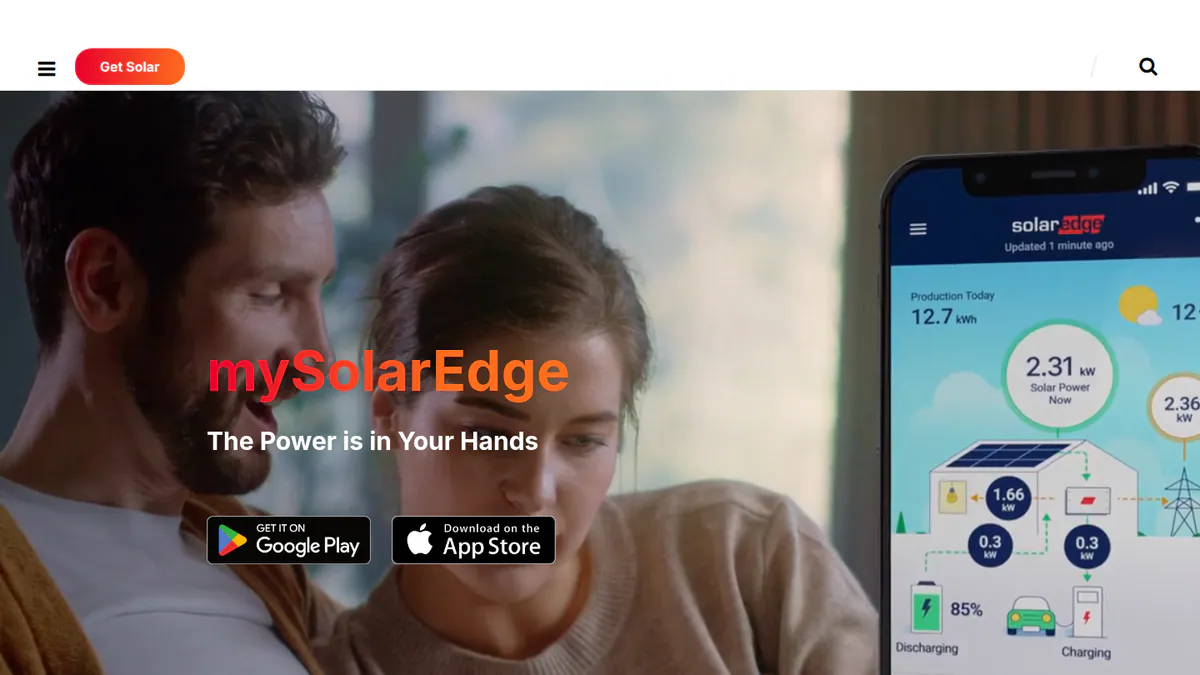
5. mySolarEdge / SolarEdge Monitoring Platform: best for optimiser pairing and commissioning reports
Best for: SolarEdge installers who pair optimisers and file commissioning reports from a phone. Score: 71.6/100.
What it is: SolarEdge Technologies runs the mySolarEdge owner app and a web Monitoring Platform with module-level fleet views. Installers get the SolarEdge GO app (late 2024), and C&I (commercial and industrial) sites get SolarEdge ONE.
Why we picked it: The GO app puts optimiser pairing, commissioning reports and a fleet map on one phone. SolarEdge also ships updates often.
Key features:
- GO app fleet map with uptime across sites.
- Commissioning, optimiser pairing and commissioning reports in GO.
- Alerts, error logs and remote fault-finding.
- Module-level output through optimisers.
- Owner view of energy flow, battery and EV control.
Pricing: Free with SolarEdge hardware, per our research and owner reports. SolarEdge ONE pricing is not published (SolarEdge release). We fetched no SolarEdge price page. Checked October 2026.
Pros (from user reviews):
- Optimiser mapping finds a failed panel fast.
- Inverter status is on show, which speeds up fault-finding.
- Owners rate it well: it came first in SolarQuotes’ December 2025 Australian roundup.
Cons (from user reviews):
- Recent Google Play reviews report login failures and repeated logouts.
- Updates broke panel-level and daily figures.
- Owners report poor support, which tends to land on the installer.
Reviews: App Store 4.6/5 (18,700, via tracker apppricinglab.com) and Google Play 3.95/5 (194,018, via tracker chrome-stats.com), checked October 2026.
Want to see mySolarEdge / SolarEdge Monitoring Platform working? Book a demo with the SolarSoftwares team.
Book a demoYour request goes by email to the SolarSoftwares team. A time is set only after we reply. It does not change any score or ranking.
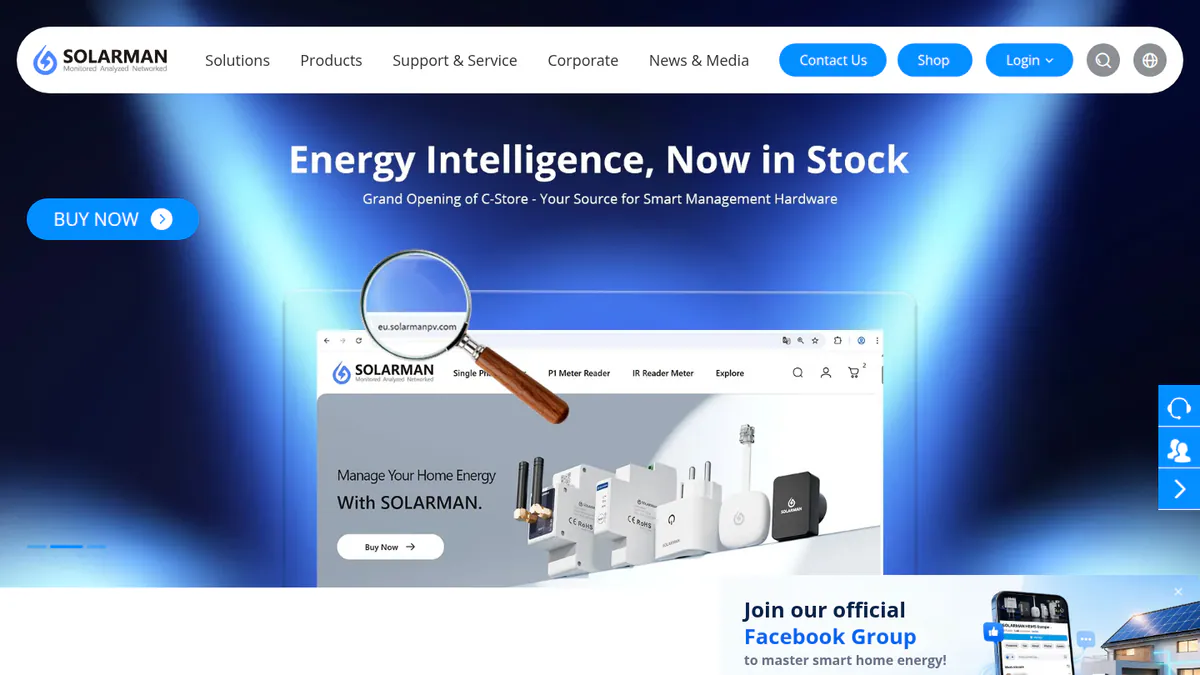
6. SOLARMAN Business / Cloud: best for distributors and O&M teams on logger sites
Best for: Installers, distributors and O&M (operations and maintenance) providers whose sites report through SOLARMAN dataloggers. Score: 68.5/100.
What it is: IGEN Tech runs SOLARMAN Business for installers on web and mobile. It pairs with the free SOLARMAN Smart owner app. It reads third-party inverters, though the company does not list which brands.
Why we picked it: It reads third-party inverters through its loggers, with fleet views down to strings and alerts that suggest a cause. That suits distributors and O&M teams with mixed logger sites.
Key features:
- Fleet view from plant groups down to strings.
- O&M alerts with likely causes and repair tips.
- Side-by-side comparison of sites.
- Remote control of third-party inverters and smart loads.
- AI data checks and output forecasts.
Pricing: You have to ask the company for a price, with no Business price published (SOLARMAN site, checked October 2026).
Pros (from reviews and our research):
- Lots of system data in one place, an App Store reviewer says.
- An O&M firm quoted by the company values the cross-site comparison.
- One hub for SOLARMAN devices, third-party inverters and smart loads, so mixed sites need one login.
Cons (from user reviews):
- Battery charge readings lag, so data is not real time.
- An update removed a max-power command.
- Batteries go missing until the plant type is reset.
Reviews: App Store 4.2/5 (6 ratings, store page), checked October 2026. Too few to rely on. Google Play not reached.
Want to see SOLARMAN Business / Cloud working? Book a demo with the SolarSoftwares team.
Book a demoYour request goes by email to the SolarSoftwares team. A time is set only after we reply. It does not change any score or ranking.
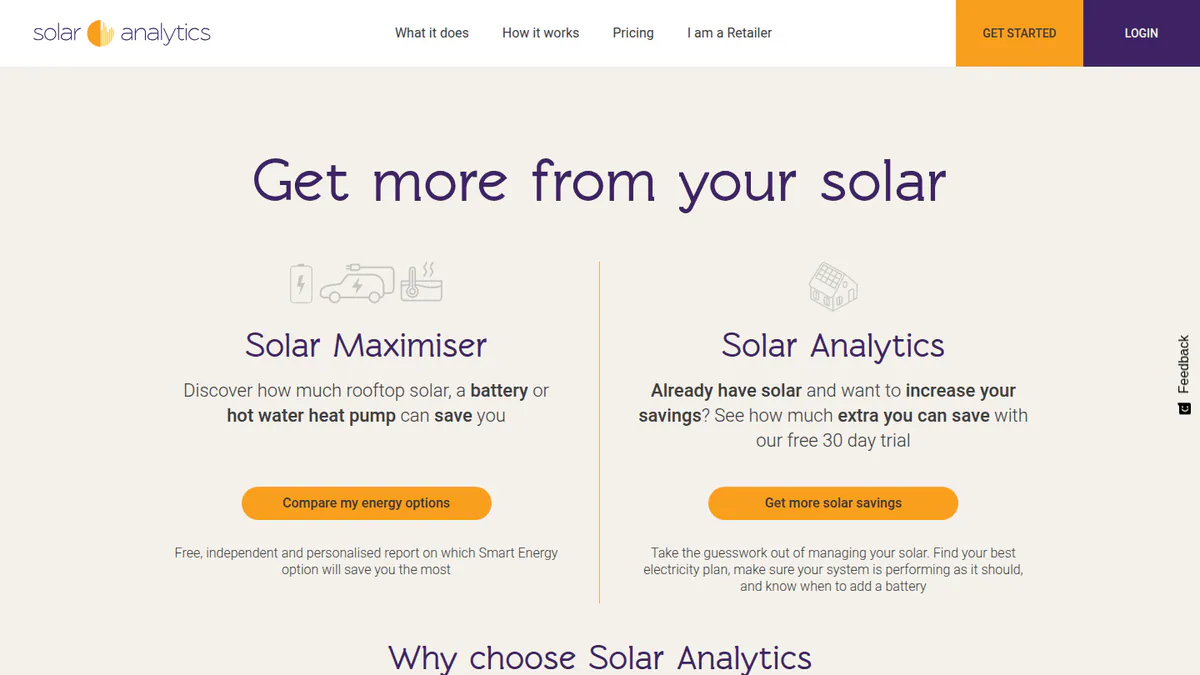
7. Solar Analytics: best for Australian retailers adding fault diagnostics
Best for: Australian retailers who want automated diagnostics on Fronius, Sungrow, GoodWe, GE Solar or LG sites. Score: 68.0/100.
What it is: Solar Analytics is an Australian diagnostics subscription, owned by Catch Power since 2024. Solar retailers sell it to their customers. Its Wattwatchers device closed to new installs on 1 July 2026.
Why we picked it: Its automated fault and shading checks read five inverter brands, and the price is public. That gives Australian retailers a low-cost add-on to the brand apps.
Key features:
- Automated fault, shading and under-performance checks.
- 5-second data, with circuit-level use when a device is fitted.
- Alerts and notifications.
- Load control through CATCH Control.
- Sold through a retailer channel.
Pricing: AUD 6 per inverter per month including GST, AUD 60 per year or AUD 250 for five years. It is free with a CATCH Control device, with hardware quoted by the retailer. A 30-day trial is on offer via Get Started. Checked October 2026 on the pricing page.
Pros (from our research):
- Analytics are free with a CATCH Control device, so customers pay no subscription.
- Automated fault and shading checks flag problems before the customer calls.
- Reads five inverter brands: Fronius, Sungrow, GoodWe, GE Solar and LG.
Cons (from user reviews):
- Support gets mixed reports: some users praised it after the CATCH move (April 2026), but others say emails go unanswered.
- The 3G shutdown forced hardware swaps.
- Lifetime plans are gone for new customers.
Reviews: None to display as of October 2026. The My Solar app has too few App Store ratings to show and no Google Play rating (10,000+ installs).
What we could not confirm: Installer fleet portal features. The company page does not describe them.
Want to see Solar Analytics working? Book a demo with the SolarSoftwares team.
Book a demoYour request goes by email to the SolarSoftwares team. A time is set only after we reply. It does not change any score or ranking.
How do the 7 apps compare on field jobs?
App | Fleet view | Installer alerts | Commission from phone | Remote settings or firmware | Other brands |
|---|---|---|---|---|---|
Enphase | Yes (2023 evidence) | Not documented | Yes, Installer Toolkit | Remote commissioning | No |
FusionSolar | Yes | Yes, 4 severities | Yes, QR scan | Batch firmware | No |
Yes | Yes | Yes, Bluetooth | Equipment control | Yes, 20,000+ types | |
Yes, 10+ sites | Yes | Remote help (dealer report) | Console, firmware | No | |
SolarEdge | Yes, GO map | Yes | Yes, GO app | Remote troubleshooting | No |
SOLARMAN | Yes, to strings | Yes, with causes | Not documented | Remote control | Yes, unlisted |
Unconfirmed | Yes, diagnostics | Not documented | Load control | Yes, five brands |
Also considered
- Sunny Portal powered by ennexOS (SMA): Scored 67.6/100, just behind our top 7. It is free with SMA hardware, and Smart Connected emails fault alerts to the installer. But it has no phone-first installer app, and the ennexOS move kept only 60 days of daily graphs. The SMA Energy owner app rates 3.6/5 (1,118, US store via tracker).
- iSolarCloud (Sungrow): Scored 59.0/100. It is free with Sungrow hardware and offers remote I-V (current-voltage) curve checks. Its app rates 2.4/5 (2,400, German store via tracker) after a cluttered 2026 redesign.
- Fronius Solar.web: Scored 54.0/100. Basic is free, and System Partners get Premium free. We could not confirm fleet tools on a Fronius page. The App Store rating is weak at 3.1/5 (7 ratings).
- SEMS Portal / SEMS+ (GoodWe): Scored 54.0/100, tied with Fronius. Its roles suit EPC (engineering and construction firm) set-ups. But the SEMS Portal app rates 1.8/5 (417, via tracker), with crashes after updates.
- Sunsynk Connect: Scored 51.1/100. Owners can share plants with their installer for remote support. We found no documented fleet view across customer plants, and the App Store rating is 2.1/5 (17).
- ShinePhone / ShineServer (Growatt): Scored 45.6/100. Its core facts come only from a distributor FAQ and a Growatt-supplied article, so it lost 2 points. A fleet view is not confirmed, and the App Store rating is 3.0/5 (53, via tracker).
- SolisCloud and Solplanet App: Single-brand inverter apps outside this page’s candidate set. We did not score either here.
How do you choose a solar monitoring app?
- Fit one inverter brand? Use that brand’s installer tools. Enphase, Huawei and SolarEdge document the most on-site commissioning.
- If you service several inverter brands and fit Tigo optimisers, pick Tigo EI. Professional (USD 199 per company per year) adds a portfolio dashboard.
- When your sites report through SOLARMAN loggers, ask for a Business quote and a list of brands it reads.
- Australian retailers can compare Solar Analytics at AUD 6 per inverter per month with the brand apps they already have.
- For off-grid or backup systems, Victron VRM’s remote console saves the most site visits.
- Fronius System Partners (also considered) should take free Premium before paying for a third-party layer.
See also solar O&M software, solar commissioning software and free solar monitoring software.
Want more choices? Browse every tool we checked in our monitoring and asset management category.
Solar monitoring apps FAQs
What is the best app to monitor solar panels as an installer?
In our October 2026 ranking, Enlighten / Enphase App scores highest (78.1/100). Its installer side has a fleet dashboard, remote commissioning and CT checks. For mixed hardware, Tigo EI (74.0) is the best multi-brand option.
Which solar monitoring apps work with multiple inverter brands?
Three of the 7 apps we rank, as of October 2026. Tigo EI reads 20,000+ third-party inverter, meter and battery types next to Tigo kit. SOLARMAN Business reads third-party inverters through its loggers. Solar Analytics covers Fronius, Sungrow, GoodWe, GE Solar and LG, in Australia only.
Do installers get a separate app from homeowners for monitoring?
Usually. Enphase pairs its owner app with the Installer Portal and Installer Toolkit. SolarEdge pairs mySolarEdge with SolarEdge GO, and SOLARMAN pairs Smart with Business. Huawei and Victron use one app with account types or access levels.
Why does a customer’s monitoring app show no data or go offline?
User complaints in our October 2026 research point at the data link. Causes include dongle and Wi-Fi logger set-up failures (Growatt, Solis) and new routers (GoodWe), all also considered. Others are the 3G shutdown (Solar Analytics) and plant settings that hide the battery until fixed (SOLARMAN).
Sources
All checked 22 to 24 October 2026.
- Enphase: new app announcement, installer newsletter July 2023, App Store, Google Play via apppricinglab, SolarQuotes roundup
- Huawei FusionSolar: VP Solar, Huawei installer page, App Store via mwm.ai, electrician forum
- Tigo EI: pricing, monitoring page, App Store
- Victron VRM: VRM manual, managing multiple installations, App Store, NAZ Solar Electric
- SolarEdge: pv Europe on SolarEdge GO, SolarEdge ONE release, App Store via apppricinglab, Google Play via chrome-stats
- SOLARMAN: Business product page, site, App Store, powerforum.co.za
- Solar Analytics: subscription prices, SolarQuotes on the CATCH acquisition
- SMA: Sunny Portal manual, VP Solar, Zonnefabriek, SMA Energy via appfollow
- Sungrow iSolarCloud: product page, datasheet, App Store (DE) via mwm.ai
- Fronius: webshop launch, App Store, SolarQuotes worst-rated apps
- GoodWe: SEMS page, Solar Power World, September 2024, App Store via mwm.ai
- Sunsynk: App Store, Google Play developer page, Trustpilot, powerforum.co.za
- Growatt: distributor FAQ, promotional article (June 2026), App Store via mwm.ai
Last updated 28 October 2026. Next scheduled review: 23 January 2027.