Solar software is a set of programs that help an installer design systems, write proposals, monitor sites and track sales. For South Africa, we found no tool with a verified local office, ZAR (South African rand) pricing or local features. So this page picks the best tool for each job instead of ranking them.
OpenSolar is the free pick for design and proposals. PVsyst leads for engineering yield reports. For load-shedding backup, the free inverter-brand tools and Victron VRM do the job.
Why are these picks by job, not a ranking?
We found no tool with a verified South African office, ZAR pricing or local features. So none of the 12 we scored reached our minimum match score. Each pick below is instead the top globally sold tool on our dedicated ranking for that job. The numbers show the order of jobs, not a rank.
Load shedding (planned power cuts) makes backup a common reason to buy, so PV and storage are usually designed together. Deye and Sunsynk hybrid inverters are widespread, and installers on the PowerForum discussion board describe sizing Deye strings by hand.
Quick picks
# | Job | Pick | Type | Starting price (company page, checked October 2026) | Score on its job page /100 |
|---|---|---|---|---|---|
1 | Design and proposals | Global platform | Free (paid API and connectors) | 79.3 (design and proposal ranking) | |
2 | Detailed PV and storage design | Global desktop tool | EUR 845 per year plus VAT | 77.7 (design ranking) | |
3 | Engineering yield for C&I and utility | Global desktop tool | CHF 700 per seat per year | 80.6 (simulation ranking) | |
4 | String sizing and hybrid design on SMA kit | Hardware-tied (SMA) | Free. PRO EUR 600 per year | 69.0 (free calculators ranking) | |
5 | Monitoring hybrid and backup systems | Hardware-tied (Victron) | Free with a Victron GX device | 72.1 (solar monitoring apps) | |
6 | Sales pipeline | General CRM | Free for 3 users | 68.8 (general tools section of our solar CRM page) |
How did we assess solar software for South Africa?
We scored 12 products for this page from 22 to 23 October 2026, using company documents, pricing pages, app-store listings and public user reviews. This was desk research: we did not run projects in any tool.
On this page’s own scores, a tool loses points when we find no sign that it is sold in South Africa. OpenSolar came closest on fit (58.7), and Pylon had the highest total (63.2), but none reached the minimum. On this page, the picks score OpenSolar 58.7, PV*SOL premium 52.5, PVsyst 50.8, Zoho CRM 45.8 and Sunny Design 37.6. Victron VRM was not in this set. So the score shown for each pick comes from its job page, where it was scored against tools doing the same job. Every score uses the same six criteria:
- Use-case fit (35%): How well the tool does the job its ranking covers. On this page’s own scores, tools with no named South African presence score lower. Tools with no sign of being sold here score lower still.
- User reviews (20%): G2, Capterra and app-store ratings. Ratings based on only a few reviews count for less. With fewer than 8 reviews, a product gets a middle score of 5 out of 10.
- Pricing (15%): Free and published prices score higher than quote-only.
- Ease of use, support and momentum (10% each): Review sub-scores and dated release notes. Each gets a middle score without evidence. Tools whose core facts we could not confirm with the company lose 2 points on momentum.
SurgePV is not part of this ranking. Full method: how we score software.
1. OpenSolar: best for design and proposals
Best for: Residential installers who want a customer proposal with no licence fee. Score: 79.3/100 on our solar design and proposal software ranking.
What it is: OpenSolar is a free design, proposal and sales platform. Hardware, finance and imagery partners fund it. The company cites more than 160 countries for its OS 3.0 release, though our research does not name South Africa.
Why we picked it: It is the top globally sold tool on our design and proposal ranking. The core platform is free, so there is no licence to pay in a foreign currency.
Key features:
- 3D and 2D rooftop design with shading.
- AI design (OS 3.0).
- Interactive web proposals with e-signature and payment collection.
- Lead capture.
- Hardware shop with distributors.
Pricing: The core platform is free. API access and the Xero or QuickBooks connectors are charged from 16 April 2026, at unpublished rates. Checked October 2026 on OpenSolar’s pricing announcement.
Pros (from reviews and our research):
- Adding and changing panels is easy, say G2 reviewers.
- The user-friendly app gives your team information in the field.
- You pay no licence fee for core design and proposals, so there is no currency to convert.
Cons (from reviews and our research):
- Panel design lacks automatic customisation, so an engineer still needs to review it.
- The interface feels dated, though it works.
- A reviewer calls it "not completely free": API access and accounting connectors cost extra at unpublished rates.
Reviews: G2 4.8/5 (3 reviews), checked October 2026. That is too few to rely on.
What we could not confirm: how deep its storage design goes for hybrid backup systems, and whether it names South Africa among its markets.
Read our full OpenSolar review or our OpenSolar alternatives.

Want to see OpenSolar working? Book a demo with the SolarSoftwares team.
Book a demoYour request goes by email to the SolarSoftwares team. A time is set only after we reply. It does not change any score or ranking.
2. PV*SOL premium: best for detailed PV and storage design
Best for: Designers who model PV with AC- or DC-coupled storage before they quote. Score: 77.7/100 on our solar design software ranking.
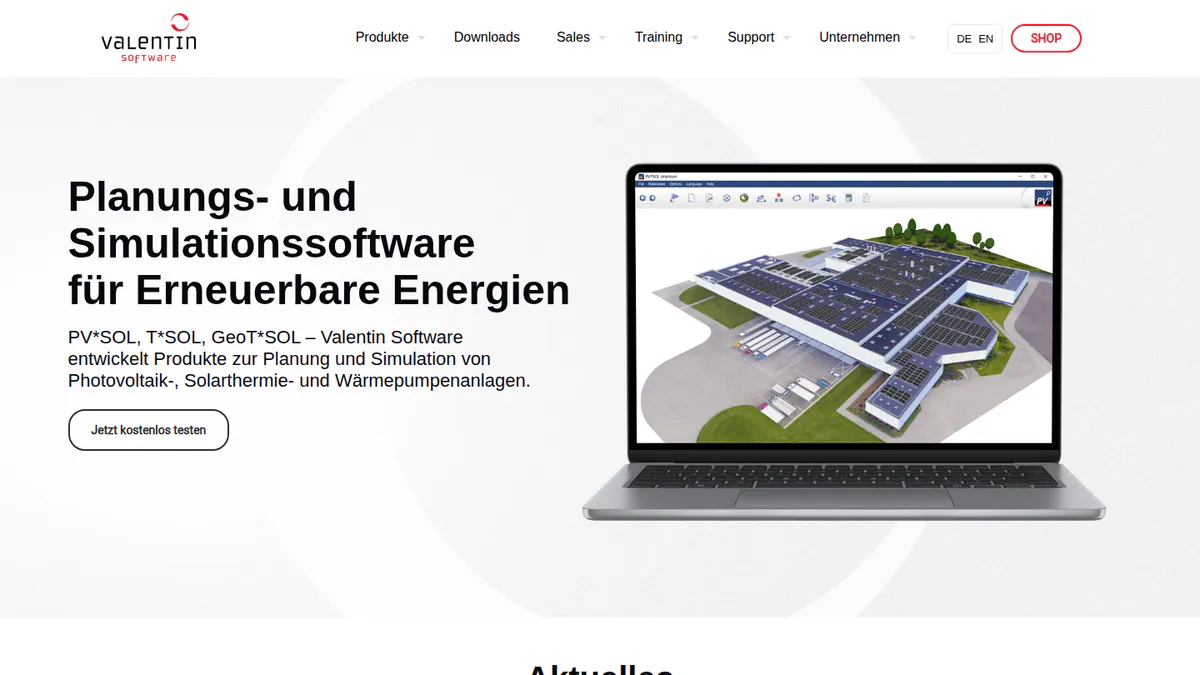
What it is: PV*SOL premium is Windows desktop software for 3D design, shading and yield simulation. Valentin Software GmbH in Germany makes it. Installers and planners rely on it for homes and C&I (commercial and industrial) sites. The 2026 version shipped on 24 November 2025.
Why we picked it: It models batteries, heat pumps and EV (electric vehicle) loads alongside PV, which suits backup-led designs. Its prices are published, with a 3-month option for busy spells.
Key features:
- 3D design with detailed shading analysis.
- Yield simulation using Meteonorm 9 climate data.
- AC- and DC-coupled battery storage.
- Heat pumps and EV loads with their own tariffs.
- Customer presentation export (PDF or DOCX) and JSON export.
Pricing: EUR 845 per named user per year, or EUR 285 for 3 months, plus VAT. The 2D version, PV*SOL, costs EUR 585 per year. A 30-day trial is available. Checked October 2026 in the Valentin shop.
Pros (from our research):
- Prices are published, and you can buy 3 months for a busy season.
- You can model storage, heat pumps and EVs in one simulation, which suits backup-led designs.
- A new major version every year keeps it current.
Cons (from our research):
- It is Windows desktop software, so it does not run in a browser or on a Mac.
- Customers get an exported presentation, not a web proposal they can sign.
- Prices are in EUR, with no ZAR option.
Reviews: G2 4.2/5 (12 reviews), checked October 2026. There is too little review text to summarise.
Read our full PV*SOL premium review or our PV*SOL premium alternatives.
Want to see PV*SOL premium working? Book a demo with the SolarSoftwares team.
Book a demoYour request goes by email to the SolarSoftwares team. A time is set only after we reply. It does not change any score or ranking.
3. PVsyst: best for engineering yield
Best for: Engineers who need yield reports for C&I and utility projects and their funders. Score: 80.6/100 on our solar simulation software ranking.
What it is: PVsyst is Windows desktop simulation software from PVsyst SA in Switzerland. Its main users are engineers, EPCs (engineering, procurement and construction firms) and lenders’ advisers. It models grid-connected, standalone and pumping systems, with battery storage.
Why we picked it: It is the top-scoring tool on our simulation ranking, and G2 reviewers say funders’ advisers trust its yield reports. It also models standalone systems with batteries.
Key features:
- Grid-connected, standalone and pumping system design.
- Battery storage and self-consumption strategies.
- A 3D near-shading scene with electrical mismatch losses.
- A loss diagram and P50/P90 (expected and conservative) yield reports.
- Weather import from Meteonorm 9, PVGIS, NSRDB, Solcast, SolarAnywhere and Solargis.
Pricing: PVsyst 8 Professional costs CHF 700 per seat per year. Student and Classroom licences cost CHF 25 per year. A 30-day evaluation uses generic components and watermarked reports. Prices are only in CHF. Checked October 2026 on the PVsyst shop.
Pros (from user reviews): Themes from G2 reviewers.
- Detailed, accurate yield modelling that funders’ advisers trust.
- Thorough loss analysis shows where energy goes.
- SketchUp integration helps you build 3D shading scenes.
Cons (from user reviews):
- The interface is dated and complex.
- New users face a steep learning curve.
- Building and managing 3D scenes takes time.
Reviews: G2 4.5/5 (22 reviews), checked October 2026.
Read our full PVsyst review or our PVsyst alternatives.
Want to see PVsyst working? Book a demo with the SolarSoftwares team.
Book a demoYour request goes by email to the SolarSoftwares team. A time is set only after we reply. It does not change any score or ranking.
4. Sunny Design: best for string sizing and hybrid design on SMA inverters
Best for: Installers who fit SMA inverters, including for backup. Score: 69.0/100 on our free solar calculators ranking.
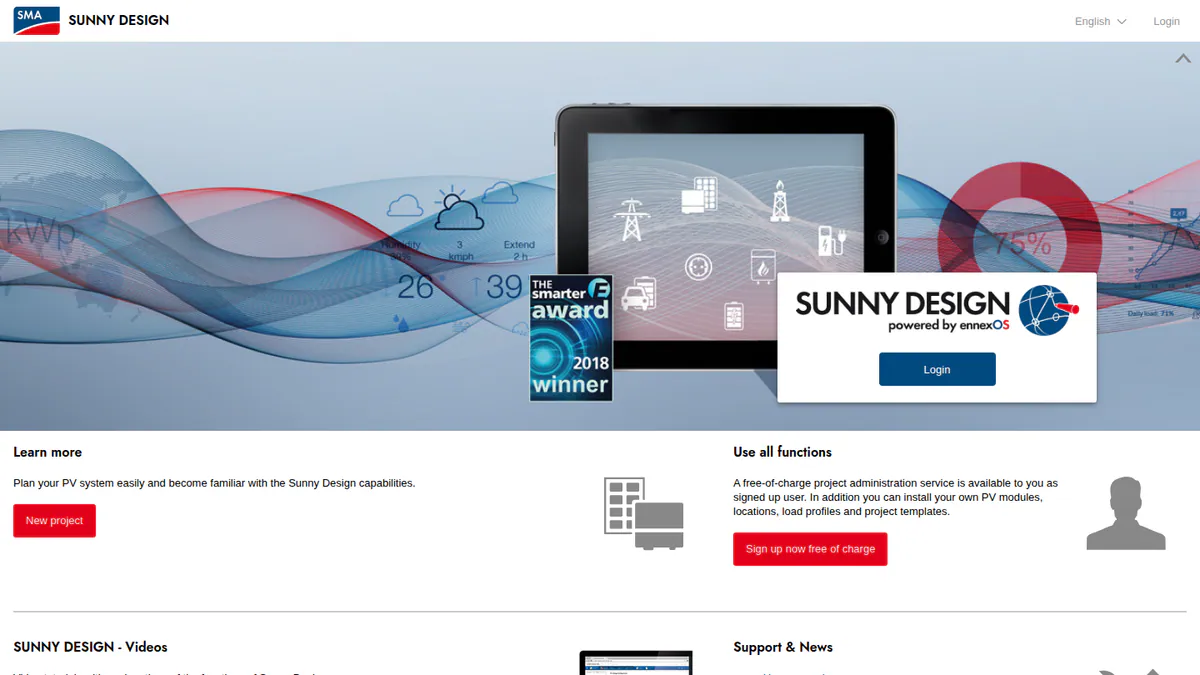
What it is: Sunny Design is the free planning tool from inverter maker SMA Solar Technology AG. It runs on the web, iPad and Android tablets. Installers use it to size strings and design PV, storage, off-grid and PV-hybrid systems around SMA inverters.
Why we picked it: It sizes strings and designs hybrid and off-grid systems for SMA kit in one free tool. It runs on tablets, so you can use it on site.
Key features:
- String sizing with automatic string alignment against SMA inverters.
- Yield and self-consumption forecasts with shading losses.
- Battery storage, off-grid and PV-hybrid design.
- A downloadable schematic and SMA device list (CSV).
Pricing: Free, though some features need a registered account. Sunny Design PRO costs EUR 600 a year net, with a one-month free trial. Checked October 2026 on the SMA product page.
Pros (from our research):
- You get string sizing, yield and storage design in one free tool.
- A device list and schematic export give you a ready parts list for the job file.
- It runs on the web and on tablets, so you can size strings on site.
Cons (from our research):
- It is built around SMA kit, so it does not help with Deye, Sunsynk or Victron systems.
- Detailed costing and sector coupling need PRO, at EUR 600 a year.
- With no user reviews, you have no outside view of how well it works.
Reviews: No user reviews found. Sunny Design has no G2, Capterra or app-store listing (checked October 2026).
What we could not confirm: whether other inverter brands can be modelled.
Read our full Sunny Design review or our Sunny Design alternatives.
Want to see Sunny Design working? Book a demo with the SolarSoftwares team.
Book a demoYour request goes by email to the SolarSoftwares team. A time is set only after we reply. It does not change any score or ranking.
5. Victron VRM: best for monitoring hybrid and backup systems
Best for: Installers who fit Victron kit for load-shedding backup and need remote access. Score: 72.1/100 on our solar monitoring apps ranking.
What it is: VRM (Victron Remote Management) is the free cloud portal and app from Victron Energy in the Netherlands. It monitors, configures and updates Victron off-grid, hybrid and ESS (energy storage system) setups through a GX device (Victron’s communication hub). Installers can run whole fleets through its teams and groups.
Why we picked it: It lets you monitor, configure and update Victron hybrid and backup systems remotely at no cost. Its fleet tools suit installers who look after many sites.
Key features:
- A Fleet Dashboard for 10+ sites, with alarm counts and battery checks.
- Teams and installation groups with Admin, Technician and User access.
- A remote console for full remote control of the GX device.
- Remote firmware updates and remote VE.Configure (Victron’s inverter settings software) set-up.
- Alarms by email or push, plus AI solar and battery forecasts.
Pricing: Free, per the VRM manual (checked October 2026). It needs a Victron GX device or GlobalLink 520 with internet.
Pros (from reviews and our research): From the App Store and a dealer guide.
- One installer calls it their favourite remote platform, and it improves often.
- A user says it showed everything needed to find a load fault and manage generator charging.
- You can see live site data remotely, which speeds up fault-finding and commissioning.
Cons (from user reviews):
- Graphs are awkward to use on a phone.
- The Remote Console is cut off on some iPhones.
- Alarm notifications ignore the Fahrenheit setting.
Reviews: App Store 3.4/5 (56 ratings), checked October 2026. Google Play was not reached.
Want to see Victron VRM working? Book a demo with the SolarSoftwares team.
Book a demoYour request goes by email to the SolarSoftwares team. A time is set only after we reply. It does not change any score or ranking.
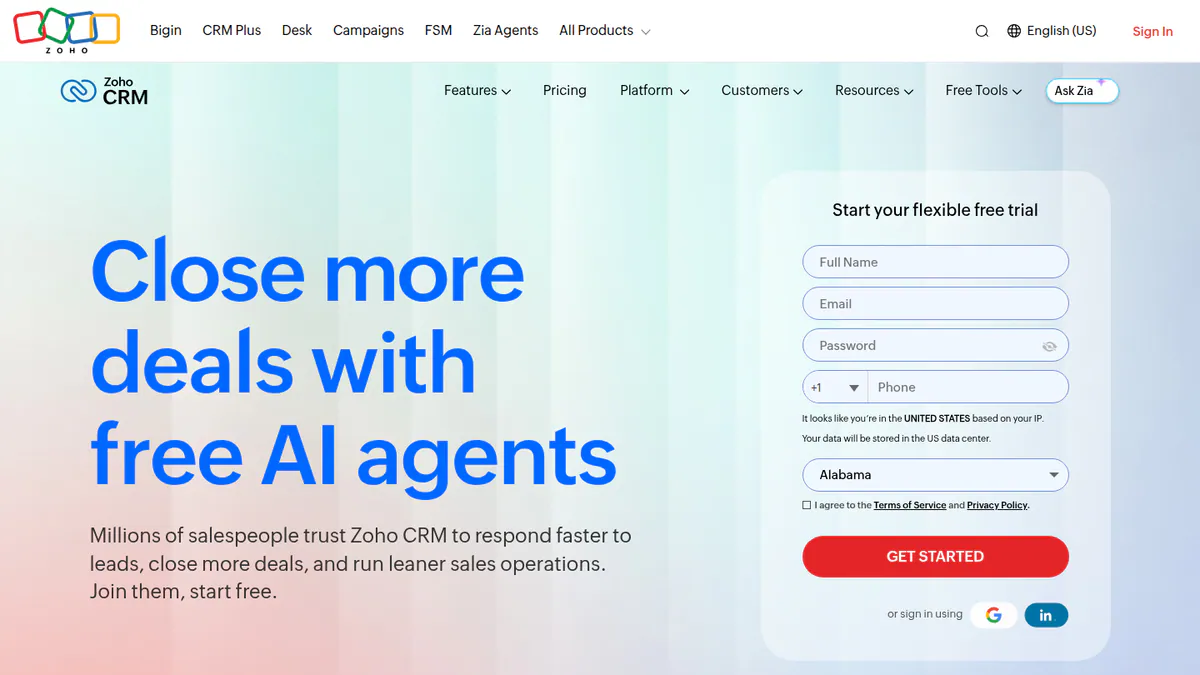
6. Zoho CRM (general CRM): best for a free sales pipeline
Best for: Small installers who want to move their pipeline out of spreadsheets at no cost. Score: 68.8/100 in the general tools section of our solar CRM page.
What it is: Zoho CRM is a customisable general CRM (customer relationship management) tool from Zoho Corporation. It is aimed at small and mid-size sales teams. It is not built for solar, and nothing solar comes out of the box.
Why we picked it: It is free for three users and has a huge review base, with 7,005 Capterra reviews. Custom stages let you track site visits, quotes and SSEG (small-scale embedded generation) submissions.
Key features:
- Leads, contacts, deals and pipelines.
- Workflow automation and blueprints.
- Custom dashboards and modules, so you can add stages for site visit, quote, install and SSEG submission.
- The wider Zoho suite, including Books, Desk and Sign.
Pricing: Free for 3 users. Paid editions are priced per user per month and vary by region. We verified only INR prices (Standard INR 800 per user per month, billed annually), so check the South African price on Zoho’s site. Checked October 2026 on Zoho’s edition comparison.
Pros (from user reviews): From Capterra reviewers.
- It is easy to use, with a simple layout.
- You can shape dashboards, workflows and automation to your own job stages.
- Good value for money next to rivals.
Cons (from user reviews):
- There is a real learning curve, and set-up may need outside help.
- The interface can feel cluttered.
- Support can be slow.
Reviews: G2 4.1/5 (2,947 reviews) and Capterra 4.3/5 (7,005 reviews), checked October 2026.
Want to see Zoho CRM (general CRM) working? Book a demo with the SolarSoftwares team.
Book a demoYour request goes by email to the SolarSoftwares team. A time is set only after we reply. It does not change any score or ranking.
SurgePV (unscored): for readers comparing the design-to-proposal part of an installer workflow. It is not a built-in CRM or fleet-monitoring platform. Check local outputs. The numbered scores above do not include it.
Sources checked 27 October 2026: SurgePV product information · SolarSoftwares SurgePV review
Book a demo of SurgePV with the SolarSoftwares team.
Book a demoYour request goes by email to the SolarSoftwares team. A time is set only after we reply. It does not change any score or ranking.
Which other global platforms show no South African presence?
These tools score well elsewhere but name other markets, not South Africa, and price in their own currency. Check that the company will contract with a South African business before you commit. Scores here are from this page.
Pylon: design and proposals paid per job
Score: 63.2/100, the highest total on this page, but a weak match here because we found no sign of a South African presence. Pylon is a Sydney-based design and proposal tool with unlimited users and battery design. It names Australia, the UK, Ireland and the US, not South Africa.
Pricing: On the UK page, Standard is GBP 4 per project and Pro GBP 10 per project. A CRM add-on starts at GBP 49 per user per month. We could not confirm prices in any other currency. Checked October 2026 on the Pylon UK pricing page.
What it does for you: Solar and battery design on aerial images, editable SLDs (single-line diagrams, July 2026), proposals with eSignature and an optional CRM. Its compliance features serve the UK and Australia, not South Africa. They are MCS reports and STC incentives.
Reviews: Capterra 4.6/5 (25 reviews) and G2 4.3/5 (2 reviews), checked October 2026. Reviewers say imagery quality varies by location, so check your area during the free credits.
Arka 360: 3D design with SLD export
Score: 53.2/100. With no sign of a South African presence, it is a weak match here. Arka 360 is a cloud design and proposal platform with offices in Bengaluru and Allen, Texas.
Pricing: US plans run from USD 159 a month (Basic) to USD 999 (Enterprise). SLD export is on Premium at USD 199 a month. Checked October 2026 on the Arka 360 pricing page.
Reviews: G2 4.3/5 (137 reviews), checked October 2026. Reviewers praise shadow analysis and cite lag on projects of 3 MWp and above.
HelioScope: cloud C&I design
HelioScope (46.2/100) is Aurora’s cloud C&I design tool for systems up to 30 MW DC. It starts at USD 159 a month (HelioScope pricing).
What hardware-tied tools do the inverter brands give you?
Many installers already have one of these, because they come free with the inverter. Each works only with its own brand, and most are utilities rather than design platforms. Scores here are from this page. Monitoring portals such as Deye Cloud and SolarMAN are covered on our solar monitoring apps page.
Sunsynk Connect: monitoring Sunsynk hybrid systems
Score: 30.4/100. Sunsynk Connect is the free monitoring and remote-settings app and web portal for Sunsynk hybrid inverters and batteries. It has a large user base in South Africa and the UK.
Pricing: Free with a Sunsynk inverter and data logger. A separate AI app, Sunsynk Connect Pro, has a paid trial, but we found no price. Checked October 2026 on the App Store listing.
What it does for you: Real-time PV, battery, grid and load data, and remote inverter settings. It also has plant sharing with the installer, fault and power-loss alerts, PDF reports and in-app live chat.
Reviews: App Store 2.1/5 (17 ratings, storefront unclear) and Google Play 2.9/5, checked October 2026. App reviewers cite delayed data and buggy updates. A PowerForum thread shows grid-reconnect alerts were missing until a January 2024 fix. Trustpilot reviewers praise the in-app support chat.
Deye PV String Calculator: matching strings to Deye inverters
Score: 32.0/100. Deye links a free web PV String Calculator from its support menu. The facts here come from that link and earlier research, because we could not open the tool page itself in October 2026.
Pricing: Free, Deye inverters only. Checked October 2026 via Deye’s support pages.
What it does for you: Earlier research describes string sizing per MPPT (maximum power point tracker). It uses module Voc (open-circuit voltage), Isc (short-circuit current) and temperature. It has no layout and no yield. Deye Brazil also publishes a separate hybrid systems calculator for battery sizing.
Victron Toolkit: cable and voltage-drop checks on Victron systems
Score: 37.2/100. Victron’s free mobile app decodes LED status codes. It works out voltage drop and cable size for DC, single-phase and three-phase AC, and applies temperature derating to Victron inverter-chargers. It was rebuilt in September 2024.
Pricing: Free on iOS and Android. Checked October 2026 on Victron’s blog.
Reviews: App Store 3.2/5 (11 ratings), checked October 2026. Users find it a helpful reference but say slider inputs are hard to set precisely.
SolarEdge Designer: design for one brand
SolarEdge Designer (39.2/100) was launched as a free web design tool for SolarEdge inverters and optimisers. Our facts come from 2018-2020 press, not a current company page.
What could we not find?
- A South African company or ZAR pricing. We found no South Africa-built design, proposal or CRM product, and every price here is in GBP, USD, EUR, CHF or INR. A Capterra South Africa directory lists a product called "SolarDarft", which we could not verify.
- SSEG paperwork. No tool we scored documents municipal or Eskom SSEG applications.
- Load-shedding schedules. No tool documents importing load-shedding schedules. The closest feature is power-loss and reconnect alerts in inverter apps such as Sunsynk Connect.
How do the South African picks compare?
Tool | Type | Design | Hybrid storage | Proposals | Monitoring | South African presence |
|---|---|---|---|---|---|---|
Global platform | Yes | Depth unconfirmed | Yes | No | Not named | |
Desktop design | Yes | AC and DC coupled | Customer presentation | No | Not named | |
Desktop simulation | 3D shading scene | Battery and standalone | No | No | Not named | |
SMA only | Yes | Off-grid and hybrid | No | No | Not named | |
Victron only | No | Monitors and configures ESS | No | Yes | Not named. Strong in backup markets worldwide | |
General CRM | No | No | No | No | Not named | |
Global platform | Yes | Battery design | Yes | No | Not found | |
Global platform | Yes | Not documented | Yes | No | Not found | |
Sunsynk Connect | Sunsynk only | No | Monitors batteries | No | Yes | Large SA user base. No SA office in our research |
Deye PV String Calculator | Deye only | String sizing only | No | No | No | Not region-locked |
Victron Toolkit | Victron only | No | No | No | No | Not named |
How do you choose solar software in South Africa?
- If you mostly install Deye or Sunsynk hybrids for backup, size strings with Deye’s calculator and monitor in Sunsynk Connect. Use OpenSolar for the customer proposal.
- On Victron systems, monitor and support customers through Victron VRM, and use Victron Toolkit for cable checks on site.
- If you install SMA, use Sunny Design for hybrid and off-grid sizing. For other brands, see our off-grid design and battery storage design rankings.
- For detailed PV and storage design on a desktop, trial PV*SOL premium for 30 days.
- If you design C&I or utility plants for funders, budget for PVsyst.
- If your pipeline lives in spreadsheets, start with Zoho CRM’s free plan for three users.
- If a company claims South African support, ask for a local contact and ZAR invoicing in writing. We could not confirm either for any tool.
- For other markets, compare our UK, Australia and India guides, or the global best solar software hub. Storage tools sit in our storage and microgrid category.
South Africa solar software FAQs
What is the best solar software in South Africa?
It depends on the job, because no single tool has a verified South African presence (October 2026). OpenSolar is the top free pick for design and proposals, and PVsyst leads for engineering yield. Victron VRM is the pick for monitoring Victron hybrid and backup systems.
Do South African installers have to pay for solar monitoring software?
Usually not for basic monitoring. Sunsynk Connect is free with Sunsynk inverters and a data logger, and Victron VRM is free with a Victron GX device. Other brands supply their own portals. Sunsynk’s AI app, Connect Pro, has a paid trial, but we found no price as of October 2026.
How should solar software handle load shedding in monitoring alerts?
It should alert you when the grid drops and when it returns. Sunsynk Connect sends fault and power-loss alerts, but a PowerForum thread shows grid-reconnect alerts were missing until a January 2024 fix. We found no tool that imports load-shedding schedules as of October 2026.
Which software handles SSEG registration paperwork?
None that we found. No tool we checked in October 2026 documents municipal or Eskom SSEG (small-scale embedded generation) applications. Installers still prepare the forms and single-line diagrams separately. Pylon and Arka 360 can produce SLDs you can attach.
Do South African solar installers need a solar-specific CRM?
Not necessarily, and we found no South African solar CRM. Small installers can start with OpenSolar’s lead capture or Zoho CRM’s free plan for three users. Pylon’s CRM add-on costs from GBP 49 per user per month (checked October 2026).
Sources
All checked 22 to 23 October 2026.
- OpenSolar: pricing announcement, G2
- PV*SOL premium: shop, G2
- PVsyst: shop, G2, G2 comparison
- Sunny Design: product page
- Victron VRM: VRM manual, App Store, dealer guide
- Zoho CRM: edition comparison, Capterra
- Pylon: UK pricing, Capterra
- Arka 360: pricing, G2
- HelioScope: pricing
- Sunsynk Connect: App Store, Google Play, PowerForum thread, Trustpilot
- Deye: support pages, PowerForum string sizing thread
- Victron Toolkit: Victron blog, App Store
- SolarEdge Designer: press release
Last updated 28 October 2026. Next scheduled review: 23 January 2027.