Solar monitoring software shows how much power your solar systems make. It also flags faults, such as a dead panel or a stopped inverter (the box that turns panel power into home power). Power Factors Unity ranks first on this list, at 71.0/100, for utility-scale (very large solar farms) and C&I (business and factory) fleets.
This page answers one question: which platform fits the size of your fleet and the mix of inverters in it. For zero-cost options, read free solar monitoring software. For phones, see solar monitoring apps.
For multi-site dashboards, see fleet monitoring software for installers. All of them sit in our monitoring and asset management category.
Quick picks
Rank | Product | Best for | Starting price (company page, checked October 2026) | Free plan / trial | Score /100 |
|---|---|---|---|---|---|
1 | Utility and large C&I portfolios | Quote only | Demo only | 71.0 | |
2 | Enphase Enlighten | All-Enphase residential fleets | ◐ Free with Enphase hardware | Free with Enphase hardware | 70.3 |
3 | All-SolarEdge fleets | ✓ Free with SolarEdge hardware | Free with SolarEdge hardware | 69.6 | |
4 | Mixed fleets on SOLARMAN loggers | Quote only | Owner app free with SOLARMAN logger hardware | 66.5 | |
5 | Small installers with Tigo MLPE | ✓ Free with Tigo hardware. Professional USD 199/company/year | EI Basic free with Tigo hardware | 66.2 | |
6 | European C&I loss analysis | Quote only | Demo only | 66.0 | |
7 | Mixed-brand rooftop fleets on a budget | ✓ EUR 5/site/month (up to 200 kWp) | Free demo access | 66.0 |
✓ Verified on the company’s own pricing page. ◐ Published by the company outside its pricing page (help centre, store or press release). ? We could not read the company’s pricing page, so the figure is not confirmed. Prices checked October 2026.
Quote only means the company shows no public price. You ask it for a quote.
How the 7 tools scored
- Use-case fit 35%
- User reviews 20%
- Pricing 15%
- Ease of use 10%
- Support 10%
- Momentum 10%
Tool | Score chart | Score |
|---|---|---|
71 out of 100 | 71.0 | |
70.3 out of 100 | 70.3 | |
69.6 out of 100 | 69.6 | |
66.5 out of 100 | 66.5 | |
66.2 out of 100 | 66.2 | |
66 out of 100 | 66.0 | |
66 out of 100 | 66.0 |
Each bar shows the weighted score out of 100.
Sub-scores at a glance (0-10)
Product | Use-case fit | User reviews | Pricing | Ease of use | Support | Momentum | Total /100 |
|---|---|---|---|---|---|---|---|
10.0 | 5.0 | 4.0 | 5.0 | 5.0 | 10.0 | 71.0 | |
7.8 | 7.1 | 6.0 | 7.5 | 5.0 | 7.5 | 70.3 | |
9.4 | 5.0 | 6.0 | 5.0 | 2.5 | 10.0 | 69.6 | |
9.4 | 5.0 | 4.0 | 5.0 | 5.0 | 7.5 | 66.5 | |
7.8 | 5.0 | 6.0 | 7.5 | 5.0 | 7.5 | 66.2 | |
10.0 | 5.0 | 4.0 | 5.0 | 5.0 | 5.0 | 66.0 | |
9.4 | 5.0 | 7.0 | 5.0 | 5.0 | 2.5 | 66.0 |
A 5.0 on reviews, ease, support or momentum is our neutral value where public evidence is thin, not a judgement.
How did we rank these solar monitoring platforms?
How the score is weighted
- Use-case fit 35%
- User reviews 20%
- Pricing 15%
- Ease of use 10%
- Support 10%
- Momentum 10%
We scored 15 platforms from 22 to 24 October 2026 and ranked the top 7. We used company docs, price pages, trade press and public reviews. This was desk research, so we linked up no systems. We score on six points.
- Use-case fit (35%): How well it does this page’s job. Proof that it can watch many sites at once counts most. Then come alerts, output checks and customer reports.
- User reviews (20%): Ratings from only a few reviews count for less. Most store ratings here are for homeowner apps, not installer portals.
- Pricing (15%): Public or free prices score higher than prices you have to ask for.
- Ease of use, support and momentum (10% each): Review themes and dated product updates, or a middle score with no proof.
Products ranked 8th or lower, or below our minimum match score (4 out of 10), go to "Also considered". Scores are set per page, so the same tool can score differently elsewhere. SurgePV is not part of this ranking. Full method: how we score software.
What are the three kinds of monitoring platform, and what do they lock you into?
The group a platform belongs to decides what happens when you change inverter supplier. Several of the tools named below sit in "Also considered".
- Inverter-maker portals (Enphase, SolarEdge, SMA, Fronius, Tigo): Free with that maker’s kit, and they show the most device data. The catch is lock-in. Each sees only its own brand, so a second supplier means a second portal and alert queue. The company also sets the terms. Fronius moved features into paid Premium. SMA’s ennexOS move carried over only 60 days of daily graphs, per an installer’s account.
- Logger-based platforms (SOLARMAN, Solar-Log, VCOM, Solar Analytics): These read several brands through a logger or meter on site. A logger is a small device that collects data from the inverters. You swap inverter lock-in for logger lock-in. Solar Analytics’ Wattwatchers device closed to new installs on 1 July 2026, and old 3G units had to be replaced.
- Hardware-agnostic software (Solytic, 3E SynaptiQ, PowerTrack, and Power Factors Unity at enterprise scale): These show all your sites in one view, for any brand. They cost money, but they survive a change of supplier.
Sunvoy is a branded customer app on top of any of these. It is not a monitoring platform in its own right.
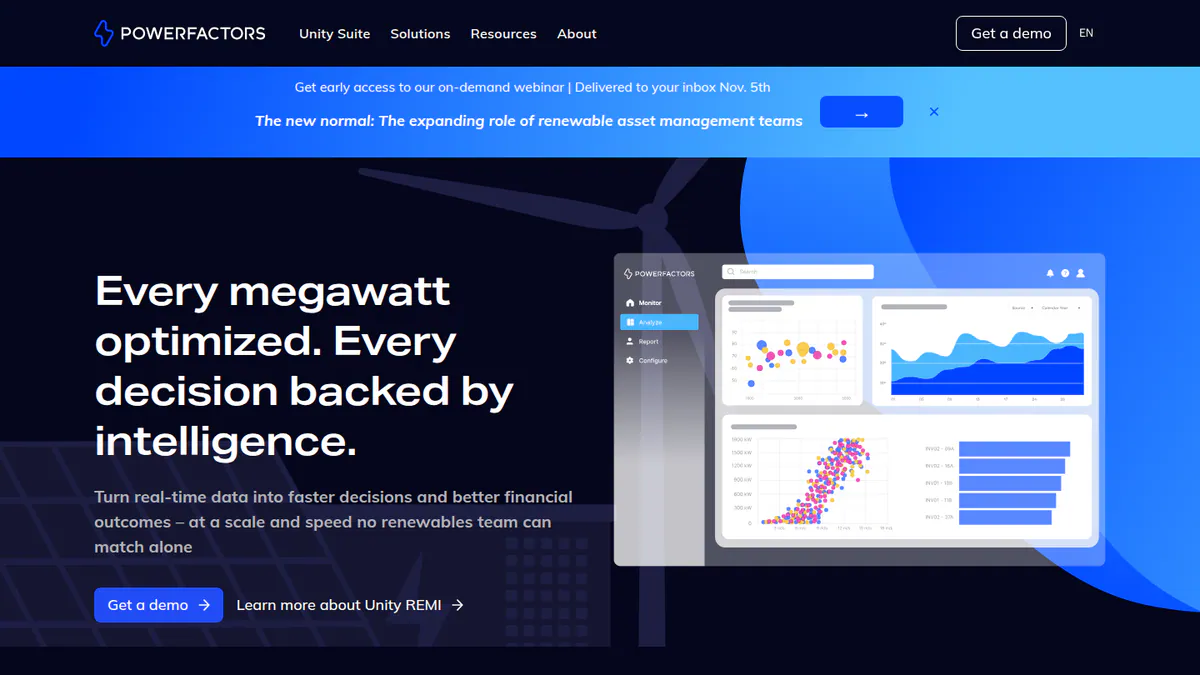
1. Power Factors Unity: best for utility-scale and large C&I portfolios
Best for: IPPs (independent power producers), asset managers and O&M (operations and maintenance) firms that run solar, wind and BESS (battery storage) fleets. Score: 71.0/100.
What it is: Unity is a suite for large firms from Power Factors, LLC. It merges the firm’s former Drive, Greenbyte and BluePoint products. Its REMI AI engine launched on 29 April 2026, and trade press said it was active across 30+ GW in Unity.
Why we picked it: It covers the whole job for large fleets, from SCADA and alerts to work orders and invoices, across solar, wind and storage. It also ships often, with REMI AI and two app releases in 2026.
Key features:
- Local and central SCADA (plant control and data), power plant controller and EMS (energy management system).
- Asset performance tools with Advanced Insights.
- Field service work orders, scheduling and stock.
- Asset and invoice management.
- REMI AI: forecasts, plain-English questions and agent-run workflows.
- iOS app to drill from fleet to device and sort events by energy or revenue loss.
Pricing: You have to ask the company for a price, with a demo on request. Checked October 2026 on the Power Factors website.
Pros (from our research):
- One company covers you from SCADA to work orders and invoices, so there are fewer systems to join up.
- Solar, wind, BESS and hybrid sites sit in one portfolio view.
- It ships often: REMI arrived in April 2026, then iOS app releases in May and July.
Cons (from our research):
- You have to ask the company for a price, so you cannot budget before a demo.
- Built for enterprise fleets, not home or small business installers.
- No G2 or Capterra reviews to judge it by.
Reviews: App Store 5.0/5 (1 rating), checked October 2026. That is too few to rely on.
What we could not confirm: A public list of connections.
Read our full Power Factors Unity review.
Want to see Power Factors Unity working? Book a demo with the SolarSoftwares team.
Book a demoYour request goes by email to the SolarSoftwares team. A time is set only after we reply. It does not change any score or ranking.
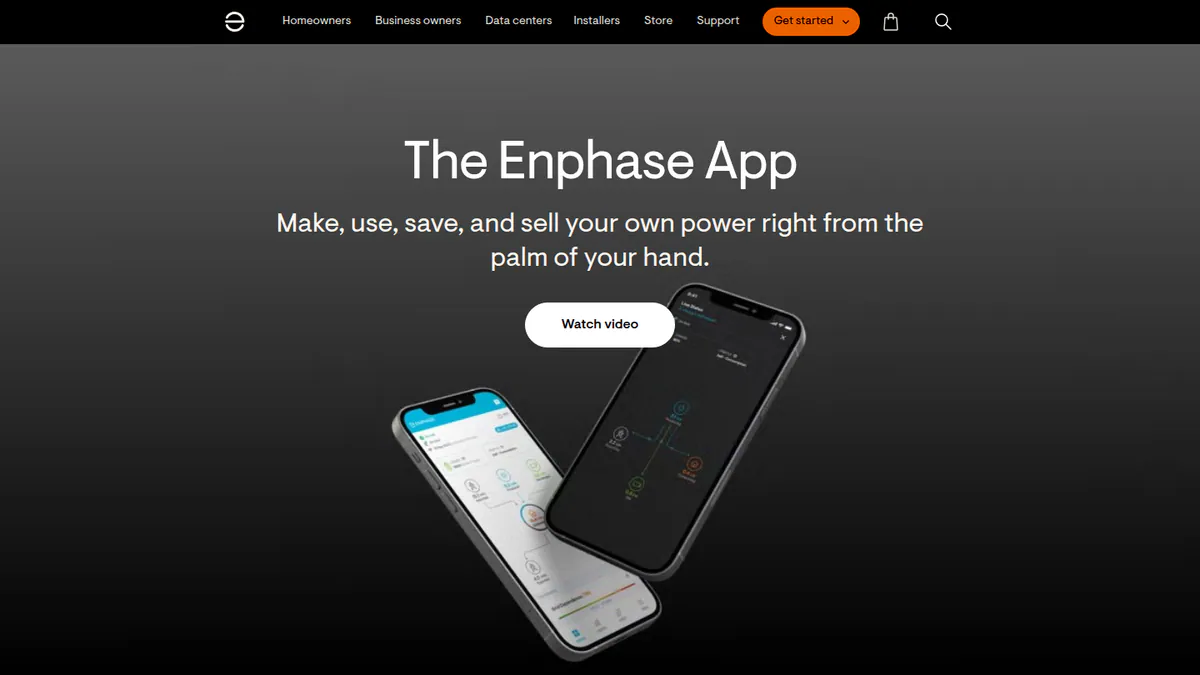
2. Enphase Enlighten / Enphase App: best for all-Enphase residential fleets
Best for: Home installers who fit Enphase microinverters and batteries. Score: 70.3/100.
What it is: This is Enphase Energy’s free monitoring stack for its microinverters (small inverters on each panel) and batteries. The Enphase App serves owners, while the Installer Portal and Installer App serve your fleet. Enphase has no price page, but its app pages list no paid features.
Why we picked it: It is free with the hardware, shows every panel and lets you commission and fix sites remotely. Its owner app also has the best user ratings on this page.
Key features:
- Per-panel (microinverter) array view.
- Installer Fleet Management Dashboard with site filters (per a July 2023 newsletter to installers).
- Remote commissioning, CT (current transformer) checks and grid profile choice.
- Installer Toolkit mobile app for commissioning.
- Battery profiles, reserve settings and Storm Guard for owners.
Pricing: Free with Enphase hardware for owners and registered installers. Earlier third-party reports of paid tiers could not be confirmed. Checked October 2026 on Enphase’s app announcement.
Pros (from user reviews):
- Per-panel data pinpoints a failed module, so you send a tech to the right panel (owner forum).
- Output is compared against past weather, with 12 months of raw data (SolarQuotes).
- Owners like the easy layout and help videos, which means fewer support calls.
Cons (from user reviews):
- Data comes in 15-minute steps, so the live view lags, and use figures can disagree with the utility meter.
- Alerts often fail.
- Installer Toolkit can crash during commissioning.
Reviews: App Store 4.6/5 (93,000 ratings) and Google Play 3.8/5 (28,700 ratings, via a third-party tracker), checked October 2026. These are homeowner ratings.
Want to see Enphase Enlighten / Enphase App working? Book a demo with the SolarSoftwares team.
Book a demoYour request goes by email to the SolarSoftwares team. A time is set only after we reply. It does not change any score or ranking.
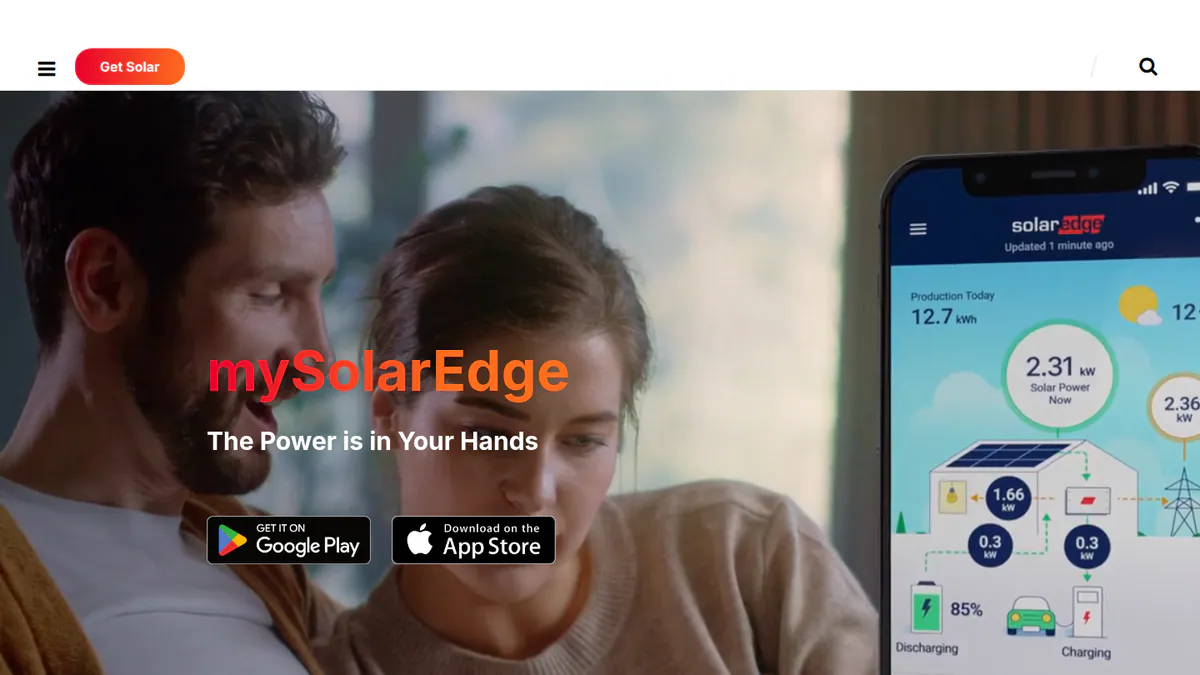
3. SolarEdge Monitoring Platform: best for all-SolarEdge residential and C&I fleets
Best for: Installers who have standardised on SolarEdge inverters and optimisers. Score: 69.6/100.
What it is: SolarEdge Technologies runs a set of tools to watch its inverters and optimisers (small devices on each panel). It includes the mySolarEdge owner app, the web Monitoring Platform, the SolarEdge GO installer app and SolarEdge ONE for C&I. Owners say it is free with SolarEdge hardware, but we did not reach a SolarEdge price page.
Why we picked it: It is free with the hardware and covers homes and C&I, with SolarEdge ONE for larger sites. Optimiser data and the GO app put panel-level faults and commissioning in one place.
Key features:
- Per-panel output through optimisers.
- Installer fleet map with multi-site uptime (SolarEdge GO).
- Alerts, error logs and remote set-up.
- Commissioning, optimiser pairing and set-up reports in the GO app.
- SolarEdge ONE for C&I: fleet view, live alerts and auto energy control.
Pricing: Free with SolarEdge hardware. SolarEdge ONE for C&I has no public price. Checked October 2026 against the SolarEdge ONE announcement.
Pros (from user reviews):
- Optimiser mapping makes a failed panel easy to find.
- Owners rate it well: it came first in SolarQuotes’ Australian app roundup (December 2025).
- Inverter status is on screen, which speeds up fault finding.
Cons (from user reviews):
- Recent Google Play reviews report login failures and repeated logouts.
- Updates removed or broke panel-level and daily figures.
- Support is slow, reviewers say.
Reviews: App Store 4.6/5 (18,700 ratings) and Google Play 3.95/5 (194,018 ratings), both via third-party trackers, checked October 2026.
Want to see SolarEdge Monitoring Platform working? Book a demo with the SolarSoftwares team.
Book a demoYour request goes by email to the SolarSoftwares team. A time is set only after we reply. It does not change any score or ranking.
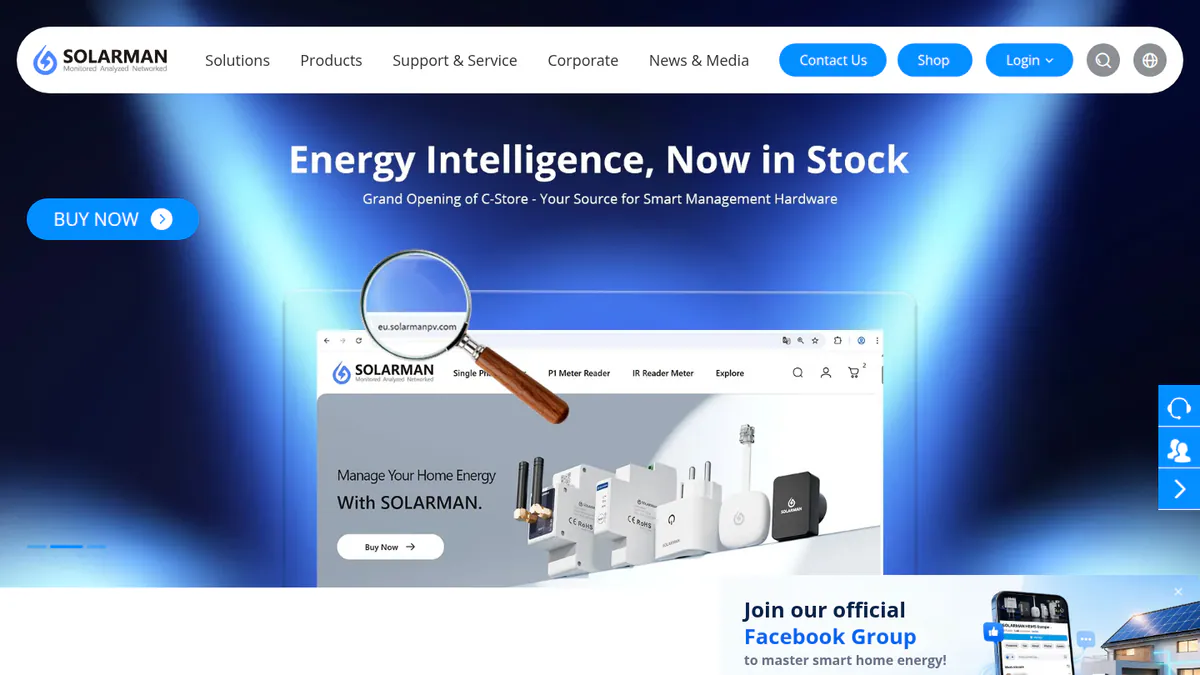
4. SOLARMAN Business: best for mixed fleets on SOLARMAN loggers
Best for: Installers and distributors with SOLARMAN loggers, which are common on Deye- and Sofar-family inverters. Score: 66.5/100.
What it is: SOLARMAN Business is the installer side of the cloud run by IGEN Tech, a Chinese company. It pairs with the free SOLARMAN Smart owner app. It reads several inverter brands, but only through SOLARMAN loggers on site.
Why we picked it: It lets you watch several inverter brands under one login, as long as each site has a SOLARMAN logger. Fleet views reach down to single strings.
Key features:
- Fleet view from plant groups down to single strings.
- Runs SOLARMAN devices, third-party inverters and smart loads.
- O&M alerts with likely causes and repair tips.
- AI data analysis and output forecasts.
- Web portal plus an iOS and Android Business app.
Pricing: You have to ask the company for a price for Business accounts, through a contact form. The owner app is free with SOLARMAN logger hardware. Checked October 2026 on the SOLARMAN website.
Pros (from reviews and our research):
- Shows a lot of system data, an App Store reviewer says.
- An O&M firm quoted by the company uses it to compare sites side by side.
- One login covers several inverter brands, as long as each site has a SOLARMAN logger.
Cons (from user reviews):
- Battery state of charge lags, so data is not real time.
- An app update removed the max-power command.
- Batteries and power flow go missing until the plant type is reset (Power Forum).
Reviews: App Store 4.2/5 (6 ratings), checked October 2026. That is too few to rely on.
Want to see SOLARMAN Business working? Book a demo with the SolarSoftwares team.
Book a demoYour request goes by email to the SolarSoftwares team. A time is set only after we reply. It does not change any score or ranking.
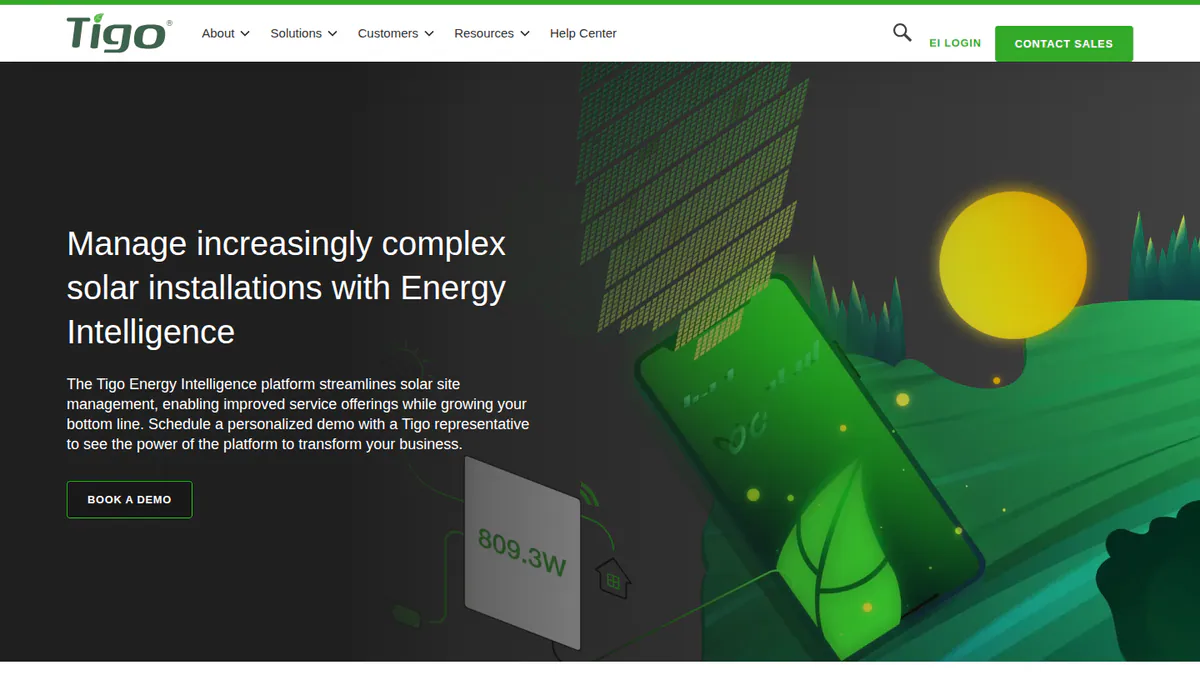
5. Tigo EI: best for small installers with Tigo MLPE
Best for: Tigo TS4 installers who want a cheap company-wide fleet dashboard. Score: 66.2/100.
What it is: Tigo Energy Intelligence (EI) is Tigo Energy’s web and phone app. It works with Tigo’s TS4 MLPE (module-level power electronics). You use it to watch, commission and run your fleet. Tigo says EI also reads 20,000+ third-party inverter, meter and battery types.
Why we picked it: The free Basic tier already gives installers a multi-site view and map. The paid fleet dashboard is one flat yearly fee per company, not per seat.
Key features:
- Per-panel data, plus a multi-site view and map on Basic.
- Bluetooth commissioning with bulk TS4 scanning.
- Virtual layout builder.
- Premium tier: API access and data export.
- Professional tier: fleet metrics, site-by-site checks and commissioning tracking.
Pricing: EI Basic is free with Tigo hardware for the life of the equipment. Premium costs USD 20 per site per year (up to 35 modules). Professional costs USD 199 per company account per year, with unlimited seats. The page shows a dollar sign only, so we assume USD. Checked October 2026 on the Tigo EI pricing page.
Pros (from user reviews):
- Detailed output data across hours, days and months.
- The module-level view helped one owner confirm a 30%+ output gain, the kind of proof customers like.
- One reviewer calls it reliable overall and would recommend it.
Cons (from user reviews):
- Some screens are not intuitive, and there is no "last updated" timestamp.
- Owners cannot fix a site location the installer set.
- Household use is not shown next to output.
Reviews: App Store 4.0/5 (127 ratings), checked October 2026. Several reviews date from 2020-2022.
Want to see Tigo EI working? Book a demo with the SolarSoftwares team.
Book a demoYour request goes by email to the SolarSoftwares team. A time is set only after we reply. It does not change any score or ranking.
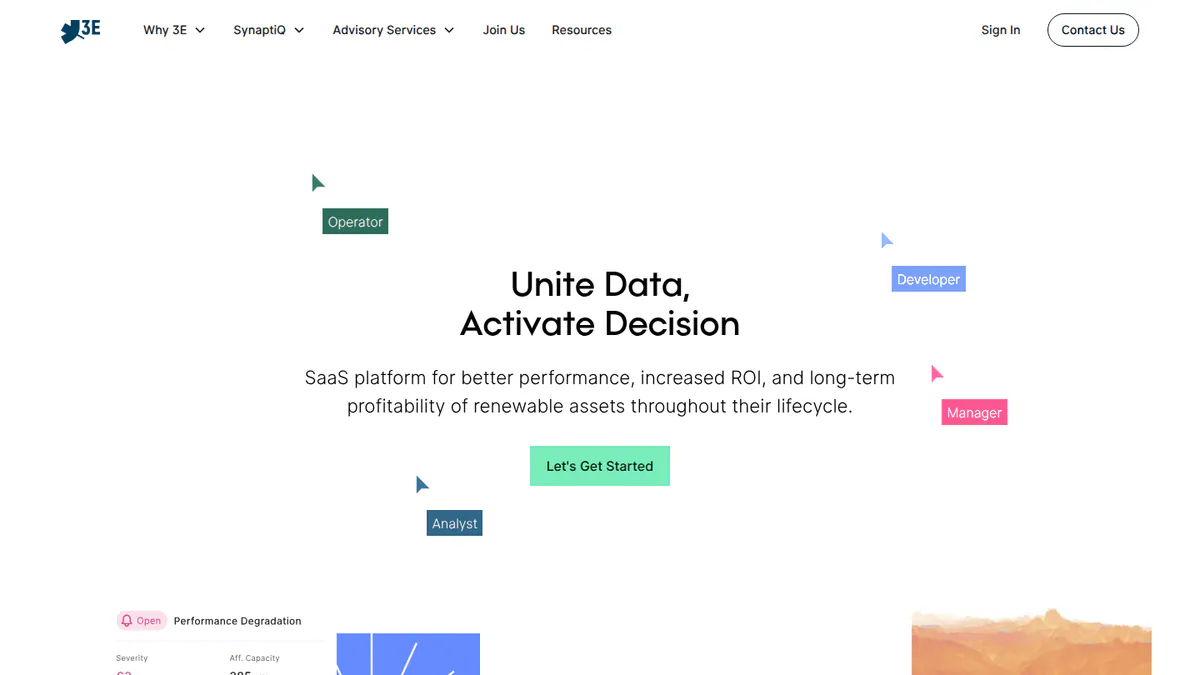
6. 3E SynaptiQ: best for European C&I portfolios needing loss analysis
Best for: Asset managers and O&M firms with European C&I fleets. Score: 66.0/100.
What it is: Brussels firm 3E makes SynaptiQ, monitoring and analytics software that works with any hardware. It splits losses into 21 groups, 13 of them recoverable, and ranks fixes by return on investment. Its buyers run C&I and utility portfolios.
Why we picked it: It tied for the best fit score on this page. It reads any brand and turns losses into a ranked list of fixes, which is what C&I owners pay for.
Key features:
- One view of all brands, with custom dashboards.
- Fault alerts that create tasks for site visits.
- Expected power output from satellite sunlight data, with no sensors on site.
- Fix suggestions ranked by return on investment.
- Customer portals and FlexiReport reports.
- API and raw-data server access.
Pricing: You have to ask the company for a price, with a demo on request. Checked October 2026 on 3E’s SynaptiQ case study page.
Pros (from our research):
- Losses split into 21 groups show where the money goes and which fixes pay back first.
- Expected power output comes from satellite data, so you need no sensors on site.
- Customer portals and FlexiReport give you reports to hand to clients.
Cons (from our research):
- You have to ask the company for a price, so you cannot budget before a demo.
- Its customer base is mainly European C&I and utility owners.
- No user reviews to judge it by.
Reviews: No listings on G2, Capterra or the app stores as of October 2026.
What we could not confirm: Recent product updates. We found no dated release notes.
Want to see 3E SynaptiQ working? Book a demo with the SolarSoftwares team.
Book a demoYour request goes by email to the SolarSoftwares team. A time is set only after we reply. It does not change any score or ranking.
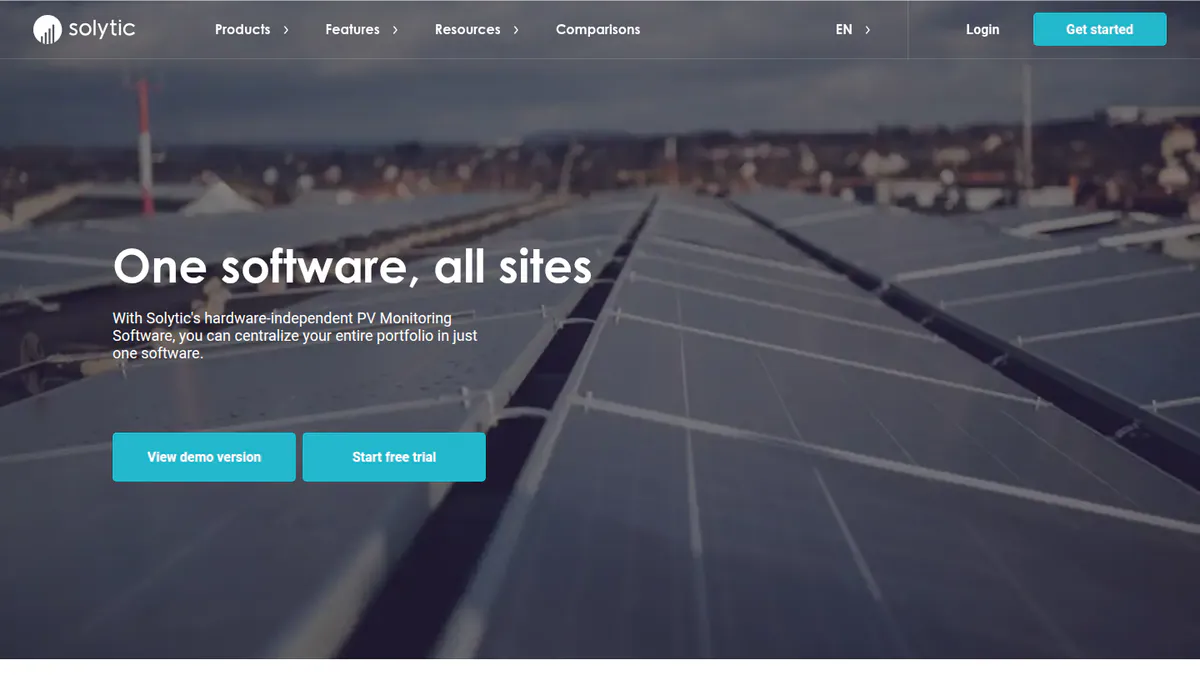
7. Solytic: best for mixed-brand rooftop fleets on a budget
Best for: European installers who watch many small mixed-brand sites. Score: 66.0/100.
What it is: Berlin-based Solytic reads data from 40+ makers with no extra hardware. It sells only to firms: installers, O&M firms and owners of mixed portfolios. S.E.E. (PV Secure) bought it in October 2024.
Why we picked it: It reads 40+ inverter makers with no extra hardware, so one view covers a mixed fleet. You can also try it with free demo access and no card.
Key features:
- Portfolio view across mixed fleets, with no lock-in to one hardware brand.
- Live alerts that say what caused the fault.
- Automated tickets and task notes.
- Report templates that go out to clients on their own.
- White-label portal with your own domain, email, logo and colours.
- GraphQL API.
Pricing: EUR 5 per site per month for sites up to 200 kWp, plus EUR 60 one-time setup per site. Above 200 kWp, it costs EUR 0.02 per kWp per month (EUR 0.50 per kWp setup). White label costs EUR 500 per month plus monitoring fees, with a 1-year minimum. Corporate clients only. Checked October 2026 on the Solytic pricing page.
Pros (from our research):
- You can cost a fleet before you call, because it has a full public price list.
- Monitoring and history survive a change of inverter supplier.
- It can run under your brand if you resell monitoring.
Cons (from our research):
- The EUR 60 setup fee per site adds up on a large fleet.
- White label costs EUR 500 per month on top, with a 1-year minimum.
- No user reviews to judge it by.
Reviews: No listings on G2 or Capterra as of October 2026.
What we could not confirm: A mobile app. Part of the feature list also comes from a 2021 product-update post.
Want to see Solytic working? Book a demo with the SolarSoftwares team.
Book a demoYour request goes by email to the SolarSoftwares team. A time is set only after we reply. It does not change any score or ranking.
How do the 7 solar monitoring platforms compare?
Product | Type | Hardware needed (brands read) | Fleet it suits | Starting price |
|---|---|---|---|---|
Independent software | None stated | Utility and large C&I, incl. wind and BESS | Quote only | |
Enphase Enlighten | Maker portal | Enphase only | Residential and small C&I | Free with Enphase hardware |
Maker portal | SolarEdge only | Residential and C&I (ONE for C&I) | Free with SolarEdge hardware | |
Logger-based | SOLARMAN logger (third-party brands not listed) | Residential and C&I | Quote only | |
Maker portal | Tigo (reads 20,000+ third-party device types) | Small and mid-sized installers | Free with Tigo hardware | |
Independent software | None (multi-brand) | C&I and utility | Quote only | |
Independent software | None (40+ makers) | Residential to utility | EUR 5/site/month |
Which general tools do installers also use?
These meters and home-automation tools are not scored here. See our free solar monitoring software page for their scores.
- eGauge (general energy meter): A revenue-grade meter (accurate enough for billing) with a free eGuard fleet portal. It costs from USD 833.38 for the 15-channel Core (checked October 2026). It is the one general tool with a real installer use: cross-brand metering.
- Home Assistant (general home-automation tool): Free open-source software with an Energy dashboard, made for hobbyists.
- OpenEnergyMonitor (general energy monitor): Open kit and Emoncms software for tech-savvy users.
- IoTaWatt (general energy monitor): No longer sold. Retail sales ended in May 2023.
Also considered
These platforms scored below our top 7. Each one still suits a narrow fleet.
- VCOM Cloud (scored 64.0/100): a good fit for O&M firms on meteocontrol blue’Log loggers, with alarms that become tickets and work orders. It has no public price, no user reviews and no dated release notes.
- Solar-Log WEB Enerest 4 (scored 62.5/100): it finds faults down to the string for European installers on Solar-Log loggers. Licence prices are not public, and its online services went down over a security flaw on 21 October 2026.
- Solar Analytics (scored 62.2/100): a paid fault-finding service for Australian retailers, from AUD 6 per inverter per month. It serves Australia only, and we could not confirm its installer fleet tools.
- Sunny Portal powered by ennexOS (scored 61.7/100): free with SMA hardware for all-SMA fleets. It sees only SMA kit, and the move from classic Sunny Portal lost detailed history.
- PowerTrack (scored 59.9/100): AlsoEnergy’s tool for US C&I and utility owners on any hardware. It fits the job well, but weak app ratings (3.1/5 from 42) and prices on request hold it back.
- Sunvoy (scored 57.5/100): a branded homeowner app on top of 20+ inverter brands, from USD 95 per new system. It is a customer app layer, not a monitoring platform, and a USD 5,000 setup fee applies. See our customer portal software ranking.
- Fronius Solar.web (scored 44.3/100): Basic is free with Fronius hardware, and System Partners get Premium free. Poor ratings, support complaints and features moved behind a paywall put it last.
- PVOutput: just below the minimum score. It is a free, brand-agnostic community site used mainly by hobbyists. Its facts come from third-party connection docs, because we could not check pvoutput.org.
- Huawei FusionSolar, Sungrow iSolarCloud, GoodWe SEMS and Victron VRM: Maker portals, each free with that maker’s hardware. We score them on our free monitoring page.
How do you choose solar monitoring software?
Two questions decide it: how big your fleet is, and how many inverter brands it has.
Your fleet | One inverter brand | Two or more brands |
|---|---|---|
Residential | The maker’s portal (Enphase, SolarEdge or Tigo), free with that maker’s hardware | Solytic, or SOLARMAN if sites already have its loggers |
C&I rooftop portfolio | The maker’s portal, such as SolarEdge ONE for C&I | 3E SynaptiQ or Solytic |
Utility or large C&I with storage |
- Have you changed inverter supplier before? Then pay for hardware-agnostic monitoring now, so alerts and history survive the next switch.
- If you resell monitoring under your own brand, compare Solytic’s EUR 500 per month white label with Sunvoy’s branded app (also considered).
- Need alarms to become work orders? See solar O&M software. For loss analysis, see performance analytics, and for plant control, SCADA software.
Want more choices? Browse every tool we checked in our monitoring and asset management category.
Solar monitoring software FAQs
Is hardware-agnostic monitoring better than the inverter maker’s portal?
For a single-brand fleet, the maker’s portal is often enough, and it controls devices better. Independent monitoring, which works with any brand, pays off with two or more brands, or when history must outlast a change of supplier. Solytic starts at EUR 5 per site per month (October 2026).
How do installers monitor a fleet of residential systems for faults?
Use alerts at whatever level the hardware reports. As of October 2026, Enphase and SolarEdge flag a failed panel from microinverter or optimiser data. SOLARMAN Business shows fleet data down to single strings. 3E SynaptiQ turns alerts into site-visit tasks. See our fleet monitoring software for installers ranking.
What is the difference between Enphase Enlighten and SolarEdge monitoring?
Both give module-level (panel by panel) data free with their own hardware. Enphase reads each microinverter. SolarEdge reads each optimiser and adds SolarEdge ONE for C&I. Both rate 4.6/5 on the App Store (October 2026, homeowner apps).
Which solar monitoring platform gives client-ready reports?
Both 3E SynaptiQ and Solytic do. 3E SynaptiQ has customer portals and FlexiReport. Solytic sends set report templates to clients and can run under your own brand. Power Factors Unity adds invoice management. Of these three, only Solytic publishes prices (October 2026).
Sources
All checked 22 to 24 October 2026.
- Power Factors Unity: website, Solar Power World, April 2026, App Store
- Enphase: app announcement, installer news, July 2023, App Store, Google Play tracker
- SolarEdge: SolarEdge ONE release, pv Europe on SolarEdge GO, App Store tracker, Google Play tracker
- SOLARMAN: SOLARMAN Business, App Store
- Tigo: EI pricing, monitoring, App Store
- 3E SynaptiQ: case study, Insaver story
- Solytic: pricing, white label, Solarserver, October 2024
- VCOM Cloud: O&M app, ticket system help
- Solar-Log: WEB Enerest 4 datasheet, homepage status notice
- Solar Analytics: prices, SolarQuotes
- SMA: VP Solar, Zonnefabriek, App Store tracker
- PowerTrack: AlsoEnergy, what’s new, App Store
- Sunvoy: HubSpot Marketplace, Capterra, press release, June 2026
- Fronius: webshop launch, App Store
- Roundups: SolarQuotes best apps, SolarQuotes worst-rated apps
- PVOutput: pvoutput-ocf docs. eGauge: store
Last updated 28 October 2026. Next scheduled review: 23 January 2027.