RatedPower alternatives are design and yield tools you can use instead of RatedPower, a cloud platform for utility-scale solar, storage and hybrid plants. HelioScope ranks first at 68.6/100 and publishes its prices, but it stops at 30 MW DC.
Developers and EPCs (firms that design and build solar projects) use RatedPower to go from site to layout, yield (how much power the plant will make), SLDs (single-line diagrams, simple drawings of how the wires connect) and CAPEX (build cost) in one place. Users rate it well, with 305 G2 reviews.
The reasons to look elsewhere are price and control. RatedPower publishes no prices and offers a demo only. On G2, the top complaints are layout and constraint handling, missing features and stiff drawing options. If you want to edit every line, a CAD-based tool is one answer.
Why do developers look for RatedPower alternatives?
- No public price. All three tiers (Basic, Advanced and Enterprise) say "talk to sales". You cannot budget before a demo.
- Layout control. Land and constraint handling is the top G2 complaint (14 mentions). Limited design and drawing flexibility comes up too.
- Missing features. Reviewers cite gaps such as some BESS-PCS combinations (8 mentions). BESS means battery energy storage system, and PCS means power conversion system.
- Key tools sit on higher tiers. Layout editing is on Advanced. Site analysis and prospecting are on Enterprise, and only in selected regions.
- Bankability. We found no claim that lenders accept its P50/P90 reports (the expected and the cautious yield figure).
What you would give up: one cloud tool from site to SLD, CAPEX and LCOE (cost per unit of energy), with 400+ editable documents. Most alternatives below cover only part of that chain.
RatedPower at a glance
Item | RatedPower (checked October 2026) |
|---|---|
What it is | Cloud design and engineering for utility-scale PV, BESS and hybrid plants, from RatedPower, an Enverus company |
Pricing | Quote only: Basic, Advanced and Enterprise, all "talk to sales". Power Analyst and 3D energy yield are add-ons |
Free plan / trial | No free plan. Demo only |
Ratings | G2 4.4/5 (305 reviews). Capterra lists pvDesign with 0 reviews |
Still suits | Developers and IPPs who want site, layout, yield, electrical and CAPEX studies in one cloud tool |
Source: RatedPower pricing, checked October 2026. Read our full RatedPower review.
Quick picks
Rank | Product | Best for | Starting price (company page, checked October 2026) | Part of RatedPower’s job | Score /100 |
|---|---|---|---|---|---|
1 | Published prices, plants up to 30 MW DC | ✓ USD 159 a month | Layout and yield | 68.6 | |
2 | Bankable yield reports | ✓ CHF 700 a year | Yield | 67.3 | |
3 | Editable layouts in AutoCAD | Quote only | Layout, civil, electrical | 66.0 | |
4 | Web layouts up to 800 MWdc | Quote only (7-day trial) | Layout, civil, electrical, yield | 64.7 | |
5 | AutoCAD or BricsCAD plug-in | Quote only | Layout, strings, SLD | 63.2 | |
6 | Mixed C&I and storage pipelines | ✓ EUR 845 a year + VAT | Yield (small plants) | 62.4 | |
7 | Land screening and site control | Quote only | Site screening, pre-design | 61.8 | |
8 | Yield on Solargis data | ✓ EUR 12,000 a year | Yield | 59.2 | |
9 | Ray-traced yield for PVcase users | Quote only | Yield | 58.0 | |
10 | Yield from an independent engineer | Quote only (Veracity store) | Yield | 56.2 |
✓ Verified on the company’s own pricing page. ◐ Published by the company outside its pricing page (help centre, store or press release). ? We could not read the company’s pricing page, so the figure is not confirmed. Prices checked October 2026.
Quote only means the company shows no public price. You ask it for a quote.
How did the 10 tools score?
- Use-case fit 35%
- User reviews 20%
- Pricing 15%
- Ease of use 10%
- Support 10%
- Momentum 10%
Tool | Score chart | Score |
|---|---|---|
68.6 out of 100 | 68.6 | |
67.3 out of 100 | 67.3 | |
66 out of 100 | 66.0 | |
64.7 out of 100 | 64.7 | |
63.2 out of 100 | 63.2 | |
62.4 out of 100 | 62.4 | |
61.8 out of 100 | 61.8 | |
59.2 out of 100 | 59.2 | |
58 out of 100 | 58.0 | |
56.2 out of 100 | 56.2 |
Each bar shows the weighted score out of 100.
Sub-scores at a glance (0-10)
Product | Use-case fit | User reviews | Pricing | Ease of use | Support | Momentum | Total /100 |
|---|---|---|---|---|---|---|---|
8.5 | 6.2 | 6.0 | 7.5 | 5.0 | 5.0 | 68.6 | |
5.8 | 6.3 | 8.0 | 5.0 | 7.5 | 10.0 | 67.3 | |
6.7 | 8.3 | 4.0 | 7.5 | 7.5 | 5.0 | 66.0 | |
7.0 | 5.9 | 4.0 | 7.5 | 5.0 | 10.0 | 64.7 | |
6.7 | 6.7 | 4.0 | 7.5 | 10.0 | 3.0 | 63.2 | |
4.9 | 5.4 | 8.0 | 7.5 | 7.5 | 7.5 | 62.4 | |
5.2 | 6.4 | 4.0 | 7.5 | 7.5 | 10.0 | 61.8 | |
5.8 | 5.0 | 6.0 | 5.0 | 5.0 | 10.0 | 59.2 | |
4.8 | 5.0 | 4.0 | 7.5 | 7.5 | 10.0 | 58.0 | |
5.8 | 5.0 | 4.0 | 5.0 | 5.0 | 10.0 | 56.2 |
A 5.0 on reviews, ease, support or momentum is our neutral score. We use it when public evidence is thin. It is not a judgement.
How did we choose and score these RatedPower alternatives?
How the score is weighted
- Use-case fit 35%
- User reviews 20%
- Pricing 15%
- Ease of use 10%
- Support 10%
- Momentum 10%
We scored 13 alternatives from 22 to 25 October 2026, using company pages, pricing and user reviews. This was desk research. We did not test any tool hands-on. All 13 passed our minimum fit score, so we rank the top 10. RatedPower is not ranked on its own page.
- Use-case fit (35%): How well a tool does utility-scale layout, yield, electrical design and 3D. Tools built mainly for homes or commercial and industrial (C&I) work lose fit points here.
- User reviews (20%): Ratings on G2 and Capterra. Under eight reviews gets a middle score.
- Pricing (15%): Published prices and free entry points beat quote-only.
- Ease of use, support and momentum (10% each): Review sub-scores and dated releases.
Most utility tools are quote only, so pricing separates them less than on other pages. Read the full method.
1. HelioScope: best for published prices on plants up to 30 MW DC
Best for: C&I EPCs and small utility teams who want to see a price before a call. Score: 68.6/100.
vs RatedPower: HelioScope publishes USD prices and offers a free trial, where RatedPower is quote only with a demo. But it stops at 30 MW DC, even on Enterprise.
What it is: HelioScope is Aurora Solar Inc.’s browser tool for commercial design and yield. It has a separate login from Aurora’s home design product.
Why we picked it: It shows its prices and offers a free trial, the two things RatedPower does not. G2 users rate its ease of use 8.8 out of 10.
Key features:
- Rooftop, carport and ground-mount layout.
- Shading and wiring-loss modelling.
- P90/P95/P99 values (Pro), which show the risk of making less power than forecast.
- Single-axis trackers (mounts that follow the sun), PVsyst export and API (Enterprise).
- Storage design.
Pricing: Basic is USD 159 a month, or USD 1,620 a year if billed yearly, for one user and up to 1.25 MW DC. Pro is USD 259 a month or USD 2,640 a year, up to 5 MW DC. Enterprise is custom, priced per project, up to 30 MW DC. Checked October 2026 on the HelioScope pricing page.
Pros (from user reviews):
- G2 users say it is simple to learn.
- It produces layouts and shading and wiring-loss figures quickly, and users trust them (G2).
- Users get reports and SLDs out fast (G2).
Cons (from reviews and our research):
- Occasional users say the subscription costs too much (G2).
- Yearly project caps get tight on big systems (G2).
- Trackers only arrive on Enterprise, and the size cap is 30 MW DC.
Reviews: G2 4.5/5 (19 reviews), with ease of use 8.8/10, checked October 2026.
Read our full HelioScope review or our HelioScope alternatives.

Want to see HelioScope working? Book a demo with the SolarSoftwares team.
Book a demoYour request goes by email to the SolarSoftwares team. A time is set only after we reply. It does not change any score or ranking.
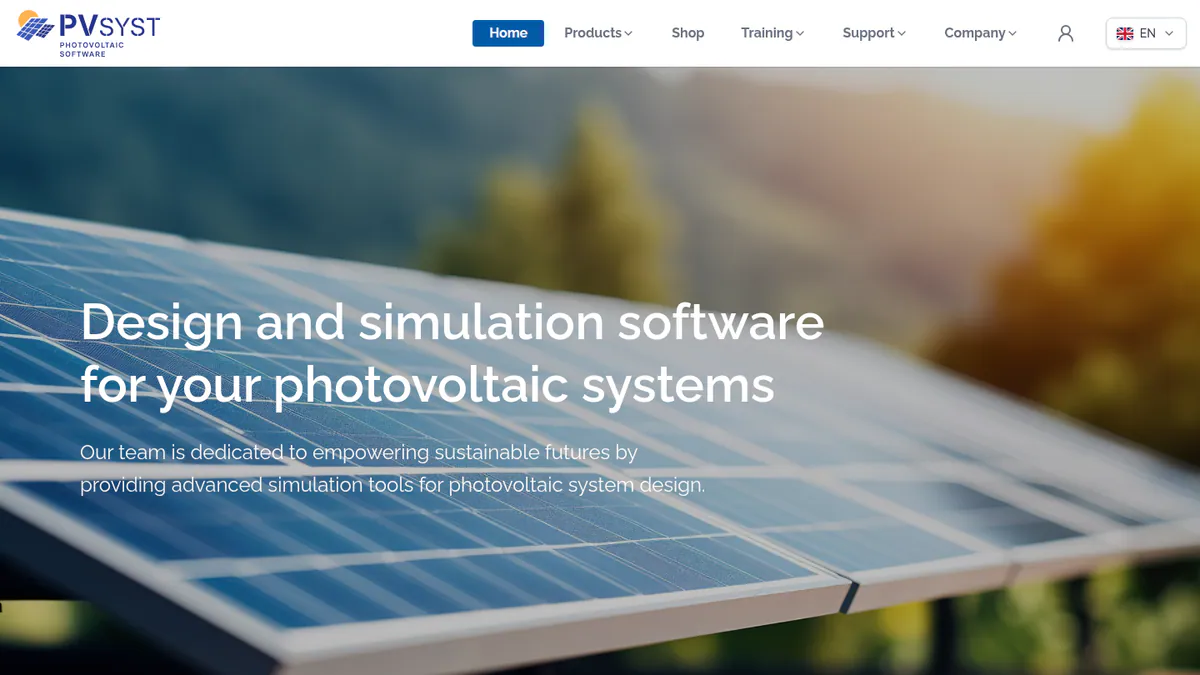
2. PVsyst: best for bankable yield reports
Best for: Engineers and consultants whose P50/P90 reports go to lenders and independent engineers. Score: 67.3/100.
vs RatedPower: PVsyst has a public price (CHF 700 a year) and is widely used for lender yield reports. It does not do layout automation, MV (medium voltage) design or CAPEX, so it replaces RatedPower’s yield step only.
What it is: PVsyst SA in Switzerland makes this Windows desktop simulator. Version 8.1.5 came out on 10 August 2026. RatedPower itself exports 3D shading data to PVsyst.
Why we picked it: It is widely used for lender yield reports, and RatedPower already exports shading data to it. The price is public.
Key features:
- Detailed loss diagram and P50/P90 yield reports.
- Bifacial modules (panels that catch light on both sides) and trackers with backtracking.
- Weather import from Meteonorm 9, PVGIS, NSRDB, Solcast, SolarAnywhere and Solargis.
- Batch and multi-year runs with module ageing.
- PVsystCLI, a command-line engine for automation.
Pricing: PVsyst 8 Professional is CHF 700 a year per seat, with multi-seat discounts up to 20%. PVsystCLI Standard is CHF 3,000 a year. A 30-day evaluation mode is included. Checked October 2026 in the PVsyst shop.
Pros (from user reviews, G2 themes):
- Yield models are detailed, and reviewers trust the results.
- Reviewers praise how far the loss analysis goes.
- SketchUp helps you build 3D shade scenes.
Cons (from user reviews, G2 themes):
- The interface feels old and crowded.
- Reviewers warn that it takes a while to learn.
- 3D scene work eats time.
Reviews: G2 4.5/5 (22 reviews), with support 7.7/10 (13 reviews), checked October 2026.
Read our full PVsyst review or our PVsyst alternatives.
Want to see PVsyst working? Book a demo with the SolarSoftwares team.
Book a demoYour request goes by email to the SolarSoftwares team. A time is set only after we reply. It does not change any score or ranking.
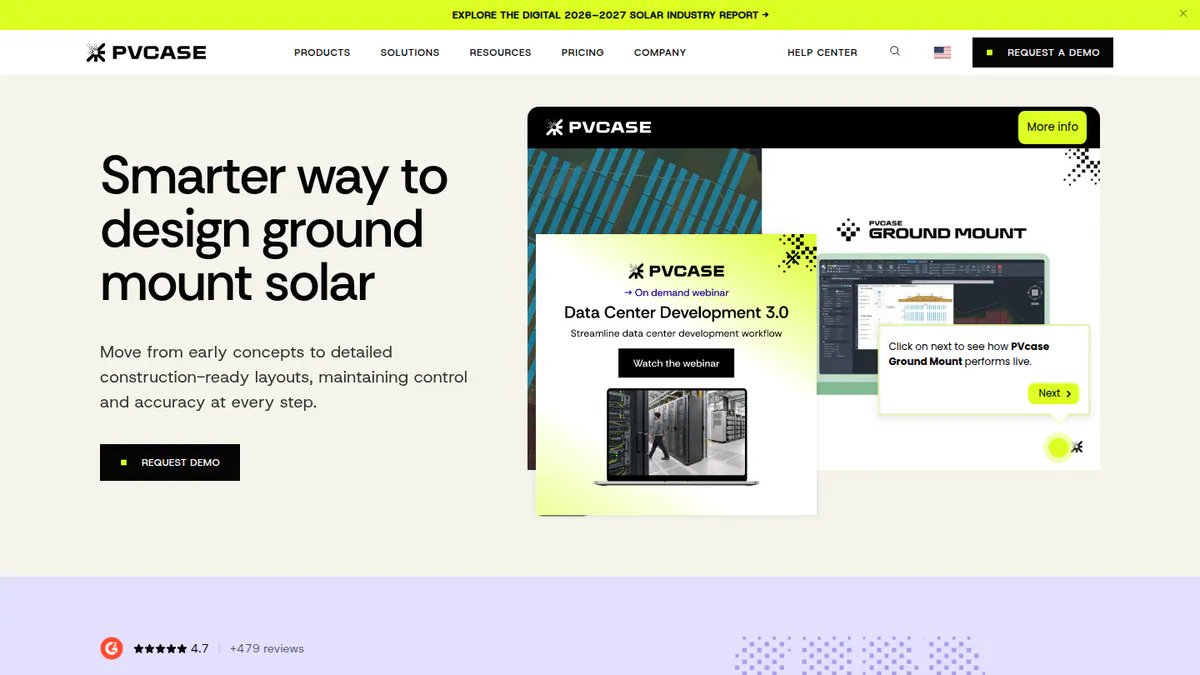
3. PVcase Ground Mount: best for editable layouts in AutoCAD
Best for: Utility EPCs and engineering firms who want full control of layouts in AutoCAD. Score: 66.0/100.
vs RatedPower: PVcase works inside AutoCAD, which answers RatedPower’s top complaint about layout control. Like RatedPower, it is quote only.
What it is: PVcase makes Ground Mount, a CAD-based tool that handles the layout, civil and electrical sides of a ground-mount plant. Its users are mostly developers, EPCs and engineering firms working at utility scale.
Why we picked it: It answers RatedPower’s top G2 complaint, layout control, and it has the largest review base on this page.
Key features:
- Terrain-following layouts for fixed-tilt and trackers.
- Civil design: slope, grading heatmaps, cross-sections and piling.
- Stringing (how panels wire into inverters), cable sizing and SLDs.
- AC- and DC-coupled BESS layout.
- BOM (bill of materials) export, and export to PVcase Yield and PVsyst.
Pricing: Quote only. One Professional plan, "contact sales", with a demo on request. Checked October 2026 on the PVcase Ground Mount pricing page.
Pros (from user reviews):
- Every one of the 10 G2 reviews we could see says the automation cuts layout time.
- Engineers already know AutoCAD, and the PVsyst shade-scene export saves hours (G2).
- Reviewers rate its slope and terrain work, and say support often answers within a day (G2).
Cons (from user reviews):
- Electrical and SLD tools lag the layout tools (G2).
- It is expensive for small and mid-sized firms (G2).
- New users need training (G2).
Reviews: G2 4.7/5 (415 reviews in G2’s search listing), checked October 2026.
What we could not confirm: The exact review count (PVcase cites 479), and whether you need your own AutoCAD licence.
Read our full PVcase Ground Mount review or our PVcase alternatives.
Want to see PVcase Ground Mount working? Book a demo with the SolarSoftwares team.
Book a demoYour request goes by email to the SolarSoftwares team. A time is set only after we reply. It does not change any score or ranking.
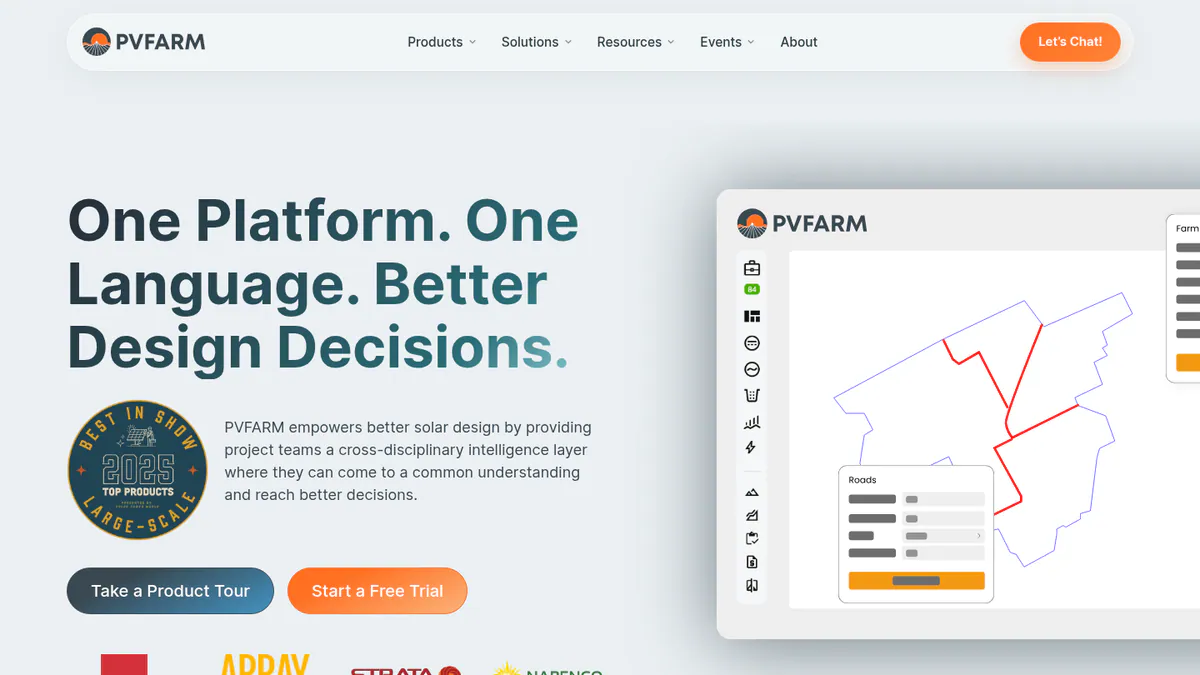
4. PVFarm: best for web-based layouts on very large plants
Best for: US and European EPCs and developers who want automated layouts in a browser. Score: 64.7/100.
vs RatedPower: PVFarm is also a cloud tool and also quote only. But it offers a 7-day free trial with two expert sessions, where RatedPower offers a demo.
What it is: PVFarm is a web platform from PVFARM in Newport Beach, California, for utility-scale solar and storage. It is not the same company as PVComplete.
Why we picked it: It is the closest cloud match for very large plants, with layouts up to 800 MWdc and a free trial before you buy.
Key features:
- Automated layouts and live analysis up to 800 MWdc, with trackers.
- Civil grading and topography processing.
- LV/MV electrical design with SLDs, BoQ and BoM.
- Energy modelling, with PVsyst SHD export.
- Repower package for existing plants, and BESS layouts.
Pricing: Quote only. An annual licence built from packages: Layout Modelling, Civil, Energy, Repower and Electrical. Checked October 2026 on the PVFarm FAQs page.
Pros (from user reviews):
- One reviewer calls it the easiest tool they tried, as it is web-based (G2).
- Layout revisions are fast (G2).
- One reviewer calls support "second to none" (G2).
Cons (from user reviews):
- You need a technical team, and another reviewer cites a lack of support (G2).
- Export to AutoCAD needs work (G2).
- No individual-bearing tracker modelling, which skews grading results (G2).
Reviews: G2 4.4/5 (16 reviews), checked October 2026.
Want to see PVFarm working? Book a demo with the SolarSoftwares team.
Book a demoYour request goes by email to the SolarSoftwares team. A time is set only after we reply. It does not change any score or ranking.
5. Virto.CAD: best for a PV plug-in in AutoCAD or BricsCAD
Best for: European EPCs and engineering firms who work in AutoCAD or BricsCAD. Score: 63.2/100.
vs RatedPower: Virto.CAD puts layout, strings and SLDs inside your own CAD tool, so you can edit every line. Both are quote only.
What it is: Virto.CAD is a PV design plug-in from Virto Solar in Geel, Belgium. Note: we could not reach Virto Solar’s website, so its features come from an Intersolar listing, G2 and Capterra.
Why we picked it: It gives full CAD control in AutoCAD or BricsCAD, and its 26 G2 reviews score support 9.7 out of 10.
Key features:
- PV layout automation in AutoCAD or BricsCAD.
- String plans and single-line drawings.
- 3D models with PVsyst export.
- Topography analysis for utility-scale sites.
- BOM and reports in PDF, CSV, XML or XLS.
Pricing: Quote only. We could not reach the company’s pricing page, and it needs a separately licensed AutoCAD or BricsCAD. G2 says the company does not publish prices (checked October 2026 on G2).
Pros (from user reviews):
- Support is the top review theme (9 mentions, G2 support 9.7/10).
- Reviewers find it easy to use (7 mentions, ease of use 8.4/10).
- Setup is quick, with a G2 ease-of-setup score of 9.3/10.
Cons (from reviews and our research):
- Reviewers cite missing features (6 mentions on G2).
- You pay for a CAD licence on top.
- We found no dated release notes.
Reviews: G2 4.6/5 (26 reviews), checked October 2026.
What we could not confirm: Prices, trial terms and features on the company’s own site.

Want to see Virto.CAD working? Book a demo with the SolarSoftwares team.
Book a demoYour request goes by email to the SolarSoftwares team. A time is set only after we reply. It does not change any score or ranking.
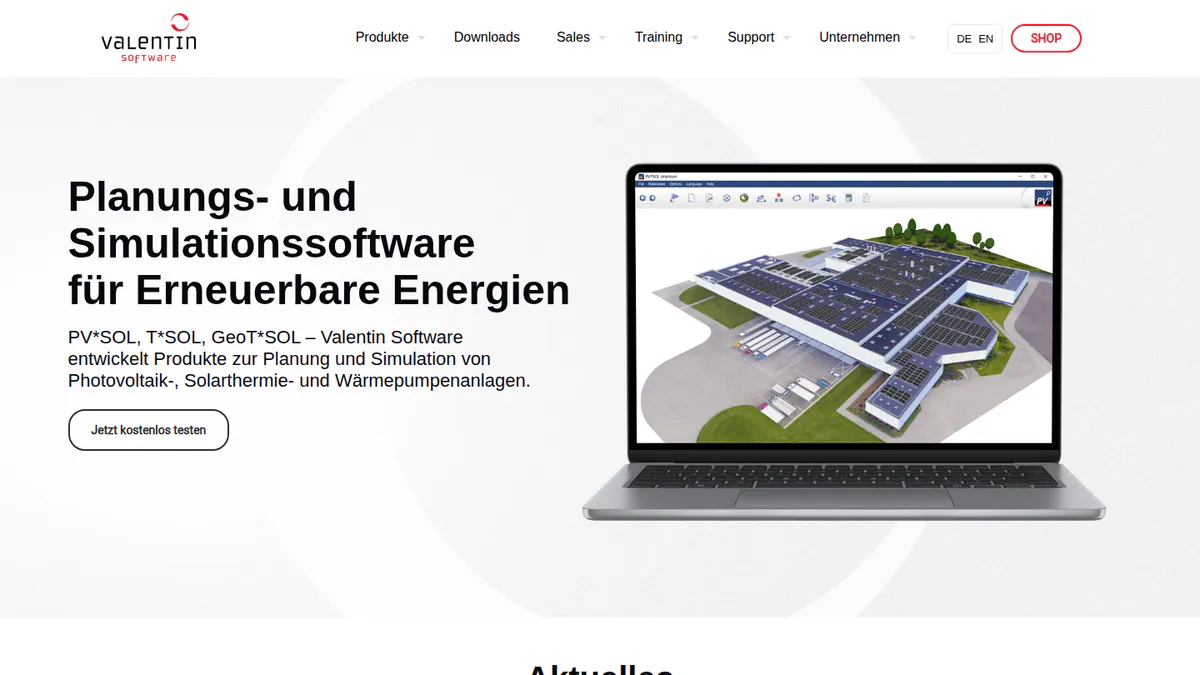
6. PV*SOL premium: best for mixed C&I and storage pipelines
Best for: Developers whose pipeline is mostly C&I roofs, with storage and self-consumption. Score: 62.4/100.
vs RatedPower: PV*SOL publishes a price (EUR 845 a year), where RatedPower is quote only. But it is not a utility-scale layout tool, with no civil or MV design.
What it is: PV*SOL premium is a German desktop tool from Valentin Software for 3D design and simulation of home and C&I systems.
Why we picked it: It ranks here on public pricing, support and simulation depth, not utility fit. It suits developers whose pipeline is mostly C&I.
Key features:
- 3D design with detailed shading.
- Yield simulation with Meteonorm 9 data.
- AC- and DC-coupled batteries.
- JSON export of projects and results.
Pricing: EUR 845 a year per named user, or EUR 285 for 3 months, plus VAT. 30-day trial. Checked October 2026 in the Valentin Software shop.
Pros (from reviews and our research):
- You can see the price and buy without a sales call.
- A 3-month licence covers a short project.
- G2 users score its ease of use 8.2/10 (10 reviews).
Cons (from our research):
- It has no utility layout, grading or substation tools.
- It runs on a desktop, with a licence for each named user.
- It has only 12 G2 reviews, with no review text to judge.
Reviews: G2 4.2/5 (12 reviews), checked October 2026.
What we could not confirm: Stringing (how panels wire into inverters), cable and SLD depth.
Read our full PV*SOL premium review or our PV*SOL alternatives.
Want to see PV*SOL premium working? Book a demo with the SolarSoftwares team.
Book a demoYour request goes by email to the SolarSoftwares team. A time is set only after we reply. It does not change any score or ranking.
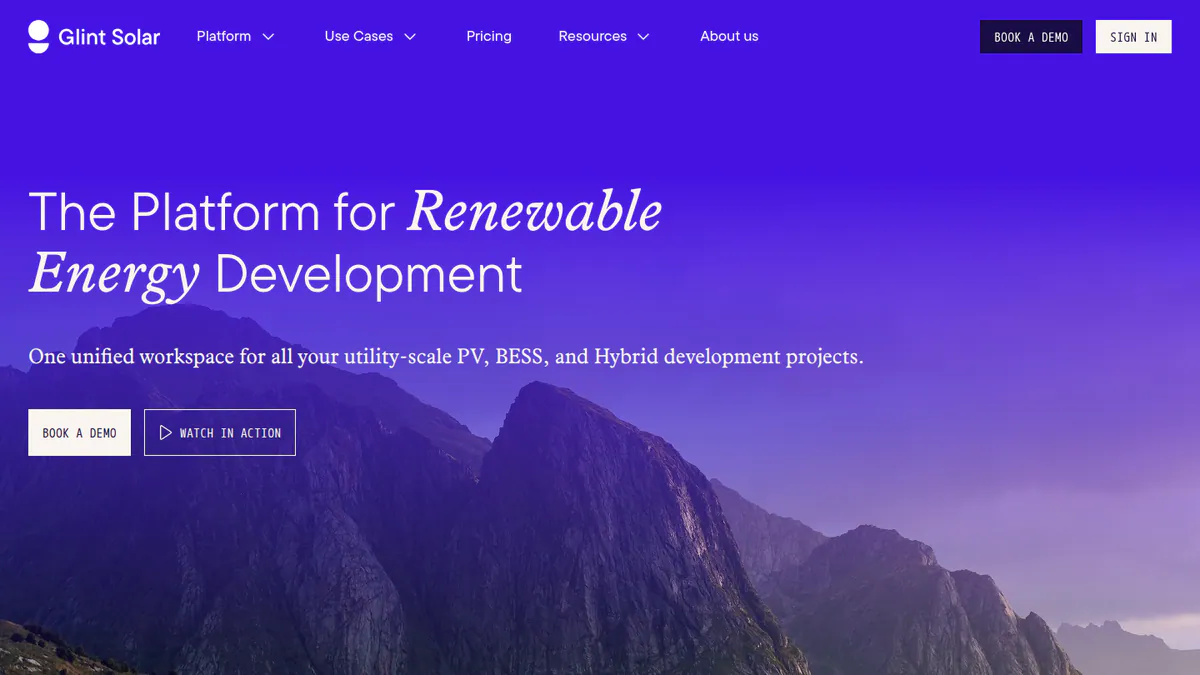
7. Glint Solar: best for land screening and site control
Best for: Utility and BESS developers who find and secure land before detailed design. Score: 61.8/100.
vs RatedPower: RatedPower keeps site analysis on Enterprise, in selected regions. Glint is built around prospecting, with unlimited projects. Both are quote only.
What it is: Glint Solar is a map-based prospecting, land screening and pre-design platform from Glint Solar AS in Oslo. It has customers in 35+ countries.
Why we picked it: It covers the site screening RatedPower keeps on Enterprise, with unlimited projects and frequent dated updates.
Key features:
- Land Screening of large areas, ranked by buildable area.
- Buildable-area analysis with constraint profiles.
- One-click PV pre-design with 3D view and yield estimate.
- BESS layouts and PV-BESS hybrid dispatch analysis.
- Site Control for parcels, landowner contacts and talks.
Pricing: Quote only. Glint sets the price by user count and other factors. Every package includes unlimited projects and project size, and the full layer library with no per-layer fee. Checked October 2026 on the Glint Solar pricing page.
Pros (from reviews and our research):
- It is easy to design a project and get a first layout (G2, September 2026).
- The product moves fast, with good customer contact (G2, August 2026, incentivised review).
- It ships often, with 18 dated updates from March to September 2026.
Cons (from reviews and our research):
- Updates often arrive without warning (G2, incentivised review).
- It stops at pre-design, so you still need an engineering tool.
- There is no published price.
Reviews: G2 4.6/5 (17 reviews), checked October 2026.
What we could not confirm: Trial length and the depth of its hybrid money modelling.
Read our full Glint Solar review.
Want to see Glint Solar working? Book a demo with the SolarSoftwares team.
Book a demoYour request goes by email to the SolarSoftwares team. A time is set only after we reply. It does not change any score or ranking.
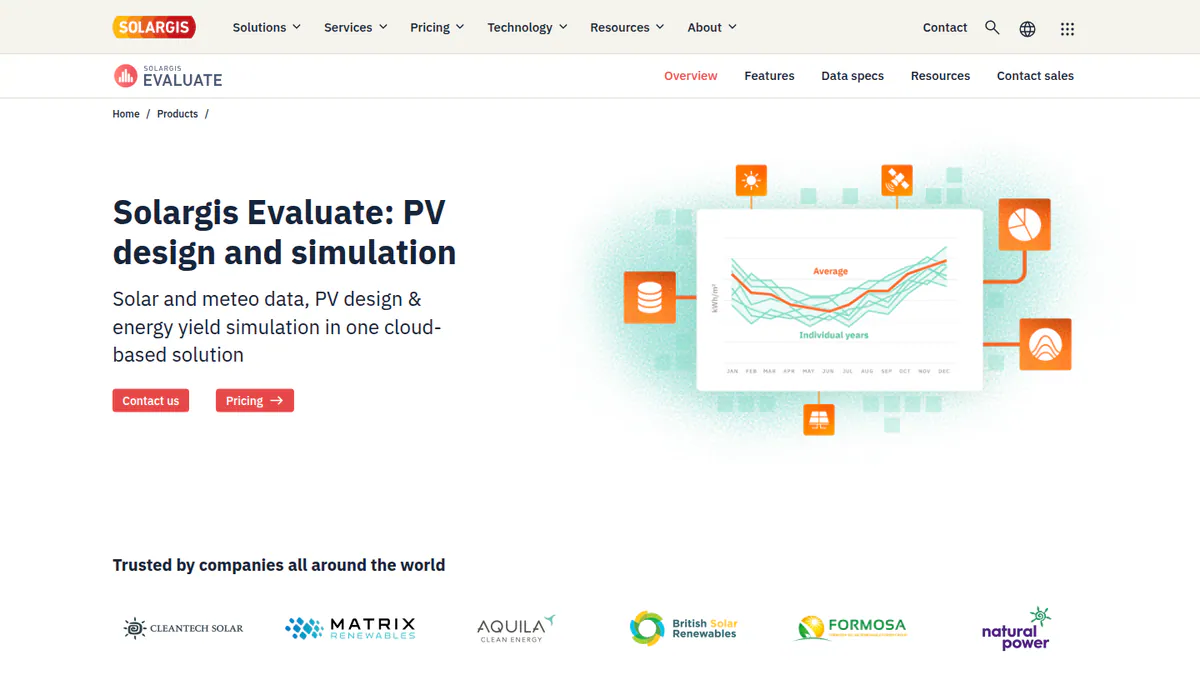
8. Solargis Evaluate: best for yield on Solargis data
Best for: Developers, IPPs and consultants who want yield studies on satellite weather data in a browser. Score: 59.2/100.
vs RatedPower: Evaluate publishes a starting price (EUR 12,000 a year) and runs in any browser. It covers yield and system design, not electrical design or CAPEX.
What it is: Solargis Evaluate runs in the browser and pairs yield simulation with 3D system design. Its inputs are Solargis’ own solar and weather data.
Why we picked it: It publishes a starting price and runs on 30+ years of satellite weather data, for yield checks in any browser.
Key features:
- 15-minute time series and TMY (typical year of weather) data with 30+ years of history.
- 3D system designer with 150+ settings and terrain-aware row spacing.
- Ray tracing with terrain, albedo, soiling and snow.
- Automatic resource, loss and yield reports.
Pricing: From EUR 12,000 a year for 60 early-stage projects. That includes unlimited 15-minute TMY P50 simulations and unlimited designs and collaborators. Demo only. Checked October 2026 on the Solargis Evaluate pricing page.
Pros (from our research):
- The starting price is public.
- It works in any browser, on Windows or Mac.
- It gets regular releases (four from March to September 2026).
Cons (from our research):
- There are no user reviews yet (G2 shows 0).
- Sales offers a demo, not a trial.
- We found no SLD, BoQ or CAPEX output in its feature list.
Reviews: No user reviews found as of October 2026.
Read our full Solargis Evaluate review.
Want to see Solargis Evaluate working? Book a demo with the SolarSoftwares team.
Book a demoYour request goes by email to the SolarSoftwares team. A time is set only after we reply. It does not change any score or ranking.
9. PVcase Yield: best for ray-traced yield on PVcase layouts
Best for: Teams already using PVcase Ground Mount who want yield on the same 3D model. Score: 58.0/100.
vs RatedPower: RatedPower has its own 3D ray-traced yield mode. PVcase Yield gives the same kind of check, but only on PVcase layouts.
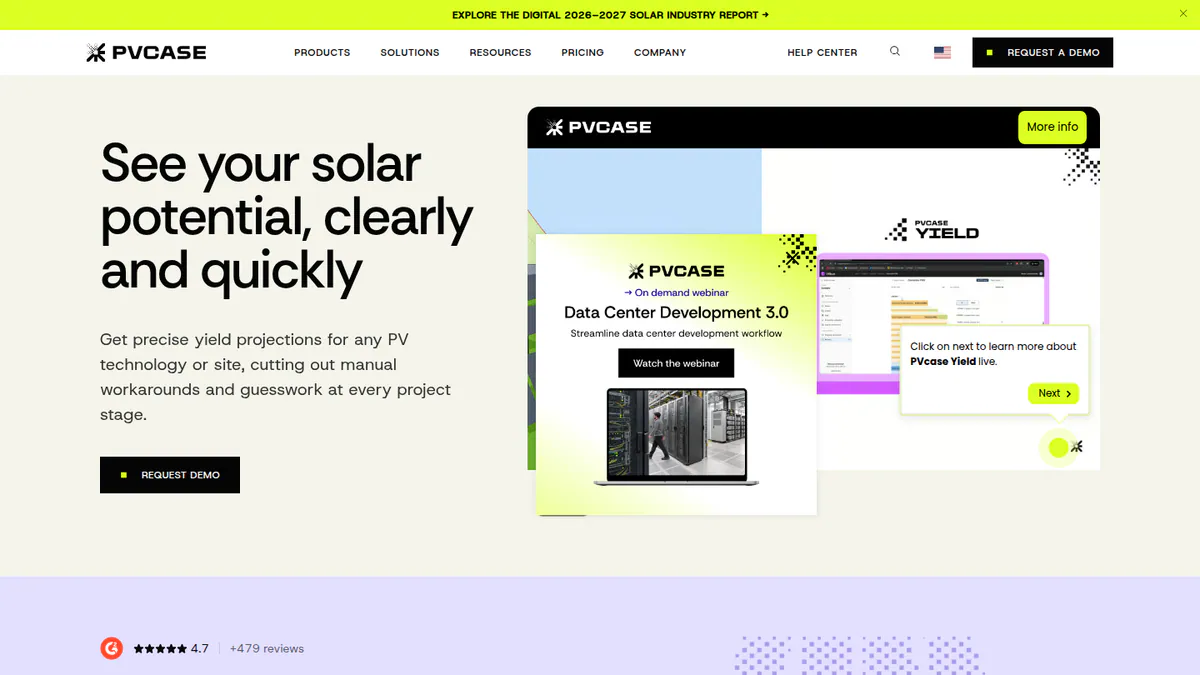
What it is: PVcase Yield is PVcase’s cloud yield engine. It reads the 3D layout and electrical design from a PVcase Ground Mount project, so you do not rebuild the site.
Why we picked it: It adds ray-traced yield to PVcase layouts without rebuilding the site. That suits teams moving from RatedPower to PVcase Ground Mount.
Key features:
- Ray-traced yield on CAD-accurate 3D geometry.
- Bifacial and complex-terrain modelling.
- 15-minute simulation with PDF and time-series export.
- Cloud batch runs to compare DC/AC ratio, pitch and more.
Pricing: Quote only. Two tiers, Essentials and Professional, each "Request pricing", with a demo only. Checked October 2026 on the PVcase Yield pricing page.
Pros (from user reviews):
- Engineers see the yield effect of each layout change quickly (G2).
- One reviewer found accuracy close to PVsyst, with a useful 3D view (G2).
- Support is quick, and bugs get fixed promptly (G2).
Cons (from user reviews):
- Runs are slow on very large, complex sites (G2).
- It is only practical inside PVcase (G2).
- One reviewer saw DC capacity overstated (G2).
Reviews: G2 4.5/5 (5 reviews), checked October 2026. That is too few to judge.
Read our full PVcase Yield review.
Want to see PVcase Yield working? Book a demo with the SolarSoftwares team.
Book a demoYour request goes by email to the SolarSoftwares team. A time is set only after we reply. It does not change any score or ranking.
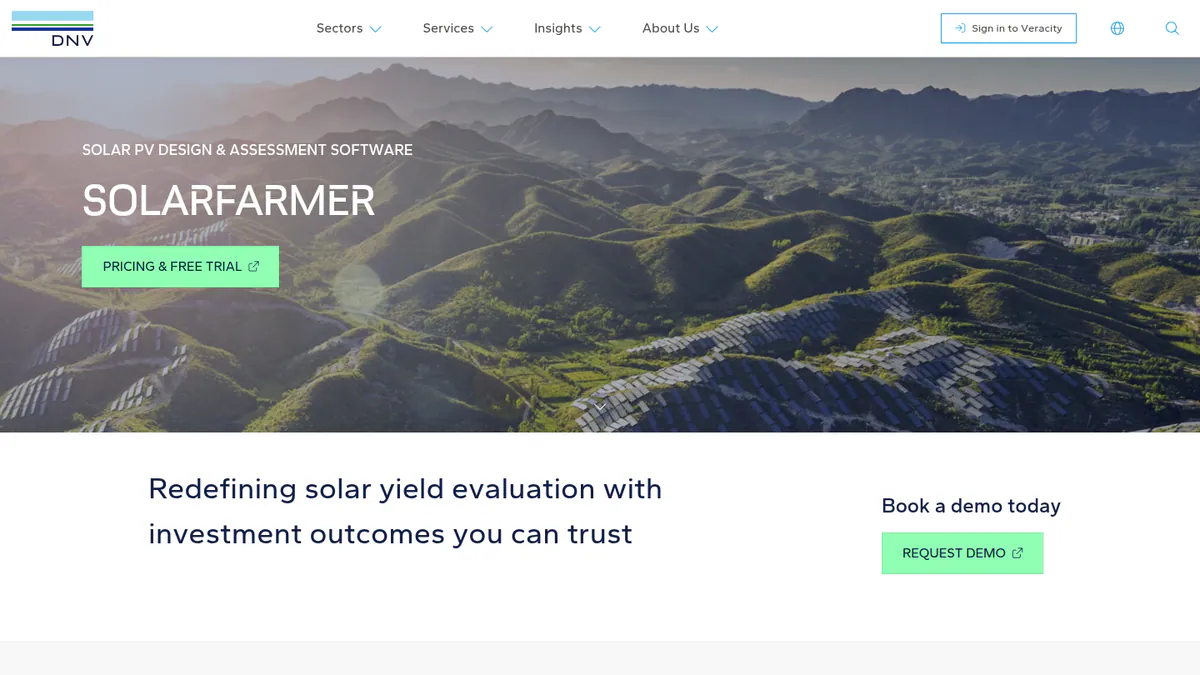
10. DNV SolarFarmer: best for yield from an independent engineer
Best for: Owners, developers and consultants who want DNV’s own yield engine. Score: 56.2/100.
vs RatedPower: SolarFarmer is a yield tool, not an all-in-one design suite. You can try it free, where RatedPower offers a demo only.
What it is: DNV, a major independent engineer, sells SolarFarmer for design and energy yield. It comes as a Windows desktop app with a cloud API (a way for other software to connect to it).
Why we picked it: It gives yield from a major independent engineer, with a free trial and a cloud API.
Key features:
- 2D and 3D shading on uneven terrain.
- Full electrical mismatch calculation.
- Trackers with backtracking, and tracker history import.
- Cloud yield API with Python workflows and a PVsyst emulation mode.
Pricing: No price on the company page. You buy through DNV’s Veracity store, which also offers a free trial. Checked October 2026 on the DNV SolarFarmer page.
Pros (from our research):
- There is a free trial through the Veracity store.
- In 2024, DNV says, six US financing due-diligence projects (1,195 MW) ran on it.
- It updates often, with releases from June 2025 to March 2026.
Cons (from our research):
- We could not find a single user review.
- The desktop app needs Windows, so Mac users are left out.
- Pricing is not on the company page.
Reviews: No user reviews found as of October 2026.
What we could not confirm: The Veracity store price, how long the trial lasts and whether any named lender accepts its reports.
Read our full DNV SolarFarmer review.
Want to see DNV SolarFarmer working? Book a demo with the SolarSoftwares team.
Book a demoYour request goes by email to the SolarSoftwares team. A time is set only after we reply. It does not change any score or ranking.
How do the 10 RatedPower alternatives compare?
Product | Entry price (checked October 2026) | Runs as | Layout and civil | Electrical / SLD | Trial |
|---|---|---|---|---|---|
Quote only | Cloud | Yes, with cut-and-fill | MV/LV, SLDs, substation | Demo only | |
USD 159 a month | Cloud | Layout up to 30 MW DC | Wiring loss, SLDs | Free trial | |
CHF 700 a year | Windows desktop | Not its focus | Not its focus | 30-day evaluation | |
Quote only | AutoCAD plug-in | Yes, grading and piling | Stringing, SLDs | Demo only | |
Quote only | Cloud | Yes, civil grading | LV/MV, SLDs | 7 days | |
Quote only | AutoCAD or BricsCAD plug-in | Layout, topography | String plans, SLDs | Not confirmed | |
EUR 845 a year + VAT | Desktop | No (C&I focus) | Not confirmed | 30 days | |
Quote only | Cloud | Pre-design only | BESS SLD reports | Not stated | |
EUR 12,000 a year | Cloud | Terrain-aware layout | Not found | Demo only | |
Quote only | Cloud | Uses Ground Mount | Uses Ground Mount | Demo only | |
Quote only | Windows desktop, cloud API | Site selection | Mismatch losses | Free trial |
Also considered
- HELIOS 3D: Scored 55.5/100. A German layout, grading and electrical tool that runs inside Autodesk Civil 3D. We could not reach its website, and it has one G2 review (2.0/5).
- PVComplete / PVCAD: Scored 52.3/100. AutoCAD-based engineering, with PVCAD Mega for utility plants, now owned by Enact. We could not reach the company’s pricing, and third-party prices conflict. See our PVComplete alternatives.
- Enact (Design & Proposals): Scored 50.2/100. Mainly a home and commercial design and proposal platform, now bundled with PVCAD. It has no user reviews, and we could not reach its site. See our Enact alternatives.
How do you choose a RatedPower alternative?
- If you left RatedPower over hidden pricing and build plants up to 30 MW DC, pick HelioScope.
- If you left because you could not edit layouts freely, pick PVcase Ground Mount or Virto.CAD in CAD.
- If you want a cloud tool for very large plants with a trial, pick PVFarm.
- If lenders need P50/P90 reports, pick PVsyst. For a second opinion, try DNV SolarFarmer or Solargis Evaluate.
- If your main job is finding land, pick Glint Solar.
- If you already use PVcase Ground Mount, add PVcase Yield for ray-traced yield.
For wider lists, see utility-scale solar design software, software for utility-scale developers, the design and simulation category and the site selection and GIS category.
How do you switch from RatedPower?
- Export live layouts as DWG, plus SLDs, BoQs and reports, before your contract ends.
- Save PVsyst shading exports for projects that need a bankable report later.
- Rebuild your setback, road and slope rules and your component list in the new tool.
- Run one live site in both tools and compare layout, yield and cable lengths.
- Check that your new stack covers every step you used, from site screening to CAPEX.
RatedPower alternatives FAQs
What are the main alternatives to RatedPower?
HelioScope (68.6/100), PVsyst (67.3) and PVcase Ground Mount (66.0) lead our October 2026 scores. HelioScope stops at 30 MW DC, so for large plants PVcase Ground Mount and PVFarm are closer matches. Glint Solar covers land screening.
Is PVcase better than RatedPower?
It depends on how you work. PVcase Ground Mount runs inside AutoCAD and gives full layout control, with G2 4.7/5. RatedPower is an all-in-one cloud tool with G2 4.4/5 from 305 reviews (both checked October 2026). Both are quote only.
How much does RatedPower cost?
RatedPower publishes no prices. As of October 2026, its Basic, Advanced and Enterprise tiers all say "talk to sales", and Power Analyst and 3D energy yield are add-ons. There is no free plan, only a demo.
Can RatedPower replace PVsyst for bankable yield reports?
We found no claim, as of October 2026, that lenders accept RatedPower’s P50/P90 reports. It checks its yield model against PVsyst and exports 3D shading data to PVsyst. PVsyst (CHF 700 a year) remains the bankability reference for engineers and lenders’ advisors.
Is there a cheaper alternative to RatedPower for utility-scale design?
Most utility layout tools are quote only, so a direct price check is hard. HelioScope publishes prices from USD 159 a month, but only for plants up to 30 MW DC. PVFarm lets you test with a 7-day trial before you get a quote (October 2026).
Which RatedPower alternative works inside AutoCAD?
PVcase Ground Mount runs as an AutoCAD plug-in, and Virto.CAD works in AutoCAD or BricsCAD. PVCAD (also considered) is AutoCAD-based too. HELIOS 3D runs inside Autodesk Civil 3D (checked October 2026). Virto.CAD needs a separately licensed CAD tool.
Sources
All read 22 to 25 October 2026.
- RatedPower: pricing, G2, G2 pros and cons, feature comparison
- HelioScope: pricing, G2
- PVsyst: shop, product page, G2 comparison
- PVcase Ground Mount: pricing, G2
- PVFarm: FAQs, G2
- Virto.CAD: G2, G2 comparison
- PV*SOL premium: shop, G2
- Glint Solar: pricing, G2, product updates
- Solargis Evaluate: pricing (25 October 2026), product page
- PVcase Yield: pricing, G2
- DNV SolarFarmer: product page, DNV news (September 2024)
- Also considered: HELIOS 3D on G2, Solar Power World on Enact and PVComplete (January 2026)
Last updated 28 October 2026. Next scheduled review: 23 January 2027.