Solar simulation software predicts how much power a solar system will make over a year. PVsyst ranks first at 80.6/100. PV*SOL premium ranks second at 70.0/100. SAM is the best free option.
These tools turn sunlight data into the light that hits the panels. They model shade and mismatch losses (power lost when panels do not perform alike). They also build loss trees (step-by-step lists of where power is lost) and P50 and P90 values. P50 is the expected yield. P90 is a safer yield. Nine years in ten should beat it.
This page is not a list of sales design tools. For layout and proposals, see our solar design software guide. If you are replacing PVsyst, see PVsyst alternatives. For very large solar farms, see our utility-scale design guide.
Quick picks
Rank | Product | Best for | Starting price (company page, checked October 2026) | Pricing model | Free plan / trial | Score /100 |
|---|---|---|---|---|---|---|
1 | Bankable P50/P90 yield reports | ✓ CHF 700 per seat per year | Annual subscription | 30-day evaluation | 80.6 | |
2 | European residential and C&I with storage and heat pumps | ✓ EUR 845 per named user per year (+VAT) | Annual or 3-month licence | 30-day trial | 70.0 | |
3 | C&I rooftop and carport up to 30 MW DC | ✓ USD 159 per month | Per licence, monthly or annual | Free trial (length not stated) | 69.6 | |
4 | Free techno-economic modelling | ◐ Free | Open source (BSD-3) | Free | 66.9 | |
5 | Developers wanting satellite-data-led yield studies | ✓ EUR 12,000 per year | Annual subscription with credits | Demo only | 63.8 | |
6 | Utility-scale yield with a cloud API | Quote only | Licence via DNV store | Free evaluation (length not stated) | 63.7 | |
7 | Teams already designing in PVcase Ground Mount | Quote only | Two tiers, price on request | Demo only | 62.9 |
✓ Verified on the company’s own pricing page. ◐ Published by the company outside its pricing page (help centre, store or press release). ? We could not read the company’s pricing page, so the figure is not confirmed. Prices checked October 2026.
Quote only means the company shows no public price. You ask it for a quote.
How the 7 tools scored
- Use-case fit 35%
- User reviews 20%
- Pricing 15%
- Ease of use 10%
- Support 10%
- Momentum 10%
Tool | Score chart | Score |
|---|---|---|
80.6 out of 100 | 80.6 | |
70 out of 100 | 70.0 | |
69.6 out of 100 | 69.6 | |
66.9 out of 100 | 66.9 | |
63.8 out of 100 | 63.8 | |
63.7 out of 100 | 63.7 | |
62.9 out of 100 | 62.9 |
Each bar shows the weighted score out of 100.
Sub-scores at a glance (0-10)
Product | Use-case fit | User reviews | Pricing | Ease of use | Support | Momentum | Total /100 |
|---|---|---|---|---|---|---|---|
9.6 | 6.3 | 8.0 | 5.0 | 7.5 | 10.0 | 80.6 | |
7.1 | 5.4 | 8.0 | 7.5 | 7.5 | 7.5 | 70.0 | |
8.8 | 6.2 | 6.0 | 7.5 | 5.0 | 5.0 | 69.6 | |
6.2 | 5.0 | 10.0 | 5.0 | 7.5 | 7.5 | 66.9 | |
7.1 | 5.0 | 6.0 | 5.0 | 5.0 | 10.0 | 63.8 | |
7.9 | 5.0 | 4.0 | 5.0 | 5.0 | 10.0 | 63.7 | |
6.2 | 5.0 | 4.0 | 7.5 | 7.5 | 10.0 | 62.9 |
A 5.0 on reviews, ease, support or momentum is our neutral score. We use it when public evidence is thin. It is not a judgement.
How did we rank the best solar simulation software?
How the score is weighted
- Use-case fit 35%
- User reviews 20%
- Pricing 15%
- Ease of use 10%
- Support 10%
- Momentum 10%
We scored 14 products from 22 to 25 October 2026 and ranked the top 7. The other seven are under "Also considered".
This was desk research. We used company documents, pricing pages and public user reviews. We did not run simulations in any tool. Each product is scored on six criteria:
- Use-case fit (35%): How well it does this page’s job. Yield-simulation depth counts most. Next come P90 output, shading and mismatch modelling, and proof that lenders or independent engineers use the output.
- User reviews (20%): G2 and Capterra ratings. Ratings based on only a few reviews count for less. Most engineering simulators have few or no public reviews, so they get a middle score rather than a penalty.
- Pricing (15%): Published, free or open-source prices score higher than prices you have to ask the company for.
- Ease of use, support and momentum (10% each): Review sub-scores, named support channels and dated releases. A tool with no evidence gets a middle score.
Products below our minimum match score (4 out of 10), and those outside the top 7, go to "Also considered". Scores are specific to each page, so the same tool can score differently elsewhere. SurgePV is not part of this ranking. Full method: how we score software.
What are the three kinds of simulation tool?
- Bankable desktop and cloud engines (PVsyst, DNV SolarFarmer, Solargis Evaluate, PVcase Yield): built to produce yield reports for financing and due diligence. Bankable means a report banks trust when they lend money. See also our utility-scale design guide.
- Design-plus-simulation tools (PV*SOL premium, HelioScope): yield sits next to 3D layout. PV*SOL premium also models self-consumption and storage. Self-consumption means the share of the solar power a building uses itself.
- Free and code-first models (SAM, plus pvlib python and INSEL under "Also considered"): no licence fee. You can script them (run them from code) for batch runs. More on our open-source list.
1. PVsyst: best for bankable P50/P90 yield reports
Best for: Engineers producing P50/P90 (expected and conservative) yield reports for financing. Score: 80.6/100.
What it is: Swiss firm PVsyst SA makes this Windows desktop simulator. It is an engineering tool, not a sales or proposal product. Engineers, EPCs (engineering and construction firms) and consultants run it for grid-connected, standalone and pumping systems.
Why we picked it: Lenders’ advisers usually expect its P50/P90 reports, and that is the core job on this page. The price is published, and patches (small fixes) keep coming, up to 8.1.5 in August 2026.
Key features:
- 3D near-shading scene with electrical mismatch losses.
- Bifacial modules (panels that catch light on both sides).
- Single- or dual-axis trackers (mounts that follow the sun) with backtracking (rows turn to avoid shading each other).
- Loss diagram and P50/P90 yield reports.
- Weather import from Meteonorm 9, PVGIS, NSRDB, Solcast, SolarAnywhere and Solargis.
- Batch and multi-year runs with module ageing, plus PVsystCLI (a command-line tool) for automation.
- Runs on Windows 8, 10 or 11 only (Mac via a Windows virtual machine).
Pricing: PVsyst 8 Professional costs CHF 700 per seat per year. You get 5% off 2-4 licences, 15% off 5-9 and 20% off 10 or more. Student and Classroom licences cost CHF 25 per year, and the PVsystCLI command-line engine is CHF 3,000 per year. Prices are only in CHF, and VAT treatment is not stated. Checked October 2026 on the PVsyst shop. A 30-day evaluation uses generic components and watermarked reports.
Pros (from user reviews):
- Detailed, accurate yield results you can defend in a report.
- Thorough loss analysis, down to the loss diagram.
- You can bring SketchUp models in to build 3D shading scenes.
Cons (from user reviews):
- Dated, complex interface, with G2 ease of use at 6.7/10 from 14 reviews.
- Steep learning curve.
- Building and managing 3D scenes takes time.
Reviews: G2 4.5/5 (22 reviews), checked October 2026. Pros and cons are G2 reviewer themes from G2’s comparison page. No Capterra listing found.
Read our full PVsyst review or our PVsyst alternatives.
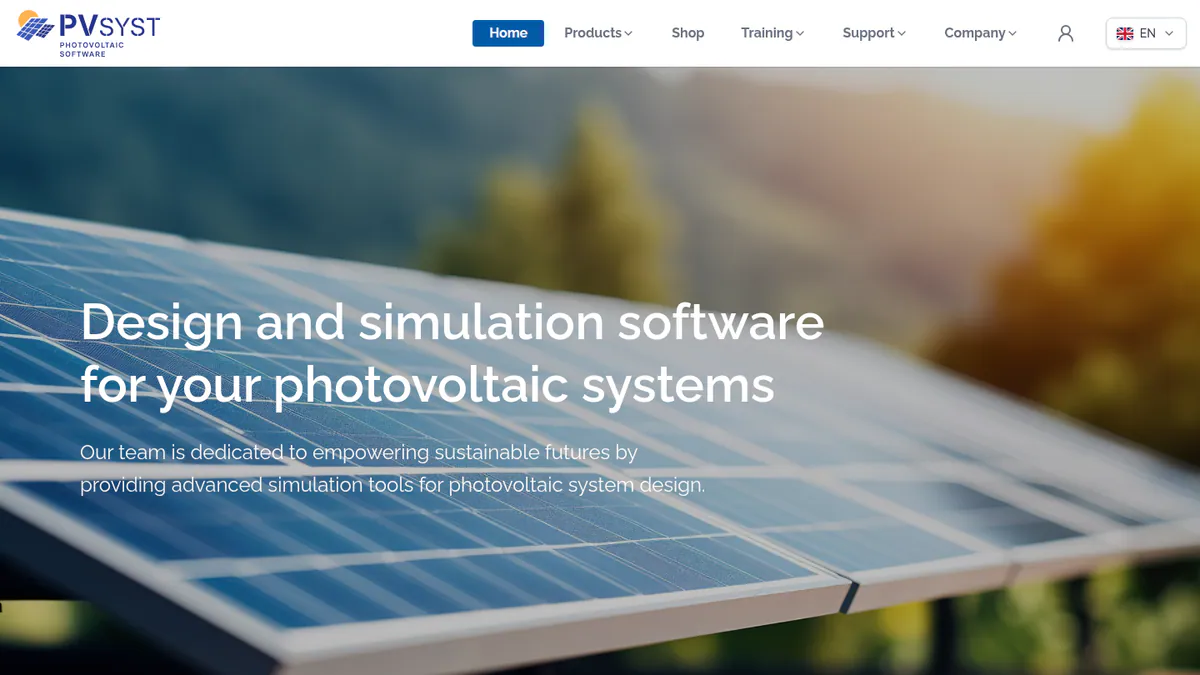
Want to see PVsyst working? Book a demo with the SolarSoftwares team.
Book a demoYour request goes by email to the SolarSoftwares team. A time is set only after we reply. It does not change any score or ranking.
2. PV*SOL premium: best for European self-consumption systems with storage and heat pumps
Best for: European planners who simulate batteries, heat pumps and EV loads alongside PV. Score: 70.0/100.
What it is: Valentin Software’s desktop tool combines 3D design with yield simulation. Its main users are European installers and planners working on residential and C&I (commercial and industrial) systems. The 2026 version came out on 24 November 2025.
Why we picked it: It simulates PV alongside batteries, heat pumps and EV loads, which fits European self-consumption jobs. Prices are published, and a major release ships every year. Self-consumption is the share of the solar power a building uses itself.
Key features:
- 3D design with detailed shading analysis.
- Yield simulation with Meteonorm 9 climate data.
- AC- and DC-coupled battery storage.
- Heat pump, immersion heater and EV consumer tariffs.
- PDF/DOCX customer presentation and JSON export.
Pricing: EUR 845 per named user per year or EUR 285 for three months, plus VAT. The 2D PV*SOL edition is EUR 585 per year. Checked October 2026 on the Valentin Software shop. A 30-day trial is available.
Pros (from reviews and our research):
- Easier to learn than PVsyst: G2 ease of use is 8.2/10 (10 reviews) against 6.7.
- You can buy three months for a busy season or a single project.
- You can show a customer heat pump and EV loads in the same simulation as PV.
Cons (from our research):
- Only 12 G2 reviews, too few to judge it on user feedback.
- Each licence covers one named user, so every engineer needs a seat.
- Valentin makes no lender or independent-engineer acceptance claim, so it is a weak fit for financed projects.
Reviews: G2 4.2/5 (12 reviews), checked October 2026. See also the G2 comparison.
What we could not confirm: How deep its stringing (how panels wire into inverters), cabling and SLD (single-line diagram) tools go.
Read our full PV*SOL premium review or our PV*SOL alternatives.
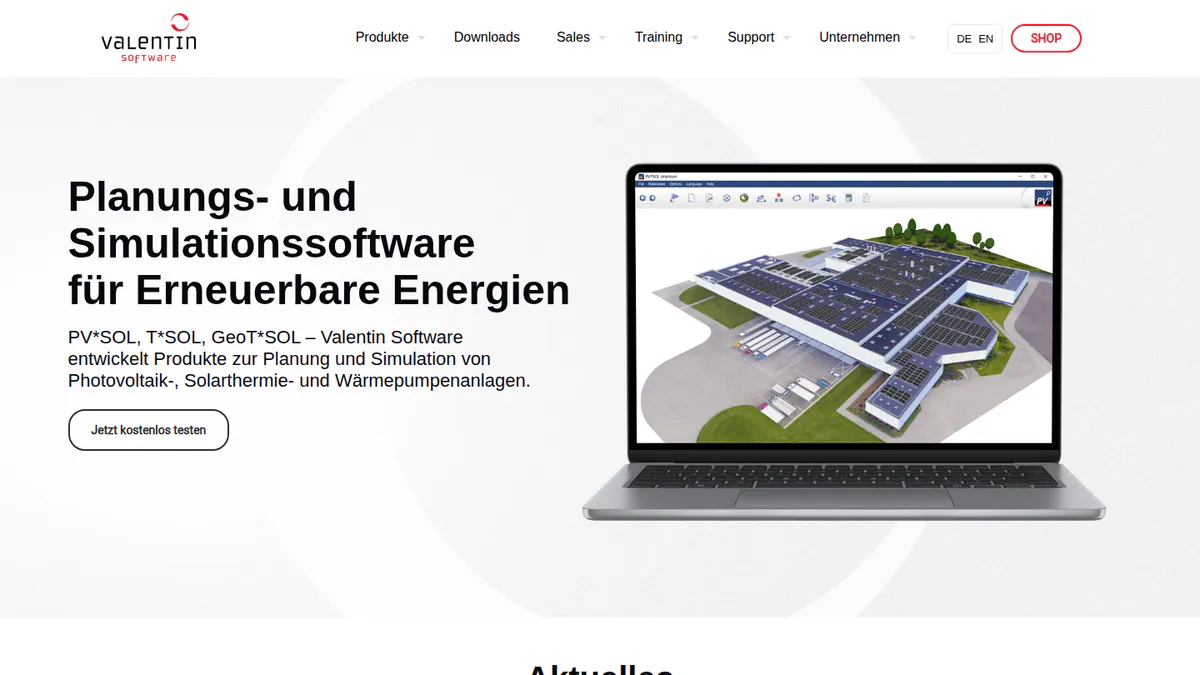
Want to see PV*SOL premium working? Book a demo with the SolarSoftwares team.
Book a demoYour request goes by email to the SolarSoftwares team. A time is set only after we reply. It does not change any score or ranking.
3. HelioScope: best for commercial rooftop and carport yield
Best for: C&I EPCs simulating projects up to 30 MW DC (megawatts of panel power). Score: 69.6/100.
What it is: HelioScope is a web-based commercial design and simulation tool. Aurora Solar owns it and runs it as a separate product with its own login. Most of its users are C&I EPCs doing rooftop, carport and small ground-mount work.
Why we picked it: It gives C&I teams yield, shading and P90 values in a browser tool at published prices. G2 users rate it 4.5/5.
Key features:
- Shading and wiring-loss modelling.
- P90/P95/P99 values (Pro).
- Modelling assisted by LIDAR (laser height data) and AI obstruction detection (Pro).
- Single-axis trackers, PVsyst export and an API (a way for other software to connect), all on Enterprise.
Pricing: Basic costs USD 159 per month (USD 1,620 per year if billed yearly) for one user, 10 projects a month and up to 1.25 MW DC. Pro costs USD 259 per month (USD 2,640 per year if billed yearly), up to 5 MW DC. Enterprise is custom per project, up to 30 MW DC. Checked October 2026 on the HelioScope pricing page.
Pros (from user reviews):
- New users pick it up fast, and G2 ease of use is 8.8/10.
- Fast layouts with shading and wiring-loss numbers in the same step.
- Quick reports, including SLDs, to hand to the customer.
Cons (from reviews and our research):
- Reviewers find it expensive, and the tiers do not suit occasional users.
- Project caps, with 10 projects a month on Basic.
- Older reviews cite missing tracker and battery support (trackers are now on Enterprise).
Reviews: G2 4.5/5 (19 reviews), checked October 2026. Aurora states its production estimates are within 1% of PVsyst.
Read our full HelioScope review or our HelioScope alternatives.
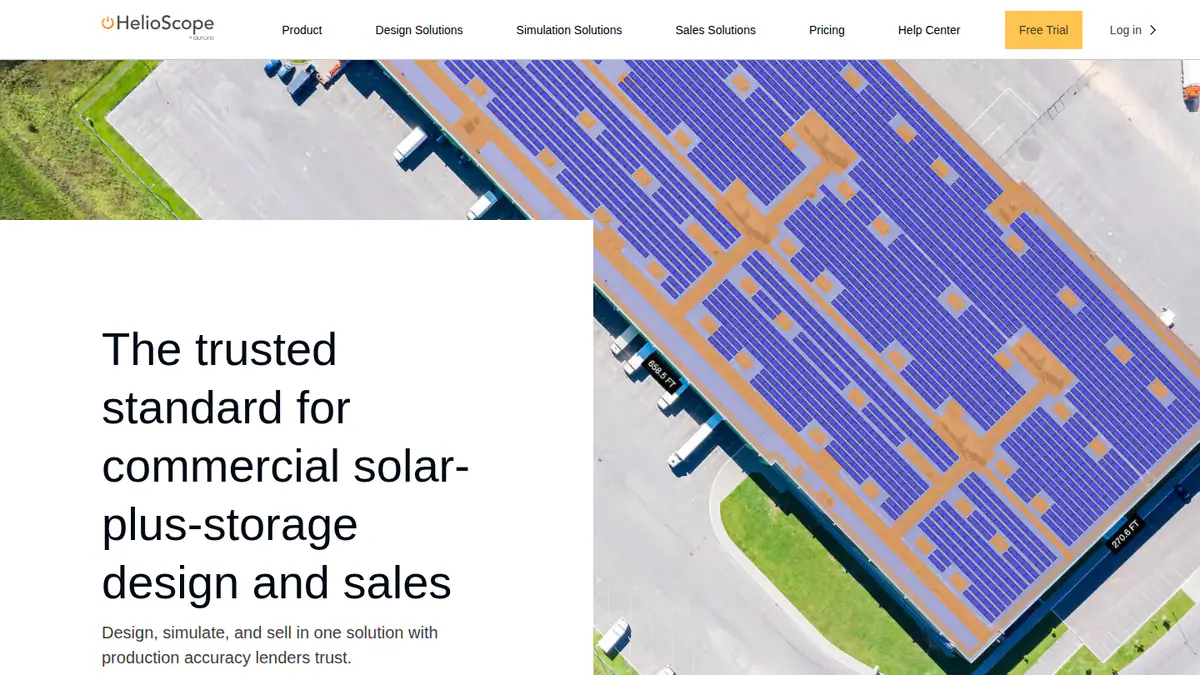
Want to see HelioScope working? Book a demo with the SolarSoftwares team.
Book a demoYour request goes by email to the SolarSoftwares team. A time is set only after we reply. It does not change any score or ranking.
4. SAM: best free techno-economic simulator
Best for: Analysts who want a validated yield model they can script (run from code) at no cost. Score: 66.9/100.
What it is: SAM (System Advisor Model) is free desktop software. It comes from the National Laboratory of the Rockies, the US Department of Energy lab formerly called NREL. It links system performance to project finance. That is what techno-economic means. You will find it in research labs, consultancies and developer teams, on projects from rooftops to very large solar farms.
Why we picked it: It is free for commercial use and links a validated PV model to project finance. You can also script it in Python for batch runs.
Key features:
- Detailed PV performance model.
- Battery storage in front of or behind the meter (on the utility side or the customer side).
- Published validation against measured data and the 2021 PVPMC (PV Performance Modeling Collaborative) blind comparison.
- PySAM and an SDK (a code toolkit) for Python scripting.
Pricing: Free for commercial, academic or personal use. A free key is sent by email on first launch. The source code is under BSD-3-Clause, a permissive open-source licence. Checked October 2026 on the SAM GitHub README.
Pros (from our research):
- Pure Power Engineering called it the strongest free tool for grid-tied PV with storage (December 2022).
- Yearly updates since 2013, with v2026.7.3 the latest cited in the README.
- Free help by forum and email, plus open round tables every two weeks.
Cons (from our research):
- Most financiers do not accept SAM output in place of PVsyst when they underwrite (approve and back) a loan (Pure Power).
- No layout or SLD tools, as it is simulation only.
- Tariff and incentive data is US-centric.
Reviews: No G2 or Capterra listing found as of October 2026. See SAM’s validation page.
Read our full SAM review or our SAM alternatives.
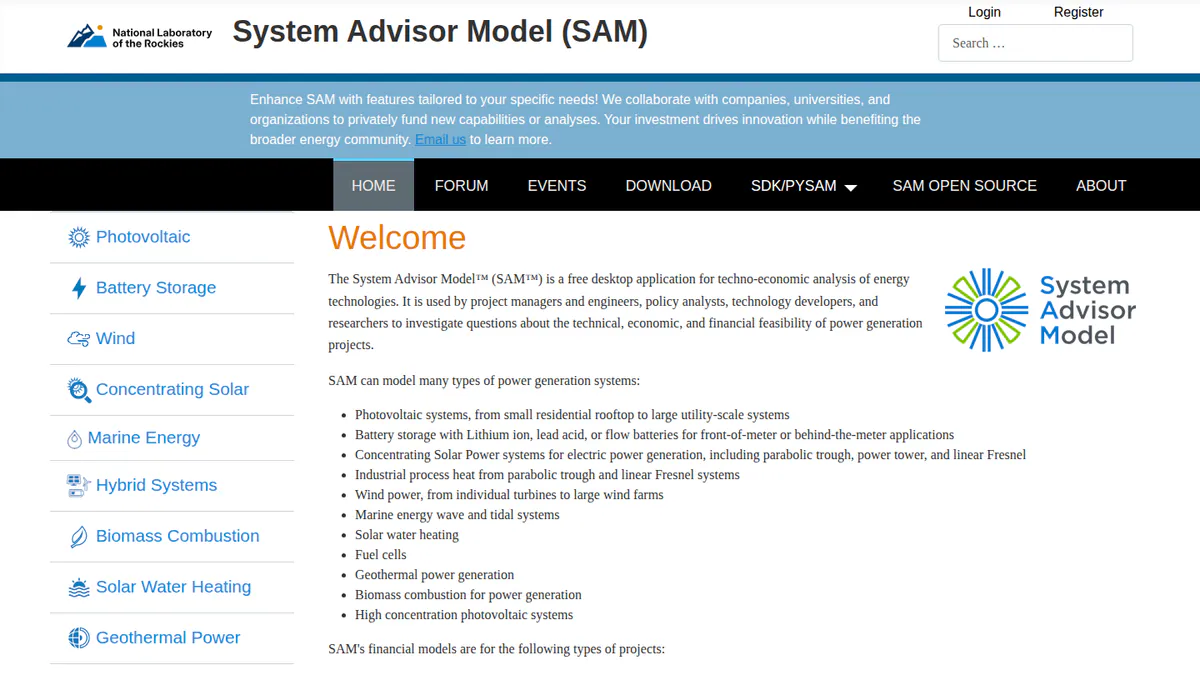
Want to see SAM working? Book a demo with the SolarSoftwares team.
Book a demoYour request goes by email to the SolarSoftwares team. A time is set only after we reply. It does not change any score or ranking.
5. Solargis Evaluate: best for satellite-data-led yield studies
Best for: Early-stage yield assessments for C&I and very large solar farms, on Solargis data. Score: 63.8/100.
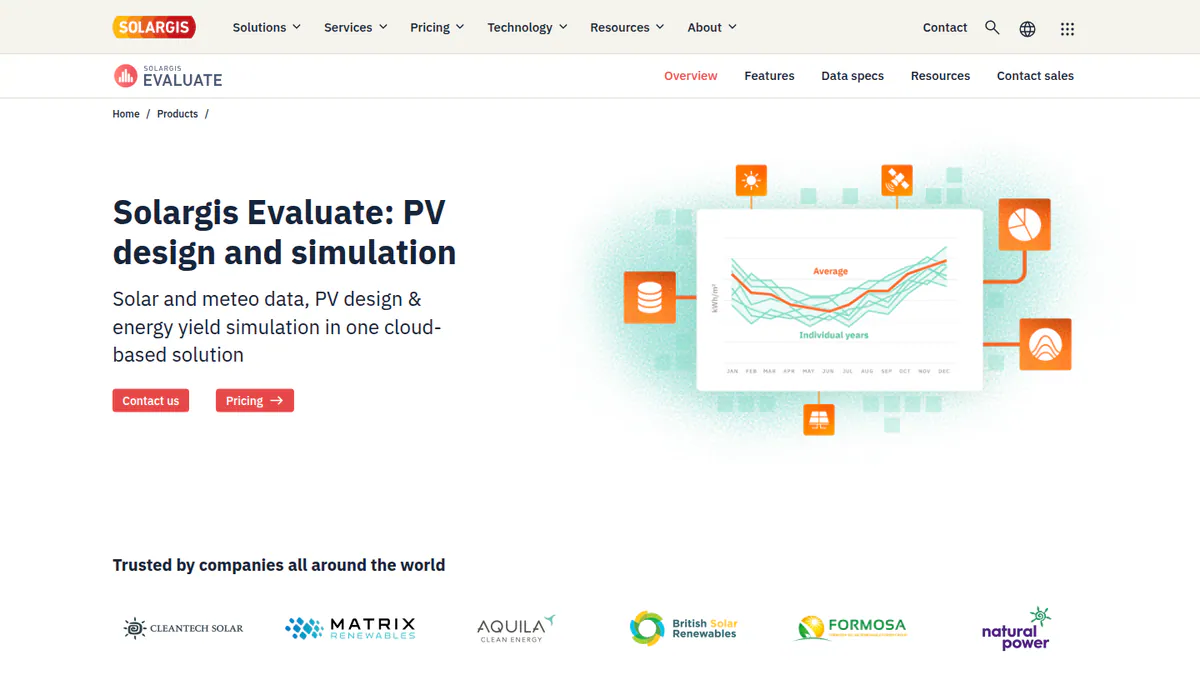
What it is: Built by the solar data company Solargis, Evaluate is a browser app. It pairs Solargis weather data with a 3D designer and a simulation engine. Developers, IPPs (independent power producers) and consultants are the main buyers, and it works on Windows and Mac.
Why we picked it: It runs yield on Solargis’s own satellite weather data, with over 30 years of history. The price is published, and the app is updated often.
Key features:
- 15-minute time series and TMY (typical meteorological year) data with over 30 years of history.
- Terrain-adapted 3D designer with over 150 parameters.
- Ray-tracing (following light paths) with the Perez sky model, albedo (ground reflection), soiling (dirt on panels) and snow.
- Automated resource, loss and long-term production reports.
Pricing: From EUR 12,000 per year. That covers 60 early-stage projects and unlimited 15-minute TMY P50 simulations. Larger credit packages come through sales. Checked October 2026 on the company pricing page. Demo only.
Pros (from our research):
- Steady updates, from 2.7.0 (March 2026) to 2.9.0 (September 2026).
- Your whole team and outside advisers can work on a project at no extra seat cost.
- You can pull TMY and time-series data by API from the same company.
Cons (from our research):
- A EUR 12,000 entry price rules out small firms.
- Solargis says banks and investors accept its data, but it names none.
- No user reviews to judge it by (G2 lists 0).
Reviews: No user reviews found on G2 or Capterra as of October 2026. More detail in the Solargis product page and knowledge base.
Read our full Solargis Evaluate review.
Want to see Solargis Evaluate working? Book a demo with the SolarSoftwares team.
Book a demoYour request goes by email to the SolarSoftwares team. A time is set only after we reply. It does not change any score or ranking.
6. DNV SolarFarmer: best for utility-scale yield with a cloud API
Best for: Teams that build very large solar farms and want batch yield runs through an API. Score: 63.7/100.
What it is: SolarFarmer is DNV’s own yield engine. It comes as a Windows desktop app and as a cloud API you can call from Python. Developers, owners and consultants of very large solar farms are its main users.
Why we picked it: DNV, a major independent engineer, uses it in its own financing due-diligence work. Its cloud API also suits teams that run many yield scenarios.
Key features:
- 2D and 3D shading on irregular terrain, with full electrical mismatch.
- Bifacial, thin-film and HIT (heterojunction) module models.
- Sub-hourly (shorter than an hour), multi-year climate series and tracker backtracking.
- Cloud yield API and a PVsyst emulation mode.
Pricing: You have to ask DNV for a price. The company page links to DNV’s Veracity store for purchase and a free evaluation, but we could not retrieve a store price. Research licences are discounted. Licences can move between team members up to four times a year. Checked October 2026 on the SolarFarmer page.
Pros (from our research):
- Its results have a track record in finance: DNV reports six US financing due-diligence projects (1,195 MW) using it in 2024.
- Regular updates, from 1.6 (June 2025) to 1.7.1 (March 2026).
- Email support usually answers by the next day in European hours.
Cons (from our research):
- No public price, so you must ask DNV for a quote.
- The desktop app is Windows only.
- Bankability evidence comes from DNV and partner Solesca, not a named lender.
Reviews: No user reviews found on G2 or Capterra as of October 2026.
Read our full DNV SolarFarmer review.
Want to see DNV SolarFarmer working? Book a demo with the SolarSoftwares team.
Book a demoYour request goes by email to the SolarSoftwares team. A time is set only after we reply. It does not change any score or ranking.
7. PVcase Yield: best for PVcase Ground Mount users
Best for: Engineers who already lay out plants in PVcase Ground Mount. Score: 62.9/100.
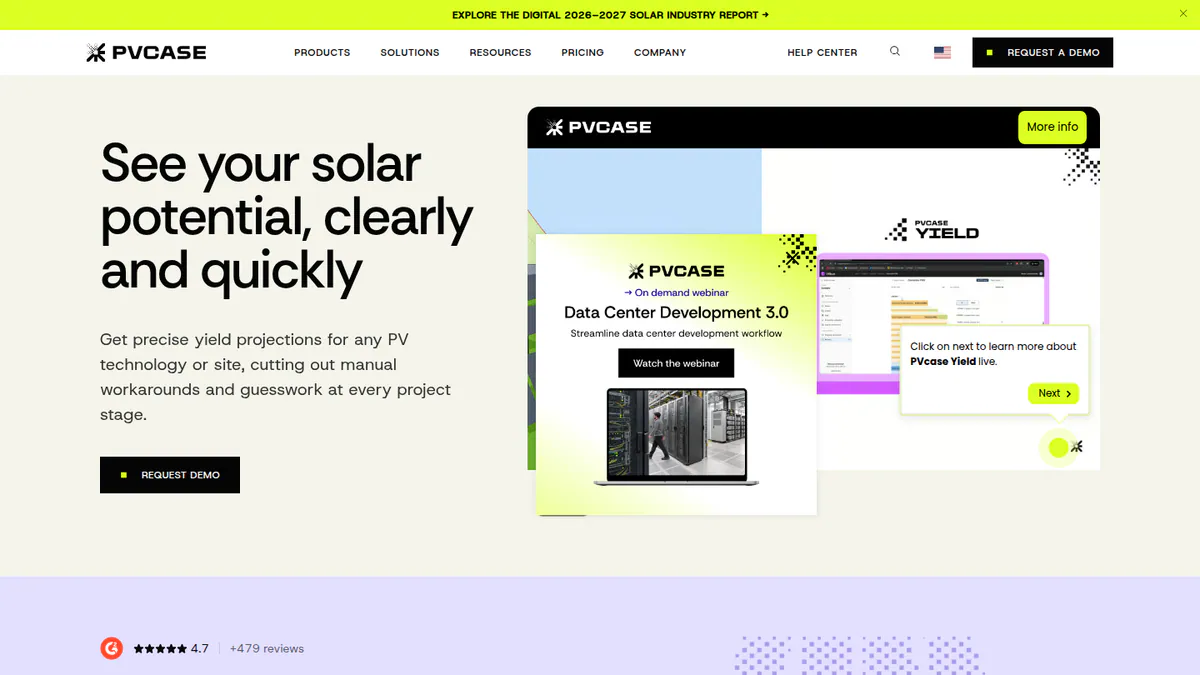
What it is: PVcase Yield is a cloud ray-tracing yield engine from PVcase. It pulls in 3D layouts and electrical design from Ground Mount, so each layout change can be re-run. It is aimed at engineers of very large solar farms and large C&I projects who already work in PVcase.
Why we picked it: It re-runs ray-traced yield on each PVcase Ground Mount layout change, with bifacial and terrain modelling. Monthly release notes from June to September 2026 show steady work on it.
Key features:
- Bifacial and complex-terrain modelling.
- 15-minute simulation with PDF and time-series export.
- Module current mismatch and DC cabling loss (Professional).
- Cloud batch runs comparing DC/AC ratio (panel power against inverter power) and pitch (row spacing).
Pricing: You have to ask the company for a price on the Essentials and Professional tiers. Checked October 2026 on the PVcase Yield pricing page. Demo only.
Pros (from user reviews):
- Fast yield checks on each Ground Mount layout change.
- One reviewer found accuracy comparable to PVsyst.
- Responsive support and prompt bug fixes.
Cons (from user reviews):
- Slow runs on very large, complex sites.
- Only practical inside the PVcase ecosystem.
- One reviewer saw DC capacity overestimated against actuals.
Reviews: G2 4.5/5 (5 reviews), checked October 2026. The "4.7 from 481 reviews" badge on company pages is PVcase’s seller-wide rating, not Yield’s.
Read our full PVcase Yield review or our PVcase alternatives.
Want to see PVcase Yield working? Book a demo with the SolarSoftwares team.
Book a demoYour request goes by email to the SolarSoftwares team. A time is set only after we reply. It does not change any score or ranking.
SurgePV (unscored): for readers comparing design-linked energy estimates and storage scenarios. Confirm modelling depth and third-party acceptance for engineering studies. The numbered scores above do not include it.
Sources checked 27 October 2026: SurgePV product information · SolarSoftwares SurgePV review
Book a demo of SurgePV with the SolarSoftwares team.
Book a demoYour request goes by email to the SolarSoftwares team. A time is set only after we reply. It does not change any score or ranking.
How do the 7 solar simulation tools compare?
This table shows what each tool documents. Not documented means we found no source for it.
Product | Deployment | Exceedance output (as documented) | Bifacial or trackers | Battery storage | Scripting or API | Starting price |
|---|---|---|---|---|---|---|
Windows desktop | P50/P90 | Both | Yes | PVsystCLI (CHF 3,000/yr) | CHF 700/yr | |
Desktop | Not documented | Not documented | AC and DC coupled | JSON export | EUR 845/yr | |
Browser | P90/P95/P99 (Pro) | Trackers (Enterprise) | Yes | API (Enterprise) | USD 159/mo | |
Desktop | Not documented in our sources | Not documented | Yes | PySAM/SDK | Free | |
Browser | P50 TMY | Not documented | Not documented | TMY and Time Series APIs | EUR 12,000/yr | |
Windows desktop and cloud | Not documented | Both | Not documented | Cloud API | Quote only | |
Cloud | Not documented | Bifacial | Not documented | Not documented | Quote only |
Also considered
- Archelios Pro (scored 58.9/100): Trace Software’s tool for French design offices. It is free up to 9 kWp (kilowatts of panel power) and costs from EUR 990 a year. It missed the top 7 because it makes no lender acceptance claim for its P90 output, and its data and pages are France-centric.
- pvlib python (scored 57.5/100): A free, open-source Python library of PV modelling functions. It missed the top 7 because you need to write Python, support is community only, and the library itself has no bankability evidence.
- INSEL (scored 55.0/100): German freeware that builds energy simulations from blocks, suited to research and teaching. It missed the top 7 because it names no support channels, publishes no core version dates and has no user reviews.
- PlantPredict (scored 50.0/100): Terabase Energy’s cloud modelling tool with a Python SDK, aimed at teams that build very large solar farms. It missed the top 7 because it has no published pricing, release notes or user reviews, and its accuracy review was commissioned by First Solar.
- Solarius PV (scored 45.0/100): ACCA’s BIM (building information modelling) tool for Italian engineers. It missed the top 7 because it is quote only, its facts come from a 2021 brochure, and it is not positioned as a bankable P50/P90 tool.
- PVGIS (below the minimum score): The EU Joint Research Centre’s free web tool and API. It is good for early yield checks before a full study, and for TMY files. It has no layout, 3D near-shading or detailed electrical modelling, so treat it as a data source and sanity check.
- Polysun (a weak match for this job): A multi-energy building simulator for PV, batteries, heat pumps and solar thermal. We could not confirm 3D shading, and prices are not published.
- Outside this page’s scope: Meteonorm and NSRDB are weather data inputs that feed these simulators. HOMER Pro is a hybrid and off-grid optimiser, covered on our off-grid design list. Aurora Solar’s core platform is a residential sales design tool, not a PVsyst alternative. Aurora sends large C&I work to HelioScope.
How do you choose solar simulation software?
- Will a lender or independent engineer review the yield report? Start with PVsyst and check what format they expect.
- Do you build very large solar farms and want an API for batch runs? Shortlist DNV SolarFarmer. If you already design in PVcase Ground Mount, add PVcase Yield.
- Is the quality of your weather data your main risk? Compare Solargis Evaluate with importing Solargis data into PVsyst.
- Do you design C&I rooftops and carports up to 30 MW DC? Pick HelioScope.
- Do you install in Europe with batteries, heat pumps and EV chargers? Pick PV*SOL premium. In France, also look at Archelios Pro (also considered).
- Is the budget zero? Use SAM for a desktop model. If you can code, pvlib python (also considered) is free too. Battery sizing has its own list: solar battery storage design software.
Rooftop teams can also read our commercial solar design software ranking.
Want more choices? Browse every tool we checked in our design and simulation category.
Solar simulation software FAQs
What is the best software to simulate photovoltaic installations?
PVsyst is the best solar simulation software for engineering-grade yield in our October 2026 ranking, at 80.6/100. PV*SOL premium is the stronger pick for European self-consumption systems with batteries and heat pumps. HelioScope suits commercial rooftops up to 30 MW DC.
What is the best free PV simulation software?
SAM is the most complete free option. It is open source under BSD-3-Clause and free for commercial use as of October 2026. Among tools we also considered, pvlib python is free but needs Python skills, and Archelios Pro is free up to 9 kWp. PVGIS is free for yield estimates only.
Is SAM free?
Yes, SAM is free for commercial, academic and personal use. You get a free key by email on first launch. Its source code is under BSD-3-Clause, a permissive open-source licence. The README we checked in October 2026 cites version 2026.7.3.
Is PVsyst free?
No, PVsyst is paid software. It has a 30-day evaluation with generic components and watermarked reports, then falls back to a limited demo mode. As of October 2026 the cheapest licences are Student and Classroom at CHF 25 a year. Professional costs CHF 700 per seat per year.
PVsyst vs PV*SOL: which is better?
PVsyst is the better choice when a lender or independent engineer will check the yield report. It scores 80.6 against PV*SOL premium’s 70.0 in our ranking. PV*SOL premium is easier to use (G2 ease of use 8.2/10 against 6.7, checked October 2026). It also models heat pumps and EV loads.
Which simulation software do banks accept for energy yield reports?
Most financiers prefer PVsyst reports and do not accept SAM in its place, wrote engineering firm Pure Power in December 2022. DNV says SolarFarmer was used on six US financing due-diligence projects (1,195 MW) in 2024. The lender and its independent engineer decide what they accept, so confirm before you model.
Sources
All checked 22 to 25 October 2026.
- PVsyst: shop, product page, G2, G2 comparison
- PV*SOL premium: shop, 2026 release, G2, G2 comparison
- HelioScope: pricing, G2
- SAM: README, validation, Pure Power Engineering
- Solargis Evaluate: product page, pricing, knowledge base
- DNV SolarFarmer: product page, DNV news, September 2024, releases
- PVcase Yield: pricing, G2
- Archelios Pro: shop, product page
- pvlib python: documentation, Zenodo, JOSS paper
- INSEL: home, PyPI
- PlantPredict: Terabase, First Solar, November 2017
- Solarius PV: company brochure
- PVGIS: JRC, Polysun: pricing
Last updated 28 October 2026. Next scheduled review: 23 January 2027.