Utility-scale solar design software helps teams plan very large solar farms. It lays out the panels and cables, designs the substation and forecasts how much power the plant will make. RatedPower ranks first in our list at 73.9/100, and PVsyst ranks second at 71.6/100.
We scored 14 tools and ranked the top 7. Each one does a different mix of three jobs: finding land, laying out the plant and forecasting yield. Few do all three well.
Working on roofs or smaller sites? See our best solar design software ranking. Planning a large project as a developer? Our guide to solar software for utility-scale developers covers more of the work.
Quick picks
Rank | Product | Best for | Starting price (company page, checked October 2026) | Pricing model | Free plan / trial | Score /100 |
|---|---|---|---|---|---|---|
1 | Cloud layout, electrical and substation design | Quote only | Three tiers, talk to sales | Demo only | 73.9 | |
2 | Lender-facing P50/P90 yield reports | ✓ CHF 700 per seat per year | Annual desktop subscription | 30-day evaluation | 71.6 | |
3 | Small utility and community solar up to 30 MW DC | ✓ USD 159 per month. Enterprise custom | Per licence, capped by MW DC | Free trial (length not stated) | 69.9 | |
4 | Yield studies on satellite resource data | ✓ EUR 12,000 per year | Annual subscription with credits | Demo only | 63.5 | |
5 | Developers screening land and pre-designing | Quote only | Per user packages | Trial (length not stated) | 62.4 | |
6 | Web-based layout, grading and electrical to 800 MWdc | Quote only | Annual modular licence | 7-day free trial | 61.3 | |
7 | Independent-engineer style yield assessment | Quote only | Licence via DNV store | Trial (length not stated) | 60.5 |
✓ Verified on the company’s own pricing page. ◐ Published by the company outside its pricing page (help centre, store or press release). ? We could not read the company’s pricing page, so the figure is not confirmed. Prices checked October 2026.
Quote only means the company shows no public price. You ask it for a quote.
How the 7 tools scored
- Use-case fit 35%
- User reviews 20%
- Pricing 15%
- Ease of use 10%
- Support 10%
- Momentum 10%
Tool | Score chart | Score |
|---|---|---|
73.9 out of 100 | 73.9 | |
71.6 out of 100 | 71.6 | |
69.9 out of 100 | 69.9 | |
63.5 out of 100 | 63.5 | |
62.4 out of 100 | 62.4 | |
61.3 out of 100 | 61.3 | |
60.5 out of 100 | 60.5 |
Each bar shows the weighted score out of 100.
Sub-scores at a glance (0-10)
Product | Use-case fit | User reviews | Pricing | Ease of use | Support | Momentum | Total /100 |
|---|---|---|---|---|---|---|---|
8.3 | 6.9 | 4.0 | 7.5 | 7.5 | 10.0 | 73.9 | |
7.0 | 6.3 | 8.0 | 5.0 | 7.5 | 10.0 | 71.6 | |
8.0 | 6.2 | 8.0 | 7.5 | 5.0 | 5.0 | 69.9 | |
7.0 | 5.0 | 6.0 | 5.0 | 5.0 | 10.0 | 63.5 | |
5.3 | 6.4 | 4.0 | 7.5 | 7.5 | 10.0 | 62.4 | |
6.0 | 5.9 | 4.0 | 7.5 | 5.0 | 10.0 | 61.3 | |
7.0 | 5.0 | 4.0 | 5.0 | 5.0 | 10.0 | 60.5 |
A 5.0 on reviews, ease, support or momentum is our neutral score. We use it when public evidence is thin. It is not a judgement.
How did we rank these utility-scale solar design tools?
How the score is weighted
- Use-case fit 35%
- User reviews 20%
- Pricing 15%
- Ease of use 10%
- Support 10%
- Momentum 10%
We scored 14 products from 22 to 25 October 2026 and ranked the top 7. The other 7 are under "Also considered", each with its score. This was desk research using company documents, pricing pages and public reviews. We did not model a plant in any tool. The weights are:
- Use-case fit (35%): Plant layout and yield simulation count most. Next come bankable yield (a yield report banks trust when they lend money), electrical design and site analysis.
- User reviews (20%): G2 and Capterra ratings. A tool with under 8 reviews gets a middle score of 5.0.
- Pricing transparency (15%): Published prices score above quote-only.
- Ease of use, support and momentum (10% each): We take these from review sub-scores and dated release notes.
This page rewards yield and bankability, so pure layout tools such as PVcase Ground Mount score lower here than their reviews suggest. SurgePV is not part of this ranking. You can read the full method in how we score software.
What are the three jobs of utility-scale solar design tools?
Utility-scale design has three jobs: prospecting (finding land), layout (placing panels and cables) and yield (forecasting power). Few products do all three well.
Prospecting tools such as Glint Solar screen land, constraints and early feasibility. SIFT (also considered) does the same. Our site selection software list goes deeper.
Layout tools handle trackers (frames that turn panels to follow the sun), terrain, grading (levelling the land), cable collection and substations. In our top 7, that means RatedPower and PVFarm. PVcase Ground Mount, Virto.CAD, HELIOS 3D and PVCAD are under "Also considered".
Yield tools produce the P50/P90 numbers (expected and conservative yield) that a financing case rests on. In our top 7, that means PVsyst, SolarFarmer and Solargis Evaluate. PlantPredict and PVcase Yield are under "Also considered". Weather datasets such as Meteonorm and NSRDB feed these tools. They are inputs, not rivals.
Rooftop and carport work is on our commercial solar design software page. Drawing sets for engineering teams are on solar design software for EPCs (firms that engineer and build plants).
1. RatedPower: best for cloud layout, electrical and substation design
Best for: Teams that want layout, MV/LV (medium- and low-voltage) electrical and substation design in one browser tool. Score: 73.9/100.
What it is: RatedPower, an Enverus company, makes this cloud platform for utility PV, BESS (battery energy storage) and hybrid plants. Developers, EPCs and IPPs (independent power producers) use it from site screening to layout and yield. It also covers electrical design and CAPEX/LCOE (build cost and levelised cost of energy).
Why we picked it: It is the only tool in our top 7 that runs from layout through MV/LV and substation design in one browser platform. It also has the largest review base here, with 305 G2 reviews at 4.4/5.
Key features:
- Rule-based layout with setbacks, roads, slope and cut-and-fill (earthworks to level the ground).
- Yield reconciled with PVsyst, plus a 3D ray-traced mode (a detailed light simulation) with terrain shading.
- MV/LV design, SLDs (single-line diagrams) and substation engineering.
- Over 400 editable documents.
- DWG (AutoCAD drawing) round-trip with AutoCAD.
- Power Analyst AI agent (add-on).
Pricing: Quote only (Basic, Advanced, Enterprise). Checked October 2026 on the RatedPower pricing page.
Pros (from user reviews):
- Easy to use, the most-cited strength (22 mentions).
- Auto-drawn electrical diagrams finish feasibility layouts fast.
- Support gets good marks (11 mentions).
Cons (from user reviews):
- Land and constraint handling in the layout could be better (14 mentions).
- Some features are missing, such as certain BESS-PCS (power conversion system) pairs (8 mentions).
- You get limited control over design details and drawings.
Reviews: G2 4.4/5 (305 reviews), checked October 2026. Pros and cons come from G2 review themes.
Read our full RatedPower review or our RatedPower alternatives.
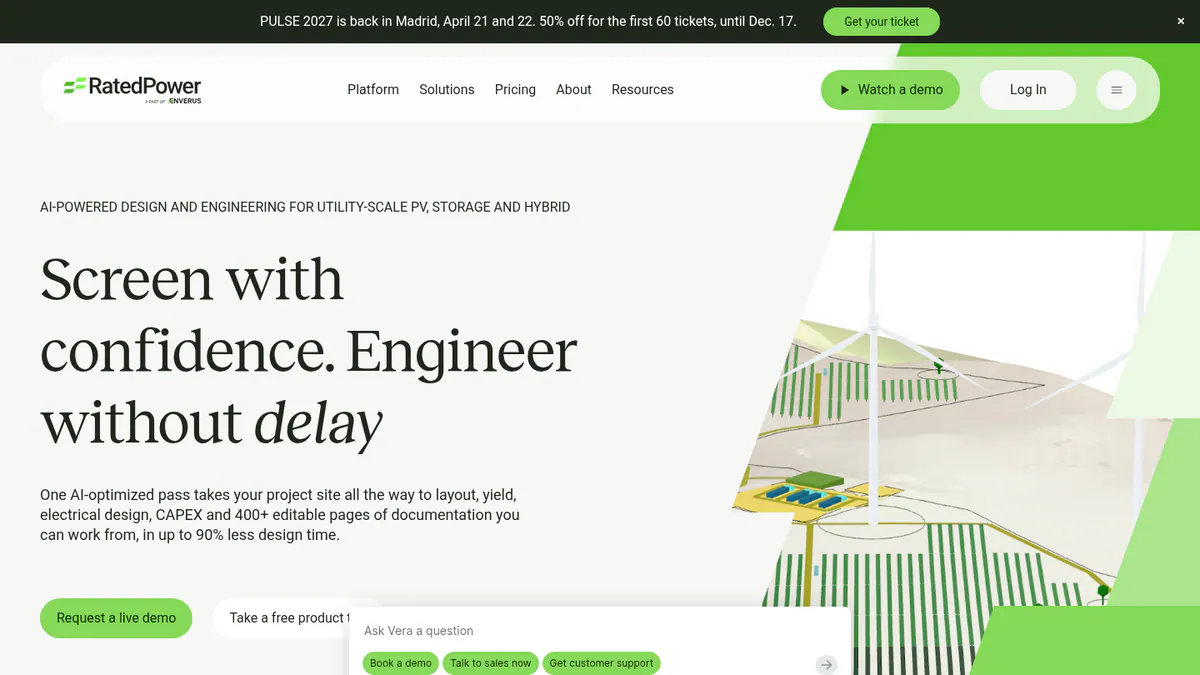
Want to see RatedPower working? Book a demo with the SolarSoftwares team.
Book a demoYour request goes by email to the SolarSoftwares team. A time is set only after we reply. It does not change any score or ranking.
2. PVsyst: best for lender-facing P50/P90 yield reports
Best for: Engineers who must hand a financed project a yield report that advisers already trust. Score: 71.6/100.
What it is: PVsyst is Windows simulation software from PVsyst SA in Switzerland. Most engineers, consultants and lenders’ advisers treat it as the bankability reference. That means its reports are the ones banks trust when they lend money. It does not do civil or electrical plant layout.
Why we picked it: Lenders’ advisers already know its P50/P90 reports. That matters most on a financed plant. The price is published. Patches keep coming, up to 8.1.5 in August 2026.
Key features:
- Bifacial modules (panels that collect light on both sides) and single- or dual-axis trackers with backtracking (tilting back to avoid row-to-row shade).
- Detailed loss diagram and P50/P90 reports.
- Batch and multi-year runs with module ageing.
- Weather inputs from Meteonorm, NSRDB, PVGIS, Solcast and Solargis.
Pricing: PVsyst 8 Professional costs CHF 700 per seat per year, with 5% to 20% off for 2 or more seats. PVsystCLI, the command-line engine for automated runs, costs CHF 3,000 per year. Checked October 2026 in the PVsyst shop.
Pros (from user reviews):
- Detailed, accurate yield modelling.
- A full loss breakdown shows where energy goes.
- You can build 3D shading scenes in SketchUp.
Cons (from user reviews):
- Dated, complex interface.
- Steep learning curve.
- Slow 3D scene management.
Reviews: G2 4.5/5 (22 reviews), checked October 2026. Pros and cons are G2 review themes. Release 8.1.5 is dated 10 August 2026.
Read our full PVsyst review or our PVsyst alternatives.
Want to see PVsyst working? Book a demo with the SolarSoftwares team.
Book a demoYour request goes by email to the SolarSoftwares team. A time is set only after we reply. It does not change any score or ranking.
3. HelioScope: best for small utility and community solar up to 30 MW DC
Best for: Designers of community and distributed ground mounts under 30 MW DC (megawatts of direct-current power, a way to size a plant). Score: 69.9/100.
What it is: HelioScope is a web-based design tool for commercial and small utility projects. Aurora Solar owns it. Plans stop at 30 MW DC. It suits community and distributed ground mounts, not large plants.
Why we picked it: Its prices are published, and G2 users rate it 4.5/5 for fast, accurate layouts. For community solar under 30 MW DC, it handles layout and yield in one tool.
Key features:
- Ground-mount layout alongside rooftop and carport.
- Wiring-loss and shading modelling.
- P90/P95/P99 values (Pro).
- Storage design.
Pricing: Basic costs USD 159 per month (to 1.25 MW DC). Pro costs USD 259 per month (to 5 MW DC). Enterprise is custom-priced, to 30 MW DC, with single-axis trackers and PVsyst export. Checked October 2026 on the HelioScope pricing page.
Pros (from user reviews):
- Quick to learn, with a simple layout.
- Fast, accurate layouts with shading and wiring losses.
- Reports and SLDs come out quickly.
Cons (from reviews and our research):
- Expensive if you only use it now and then.
- Plans cap how many projects you can run.
- Single-axis trackers need the custom-priced Enterprise plan.
Reviews: G2 4.5/5 (19 reviews), checked October 2026.
Read our full HelioScope review or our HelioScope alternatives.
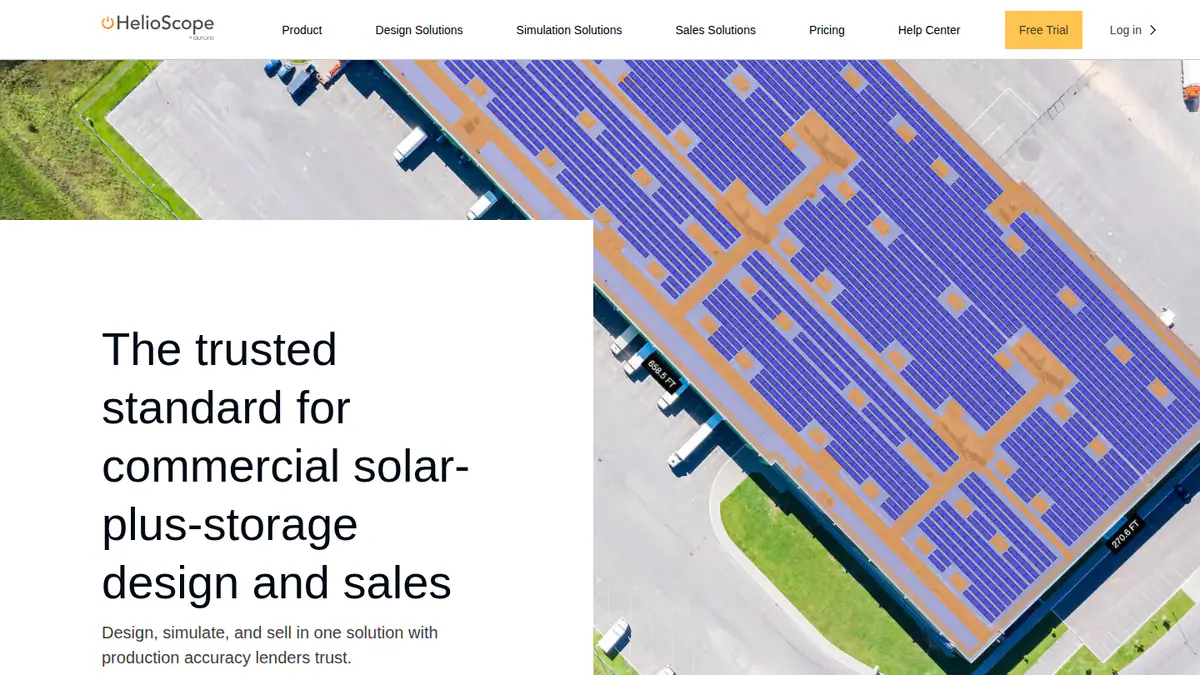
Want to see HelioScope working? Book a demo with the SolarSoftwares team.
Book a demoYour request goes by email to the SolarSoftwares team. A time is set only after we reply. It does not change any score or ranking.
4. Solargis Evaluate: best for yield studies on satellite resource data
Best for: Yield teams that want resource data and simulation in one subscription. Score: 63.5/100.
What it is: Solargis Evaluate is a web app for energy-yield simulation and 3D system design. Solargis builds it on its own solar and weather data and sells it to developers, IPPs and consultants.
Why we picked it: It runs yield on Solargis’s own weather data, at a published price. That makes it a credible second opinion next to PVsyst.
Key features:
- 15-minute time series and TMY (typical meteorological year) data with over 30 years of history.
- Terrain-adapted layout with over 150 parameters.
- Ray-tracing with terrain, albedo (how much light the ground reflects), soiling (dirt on the panels) and snow.
- TMY and Time Series APIs.
Pricing: From EUR 12,000 per year. That covers 60 early-stage projects and unlimited 15-minute TMY P50 simulations. Larger packages come through sales. Checked October 2026 on Solargis’s pricing page.
Pros (from our research):
- You buy weather data and simulation in one subscription.
- It is kept current: version 2.9.0 came out on 7 September 2026.
- It runs in the browser, so you are not tied to Windows.
Cons (from our research):
- High entry price of EUR 12,000 a year.
- No user reviews to judge it by.
- No electrical or civil design.
Reviews: No user reviews found on G2 or Capterra as of October 2026.
What we could not confirm: Solargis says banks accept its data, but it names no lender.
Read our full Solargis Evaluate review.
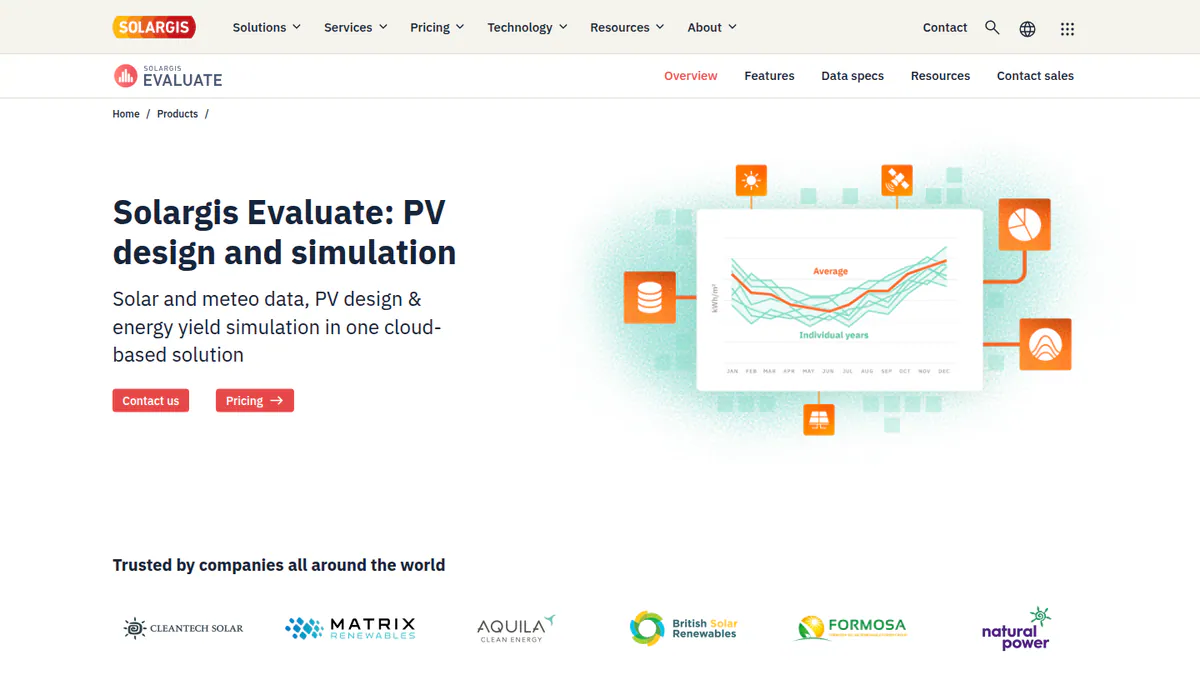
Want to see Solargis Evaluate working? Book a demo with the SolarSoftwares team.
Book a demoYour request goes by email to the SolarSoftwares team. A time is set only after we reply. It does not change any score or ranking.
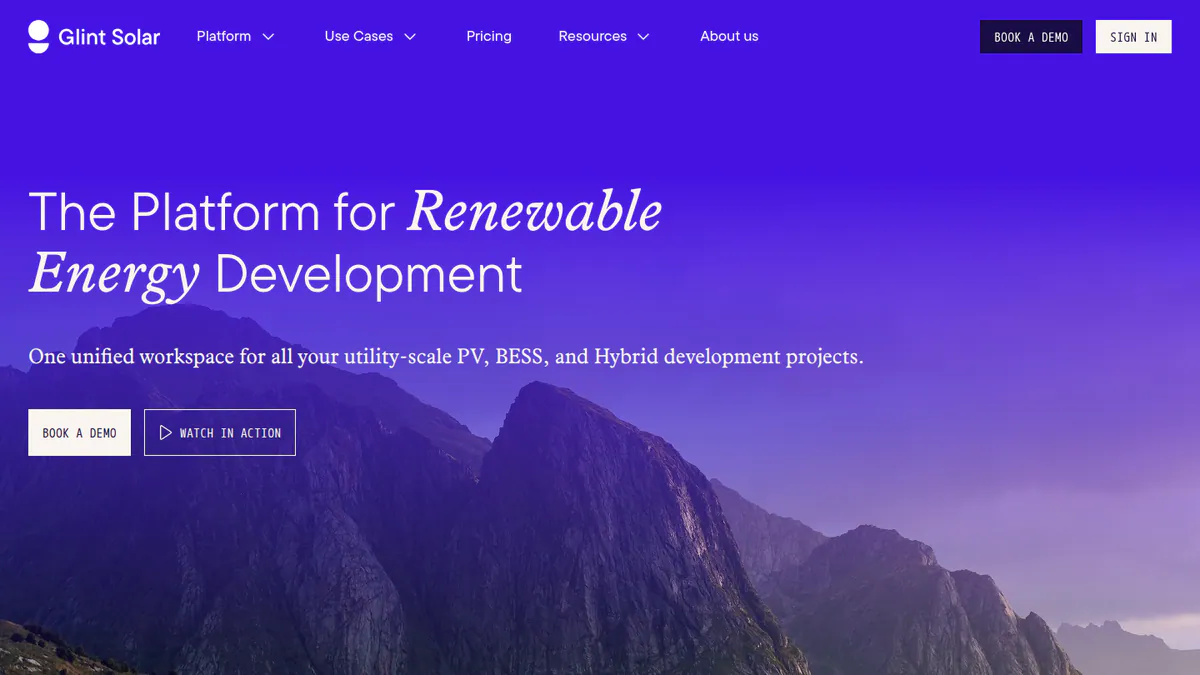
5. Glint Solar: best for developers screening land and pre-designing
Best for: Developers who screen many sites before any engineering starts. Score: 62.4/100.
What it is: Glint Solar is a map-based prospecting tool from Glint Solar AS in Oslo. It is aimed at utility PV and BESS developers. It ranks here on early layout and yield, but its main job is finding land, not detailed design.
Why we picked it: It gives developers a first layout and yield estimate on the same map they use to find land. Reviewers rate it 4.6/5 on G2, and it shipped 18 dated updates between March and September 2026.
Key features:
- Land Screening ranked by buildable area (August 2026).
- One-click PV pre-design with 3D view and yield estimate.
- BESS layouts and BESS SLD reports.
- Site Control for parcels and landowner contacts.
Pricing: Quote only, priced by user count, with unlimited projects and layers. Checked October 2026 on the Glint Solar pricing page.
Pros (from reviews and our research):
- You get a first technical layout quickly.
- The product improves fast, and the team is easy to reach.
- Unlimited projects and a full layer library, with no per-layer pricing.
Cons (from reviews and our research):
- Updates can arrive without warning.
- Prices are quote only.
- It is a developer tool, not installer software.
Reviews: G2 4.6/5 (17 reviews), checked October 2026. The review points come from two G2 highlights (September and August 2026, the second one incentivised).
What we could not confirm: how long the trial lasts.
Read our full Glint Solar review.
Want to see Glint Solar working? Book a demo with the SolarSoftwares team.
Book a demoYour request goes by email to the SolarSoftwares team. A time is set only after we reply. It does not change any score or ranking.
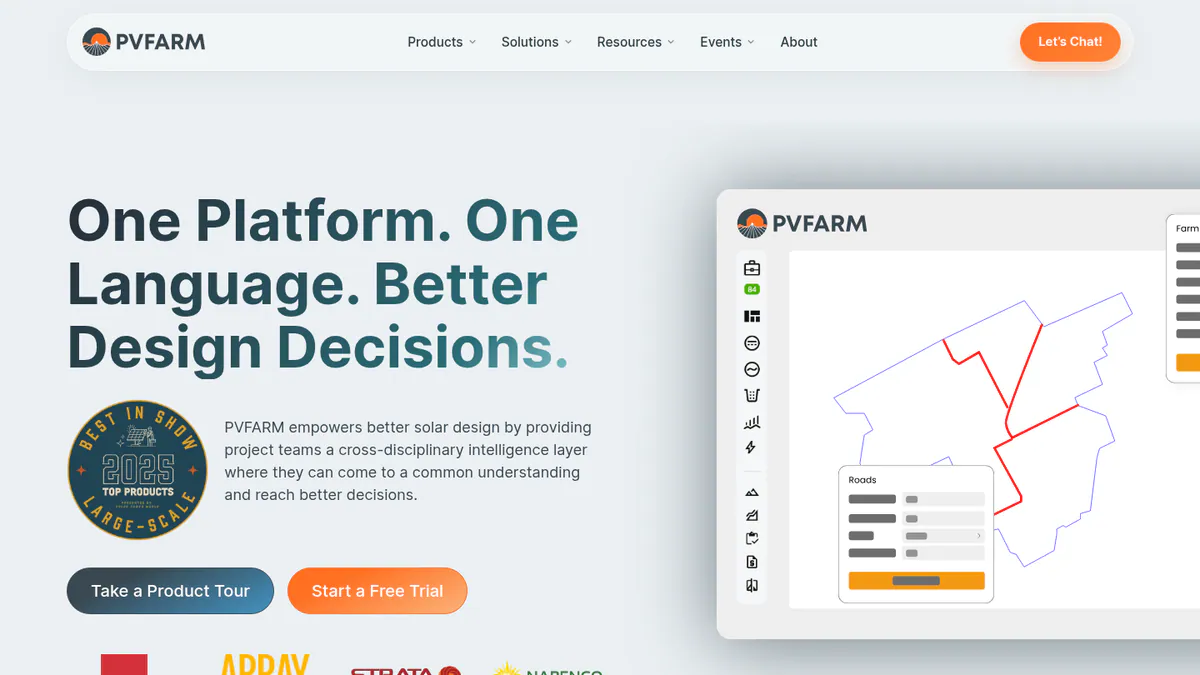
6. PVFarm: best for web-based layout, grading and electrical up to 800 MWdc
Best for: Teams that want a fast web layout tool and a trial before they buy. Score: 61.3/100.
What it is: PVFarm is a browser tool from a company in Newport Beach, California (pvfarm.io). It is not related to PVComplete. It helps EPCs, developers and engineering firms automate layout, civil grading, LV/MV electrical and energy modelling.
Why we picked it: It covers layout, grading and LV/MV electrical in the browser, for plants up to 800 MWdc. It is also the only tool here whose free trial includes expert sessions.
Key features:
- Layouts and real-time analysis to 800 MWdc, including trackers.
- SLDs, BoQ and BoM (bills of quantities and materials).
- DXF (CAD drawing file) export with wiring and piles.
- PVsyst SHD (shading file) export.
- RE Pilot solar-plus-storage optimisation (September 2026).
Pricing: Quote only, as an annual modular licence (Layout, Civil, Energy, Repower, Electrical). The 7-day free trial includes two 30-minute expert sessions. Checked October 2026 on the PVFarm FAQ.
Pros (from reviews and our research):
- The easiest web tool some reviewers tried.
- Fast layout revisions.
- You can test it for 7 days, with two expert sessions.
Cons (from user reviews):
- AutoCAD export needs work.
- No individual-bearing tracker modelling, which throws off grading.
- It needs a technical team. Support is uneven: one reviewer calls it second to none, another found it hard to get.
Reviews: G2 4.4/5 (16 reviews), checked October 2026.
Want to see PVFarm working? Book a demo with the SolarSoftwares team.
Book a demoYour request goes by email to the SolarSoftwares team. A time is set only after we reply. It does not change any score or ranking.
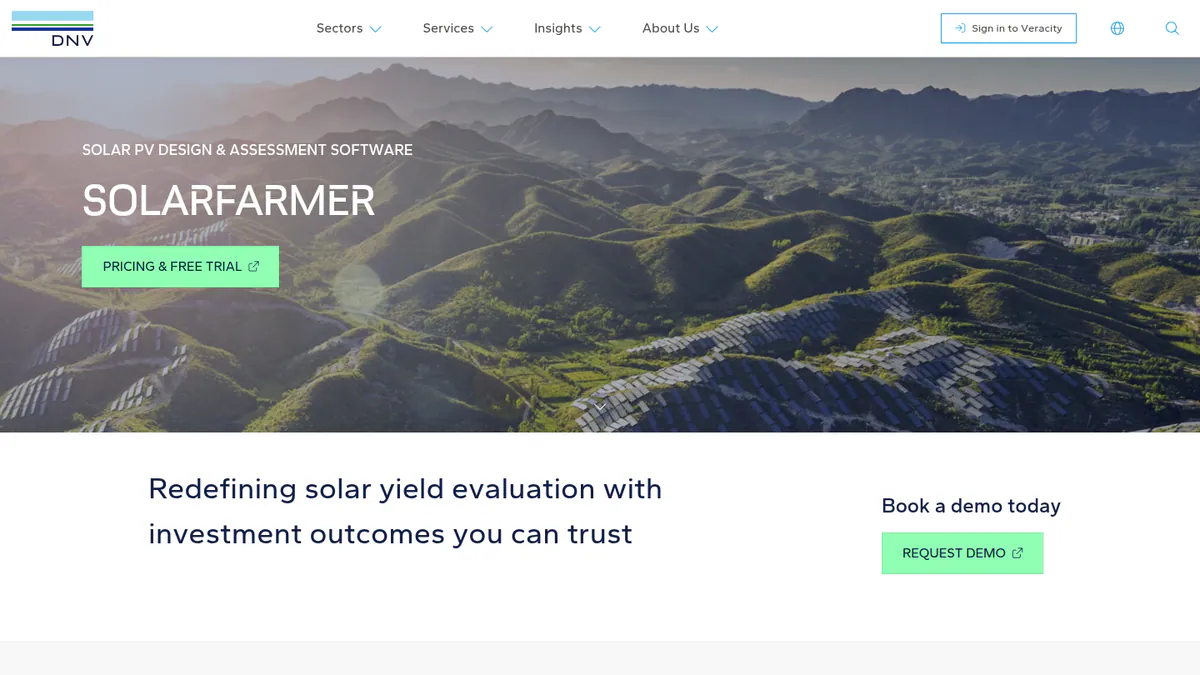
7. DNV SolarFarmer: best for independent-engineer style yield assessment
Best for: Yield analysts who want a second engine next to PVsyst. Score: 60.5/100.
What it is: SolarFarmer is DNV’s tool for utility-scale yield assessment. It runs as Windows desktop software and as a cloud API. Its users are developers, owners and consultants doing independent-engineer grade yield work.
Why we picked it: DNV is a major independent engineer. It uses this engine in its own due-diligence work. That makes it a strong second yield engine next to PVsyst on financed plants.
Key features:
- 2D and 3D shading on irregular terrain.
- Full electrical mismatch calculation.
- Tracker and backtracking algorithms.
- Cloud yield API with Python.
- PVsyst emulation mode.
Pricing: Quote only through DNV’s Veracity store. There is a free trial or evaluation, and research licences are discounted. Checked October 2026 on the SolarFarmer page.
Pros (from our research):
- DNV says it used SolarFarmer on six US financing due-diligence projects (1,195 MW) in 2024. That evidence is DNV’s own.
- You can script batch runs, which saves time on many scenarios.
- It gets regular releases, up to 1.7.1 in March 2026.
Cons (from our research):
- No public price.
- No user reviews to judge it by.
- The desktop version is Windows-only.
Reviews: No user reviews found as of October 2026.
Read our full DNV SolarFarmer review.
Want to see DNV SolarFarmer working? Book a demo with the SolarSoftwares team.
Book a demoYour request goes by email to the SolarSoftwares team. A time is set only after we reply. It does not change any score or ranking.
How do the 7 utility-scale solar design tools compare?
This table puts the 7 tools side by side.
Product | Main job | Platform | Trackers | Electrical / SLD | BESS | Bankability evidence |
|---|---|---|---|---|---|---|
Layout to substation | Cloud | Yes | MV/LV, substation | Yes | No lender acceptance found | |
Yield | Windows | Yes | Stringing. No SLD | Yes | Market reference | |
Layout and yield to 30 MW DC | Cloud | Enterprise | Per reviewers | Yes | P90 output only | |
Yield on own data | Cloud | Not stated | No | Not stated | Company claim, no lender named | |
Prospecting, pre-design | Cloud | Not stated | BESS SLD | Yes | None | |
Layout, civil, electrical | Cloud | Yes | LV/MV, SLD | Yes | None | |
Yield | Windows plus API | Yes | Mismatch only | Not stated | DNV’s own US due diligence |
Also considered
These seven tools were scored but sit outside our top 7.
- PVcase Ground Mount (scored 60.2/100): The best-reviewed tool we scored (G2 4.7/5), strong on terrain, grading and piling in AutoCAD. It misses the top 7 because this page weights yield, and its yield relies on QuickYield or export to PVsyst.
- Virto.CAD (scored 57.4/100): An AutoCAD or BricsCAD layout plug-in. It has no bankable yield of its own, and we could not confirm its price with the company.
- PlantPredict (scored 55.5/100): Cloud energy modelling with a Python API. We found no price, trial terms, release notes or user reviews.
- PVcase Yield (scored 55.0/100): Ray-traced yield that is only practical inside PVcase Ground Mount. It has just 5 G2 reviews.
- HELIOS 3D (scored 50.0/100): Plant design inside Autodesk Civil 3D. It has one G2 review (2.0/5) and no release notes we could find.
- PVComplete / PVCAD (scored 47.5/100): Tracker and pier layouts in AutoCAD, now part of Enact. Its price is not confirmed after the merger, and it has only 2 G2 reviews. See our PVcomplete alternatives.
- Sunfig (SIFT) (scored 41.2/100): Early feasibility runs with an IRR model (a return-on-investment calculation). Its current owner is unconfirmed, and we found no dated updates since 2022.
We also looked at these tools, which do a different job:
- Aurora Solar (core product): Built for residential and light-commercial work. Aurora sends utility work to HelioScope.
- HOMER: Hybrid and microgrid (small local power network) modelling, not plant layout. See off-grid solar design software.
- Terabase Terafab: Construction automation, not design software.
- PVcase Prospect: A siting tool, covered on our site selection list.
- Meteonorm and NSRDB: Weather datasets that feed the yield tools above.
How do you choose utility-scale solar design software?
- Want one cloud platform from layout to substation and BESS? Pick RatedPower.
- Do your engineers work in AutoCAD, with terrain as the hard part? See PVcase Ground Mount under "Also considered". On Civil 3D, HELIOS 3D is listed there too.
- Need a fast web tool you can try first? Use PVFarm’s 7-day trial.
- Is the project financed? Run final yield in PVsyst. Consider SolarFarmer or Solargis Evaluate as a second opinion.
- Still looking for land? Start with Glint Solar.
- Are your plants under 30 MW DC? HelioScope fits, with published prices up to 5 MW DC.
For wider shortlists, see our best solar design software ranking and our commercial solar design software ranking. Want more choices? Browse every tool we checked in our design and simulation category.
Utility-scale solar design software FAQs
What is the best utility-scale solar design software?
RatedPower is the best utility-scale solar design software in our October 2026 ranking, at 73.9/100. It combines layout, electrical, substation and BESS (battery energy storage) design in the cloud. PVsyst is still the yield reference. For plants up to 30 MW DC, HelioScope has published monthly prices.
Does HelioScope work for large solar plants?
Not for very large plants. HelioScope stops at 30 MW DC, on its Enterprise plan. That plan also adds single-axis trackers and PVsyst export (checked October 2026). It has no grading, piling or substation tools, so larger plants need RatedPower or PVFarm.
Is RatedPower better than PVcase?
They suit different teams. RatedPower runs in the cloud and goes further into MV/LV and substation work (305 G2 reviews at 4.4/5). PVcase Ground Mount, an AutoCAD plug-in, rates 4.7/5 on G2 and is stronger on terrain and grading. Both are quote only as of October 2026.
Do I need AutoCAD for utility-scale solar design?
Not always. RatedPower, PVFarm and Glint Solar run in the browser, and RatedPower has a DWG round-trip to AutoCAD. The CAD plug-ins in our "Also considered" list (PVcase Ground Mount, Virto.CAD and PVCAD) run inside CAD programs. HELIOS 3D needs Autodesk Civil 3D.
Which simulation software do lenders accept for bankable energy yield reports?
PVsyst is the usual reference for lenders’ advisers. DNV reports using SolarFarmer on six US due-diligence projects totalling 1,195 MW in 2024. PlantPredict (also considered) had IE (independent engineer) reviews in 2017. We found no named lender policy for any tool as of October 2026.
Is there a free trial of utility-scale solar design software?
Yes, a few do. PVFarm gives 7 days with two expert sessions, and PVsyst gives a 30-day evaluation. DNV SolarFarmer, Glint Solar and HelioScope have trials, but the length is not stated. RatedPower offers demos only (October 2026).
Sources
All checked 22 to 25 October 2026.
- RatedPower: pricing, comparison, G2
- PVsyst: shop, product page, G2
- HelioScope: pricing, G2
- Solargis Evaluate: pricing, product page
- Glint Solar: pricing, product updates, G2
- PVFarm: FAQ, RE Pilot launch, G2
- DNV SolarFarmer: product page, DNV news, 2024
- PVcase Ground Mount: pricing, G2
- Virto.CAD: Intersolar listing, G2, Capterra
- PlantPredict: Terabase, First Solar, 2017
- PVcase Yield: pricing, G2
- HELIOS 3D: PVcase comparison, G2
- PVCAD: Solar Power World, January 2026, G2 pricing
- Sunfig (SIFT): product page, Solar Power World, July 2026
Last updated 28 October 2026. Next scheduled review: 23 January 2027.