PV*SOL alternatives are solar design and simulation tools you can use instead of PV*SOL premium, a desktop program from Valentin Software in Germany. Aurora Solar ranks first at 82.4/100. PVsyst ranks second at 76.3/100.
PV*SOL premium does 3D PV design and simulation. It is strong on self-consumption (using the solar power you make on site), with batteries, heat pumps and EV charging. Its users are mainly European installers and planners.
So why do installers look for PV*SOL alternatives? The usual reasons are no browser version, thin sales tools and a per-user licence in euros.
Why do installers look for PV*SOL alternatives?
- Desktop only. PV*SOL premium is desktop software. Sales reps cannot open a design in a browser at the customer’s kitchen table.
- Named-user licences in euros. Each user needs a licence at EUR 845 a year plus VAT. Teams outside the eurozone also carry currency risk.
- Thin sales tools. It exports a customer presentation as PDF or DOCX. We found no financing, e-signature or online proposal.
- Unclear electrical depth. We could not confirm stringing, cable or SLD (single-line diagram, a simple drawing of how the wires connect) depth on the company’s pages.
What you would give up: heat pump and EV loads with a tariff for each, and a 3-month licence for busy seasons. Few tools here match it.
PV*SOL premium at a glance
Item | PV*SOL premium (checked October 2026) |
|---|---|
What it is | Desktop 3D PV design and simulation with battery, heat pump and EV load modelling, from Valentin Software GmbH |
Pricing | EUR 845 a year per named user, or EUR 285 for 3 months (plus VAT). 2D PV*SOL: EUR 585 a year |
Free plan / trial | No free plan. 30-day trial |
Ratings | G2 4.2/5 (12 reviews). Ease of use 8.2/10 (10 reviews) |
Still suits | European installers who design homes and C&I roofs around batteries, heat pumps and EV charging |
Source: Valentin Software shop, checked October 2026. Read our full PV*SOL premium review.
Quick picks
Rank | Product | Best for | Starting price (company page, checked October 2026) | Runs as | Score /100 |
|---|---|---|---|---|---|
1 | Cloud design and proposals for sales teams | ✓ USD 159 per user a month | Cloud | 82.4 | |
2 | Bankable P50/P90 yield reports | ✓ CHF 700 a year | Windows desktop | 76.3 | |
3 | C&I design in a browser | ✓ USD 159 a month | Cloud | 74.0 | |
4 | Moving up to utility-scale plants | Quote only | Cloud | 73.9 | |
5 | C&I rooftop engineering in AutoCAD | Quote only | AutoCAD plug-in | 72.5 | |
6 | India, and unlimited US projects | ✓ USD 159 a month (international list) | Cloud | 70.4 | |
7 | Drone site models in the US | Quote only | Cloud and mobile | 68.1 | |
8 | Utility yield checks from DNV | Quote only (Veracity store) | Windows desktop and cloud API | 65.2 | |
9 | Yield on Solargis data in a browser | ✓ EUR 12,000 a year | Cloud | 65.2 | |
10 | Free start for small European systems | ✓ Free up to 9 kWp. EUR 990 a year | Software with SketchUp plug-in (Revit on Platinum) | 64.8 |
✓ Verified on the company’s own pricing page. ◐ Published by the company outside its pricing page (help centre, store or press release). ? We could not read the company’s pricing page, so the figure is not confirmed. Prices checked October 2026.
Quote only means the company shows no public price. You ask it for a quote.
How did the 10 tools score?
- Use-case fit 35%
- User reviews 20%
- Pricing 15%
- Ease of use 10%
- Support 10%
- Momentum 10%
Tool | Score chart | Score |
|---|---|---|
82.4 out of 100 | 82.4 | |
76.3 out of 100 | 76.3 | |
74 out of 100 | 74.0 | |
73.9 out of 100 | 73.9 | |
72.5 out of 100 | 72.5 | |
70.4 out of 100 | 70.4 | |
68.1 out of 100 | 68.1 | |
65.2 out of 100 | 65.2 | |
65.2 out of 100 | 65.2 | |
64.8 out of 100 | 64.8 |
Each bar shows the weighted score out of 100.
Sub-scores at a glance (0-10)
Product | Use-case fit | User reviews | Pricing | Ease of use | Support | Momentum | Total /100 |
|---|---|---|---|---|---|---|---|
9.2 | 7.9 | 8.0 | 7.5 | 7.5 | 7.5 | 82.4 | |
8.3 | 6.3 | 8.0 | 5.0 | 7.5 | 10.0 | 76.3 | |
9.2 | 6.2 | 8.0 | 7.5 | 5.0 | 5.0 | 74.0 | |
8.3 | 6.9 | 4.0 | 7.5 | 7.5 | 10.0 | 73.9 | |
7.5 | 6.4 | 4.0 | 10.0 | 10.0 | 7.5 | 72.5 | |
7.5 | 6.3 | 6.0 | 7.5 | 10.0 | 5.0 | 70.4 | |
9.2 | 5.0 | 4.0 | 5.0 | 5.0 | 10.0 | 68.1 | |
8.3 | 5.0 | 4.0 | 5.0 | 5.0 | 10.0 | 65.2 | |
7.5 | 5.0 | 6.0 | 5.0 | 5.0 | 10.0 | 65.2 | |
7.5 | 5.0 | 9.0 | 5.0 | 5.0 | 5.0 | 64.8 |
A 5.0 on reviews, ease, support or momentum is our neutral score. We use it when public evidence is thin. It is not a judgement.
How did we choose and score these PV*SOL alternatives?
How the score is weighted
- Use-case fit 35%
- User reviews 20%
- Pricing 15%
- Ease of use 10%
- Support 10%
- Momentum 10%
We scored 13 alternatives from 22 to 25 October 2026, using company pages, pricing and user reviews. This was desk research. We did not test any tool hands-on. All 13 passed our minimum fit score, so we rank the top 10. PV*SOL premium is not ranked on its own page.
- Use-case fit (35%): Layout, 3D design, shading and yield simulation (a forecast of how much power the system will make).
- User reviews (20%): Ratings on G2 and Capterra. Under eight reviews gets a middle score.
- Pricing (15%): Published prices and free entry points beat quote-only.
- Ease of use, support and momentum (10% each): Review sub-scores and dated releases.
What are the two kinds of PV*SOL alternative?
- Design and sales tools: Aurora Solar, HelioScope, Arka 360, Scanifly and Archelios Pro. For installers who design roofs and show customers the result.
- Simulation and engineering tools: PVsyst, RatedPower, PVcase Roof Mount, DNV SolarFarmer and Solargis Evaluate. For engineers who need yield reports, drawings or large ground-mount layouts.
1. Aurora Solar: best for sales teams who want design and proposals in a browser
Best for: US home and light-commercial installers whose reps design and sell in one cloud tool. Score: 82.4/100.
vs PV*SOL premium: Aurora runs in the cloud and adds financing in proposals. It costs more per seat (USD 159 a month) and is priced for North America.
What it is: Aurora Solar Inc. makes this cloud platform for design, shading and sales proposals. It is built for US home and light-commercial installers.
Why we picked it: It fixes the two gaps sales teams feel most in PV*SOL: browser access and financed proposals. It also has 121 G2 reviews at 4.7/5 and public per-seat prices.
Key features:
- Cloud 3D design with LIDAR (laser height data) assisted modelling (Premium).
- Shade analysis and production simulation.
- Battery modelling for backup, self-consumption and arbitrage (storing cheap power to use or sell when prices are high) (Premium).
- Sales proposals with financing options such as tax-credit estimates (US credit rules change, check current law) and TPO (a deal where the customer pays for power instead of buying the panels).
Pricing: Basic is USD 159 per user per month, or USD 135 a month billed annually. It covers one user and 50 projects a month. Premium is USD 259 (USD 220 billed annually). Enterprise is custom and priced per project. Checked October 2026 on the Aurora Solar pricing page.
Pros (from user reviews):
- Capterra reviewers say the shade reports and output figures are accurate, and LiDAR picks up obstructions.
- A G2 reviewer rates the customer service highly.
- Training videos and a knowledge base cut the learning time (Capterra).
Cons (from user reviews):
- For the price, some find the proposal and finance side thin (Capterra).
- A G2 reviewer says it does not connect well with other software.
- Reviews from 2019 say it is heavy on memory and slow on weaker computers (Capterra).
Reviews: G2 4.7/5 (121 reviews) and Capterra 4.1/5 (7 reviews), checked October 2026.
What we could not confirm: A free trial, and how deep its stringing (how panels wire into inverters) and SLD tools go.
Read our full Aurora Solar review or our Aurora Solar alternatives.

Want to see Aurora Solar working? Book a demo with the SolarSoftwares team.
Book a demoYour request goes by email to the SolarSoftwares team. A time is set only after we reply. It does not change any score or ranking.
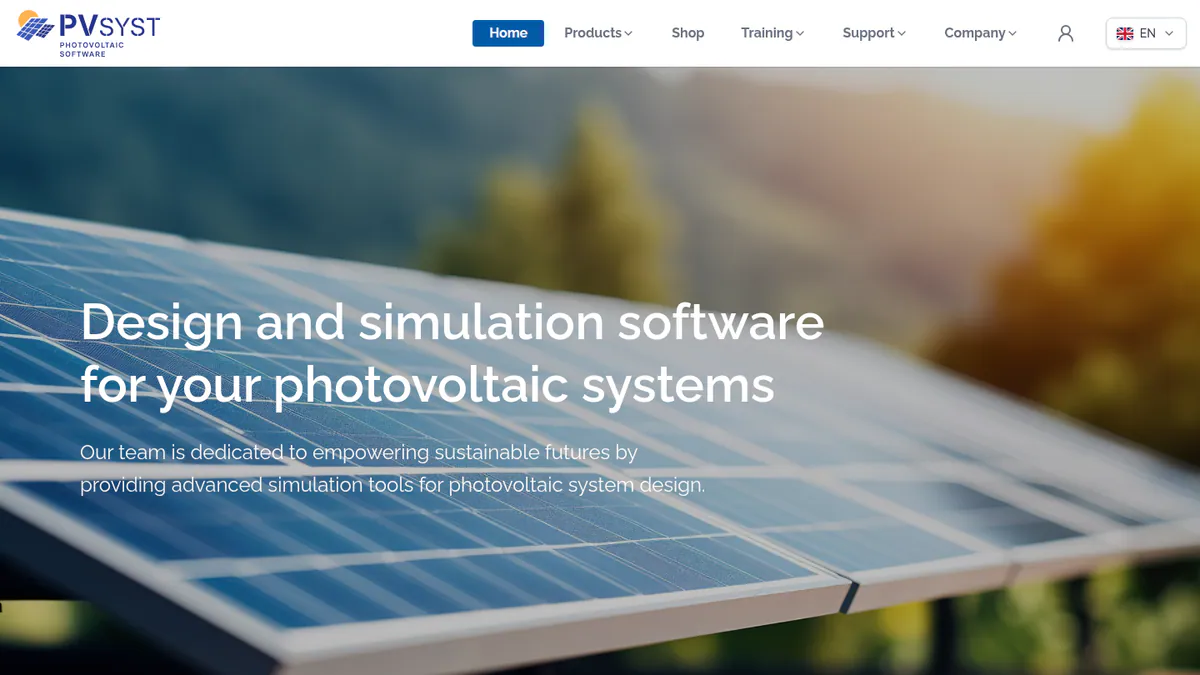
2. PVsyst: best for bankable P50/P90 yield reports
Best for: Engineers, EPCs (firms that design and build solar projects) and consultants whose yield reports go to lenders. Score: 76.3/100.
vs PV*SOL premium: PVsyst lists CHF 700 a year per seat, against EUR 845 for PV*SOL, and its yield report is widely used in lender reports. But it is also Windows desktop software, and it makes no customer proposals.
What it is: PVsyst runs on Windows desktops and is made by PVsyst SA, based in Switzerland. Engineers use it for detailed yield and loss studies.
Why we picked it: Its P50/P90 reports are widely used in lender reports. The price is public and lower per seat than PV*SOL premium.
Key features:
- Detailed loss diagram and P50/P90 yield reports (the expected and the cautious yield figure).
- 3D near-shading scene with electrical mismatch losses.
- Bifacial modules (panels that catch light on both sides), and single- or dual-axis trackers (mounts that follow the sun) with backtracking.
- Weather import from Meteonorm 9, PVGIS, NSRDB, Solcast, SolarAnywhere and Solargis.
Pricing: PVsyst 8 Professional is CHF 700 a year per seat. Multi-seat discounts reach 20% for 10 or more. A 30-day evaluation mode is included. Checked October 2026 in the PVsyst shop.
Pros (from user reviews, G2 themes):
- Reviewers rate its modelling and yield results as detailed and accurate.
- They value the depth of its loss breakdown.
- A SketchUp link speeds up building 3D shade scenes.
Cons (from user reviews, G2 themes):
- Reviewers call the screens old-fashioned and busy.
- Expect a long learning period at the start.
- Setting up 3D scenes is slow work.
Reviews: G2 4.5/5 (22 reviews), with ease of use 6.7/10 (14 reviews), checked October 2026.
Read our full PVsyst review or our PVsyst alternatives.
Want to see PVsyst working? Book a demo with the SolarSoftwares team.
Book a demoYour request goes by email to the SolarSoftwares team. A time is set only after we reply. It does not change any score or ranking.
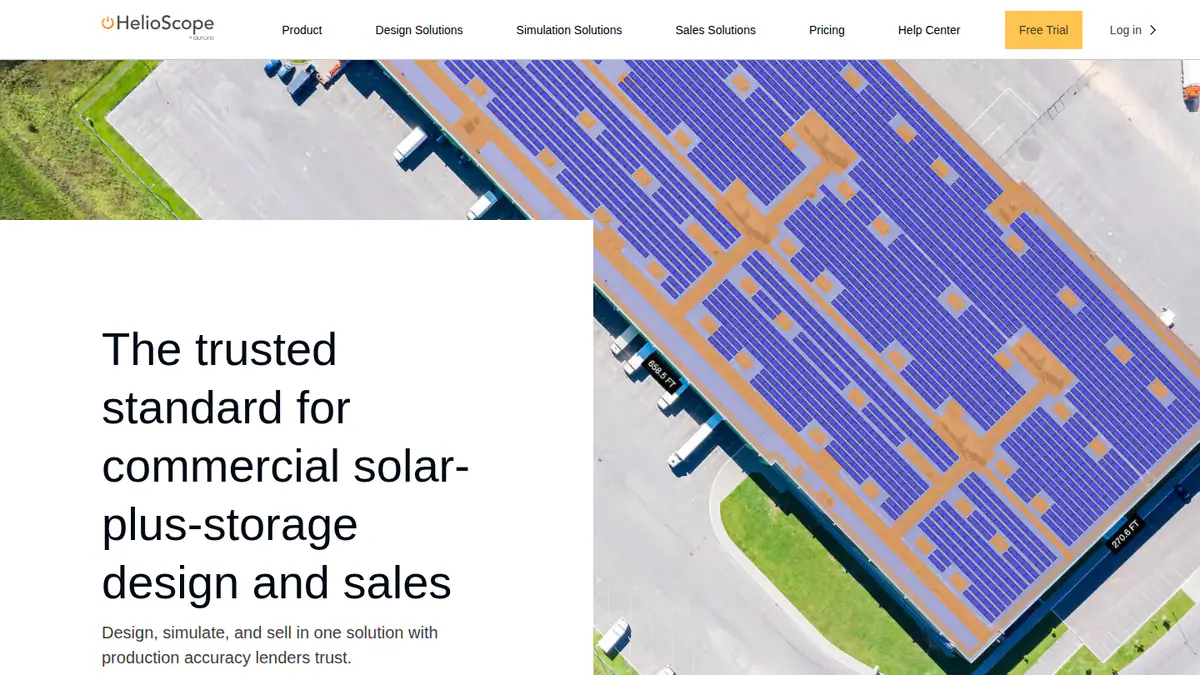
3. HelioScope: best for C&I design in a browser
Best for: Commercial and industrial (C&I) designers who want a web tool for rooftops, carports and ground mounts. Score: 74.0/100.
vs PV*SOL premium: HelioScope runs in a browser and offers a free trial. It does not list the heat pump and EV load tools that PV*SOL has.
What it is: Aurora Solar Inc. sells HelioScope as a separate web tool, with its own login, for commercial design and yield. It handles projects up to 30 MW DC.
Why we picked it: It moves C&I design into a browser, with public prices and a free trial. G2 users rate its ease of use 8.8 out of 10.
Key features:
- Rooftop, carport and ground-mount layout.
- Shading and wiring-loss modelling.
- Production estimates the company says are within 1% of PVsyst.
- P90/P95/P99 values (Pro), which show the risk of making less power than forecast.
Pricing: Basic is USD 159 a month, or USD 1,620 a year if billed yearly, for one user, up to 1.25 MW DC and 10 projects a month. Pro is USD 259 a month or USD 2,640 a year, up to 5 MW DC. Enterprise is custom, priced per project, up to 30 MW DC. Checked October 2026 on the HelioScope pricing page.
Pros (from user reviews):
- Reviewers say the plain interface is quick to pick up (G2).
- Layouts, plus shading and wiring-loss results, come back fast and accurate (G2).
- Reviewers like how quickly it produces reports and SLDs (G2).
Cons (from reviews and our research):
- Reviewers find the subscription costly, and the tiers poor value for occasional use (G2).
- Yearly project caps get in the way on large systems (G2).
- Prices are in USD, and reviewers in India and Mexico note US-default units.
Reviews: G2 4.5/5 (19 reviews), with ease of use 8.8/10, checked October 2026.
Read our full HelioScope review or our HelioScope alternatives.
Want to see HelioScope working? Book a demo with the SolarSoftwares team.
Book a demoYour request goes by email to the SolarSoftwares team. A time is set only after we reply. It does not change any score or ranking.
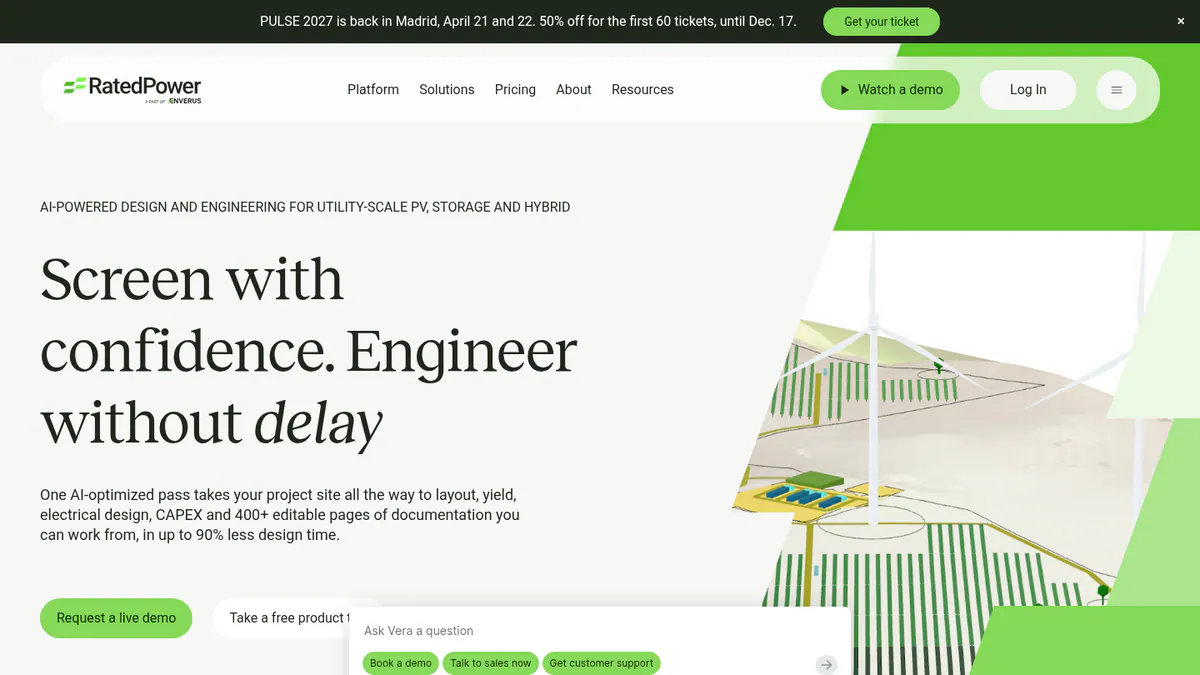
4. RatedPower: best for teams moving up to utility-scale plants
Best for: Developers and EPCs who now design large ground-mount and storage plants. Score: 73.9/100.
vs PV*SOL premium: RatedPower is a cloud tool for whole power plants, from layout to SLDs and CAPEX (build cost). It is quote only, and it is not built for rooftops.
What it is: Enverus owns RatedPower, whose cloud platform (pvDesign) covers utility-scale PV, BESS (battery energy storage systems) and hybrid plants. Developers, EPCs and IPPs are its main users.
Why we picked it: It has the largest review base here, with 305 G2 reviews, and covers plant layout through to SLDs. It suits teams moving into large plants.
Key features:
- Rule-based layout with setbacks, roads, slope and cut-and-fill.
- Yield from a model checked against PVsyst, plus a 3D ray-traced mode.
- MV/LV (medium and low voltage) electrical design, SLDs and substation engineering.
- BESS and hybrid design with dispatch simulation.
Pricing: Quote only. Basic, Advanced and Enterprise all say "talk to sales", with a demo only. Checked October 2026 on the RatedPower pricing page.
Pros (from user reviews):
- G2 reviewers mention ease of use more than anything else (22 mentions).
- Feasibility layouts come together fast, and reviewers like the automatic electrical diagrams (G2).
- Reviewers praise the intuitive layout design and the support team (11 mentions each, G2).
Cons (from user reviews):
- The most common complaint is how layouts handle land and constraints (14 mentions, G2).
- Reviewers list gaps, such as some BESS-PCS pairings (G2).
- Some want more freedom in drawings and design options (G2).
Reviews: G2 4.4/5 (305 reviews), checked October 2026.
What we could not confirm: Any lender or independent engineer accepting its P50/P90 reports.
Read our full RatedPower review or our RatedPower alternatives.
Want to see RatedPower working? Book a demo with the SolarSoftwares team.
Book a demoYour request goes by email to the SolarSoftwares team. A time is set only after we reply. It does not change any score or ranking.
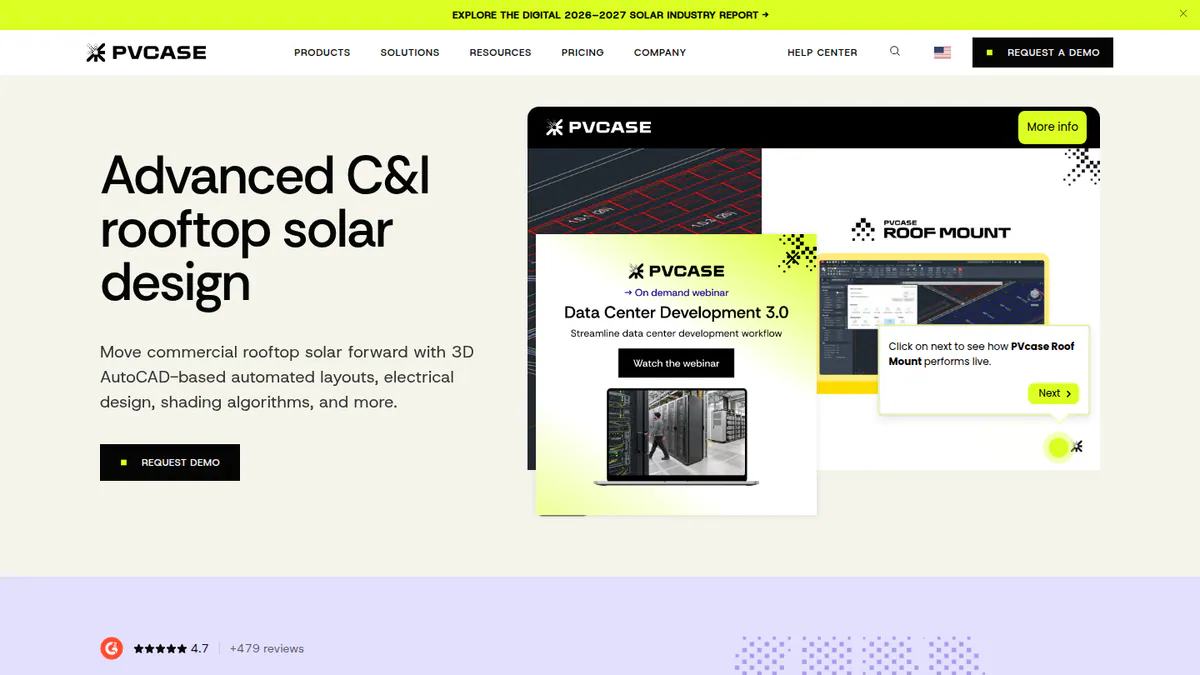
5. PVcase Roof Mount: best for C&I rooftop engineering in AutoCAD
Best for: C&I EPCs and engineering teams who already draw in AutoCAD. Score: 72.5/100.
vs PV*SOL premium: PVcase Roof Mount adds stringing, cable sizing, SLD and BOM export inside AutoCAD. It is quote only, while PV*SOL publishes its price.
What it is: PVcase Roof Mount is an AutoCAD plug-in from PVcase for commercial and industrial roofs.
Why we picked it: It adds the stringing, cable sizing and SLD depth we could not confirm in PV*SOL. G2 users rate its support 9.8 out of 10.
Key features:
- Roof layouts with setbacks, parapets and obstructions.
- DWG/DXF and drone-image import into roof geometry.
- Stringing, MPPT setup, cable trays, cable sizing and voltage drop.
- SLD and BOM (bill of materials) export, plus PVsyst export.
Pricing: Quote only. One Professional plan, "Request pricing", with a demo only. Checked October 2026 on the PVcase Roof Mount pricing page.
Pros (from reviews and our research):
- Users say it saves design time (G2).
- Engineers stay inside AutoCAD, which works with AutoCAD 2026.
- Support scores 9.8/10 and ease of use 9.1/10 on G2 (16 reviews).
Cons (from our research):
- There is no published price.
- Ballast reports only cover Eurocode countries such as Germany, Spain and the Netherlands.
- It is not aimed at home installers.
Reviews: G2 4.6/5 (17 reviews), checked October 2026.
What we could not confirm: Whether a separate AutoCAD licence is needed.
Want to see PVcase Roof Mount working? Book a demo with the SolarSoftwares team.
Book a demoYour request goes by email to the SolarSoftwares team. A time is set only after we reply. It does not change any score or ranking.
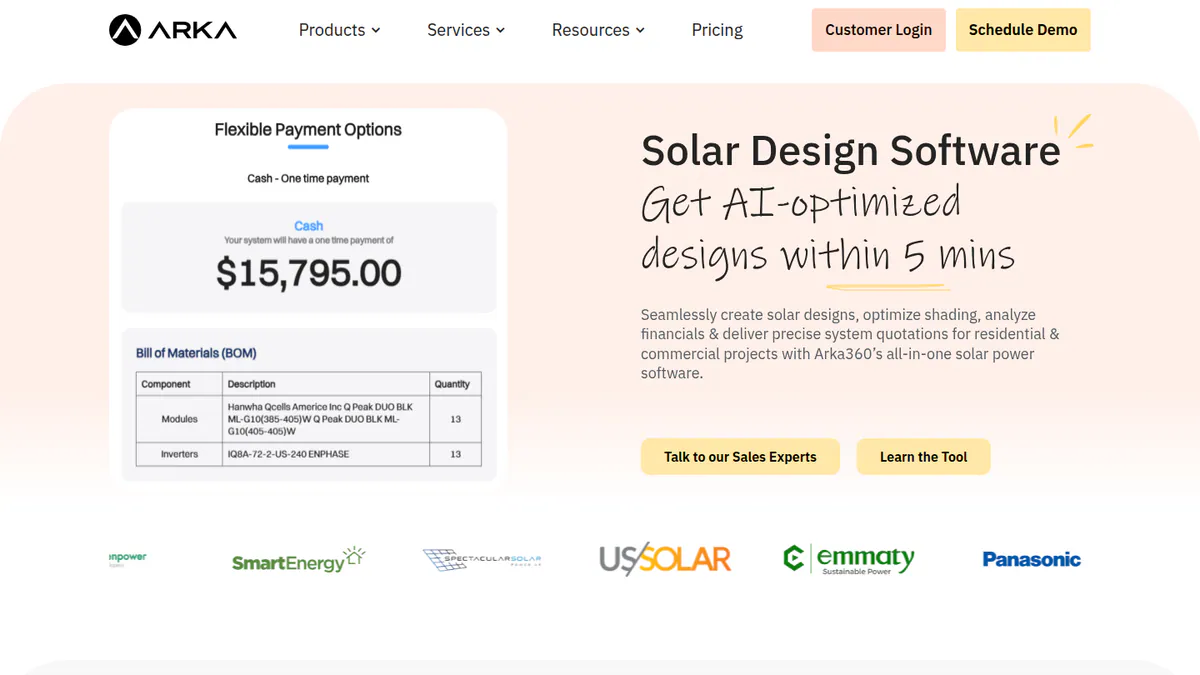
6. Arka 360: best for India, and for unlimited US projects
Best for: Indian installers, and US teams who want cloud design with proposals at a flat monthly price. Score: 70.4/100.
vs PV*SOL premium: Arka 360 runs in a browser and adds proposals, with a lead CRM as an add-on. The Basic plan includes unlimited home and commercial projects.
What it is: Arka 360 (formerly The Solar Labs) sells cloud design and proposals, with a light CRM. It has offices in Bengaluru and in Allen, Texas.
Why we picked it: It pairs browser design and proposals with 137 G2 reviews and public US and Indian prices.
Key features:
- 3D rooftop and ground-mount design with shading.
- Stringing (how panels wire into inverters) for micro-inverters and optimisers.
- Sales proposals and generation reports.
- SLD export and 3D export to SketchUp and PVsyst (Premium).
Pricing: The international-list Basic is USD 159 a month or USD 1,699 a year. Premium is USD 199 a month or USD 1,999 a year. India Lite starts at INR 46,000 a year plus 18% GST, but the page also showed a second, higher INR price set. There is an INR 10,000 onboarding fee. Checked October 2026 on the Arka 360 pricing page. Demo only.
Pros (from user reviews):
- Reviewers call it smooth and easy to use (14 G2 mentions).
- Users praise the shade analysis and project estimates (G2).
- 3D views help win customers over, and reviewers say the support staff care (G2).
Cons (from user reviews):
- Reviewers report lag or freezes on projects of 3 MWp or more (G2).
- Some find features missing and the structure options confusing (G2).
- Multi-user limits and a slow start for new users come up too (G2).
Reviews: G2 4.3/5 (137 reviews), with support 9.2/10, checked October 2026.
Read our full Arka 360 review.
Want to see Arka 360 working? Book a demo with the SolarSoftwares team.
Book a demoYour request goes by email to the SolarSoftwares team. A time is set only after we reply. It does not change any score or ranking.
7. Scanifly: best for US installers who survey with drones
Best for: US contractors who build site models from drone flights. Score: 68.1/100.
vs PV*SOL premium: Scanifly builds 3D site models from drone photos and works in the cloud and on phones. It is quote only and US-focused.
What it is: Scanifly is a design and field platform from Scanifly Inc. It mixes remote and drone-based 3D design, a survey app and outsourced plan sets.
Why we picked it: It is the drone-survey option on this list, and its dated product posts show frequent updates.
Key features:
- Remote designs from satellite, Nearmap and LiDAR.
- Drone 3D models, ready in under 30 minutes after upload (company).
- Onsite shading (Viewshed), plus K2 Systems racking and CAD export.
- AI obstruction detection and roof layout with fire setbacks.
Pricing: Quote only. Design work uses credits, and outsourced drone surveys and design services cost extra. Checked October 2026 on the Scanifly website.
Pros (from our research):
- The company says several regulators and lenders accept its onsite shading.
- The field app is free to download for account holders.
- It ships often, with dated product posts in July, August and October 2026.
Cons (from our research):
- There is no published price, and credits make costs hard to plan.
- It is US-focused, with no stated coverage elsewhere.
- Plan sets are a human service at extra cost, not software.
Reviews: G2 4.7/5 (3 reviews), checked October 2026, too few to judge.
Read our full Scanifly review or our Scanifly alternatives.
Want to see Scanifly working? Book a demo with the SolarSoftwares team.
Book a demoYour request goes by email to the SolarSoftwares team. A time is set only after we reply. It does not change any score or ranking.
8. DNV SolarFarmer: best for utility yield checks from DNV
Best for: Utility-scale developers and consultants who want DNV’s yield engine. Score: 65.2/100.
vs PV*SOL premium: SolarFarmer is built for large plants and adds a cloud API (a way for other software to connect to it). Like PV*SOL it has a desktop app, but it has no home or self-consumption focus.
What it is: SolarFarmer comes from DNV, one of the large independent engineers, and covers design and energy yield. You get a Windows desktop app plus a cloud API.
Why we picked it: It offers an independent engineer’s yield engine with a free trial and a cloud API, for yield checks on large plants.
Key features:
- 2D and 3D shade modelling on flat or uneven ground.
- Full electrical mismatch calculation.
- Trackers with backtracking.
- Cloud yield API with Python workflows and a PVsyst emulation mode.
Pricing: No price on the company page. You buy through DNV’s Veracity store, which also offers a free trial. Checked October 2026 on the DNV SolarFarmer page.
Pros (from our research):
- A free trial lets you test it first.
- DNV reports using it on six US financing due-diligence projects (1,195 MW) in 2024.
- A licence can move between team members up to 4 times a year.
Cons (from our research):
- No user reviews turned up on any site we checked.
- Only Windows runs the desktop app, DNV recommends 16 GB RAM, and there is no Mac version.
- You cannot see a price on the company page.
Reviews: No user reviews found as of October 2026.
What we could not confirm: The store price, trial length and any named lender that accepts its reports.
Read our full DNV SolarFarmer review.
Want to see DNV SolarFarmer working? Book a demo with the SolarSoftwares team.
Book a demoYour request goes by email to the SolarSoftwares team. A time is set only after we reply. It does not change any score or ranking.
9. Solargis Evaluate: best for yield on Solargis data in a browser
Best for: Developers, IPPs and consultants who model C&I and utility yield on satellite weather data. Score: 65.2/100.
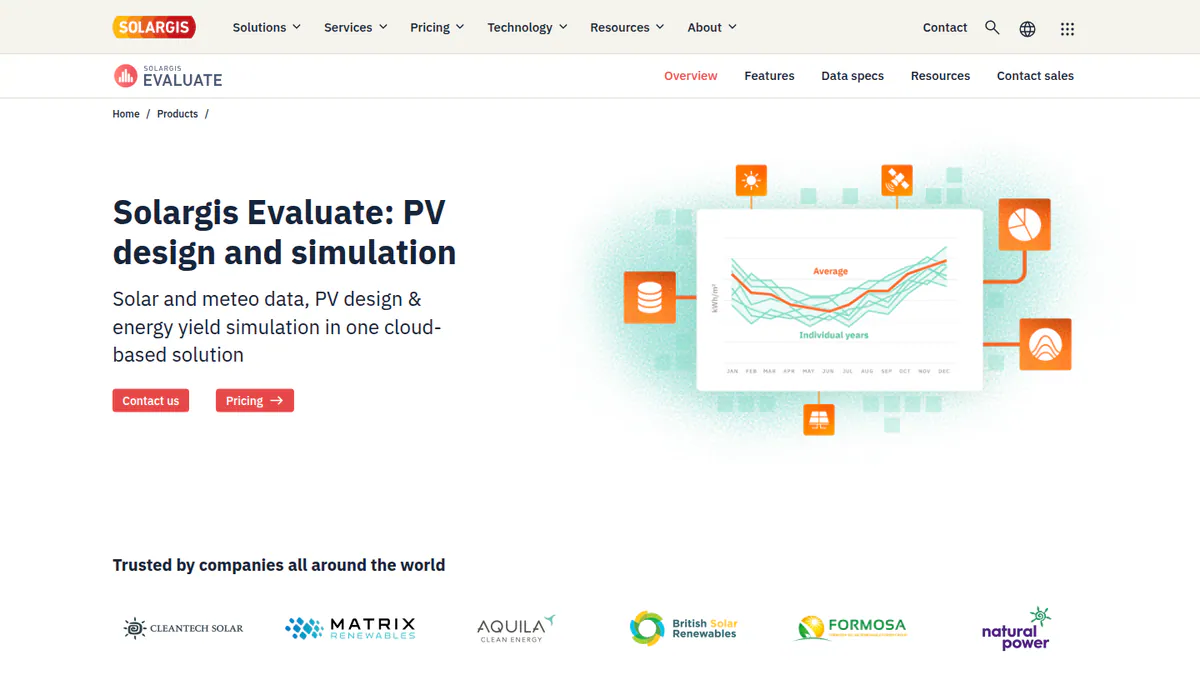
vs PV*SOL premium: Evaluate runs in a browser on Windows and Mac. It starts at EUR 12,000 a year, far above PV*SOL’s EUR 845.
What it is: Solargis built Evaluate as a browser app for yield simulation and 3D design. It runs on the firm’s own satellite solar and weather data.
Why we picked it: It runs yield studies in any browser on 30+ years of satellite weather data, with a published starting price.
Key features:
- 15-minute time series and TMY (typical year of weather) data with 30+ years of history.
- 3D system designer with 150+ settings and terrain-aware layouts.
- Ray-tracing simulation with terrain, albedo, soiling and snow.
- Automatic resource, loss and yield reports.
Pricing: From EUR 12,000 a year. That covers 60 early-stage projects, unlimited 15-minute TMY P50 simulations, and unlimited designs and collaborators per project. Demo only. Checked October 2026 on the Solargis Evaluate pricing page.
Pros (from our research):
- It works in any browser, so Mac users are covered.
- 30+ years of weather history helps early yield checks.
- Four dated releases between March and September 2026 show steady updates.
Cons (from our research):
- The entry price is high for small teams.
- G2 lists no reviews, and we found none elsewhere.
- You get a demo, not a trial.
Reviews: No user reviews found as of October 2026.
Read our full Solargis Evaluate review.
Want to see Solargis Evaluate working? Book a demo with the SolarSoftwares team.
Book a demoYour request goes by email to the SolarSoftwares team. A time is set only after we reply. It does not change any score or ranking.
10. Archelios Pro: best for a free start on small European systems
Best for: French and European installers and design offices who want a free tool for small jobs. Score: 64.8/100.
vs PV*SOL premium: Archelios Pro is free up to 9 kWp, and it also models self-consumption, batteries and money. Its paid tiers start above PV*SOL, at EUR 990 a year.
What it is: Trace Software International, a French firm, makes Archelios Pro for 3D design, yield, self-consumption and finance. Paid plans add a SketchUp plug-in, and Platinum adds a Revit plug-in.
Why we picked it: It is the closest like-for-like European tool, with self-consumption, batteries and money results. The free tier and public paid prices make it easy to try.
Key features:
- Automatic table layout and string setup, including micro-inverters and optimisers.
- Near and far shading with Meteonorm, PVGIS, Solargis and other data.
- Self-consumption with Enedis/Linky or BDEW load profiles and batteries.
- NPV, LCOE, IRR and payback, with P75/P90 on Gold and above.
Pricing: Free up to 9 kWp. Silver is EUR 990 a year (up to 100 kWp per project). Gold is EUR 1,490 a year (up to 1 MWp). Platinum is EUR 1,990 a year (no power limit). All exclude VAT. Checked October 2026 in the Trace Software shop.
Pros (from our research):
- You can design small home systems free, for as long as you like.
- Money tools (NPV, IRR, payback) are built in, so you need no spreadsheet.
- The SketchUp plug-in suits teams who already model in 3D there.
Cons (from our research):
- Nobody has reviewed it on G2 yet, and we found no reviews elsewhere.
- For full electrical design you must also buy archelios CALC.
- It is France-centric, with French load-data links.
Reviews: No user reviews found as of October 2026.
What we could not confirm: The free-tier cap beyond the product page’s 9 kWp.
See our Archelios alternatives guide.
Want to see Archelios Pro working? Book a demo with the SolarSoftwares team.
Book a demoYour request goes by email to the SolarSoftwares team. A time is set only after we reply. It does not change any score or ranking.
SurgePV (unscored): for readers comparing a browser-based design-to-proposal workflow with energy estimates. Check whether its simulation outputs meet your engineering-review needs. The numbered scores above do not include it.
Sources checked 27 October 2026: SurgePV product information · SolarSoftwares SurgePV review
Book a demo of SurgePV with the SolarSoftwares team.
Book a demoYour request goes by email to the SolarSoftwares team. A time is set only after we reply. It does not change any score or ranking.
How do the 10 PV*SOL alternatives compare?
Product | Entry price (checked October 2026) | Runs as | Customer proposals | P50/P90 output | Main market |
|---|---|---|---|---|---|
EUR 845 a year + VAT | Desktop | Presentation export | Not confirmed | Europe | |
USD 159 per user a month | Cloud | Yes, with financing | Not confirmed (sales tool) | US | |
CHF 700 a year | Windows desktop | No | Yes | Global | |
USD 159 a month | Cloud | Pro tier | P90/P95/P99 (Pro) | US, global | |
Quote only | Cloud | No | Not confirmed | Global utility | |
Quote only | AutoCAD plug-in | No | Not confirmed | Global C&I | |
USD 159 a month | Cloud | Yes | Not confirmed | India, US | |
Quote only | Cloud and mobile | Not documented | Not confirmed | US | |
Quote only | Windows desktop, cloud API | No | Yield assessment | Global utility | |
EUR 12,000 a year | Cloud | No | P50 (TMY) | Global | |
Free up to 9 kWp | Software with SketchUp plug-in (Revit on Platinum) | Not documented | P75/P90 (Gold) | France, Europe |
Also considered
- Solargraf: Scored 64.7/100, just below the top 10. Enphase’s US tool puts permit plan sets on every plan from USD 2,799 a year. Capterra rates it 3.2/5 (15 reviews).
- SolarPlus: Scored 61.8/100. An Australian design, battery and quoting tool from USD 135 a month (annual). It has one G2 review.
- Solarius PV: Scored 52.3/100. A desktop design tool from Italy’s ACCA Software with BIM and SLD features. We could not reach its company page, so its price and current version are unconfirmed.
How do you choose a PV*SOL alternative?
- If you left PV*SOL because reps need a browser tool with proposals, pick Aurora Solar (US) or Arka 360 (India and US).
- If lenders or investors read your yield reports, pick PVsyst.
- For C&I roofs, pick HelioScope in a browser or PVcase Roof Mount in AutoCAD.
- If you want a free tool for small European jobs, pick Archelios Pro.
- If you now design large ground-mount plants, pick RatedPower. For yield only, try DNV SolarFarmer or Solargis Evaluate.
- If you survey roofs with drones in the US, pick Scanifly.
For wider lists, see solar simulation software, commercial design software, free design software, Polysun alternatives and the design and simulation category. For a ranked list across every segment, see our best solar design software ranking.
How do you switch from PV*SOL?
- Export each live project and its results. PV*SOL premium can save them as JSON, and customer presentations as PDF or DOCX.
- Note each active site’s load profiles, tariffs and battery settings to enter again.
- Rebuild your module, inverter and battery picks in the new catalogue.
- Run two or three live jobs in both tools and compare the figures.
- If your licence ends mid-project, a 3-month PV*SOL licence (EUR 285) can cover the overlap.
PV*SOL alternatives FAQs
What is the best alternative to PV*SOL premium?
Aurora Solar is the best PV*SOL alternative for sales-led teams in our October 2026 ranking, at 82.4/100. It offers cloud design and financing in proposals. For engineers who need bankable yield reports, PVsyst is the pick at CHF 700 a year.
Is there a free alternative to PV*SOL?
Yes, for small systems. Archelios Pro has a free version for projects up to 9 kWp, and the company says it is not a trial (checked October 2026). PVsyst has a 30-day evaluation, and HelioScope offers a free trial.
Is PV*SOL better than PVsyst?
They do different jobs. PV*SOL premium is stronger on self-consumption, with heat pump and EV loads, and costs EUR 845 a year. PVsyst is the yield report lenders know, with P50/P90 output, and costs CHF 700 a year (both checked October 2026).
Is there a cloud-based alternative to PV*SOL?
Yes. Aurora Solar, HelioScope, Arka 360 and Solargis Evaluate all run in a browser. HelioScope starts at USD 159 a month (October 2026). Solargis Evaluate starts at EUR 12,000 a year and works on Windows and Mac.
Can I import PV*SOL projects into another design tool?
Not as far as we can tell. As of October 2026, we found no ranked tool that documents importing PV*SOL files. Plan to redraw active jobs, and keep PV*SOL’s JSON exports as a record. PV*SOL premium can also save customer presentations as PDF or DOCX.
Which PV*SOL alternative also creates customer proposals?
Three tools do. Aurora Solar builds proposals with financing. Arka 360 builds proposals and sells a lead CRM (software that tracks leads) add-on. HelioScope adds financial modelling and proposals on its Pro tier (USD 259 a month, checked October 2026).
Sources
All read 22 to 25 October 2026.
- PV*SOL premium: shop, 2026 release, G2
- Aurora Solar: pricing, G2, Capterra, G2 review
- PVsyst: shop, product page, G2, G2 comparison
- HelioScope: pricing, G2
- RatedPower: pricing, G2, G2 pros and cons
- PVcase Roof Mount: pricing, G2 comparison
- Arka 360: pricing, G2
- Scanifly: site, G2
- DNV SolarFarmer: product page, DNV news (September 2024)
- Solargis Evaluate: pricing (25 October 2026), product page
- Archelios Pro: shop, company site
- Also considered: Solargraf pricing, Solargraf on Capterra, SolarPlus pricing, Solarius PV brochure
Last updated 28 October 2026. Next scheduled review: 23 January 2027.