Solar software for utility-scale developers is a set of tools for very large solar farms. They help you find land, design the plant and estimate its yield (how much power it will make). RatedPower ranks first at 72.0/100. PVsyst follows at 71.8/100.
No single tool does every job. We ranked 7 tools out of 15 scored and name the top pick for each project stage. A developer is the firm that finds a site and takes it to financing.
Why does a developer buy software differently from an EPC?
An EPC (the firm that designs and builds the plant) engineers one plant well. A developer runs a portfolio. You may have dozens of sites at different stages. You will drop most before notice to proceed (the go-ahead to start building).
That changes what matters when you buy. Early tools must be cheap to run on sites you will drop. So unlimited projects and wide-area screening count for more than drawing detail.
Handoffs matter too. Re-keying a layout from one tool into the next wastes time and adds errors. At financing, only one question counts. Will the yield number survive the lender’s independent engineer (IE), the expert the lender hires to check it?
Our utility-scale solar design software ranking compares each tool’s engineering depth. Our solar site selection software ranking covers land, grid and permitting data. Here we score how much of the developer’s job each tool covers. We also name the top pick for each stage.
Which tool is the top pick for each project stage?
Stage | Top pick | Why for a portfolio | Full ranking |
|---|---|---|---|
Land screening and site control | Region-wide land screening, unlimited projects, parcel and landowner tracking | ||
Grid and interconnection data (US) | PVcase Prospect or Enverus PRISM (not ranked here) | Hosting capacity, injection studies, queue and nodal price data | |
Feasibility layout, electrical and BESS | Layout to SLD, substation and CAPEX/LCOE in one cloud tool | ||
Bankable P50/P90 yield | The reference file lenders’ advisers expect | ||
Independent second yield opinion | IE-built engine with a cloud API for batch runs | ||
Free portfolio economics | Open-source yield plus PPA and flip finance models | ||
Detailed civil and grading | Terrain-following layout and piling in AutoCAD |
Which tool is best for origination and screening?
Glint Solar is our top siting tool. It covers land screening, buildable area, pre-design and site control, with unlimited projects.
For US grid data, PVcase Prospect and Enverus PRISM go deeper on hosting capacity (room on the grid for new plants) and connection queues. Both fell below our minimum match score (4 out of 10) here. They cover only one stage. In Great Britain, Searchland leads our site selection ranking.
Every siting tool is in our site selection and GIS category. For grid applications, see our interconnection software guide.
Which tool is best for feasibility and engineering?
RatedPower is the best single tool from feasibility to electrical design. PVFarm does layout, grading (levelling the ground) and electrical in the browser, up to 800 MWdc (megawatts of direct-current power). CAD (computer-aided design) teams can look at PVcase Ground Mount (AutoCAD) or HELIOS 3D (Civil 3D). Both are in Also considered.
See all design tools in our design and simulation category. Find storage tools in our battery energy storage software ranking.
Which tools give a yield number lenders accept?
PVsyst is still the yield file for financing. DNV SolarFarmer and PlantPredict give a second check. SAM is the free option for early economics. Weather datasets such as Meteonorm and NSRDB feed these tools. They are data, not tools.
Once the plant runs, the job moves to monitoring and asset management. See solar asset management software and solar farm management software.
Quick picks
Rank | Product | Best for | Starting price (company page, checked October 2026) | Pricing model | Free plan / trial | Score /100 |
|---|---|---|---|---|---|---|
1 | Screening-to-engineering in one cloud platform | Quote only | Basic, Advanced, Enterprise tiers | Demo only | 72.0 | |
2 | The yield file lenders’ advisers expect | ✓ CHF 700 per seat per year | Annual, per seat | 30-day evaluation | 71.8 | |
3 | Region-wide land screening and site control | Quote only | By users. Unlimited projects | Trial via sales (length not stated) | 64.5 | |
4 | Independent-engineer yield with a cloud API | Quote only (Veracity store) | Licence, transferable | Free trial (length not stated) | 63.2 | |
5 | Free portfolio economics and finance models | ◐ Free | Open source (BSD-3-Clause) | Free | 59.2 | |
6 | Web layout, grading and electrical up to 800 MWdc | Quote only | Annual modular licence | 7-day trial | 58.4 | |
7 | Energy modelling through a REST API and Python SDK | Quote only | Pro and Enterprise subscriptions | Unknown | 58.2 |
✓ Verified on the company’s own pricing page. ◐ Published by the company outside its pricing page (help centre, store or press release). ? We could not read the company’s pricing page, so the figure is not confirmed. Prices checked October 2026.
Quote only means the company shows no public price. You ask it for a quote.
How the 7 tools scored
- Use-case fit 35%
- User reviews 20%
- Pricing 15%
- Ease of use 10%
- Support 10%
- Momentum 10%
Tool | Score chart | Score |
|---|---|---|
72 out of 100 | 72.0 | |
71.8 out of 100 | 71.8 | |
64.5 out of 100 | 64.5 | |
63.2 out of 100 | 63.2 | |
59.2 out of 100 | 59.2 | |
58.4 out of 100 | 58.4 | |
58.2 out of 100 | 58.2 |
Each bar shows the weighted score out of 100.
Sub-scores at a glance (0-10)
Product | Use-case fit | User reviews | Pricing | Ease of use | Support | Momentum | Total /100 |
|---|---|---|---|---|---|---|---|
7.8 | 6.9 | 4.0 | 7.5 | 7.5 | 10.0 | 72.0 | |
7.0 | 6.3 | 8.0 | 5.0 | 7.5 | 10.0 | 71.8 | |
5.9 | 6.4 | 4.0 | 7.5 | 7.5 | 10.0 | 64.5 | |
7.8 | 5.0 | 4.0 | 5.0 | 5.0 | 10.0 | 63.2 | |
4.1 | 5.0 | 10.0 | 5.0 | 7.5 | 7.5 | 59.2 | |
5.2 | 5.9 | 4.0 | 7.5 | 5.0 | 10.0 | 58.4 | |
7.8 | 5.0 | 4.0 | 5.0 | 5.0 | 5.0 | 58.2 |
A 5.0 on reviews, ease, support or momentum is our neutral value where public evidence is thin. It is not a judgement.
How did we rank these utility-scale tools?
How the score is weighted
- Use-case fit 35%
- User reviews 20%
- Pricing 15%
- Ease of use 10%
- Support 10%
- Momentum 10%
We scored 15 products and ranked the top 7. We did the work from 22 to 25 October 2026. We used company documents, pricing pages, release notes and public user reviews. This was desk research. We ran no projects in any tool. We use six criteria.
- Use-case fit (35%): How well a tool does this page’s job. Here that means the developer’s full path. That runs from siting and layout to electrical design, BESS (battery storage), lender-grade yield and economics. Layout and yield carry the most weight. The weights differ from our design and siting pages, so the order differs too.
- User reviews (20%): G2 and Capterra ratings. Fewer than 8 reviews scores a middle 5 out of 10. That applies to most niche engineering tools.
- Pricing (15%): Free and published prices score higher than prices you must ask for. Almost every tool here is quote only, so you have to ask the company.
- Ease of use, support and momentum (10% each): Review sub-scores and dated release notes. Each gets a middle score without evidence. Tools whose core facts the company did not confirm lose 2 points on momentum.
Scores are set per page, so a tool can score differently elsewhere. Tools below 4 out of 10 on fit, or ranked below seventh, go to Also considered. SurgePV is not part of this ranking. Full method: how we score software.
1. RatedPower: best for screening-to-engineering in one cloud platform
Best for: Developers and IPPs who want layouts, electrical design and BESS studies for many sites, without CAD seats. Score: 72.0/100.
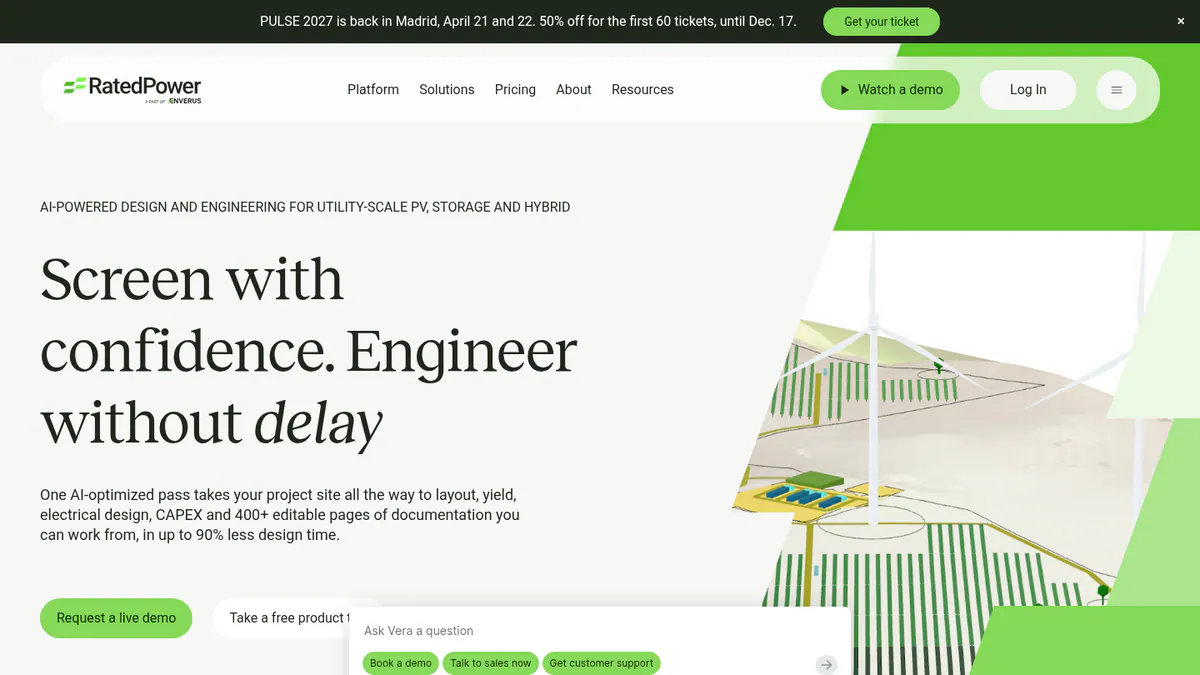
What it is: RatedPower is a cloud tool for utility PV, BESS and hybrid plants. It covers siting, layout, yield, electrical design and cost. It is part of Enverus, which also owns the PRISM market data platform. Its users include developers, EPCs and IPPs (independent power producers).
Why we picked it: One cloud tool takes a site from screening through layout, SLDs, substations and BESS. That means fewer handoffs. Its 305 G2 reviews are the most among the ranked tools on this page.
Key features:
- Site screening with parcel, substation and transmission maps (selected geographies).
- Rule-based layout with setbacks, roads, slope and cut-and-fill.
- MV/LV (medium and low voltage) electrical design, SLDs (single-line diagrams) and substation engineering.
- BESS and hybrid design with dispatch simulation.
- CAPEX (up-front cost), LCOE (cost per unit of power over the plant’s life) and 400+ editable documents.
- DWG (AutoCAD drawing file) round-trip to AutoCAD.
Pricing: Quote only, in three tiers. Basic covers layout, modelling, 3D energy yield, the Power Analyst AI agent, storage and interconnection design. Advanced adds editable detailed engineering. Enterprise adds site analysis in selected geographies, team management, SSO (single sign-on) and a named principal consultant. The pricing page also mentions PRISM datasets for markets outside the US and Canada. Checked October 2026 on the RatedPower pricing page.
Pros (from user reviews): From G2 review themes.
- Easy to use, the most cited strength (22 mentions).
- Feasibility layouts take far less time (18 and 13 mentions).
- Customer support helps when you get stuck (11 mentions).
Cons (from user reviews):
- Layout is the top complaint (14 mentions), including land and constraint handling.
- Some features are missing (8 mentions), such as some BESS and PCS (power conversion system) combinations.
- Detailed engineers find the drawings hard to customise.
Reviews: G2 4.4/5 (305 reviews), checked October 2026.
Read our full RatedPower review or our RatedPower alternatives.
Want to see RatedPower working? Book a demo with the SolarSoftwares team.
Book a demoYour request goes by email to the SolarSoftwares team. A time is set only after we reply. It does not change any score or ranking.
2. PVsyst: best for the yield file lenders’ advisers expect
Best for: Teams who prepare P50/P90 (expected and cautious) yield reports for financing. Score: 71.8/100.
What it is: PVsyst is Windows desktop simulation software from PVsyst SA in Switzerland. Engineers, EPCs and lenders’ advisers treat it as the bankability reference. It does not do layout or siting, so most teams bring in a layout from another tool.
Why we picked it: Lenders’ advisers expect a PVsyst file, so most financed projects need at least one seat. It is also one of only two tools here with a published price.
Key features:
- Detailed loss diagram and P50/P90 yield reports.
- Bifacial modules, and single- and dual-axis trackers with backtracking.
- 3D near-shading scene with electrical mismatch.
- Weather imports from Meteonorm, PVGIS, NSRDB, Solcast, SolarAnywhere and Solargis.
- Batch and multi-year simulation with module ageing.
Pricing: PVsyst 8 Professional costs CHF 700 per seat per year. Multi-seat discounts are 5% (2-4 seats), 15% (5-9) and 20% (10+). PVsystCLI costs CHF 3,000 per year. It is a command-line engine for server-side batch runs. There are no EUR or USD prices, and VAT is not stated. Checked October 2026 on the PVsyst shop.
Pros (from user reviews): From G2 reviewer themes.
- Detailed, accurate yield modelling you can take to a lender.
- A thorough loss breakdown shows where energy goes.
- SketchUp links make 3D shading scenes quicker to build.
Cons (from reviews and our research): The first two come from G2 reviews.
- Outdated, complex interface (G2 ease of use 6.7/10).
- Steep learning curve.
- Windows only, so Mac users need a virtual machine.
Reviews: G2 4.5/5 (22 reviews), checked October 2026.
Read our full PVsyst review or our PVsyst alternatives.
Want to see PVsyst working? Book a demo with the SolarSoftwares team.
Book a demoYour request goes by email to the SolarSoftwares team. A time is set only after we reply. It does not change any score or ranking.
3. Glint Solar: best for region-wide land screening and site control
Best for: Origination teams who screen large areas and track landowner talks across a pipeline. Score: 64.5/100.
What it is: Glint Solar is a map-based prospecting and pre-design platform from Glint Solar AS in Oslo. Utility PV and BESS developers in 35+ countries use it. It published 18 dated product updates between March and September 2026.
Why we picked it: It is the strongest tool here for the earliest stage: screening whole regions and tracking landowner talks. Unlimited projects keep the cost flat however many sites you test.
Key features:
- Land Screening of large areas, ranked by buildable area (August 2026).
- Buildable-area analysis with constraint profiles.
- One-click PV pre-design with 3D view and yield estimate.
- BESS layouts, PV-BESS hybrid dispatch and BESS SLD reports.
- Site Control for parcels, landowner contacts and negotiation status, with an API for CRM sync.
Pricing: Quote only. Packages are priced by number of users and other factors. Unlimited projects, any project size and the full layer library are included, with no per-layer pricing. Checked October 2026 on the Glint Solar pricing page.
Pros (from reviews and our research): The first two come from G2 reviews (September and August 2026). The second was incentivised.
- You can design a project and get a first layout quickly.
- The product moves fast, and the team keeps in touch.
- Unlimited projects let you screen a long pipeline of early sites at no extra cost.
Cons (from reviews and our research): The first comes from a G2 review (August 2026).
- Updates often arrive without warning.
- Prospecting layers vary by country.
- Pre-design and yield are early-stage, so you still need engineering and bankable yield tools.
Reviews: G2 4.6/5 (17 reviews), checked October 2026.
Read our full Glint Solar review.
Want to see Glint Solar working? Book a demo with the SolarSoftwares team.
Book a demoYour request goes by email to the SolarSoftwares team. A time is set only after we reply. It does not change any score or ranking.
4. DNV SolarFarmer: best for independent-engineer yield with a cloud API
Best for: Developers and owners who want a second, IE-style yield check or batch runs across a portfolio. Score: 63.2/100.
What it is: SolarFarmer is yield software from DNV, a major independent engineer. It runs as a Windows desktop app and in the cloud. Developers, owners and consultants turn to it for IE-grade yield estimates.
Why we picked it: It shares the top fit score on this page. A major independent engineer built it. Its cloud API runs yield in batches. That makes it a sound second opinion next to PVsyst.
Key features:
- 2D and 3D shading on regular and irregular terrain.
- Full electrical mismatch calculation, plus bifacial and tracker models.
- Sub-hourly and multi-year climate time series.
- Cloud yield API with Python workflows and a PVsyst emulation mode.
- Script editor and batch calculations.
Pricing: Quote only on the company page. It links to DNV’s Veracity store for purchase and a free trial. You can move a licence between team members up to four times a year. Checked October 2026 on the SolarFarmer page.
Pros (from our research):
- Built by a major independent engineer. DNV says it is "bankable in the US", citing six US financing due-diligence projects (1,195 MW) in 2024. That evidence is DNV’s own.
- Regular updates, with four dated releases from June 2025 to March 2026.
- The cloud API lets you run yield across a whole portfolio.
Cons (from our research):
- No published price, so you must go through DNV’s store or sales.
- The desktop app is Windows only.
- No user reviews to judge it on.
Reviews: No user reviews on G2 or Capterra as of October 2026.
Read our full DNV SolarFarmer review.
Want to see DNV SolarFarmer working? Book a demo with the SolarSoftwares team.
Book a demoYour request goes by email to the SolarSoftwares team. A time is set only after we reply. It does not change any score or ranking.
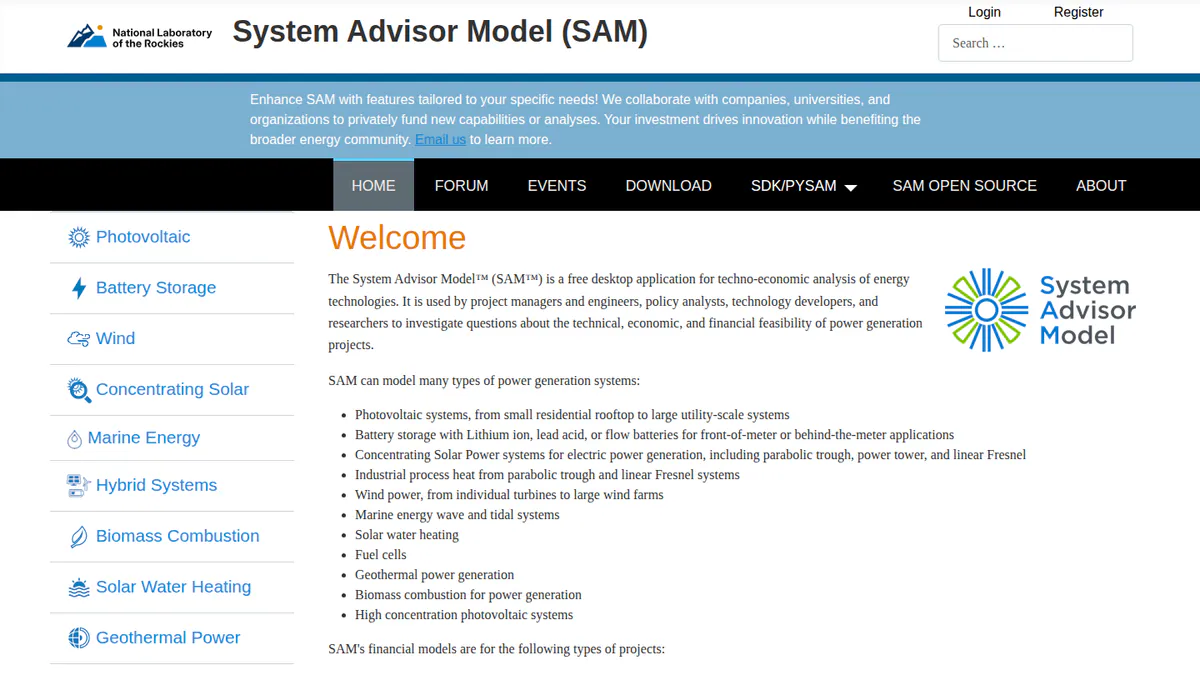
5. SAM: best for free portfolio economics and finance models
Best for: Analysts who test PPA (power purchase agreement) prices, flips and storage cases across many sites at no cost. Score: 59.2/100.
What it is: SAM is free, open-source software that models both energy and finance. It comes from a US Department of Energy laboratory, now named the National Laboratory of the Rockies (formerly NREL). Researchers, consultants and developers use it to link PV and battery models to finance models.
Why we picked it: It costs nothing, yet it links yield to PPA, flip and storage finance models. An analyst can test the economics of every site before you pay for engineering tools.
Key features:
- PV performance modelling from rooftop to utility scale.
- Battery storage in front of or behind the meter.
- PPA finance models, including flip and leaseback structures (common tax-equity deals in the US).
- PySAM and an SDK (code toolkit) for scripted portfolio runs.
- Published validation studies against measured data.
Pricing: Free for commercial use and open source under BSD-3-Clause. A free key is emailed on first launch. Checked October 2026 on the SAM README.
Pros (from an engineering-firm blog and our research): The first comes from an engineering-firm blog.
- A highly capable free tool for grid-tied PV with storage.
- Releases every year since 2013 keep it current.
- You can get help in a user forum and at open round tables every two weeks.
Cons (from an engineering-firm blog and our research): The first comes from the same blog.
- Most financiers do not accept SAM in place of PVsyst for underwriting.
- It has no layout or electrical design.
- Tariff and incentive data are US-centred.
Reviews: No user reviews on G2 or Capterra as of October 2026.
Read our full SAM review or our SAM alternatives.
Want to see SAM working? Book a demo with the SolarSoftwares team.
Book a demoYour request goes by email to the SolarSoftwares team. A time is set only after we reply. It does not change any score or ranking.
6. PVFarm: best for web-based layout, grading and electrical up to 800 MWdc
Best for: Developers and EPCs who want CAD-grade layouts and civil analysis in a browser. Score: 58.4/100.
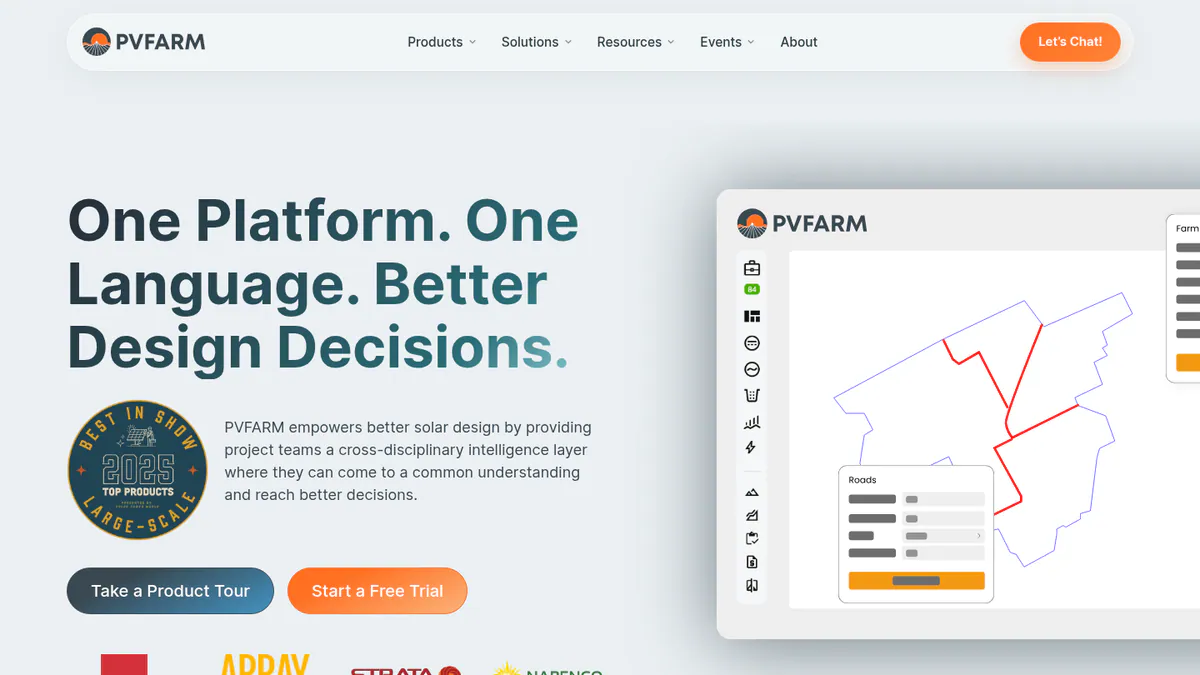
What it is: PVFarm is a web platform from a California company. It automates utility PV and storage layout, civil grading, LV/MV electrical and energy modelling for developers, EPCs and engineering firms. It launched RE Pilot, an early-stage solar-plus-storage optimiser, in September 2026.
Why we picked it: It does layout, grading and electrical work in a browser up to 800 MWdc, with no CAD seat. G2 reviewers rate it 4.4/5 from 16 reviews.
Key features:
- Automated layouts and real-time analysis up to 800 MWdc, with trackers.
- Civil grading and topography processing.
- LV/MV electrical with SLDs, BoQ (bill of quantities) and BoM, plus DXF (CAD exchange file) export.
- PVsyst shading-file (SHD) export, and BESS layouts in RE STACK.
- Repower package for existing plants.
Pricing: Quote only, as an annual licence built from packages (Layout Modelling, Civil, Energy, Repower, Electrical). A 7-day free trial includes two 30-minute expert sessions. Checked October 2026 on the PVFarm FAQ.
Pros (from reviews and our research): The first two come from G2 reviews.
- The easiest to use of the tools one reviewer tried, since it runs in the browser.
- You can revise layouts fast.
- The 7-day trial with two expert sessions lets you test it on a real site.
Cons (from user reviews): From G2 reviews.
- You need a technical team, and scenarios still take time to build.
- AutoCAD export needs work.
- No individual-bearing tracker modelling, which skewed grading analysis.
Reviews: G2 4.4/5 (16 reviews), checked October 2026. Reviewers are split on support: one called it "second to none", another cites a lack of it.
Want to see PVFarm working? Book a demo with the SolarSoftwares team.
Book a demoYour request goes by email to the SolarSoftwares team. A time is set only after we reply. It does not change any score or ranking.
7. PlantPredict: best for energy modelling through a REST API and Python SDK
Best for: Developers who want to automate yield runs across a portfolio from their own code. Score: 58.2/100.
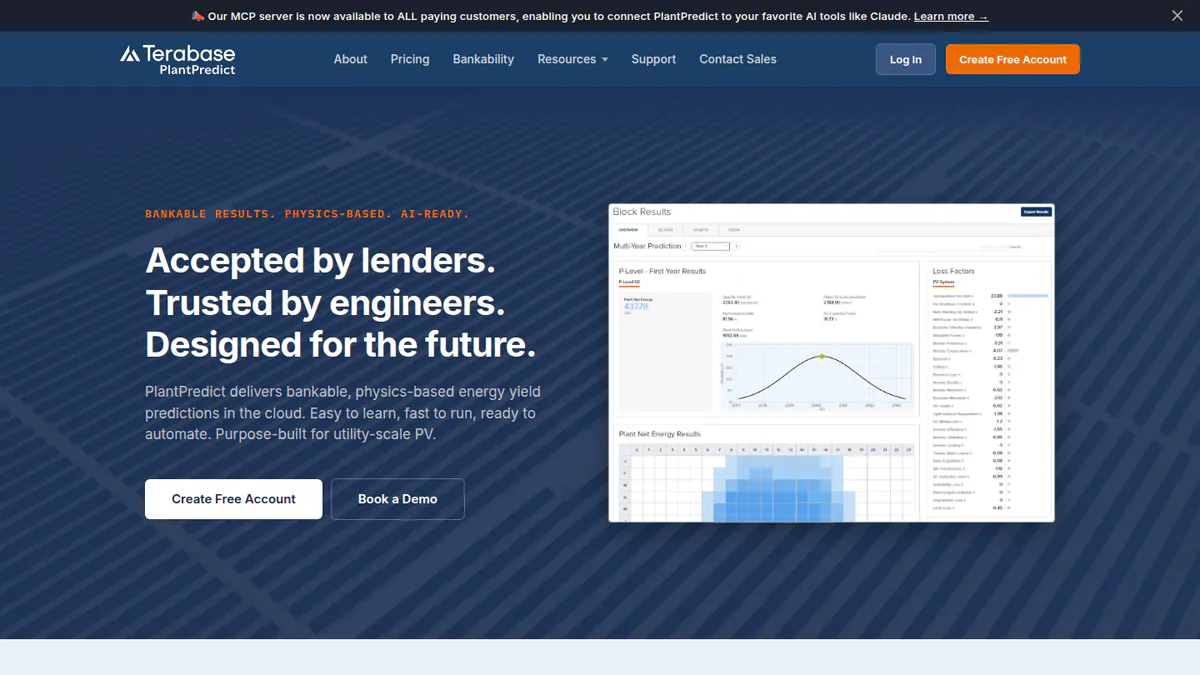
What it is: PlantPredict is a cloud energy model for utility PV. First Solar built it, and Terabase Energy bought it in 2021. Developers, EPCs and IPPs are its main users.
Why we picked it: It shares the top fit score here, with sub-hourly yield, GIS layout and string tools in one cloud engine. It lost points because it has no published price, user reviews or release notes.
Key features:
- Sub-hourly simulation at 1, 15 or 30 minutes.
- Open documentation of its algorithms.
- Design Pro for GIS (map-based) layout.
- Terrain Pro for earthworks on terrain-following trackers, and Voltage Pro for string length.
- REST API with an official Python SDK.
Pricing: Quote only. Pro and Enterprise tiers are named but not priced. Checked October 2026 on Terabase’s engineering page.
Pros (from our research):
- The API and SDK let your team script yield runs.
- It runs in the browser, so you are not tied to Windows.
- Two independent engineering reviews in 2017 found accuracy similar to PVsyst.
Cons (from our research):
- No published prices or trial terms.
- The 2017 reviews were commissioned by First Solar and mostly tested its thin-film modules.
- No user reviews to judge it on.
Reviews: No user reviews on G2 or Capterra as of October 2026.
Want to see PlantPredict working? Book a demo with the SolarSoftwares team.
Book a demoYour request goes by email to the SolarSoftwares team. A time is set only after we reply. It does not change any score or ranking.
How do the 7 utility-scale tools compare?
Product | Lifecycle stage | Runs in | BESS | Automation / API | Portfolio licensing |
|---|---|---|---|---|---|
Screening to electrical | Cloud | Yes, hybrid dispatch | Power Analyst AI agent (add-on) | Team management and SSO (Enterprise) | |
Bankable yield | Windows desktop | Battery storage | PVsystCLI, CHF 3,000/yr | Per seat, 5-20% multi-seat discount | |
Screening, pre-design, site control | Cloud | Yes, layouts and dispatch | Project API | Priced by users. Unlimited projects | |
Yield | Windows desktop and cloud | Not documented | Cloud API, Python | Licence transferable 4 times a year | |
Yield and finance | Desktop | Yes | PySAM, SDK | Free, open source | |
Layout, civil, electrical | Cloud | Yes, RE STACK | Not documented | Annual modular licence | |
Yield, GIS layout add-ons | Cloud | Not documented | REST API, Python SDK | Pro and Enterprise |
Also considered
- PVcase Ground Mount (scored 56.9/100): terrain-following layout, grading and piling in AutoCAD. G2 reviews are strong (4.7/5, 415 reviews). It misses the top 7 because it covers layout and civil, not the whole developer path.
- PVcase Yield (scored 55.2/100): ray-traced yield on PVcase layouts. It is only practical inside the PVcase ecosystem, and it has just 5 G2 reviews.
- HELIOS 3D (scored 47.2/100): plant design inside Autodesk Civil 3D. We could not confirm its core facts with the company. It has a single G2 review (2.0/5).
- Solargis Prospect (50.9/100, below the minimum score): solar resource data and quick pre-feasibility yield. It costs from EUR 2,400 a year. It has no land, grid or permitting layers.
- PVcase Prospect (46.5/100, a weak match because it covers siting only): deep US parcel, hosting-capacity and injection-study screening. It ranks third in our site selection ranking.
- Enverus PRISM (43.9/100, a weak match for this job): US interconnection queue and nodal price data. It is market data, not design.
- Transect (38.8/100, a weak match for this job): environmental due diligence and local solar rules for US sites.
- Kevala (36.8/100, a weak match for this job): grid analytics mainly for utilities and regulators. We could not reach the company site.
How do you choose utility-scale solar software?
- If you originate many early sites, start with Glint Solar for screening and site control. Add PVcase Prospect or Enverus PRISM for US grid data.
- For one tool from feasibility to SLDs and substations without CAD seats, pick RatedPower. Then take its yield into PVsyst for financing.
- If financing is next, buy PVsyst seats. Add DNV SolarFarmer for a second opinion.
- To run yield from your own code, compare PlantPredict’s SDK, SolarFarmer’s API, PVsystCLI and PySAM.
- If you want to design in the browser, trial PVFarm for 7 days. If your engineers live in AutoCAD or Civil 3D, look at PVcase Ground Mount or HELIOS 3D in Also considered.
- If budget is tight, run early economics in SAM for free. Buy engineering tools only for sites that survive screening.
- If you also build C&I projects, see our C&I software picks, or the cross-segment best solar software hub.
Utility-scale solar software FAQs
Do I need more than one tool for a utility-scale solar project?
Yes, almost always. In our October 2026 research, no single tool covered land screening, detailed engineering and a lender-grade yield report. A common stack pairs a siting tool such as Glint Solar with an engineering tool such as RatedPower or PVFarm, then adds PVsyst for financing.
Can I use rooftop solar software for a utility-scale project?
No. Home solar tools suit single roofs and sales proposals. Aurora Solar sends large C&I (commercial and industrial) and utility work to its separate HelioScope product. Even HelioScope tops out at 30 MW DC on its Enterprise plan (checked October 2026). Use a tool from our utility-scale design ranking instead.
What’s the difference between a solar design tool and a yield simulator?
A design tool draws the plant, and a yield simulator estimates its power. A design tool places rows, trackers, roads and cables on a site. A simulator such as PVsyst or PlantPredict adds weather data and models losses, often as P50 and P90 values.
How do I know an energy yield number is bankable?
A yield number is bankable when the lender’s independent engineer accepts it. PVsyst is the reference most advisers expect. DNV says SolarFarmer is bankable in the US (six 2024 projects, 1,195 MW). A 2022 engineering blog says most financiers do not accept SAM in place of PVsyst.
What is the best utility-scale solar design software?
RatedPower ranks first both here (72.0/100) and in our utility-scale design ranking. It leads for cloud layout, MV/LV electrical, substation and BESS design. For AutoCAD teams, PVcase Ground Mount (also considered) has the best user reviews among layout tools, at G2 4.7/5 (checked October 2026).
Is battery storage design a separate tool for utility-scale developers?
Not always. RatedPower designs BESS and hybrid plants with dispatch simulation. Glint Solar adds BESS layouts and hybrid dispatch. PVFarm and PVcase Ground Mount also lay out BESS blocks (October 2026). For storage economics, see our battery energy storage software ranking.
Sources
Checked 22 to 25 October 2026.
- RatedPower: pricing, blog, G2
- PVsyst: shop, G2, G2 comparison, PVsyst forum on Mac
- Glint Solar: pricing, product updates, G2
- DNV SolarFarmer: product page, release list, DNV news, September 2024
- SAM: README, Pure Power Engineering blog (December 2022)
- PVFarm: FAQ, RE Pilot launch, G2
- PlantPredict: Terabase engineering page, First Solar, November 2017, Solar Builder, August 2021
- PVcase Ground Mount: pricing, G2. PVcase Yield: pricing, G2
- HELIOS 3D: G2, PVcase comparison (competitor)
- Also considered: Solargis Prospect pricing, PVcase Prospect pricing, Enverus, Transect
Last updated 28 October 2026. Next scheduled review: 23 January 2027.