PVcase alternatives are tools you can use instead of PVcase. PVcase sells four solar design products for plant layout and yield (how much power a plant will make). RatedPower ranks first at 78.3/100. HelioScope ranks second at 66.7/100.
This guide is for EPCs (firms that design and build solar plants), developers and engineering teams. For each tool, we say which PVcase product it replaces.
For a ranked list across every segment, see our best solar design software ranking.
Which PVcase product are you replacing?
PVcase sells four products, each priced on its own. The right alternative depends on which one you want to leave.
- PVcase Ground Mount: Utility-scale layout, civil and electrical design.
- PVcase Roof Mount: C&I (commercial and industrial) rooftop design in AutoCAD.
- PVcase Yield: Cloud yield simulation fed by Ground Mount.
- PVcase Prospect: GIS (map-based) site selection.
Most searchers want to replace Ground Mount, the utility-scale layout tool, so we score against that job. Tools that only replace Yield or Prospect get a lower match score, which does not mean they are weak at their own job.
Need a C&I rooftop swap for Roof Mount? Read the HelioScope and Virto.CAD entries, and PVCAD under Also considered. Then see our commercial solar design software ranking.
Why do installers and EPCs look for PVcase alternatives?
PVcase Ground Mount is well liked on G2 (see the table below). The company cites 479 reviews, but that is a PVcase-wide figure. Price, CAD lock-in and review complaints explain why people still look elsewhere.
- No published prices. All four products are quote only. Ground Mount has a single Professional plan, and G2 puts it in its highest perceived-cost band. Reviewers call it expensive for small and mid-sized firms.
- CAD lock-in. G2 reviewers describe Ground Mount as an AutoCAD plug-in, and Roof Mount lists AutoCAD 2026 support. PVcase’s pricing pages do not say whether you need an AutoCAD licence, so ask in the demo.
- Electrical gaps. Reviewers want more automation for SLDs (single-line diagrams), cable sizing, and breaker and CT selection.
- Locked to one company. Yield reviewers say it is only practical inside the PVcase ecosystem.
- US-only siting features. Prospect’s capacity studies, power-market analysis, distribution grid layers and flood maps are US only (company help centre, February 2026). G2’s review summary also notes gaps in non-US data.
PVcase at a glance
PVcase product | Job | Pricing (company page, checked October 2026) | Free plan / trial | G2 rating (checked October 2026) |
|---|---|---|---|---|
Ground Mount | Utility-scale layout, civil, electrical | Quote only (Professional) | Demo only | 4.7/5 (415 reviews, G2 search listing) |
Roof Mount | C&I rooftop design in AutoCAD | Quote only (Professional) | Demo only | 4.6/5 (17 reviews) |
Yield | Cloud ray-tracing yield | Quote only (Essentials, Professional) | Demo only | 4.5/5 (5 reviews) |
Prospect | GIS site selection | Quote only (Essentials, Professional, Premium) | Demo only | 4.4/5 (41 reviews) |
Pricing: Ground Mount, Roof Mount, Yield, Prospect.
Quick picks
Rank | Product | Best for | Replaces | Starting price (company page, checked October 2026) | Free plan / trial | Score /100 |
|---|---|---|---|---|---|---|
1 | All-in-one utility-scale engineering in a browser | Ground Mount, Yield, Prospect (Enterprise) | Quote only | Demo only | 78.3 | |
2 | C&I rooftop, carport and small ground-mount to 30 MW DC | Roof Mount | ✓ USD 159 per month | Free trial (length not stated) | 66.7 | |
3 | Web-based utility layout and civil grading | Ground Mount | Quote only (annual licence) | 7-day trial | 66.5 | |
4 | Site prospecting and land screening, Europe and US | Prospect | Quote only | Trial via sales (length not stated) | 65.6 | |
5 | Reference yield reports for financing | Yield | ✓ CHF 700 per year | 30-day evaluation | 64.6 | |
6 | CAD teams on AutoCAD or BricsCAD | Ground Mount, Roof Mount | Quote only | Unclear | 63.2 | |
7 | Utility yield from an independent engineer’s (IE) engine, with an API | Yield | Quote only | Free trial (length not stated) | 56.4 |
✓ Verified on the company’s own pricing page. ◐ Published by the company outside its pricing page (help centre, store or press release). ? We could not read the company’s pricing page, so the figure is not confirmed. Prices checked October 2026.
Quote only means the company shows no public price. You ask it for a quote.
How the 7 tools scored
- Use-case fit 35%
- User reviews 20%
- Pricing 15%
- Ease of use 10%
- Support 10%
- Momentum 10%
Tool | Score chart | Score |
|---|---|---|
78.3 out of 100 | 78.3 | |
66.7 out of 100 | 66.7 | |
66.5 out of 100 | 66.5 | |
65.6 out of 100 | 65.6 | |
64.6 out of 100 | 64.6 | |
63.2 out of 100 | 63.2 | |
56.4 out of 100 | 56.4 |
Each bar shows the weighted score out of 100.
Sub-scores at a glance (0-10)
Product | Use-case fit | User reviews | Pricing | Ease of use | Support | Momentum | Total /100 |
|---|---|---|---|---|---|---|---|
9.6 | 6.9 | 4.0 | 7.5 | 7.5 | 10.0 | 78.3 | |
7.9 | 6.2 | 6.0 | 7.5 | 5.0 | 5.0 | 66.7 | |
7.5 | 5.9 | 4.0 | 7.5 | 5.0 | 10.0 | 66.5 | |
6.2 | 6.4 | 4.0 | 7.5 | 7.5 | 10.0 | 65.6 | |
5.0 | 6.3 | 8.0 | 5.0 | 7.5 | 10.0 | 64.6 | |
6.7 | 6.7 | 4.0 | 7.5 | 10.0 | 3.0 | 63.2 | |
5.8 | 5.0 | 4.0 | 5.0 | 5.0 | 10.0 | 56.4 |
A 5.0 on reviews, ease, support or momentum is our neutral value where public evidence is thin, not a judgement.
How did we choose and score these PVcase alternatives?
How the score is weighted
- Use-case fit 35%
- User reviews 20%
- Pricing 15%
- Ease of use 10%
- Support 10%
- Momentum 10%
We scored 12 tools and ranked 7 from 22 to 24 October 2026. This was desk research from company documents, pricing pages, release notes and user reviews, not hands-on testing. Eleven reached our minimum match score (4 out of 10). We rank the top 7, and the rest sit under Also considered. PVcase itself is not ranked.
- Use-case fit (35%): How well a tool does this page’s job, which is Ground Mount’s job. That means terrain-aware layout, grading, electrical, yield and CAD/PVsyst hand-off.
- User reviews (20%): G2 and Capterra ratings. Ratings based on only a few reviews count for less.
- Pricing (15%): Published prices and trials score higher than quote only.
- Ease of use, support and momentum (10% each): Review sub-scores, support channels and dated releases.
A criterion with fewer than eight reviews or no evidence gets a neutral 5.0, not a penalty. Scores are page-specific. Aurora’s home solar tool is left out, but its separate HelioScope product is in. SurgePV is not part of this ranking. Read the full method.
1. RatedPower: best for all-in-one utility-scale engineering in a browser
Best for: Teams who want layout, electrical, yield and costing in one cloud tool. Score: 78.3/100.
vs PVcase: One browser subscription covers what PVcase splits across Ground Mount, Yield and Prospect, but it is quote only too.
What it is: RatedPower is a cloud design and engineering platform for utility-scale PV, BESS (battery storage) and hybrid plants. It belongs to Enverus and runs in a browser, with no AutoCAD plug-in. Its users are developers, EPCs and IPPs (independent power producers).
Why we picked it: It scored highest of all 12 tools for fit with Ground Mount’s job. Its 305 G2 reviews give the broadest user evidence among the ranked tools.
Replaces: Ground Mount and Yield. It partly replaces Prospect, through Enterprise site analysis in selected regions.
Key features:
- Rule-based layout with setbacks, roads, slope and cut-and-fill.
- MV/LV (medium and low voltage) electrical design and SLDs.
- Substation engineering.
- A simplified yield model checked against PVsyst.
- A 3D ray-traced mode (it follows light paths) with terrain shading.
- CAPEX/LCOE (build cost and lifetime cost per unit of energy) estimates.
Pricing: Quote only. Basic, Advanced and Enterprise tiers all say "talk to sales". Power Analyst and 3D energy yield are listed as add-ons. Checked October 2026 on the RatedPower pricing page.
Pros (from user reviews): From G2 review mentions.
- Ease of use is the most-cited pro, with 22 mentions.
- It saves time on feasibility layouts and draws electrical diagrams for you.
- Customer support gets 11 positive mentions.
Cons (from user reviews): From G2 review mentions.
- Layout gets mixed reviews: 11 praise it, but layout issues are the top complaint (14 mentions), mostly land and constraint handling.
- Missing features get 8 mentions, such as some BESS-PCS (battery and power conversion system) combinations.
- Design and drawing options are limited.
Reviews: G2 4.4/5 from 305 reviews (G2, checked October 2026). Capterra lists it as pvDesign with no reviews.
Read our full RatedPower review or our RatedPower alternatives.
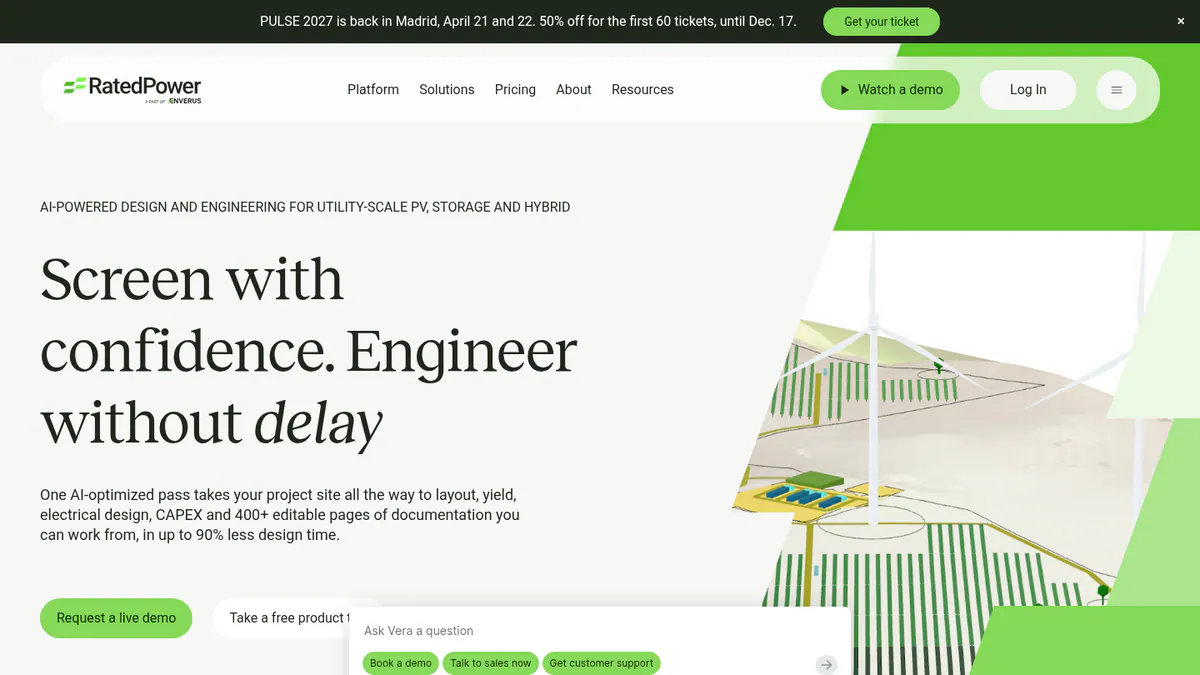
Want to see RatedPower working? Book a demo with the SolarSoftwares team.
Book a demoYour request goes by email to the SolarSoftwares team. A time is set only after we reply. It does not change any score or ranking.
2. HelioScope: best for C&I rooftop, carport and small ground-mount projects
Best for: C&I EPCs who want a published price. Score: 66.7/100.
vs PVcase: Published prices from USD 159 a month in a browser. The 30 MW DC (30 megawatts of direct-current panel power) cap rules out utility-scale work.
What it is: Aurora Solar sells HelioScope as a separate commercial design product. It runs in a browser and handles systems up to 30 MW DC. Most buyers are C&I EPCs.
Why we picked it: It is the only ranked tool priced by the month on a public page. It covers Roof Mount’s C&I job without AutoCAD.
Replaces: Roof Mount. It replaces Ground Mount only for projects up to 30 MW DC.
Key features:
- Rooftop, carport and ground-mount layout.
- Shading and wiring-loss sums.
- P90/P95/P99 values, the yield you can expect with 90, 95 or 99% confidence (Pro).
- LIDAR-assisted (laser-scan) modelling (Pro).
Pricing: Basic is USD 159 per month, or USD 1,620 per year if billed yearly. It covers 1 user and 10 projects a month, up to 1.25 MW DC. Pro is USD 259 per month or USD 2,640 per year, up to 5 MW DC. Enterprise is custom, per project, up to 30 MW DC. Checked October 2026 on the HelioScope pricing page.
Pros (from user reviews): From G2 reviews.
- New designers learn it fast, thanks to a simple interface.
- Layouts and shading and wiring-loss sums are fast and accurate.
- You get reports and SLDs out quickly.
Cons (from reviews and our research): The first two come from G2 reviews.
- It is expensive, and the tiers do not suit occasional users.
- Yearly project limits bite on large systems.
- Trackers and PVsyst export are only on Enterprise.
Reviews: G2 4.5/5 from 19 reviews, with ease of use at 8.8/10 (G2, checked October 2026).
Read our full HelioScope review or our HelioScope alternatives.
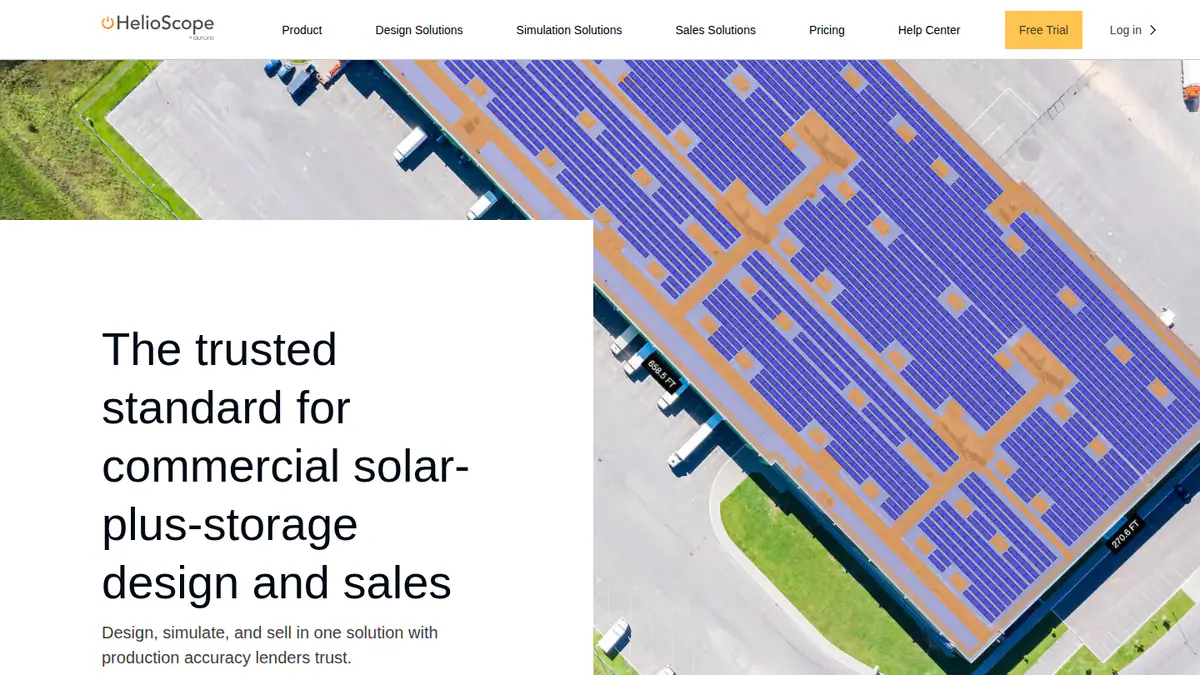
Want to see HelioScope working? Book a demo with the SolarSoftwares team.
Book a demoYour request goes by email to the SolarSoftwares team. A time is set only after we reply. It does not change any score or ranking.
3. PVFarm: best for web-based utility layout and civil grading
Best for: EPCs who want Ground Mount’s scope without a CAD plug-in. Score: 66.5/100.
vs PVcase: The same layout, civil and electrical job in a browser, with a 7-day trial where PVcase offers only a demo.
What it is: PVFarm is a web platform for utility-scale solar and solar-plus-storage design, based in Newport Beach, California. Its main users are EPCs, developers and engineering firms. In September 2026 it launched RE Pilot, which helps pick an early solar-plus-storage setup.
Why we picked it: It matches Ground Mount’s job closely, with layout, grading and electrical design in one browser tool. Its 16 G2 reviewers rate it 4.4/5.
Replaces: Ground Mount.
Key features:
- Automated layouts with real-time analysis up to 800 MWdc, including trackers.
- Civil grading and topography processing.
- LV/MV electrical design with SLDs.
- BoQ and BoM (bills of quantities and materials).
- Energy modelling, with PVsyst SHD (shading file) export and DXF (CAD drawing file) export.
Pricing: Quote only. You buy an annual licence built from packages: Layout Modelling, Civil, Energy, Repower and Electrical. You book the 7-day free trial through a demo, and it includes two 30-minute expert sessions. Checked October 2026 in the PVFarm FAQs.
Pros (from reviews and our research): The first two come from G2 reviews.
- One reviewer found it the easiest tool they tried, because it runs in a browser.
- You can revise layouts fast.
- Civil grading is built in, so earthworks do not need a second tool.
Cons (from user reviews): From G2 reviews.
- It needs a technical team, and support reviews are mixed: one calls it "second to none", another says it was lacking at times.
- Export to AutoCAD needs work.
- It does not model single tracker bearings, which led to wrong grading results.
Reviews: G2 4.4/5 from 16 reviews (G2, checked October 2026).
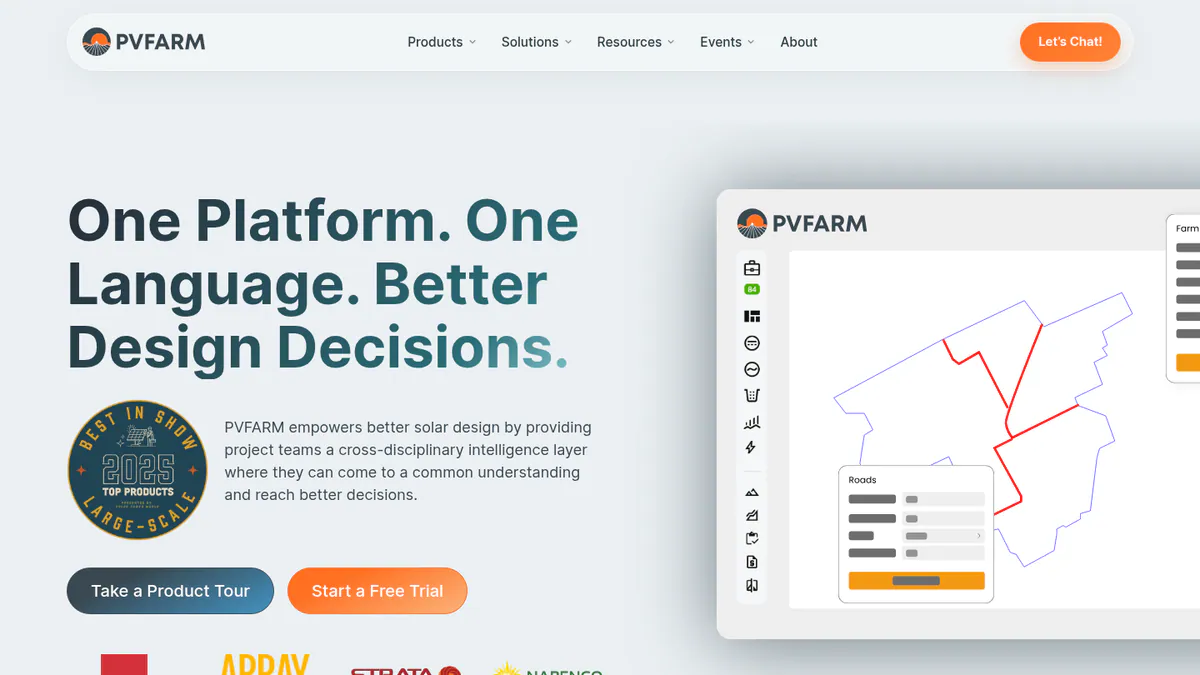
Want to see PVFarm working? Book a demo with the SolarSoftwares team.
Book a demoYour request goes by email to the SolarSoftwares team. A time is set only after we reply. It does not change any score or ranking.
4. Glint Solar: best for site prospecting in Europe and the US
Best for: Developers screening land for solar and storage. Score: 65.6/100.
vs PVcase: A direct swap for Prospect, with customers in 35+ countries. Prospect’s capacity and grid features are US only.
What it is: Glint Solar is an Oslo company with a map-based platform for site prospecting, land screening and pre-design. Developers and IPPs of utility-scale solar and BESS use it to screen land before layout.
Why we picked it: It does Prospect’s job for developers in Europe and the US. The team logged 18 dated product updates from March to September 2026.
Replaces: Prospect, not Ground Mount.
Key features:
- Land Screening of large areas, ranked by buildable area (August 2026).
- Buildable-area analysis with constraint profiles.
- One-click PV pre-design with a 3D view and yield estimate.
- BESS layouts and PV-BESS hybrid analysis.
- BESS SLD reports.
Pricing: Quote only. Packages are priced by number of users and other factors. Projects and project size are unlimited, with no per-layer pricing. Checked October 2026 on the Glint Solar pricing page.
Pros (from reviews and our research): The first two come from G2 reviews (September and August 2026, the second incentivised).
- You can design a project and get a first technical layout quickly.
- The product improves fast, and the team stays in touch.
- Projects and project size are unlimited, so big screening runs cost no more.
Cons (from reviews and our research): The first comes from the same incentivised G2 review.
- Updates arrive without warning.
- It screens land but does not do detailed civil and electrical design.
- Quote only, so you cannot compare costs before a sales call.
Reviews: G2 4.6/5 from 17 reviews (G2, checked October 2026).
What we could not confirm: how long the trial lasts.
Read our full Glint Solar review.
Want to see Glint Solar working? Book a demo with the SolarSoftwares team.
Book a demoYour request goes by email to the SolarSoftwares team. A time is set only after we reply. It does not change any score or ranking.
5. PVsyst: best for reference yield reports
Best for: Engineers whose yield report goes to a lender. Score: 64.6/100.
vs PVcase: The yield reference Ground Mount already exports to, at a published CHF 700 a year, with no layout or civil work.
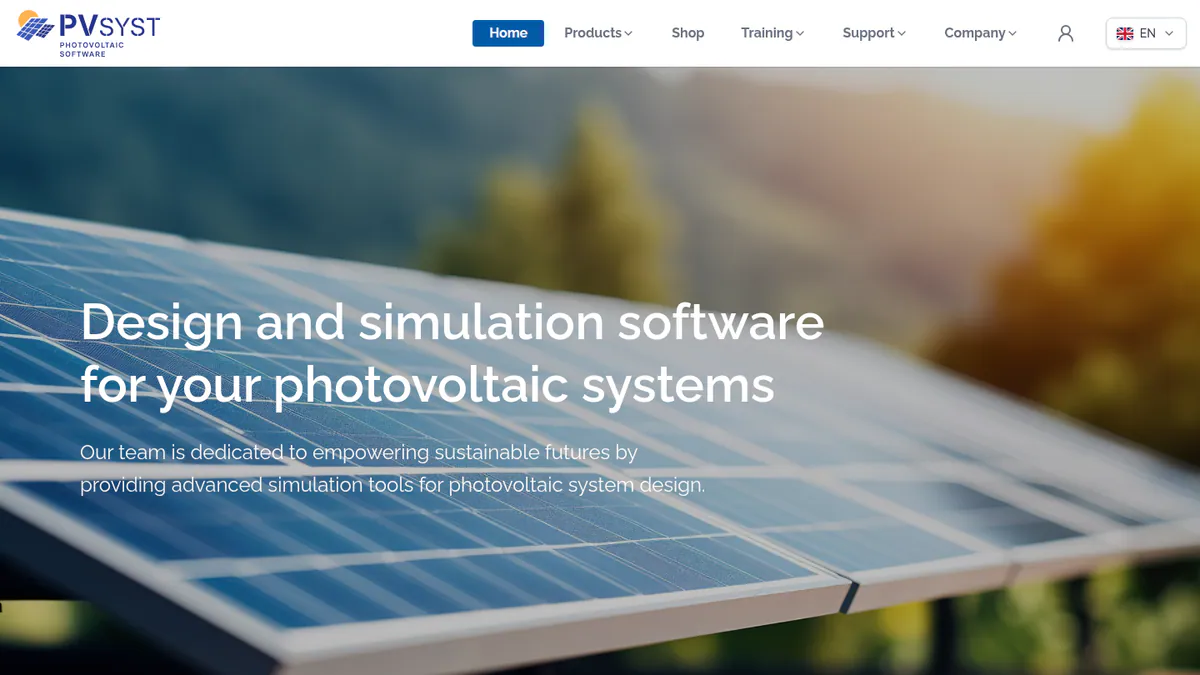
What it is: Swiss firm PVsyst SA makes this Windows desktop simulator. Engineers, EPCs and consultants use it widely for P50/P90 reports. It is the de facto bankability reference (the yield report lenders expect), not a layout tool.
Why we picked it: If you only want to drop PVcase Yield, it is the lowest-risk swap, because lenders’ advisers already expect its reports.
Replaces: Yield only.
Key features:
- 3D near-shading scene with electrical mismatch losses.
- Detailed loss diagram.
- P50/P90 yield reports.
Pricing: PVsyst 8 Professional costs CHF 700 per year per licence, with multi-seat discounts of 5% to 20%. Student and Classroom licences cost CHF 25 per year. A fresh install runs a 30-day evaluation with watermarked reports. Checked October 2026 in the PVsyst shop.
Pros (from user reviews): From G2 review themes.
- Detailed, accurate yield models that lenders’ advisers expect.
- A thorough loss analysis shows where energy goes.
- You can build 3D shading scenes from SketchUp.
Cons (from reviews and our research): The first two are G2 review themes.
- The interface is dated and complex, with G2 ease of use at 6.7/10 from 14 reviews.
- 3D scenes take a long time to manage.
- It runs on Windows only, so Mac and Linux users need a virtual machine.
Reviews: G2 4.5/5 from 22 reviews (G2, checked October 2026).
Read our full PVsyst review or our PVsyst alternatives.
Want to see PVsyst working? Book a demo with the SolarSoftwares team.
Book a demoYour request goes by email to the SolarSoftwares team. A time is set only after we reply. It does not change any score or ranking.
6. Virto.CAD: best for CAD teams on AutoCAD or BricsCAD
Best for: Engineering teams who want a CAD plug-in on BricsCAD or AutoCAD. Score: 63.2/100.
vs PVcase: The closest like-for-like CAD plug-in, but it also runs on BricsCAD, and G2 reviewers score its support 9.7/10.
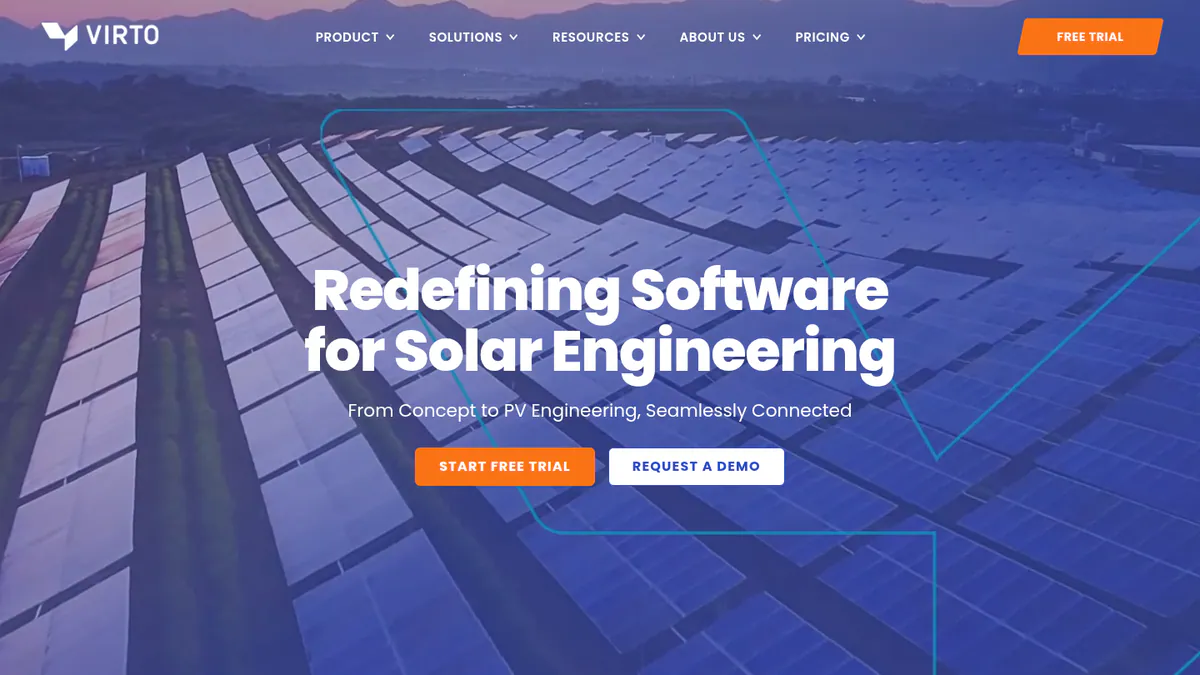
What it is: Virto Solar (once called Virtuosolar), based in Geel, Belgium, makes the Virto.CAD plug-in for PV design. EPCs, engineering firms and developers use it on C&I rooftop and utility-scale projects. We could not reach the company’s site, so these facts come from its Intersolar exhibitor listing, G2 and Capterra.
Why we picked it: It is the only ranked tool that works like PVcase, as a CAD plug-in. Your drafters keep their workflow and drawing files.
Replaces: Ground Mount and Roof Mount.
Key features:
- PV layout automation inside AutoCAD or BricsCAD.
- String plans and single-line drawings.
- 3D models with PVsyst export.
- Topography analysis for utility sites.
- BOM and reports in PDF, CSV, XML and XLS.
Pricing: Quote only. We could not confirm a company price. It needs a separately licensed AutoCAD or BricsCAD. Sources disagree on whether a free trial exists (G2 pricing, checked October 2026).
Pros (from reviews and our research): The first two come from G2.
- Customer support is the top review theme, with 9 mentions.
- Ease of use gets 7 mentions, and ease of setup scores 9.3/10.
- BricsCAD users can switch without buying AutoCAD.
Cons (from reviews and our research): The first comes from G2.
- Reviewers mention missing features 6 times.
- You pay for an AutoCAD or BricsCAD licence on top.
- Quote only, so you cannot compare costs up front.
Reviews: G2 4.6/5 from 26 reviews (G2, checked October 2026). Capterra lists it with no reviews.
Want to see Virto.CAD working? Book a demo with the SolarSoftwares team.
Book a demoYour request goes by email to the SolarSoftwares team. A time is set only after we reply. It does not change any score or ranking.
7. DNV SolarFarmer: best for utility yield from an independent engineer’s engine
Best for: Teams who want an IE-grade (independent engineer) yield engine with an API. Score: 56.4/100.
vs PVcase: Stronger published bankability evidence than PVcase Yield’s own wording. But layouts come in by import, not live from Ground Mount.
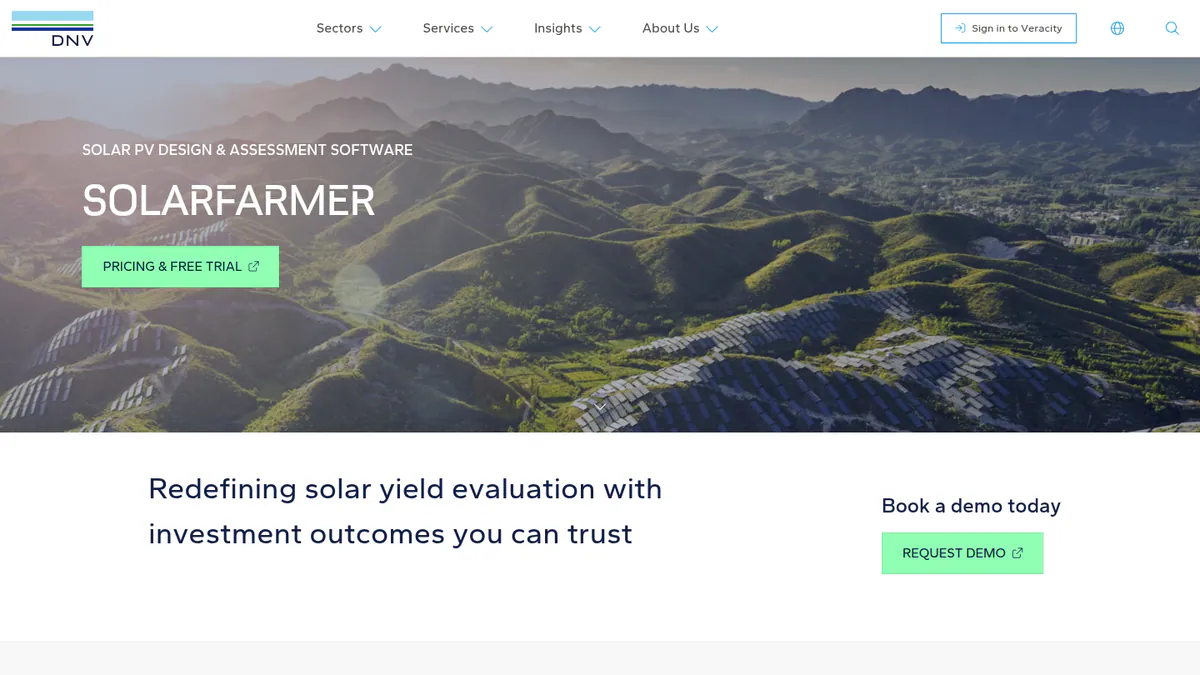
What it is: DNV, an independent engineer, makes SolarFarmer. You get a Windows desktop app plus a cloud yield API. It is aimed at utility-scale developers, owners and consultants.
Why we picked it: It is a yield engine from a major independent engineer, which helps when a lender reviews your numbers. Its cloud API also suits teams that script yield runs.
Replaces: Yield only.
Key features:
- 2D and 3D shade modelling on regular and irregular terrain.
- Full electrical mismatch.
- Bifacial (two-sided), thin-film and HIT (heterojunction) modules.
- Cloud yield API with Python workflows and a PVsyst emulation mode.
Pricing: Quote only. You buy it, or start a free trial or evaluation, through DNV’s Veracity store (DNV SolarFarmer, checked October 2026).
Pros (from our research):
- DNV used it on six US financing due-diligence projects (1,195 MW) in 2024.
- Regular dated releases, from 1.6 (June 2025) to 1.7.1 (March 2026), keep it current.
- You can move a licence between team members up to four times a year.
Cons (from our research):
- The bankability evidence is DNV’s own and partner Solesca’s, with no named third-party lender.
- The desktop app is Windows only, with 16 GB RAM recommended.
- No user reviews, so you cannot check other teams’ experience.
Reviews: No user reviews found on G2 or Capterra (checked October 2026).
What we could not confirm: the price and how long the trial lasts.
Read our full DNV SolarFarmer review.
Want to see DNV SolarFarmer working? Book a demo with the SolarSoftwares team.
Book a demoYour request goes by email to the SolarSoftwares team. A time is set only after we reply. It does not change any score or ranking.
How do the 7 PVcase alternatives compare?
This table shows what each tool replaces and where it runs.
Product | Replaces | Runs in | Electrical / SLD | Starting price (checked October 2026) |
|---|---|---|---|---|
Ground Mount, Yield, Prospect (partly) | Browser. DWG (AutoCAD file) round-trip | MV/LV, SLDs, substation | Quote only | |
Roof Mount | Browser | SLDs (per G2 reviewers) | USD 159/month | |
Ground Mount | Browser. DXF export | LV/MV, SLDs | Quote only | |
Prospect | Browser | BESS SLD reports | Quote only | |
Yield | Windows desktop | Not its job | CHF 700/year | |
Ground Mount, Roof Mount | AutoCAD or BricsCAD plug-in | String plans, single-line drawings | Quote only | |
Yield | Windows desktop. Cloud API | Electrical mismatch only | Quote only |
Also considered
- HELIOS 3D (scored 55.2/100): German firm STÖHR + SAUER has sold it since 2010. It runs inside Autodesk Civil 3D for terrain-aware layout, grading, strings and SLDs. It misses the top 7. It needs Civil 3D and Microsoft SQL Server licences, its features are not confirmed on a company site, and G2 has one review (2.0/5).
- PVComplete / PVCAD (scored 54.8/100): Enact bought PVComplete in January 2026. PVCAD is now its AutoCAD-based engineering module, with automated SLDs, wire sizing and commercial plan sets. Pricing is not confirmed on the company site after the merger, and G2 has only 2 reviews.
- PlantPredict (scored 51.4/100): A browser yield engine with a REST API and Python SDK, built by First Solar and now owned by Terabase Energy. It has no published pricing, no user reviews and no release notes we could find.
- Sunfig (SIFT) (scored 42.0/100): A browser feasibility tool. It runs up to 500 GCR (ground coverage ratio) and DC:AC scenarios with an IRR (internal rate of return) model. We could not confirm its owner after Gibraltar’s divestitures, and found no dated updates since 2022.
- Solargis Prospect (a weak match, below the minimum score): Despite the name, it is a solar-resource app. Basic costs EUR 2,400 a year (checked October 2026). It has no parcel, grid or permitting layers, so it replaces neither Prospect nor Ground Mount (Solargis pricing).
How do you choose a PVcase alternative?
- Replacing Ground Mount and want out of AutoCAD? Pick RatedPower. If you want a trial first, start with PVFarm’s 7 days.
- Happy in CAD but want a different company? Virto.CAD (AutoCAD or BricsCAD) is our ranked pick. PVCAD (AutoCAD) and HELIOS 3D (Civil 3D) are also considered.
- For a Roof Mount swap on C&I projects under 30 MW DC, pick HelioScope for its published prices.
- If you are replacing Yield and your report goes to a lender, keep PVsyst. Or shortlist DNV SolarFarmer and ask your financier first.
- To replace Prospect outside the US, pick Glint Solar. Inside the US, check whether you rely on Prospect’s power-flow capacity studies before you switch.
For the full field, see our utility-scale solar design software, solar design software for EPCs and solar site selection software rankings. You can also browse the design and simulation hub.
Want more choices? Browse every tool we checked in our design and simulation category.
PVcase alternatives FAQs
How much does PVcase cost?
PVcase does not publish prices. As of October 2026, all four products are quote only, with demos instead of trials. G2 puts Ground Mount in its highest perceived-cost band. HelioScope starts at USD 159 a month and PVsyst at CHF 700 a year.
What is the difference between PVcase and RatedPower?
PVcase splits the job across four products. RatedPower is one browser platform for layout, MV/LV electrical design, yield and CAPEX/LCOE, with DWG round-trip to AutoCAD. Both are quote only. On G2 (October 2026), Ground Mount rates 4.7/5 (415 reviews) and RatedPower 4.4/5 (305).
Is there a PVcase alternative that does not require AutoCAD?
Yes. RatedPower, PVFarm, HelioScope and Glint Solar all run in a browser, as do PlantPredict and SIFT (also considered). Virto.CAD still needs AutoCAD or BricsCAD. PVsyst and DNV SolarFarmer are Windows desktop apps. HELIOS 3D (also considered) needs Civil 3D.
Can I use rooftop software for a utility-scale project?
Usually not. HelioScope caps projects at 1.25 MW DC on Basic, 5 MW DC on Pro and 30 MW DC on Enterprise (checked October 2026). Utility-scale layout with grading and piling needs a tool such as RatedPower or PVFarm. PVFarm handles layouts up to 800 MWdc.
Do I need PVsyst if I use PVcase?
Often, yes. Ground Mount exports to PVsyst, and PVcase calls Yield "bankability-grade". In October 2026, though, we found no named lender or independent engineer behind that claim. If your financier expects a PVsyst report, keep a PVsyst seat (CHF 700 a year) for the final run.
Sources
All checked 22 to 24 October 2026.
- PVcase Ground Mount and Roof Mount: Ground Mount pricing, Ground Mount G2, Ground Mount G2 pricing, Roof Mount pricing, Roof Mount G2
- PVcase Yield and Prospect: Yield pricing, Yield G2, Prospect pricing, Prospect US-only features, Prospect G2
- RatedPower: pricing, feature comparison, G2
- HelioScope: pricing, G2
- PVFarm: FAQs, free trial, RE Pilot launch, G2
- Glint Solar: pricing, product updates, G2
- PVsyst: shop, product page, G2 comparison
- Virto.CAD: Intersolar listing, G2, G2 comparison
- DNV SolarFarmer: product page, DNV news (September 2024), releases
- HELIOS 3D: PVcase comparison (competitor source), G2
- PVCAD: Solar Power World (January 2026), G2 reviews, G2 pricing
- PlantPredict: Terabase, Python SDK, Solar Builder (August 2021)
- Sunfig SIFT: product page, Solar Power World (July 2026), Solar Power World (February 2026)
- Solargis Prospect: pricing
Last updated 28 October 2026. Next scheduled review: 23 January 2027.