Solar commission tracking software works out what each sales rep earns on a solar deal, then pays it out. That covers setter and closer splits (one rep sets the visit, another makes the sale), install-milestone payouts and clawbacks (money taken back when a deal cancels). Sequifi ranks first on this list, at 79.7/100.
This is a thin category. The other five ranked tools are general commission (incentive pay) software, and we label them that way. Sales Cookie (78.8) is the cheapest month-to-month choice.
Choosing a rep app or CRM? See our guides to solar canvassing apps and CRM for solar sales teams. More tools for dealers sit in our dealer and sales org hub.
Quick picks
Rank | Product | Best for | Starting price (company page, checked October 2026) | Pricing model | Free plan / trial | Score /100 |
|---|---|---|---|---|---|---|
1 | Residential door-to-door solar teams paying setters and closers on install milestones | Quote only | Custom quote | Demo only | 79.7 | |
2 | Large multi-office dealers with a finance or RevOps team | Quote only | Per seat plus one-time setup fee | Demo only | 79.4 | |
3 | Small in-house sales teams wanting published pricing and a trial | ✓ USD 35 per user per month (annual) plus USD 525 monthly platform fee | Per user plus platform fee | 14-day trial | 78.8 | |
4 | Budget month-to-month plans paid per kW or per canvasser | ✓ USD 40 per user per month, monthly | Per user, no contract | 14-day trial (restartable) | 78.8 | |
5 | Mid-sized teams wanting a proof of concept on their own data | Quote only | Per payee, annual, plus onboarding fee | Free proof of concept | 77.7 | |
6 | Enterprise C&I and utility sales organisations | Quote only | Three quote-based tiers | No trial. Demo | 61.7 |
✓ Verified on the company’s own pricing page. ◐ Published by the company outside its pricing page (help centre, store or press release). ? We could not read the company’s pricing page, so the figure is not confirmed. Prices checked October 2026.
Quote only means the company shows no public price. You ask it for a quote.
How the 6 tools scored
- Use-case fit 35%
- User reviews 20%
- Pricing 15%
- Ease of use 10%
- Support 10%
- Momentum 10%
Tool | Score chart | Score |
|---|---|---|
79.7 out of 100 | 79.7 | |
79.4 out of 100 | 79.4 | |
78.8 out of 100 | 78.8 | |
78.8 out of 100 | 78.8 | |
77.7 out of 100 | 77.7 | |
61.7 out of 100 | 61.7 |
Each bar shows the weighted score out of 100. Tools marked (general) are general tools that are not solar-specific.
Sub-scores at a glance (0-10)
Product | Use-case fit | User reviews | Pricing | Ease of use | Support | Momentum | Total /100 |
|---|---|---|---|---|---|---|---|
7.5 | 8.5 | 4.0 | 10.0 | 7.5 | 10.0 | 79.7 | |
7.5 | 8.6 | 4.0 | 10.0 | 10.0 | 10.0 | 79.4 | |
7.5 | 8.5 | 7.0 | 10.0 | 10.0 | 5.0 | 78.8 | |
7.5 | 8.5 | 7.0 | 7.5 | 10.0 | 7.5 | 78.8 | |
7.5 | 9.0 | 4.0 | 10.0 | 10.0 | 7.5 | 77.7 | |
7.5 | 6.0 | 4.0 | 5.0 | 5.0 | 7.5 | 61.7 |
A 5.0 on reviews, ease, support or momentum is our neutral score. We use it when public evidence is thin. It is not a judgement.
How did we rank solar commission tracking software?
How the score is weighted
- Use-case fit 35%
- User reviews 20%
- Pricing 15%
- Ease of use 10%
- Support 10%
- Momentum 10%
We scored eight products from 22 to 24 October 2026 and ranked six. We used company documents, pricing pages and public user reviews. We did not run a commission cycle in any tool. Each score uses six criteria:
- Use-case fit (35%): Documented commission maths, plan setup and payout workflow.
- User reviews (20%): G2, Capterra and app-store ratings. Ratings based on only a few reviews count for less.
- Pricing (15%): Published pricing scores higher than prices you must ask for.
- Ease of use, support and momentum (10% each): Review sub-scores and dated releases. Without evidence, each gets a middle score.
Editor adjustment: Sequifi’s total includes a +3 editor adjustment. It is the only product here built for solar pay plans. Those plans have setter/closer splits, install-milestone payouts, clawbacks on cancelled installs and an Enerflo link. Our fit criterion scores commission depth in a generic way, so it cannot see solar plan logic. Without the adjustment, Sequifi scores 76.7 and would rank fifth. Our rules cap any adjustment at plus or minus 5 and make us publish the reason. No other product was adjusted.
Scores are page-specific. Products below our minimum fit score (4 out of 10) go to "Also considered". Third-party price estimates are quoted with their source and do not count in the pricing score.
SurgePV is not part of this ranking. Read the full method: how we score software. Pricing checks: how we verify pricing.
What do solar pay plans ask of commission software?
One solar deal can pay a setter, a closer and a manager override, often in stages tied to install progress.
- Redline or percentage pay: A redline is a floor price per watt, and the rep keeps what the deal sells for above it. A percentage plan pays a share of contract value. Either way, the tool needs system size, price per watt and adders from the CRM (see the FAQs).
- Setter/closer splits and overrides: The tool must split one deal across several payees and roll overrides up the team.
- Milestone payouts: Part of the pay lands at signing or site survey and the rest at install or later. So the tool must read project stages.
- Clawbacks and draws: Cancelled installs must claw money back. New reps often live on recoverable draws (advances repaid from later commission).
- Fast pay for 1099 reps: Door-to-door teams of 1099 (self-employed contractor) reps expect quick pay, so payroll inside the tool helps.
Only Sequifi documents all of these as standard. General tools handle splits and overrides, but we could not confirm milestones or clawbacks for any of them.
1. Sequifi: best for residential door-to-door solar teams paying setters and closers on install milestones
Best for: US residential solar sales teams, from small dealers to large D2D teams, that pay 1099 or W-2 (on-payroll employee) reps in stages. Score: 79.7/100, including a +3 editor adjustment (76.7 unadjusted). See the method box.
What it is: Sequifi is a commission, payroll and HR platform for field and door-to-door (D2D) sales teams. Solar is a core market, with customers such as Momentum Solar, Aveyo, Sunly Home, Kin Home and Flex PWR. It also serves roofing, pest control, mortgage and fibre. It raised a USD 6.7 million seed round in August 2025.
Why we picked it: It is the only tool here built for solar pay plans. Setter/closer splits, milestone payouts and clawbacks are standard, and it links to Enerflo.
Key features:
- Rule-based setter/closer commission splits.
- Install-milestone payouts, for example 30/70 Sold/Installed.
- Automatic clawbacks on cancelled installs, plus recoverable draws.
- Manager overrides, tiered rates and bonuses for self-generated leads.
- W-2 and 1099 payroll with same-day or next-day pay across many offices.
- iOS and Android rep app with pay, paystubs, overrides and leaderboards.
Listed connections to other apps include Enerflo, Solo, SubcontractorHub, Salesforce, HubSpot, JobNimbus and QuickBooks Online.
Pricing: You have to ask the company for a price. It offers demo booking and shows no prices on its site. Capterra lists "Contact vendor" and no free trial. Checked October 2026 on the Sequifi solar commission page.
Pros (from user reviews):
- A solar sales rep praises the clear commission view and dashboards (Capterra, August 2025).
- A CEO says staff learned it in minutes and it makes payroll fast (June 2025).
- Reviewers say it handles multi-tier commission plans with fewer payroll errors.
Cons (from reviews and our research):
- Leaderboards and data can take a while to refresh, one reviewer says.
- You have to ask for a price and there is no trial, so you cannot test plan logic before a sales call.
- G2 users put its cost in G2’s highest cost band (user-reported, not a price).
Reviews: G2 4.9/5 (28 reviews), Capterra 5.0/5 (15 reviews) and App Store 5.0/5 (11 ratings), checked October 2026. The sample is small, with only two specific complaints. One, from August 2025, was the lack of a mobile app, and iOS and Android apps have since launched.
What we could not confirm: Redline plans or dealer-fee deductions by name, and when the mobile apps launched. Ask for a demo of your own plan.
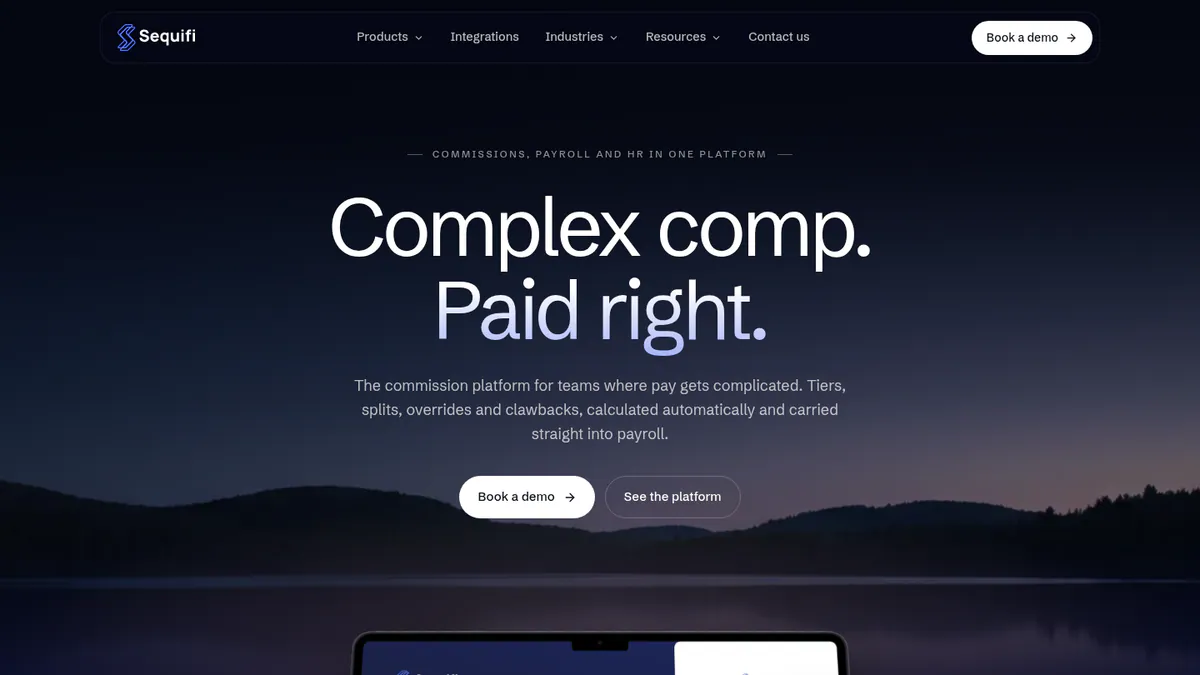
Want to see Sequifi working? Book a demo with the SolarSoftwares team.
Book a demoYour request goes by email to the SolarSoftwares team. A time is set only after we reply. It does not change any score or ranking.
2. CaptivateIQ (general commission software): best for large multi-office dealers with a finance team
Best for: Large solar dealers with a RevOps (revenue operations) or finance team to model complex plans. Score: 79.4/100.
What it is: Mid-market and enterprise sales teams use CaptivateIQ to automate incentive pay. It covers commission maths (Incentives), territory and quota planning (Planning) and payout forecasting (Catalyst). It has no solar focus, and we found no solar customers or app connections.
Why we picked it: For a dealer with a finance team, it models complex plans well and has thousands of reviews behind it. Reviewers rate its support among the best here.
Key features:
- Commission engine with SmartGrid spreadsheet-style logic, where you would build redline and install-milestone plans.
- Approval workflows with hierarchy routing.
- Payout and scenario forecasting (Catalyst).
- AI agents for plan building and comp operations (June 2026).
- Open API (a way for apps to share data) and 20 data connectors, including Salesforce, HubSpot, NetSuite, QuickBooks Online, ADP Workforce Now and Workday.
Pricing: You have to ask for a price. You pay per seat for admins and payees, plus a one-time setup fee. The price depends on payee count, plan complexity and connections to other apps. ASC 606 (revenue accounting standard) reporting is a paid add-on. Checked October 2026 on the CaptivateIQ pricing page. A pricing article from competitor QuotaPath (21 October 2026) cites purchase data from Vendr, a software-buying firm. It puts the median contract at about USD 37,044 a year across 309 purchases. CaptivateIQ has not confirmed that figure.
Pros (from user reviews):
- Ease of use is the top G2 theme, with 507 mentions, though 77 mention a learning curve (G2).
- Commissions are clear and on time, and dashboards cut disputes (Capterra).
- Help is strong, with a G2 quality-of-support score of 9.5/10.
Cons (from reviews and our research):
- Plan builds need an analyst, so someone in finance or RevOps must own them.
- Reviewers report slow loading, timeouts and data-display errors.
- Missing features come up in 52 G2 mentions, and there are no solar plan templates.
Reviews: G2 4.7/5 (3,487 reviews) and Capterra 4.8/5 (874 reviews), checked October 2026. No reviews from solar companies showed up.
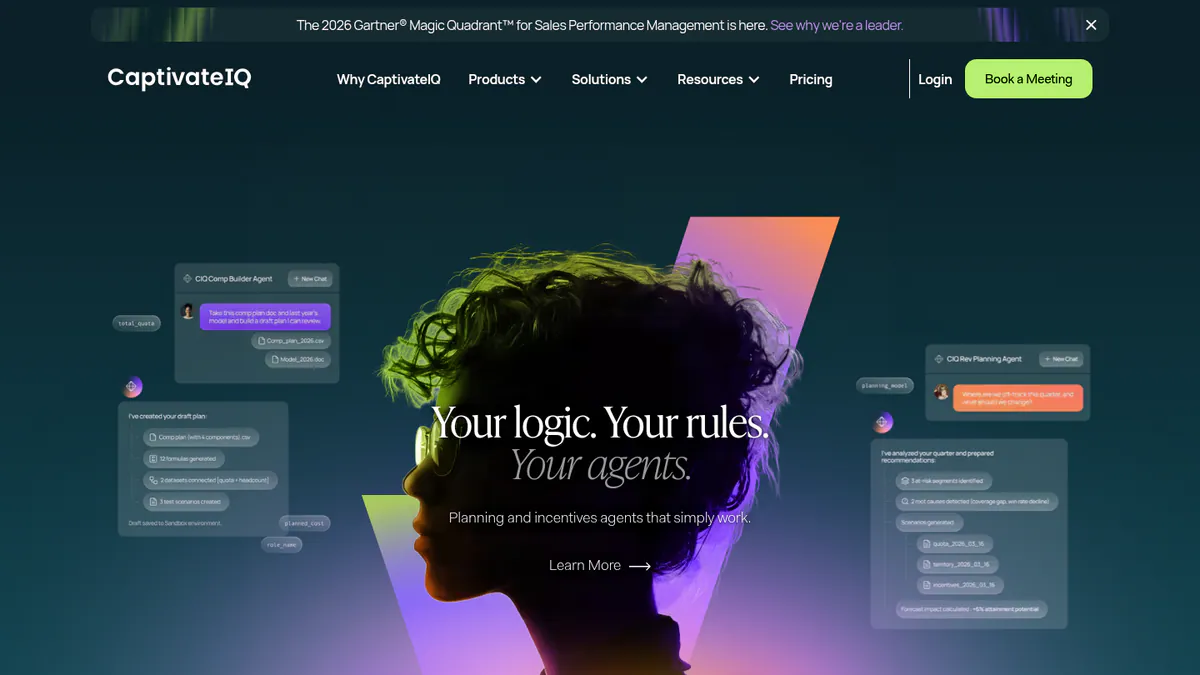
Want to see CaptivateIQ (general commission software) working? Book a demo with the SolarSoftwares team.
Book a demoYour request goes by email to the SolarSoftwares team. A time is set only after we reply. It does not change any score or ranking.
3. QuotaPath (general commission software): best for small in-house teams wanting published pricing
Best for: Small in-house solar sales teams that want to see the price and trial first. Score: 78.8/100.
What it is: QuotaPath is self-serve commission tracking with published prices, built for small and mid-market sales teams. We found no redline, dealer-fee or milestone features, no solar CRM link (no Enerflo) and no solar customers.
Why we picked it: It is one of two ranked tools with public prices and a free trial. A small team can test a plan without a sales call.
Key features:
- AI commission plan builder with unlimited custom plans and calculated fields.
- Approvals-to-payouts workflow, multi-level on Premium.
- Rep commission forecasting, plus deal flagging, overrides and discrepancy fixes.
- Teams, leaderboards and contests.
- Payroll sync and API on Premium. Connections include HubSpot, Salesforce, Zoho, QuickBooks, Xero and Rippling.
Pricing:
- Growth: USD 35 per user per month billed annually, plus a USD 525 monthly platform fee that covers the first five users.
- Premium: USD 50 per user per month billed annually, plus a USD 800 monthly platform fee that covers the first five users.
- Strategic: by quote. This is a managed service where QuotaPath’s comp experts run your commissions.
The page shows no currency code, so we assume USD for this US company. The older entry-level Essential tier is no longer listed. Checked October 2026 on the QuotaPath pricing page.
Pros (from reviews and our research):
- A reviewer calls the support "top notch" (Capterra).
- It works well with Salesforce and HubSpot (Capterra).
- A 14-day trial and public prices let you model your plan before talking to sales.
Cons (from reviews and our research):
- A VP Finance found it "difficult to navigate, not intuitive".
- Complex commission plans still need manual work, which matters for multi-stage solar payouts.
- The USD 525 monthly platform fee applies even to very small teams.
Reviews: G2 4.8/5 (411 reviews) and Capterra 4.5/5 (123 reviews), checked October 2026.
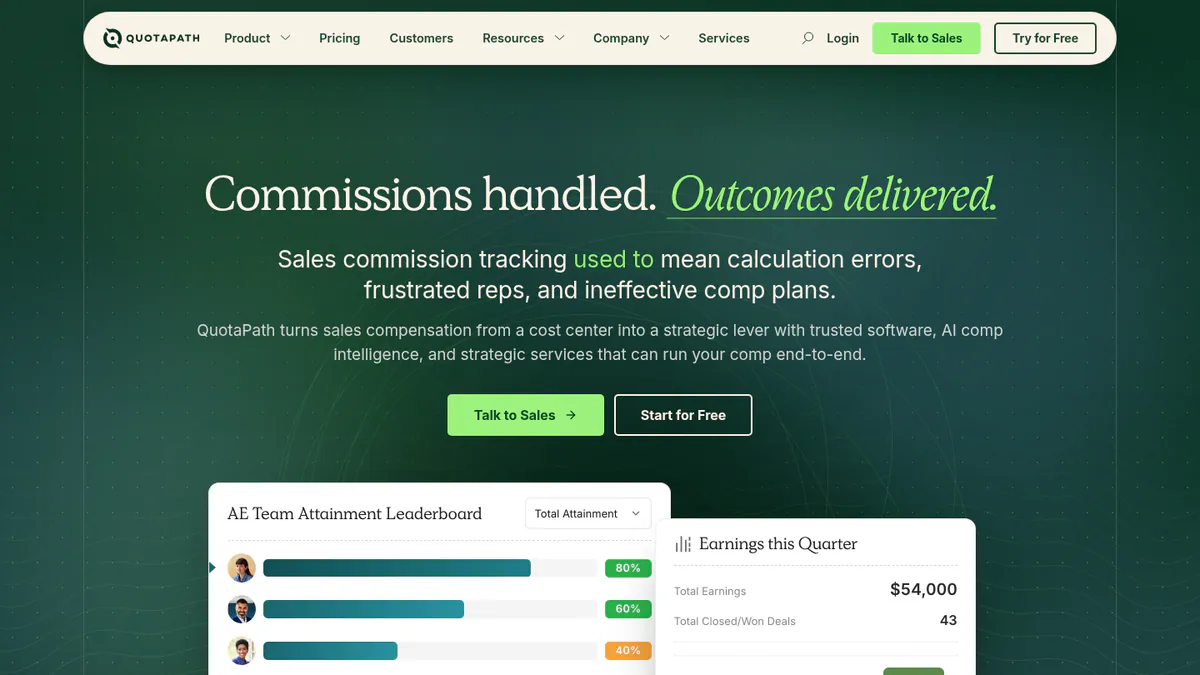
Want to see QuotaPath (general commission software) working? Book a demo with the SolarSoftwares team.
Book a demoYour request goes by email to the SolarSoftwares team. A time is set only after we reply. It does not change any score or ranking.
4. Sales Cookie (general commission software): best for budget month-to-month plans paid per kW or per canvasser
Best for: Small and mid-sized solar sales teams that want low per-user pricing with no contract. Score: 78.8/100.
What it is: Sales Cookie is low-cost, month-to-month commission software for small and mid-sized sales teams. It is general, but the company published solar examples in 2020: per-kW pay, canvasser/closer splits, manager overrides and a 50% upfront / 50% on completion split. That is closer to solar practice than any other general tool here.
Why we picked it: It runs month to month at USD 40 per user per month, with no contract or setup fee. Its published solar examples give you a head start on plan design.
Key features:
- AI Plan Designer and AI assistants.
- Adjustments, overrides and multi-level hierarchy rollups.
- Commission dashboards and statements for reps.
- Approvals, audit logs and multi-currency.
- API, white labelling and custom connections on Business+.
Pricing:
- Business: USD 40 per user per month. Covers up to 100,000 transactions, 25 plans and 1,000 calculations.
- Business+: USD 60 per user per month.
Both are billed monthly on usage, with no contract, setup fee or minimum. A user is any payee or admin. Your first plan is set up free, and teams of 10 or more users get free setup hours. The company’s June 2026 blog also mentions a USD 15 rate for users without dashboards, which is not on the pricing page. No currency code is stated, so we assume USD. Checked October 2026 on the Sales Cookie pricing page.
Pros (from reviews and our research):
- A COO praises accurate and timely commission maths (Capterra).
- Reviewers call it affordable and easy to set up (Capterra).
- You pay month to month at USD 40 per user, and the company builds your first plan for you.
Cons (from reviews and our research):
- A CEO found too little reporting detail for internal comp reports.
- An insurance-agent reviewer found it hard to see past and future periods.
- Company pages name only Power BI, Tableau and Excel links, with no solar CRM connection.
Reviews: G2 4.9/5 (69 reviews) and Capterra 4.7/5 (196 reviews), checked October 2026.
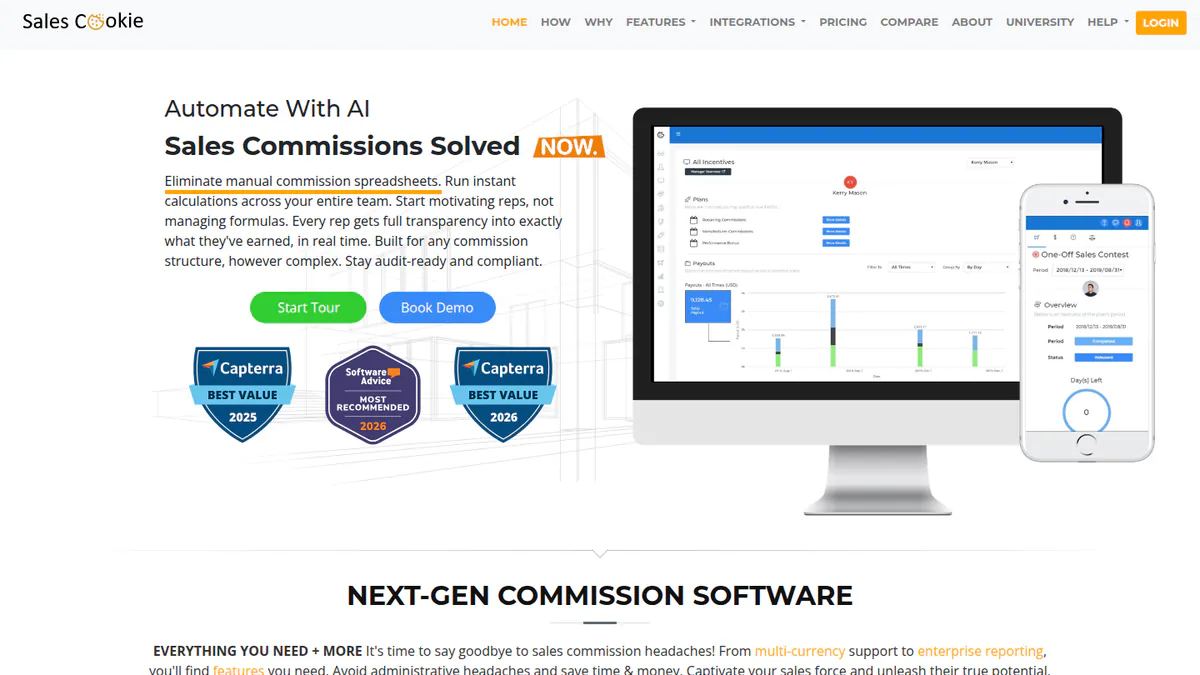
Want to see Sales Cookie (general commission software) working? Book a demo with the SolarSoftwares team.
Book a demoYour request goes by email to the SolarSoftwares team. A time is set only after we reply. It does not change any score or ranking.
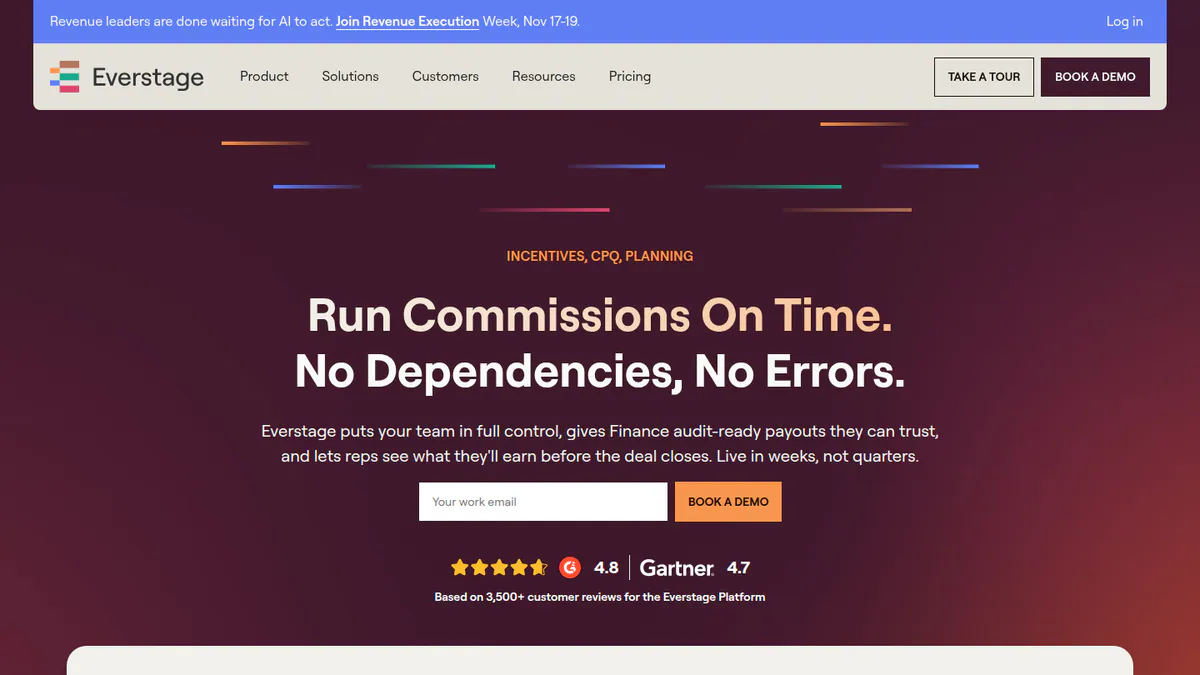
5. Everstage (general commission software): best for mid-sized teams wanting a proof of concept first
Best for: Solar companies with about 20 or more payees that want to see their own plan built before buying. Score: 77.7/100.
What it is: Everstage Inc. sells commission software, plus a CPQ (configure, price, quote) module and AI agents, to teams with about 20-30 or more payees. Its blog has a generic article on solar sales commissions. We found no solar features, solar app connections or named solar customers.
Why we picked it: It earned the best review score on this page, from thousands of G2 and Capterra reviews. The free proof of concept lets you check your own plan before you sign.
Key features:
- Commission engine with accelerators (higher rates above quota) and draws.
- Rep dashboards with near-real-time earnings.
- Approval and dispute workflows.
- Everstage CPQ, which links quotes to commissions (launched October 2025).
- Connections including Salesforce, HubSpot, ServiceTitan, QuickBooks, Gusto and ADP Workforce.
Pricing: You have to ask for a price. You pay a per-payee annual fee plus a one-time onboarding fee, with no set seat minimum. The Salesforce app, connectivity package and ASC 606 module are paid add-ons. Checked October 2026 on the Everstage pricing page. A pricing article by competitor QuotaPath (21 October 2026) cites Vendr data and puts the median at about USD 44,220 a year. Everstage has not confirmed that figure.
Pros (from reviews and our research):
- Clear dashboards and plans replace spreadsheets (Capterra, January 2026).
- One reviewer had a smooth rollout with a helpful customer success manager (November 2025).
- A free proof of concept, built on your data for a few reps, shows your own plan before you pay.
Cons (from user reviews):
- One-off bonuses need manual overrides (June 2026).
- An Oil and Energy reviewer reported rollout delays and poor communication (January 2026).
- Payees cannot always see the maths behind a payout, and reviewers call the mobile app the weakest part (Capterra).
Reviews: G2 4.8/5 (2,085 reviews) and Capterra 4.8/5 (1,022 reviews), checked October 2026.
Want to see Everstage (general commission software) working? Book a demo with the SolarSoftwares team.
Book a demoYour request goes by email to the SolarSoftwares team. A time is set only after we reply. It does not change any score or ranking.
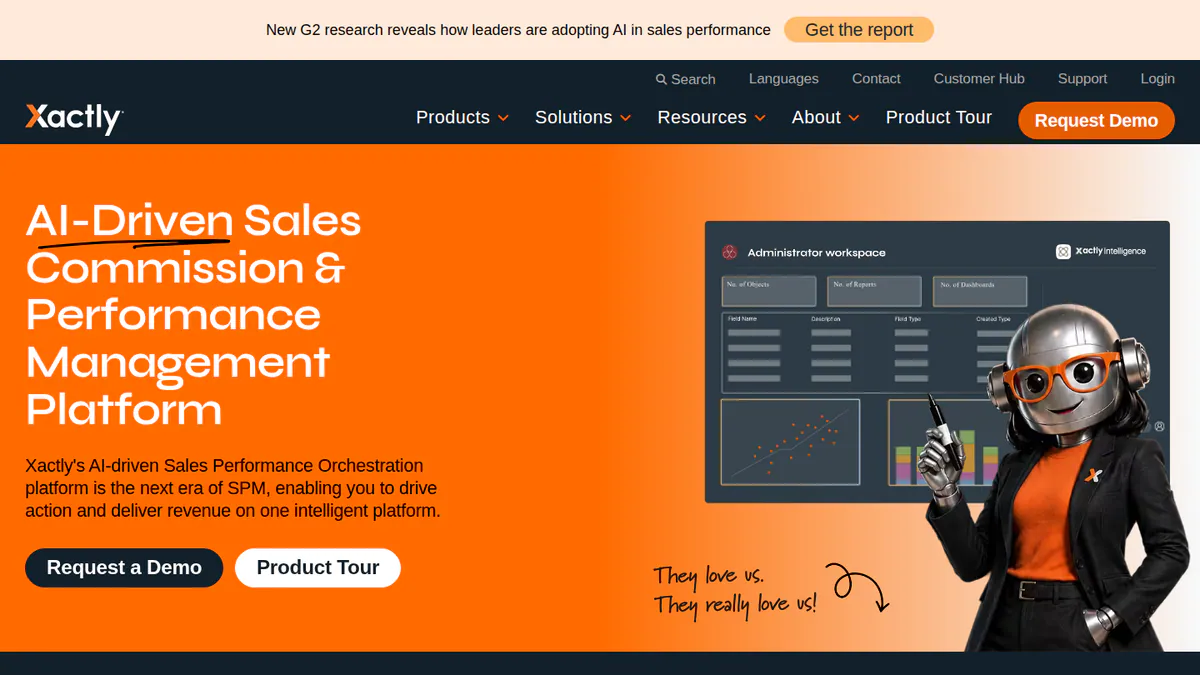
6. Xactly Incent (general commission software): best for enterprise C&I and utility sales organisations
Best for: Large energy companies selling C&I or utility projects with enterprise HR and finance systems. Score: 61.7/100.
What it is: Xactly Corporation’s Incent handles enterprise incentive pay, sales planning and forecasting. Enterprises make up 68% of its Capterra reviewers. Solar is not a focus, and we found no solar features or app connections.
Why we picked it: It covers enterprise needs in one system: ASC 606 accounting, territory planning and a sandbox for plan changes. It ranks last because reviewers rate its ease of use and support lower.
Key features:
- Commission engine with plan administration.
- Rep dashboards and commission estimates.
- ASC 606 commission expense accounting (Plus).
- Territory and quota planning (AlignStar) and earnings forecasting.
- Sandbox and prior-period processing (Plus). AI agents and benchmarking (Ultimate).
Pricing: You have to ask for a price. There are three tiers: Incent Core, Plus and Ultimate. Price depends on payee count and plan complexity, and there is no self-service trial. Checked October 2026 on the Xactly pricing page. A pricing article by competitor QuotaPath (21 October 2026) cites two figures. One is an AWS Marketplace listing of USD 250,000 for 500 users over 12 months. The other is a Vendr median of about USD 79,991 a year. Xactly has confirmed neither.
Pros (from user reviews):
- Reviewers praise its accuracy, its automation and the view reps get of their earnings (Capterra).
- Reviewers call it a big step up from commission spreadsheets.
- Compensation management is cited as a strength in 36 G2 mentions (G2).
Cons (from user reviews):
- Reviewers report a steep learning curve and heavy admin.
- Slow loading comes up in 34 G2 mentions, along with slow report refreshes.
- Clunky navigation comes up in 29 G2 mentions. Its G2 ease-of-use score is 8.1/10, below the other general tools.
Reviews: G2 4.2/5 (1,096 reviews) and Capterra 4.2/5 (252 reviews), checked October 2026.
Want to see Xactly Incent (general commission software) working? Book a demo with the SolarSoftwares team.
Book a demoYour request goes by email to the SolarSoftwares team. A time is set only after we reply. It does not change any score or ranking.
How do the solar commission tools compare on solar plan logic?
Product | Solar-built | Setter/closer splits | Install-milestone payouts | Clawbacks / draws | Runs payroll | Solar CRM integration | Starting price |
|---|---|---|---|---|---|---|---|
Yes | Documented | Documented (e.g. 30/70) | Automatic clawbacks. Recoverable draws | Yes, W-2 and 1099 | Enerflo, Solo, SubcontractorHub | Quote only | |
No (general) | Generic configuration | Not documented | Not documented | Not documented (ADP, Workday integrations) | None found | Quote only | |
No (general) | Generic configuration | Not documented | Not documented | Not documented (payroll sync on Premium) | None found | USD 35/user/mo plus USD 525/mo fee | |
No (general) | Canvasser/closer example published | 50/50 upfront/completion example | Not documented | Not documented | None found | USD 40/user/mo | |
No (general) | Generic configuration | Not documented | Draws documented | Not documented (Gusto, ADP integrations) | None found | Quote only | |
No (general) | Generic configuration | Not documented | Not documented | Not documented (Workday integrations) | None found | Quote only |
Also considered
- Everee (scored 53.4/100, a weak match for this job): A W-2 and 1099 payroll and instant-payments platform. Solar door-to-door firms such as GR8FL Solar use it to pay reps fast, including payroll financing before funds arrive. It pays commissions, and the company’s page does not make clear whether it works them out. Its pricing calculator shows base prices of USD 10 per paid worker per month plus USD 0.75 per payment (checked October 2026).
- Sunbase (scored 44.2/100, a weak match for this job): A modular solar CRM and contractor suite from USD 59 per user per month. We found no documented commission module, and it has a single Capterra review. See our solar CRM guide instead.
How do you choose solar commission tracking software?
- Residential door-to-door or dealer teams paying setters, closers and managers in stages should pick Sequifi. Ask for a demo of your exact plan.
- With a finance or RevOps team and many payees, shortlist CaptivateIQ and Everstage. Budget for a setup or onboarding fee.
- A small in-house team on a simple percentage plan that wants to trial first should pick QuotaPath.
- On a tight budget with no contract, choose Sales Cookie and start from its solar examples.
- Large C&I or utility sellers inside an enterprise that runs Workday can look at Xactly.
- To pay 1099 reps fast, add Everee or use Sequifi’s built-in payroll.
What three tests should you run in any demo?
Run a redline deal, since none of the six tools names a "redline" plan type. Then test a payout at install or PTO (permission to operate), which only works if your CRM passes that stage date reliably. Last, cancel a deal and watch the clawback.
The general tools connect mainly to Salesforce and HubSpot, so check your CRM link first. Reviewing your sales platform too? See our Enerflo alternatives and solar canvassing apps guides. For the ledger side, see solar accounting software.
Want the wider field? Browse every tool we checked in our dealer and sales organisation category.
Solar commission tracking software FAQs
How are solar sales reps paid on commission: redline or percentage?
Both are common. A redline plan pays the rep what a deal sells for above the company’s floor price per watt. A percentage plan pays a share of contract value. As of October 2026, none of the six ranked tools names a redline plan type.
What is a redline in solar sales commissions?
The redline is the lowest price per watt a company will accept on a deal. The rep earns the gap between the sold price per watt and the redline, times system size. Setter and closer often split that pay.
Can a solar CRM track rep commissions, or do I need separate commission software?
A CRM report is enough for a flat percentage on a few reps. AccuLynx, a roofing-first contractor CRM, lists commission tracking on its Elite plan. For splits, milestone payouts and clawbacks, a dedicated tool is easier to audit. Sequifi lists connections to Enerflo, Salesforce, HubSpot and JobNimbus (checked October 2026).
When are solar commissions paid out: at signing, install or PTO?
Your pay plan sets it. Many companies split the payment, for example part at sale and the rest at install. Sequifi documents 30/70 Sold/Installed splits. Sales Cookie publishes a 50/50 upfront and completion example. Paying later cuts clawbacks but makes reps wait longer.
How do you handle commission clawbacks on cancelled solar deals?
Set the clawback rule in the pay plan, then take the money back from the next payout. Of the tools we ranked in October 2026, only Sequifi documents automatic clawbacks on cancelled installs. Everstage documents draws. The other general tools rely on manual adjustments.
What is the best way to calculate solar sales commission?
Work it out from data your CRM already holds: system size, price per watt, adders and stage dates. Sales Cookie’s pricing page (checked October 2026) includes free setup of your first plan, a cheap way to test a calculation before you commit.
Sources
All checked 22 to 24 October 2026.
- Sequifi: solar commission page, integrations, G2, Capterra, App Store
- CaptivateIQ: pricing, June 2026 release notes, integrations, G2, Capterra
- QuotaPath: pricing, G2, Capterra
- Sales Cookie: pricing, solar commission examples (2020), June 2026 pricing guide, G2, Capterra
- Everstage: pricing, integrations, CPQ launch, G2, Capterra
- Xactly: pricing, G2, Capterra
- Everee: pricing calculator, door-to-door sales page, G2
- Sunbase: pricing, Capterra
- AccuLynx: plan options
Last updated 28 October 2026. Next scheduled review: 23 January 2027.