Commercial solar proposal software builds the sales document for a business roof or site. C&I (commercial and industrial) buyers want the savings case, the finance options and the tariff (the power company’s price plan) in one place. Pylon ranks first on this list, at 82.0/100.
Few tools fit this job well, and we say so plainly. Only seven reached our lowest match score (4 out of 10) for commercial work. Just two of them, Energy Toolbase and Xendee, are built around the C&I or storage money case.
Four tools built for homes first, with some commercial support, rank above those two. That is because they have public prices and public reviews. For general proposal tools, see our solar proposal software ranking. For C&I layout and yield, see commercial solar design software.
Quick picks: best commercial solar proposal software
Rank | Product | Best for | Starting price (company page, checked October 2026) | Pricing model | Free plan / trial | Score /100 |
|---|---|---|---|---|---|---|
1 | Small commercial rooftops on per-project pricing | ✓ GBP 10 per project (Pro) | Per project | 5 free Standard credits | 82.0 | |
2 | Light commercial jobs in a US residential workflow | ✓ USD 159 per user per month | Per user | None stated | 79.4 | |
3 | Small commercial proposals at no software cost | ✓ Free core platform | Free. Paid API and connectors | Free core platform | 75.2 | |
4 | Commercial rooftop and ground-mount quotes below 3 MWp | ✓ USD 159 per month (international list) | Per account | Demo only | 61.6 | |
5 | Microgrid and multi-DER business cases | ✓ USD 440 per user per month, billed annually | Per user, annual | 30-day paid demo | 55.5 | |
6 | Tariff, demand charge and storage economics (US) | Quote only | By team size | Demo only | 54.3 | |
7 | PPA and lease scenarios with PVCAD engineering | ? Not confirmed on the company site | Not confirmed | Unknown | 50.4 |
✓ Verified on the company’s own pricing page. ◐ Published by the company outside its pricing page (help centre, store or press release). ? We could not read the company’s pricing page, so the figure is not confirmed. Prices checked October 2026.
Quote only means the company shows no public price. You ask it for a quote.
How the 7 tools scored
- Use-case fit 35%
- User reviews 20%
- Pricing 15%
- Ease of use 10%
- Support 10%
- Momentum 10%
Tool | Score chart | Score |
|---|---|---|
82 out of 100 | 82.0 | |
79.4 out of 100 | 79.4 | |
75.2 out of 100 | 75.2 | |
61.6 out of 100 | 61.6 | |
55.5 out of 100 | 55.5 | |
54.3 out of 100 | 54.3 | |
50.4 out of 100 | 50.4 |
Each bar shows the weighted score out of 100.
Sub-scores at a glance (0-10)
Product | Use-case fit | User reviews | Pricing | Ease of use | Support | Momentum | Total /100 |
|---|---|---|---|---|---|---|---|
8.3 | 6.7 | 8.0 | 7.5 | 10.0 | 10.0 | 82.0 | |
8.3 | 7.9 | 8.0 | 7.5 | 7.5 | 7.5 | 79.4 | |
8.3 | 5.0 | 9.0 | 7.5 | 5.0 | 10.0 | 75.2 | |
5.0 | 6.3 | 6.0 | 7.5 | 10.0 | 5.0 | 61.6 | |
5.0 | 5.0 | 7.0 | 5.0 | 7.5 | 5.0 | 55.5 | |
6.7 | 5.0 | 4.0 | 5.0 | 5.0 | 5.0 | 54.3 | |
5.8 | 5.0 | 3.0 | 5.0 | 5.0 | 5.5 | 50.4 |
A 5.0 on reviews, ease, support or momentum is our neutral score. We use it when public evidence is thin. It is not a judgement.
How did we rank these commercial solar proposal tools?
How the score is weighted
- Use-case fit 35%
- User reviews 20%
- Pricing 15%
- Ease of use 10%
- Support 10%
- Momentum 10%
We looked at 10 products from 22 to 25 October 2026. We dropped one because we could not confirm it is a real product. That left 9 scored. Seven ranked, and 2 are "also considered" because they fell below our minimum match score for this job.
We used company documents, price pages, trade press and public user reviews. We did not build proposals in any tool. Six factors add up to 100%.
- Use-case fit (35%): How well it does this job. Proposal output and finance modelling count most. Each product had to show proof of commercial (C&I) use.
- User reviews (20%): G2 and Capterra ratings. No reviews gets a middle score (5 out of 10).
- Pricing (15%): Public prices score higher than prices you must ask for, or prices we could not check.
- Ease of use, support and momentum (10% each): Review sub-scores and dated release notes. Without proof, each gets a middle score.
Scores are for this job only, so a tool can score differently on another page. Energy Toolbase fits the C&I money case best, but it has no public reviews or price, so it ranks sixth. Read the full method: how we score software.
Which tool fits which commercial job?
A commercial proposal has to win over a finance director. The savings case most often rests on the tariff, demand charges and self-consumption. Storage matters more and more. Size limits also matter more than in home solar.
- Small commercial roofs sold like home jobs: Pylon Pro, OpenSolar or Aurora Solar. They are fast and cheap, but their tariff modelling is lighter.
- Design-led commercial quotes, ground mount too: Arka 360. Reviewers say it slows on jobs of 3 MWp (megawatts peak) and up.
- US solar plus storage where the tariff drives savings: Energy Toolbase.
- Microgrids, backup power and sites with many energy types: Xendee.
- Several ownership types and engineering docs: Enact with PVCAD.
- Large C&I layout up to 30 MW DC: HelioScope. Aurora itself points large commercial work to it. It sits in Also considered because its proposal and finance output is thin.
1. Pylon: best for small commercial rooftops on per-project pricing
Best for: Installers in the UK, Australia and Ireland who quote small commercial roofs as well as home jobs. Score: 82.0/100.
What it is: Pylon is a design and proposal tool from a Sydney company, built for homes first. Its Pro plan adds commercial system sizes and custom load profiles (how a site’s power use changes over the day). A business client’s savings case needs both. Most of its users are small and mid-sized installers in Australia, the UK, Ireland and the US.
Why we picked it: Its Pro plan covers commercial sizes at a public price per project, with unlimited users. A 4.6 rating from 25 Capterra reviews backs that up.
Key features:
- Custom load profiles for business use (Pro).
- Solar plus battery design.
- Finance forecasts in web and PDF proposals.
- Editable SLDs (single-line diagrams), added July 2026.
- API with webhooks, plus a Xero link.
Pricing: Pro is GBP 10 per project, with commercial sizes (99 kW and up) and custom load profiles. Standard is GBP 4 per project, up to 30 kW DC. Enterprise is quote only, with SSO (single sign-on) and API support. You get unlimited users. Checked October 2026 on the Pylon UK pricing page.
Pros (from user reviews):
- You pay only for the jobs you quote, which keeps each one cheap (Capterra).
- Clients get detailed quotes and proposals (G2).
- Help is good when you need it: Capterra users rate customer service 4.9/5 (22 ratings).
Cons (from reviews and our research):
- Users find usage modelling awkward, which hurts when load drives the savings case.
- We found no tariff database or demand charge modelling in its docs.
- The price page does not say which plan covers systems of 30 to 99 kW.
Reviews: Capterra 4.6/5 (25 reviews) and G2 4.3/5 (2 reviews), checked October 2026.
What we could not confirm: USD and AUD prices. Most reviews also date from 2021-2023, before the SLD editor.
Read our full Pylon review or our Pylon alternatives.

Want to see Pylon working? Book a demo with the SolarSoftwares team.
Book a demoYour request goes by email to the SolarSoftwares team. A time is set only after we reply. It does not change any score or ranking.
2. Aurora Solar: best for light commercial jobs in a US residential workflow
Best for: US home solar installers who also quote small business roofs. They want one tool and one proposal format. Score: 79.4/100.
What it is: Aurora Solar is a cloud design and proposal platform from Aurora Solar Inc. It serves US home and light commercial installers. For large C&I and utility jobs, Aurora sends buyers to its other product, HelioScope. So treat the core platform as a small commercial option.
Why we picked it: It has the largest review base of the top three, with 121 G2 reviews, and public prices. Premium adds battery arbitrage and lender-grade shade reports for business clients.
Key features:
- Battery modelling with arbitrage, meaning storing cheap power to use at peak rates (Premium).
- Bankable (lender-grade) shade reports (Premium).
- Finance options in proposals, such as TPO/AVL (third-party ownership and approved vendor list).
- Enterprise: API, unlimited users, plan sets and engineering stamps.
Pricing: Basic is USD 159 per user per month, or USD 135 billed yearly. Premium is USD 259, or USD 220 billed yearly. It adds battery modelling and bankable shade reports. Enterprise is custom and priced per project. Checked October 2026 on the Aurora pricing page.
Pros (from user reviews):
- Shade reports and output estimates are accurate, so your savings figures hold up (Capterra).
- Customer service is strong (G2).
- Videos and a knowledge base help new staff learn it fast (Capterra).
Cons (from reviews and our research):
- Proposal and finance features are thin for the price (Capterra).
- Links with other software are limited (G2).
- The price page lists no commercial tariff or demand charge modelling.
Reviews: G2 4.7/5 (121 reviews) and Capterra 4.1/5 (7 reviews), checked October 2026.
Read our full Aurora Solar review or our Aurora Solar alternatives.

Want to see Aurora Solar working? Book a demo with the SolarSoftwares team.
Book a demoYour request goes by email to the SolarSoftwares team. A time is set only after we reply. It does not change any score or ranking.
3. OpenSolar: best for small commercial proposals at no software cost
Best for: Installers who take on the odd small commercial job and want click-through web proposals with no subscription. Score: 75.2/100.
What it is: OpenSolar is a free design and proposal platform from OpenSolar Inc. Partners fund it. It is aimed at home and small commercial installers. Built-in finance options and e-signature come in the free core.
Why we picked it: You can send a small commercial proposal with finance options and pay nothing for the software. That suits installers who only quote business roofs now and then.
Key features:
- Interactive web proposals with e-signature and payment collection.
- Built-in finance options.
- 3D and 2D design with shading.
- Accounting connectors (paid).
Pricing: The core platform is free. API access and the Xero and QuickBooks connectors have cost extra since 16 April 2026. The company does not publish those rates. Checked October 2026 on the OpenSolar pricing notice.
Pros (from reviews and our research):
- Adding, moving and removing panels is easy (G2).
- The app gives you project details on site.
- You can quote small commercial jobs with no software fee.
Cons (from reviews and our research):
- Panel layouts need an engineer to check them.
- It is not fully free: the API and accounting connectors cost extra.
- We found no tariff or demand charge modelling in its docs.
Reviews: G2 4.8/5 (3 reviews), checked October 2026.
What we could not confirm: how deep its storage and shading tools go. We only had marketing pages to go on.
Read our full OpenSolar review or our OpenSolar alternatives.

Want to see OpenSolar working? Book a demo with the SolarSoftwares team.
Book a demoYour request goes by email to the SolarSoftwares team. A time is set only after we reply. It does not change any score or ranking.
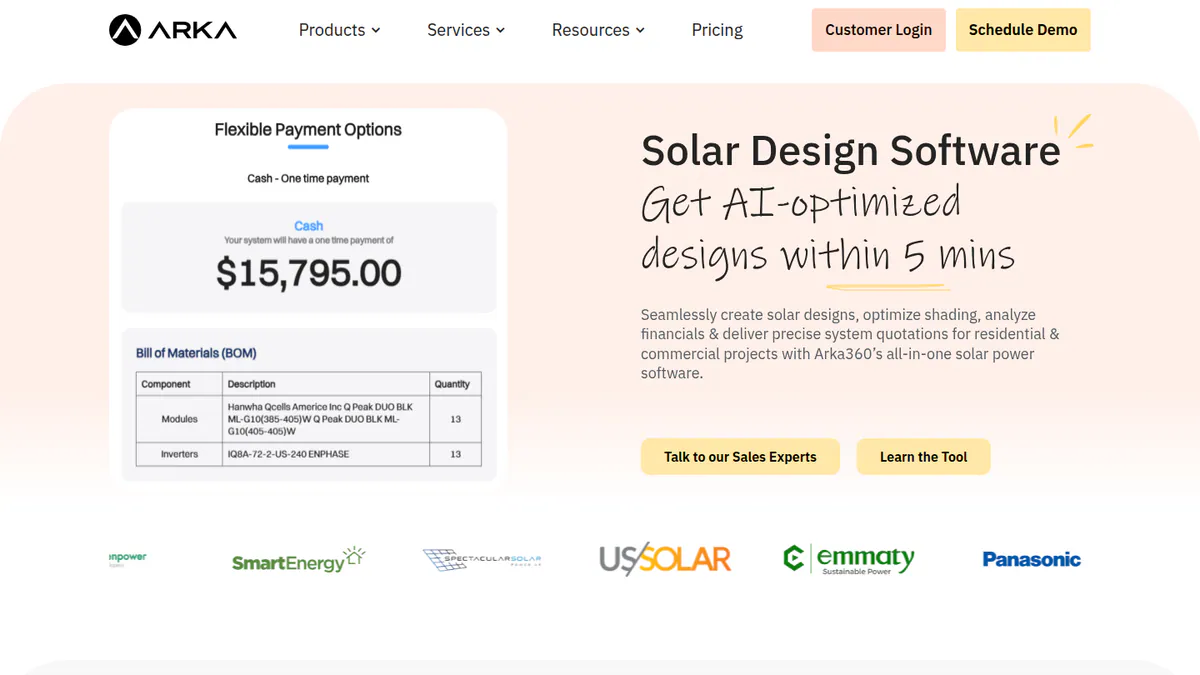
4. Arka 360: best for commercial rooftop and ground-mount quotes below 3 MWp
Best for: Installers in India and the US who design and quote commercial roofs and small ground mounts. Score: 61.6/100.
What it is: Arka 360 is a cloud tool for design, proposals and light CRM from Arka360, once called The Solar Labs. It sells in India and the US. Its US plans include unlimited home and commercial projects.
Why we picked it: It designs commercial rooftops and ground mounts, and it has the most reviews on this page (137 on G2). Its US prices are public, so you can budget up front.
Key features:
- Commercial rooftop and ground-mount design.
- SLD export and PVsyst 3D export (Premium).
- Sales proposals and generation reports.
- Stringing, with optimiser design.
Pricing: On the international list, Basic is USD 159 per month (USD 1,699 per year). Premium is USD 199 per month (USD 1,999 per year) and adds SLD export and PVsyst 3D export. Enterprise is USD 999 per month (USD 9,999 per year). We do not quote INR prices, because the Indian page shows two sets that clash. Checked October 2026 on the Arka 360 pricing page.
Pros (from user reviews):
- Shadow analysis and project estimates help you quote with confidence (G2).
- 3D views help you close deals with clients.
- Support staff are helpful, and G2 users rate support quality 9.2/10.
Cons (from reviews and our research):
- Users say it lags and hangs on projects of 3 MWp and up.
- Users say it lacks some features and is not very flexible.
- Its finance modelling is basic for a commercial money case.
Reviews: G2 4.3/5 (137 reviews), checked October 2026. Buyers in India can also check our India proposal software page.
Read our full Arka 360 review or our Arka 360 alternatives.
Want to see Arka 360 working? Book a demo with the SolarSoftwares team.
Book a demoYour request goes by email to the SolarSoftwares team. A time is set only after we reply. It does not change any score or ranking.
5. Xendee: best for microgrid and multi-DER business cases
Best for: C&I microgrid developers, engineering firms and EPCs who must make the case for solar, storage and other DER together. Score: 55.5/100.
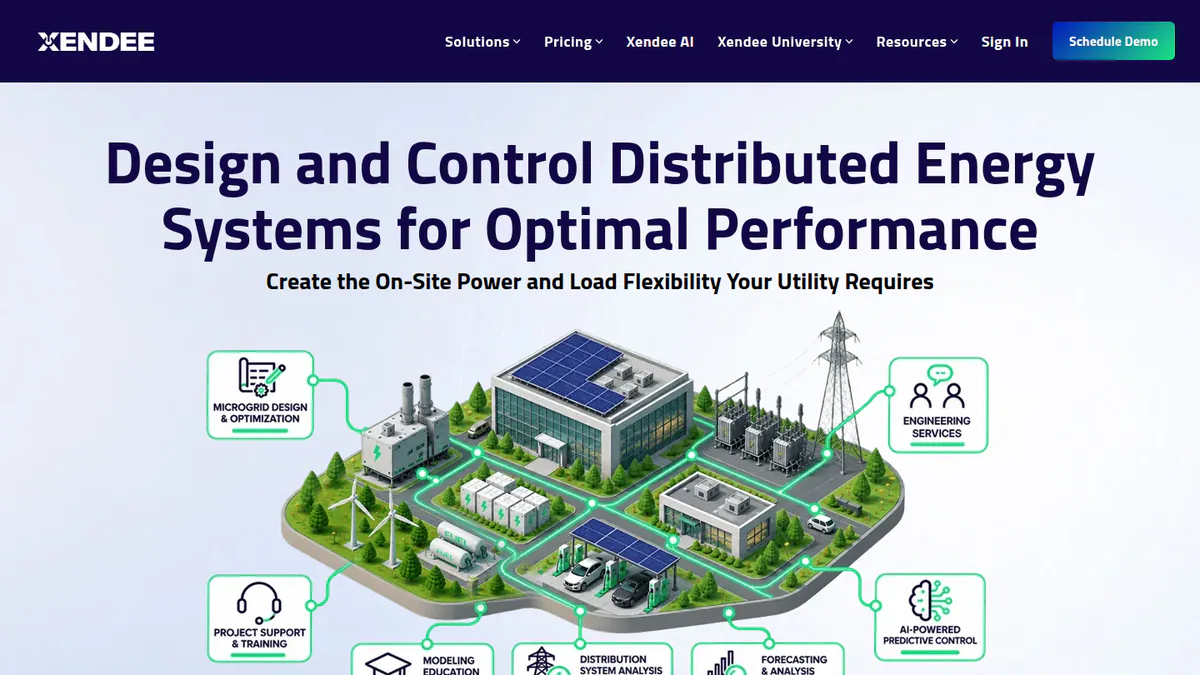
What it is: Xendee is a cloud tool to design and optimise microgrids and DER (distributed energy resources, like solar and batteries). It comes from Xendee Corporation in San Diego. Eaton led its Series B in September 2025. Its buyers include microgrid developers, engineering firms, EPCs and utilities. Its DESIGN product makes reports with your logo, not a sales-style proposal.
Why we picked it: It is one of only two tools here built around the C&I money case, and it shows its prices. Its resilience and multi-DER maths suit sites where backup power matters.
Key features:
- Optimises across 25+ DER types, weighing cost against carbon over several years.
- One-line diagrams and powerflow, with auto cable and transformer sizing.
- Utility tariff, grant and incentive modelling, with NEM 3.0 (net energy metering) on Platinum.
- Outage ride-through and resilience (keep-running) maths.
- DISCOVER API to screen many sites at once.
Pricing: DESIGN Gold costs USD 440 per user per month and Platinum USD 540 per user per month. Both are billed annually only, with no monthly option. Platinum includes 3 free custom tariffs a year, while Gold pays USD 200 per custom tariff. Enterprise is on a yearly contract. There is a 30-day paid demo but no free trial. Checked October 2026 on the Xendee pricing page.
Pros (from our research):
- You can budget before a sales call, because per-user prices are public.
- You can show a client how the site keeps running in a power cut.
- You get live onboarding, in-app engineering help and paid modelling services.
Cons (from our research):
- It makes reports, not a client sales proposal with e-signature.
- It has the highest public entry price on this page.
- There are no user reviews to judge it by.
Reviews: No user reviews found. The G2 listing has none as of October 2026.
Want to see Xendee working? Book a demo with the SolarSoftwares team.
Book a demoYour request goes by email to the SolarSoftwares team. A time is set only after we reply. It does not change any score or ranking.
6. Energy Toolbase (ETB Developer): best for tariff, demand charge and storage economics
Best for: US C&I solar and storage developers and EPCs whose savings case hangs on rate structures and battery dispatch. Score: 54.3/100.
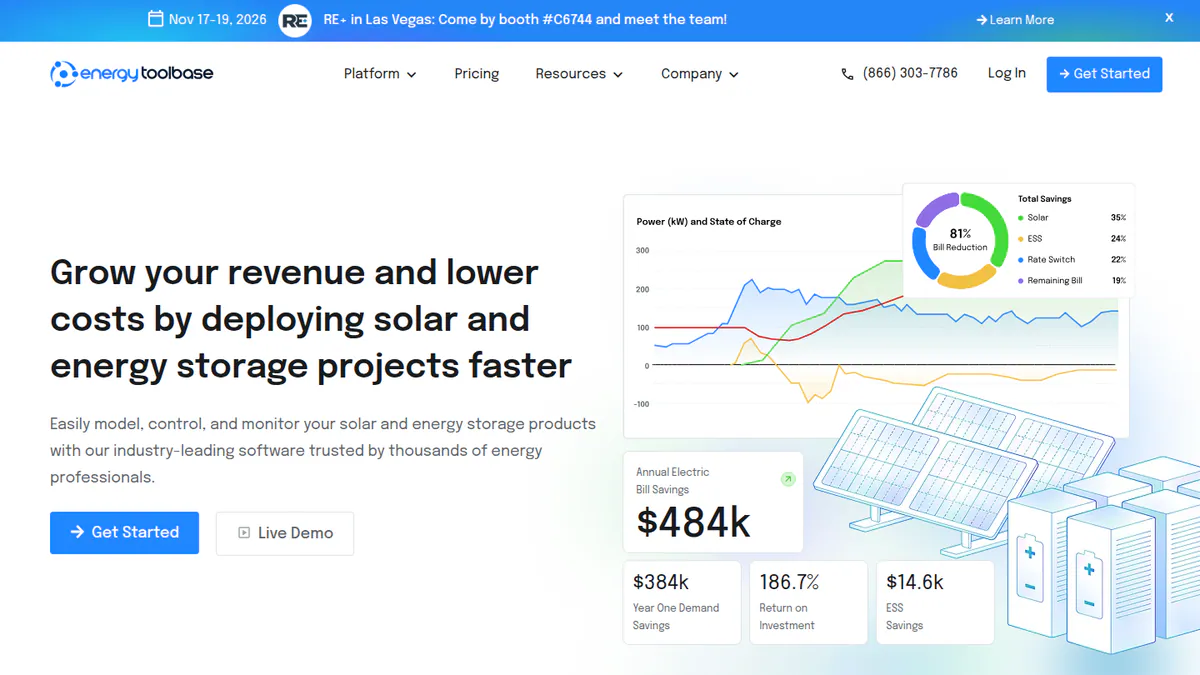
What it is: ETB Developer is a tool to model and propose solar plus storage, from Energy Toolbase Software Inc. It is built for US C&I developers, EPCs and installers.
Why we picked it: Its tariff database and storage dispatch modelling fit this job better than any other tool here. It ranks sixth only because it has no public price or reviews.
Key features:
- More than 120,000 tracked utility tariffs, kept by an in-house rates team.
- Demand charge cuts, value stacking (earning from many services at once) and grid services (DSGS, a California grid-support programme).
- NEM, VNEM (virtual net metering), NEMA (net metering aggregation) and time-of-use modelling.
- Unlimited white-label proposals that track how clients engage.
- PV and battery wear (degradation) inputs, plus incentive sums.
Pricing: Quote only. The price is set on a 30-minute call, based on team size. ETB’s Monitor and Controller hardware packages have their own prices. Checked October 2026 on the Energy Toolbase pricing page.
Pros (from our research):
- Your battery dispatch plan matches how ETB’s own controller runs, through a digital twin (a software copy).
- California jobs can count SGIP (the state’s storage incentive) and DSGS income.
- You can show live guide prices from lenders in the proposal.
Cons (from our research):
- Its tariffs focus on the US, so it is of little use elsewhere.
- There is no public price. You must book a 30-minute call to get one.
- There are no G2 or Capterra reviews to judge it by.
Reviews: No user reviews found on G2 or Capterra as of October 2026.
Read our full Energy Toolbase review or our Energy Toolbase alternatives.
Want to see Energy Toolbase (ETB Developer) working? Book a demo with the SolarSoftwares team.
Book a demoYour request goes by email to the SolarSoftwares team. A time is set only after we reply. It does not change any score or ranking.
7. Enact (Design & Proposals): best for PPA and lease scenarios with PVCAD engineering
Best for: C&I installers who offer several ownership options. They want engineering documents and monitoring from one company. Score: 50.4/100.
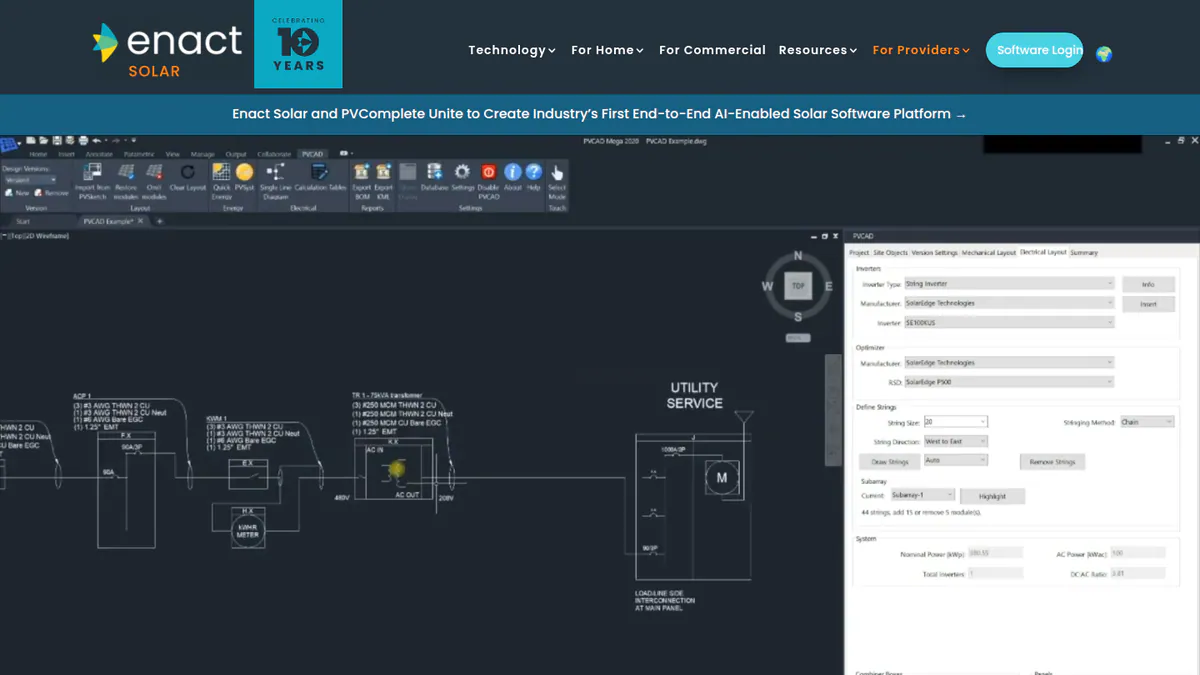
What it is: Enact comes from Enact Systems Inc. Its proposals cover cash, loan, lease and PPA (power purchase agreement) deals. It bought PVComplete in January 2026, so it now also offers PVCAD engineering for commercial and utility work. We could not open Enact’s website, so its prices and features are unconfirmed. These facts come from trade press.
Why we picked it: It is the only tool here whose proposals cover cash, loan, lease and PPA, with PVCAD engineering in the same family. It ranks last because we could not confirm its prices or features with the company.
Key features:
- Cash, loan, lease and PPA scenarios.
- Battery sizing and TOU (time-of-use) modelling.
- Single-line drawings, BOM (bill of materials) and permit documents through PVCAD.
- Fleet monitoring and asset management.
Pricing: We could not confirm the company’s pricing. The Enact pricing page could not be reached in October 2026.
Pros (from trade press, not confirmed by the company):
- You can offer CAPEX (the client buys the system) and PPA deals from one platform.
- AutoCAD-based engineering covers commercial sites.
- Monitoring carries on once the system is switched on.
Cons (from our research):
- There is no public price, so you must ask Enact.
- PVCAD engineering joined in January 2026, so the combined product is new.
- There are no user reviews to judge it by.
Reviews: No user reviews found on G2 or Capterra as of October 2026.
Read our full Enact review or our Enact alternatives.
Want to see Enact (Design & Proposals) working? Book a demo with the SolarSoftwares team.
Book a demoYour request goes by email to the SolarSoftwares team. A time is set only after we reply. It does not change any score or ranking.
SurgePV (unscored): for readers comparing branded proposals generated from the same project as the design. Confirm your required payment, lender and signing workflow during a demo. The numbered scores above do not include it.
Sources checked 27 October 2026: SurgePV product information · SolarSoftwares SurgePV review
Book a demo of SurgePV with the SolarSoftwares team.
Book a demoYour request goes by email to the SolarSoftwares team. A time is set only after we reply. It does not change any score or ranking.
How do these tools compare on commercial economics?
Product | Commercial scope (as documented) | Tariffs and demand charges | Storage economics | Ownership options | Electrical output |
|---|---|---|---|---|---|
Commercial sizes on Pro | Not documented | Battery design | Not documented | Editable SLD | |
Light commercial. Large C&I via HelioScope | Not documented | Battery modelling incl. arbitrage | TPO/AVL | Plan sets (Enterprise) | |
Small commercial | Not documented | Light (marketing pages) | Finance options | Not documented | |
Commercial rooftop and ground mount. Lag above 3 MWp | Not documented | Not documented | Not documented | SLD export (Premium) | |
C&I and utility microgrids | Tariffs, NEM 3.0, custom tariffs | Optimised with 25+ DER | Grants and incentives | One-line diagrams, powerflow | |
C&I and residential solar plus storage | 120,000+ tariffs, demand charges | Dispatch, value stacking | Financial comparisons | Not documented | |
Residential to utility (trade press) | TOU modelling | Battery sizing | Cash, loan, lease, PPA | SLD via PVCAD |
Also considered
- HelioScope (scored 55.1/100, but below our minimum match score for this job): Aurora’s C&I design tool for projects up to 30 MW DC. Finance modelling and proposals come only on Pro (USD 259 per month, checked October 2026). Its proposal output is thin, so we rank it on our commercial design page instead.
- PV*SOL premium (scored 58.4/100, but below our minimum match score for this job): Desktop 3D design and simulation at EUR 845 per year plus VAT (checked October 2026). It can export a slide show for the client, but it has little proposal or finance modelling.
- Wattflow: left out because we found no company website, only one 2025 launch article.
How do you choose commercial solar proposal software?
- You mostly sell home solar and quote the odd small business roof: pick Pylon Pro for per-project fees, or OpenSolar for free software.
- You are a US home installer adding light commercial work: stay on Aurora Solar, and move large C&I to HelioScope.
- Savings hang on demand charges, time-of-use rates or battery dispatch in the US: shortlist Energy Toolbase.
- The site needs backup power, many DER types or a microgrid: pick Xendee.
- You offer PPAs or leases as well as cash sales: ask Enact for confirmed pricing and a demo.
- Storage design is the main job: see our battery storage design ranking. For deeper project finance, see solar financial modelling software.
Want more choices? Browse every tool we checked in our proposals and sales category.
Commercial solar proposal software FAQs
How is commercial solar proposal software different from residential tools?
Commercial tools model the business tariff, demand charges, load profiles and storage dispatch. They also handle larger systems. As of October 2026, Energy Toolbase tracks more than 120,000 tariffs, and Xendee optimises across 25+ DER types. Pylon and OpenSolar, which are built for homes first, list neither in their docs.
What should a commercial solar proposal include?
It should cover the load profile, tariff and demand charge analysis, and system and storage sizing. It should also show CAPEX or PPA pricing, incentives and payback. As of October 2026, none of the tools on this page describes depreciation modelling, so check for it in a demo.
Can proposal software model solar plus storage savings for C&I customers?
Yes. Energy Toolbase models demand charge cuts, value stacking and grid services. Xendee optimises storage with other DER, and Enact lists battery sizing with TOU modelling. Aurora Premium models battery arbitrage for light commercial jobs (checked October 2026).
Do commercial solar proposals need PVsyst reports for lenders?
It depends on the lender and the project size, so ask what they accept. None of the proposal tools here replaces a PVsyst study. Arka 360 Premium exports 3D models to PVsyst, and HelioScope Enterprise offers PVsyst export (both checked October 2026). See our solar simulation software ranking.
Can one tool produce CAPEX and PPA/OPEX proposals from the same design?
Some can. Enact’s proposals cover cash, loan, lease and PPA deals, per January 2026 trade press. Energy Toolbase offers finance comparisons, and Aurora lists TPO financing. OPEX means the client pays for power, not the system. Check the PPA rate and escalator (yearly price rise) inputs in a demo.
Sources
All checked 22 to 25 October 2026.
- Pylon: pricing, July 2026 update, Capterra, G2
- Aurora Solar: pricing, G2, Capterra
- OpenSolar: pricing notice, features, G2
- Arka 360: pricing, commercial design page, G2
- Xendee: pricing, features, Eaton press release, September 2025, G2
- Energy Toolbase: pricing, ETB Developer
- Enact: Solar Power World, January 2026, Solar Builder
- HelioScope: pricing. PV*SOL premium: company shop
Last updated 28 October 2026. Next scheduled review: 23 January 2027.