Free solar proposal software is software you can keep using at no cost to make a customer-ready solar quote. OpenSolar ranks first on this list, at 76.0/100.
Only 4 tools qualify. Two work with any inverter (the box that turns panel power into mains power). Two are free only if you use one inverter brand.
Quick picks: best free solar proposal software
Rank | Product | Best for | Starting price / free tier (company page, checked October 2026) | Paid upgrade | What ties you in | Score /100 |
|---|---|---|---|---|---|---|
1 | Free design-to-signature proposals, any market | ✓ Free: core platform, unlimited users (company) | API and accounting connectors (rates unpublished). Premium imagery | Partner-funded model | 76.0 | |
2 | UK MCS domestic proposals | ✓ Free: Basic plan, no stated limits | Pro GBP 35 + VAT per user per month | Linked to Midsummer trade pricing | 56.0 | |
3 | Free system planning on SMA inverters | ✓ Free: core tool | PRO EUR 600 per year net | SMA equipment | 49.0 | |
4 | Free design and proposals on SolarEdge | ✓ Free (third-party sources) | None found | SolarEdge equipment | 47.0 |
✓ Verified on the company’s own pricing page. ◐ Published by the company outside its pricing page (help centre, store or press release). ? We could not read the company’s pricing page, so the figure is not confirmed. Prices checked October 2026.
How the 4 tools scored
- Use-case fit 35%
- User reviews 20%
- Pricing 15%
- Ease of use 10%
- Support 10%
- Momentum 10%
Tool | Score chart | Score |
|---|---|---|
76 out of 100 | 76.0 | |
56 out of 100 | 56.0 | |
49 out of 100 | 49.0 | |
47 out of 100 | 47.0 |
Each bar shows the weighted score out of 100.
Sub-scores at a glance (0-10)
Product | Use-case fit | User reviews | Pricing | Ease of use | Support | Momentum | Total /100 |
|---|---|---|---|---|---|---|---|
8.6 | 5.0 | 9.0 | 7.5 | 5.0 | 10.0 | 76.0 | |
5.7 | 5.0 | 9.0 | 5.0 | 5.0 | 2.5 | 56.0 | |
4.3 | 5.0 | 6.0 | 5.0 | 5.0 | 5.0 | 49.0 | |
4.3 | 5.0 | 6.0 | 5.0 | 5.0 | 3.0 | 47.0 |
A 5.0 on reviews, ease, support or momentum is our neutral score. We use it when public evidence is thin. It is not a judgement.
Why is this list short?
Most "free" solar proposal software is not free for long. It is a free trial, a few free credits, or a tool a manufacturer or distributor gives away to sell its own kit.
We ranked only tools that are free to keep using and produce something a customer can read. Four passed, and we would rather publish four honest picks than pad the list with paid tools.
The four fall into two groups. OpenSolar and Easy PV are free and not tied to one inverter brand. Sunny Design and SolarEdge Designer are free because they help sell SMA and SolarEdge hardware.
Want the wider market, including paid tools with free trials? See our best solar proposal software list. For free tools judged on design rather than proposals, see free solar design software.
How did we rank these free proposal tools?
How the score is weighted
- Use-case fit 35%
- User reviews 20%
- Pricing 15%
- Ease of use 10%
- Support 10%
- Momentum 10%
We scored 8 products from 22 to 25 October 2026. Only 4 are free to keep using and reach our minimum match score (4 out of 10). The other 4 are under "Also considered". We used company documents, pricing pages and public user reviews. This was desk research, so we did not build proposals in any tool. SurgePV is not part of this ranking.
We scored each product on six criteria that add up to 100%.
- Use-case fit (35%): How well it does this page’s job. Proposal output counts most, then financial modelling, then layout and quoting. A tool that is not free to keep using scores much lower here.
- User reviews (20%): G2 and Capterra ratings. Ratings based on only a few reviews count for less. With fewer than 8 reviews, a tool gets a middle score (5 out of 10).
- Pricing (15%): Fully free scores highest. Free with paid add-ons comes next, then free only with a hardware brand.
- Ease of use, support and momentum (10% each): Review sub-scores and dated release notes, or a middle score without evidence. If a product’s core facts come only from third-party sources, it loses 2 points on its product-updates score.
Scores are specific to this page, so the same tool can score differently elsewhere. Read the full method: how we score software.
Free and not tied to one inverter brand
You can keep using these two tools for free, whichever inverters you install.
1. OpenSolar: best free design-to-signature proposal platform
Best for: Installers in any market who want proposals, e-signature and payment collection without a licence fee. Score: 76.0/100.
What it is: OpenSolar is a design, proposal and sales platform from OpenSolar Inc. Hardware and finance partners fund it, not subscriptions. Its users run residential and small commercial firms of every size.
Why we picked it: It is the only tool here that goes from roof layout to a signed, paid proposal for free. Releases in September 2025 and mid-2026 show the product is still moving.
Key features:
- Interactive web proposals with e-signature and payment collection.
- Built-in finance options.
- Free 3D and 2D rooftop design with shading.
- AI design since OS 3.0 (September 2025).
- AI lead capture (June 2026) and sales tools (August 2026).
Pricing: The core platform is free, and the company says it "will always be free for you to use". Since 16 April 2026, some extras cost money, but the rates are not published. These are API access and the Xero and QuickBooks accounting connectors. API access is usage-based through the OpenSolar Wallet, with a 30-day free trial. Premium imagery is an optional paid add-on. Checked October 2026 on the OpenSolar pricing notice.
Pros (from reviews and our research):
- Reps can add, remove and change panels very easily (G2).
- The interactive app gives you useful information in the field.
- Your whole team can use the core platform with no licence fee.
Cons (from reviews and our research):
- A G2 reviewer says it is "not completely free", and connector and API fees are unpublished.
- Panel layouts lack automatic adjustment, so designs still need an engineering review.
- The interface feels dated.
Reviews: G2 4.8/5 (3 reviews), checked October 2026. That is too few to rely on, and we found no Capterra listing.
Read our full OpenSolar review or our OpenSolar alternatives.

Want to see OpenSolar working? Book a demo with the SolarSoftwares team.
Book a demoYour request goes by email to the SolarSoftwares team. A time is set only after we reply. It does not change any score or ranking.
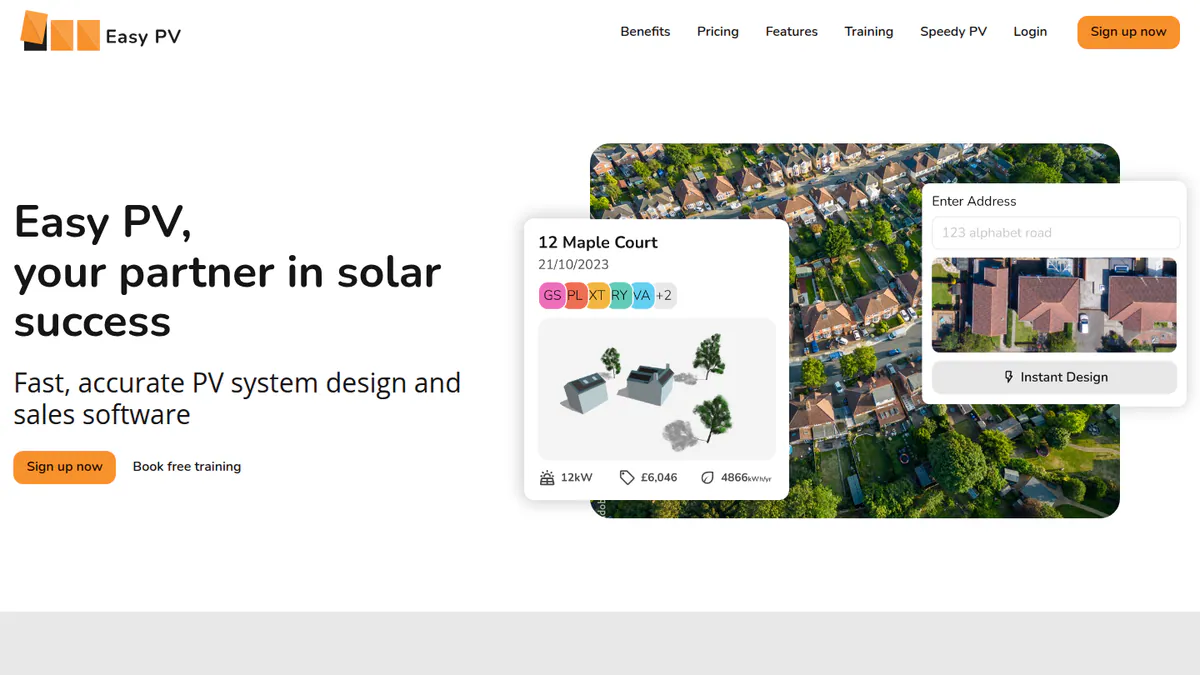
2. Easy PV: best free proposal tool for UK MCS installers
Best for: UK domestic installers who want design, MCS figures, a customer proposal and DNO (distribution network operator) forms on a free plan. Score: 56.0/100.
What it is: Easy PV is a browser tool from UK distributor Midsummer, aimed at UK domestic MCS installers. It links to Midsummer trade pricing.
Why we picked it: Its free Basic plan covers more UK paperwork than any other tool here, and it is not tied to one inverter brand. The Pro price is public, so you know what e-signing will cost.
Key features:
- Free: customer proposal with financial projections and a pricing calculator.
- Free: 2D and 3D roof design, plus MCS structural and performance calculations.
- Free: automatic schematic and automated DNO forms.
- Pro: e-signing, proposal branding, a CRM link and automatic DNO application.
Pricing: Basic is free. Pro costs GBP 35 plus VAT per user per month, with no contract. Enterprise is on request. Checked October 2026 on the Easy PV site and the Easy PV help centre.
Pros (from our research):
- The free plan has no stated limits, so you can use it on real jobs.
- You handle the proposal, MCS figures and DNO paperwork in one free tool.
- Quotes use live Midsummer stock and trade pricing, so kit prices stay current.
Cons (from our research):
- E-signing and proposal branding need Pro (GBP 35 plus VAT per user per month).
- It is built for UK MCS and DNO processes and is mainly for domestic work.
- There are no user reviews to judge it by, and the last dated public update we found is from February 2023.
Reviews: No user reviews found on G2 or Capterra as of October 2026.
Read our full Easy PV review or our Easy PV alternatives.
Want to see Easy PV working? Book a demo with the SolarSoftwares team.
Book a demoYour request goes by email to the SolarSoftwares team. A time is set only after we reply. It does not change any score or ranking.
Free with manufacturer hardware
These two tools cost nothing, but each is built around one inverter maker’s equipment. They suit installers who already standardise on that brand.
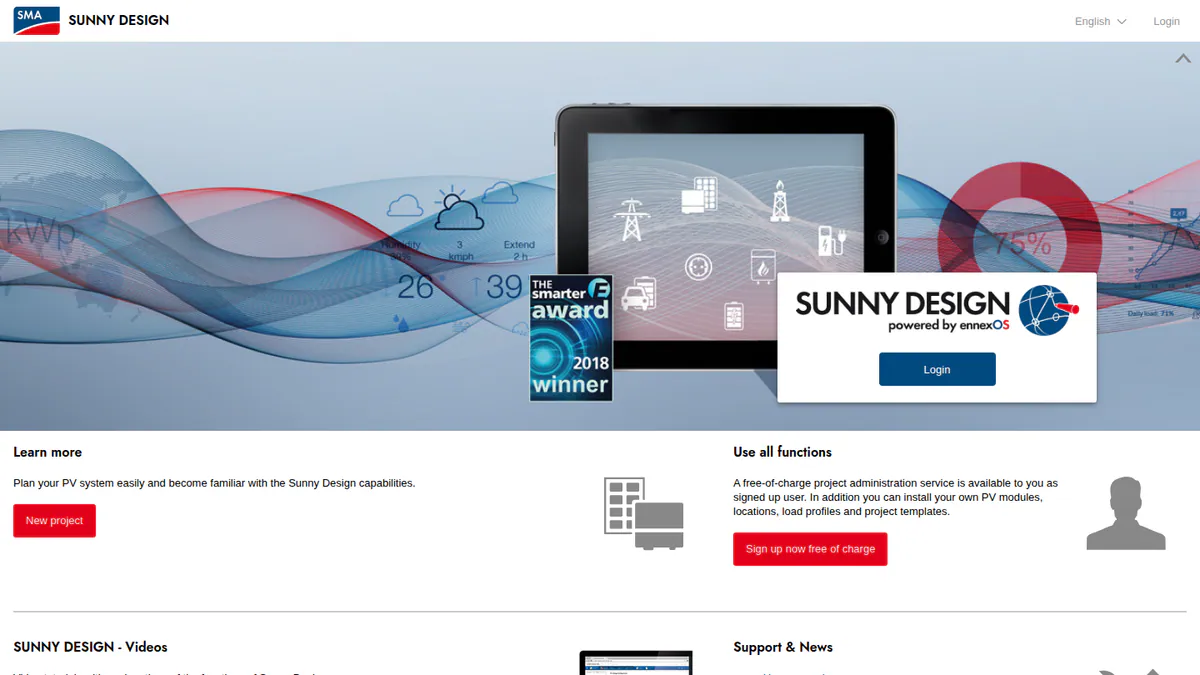
3. Sunny Design: best free planning tool for SMA installs
Best for: Installers specifying SMA inverters who need yield, self-consumption and costing figures for a quote. Score: 49.0/100.
What it is: Sunny Design is a web planning tool for PV, storage and hybrid systems from SMA Solar Technology AG. It also runs on iPad and Android tablets. Its audience is installers and planners who specify SMA inverters.
Why we picked it: The free tool covers storage, off-grid and hybrid designs, and SMA publishes the PRO price. It ranks below the top two because it does not build a customer document.
Key features:
- String sizing with automatic string alignment against SMA inverters.
- Yield and self-consumption forecasts with shading losses.
- Financial assessment, with detailed project costing in PRO.
- Downloadable schematic and an SMA device list or BOM (bill of materials) as CSV.
Pricing: Sunny Design is free, though some features need a registered account. Sunny Design PRO costs EUR 600 per year net, with a 1-month free trial. Checked October 2026 on the SMA Sunny Design page.
Pros (from our research):
- You can design storage, off-grid and hybrid systems at no cost.
- Automatic string sizing against SMA inverters saves design time.
- If you also fit heat pumps, CHP (combined heat and power) or EV chargers, PRO plans them too.
Cons (from our research):
- It gives planning outputs, not a sales proposal, so you need a separate customer document.
- Every device it names is SMA, so it suits SMA-only installers.
- There are no user reviews to judge it by.
Reviews: No user reviews found on G2 or Capterra as of October 2026.
What we could not confirm: Whether it can model non-SMA inverters, and when updates shipped, as its release notes (up to v6.10) show no dates.
Read our full Sunny Design review or our Sunny Design alternatives.
Want to see Sunny Design working? Book a demo with the SolarSoftwares team.
Book a demoYour request goes by email to the SolarSoftwares team. A time is set only after we reply. It does not change any score or ranking.
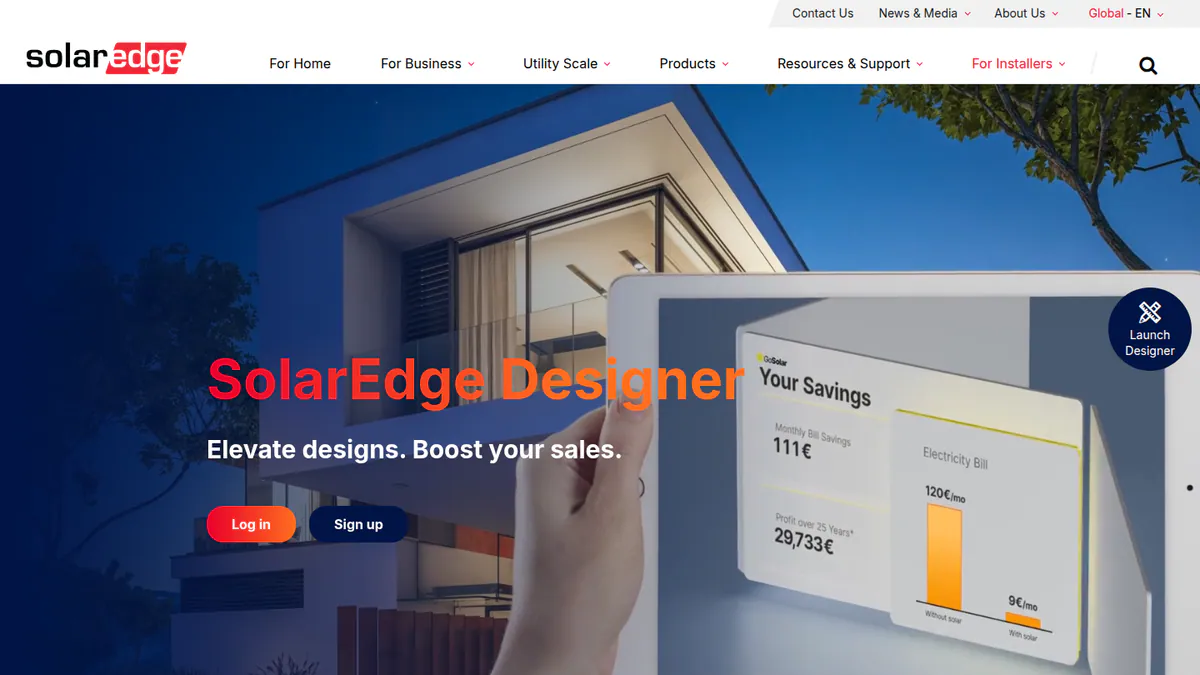
4. SolarEdge Designer: best free design and proposal tool for SolarEdge installs
Best for: Installers standardised on SolarEdge inverters and optimisers who want 3D site models in customer proposals. Score: 47.0/100.
What it is: SolarEdge Designer is a free web design, simulation and proposal tool from inverter maker SolarEdge Technologies. It is meant for residential and commercial installers who fit SolarEdge equipment. We could not open SolarEdge’s product page. So its free status and current features are unconfirmed. Our facts come from a 2018 press release and a 2020 trade article.
Why we picked it: It is the only brand tool here that documents 3D site models for customer proposals. It ranks last because its facts are old and we could not confirm them on the company site.
Key features:
- 3D site modelling for customer proposals.
- Layout on satellite imagery with one-click stringing to SolarEdge rules.
- Energy simulation with shading and loss modelling.
- Bill of materials report and commercial load profiles.
Pricing: Free, according to SolarEdge’s own 2018 press release. We could not confirm the current free status on the company site in October 2026, so check current features with SolarEdge.
Pros (from our research):
- Proposal visuals come from the same 3D model, so you draw the site once.
- One-click stringing follows SolarEdge rules.
- Your team shares cloud access that links with SolarEdge monitoring.
Cons (from our research):
- It is built around SolarEdge equipment, so it does not suit mixed-brand installers.
- You need another tool for e-signature and financing, as neither is documented.
- There are no user reviews to judge it by.
Reviews: No user reviews found on G2 or Capterra as of October 2026.
What we could not confirm: Its feature list comes from 2018-2020 sources, so newer changes are unknown.
Read our full SolarEdge Designer review or our SolarEdge Designer alternatives.
Want to see SolarEdge Designer working? Book a demo with the SolarSoftwares team.
Book a demoYour request goes by email to the SolarSoftwares team. A time is set only after we reply. It does not change any score or ranking.
How do the free proposal tools compare?
Product | Proposal output (free tier) | E-signature | Financial modelling | Hardware or distributor tie | Region | Paid upgrade |
|---|---|---|---|---|---|---|
Interactive web proposal | Yes, plus payment collection | Yes, with integrated finance | None (partner-funded) | Global (160+ countries, company) | API, connectors, imagery | |
Customer proposal | Pro only | Financial projections | Midsummer trade pricing | UK | Pro GBP 35 + VAT/user/mo | |
Planning reports, BOM (no proposal documented) | Not documented | Financial assessment | SMA | Global | PRO EUR 600/yr | |
3D site model for proposals | Not documented | Energy simulation | SolarEdge | Global | None found |
Also considered
- Pylon (not free, so below the minimum score): It is the only paid tool we scored here. Its overall score is higher than some ranked tools, but this page only ranks tools you can keep using for free. You get 5 free Standard project credits, then pay GBP 4 per project with unlimited users (UK pricing page, October 2026).
- SolarHub CRM (just below the minimum score): An Australian solar CRM with a free tier and proposal templates. It is a CRM first. Sources conflict on its free-tier limits, and we could not verify them on the company site. See free solar CRM.
- Segen Design Tool + Quick Quote (a weak match for this job): Free quoting tools inside a UK distributor’s trade portal. They produce kit quotes, not customer proposals, and the new design tool was still "coming soon" in June 2026.
- Renvu (a weak match for this job): A US distributor’s free design and quote tool. It outputs a bill of materials from its own catalogue, not a customer proposal.
How do you choose the best free solar proposal software?
- One free tool from layout to signed proposal: pick OpenSolar. Ask about connector fees before you rely on Xero or QuickBooks sync.
- UK MCS installer: use Easy PV Basic for proposals and DNO forms. Budget GBP 35 plus VAT per user a month if you need e-signing.
- SMA-only or SolarEdge-only installer: the manufacturer tool is free. With SMA, expect to build the customer document elsewhere.
- Low cost per job matters more than free: look at Pylon. It charges GBP 4 a project on its UK pricing page (October 2026), with 5 free credits to start.
- Need more than free tools offer: compare paid tools in our design and proposal software list.
Want more choices? Browse every tool we checked in our proposals and sales category, or see our list of free solar software.
Free solar proposal software FAQs
Is OpenSolar free?
Yes, the core design and proposal platform is free, and the company says it will always be free. Hardware and finance partners fund it. Since 16 April 2026, API access and the Xero and QuickBooks connectors cost extra, at unpublished rates. Premium imagery is an optional paid extra.
Is there free solar proposal software for installers?
Yes, but not much. In our October 2026 review, only four tools were free to keep using and cleared our minimum score. They are OpenSolar, Easy PV (UK), Sunny Design (SMA) and SolarEdge Designer (SolarEdge). Only OpenSolar and Easy PV produce a customer proposal without a hardware tie.
What is the catch with free solar proposal software?
Someone else pays. Partners fund OpenSolar, and it charges for some add-ons. Easy PV keeps e-signing for its Pro plan (GBP 35 plus VAT per user per month). The SMA and SolarEdge tools are built around their own inverters. Check what happens to your data before you commit.
Can I make a solar proposal with a free template instead of software?
Yes, but a template does not work out how much power the panels make, the savings or the payback. You must type every figure by hand. A free tool such as Easy PV Basic (checked October 2026) builds the proposal, financial projections and DNO forms from the design.
Which free solar design tools also create customer proposals?
As of October 2026, OpenSolar and Easy PV do. OpenSolar has web proposals with e-signature and payments, and Easy PV has a customer proposal on its free Basic plan. SolarEdge Designer documents 3D site models for proposals. Sunny Design gives planning figures and a BOM but no documented proposal.
Is there open-source solar proposal software?
No. We found no open-source tool that produces solar customer proposals in our October 2026 research. For open-source design and simulation tools, see our open-source solar design software list. The free tools that do make proposals are OpenSolar and Easy PV.
Sources
All checked 22 to 25 October 2026.
- OpenSolar: pricing notice, features, news, G2
- Easy PV: pricing and features, Pro billing (help centre), Solar Power Portal, February 2023
- Sunny Design: product page
- SolarEdge Designer: 2018 press release, Solar Power World, January 2020
- Also considered: Pylon pricing, SolarHub CRM on Capterra, Segen design tool news, Renvu design and quote tool
Last updated 28 October 2026. Next scheduled review: 23 January 2027.