Polysun alternatives are tools you can use instead of Polysun, whole-building energy software from Vela Solaris in Switzerland. PVsyst ranks first at 73.4/100. SAM ranks second at 71.2/100, and it is free.
Polysun simulates whole building energy systems. One model can hold PV, batteries, heat pumps, solar thermal and CHP (combined heat and power). This guide ranks the best Polysun alternatives for teams that mostly need the PV and storage side.
Engineers look for a Polysun alternative for three reasons. Vela Solaris lists its editions without prices, so you need a quote, and a lease runs for at least 12 months. We found no user reviews and no dated releases. And PV-plus-storage teams that never model heat may not need its hydraulic (water and heat pipe) depth, while lenders often want a PVsyst report.
Why do engineers look for Polysun alternatives?
- No public prices. Standard, Designer, SPT and Enterprise editions are listed, but none shows a price. You buy a licence plus a service subscription, or lease with a 12-month minimum.
- Nothing to check it against. We found no G2, Capterra or Trustpilot listing, and no community threads.
- No dated updates. We found no current version number or release dates.
- More than a PV job needs. Over 1,000 system templates with hydraulic schematics help heat engineers. A PV and battery engineer may never open them.
- Shading not confirmed. We could not confirm 3D shading in the company’s pages.
What you would give up: heat in the same model as PV. No ranked tool here models solar thermal or PVT (combined PV and heat) collectors that we could find.
Polysun at a glance
Item | Polysun (checked October 2026) |
|---|---|
What it is | Desktop multi-energy simulation: PV, batteries, heat pumps, solar thermal, PVT and CHP |
Pricing | Quote only. Purchase plus service subscription, or lease with a 12-month minimum |
Free plan / trial | 30-day trial. Student edition for non-commercial use |
Ratings | No G2, Capterra or Trustpilot listing found (October 2026) |
Runs on | Windows, Mac and Linux |
Still suits | Engineering firms that design PV with heat pumps, solar thermal or CHP in one model |
Source: Polysun pricing, checked October 2026.
Quick picks
Rank | Product | Best for | Starting price (company page, checked October 2026) | Heat in the model | Score /100 |
|---|---|---|---|---|---|
1 | PV and battery yield for lenders | ✓ CHF 700 a year | No | 73.4 | |
2 | Free PV plus storage cash flows | ◐ Free | No | 71.2 | |
3 | Battery design and proposals per job | ✓ GBP 4 per project (UK) | No | 70.3 | |
4 | Multi-source C&I microgrids | ✓ USD 440 per user a month (annual) | Not confirmed | 70.1 | |
5 | Off-grid hybrids with CHP | ✓ USD 1,575 a year | CHP (Expert) | 68.8 | |
6 | Utility-scale PV plus BESS | Quote only | No | 65.2 | |
7 | Battery and off-grid quotes in Australia | ✓ USD 135 a month (annual) | No | 64.7 | |
8 | Free feasibility incl. cogeneration | ◐ Free Viewer. CAD 869 a year | Cogeneration | 61.4 | |
9 | PV with heat pumps and EVs | ✓ EUR 845 a year + VAT | Heat pumps | 59.8 | |
10 | C&I peak shaving with storage | ✓ USD 4,200 a year | CHP cases | 59.2 |
✓ Verified on the company’s own pricing page. ◐ Published by the company outside its pricing page (help centre, store or press release). ? We could not read the company’s pricing page, so the figure is not confirmed. Prices checked October 2026.
Quote only means the company shows no public price. You ask it for a quote.
How did the 10 tools score?
- Use-case fit 35%
- User reviews 20%
- Pricing 15%
- Ease of use 10%
- Support 10%
- Momentum 10%
Tool | Score chart | Score |
|---|---|---|
73.4 out of 100 | 73.4 | |
71.2 out of 100 | 71.2 | |
70.3 out of 100 | 70.3 | |
70.1 out of 100 | 70.1 | |
68.8 out of 100 | 68.8 | |
65.2 out of 100 | 65.2 | |
64.7 out of 100 | 64.7 | |
61.4 out of 100 | 61.4 | |
59.8 out of 100 | 59.8 | |
59.2 out of 100 | 59.2 |
Each bar shows the weighted score out of 100.
Sub-scores at a glance (0-10)
Product | Use-case fit | User reviews | Pricing | Ease of use | Support | Momentum | Total /100 |
|---|---|---|---|---|---|---|---|
7.5 | 6.3 | 8.0 | 5.0 | 7.5 | 10.0 | 73.4 | |
7.5 | 5.0 | 10.0 | 5.0 | 7.5 | 7.5 | 71.2 | |
5.0 | 6.7 | 8.0 | 7.5 | 10.0 | 10.0 | 70.3 | |
9.2 | 5.0 | 7.0 | 5.0 | 7.5 | 5.0 | 70.1 | |
9.2 | 5.6 | 7.0 | 5.0 | 7.5 | 2.5 | 68.8 | |
5.8 | 6.9 | 4.0 | 7.5 | 7.5 | 10.0 | 65.2 | |
8.3 | 5.0 | 7.0 | 5.0 | 5.0 | 5.0 | 64.7 | |
5.8 | 5.0 | 9.0 | 7.5 | 7.5 | 2.5 | 61.4 | |
5.0 | 5.4 | 6.0 | 7.5 | 7.5 | 7.5 | 59.8 | |
7.5 | 5.0 | 7.0 | 5.0 | 5.0 | 2.5 | 59.2 |
A 5.0 on reviews, ease, support or momentum is our neutral score. We use it when public evidence is thin. It is not a judgement.
How did we choose and score these Polysun alternatives?
How the score is weighted
- Use-case fit 35%
- User reviews 20%
- Pricing 15%
- Ease of use 10%
- Support 10%
- Momentum 10%
We scored 13 tools from 22 to 25 October 2026, using company pages, pricing and user reviews. This was desk research. We did not test any tool hands-on. All 13 cleared our minimum fit score of 4.0, so we rank the top 10. The other three sit under Also considered. Polysun is not ranked on its own page.
- Use-case fit (35%): How well a tool covers Polysun’s PV job. That means yield (how much power the system will make), storage, hybrid and off-grid systems, and money results.
- User reviews (20%): Ratings on G2 and Capterra. A tool with fewer than eight reviews gets a middle score.
- Pricing (15%): Free and published prices beat quote-only.
- Ease of use, support and momentum (10% each): Review sub-scores, support and dated releases.
Heat modelling is not part of the fit score, so we flag it in the tables instead. Read the full method.
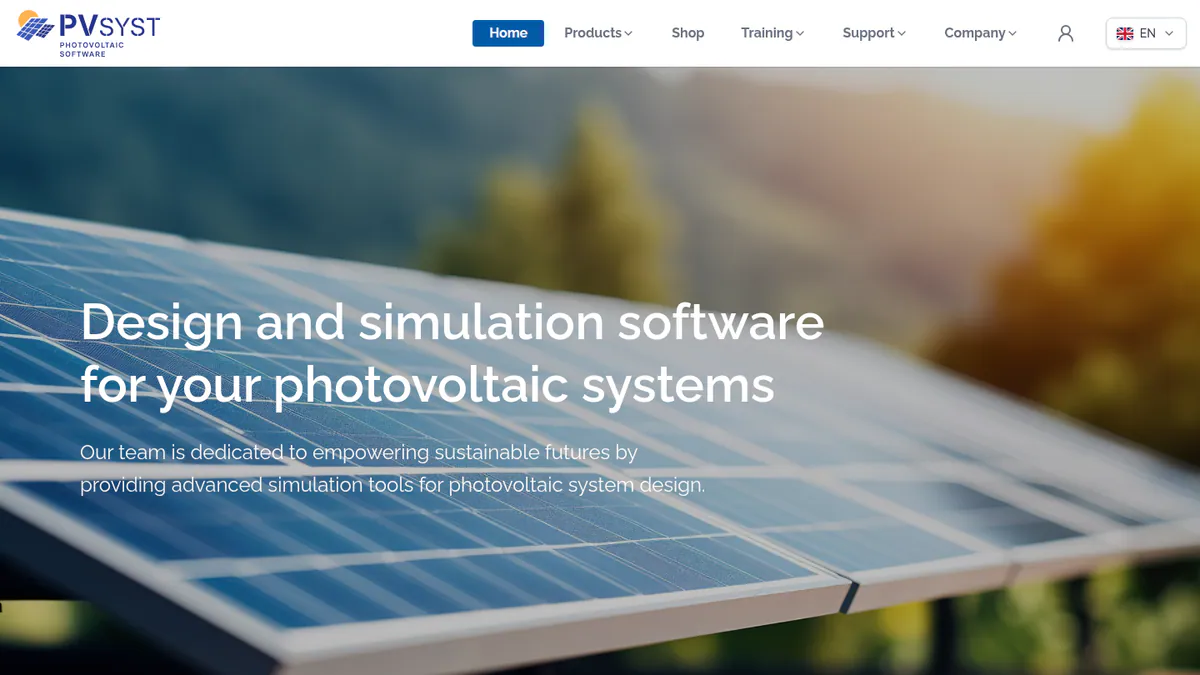
1. PVsyst: best for PV and battery projects that need a bank report
Best for: PV engineers who need a P50/P90 report (the expected and the cautious yield figure) for project finance. Score: 73.4/100.
vs Polysun: PVsyst publishes its price (CHF 700 a year) and is the yield reference lenders know. It does not model heat pumps or solar thermal.
What it is: A Swiss simulation program from PVsyst SA that runs on Windows. It is the tool most often behind the yield figures in a finance pack.
Why we picked it: It is the yield report lenders know, and its price is public where Polysun’s is not. New versions ship often.
Key features:
- Grid-tied, standalone and pumping systems.
- Battery storage and self-use strategies.
- 3D near-shading with mismatch losses.
- Detailed loss diagram and P50/P90 output.
- Multi-year runs with module ageing.
Pricing: PVsyst 8 Professional is CHF 700 a year per seat, with 5% to 20% off for 2 or more licences. Student and Classroom licences cost CHF 25 a year. Prices are in CHF only. Checked October 2026 in the PVsyst shop. 30-day evaluation mode.
Pros (from user reviews):
- Yield modelling is detailed and accurate (G2 reviewer theme).
- The loss breakdown shows where energy goes (G2).
- SketchUp scenes speed up shade models (G2).
Cons (from reviews and our research):
- The screens feel old and complex (G2).
- New users need a long time to learn it (G2).
- It runs on Windows only, while Polysun also runs on Mac and Linux.
Reviews: G2 4.5/5 (22 reviews), checked October 2026.
Read our full PVsyst review or our PVsyst alternatives.
Want to see PVsyst working? Book a demo with the SolarSoftwares team.
Book a demoYour request goes by email to the SolarSoftwares team. A time is set only after we reply. It does not change any score or ranking.
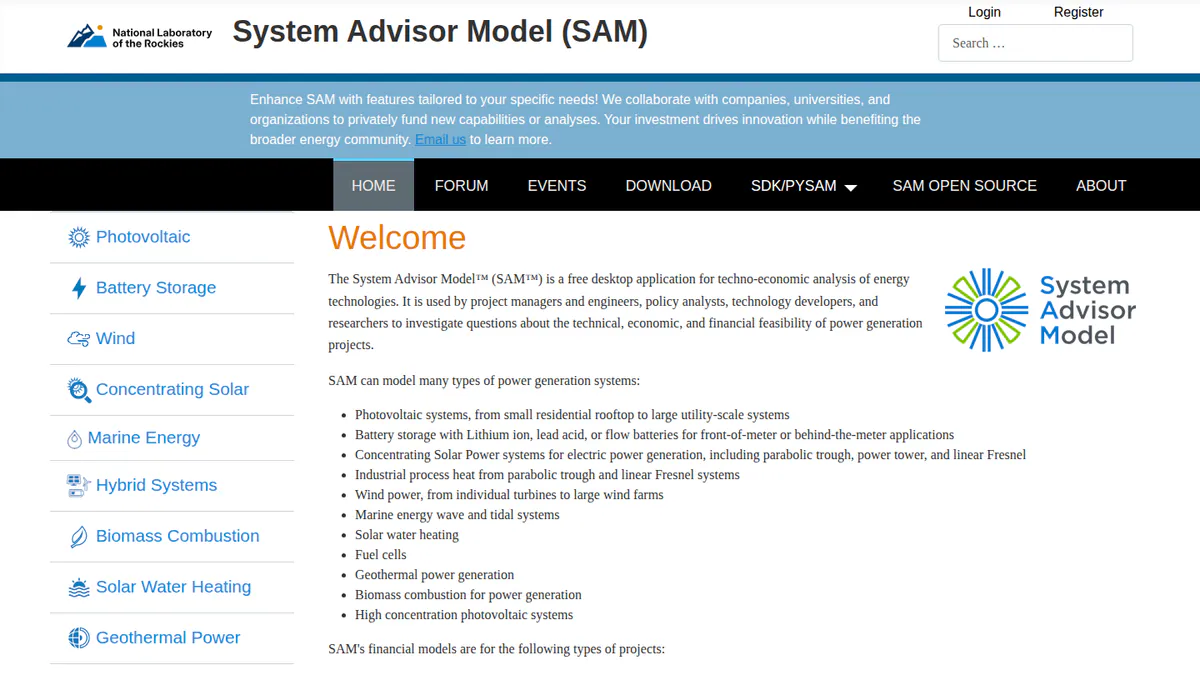
2. SAM: best free Polysun alternative for PV plus storage
Best for: Engineers and analysts who want free PV and battery models with full cash flows. Score: 71.2/100.
vs Polysun: SAM is free and open source, where Polysun is quote only. It models PV and batteries but not building heat.
What it is: SAM (System Advisor Model) is a desktop simulator from a US national lab, formerly NREL and now the National Laboratory of the Rockies. Researchers, consultants and developers use it.
Why we picked it: It covers PV, batteries and full cash flows at no cost, with no quote or lease to sign.
Key features:
- PV modelling from rooftop to utility scale.
- Li-ion, lead-acid and flow batteries, in front of or behind the meter (on the grid or the customer side).
- Behind-the-meter, PPA (power purchase agreement), flip, leaseback and third-party ownership finance models.
- PySAM for scripting in Python.
- Published validation studies against measured data.
Pricing: Free for commercial, academic or personal use, with a free key sent by email. The code is open source under BSD-3-Clause. Checked October 2026 in the SAM README.
Pros (from our research):
- No licence cost for any team size.
- Support comes through a forum, email and bi-weekly open round tables.
- Pure Power, an engineering firm, ranks it top among free tools for grid-tied PV with batteries.
Cons (from our research):
- Most financiers do not accept SAM in place of PVsyst, says the same firm.
- Built-in tariffs and incentives are mostly US ones.
- We found no array layout or SLD (single-line diagram, a simple drawing of how the wires connect) tools.
Reviews: No user reviews found as of October 2026.
Read our full SAM review or our SAM alternatives.
Want to see SAM working? Book a demo with the SolarSoftwares team.
Book a demoYour request goes by email to the SolarSoftwares team. A time is set only after we reply. It does not change any score or ranking.
3. Pylon: best for battery design and proposals priced per job
Best for: UK, Irish and Australian installers who used Polysun for self-use checks and now need to quote fast. Score: 70.3/100.
vs Polysun: Pylon shows its price (GBP 4 a project in the UK) and adds proposals. It has none of Polysun’s heat or hydraulic modelling.
What it is: Pylon is a solar and battery design and proposal tool from a Sydney firm.
Why we picked it: It scored high on reviews, support and updates, and you pay per job with no lease. It only fits teams that quote homes and small firms.
Key features:
- Solar and battery design on aerial images.
- Load profiles and financial projections.
- Custom load profiles and sizes from 99 kW on Pro.
- MCS (UK certification scheme) reports.
- Web and PDF proposals with eSignature.
Pricing: Standard is GBP 4 per project (up to 30 kW DC), and Pro is GBP 10 per project. Enterprise is quote only. Five free Standard credits need no card. Checked October 2026 on the Pylon UK pricing page.
Pros (from user reviews):
- Paying per job suits small operators (Capterra).
- The manual helps new users get started (Capterra).
- Quotes are detailed and ready to send (G2).
Cons (from reviews and our research):
- Usage modelling is awkward, which matters for battery sizing (Capterra).
- Aerial image quality varies by location (Capterra).
- We found no heat pump or thermal modelling.
Reviews: Capterra 4.6/5 (25 reviews) and G2 4.3/5 (2 reviews), checked October 2026.
Read our full Pylon review or our Pylon alternatives.

Want to see Pylon working? Book a demo with the SolarSoftwares team.
Book a demoYour request goes by email to the SolarSoftwares team. A time is set only after we reply. It does not change any score or ranking.
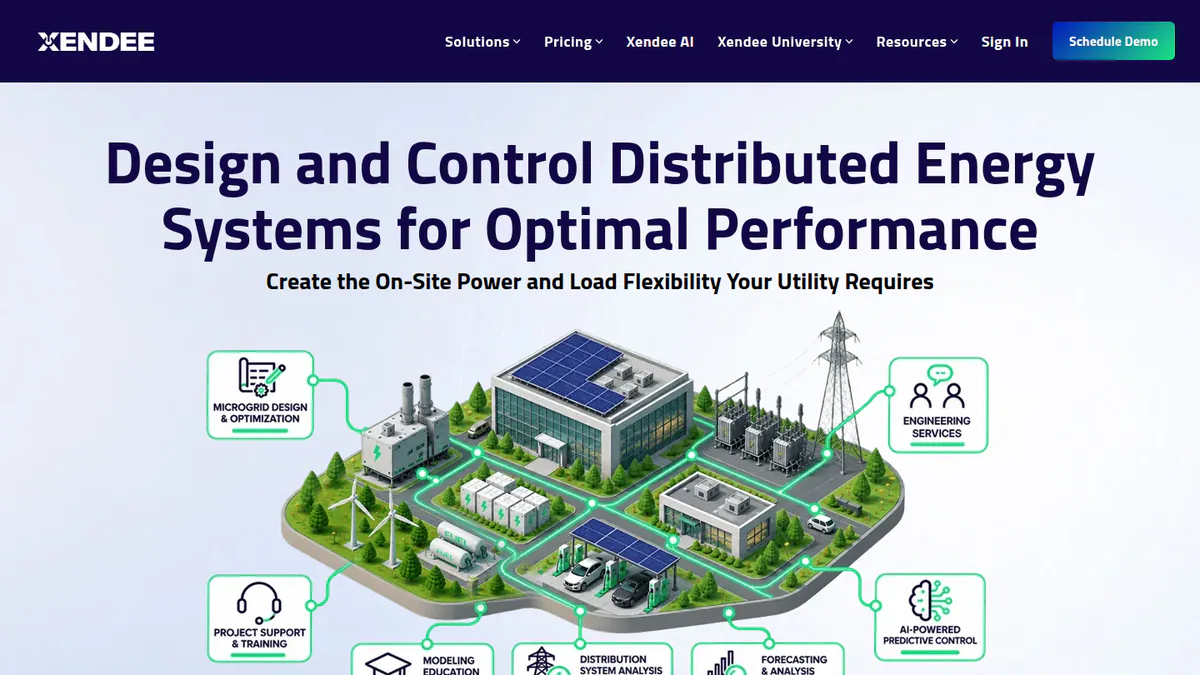
4. Xendee: best for C&I microgrids with many energy sources
Best for: Engineers designing C&I (commercial and industrial) site microgrids with solar, storage and other DERs (distributed energy resources, such as solar and batteries). Score: 70.1/100.
vs Polysun: Like Polysun, Xendee mixes many technologies, over 25 DER types. It publishes a price and adds one-line diagrams, but works in the cloud on site energy, not building hydraulics.
What it is: Xendee is a San Diego firm with a cloud platform for microgrid design. It sells to developers, engineering firms, EPCs and utilities.
Why we picked it: Like Polysun, it models many energy sources in one study, and it scored near the top on fit. Both main plan prices are public.
Key features:
- Optimises for cost, carbon or both over many years.
- Powerflow studies that draw the one-line diagram and size cables and transformers.
- Tariffs, NEM 3.0, grants and incentives.
- Outage ride-through checks.
- Branded reports.
Pricing: DESIGN Gold costs USD 440 per user per month and Platinum USD 540. Both are billed annually, with no monthly option. Platinum includes 3 free custom tariffs a year. Enterprise is quote only. The page does not name the currency. Checked October 2026 on the Xendee pricing page. The 30-day demo is paid.
Pros (from our research):
- You can budget from a public price.
- One model sizes storage alongside other DERs.
- Paid modelling help is on offer when a job gets hard.
Cons (from our research):
- A year on Gold costs far more than most desktop tools here.
- There is no free trial.
- No user reviews exist yet.
Reviews: G2 shows no reviews yet (October 2026).
What we could not confirm: any heat pump or thermal storage modelling.
Want to see Xendee working? Book a demo with the SolarSoftwares team.
Book a demoYour request goes by email to the SolarSoftwares team. A time is set only after we reply. It does not change any score or ranking.
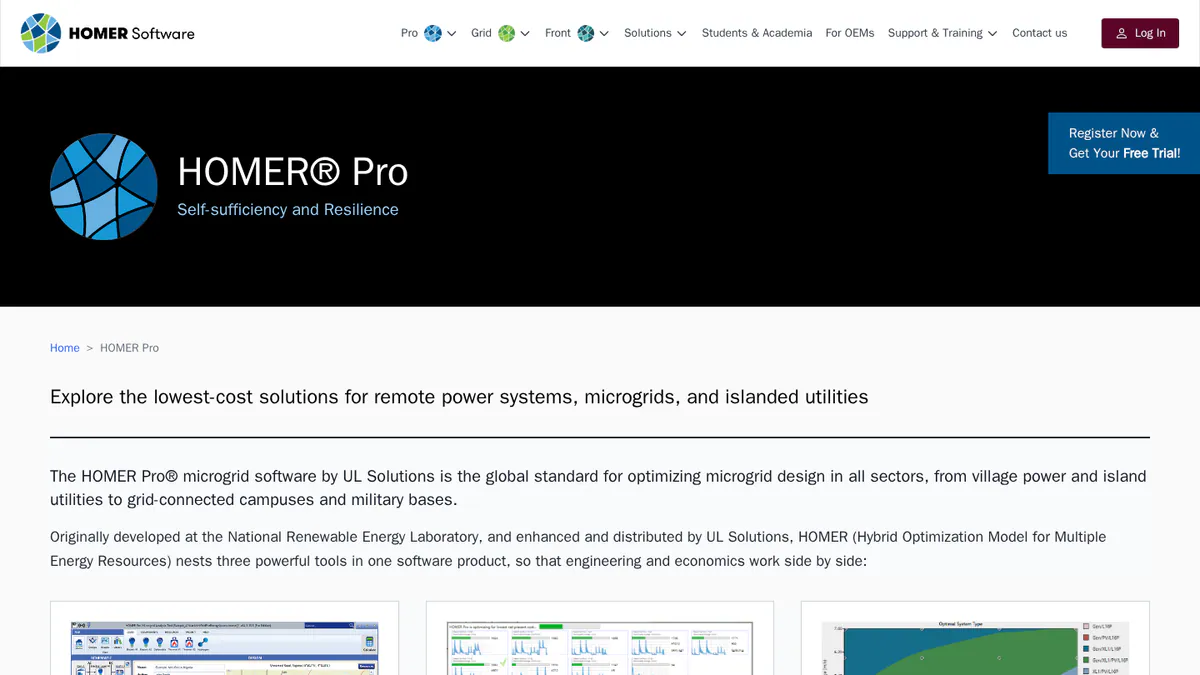
5. HOMER Pro: best for off-grid hybrids that include CHP
Best for: Engineers sizing remote or island systems with solar, diesel, wind or CHP. Score: 68.8/100.
vs Polysun: HOMER Pro publishes prices and searches many system mixes for the lowest cost. Its CHP module is on Expert, but it does not draw hydraulic schematics.
What it is: HOMER Pro is hybrid microgrid software from UL Solutions. Engineers, developers and consultants use it to size off-grid and islanded systems.
Why we picked it: It scored near the top on fit for hybrid and off-grid systems, and it can include CHP. Prices are public, with a free trial.
Key features:
- Solar, wind, diesel, hydro, biomass, CHP, hydrogen and storage in one model.
- Least-cost search with sensitivity runs.
- Battery wear tables and augmentation.
- NPC (net present cost) and LCOE (lifetime cost per kWh) results.
Pricing: Base costs USD 1,575 a year, Professional USD 3,100 and Expert USD 4,650. Monthly plans run from USD 187.50. Four or more licences get 25% off. The page does not name the currency. Checked October 2026 on the HOMER Pro pricing page. Free trial.
Pros (from user reviews):
- Strong technical and money results for hybrid projects (Capterra).
- Solar, wind, diesel and other sources sit side by side in one study (Capterra).
- Built-in NASA solar data saves setup time (Capterra).
Cons (from user reviews):
- The screens are complex, and learning takes a while (Capterra).
- Reviewers find it expensive (Capterra).
- Built-in data is updated rarely (Capterra).
Reviews: Capterra 4.4/5 (9 reviews, 2019-2023), checked October 2026.
Read our full HOMER Pro review.
Want to see HOMER Pro working? Book a demo with the SolarSoftwares team.
Book a demoYour request goes by email to the SolarSoftwares team. A time is set only after we reply. It does not change any score or ranking.
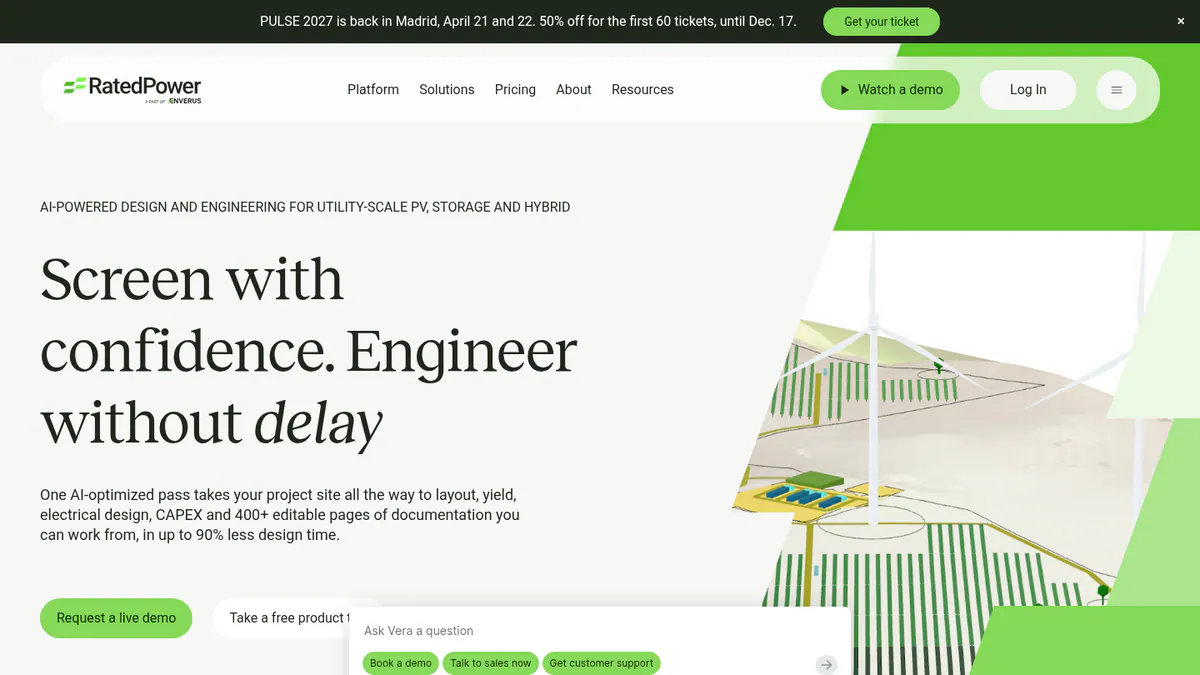
6. RatedPower: best for utility-scale PV plus BESS plants
Best for: Developers and EPCs (firms that design and build solar projects) who used Polysun’s PV side for large plants. Score: 65.2/100.
vs Polysun: RatedPower lays out and engineers big PV and BESS plants in the cloud. Like Polysun, it is quote only.
What it is: RatedPower, an Enverus company, makes a cloud design platform for utility-scale solar, BESS (battery energy storage systems) and hybrid plants.
Why we picked it: With 305 G2 reviews, you can see how users rate it before you buy. It handles storage at plant scale.
Key features:
- BESS and hybrid design with dispatch simulation.
- Rule-based plant layouts on real terrain.
- Yield with a 3D ray-traced mode.
- MV and LV (medium and low voltage) design and SLDs.
- CAPEX (build cost) and LCOE results.
Pricing: Quote only, across Basic, Advanced and Enterprise tiers. Checked October 2026 on the RatedPower pricing page. Demo only.
Pros (from user reviews):
- Easy to use, the top G2 theme.
- Automated electrical diagrams speed up layouts.
- Support gets good marks.
Cons (from user reviews):
- Layout constraint handling draws the most complaints.
- Some BESS and PCS pairings are missing.
- Drawing options are limited.
Reviews: G2 4.4/5 (305 reviews), checked October 2026.
Read our full RatedPower review or our RatedPower alternatives.
Want to see RatedPower working? Book a demo with the SolarSoftwares team.
Book a demoYour request goes by email to the SolarSoftwares team. A time is set only after we reply. It does not change any score or ranking.
7. SolarPlus: best for battery and off-grid quotes in Australia
Best for: Australian and New Zealand installers who need storage and off-grid design in a quoting tool. Score: 64.7/100.
vs Polysun: SolarPlus publishes plan prices and adds sales tools. It covers battery, tariff and generator design, but not heat.
What it is: SolarPlus is a design, quote and sales platform founded in 2011 in Victoria, Australia.
Why we picked it: It scored well on fit for battery, hybrid and off-grid design, and its plan prices are public.
Key features:
- Battery sizing, peak shaving (cutting your highest power use) and tariffs.
- Off-grid load profiles with generator design.
- Simulation with interval data.
- Install job packs and handover manuals.
Pricing: Starter is USD 135 a month paid yearly (USD 150 monthly). Pro is USD 260 (300 monthly). Complete is USD 450 (520 monthly). Plans cap the kW you quote. Onboarding packs are AUD 500 or AUD 1,000. Checked October 2026 on the SolarPlus pricing page.
Pros (from our research):
- Plan pricing covers 5 designers on Starter and unlimited users on Complete.
- Grid-tied, hybrid and off-grid jobs run in one tool.
- Job packs carry the design through to install.
Cons (from our research):
- Quoted kW is capped on each plan.
- It is built round Australian rules.
- A single G2 review gives little to go on.
Reviews: G2 4.5/5 (1 review), checked October 2026.

Want to see SolarPlus working? Book a demo with the SolarSoftwares team.
Book a demoYour request goes by email to the SolarSoftwares team. A time is set only after we reply. It does not change any score or ranking.
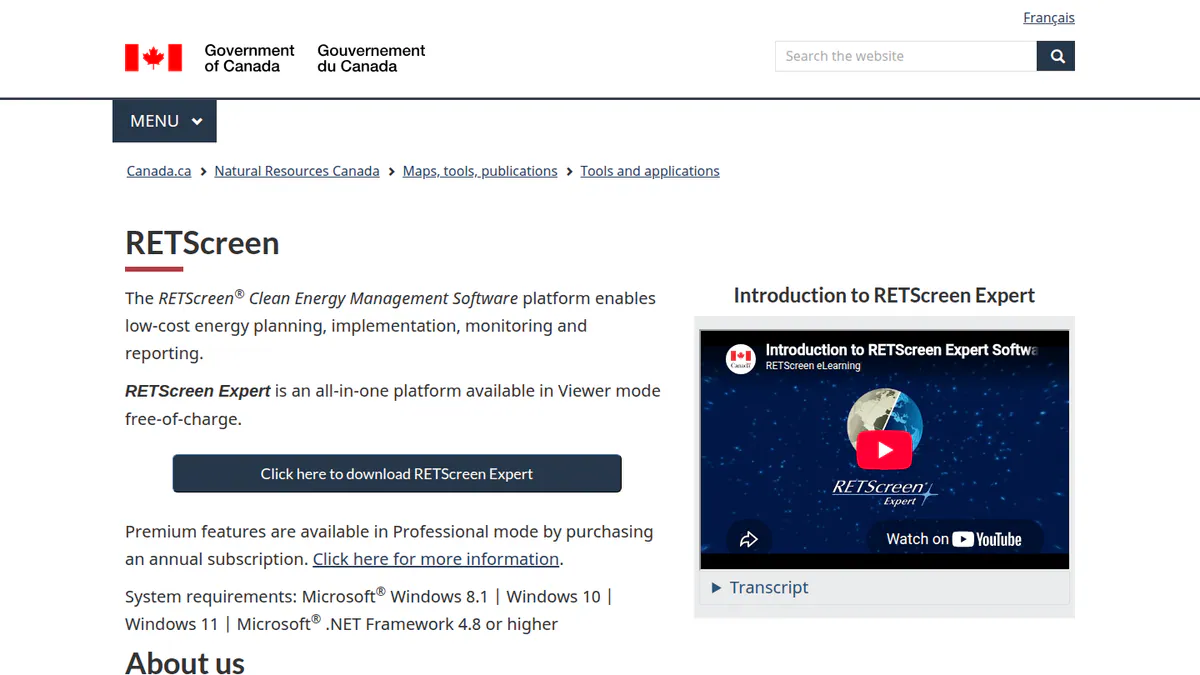
8. RETScreen Expert: best free feasibility tool that covers cogeneration
Best for: Consultants and public bodies testing clean energy and cogeneration projects early. Score: 61.4/100.
vs Polysun: RETScreen is free to use in Viewer mode and covers CHP. It works at feasibility level, not with hourly hydraulic models.
What it is: RETScreen Expert is Windows software from Natural Resources Canada. It checks whether clean energy and efficiency projects pay.
Why we picked it: Viewer mode is free, and it covers cogeneration, which most PV tools skip.
Key features:
- Feasibility for renewables, efficiency and cogeneration.
- Benchmarks against similar sites.
- Portfolio analysis for many sites.
- Built-in NASA climate data.
Pricing: Viewer mode is free but cannot save, print or export. Professional mode is CAD 869 per 12-month subscription. Checked October 2026 on the RETScreen subscription page.
Pros (from reviews and our research):
- Easy to use, with a big library of systems (Capterra).
- You can test projects free in Viewer mode (Capterra).
- Professional has a public price.
Cons (from reviews and our research):
- Some equipment prices need updating (Capterra).
- Free mode cannot save your work.
- We found no detailed PV shading or battery dispatch modelling.
Reviews: Capterra 4.5/5 (2 reviews, 2019-2020), checked October 2026.
Want to see RETScreen Expert working? Book a demo with the SolarSoftwares team.
Book a demoYour request goes by email to the SolarSoftwares team. A time is set only after we reply. It does not change any score or ranking.
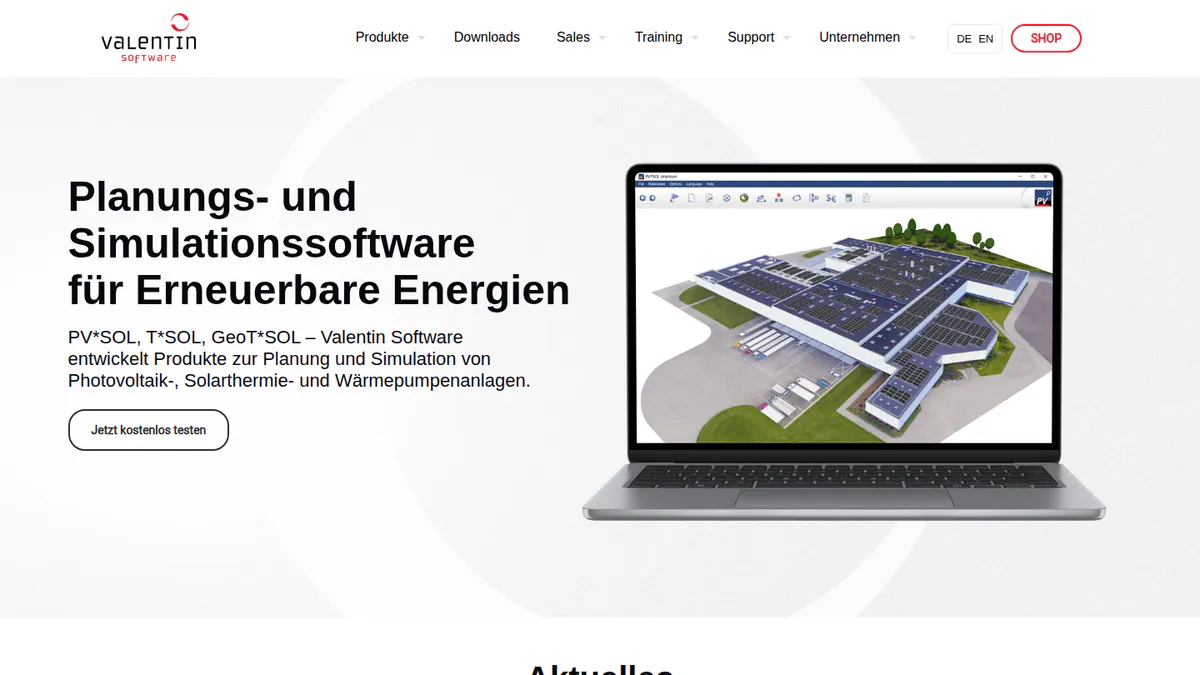
9. PV*SOL premium: best for PV with heat pumps and EV loads
Best for: European engineers who model PV, batteries and heat pumps for homes and businesses. Score: 59.8/100.
vs Polysun: This is the closest ranked match on heat. PV*SOL models heat pumps and immersion heaters with a public price, but we found no solar thermal or CHP.
What it is: PV*SOL premium is 3D PV design and simulation software for the desktop from Valentin Software in Germany.
Why we picked it: It is the ranked tool that keeps heat pumps in the model, and its price is public.
Key features:
- 3D design with detailed shading.
- AC- and DC-coupled batteries.
- Heat pump and immersion heater integration.
- Per-consumer tariffs, including EVs.
- Load profile library.
Pricing: EUR 845 a year per named user plus VAT, or EUR 285 for three months. Checked October 2026 in the Valentin shop. 30-day trial.
Pros (from our research):
- You can buy a licence without a sales call.
- A three-month licence covers a busy period.
- Valentin ships a yearly release. The latest landed on 24 November 2025.
Cons (from our research):
- We found no solar thermal or CHP modelling.
- Each named user needs their own licence.
- There is no free plan, only a 30-day trial.
Reviews: G2 4.2/5 (12 reviews), checked October 2026.
Read our full PV*SOL premium review or our PV*SOL alternatives.
Want to see PV*SOL premium working? Book a demo with the SolarSoftwares team.
Book a demoYour request goes by email to the SolarSoftwares team. A time is set only after we reply. It does not change any score or ranking.
10. HOMER Grid: best for C&I peak shaving with storage
Best for: C&I engineers sizing batteries to cut demand charges. Score: 59.2/100.
vs Polysun: HOMER Grid focuses on tariffs and peak shaving, with a published price. It covers CHP use cases but not building heat systems.
What it is: HOMER Grid is UL Solutions’ tool for the economics of solar plus storage behind the meter.
Why we picked it: It sizes storage to cut demand charges, with a public price and a free trial.
Key features:
- Storage sizing for demand-charge cuts.
- Tariffs, including future tariff changes.
- Arbitrage and peak-shaving dispatch.
- Client sales report.
Pricing: USD 4,200 a year on the annual plan, or USD 665 a month. Enterprise is quote only. The page does not name the currency. Checked October 2026 on the HOMER Grid pricing page. Free trial.
Pros (from our research):
- The annual plan includes 6 hours of training.
- It tests many sizes to find the cheapest.
- It also covers EV charging, outage and CHP cases.
Cons (from our research):
- Its tariff focus fits US-style demand charges best.
- We found no dated release notes for it.
- No user reviews to judge it by.
Reviews: No user reviews found as of October 2026.
Want to see HOMER Grid working? Book a demo with the SolarSoftwares team.
Book a demoYour request goes by email to the SolarSoftwares team. A time is set only after we reply. It does not change any score or ranking.
SurgePV (unscored): for readers comparing design-linked energy estimates and storage scenarios. Confirm modelling depth and third-party acceptance for engineering studies. The numbered scores above do not include it.
Sources checked 27 October 2026: SurgePV product information · SolarSoftwares SurgePV review
Book a demo of SurgePV with the SolarSoftwares team.
Book a demoYour request goes by email to the SolarSoftwares team. A time is set only after we reply. It does not change any score or ranking.
How do the 10 Polysun alternatives compare?
Product | Entry price (checked October 2026) | Storage | Heat or CHP | Runs on |
|---|---|---|---|---|
Polysun (reference) | Quote only | Batteries, hybrid, backup | Heat pumps, solar thermal, PVT, CHP | Windows, Mac, Linux |
CHF 700 a year | Batteries, self-use | No | Windows | |
Free | Li-ion, lead-acid, flow | No | Desktop | |
GBP 4 per project | Battery design | No | Not stated | |
USD 440 per user a month | Yes, with other DERs | Not confirmed | Cloud | |
USD 1,575 a year | Yes, with wear tables | CHP (Expert) | Desktop | |
Quote only | BESS and hybrid | No | Cloud | |
USD 135 a month | Batteries, off-grid | No | Not stated | |
Free Viewer | Not documented | Cogeneration | Windows | |
EUR 845 a year + VAT | AC and DC batteries | Heat pumps | Desktop | |
USD 4,200 a year | Peak shaving | CHP cases | Not stated |
Also considered
- Sunny Design: Scored 57.3/100. SMA’s free planner, with a PRO tier at EUR 600 a year that adds heat pumps, CHP and EV charging. Every device it names is SMA kit. See our Sunny Design alternatives.
- Solargraf: Scored 56.0/100. Enphase’s US home design, proposal and permit platform. It is a sales tool, not an engineering simulator. See our Solargraf alternatives.
- Energy Toolbase (ETB Developer): Scored 54.3/100. US C&I storage and tariff modelling, but quote only with no user reviews. See our Energy Toolbase alternatives.
How do you choose a Polysun alternative?
- If you left Polysun because lenders want a PVsyst report, pick PVsyst.
- If you want a free PV and battery model, pick SAM.
- If heat pumps must stay in the model, pick PV*SOL premium, or try Sunny Design PRO (also considered).
- If you design microgrids with several energy sources, pick Xendee for grid-tied sites or HOMER Pro for off-grid ones.
- If your batteries are there to cut demand charges, pick HOMER Grid.
- If you mainly quote home and small business systems, pick Pylon (UK, Ireland, Australia) or SolarPlus (Australia, NZ).
- If you design solar thermal or PVT systems, keep Polysun. We found no ranked tool that replaces it there.
For more options, see our battery storage design software, battery energy storage software and solar simulation software rankings. You can also browse the storage and microgrid category.
Want more choices? Browse every tool we checked in our design and simulation category.
How do you switch from Polysun?
- Export your reports. Save the energy balance and profit reports for each live project before your lease or service subscription ends.
- Split the job. Decide which projects are PV and storage only. Move those first and keep heat projects where they are.
- Rebuild your inputs. Note load profiles, tariffs and component choices, then set them up again in the new tool.
- Run one project twice. Model a finished job in both tools and explain any gap in yield or self-use.
- Check the contract. A lease runs for at least 12 months, so time the switch to its end.
Polysun alternatives FAQs
What is the best alternative to Polysun?
For PV and battery projects, PVsyst is the best Polysun alternative in our October 2026 ranking, at 73.4/100 and CHF 700 a year. SAM is the best free option. For heat pumps with PV, PV*SOL premium is the closest ranked match.
How much does Polysun cost?
Vela Solaris does not publish prices (checked October 2026). You can buy a licence with a service subscription or lease it monthly with a 12-month minimum. There is a 30-day free trial. You need a quote for the price.
Is there a free alternative to Polysun?
Yes. SAM is free and open source, and it models PV with batteries and full cash flows. RETScreen Expert has a free Viewer mode that cannot save or export. Sunny Design is free, with a PRO tier at EUR 600 a year (checked October 2026).
Is Polysun better than PV*SOL?
It depends on the job. Polysun covers more heat technology, such as solar thermal and CHP, and runs on Mac and Linux. PV*SOL premium has a public price (EUR 845 a year plus VAT, checked October 2026) and 12 G2 reviews, where Polysun has none.
Which software simulates PV, batteries and heat pumps together?
Three tools do. Polysun, PV*SOL premium and Sunny Design PRO all do, based on company pages read in October 2026. HOMER Pro adds CHP on its Expert plan, but we found no heat pump modelling in it.
Can Polysun be used for bankable PV yield reports?
We found no evidence that lenders accept Polysun yield reports (October 2026). An engineering firm’s blog says financiers generally prefer PVsyst for underwriting. If you need a bank-ready report, plan on PVsyst. Ask your lender which tool it accepts.
Sources
All read 22 to 25 October 2026.
- Polysun: pricing, Polysun Standard
- PVsyst: shop, G2, G2 comparison
- SAM: README, about, Pure Power Engineering (December 2022)
- Pylon: UK pricing, Capterra, G2
- Xendee: pricing, features, G2
- HOMER Pro: pricing, Capterra
- RatedPower: pricing, G2
- SolarPlus: pricing, G2
- RETScreen Expert: subscription, Capterra
- PV*SOL premium: shop, G2
- HOMER Grid: pricing, G2
- Sunny Design: product page
- Solargraf: pricing
- Energy Toolbase: pricing
Last updated 28 October 2026. Next scheduled review: 23 January 2027.