Solar battery storage design software helps you pick a battery size and plan how the battery works with solar panels. Pylon ranks first at 77.8/100 for home PV-plus-battery quotes paid per job. For off-grid battery sizing, HOMER Pro leads.
We scored 14 tools and ranked the top 7. This list is about designing PV (solar panels) and batteries together. That means picking the battery size and the coupling type (how the battery joins the solar system). It also means modelling when the battery runs and what it saves.
It does not cover tools that only run batteries, or VPP (virtual power plant) apps. For yield on its own, see our solar simulation software list. For a ranking across every design job, see our best solar design software guide.
Quick picks
Rank | Product | Best for | Starting price (company page, checked October 2026) | Pricing model | Free plan / trial | Score /100 |
|---|---|---|---|---|---|---|
1 | Residential PV-plus-battery quotes, paid per job | ✓ GBP 4 per project | Per project | 5 free project credits | 77.8 | |
2 | Engineering-grade PV-plus-storage simulation | ✓ CHF 700 per seat per year | Annual subscription | 30-day evaluation | 73.8 | |
3 | Utility-scale PV plus BESS and hybrids | Quote only | Three tiers | Demo only | 73.1 | |
4 | US residential solar-plus-battery sales | ✓ USD 159 per user per month | Per user | None stated | 72.3 | |
5 | European self-consumption with heat pumps and EVs | ✓ EUR 845 per user per year (+VAT) | Named-user licence | 30-day trial | 71.9 | |
6 | C&I and utility microgrids | ✓ USD 440 per user per month (billed annually) | Per user | No free trial. 30-day paid demo | 64.7 | |
7 | Off-grid and hybrid battery sizing | ✓ USD 1,575 per year | Annual or monthly | Free trial | 63.4 |
✓ Verified on the company’s own pricing page. ◐ Published by the company outside its pricing page (help centre, store or press release). ? We could not read the company’s pricing page, so the figure is not confirmed. Prices checked October 2026.
Quote only means the company shows no public price. You ask it for a quote.
How the 7 tools scored
- Use-case fit 35%
- User reviews 20%
- Pricing 15%
- Ease of use 10%
- Support 10%
- Momentum 10%
Tool | Score chart | Score |
|---|---|---|
77.8 out of 100 | 77.8 | |
73.8 out of 100 | 73.8 | |
73.1 out of 100 | 73.1 | |
72.3 out of 100 | 72.3 | |
71.9 out of 100 | 71.9 | |
64.7 out of 100 | 64.7 | |
63.4 out of 100 | 63.4 |
Each bar shows the weighted score out of 100.
Sub-scores at a glance (0-10)
Product | Use-case fit | User reviews | Pricing | Ease of use | Support | Momentum | Total /100 |
|---|---|---|---|---|---|---|---|
7.1 | 6.7 | 8.0 | 7.5 | 10.0 | 10.0 | 77.8 | |
7.6 | 6.3 | 8.0 | 5.0 | 7.5 | 10.0 | 73.8 | |
8.1 | 6.9 | 4.0 | 7.5 | 7.5 | 10.0 | 73.1 | |
7.1 | 7.9 | 6.0 | 7.5 | 7.5 | 7.5 | 72.3 | |
7.6 | 5.4 | 8.0 | 7.5 | 7.5 | 7.5 | 71.9 | |
7.6 | 5.0 | 7.0 | 5.0 | 7.5 | 5.0 | 64.7 | |
7.6 | 5.6 | 7.0 | 5.0 | 7.5 | 2.5 | 63.4 |
A 5.0 on reviews, ease, support or momentum is our neutral value where public evidence is thin, not a judgement.
How did we rank these battery storage design tools?
How the score is weighted
- Use-case fit 35%
- User reviews 20%
- Pricing 15%
- Ease of use 10%
- Support 10%
- Momentum 10%
We scored 14 products from 22 to 25 October 2026. All 14 passed our minimum match score (4 out of 10). We rank the top 7 and list the other 7 under Also considered. We did desk research from company docs, price pages and public user reviews. We did not design systems in any tool.
We used six weighted criteria:
- Use-case fit (35%): How well the tool does this page’s job. We look for battery design and sizing in the docs. We also look for dispatch and tariff modelling, and off-grid or hybrid support.
- User reviews (20%): G2 and Capterra ratings. A rating from only a few reviews counts for less. A tool with no reviews gets a middle score of 5 out of 10.
- Pricing (15%): Public or free prices score higher than quote-only prices.
- Ease of use, support and momentum (10% each): We use review sub-scores, ways to get help and dated releases.
Scores weigh this page’s job, so the same tool can score differently on another page. SurgePV is not part of this ranking. Full method: how we score software.
What kinds of storage design tool are there?
There are three kinds of storage design tool.
- Design tools with a battery module (Pylon, Aurora, PV*SOL premium, plus five tools in Also considered). You draw the array and add a battery to the proposal. See residential design software.
- Economics and dispatch optimisers (Xendee, HOMER Pro, plus HOMER Grid and Energy Toolbase in Also considered): these do not draw roofs. They test battery sizes against tariffs, loads and outages, and plan dispatch (when the battery charges and discharges).
- Engineering platforms (PVsyst, RatedPower): deep storage modelling for C&I (commercial and industrial) and utility plants. See utility-scale design software.
1. Pylon: best for residential PV-plus-battery quotes paid per job
Best for: Small and mid-sized home installers in the UK, Australia and Ireland. Score: 77.8/100.
What it is: Pylon is a design and proposal tool from Sydney. It has an add-on CRM. You pay per project, and every plan has unlimited users. It designs solar and batteries together on aerial photos.
Why we picked it: Battery design comes on every plan, jobs start at GBP 4 each, and 25 Capterra reviews average 4.6/5. That outweighs its lack of demand-charge tools (tools that cut a utility fee based on peak power use) for home jobs.
Key features:
- Solar and battery design on aerial photos, on every plan.
- Cash forecasts and load profiles.
- Custom load profiles on the Pro plan.
- It lists Amber VPP as an integration.
Pricing: Standard is GBP 4 per project up to 30 kW DC. Pro is GBP 10 per project. It adds custom load profiles and business jobs of 99 kW and up. The page does not say which plan covers jobs between 30 and 99 kW. Enterprise is quote only. The CRM starts at GBP 49 per user per month. You get 5 free Standard credits. We could not check USD or AUD prices. Checked October 2026 on the Pylon UK pricing page.
Pros (from user reviews):
- Pay-per-use keeps the cost low on each job, which suits small firms (Capterra).
- New staff get going fast, with a friendly layout and a good manual (Capterra).
- Detailed proposals you can send straight to the homeowner (G2).
Cons (from reviews and our research):
- Usage modelling is awkward, which matters for battery sizing (Capterra).
- We found no demand-charge or peak-shaving modelling, so it does not fit C&I tariff work.
- Photo quality varies by location, and the interface takes time to pick up (Capterra, G2).
Reviews: Capterra 4.6/5 (25 reviews) and G2 4.3/5 (2 reviews), checked October 2026. Most Capterra reviews date from 2021-2023.
Read our full Pylon review or our Pylon alternatives.

Want to see Pylon working? Book a demo with the SolarSoftwares team.
Book a demoYour request goes by email to the SolarSoftwares team. A time is set only after we reply. It does not change any score or ranking.
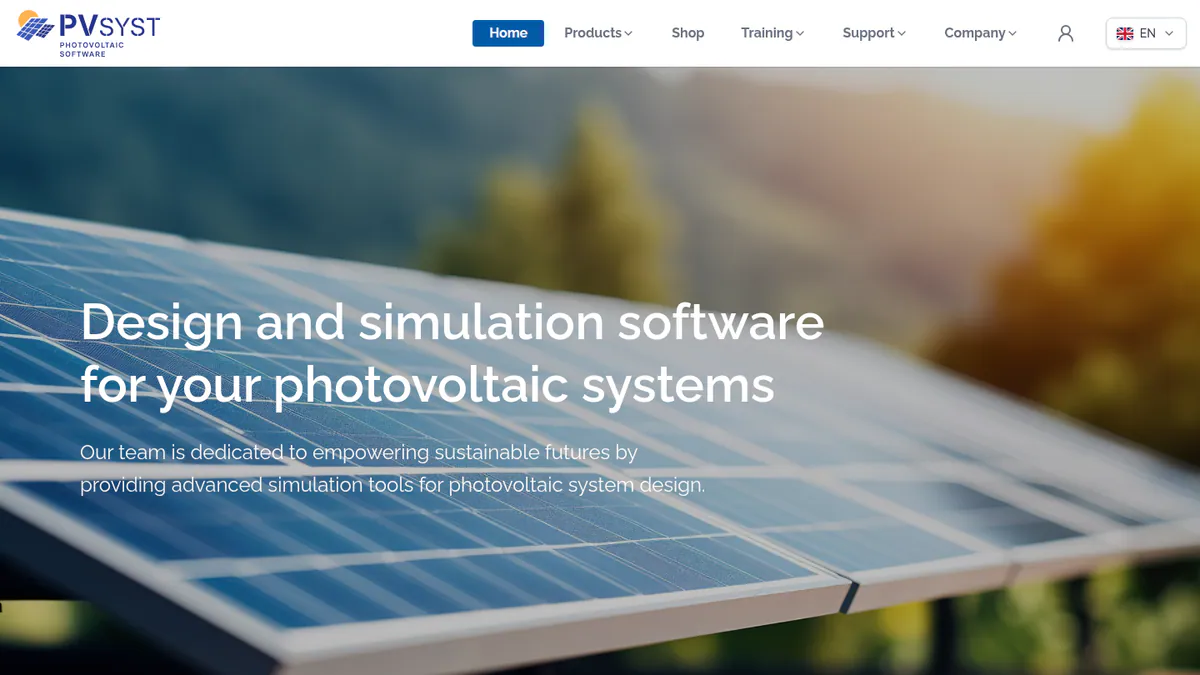
2. PVsyst: best for engineering-grade PV-plus-storage simulation
Best for: Engineers who add batteries to grid-tied or stand-alone systems and need a bankable simulator (one lenders accept). Score: 73.8/100.
What it is: PVsyst is a Windows desktop simulator from PVsyst SA in Switzerland. Storage is one part of its yield engine. Our simulation list covers the yield side in depth.
Why we picked it: It models batteries in grid-tied and stand-alone systems, in a simulator that holds up in technical review. The price is published, and 22 G2 reviews average 4.5/5.
Key features:
- Battery storage with self-consumption strategies.
- Standalone (off-grid) system design and sizing.
- Cost results with NPV (net present value), LCOE (levelised cost of energy) and ROI.
- Batch and multi-year runs with module ageing.
Pricing: Professional costs CHF 700 per seat per year. Bulk buys get up to 20% off. Student costs CHF 25 per year. Checked October 2026 on the PVsyst shop.
Pros (from user reviews):
- Detailed, accurate yield modelling that holds up in technical review.
- A detailed loss breakdown shows where energy goes.
- You can import SketchUp scenes, which saves time on shading.
Cons (from reviews and our research):
- It takes a long time to learn. G2 ease of use is 6.7/10 (14 reviews).
- It runs on Windows only.
- We found no tariff-based dispatch in its docs, so it is weak for C&I savings cases.
Reviews: G2 4.5/5 (22 reviews), checked October 2026. The pros and the first con are G2 reviewer themes.
Read our full PVsyst review or our PVsyst alternatives.
Want to see PVsyst working? Book a demo with the SolarSoftwares team.
Book a demoYour request goes by email to the SolarSoftwares team. A time is set only after we reply. It does not change any score or ranking.
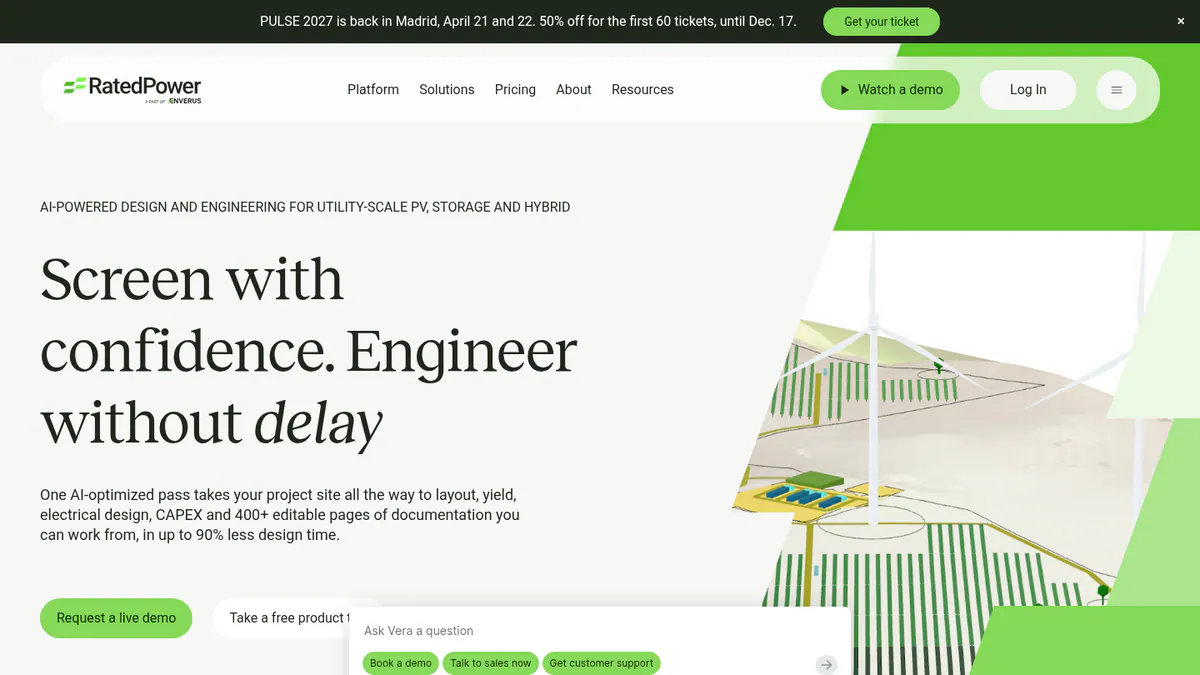
3. RatedPower: best for utility-scale PV plus BESS and hybrid plants
Best for: Developers, EPCs (firms that build plants) and IPPs (independent power producers) who design utility-scale storage, next to solar or on its own. Score: 73.1/100.
What it is: RatedPower is a cloud tool for site choice, layout, yield and electrical design. Enverus owns it.
Why we picked it: It designs BESS (battery energy storage systems) and hybrid plants with dispatch simulation, and storage comes on every tier. It also has the most reviews here: 305 on G2, averaging 4.4/5.
Key features:
- BESS and hybrid design with dispatch simulation.
- Hybrid and stand-alone storage, even on the Basic tier.
- Grid connection design.
- CAPEX (upfront build cost) and LCOE outputs.
Pricing: Quote only, on all three tiers: Basic, Advanced and Enterprise. You can get a demo only. Checked October 2026 on the RatedPower pricing page.
Pros (from user reviews):
- Easy to use, so site checks go faster (22 mentions).
- Saves time on early-stage layouts (18 mentions).
- Good customer support when you get stuck (11 mentions).
Cons (from user reviews):
- Some BESS and PCS (power conversion system) pairs are not on offer.
- Layout issues are the top complaint (14 mentions).
- Drawing tools are not very flexible.
Reviews: G2 4.4/5 (305 reviews), checked October 2026. The pros and cons above are G2 review themes.
Read our full RatedPower review or our RatedPower alternatives.
Want to see RatedPower working? Book a demo with the SolarSoftwares team.
Book a demoYour request goes by email to the SolarSoftwares team. A time is set only after we reply. It does not change any score or ranking.
4. Aurora Solar: best for US residential solar-plus-battery sales
Best for: US residential installers selling backup and self-consumption batteries. Score: 72.3/100.
What it is: Aurora Solar is a cloud tool for 3D design and proposals. It is built for home and light business work. It is not a utility-scale tool.
Why we picked it: It models backup, self-consumption and arbitrage inside a US sales tool with published prices. Its 121 G2 reviews average 4.7/5, the best rating on this list.
Key features:
- Battery modelling for backup, self-consumption and arbitrage (storing cheap power to use when it costs more). Only on the Premium plan, not Basic.
- Shade checks and shade reports.
- Production estimates.
- Sales proposals with finance options.
Pricing: Basic is USD 159 per user per month (USD 135 billed annually). Premium is USD 259 (USD 220 annually). Enterprise is custom. Checked October 2026 on the Aurora pricing page.
Pros (from user reviews):
- Accurate shade reports and production estimates (Capterra).
- Good customer service (G2).
- Easy for sales staff to learn: G2 ease of use is 8.9/10.
Cons (from reviews and our research):
- Battery modelling needs Premium (USD 259 per user per month).
- Finance features are thin for the price (Capterra).
- Few links to other tools (G2).
Reviews: G2 4.7/5 (121 reviews) and Capterra 4.1/5 (7 reviews), checked October 2026.
Read our full Aurora Solar review or our Aurora Solar alternatives.

Want to see Aurora Solar working? Book a demo with the SolarSoftwares team.
Book a demoYour request goes by email to the SolarSoftwares team. A time is set only after we reply. It does not change any score or ranking.
5. PV*SOL premium: best for European self-consumption with heat pumps and EVs
Best for: European planners who size batteries for home or business loads, with heat pumps and EV charging. Score: 71.9/100.
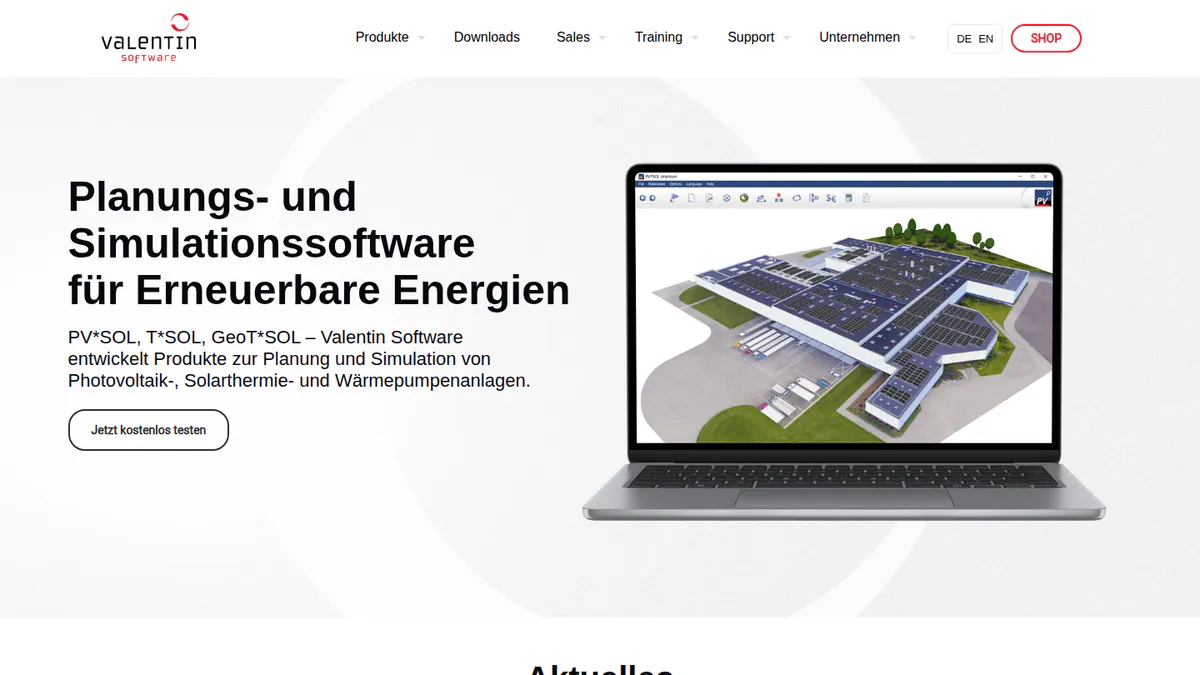
What it is: PV*SOL premium is a desktop tool from Valentin Software. It does 3D design and simulation. The 2026 version came out in November 2025.
Why we picked it: It compares AC and DC coupling next to heat pump and EV loads, which suits European self-consumption jobs. Prices are published, including a 3-month licence.
Key features:
- AC- and DC-coupled battery storage.
- Works with heat pumps and immersion heaters.
- Per-consumer tariffs, including EVs.
- A library of load profiles.
Pricing: EUR 845 per named user per year or EUR 285 for three months, plus VAT. There is a 30-day trial. Checked October 2026 on the Valentin Software shop.
Pros (from our research):
- AC and DC coupling in one tool, so you can compare both on one project.
- Easy to learn: G2 ease of use is 8.2/10 (10 reviews).
- You can buy three months for a busy season instead of a full year.
Cons (from our research):
- Each licence covers one named user, and prices exclude VAT.
- No demand-charge tools in its docs.
- Aimed at home and C&I jobs, not utility scale.
Reviews: G2 4.2/5 (12 reviews), checked October 2026.
Read our full PV*SOL premium review or our PV*SOL alternatives.
Want to see PV*SOL premium working? Book a demo with the SolarSoftwares team.
Book a demoYour request goes by email to the SolarSoftwares team. A time is set only after we reply. It does not change any score or ranking.
6. Xendee: best for C&I and utility microgrids with storage
Best for: Microgrid developers and engineering firms that plan solar, storage and other DERs (small local power sources) as one system. Score: 64.7/100.
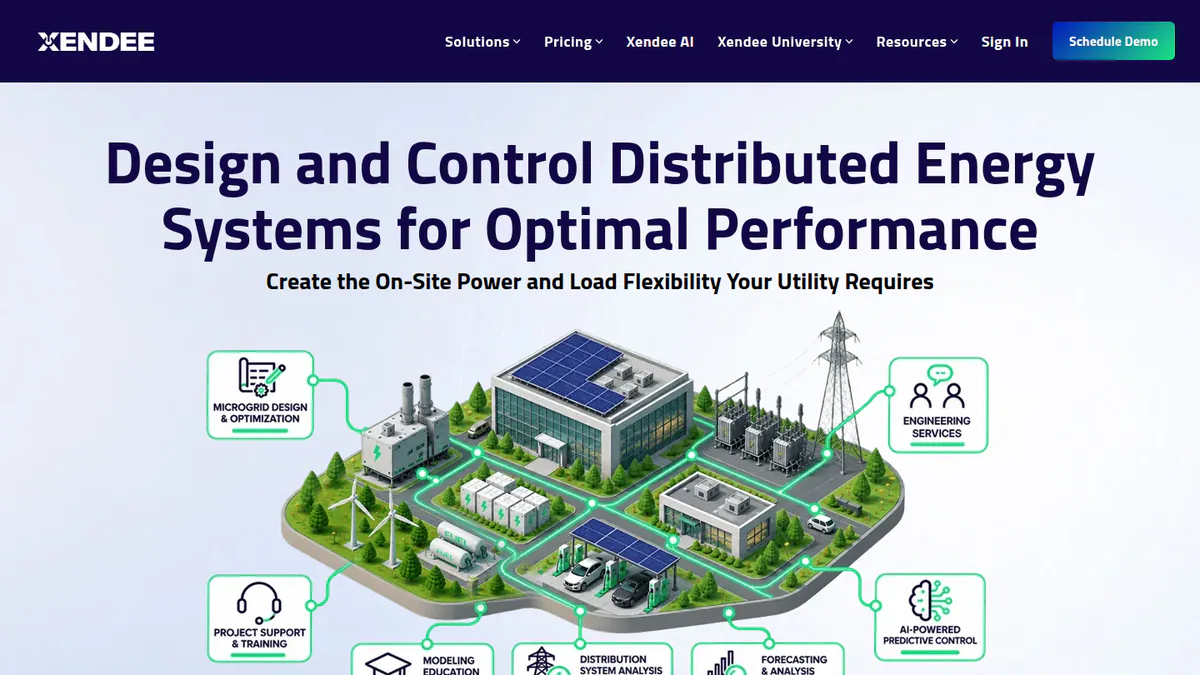
What it is: Xendee is a cloud tool that designs microgrids and finds the best setup. It picks the system mix and dispatch. It does not draw a roof layout.
Why we picked it: Of the ranked tools, it is the one that sizes and dispatches batteries around tariffs, NEM 3.0 and outages. Prices are published, but it has no user reviews yet.
Key features:
- Finds the best mix across 25+ DER types.
- Weighs cost against carbon, over many years.
- Models how a site rides through outages.
- Tariff and NEM 3.0 (net energy metering) modelling.
- One-line and powerflow diagrams, with auto cable sizing.
Pricing: DESIGN Gold is USD 440 and Platinum USD 540 per user per month. Both are billed annually, with no monthly option. Enterprise is by quote. The page shows only a dollar sign, so we assume USD. There is no free trial. Instead, Xendee offers a 30-day demo that you pay for. Checked October 2026 on the Xendee pricing page.
Pros (from our research):
- Backup and outage modelling is built in, so resilience cases need no extra tool.
- Grants and incentives go into the savings case.
- You get engineering help inside the app.
Cons (from our research):
- No user reviews to judge it by (G2 lists none).
- Costly for small teams: Gold is USD 440 per user per month, billed annually.
- Custom tariffs cost USD 200 each on Gold. Platinum includes 3 free a year.
Reviews: No user reviews on G2 or Capterra as of October 2026.
Want to see Xendee working? Book a demo with the SolarSoftwares team.
Book a demoYour request goes by email to the SolarSoftwares team. A time is set only after we reply. It does not change any score or ranking.
7. HOMER Pro: best for off-grid and hybrid battery sizing
Best for: Engineers who size batteries for off-grid and remote hybrid systems that may use diesel, wind or hydro. Score: 63.4/100.
What it is: HOMER Pro comes from UL Solutions. It finds the lowest-cost system and models the money side. It does not draw PV layouts. More options sit on our off-grid design list.
Why we picked it: It searches off-grid and hybrid mixes for the lowest-cost battery size, and in August 2026 it added battery degradation tables. Prices are published, and Capterra reviewers rate it 4.4/5.
Key features:
- Searches hybrid setups for the lowest cost.
- Storage degradation tables and battery augmentation (v3.18.5, 28 August 2026).
- What-if and multi-year analysis.
- NPC (net present cost) and LCOE results.
Pricing: Base is USD 1,575 per year with no modules. Professional is USD 3,100 with four modules. Expert is USD 4,650 with all modules. Four or more licences get 25% off. We assume USD. Checked October 2026 on the HOMER Pro pricing page.
Pros (from user reviews):
- Technical and money factors sit in one model, so you can show the cheapest working mix.
- Many energy sources fit in one model, with no second tool needed.
- Built-in NASA data saves you hunting for site data, and results export to MATLAB.
Cons (from user reviews):
- The screens are complex and hard to learn.
- Reviewers find it expensive next to other optimisation tools.
- Its built-in data is rarely updated.
Reviews: Capterra 4.4/5 (9 reviews, 2019-2023), checked October 2026. The pros and cons above come from these reviews.
Read our full HOMER Pro review.
Want to see HOMER Pro working? Book a demo with the SolarSoftwares team.
Book a demoYour request goes by email to the SolarSoftwares team. A time is set only after we reply. It does not change any score or ranking.
SurgePV (unscored): for readers comparing its solar-plus-storage and off-grid sizing workflow. Test the tariff, load profile and backup assumptions on a real job. The numbered scores above do not include it.
Sources checked 27 October 2026: SurgePV product information · SolarSoftwares SurgePV review
Book a demo of SurgePV with the SolarSoftwares team.
Book a demoYour request goes by email to the SolarSoftwares team. A time is set only after we reply. It does not change any score or ranking.
How do the 7 battery storage design tools compare?
This table compares the 7 ranked tools side by side.
Product | Tool type | Segment | Coupling or dispatch (as documented) | Tariff or demand-charge modelling | Hardware lock-in | Starting price |
|---|---|---|---|---|---|---|
Design and proposal | Residential, light C&I | Battery design, load profiles | Not documented | No | GBP 4/project | |
Engineering simulator | C&I, utility | Self-consumption strategies | Not documented | No | CHF 700/yr | |
Engineering platform | Utility | BESS dispatch simulation | Not documented | No | Quote only | |
Design and proposal | Residential | Backup, self-consumption, arbitrage | Arbitrage (Premium) | No | USD 159/user/mo | |
Design and simulation | Residential, C&I | AC and DC coupled | Per-consumer tariffs | No | EUR 845/yr | |
Optimiser | C&I, utility | Multi-DER dispatch | Yes, incl. NEM 3.0 | No | USD 440/user/mo | |
Optimiser | Off-grid, hybrid | Least-cost dispatch, degradation | Not the focus | No | USD 1,575/yr |
Also considered
- OpenSolar scored 62.7/100. It is a free design and proposal tool for homes. It misses the top 7 because we could not confirm how deep its battery design goes. So it is only a fair match for storage design.
- Solargraf scored 62.2/100. Enphase’s tool takes US and Canadian solar-plus-battery jobs all the way to permit-ready SLDs. It starts at USD 2,799 per year. It misses the top 7 on weak reviews: Capterra 3.2/5 (15 reviews). Users report crashes and wrong property data.
- HOMER Grid scored 59.7/100. It is built to cut C&I demand charges, from USD 4,200 per year. It misses the top 7 because we found no user reviews and no dated release notes.
- Energy Toolbase scored 57.7/100. ETB Developer models the money side of US C&I storage across 120,000+ tracked tariffs. It misses the top 7 for three reasons. Pricing is quote only, tariff data is US-only and it has no user reviews.
- Sunny Design scored 55.7/100. SMA’s free planning tool adds battery peak shaving in PRO (EUR 600 per year net). It misses the top 7 because every device it names is SMA.
- Huawei SmartDesign 2.0 scored 49.8/100. It suggests a storage capacity for Huawei SUN2000 and LUNA2000 systems. It misses the top 7 because it works with Huawei hardware only and has no public price.
- SolarEdge Designer scored 47.0/100. It strings designs to SolarEdge rules. It misses the top 7 because our facts date from 2018-2020 and we could not confirm its storage features.
- Out of scope: Tools that only run batteries, VPP apps, and the battery pickers hardware brands make for homeowners. They do not design PV and storage together for an installer.
- Project finance: IRR (internal rate of return), PPA (power purchase agreement) and LCOE models for a whole project belong on our solar financial modelling list.
How do you choose the best solar battery storage design software?
- If you sell residential batteries in the UK, Ireland or Australia and want to pay per job, pick Pylon.
- If you sell residential batteries in the US, pick Aurora Premium. Solargraf (also considered) adds permit sets.
- If your savings case depends on demand charges, Xendee is the ranked tool with tariff and NEM 3.0 modelling. HOMER Grid and Energy Toolbase (also considered) are built for this job but scored lower.
- If you design microgrids or resilience projects, pick Xendee. For off-grid and diesel hybrids, pick HOMER Pro.
- If you are tied to one inverter brand, start with that brand’s free tool. Sunny Design, SmartDesign and SolarEdge Designer are in Also considered.
- If you build utility-scale PV plus BESS, pick RatedPower. For rooftop C&I, see our commercial design list.
Want more choices? Browse every tool we checked in our storage and microgrid category, or see our battery design feature guide.
Solar battery storage design software FAQs
What is the best software for designing solar plus storage systems?
Pylon scores highest in our October 2026 ranking (77.8/100). It suits home PV-plus-battery design, paid per project. For C&I microgrids, Xendee plans dispatch. HOMER Grid and Energy Toolbase (also considered) focus on tariff savings. At utility scale, RatedPower offers BESS and hybrid design with dispatch simulation.
How do you size a battery for a solar PV system?
Start with your load data, the tariff and the battery’s job. That job might be self-consumption, backup, peak shaving or off-grid power. Then test several sizes against the PV profile and weigh savings against cost. HOMER Pro and HOMER Grid (also considered) run that search for the lowest-cost option.
What is the difference between AC-coupled and DC-coupled storage design?
AC-coupled batteries have their own inverter on the AC side. That suits adding a battery to existing PV. DC-coupled batteries share a hybrid inverter with the array. So they skip an extra conversion step. PV*SOL premium 2026 models both, so you can compare them on the same project.
Can design software model peak shaving and demand-charge savings?
Yes, mainly in money-side tools. Xendee models tariffs, including NEM 3.0. HOMER Grid (USD 4,200 a year, checked October 2026) is built to cut demand charges. Energy Toolbase tracks 120,000+ US tariffs. Both are also considered, as is Sunny Design PRO (peak shaving, EUR 600 a year).
Does the software model battery degradation over time?
Some do. HOMER Pro 3.18.5 came out on 28 August 2026. It added storage degradation tables and battery augmentation. Energy Toolbase (also considered) lists PV and battery degradation inputs. We found no battery wear modelling in the docs of the home design tools ranked here.
Sources
All checked 22 to 25 October 2026.
- Pylon: pricing, July 2026 update, Capterra, G2
- PVsyst: shop, product page, G2
- RatedPower: pricing, feature comparison, G2
- Aurora Solar: pricing, G2, Capterra
- PV*SOL premium: shop, 2026 release, G2
- Xendee: pricing, features
- HOMER Pro: pricing, releases, Capterra
- OpenSolar: pricing notice, features, G2
- Solargraf: pricing, Enphase release, Capterra
- HOMER Grid: pricing, demand charges
- Energy Toolbase: pricing, ETB Developer
- Sunny Design: product page
- Huawei SmartDesign 2.0: product page
- SolarEdge Designer: pv magazine, 2018, Solar Power World, January 2020
Last updated 28 October 2026. Next scheduled review: 23 January 2027.