Solargraf alternatives are design and proposal tools you can use instead of Solargraf, Enphase’s tool for design, proposals, finance and permits. Pylon ranks first at 85.9/100. Aurora Solar ranks second at 81.4/100.
None of these tools gives you Solargraf’s permit plan sets (the drawings a permit office asks for) on every plan, so check that first.
For a ranked list across every segment, see our best solar design software ranking.
Why do installers look for Solargraf alternatives?
Solargraf is Enphase’s tool for design, proposals, finance and permits. It serves home and small commercial jobs. Enphase bought its maker, Sofdesk, in 2021. Solargraf does a lot, but it has the lowest user rating of any rated tool on this page. Installers look elsewhere for these reasons:
- Annual bundles. Plans are billed yearly, from USD 2,799 for 240 projects and 2 users. On Starter, each extra user costs USD 1,440 and each extra project USD 11. Solargraf does not say whether those add-ons are annual or one-time.
- Review complaints. Capterra users rate it 3.2/5 from 15 reviews. They cite frequent crashes, wrong property data in the 3D tool, high cost and long waits for support. Capterra sub-scores are 3.7/5 for ease of use and 3.4/5 for support (checked October 2026).
- Who owns it. Solargraf belongs to inverter maker Enphase. Some installers want a tool no hardware brand owns. We could not find out if Solargraf limits non-Enphase kit, so test the kit you use in a demo.
- No public trial. Solargraf’s price page does not mention a free trial.
What you would give up: Permit paperwork. Solargraf makes permit-ready SLDs (single-line diagrams, simple drawings of how the wires connect). It also makes three-line diagrams and plan sets to the 2026 NEC (US electrical code) on every plan. A database of 14,000+ AHJs (local permit offices) backs them. Of the tools below, only Aurora (Enterprise only) and Enact (through PVCAD, per trade press) mention plan sets. If permits drive your choice, read our solar permitting software ranking as well.
Solargraf at a glance
Plan (billed annually) | Price (company page, checked October 2026) | Projects | Users | Extra project / extra user |
|---|---|---|---|---|
Starter | USD 2,799 | 240 | 2 | USD 11 / USD 1,440 |
Small Business | USD 4,799 | 480 | 4 | USD 10 / USD 1,200 |
Teams | USD 6,399 | 720 | 6 | USD 9 / USD 960 |
Enterprise | USD 12,999 | 1,500 | Unlimited | Public API included |
All plans include design, shading, proposals, permitting, financing and CRM (software that tracks leads and customers). Below Enterprise, the public API is a USD 4,000-a-year add-on (Solargraf pricing). Ratings: Capterra 3.2/5 from 15 reviews. We found no G2 page. Enphase named these markets in February 2024: US, Canada, Brazil, Germany and Austria.
Quick picks
Rank | Product | Best for | Starting price (company page, checked October 2026) | Free plan / trial | Score /100 |
|---|---|---|---|---|---|
1 | Pay-per-project design and proposals | ✓ GBP 4 per project (UK page) | 5 free project credits | 85.9 | |
2 | US residential design and sales teams | ✓ USD 159 per user per month | None stated | 81.4 | |
3 | Free design and proposals | ✓ Free core platform | Free core platform | 75.2 | |
4 | Unlimited projects on a flat plan (US, India) | ✓ USD 159 per month (international list) | Demo only | 71.3 | |
5 | AI design-to-proposal for sales teams | Quote only | Demo only | 63.5 | |
6 | Design inside a solar CRM | ✓ From USD 59 per user per month | Not confirmed | 55.0 | |
7 | Proposals plus engineering and monitoring | ? Not confirmed on the company site | Unknown | 53.3 |
✓ Verified on the company’s own pricing page. ◐ Published by the company outside its pricing page (help centre, store or press release). ? We could not read the company’s pricing page, so the figure is not confirmed. Prices checked October 2026.
Quote only means the company shows no public price. You ask it for a quote.
How the 7 tools scored
- Use-case fit 35%
- User reviews 20%
- Pricing 15%
- Ease of use 10%
- Support 10%
- Momentum 10%
Tool | Score chart | Score |
|---|---|---|
85.9 out of 100 | 85.9 | |
81.4 out of 100 | 81.4 | |
75.2 out of 100 | 75.2 | |
71.3 out of 100 | 71.3 | |
63.5 out of 100 | 63.5 | |
55 out of 100 | 55.0 | |
53.3 out of 100 | 53.3 |
Each bar shows the weighted score out of 100.
Sub-scores at a glance (0-10)
Product | Use-case fit | User reviews | Pricing | Ease of use | Support | Momentum | Total /100 |
|---|---|---|---|---|---|---|---|
9.4 | 6.7 | 8.0 | 7.5 | 10.0 | 10.0 | 85.9 | |
8.9 | 7.9 | 8.0 | 7.5 | 7.5 | 7.5 | 81.4 | |
8.3 | 5.0 | 9.0 | 7.5 | 5.0 | 10.0 | 75.2 | |
7.8 | 6.3 | 6.0 | 7.5 | 10.0 | 5.0 | 71.3 | |
7.2 | 6.1 | 4.0 | 5.0 | 5.0 | 10.0 | 63.5 | |
5.6 | 5.0 | 7.0 | 5.0 | 5.0 | 5.0 | 55.0 | |
6.7 | 5.0 | 3.0 | 5.0 | 5.0 | 5.5 | 53.3 |
A 5.0 on reviews, ease, support or momentum is our neutral value where public evidence is thin, not a judgement.
How did we choose and score these Solargraf alternatives?
How the score is weighted
- Use-case fit 35%
- User reviews 20%
- Pricing 15%
- Ease of use 10%
- Support 10%
- Momentum 10%
We scored 10 tools from 22 to 25 October 2026 and ranked 7. We used desk research, not hands-on tests. That means company docs, price pages, release notes and public user reviews. Nine tools met our match bar (4 out of 10). We rank the top 7. The other two, SolarEdge Designer and EasySolar, are under Also considered. So is one tool that fell below the bar. Solargraf itself is not ranked.
We score each tool on six points:
- Fit for the job (35%): How well it does Solargraf’s job. That covers home design and shading, proposals with storage and finance, e-sign, permit output and CRM.
- User reviews (20%): G2 and Capterra ratings. A rating from just a few reviews counts for less.
- Pricing (15%): Free and public prices score higher than quote only.
- Ease of use, support and momentum (10% each): Review sub-scores, ways to get help and dated releases.
A point with fewer than eight reviews, or no proof, gets a neutral 5.0, not a penalty. Scores are for this page’s job only. SurgePV is not part of this ranking. Read the full method.
1. Pylon: best for pay-per-project design and proposals
Best for: Installers who want to pay per project, not buy a yearly bundle. Score: 85.9/100.
vs Solargraf: Pylon swaps the yearly bundle for pay per project and has far better reviews, but no permit plan sets.
What it is: Sydney firm Pylon makes Pylon, a design and proposal tool with an optional CRM. It is aimed at small and mid-sized home and commercial installers. It serves Australia, the UK, Ireland and the US.
Why we picked it: It scored highest for Solargraf’s job, and its Capterra rating (4.6/5 from 25 reviews) is well above Solargraf’s 3.2/5. It covers design, battery design and signed proposals, the core of what Solargraf does.
Key features:
- Solar and battery design on aerial images.
- Web and PDF proposals with eSignature and money forecasts.
- Editable single-line diagrams (July 2026).
- MCS (UK certification scheme) reports and STC/PDRS rebate paperwork (Australia).
- An API with webhooks (auto alerts to other apps), plus Xero and ServiceM8 links.
Pricing: Standard is GBP 4 per project (up to 30 kW DC). Pro is GBP 10 per project. It adds custom load profiles and commercial sizes. Enterprise is quote only. The CRM add-on starts at GBP 49 per user per month. There is no monthly minimum. You get five free Standard projects when you sign up, with no card. Checked October 2026 on the Pylon UK pricing page. We could not confirm USD or AUD prices.
Pros (from user reviews):
- Small firms pay only for the jobs they win, which keeps the cost per job low (Capterra).
- Buyers get detailed proposals (G2).
- Help is quick to get: Capterra users rate customer service 4.9/5.
Cons (from user reviews):
- Image quality varies by place, and the Nearmap link is patchy (Capterra).
- Usage modelling is awkward (Capterra).
- Views on ease differ. Capterra users call it beginner-friendly, but a G2 reviewer says the layout takes time to pick up.
Reviews: Capterra 4.6/5 from 25 reviews, with customer service 4.9/5. G2 4.3/5 from 2 reviews. Both checked October 2026.
Read our full Pylon review or our Pylon alternatives.

Want to see Pylon working? Book a demo with the SolarSoftwares team.
Book a demoYour request goes by email to the SolarSoftwares team. A time is set only after we reply. It does not change any score or ranking.
2. Aurora Solar: best for US residential design and sales teams
Best for: US home installers who want detailed 3D design and proposals with strong reviews. Score: 81.4/100.
vs Solargraf: Aurora has better reviews and LIDAR-assisted (laser-scan) modelling, but plan sets are Enterprise only.
What it is: Aurora Solar Inc. builds Aurora Solar, a cloud tool for 3D design, simulation and proposals. Its core market is US home and light commercial installers.
Why we picked it: It has 121 G2 reviews averaging 4.7/5, a far stronger review base than Solargraf’s. Its prices are published, and Enterprise adds the plan sets and engineering stamps Solargraf users may miss.
Key features:
- 3D design with LIDAR-assisted modelling.
- Shade analysis and output simulation.
- Battery modelling for backup, self-use and arbitrage (buy cheap, use when dear).
- Proposals with finance options.
- Plan sets and engineering stamps (Enterprise).
Pricing: Basic is USD 159 per user per month, or USD 135 billed annually. It has 50 projects a month and 1 user. Premium is USD 259, or USD 220 annually. It adds LIDAR-assisted modelling, bankable (lender-accepted) shade reports and battery modelling. Enterprise is custom and priced per project. Checked October 2026 on Aurora pricing.
Pros (from user reviews):
- Accurate shade reports, and LIDAR shows things in the way (Capterra).
- Accurate design and strong customer service (G2).
- Videos and a help base make it easy to learn (Capterra).
Cons (from user reviews):
- Heavy memory use on weaker machines (2019 Capterra reviews).
- Proposal and money features are thin for the cost (Capterra).
- Few links to other software (G2).
Reviews: G2 4.7/5 from 121 reviews, with ease of use 8.9/10. Capterra 4.1/5 from 7 reviews. Both checked October 2026.
Read our full Aurora Solar review or our Aurora Solar alternatives.

Want to see Aurora Solar working? Book a demo with the SolarSoftwares team.
Book a demoYour request goes by email to the SolarSoftwares team. A time is set only after we reply. It does not change any score or ranking.
3. OpenSolar: best for free design and proposals
Best for: Installers who want design, proposals and e-sign with no plan to pay for. Score: 75.2/100.
vs Solargraf: OpenSolar’s core is free and works in 160+ countries, but permits go through a SolarAPP+ link, not its own plan sets.
What it is: OpenSolar is a design, proposal and sales tool from OpenSolar Inc. Hardware and finance partners fund it. It is built for home and small commercial installers. It launched OS 3.0 with AI design in September 2025.
Why we picked it: It is the only ranked tool with a free core, which deals directly with Solargraf’s cost. It still covers design, shading, proposals, e-sign and finance options.
Key features:
- 3D and 2D roof design with shading, plus AI design.
- Live web proposals with e-sign and payment collection.
- Built-in finance options.
- Permit links such as SolarAPP+.
- A hardware shop with distributors.
Pricing: The core tool is free. From 16 April 2026, API access and the Xero and QuickBooks links are paid. API access is billed by use, with a 30-day trial. The links cost a monthly fee. OpenSolar does not publish the rates. Premium images are optional. Checked October 2026 on the OpenSolar pricing update.
Pros (from reviews and our research):
- Designers can add, move and remove panels with ease (G2).
- The app is easy to use on site, so it works in the field (G2).
- You can add every designer and rep at no cost, since the free core has no cap on users.
Cons (from user reviews):
- Panel design lacks auto custom options, so an engineer still needs to check it (G2).
- The look feels dated, though it works (G2).
- Not all of it is free. API access and the accounting links cost extra from April 2026, so a G2 reviewer calls it "not completely free".
Reviews: G2 4.8/5 from 3 reviews (G2, checked October 2026). That is too few to rely on.
Read our full OpenSolar review or our OpenSolar alternatives.

Want to see OpenSolar working? Book a demo with the SolarSoftwares team.
Book a demoYour request goes by email to the SolarSoftwares team. A time is set only after we reply. It does not change any score or ranking.
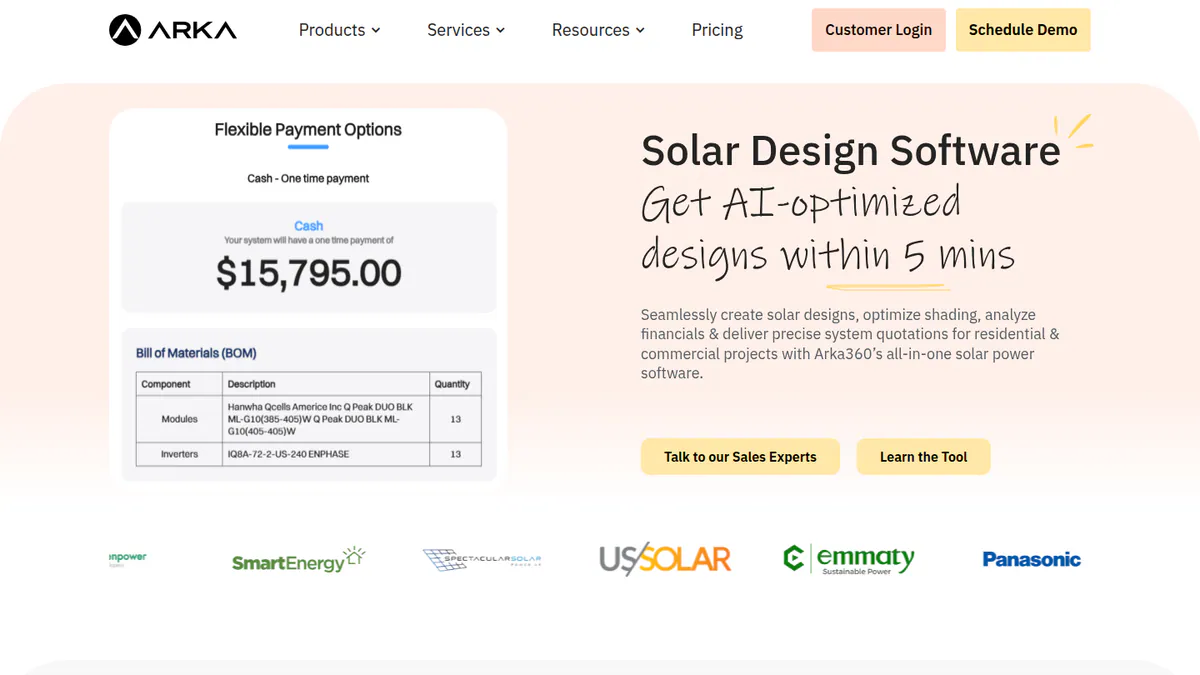
4. Arka 360: best for unlimited projects on a flat plan
Best for: Home and C&I (commercial and industrial) installers in the US and India who design lots of projects a month. Score: 71.3/100.
vs Solargraf: Arka 360 costs USD 1,699 a year for unlimited projects, against USD 2,799 for 240, but it has permit checks, not plan sets.
What it is: Arka 360 used to be called The Solar Labs. It is a cloud tool for design, proposals and light CRM. It has offices in Bengaluru and Allen, Texas. Most of its home and commercial installer clients are in India, and it has a US offer.
Why we picked it: It has the most G2 reviews of any ranked tool (137, averaging 4.3/5) and a published US price with unlimited projects. It also handles stringing (how panels wire into inverters) and optimiser design.
Key features:
- 3D roof and ground-mount design with shading.
- Stringing, with micro-inverter and optimiser design.
- AI design and permit checks.
- Proposals and output reports, plus a lead CRM add-on.
Pricing: On the international list, Basic is USD 159 per month or USD 1,699 per year, with unlimited home and commercial projects. Premium is USD 199 per month or USD 1,999 per year. It adds SLD export, optimiser design and an API. Enterprise is USD 999 per month or USD 9,999 per year. Indian prices appear in two sets that clash, so we do not quote them. Checked October 2026 on Arka 360 pricing.
Pros (from user reviews):
- Shadow analysis and project estimates help you size jobs (G2).
- 3D views help reps close deals with buyers (G2).
- Support staff care about solving problems (G2).
Cons (from user reviews):
- Some features are missing, and the choice of structure is confusing (G2).
- It lags on projects of 3 MWp (megawatts peak) and above, and has limits for many users (G2).
- Views on ease differ. Many reviewers call it easy, with lots of useful tools (14 mentions), but others find the learning curve steep.
Reviews: G2 4.3/5 from 137 reviews (checked October 2026).
Read our full Arka 360 review or our Arka 360 alternatives.
Want to see Arka 360 working? Book a demo with the SolarSoftwares team.
Book a demoYour request goes by email to the SolarSoftwares team. A time is set only after we reply. It does not change any score or ranking.
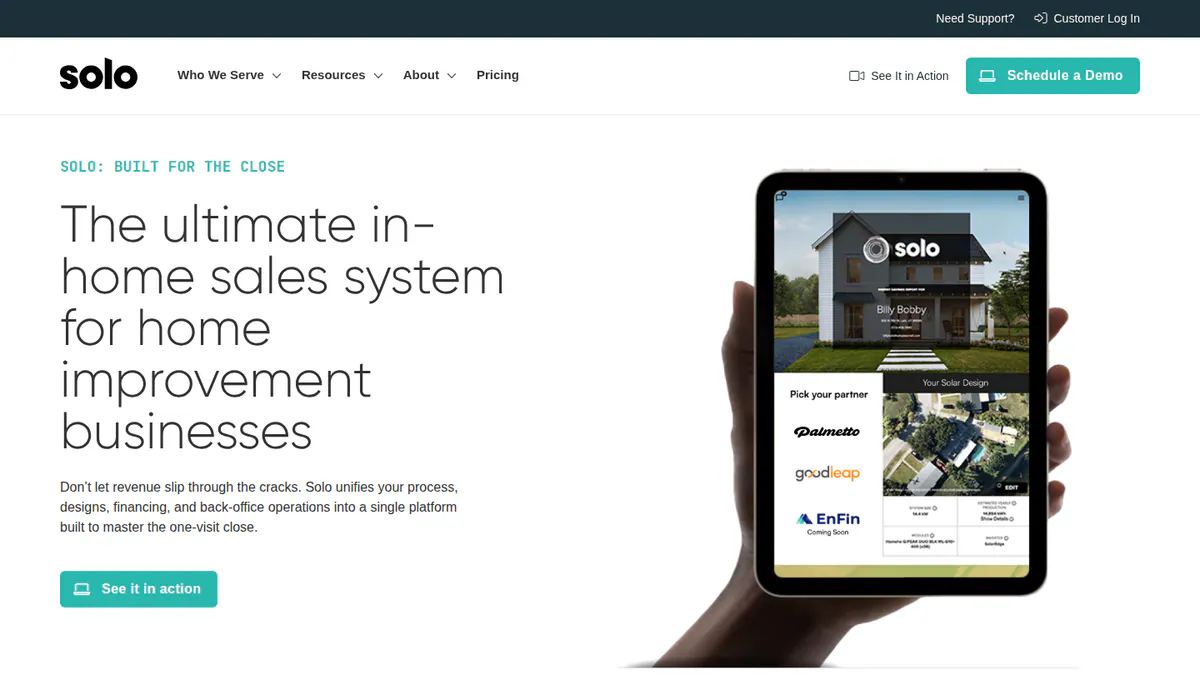
5. Solo: best for AI design-to-proposal in US sales teams
Best for: US home sales firms that want fast AI designs and a finance marketplace, with no cap on users. Score: 63.5/100.
vs Solargraf: Solo has fast AI layouts and rule checks, but it is quote only and we found no plan sets.
What it is: Solo is a design, proposal and finance tool from Lehi, Utah. It is built for US home solar sales teams. It now also covers roofing, HVAC and generators.
Why we picked it: It matches Solargraf’s sales side closely, with AI layouts, proposals and a finance marketplace. It has 12 G2 reviews at 4.6/5 and ships dated updates each month.
Key features:
- AI auto-design that finds roof edges, things in the way and setbacks. It lays out a roof in under five minutes.
- Shading and output modelling.
- Proposals with pricing, adders and a finance marketplace.
- Links to Salesforce, HubSpot, Zoho, SalesRabbit, Enerflo and others.
Pricing: Quote only, based on usage, support level and scale. No cap on users and concierge onboarding are both included. Checked October 2026 on Solo pricing.
Pros (from reviews and our research):
- New reps are easy to train, and proposals are simple to build (one Capterra review, December 2025).
- You get steady updates, with dated release notes each month, most lately April 2026.
- Adding reps costs nothing extra, since there is no cap on users and onboarding is included.
Cons (from reviews and our research):
- Reps can change too many settings, which makes quality control hard (one Capterra review, December 2025).
- Quote only, so you cannot budget before a demo.
- We found no plan sets, so permits need another tool.
Reviews: G2 4.6/5 from 12 reviews (G2, checked October 2026).
Read our full Solo review or our Solo alternatives.
Want to see Solo working? Book a demo with the SolarSoftwares team.
Book a demoYour request goes by email to the SolarSoftwares team. A time is set only after we reply. It does not change any score or ranking.
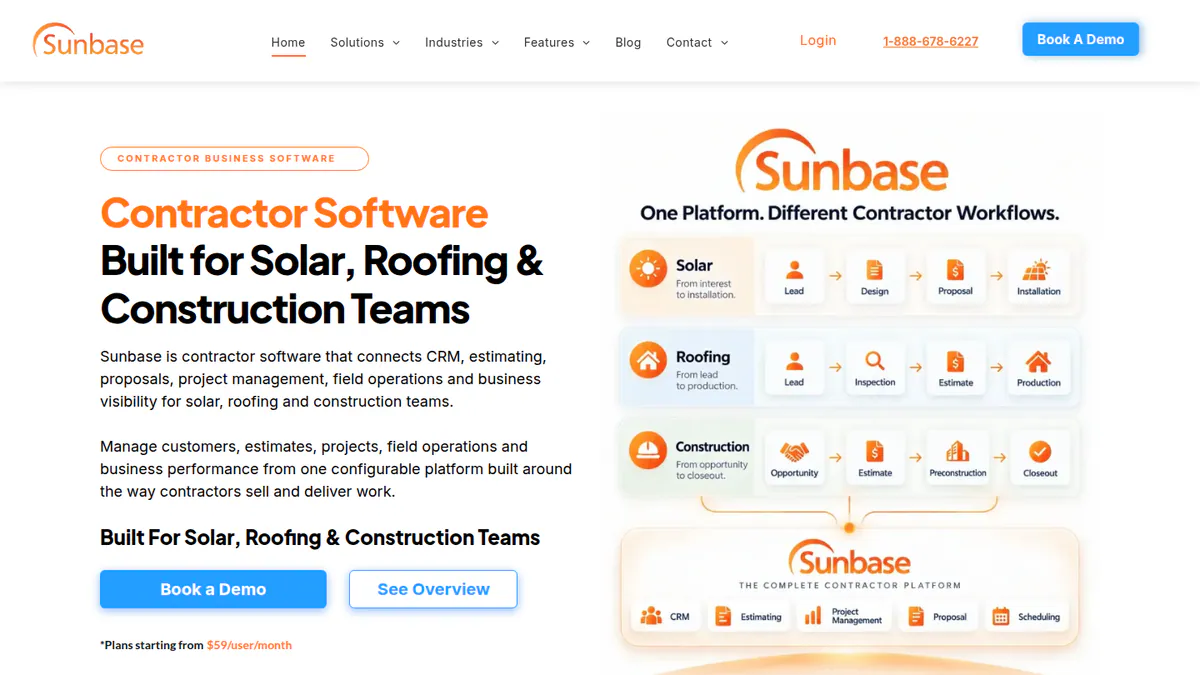
6. Sunbase (Design module): best for design inside a solar CRM
Best for: US home installers who want layout, CRM, proposals and job tracking from one company. Score: 55.0/100.
vs Solargraf: Sunbase has a fuller CRM and job tracking, but a lighter design tool.
What it is: Sunbase (Design module) is the layout, shading and output-estimate part of Sunbase Data’s CRM suite. It is aimed at home sales teams, not engineering design. It is not sold on its own. Its design page names no 3D modelling, AI design or SLDs.
Why we picked it: It puts design inside a full CRM with job tracking and stock control, which suits teams that use Solargraf’s CRM side. Its starting price is published.
Key features:
- Remote roof measuring and panel layout on images.
- Shading checks and sun access for each roof face.
- Output estimates that flow into proposals and e-sign contracts.
- CRM, job tracking and stock control in the same bundle.
Pricing: "Plans start from USD 59 per user per month." After that, you get a custom quote based on users, modules and onboarding. The design page says there are no long-term contracts. Checked October 2026 on Sunbase pricing.
Pros (from reviews and our research):
- Auto tasks save your team time on each job (one Capterra review of the whole suite).
- You can budget before a demo, since plans start from USD 59 per user per month.
- No long-term contract, unlike Solargraf’s yearly billing.
Cons (from reviews and our research):
- Set-up is hard for admins without tech skills (Capterra review).
- The design page names no 3D modelling, AI design or SLDs.
- It is not sold on its own, so you buy the CRM suite to get it.
Reviews: Capterra 4.0/5 from 1 review of the whole suite (Capterra, checked October 2026).
What we could not confirm: what its "permit-related documentation" includes, and whether a free trial is still on offer.
Read our full Sunbase review or our Sunbase alternatives.
Want to see Sunbase (Design module) working? Book a demo with the SolarSoftwares team.
Book a demoYour request goes by email to the SolarSoftwares team. A time is set only after we reply. It does not change any score or ranking.
7. Enact (Design & Proposals): best for proposals plus engineering and monitoring
Best for: Installers who want design, proposals, PVCAD engineering and fleet monitoring from one company. Score: 53.3/100.
vs Solargraf: Trade press says Enact adds PVCAD permit documents and fleet monitoring, which Solargraf lacks.
What it is: Enact (Design & Proposals) is a cloud tool from Enact Systems. It covers solar and storage design, proposals and monitoring for home and commercial installers. Enact bought PVComplete (PVCAD) in January 2026. Note: we could not open Enact’s website, so its features and prices are unconfirmed and come from trade press.
Why we picked it: On paper, it is the only ranked tool besides Aurora Enterprise that reaches permit documents, through PVCAD. It made the list on fit, but its facts come from trade press.
Key features:
- 3D and 2D roof design with shading and output modelling.
- Proposals with cash, loan, lease and PPA (power purchase agreement) options.
- Battery sizing and TOU (time-of-use) modelling.
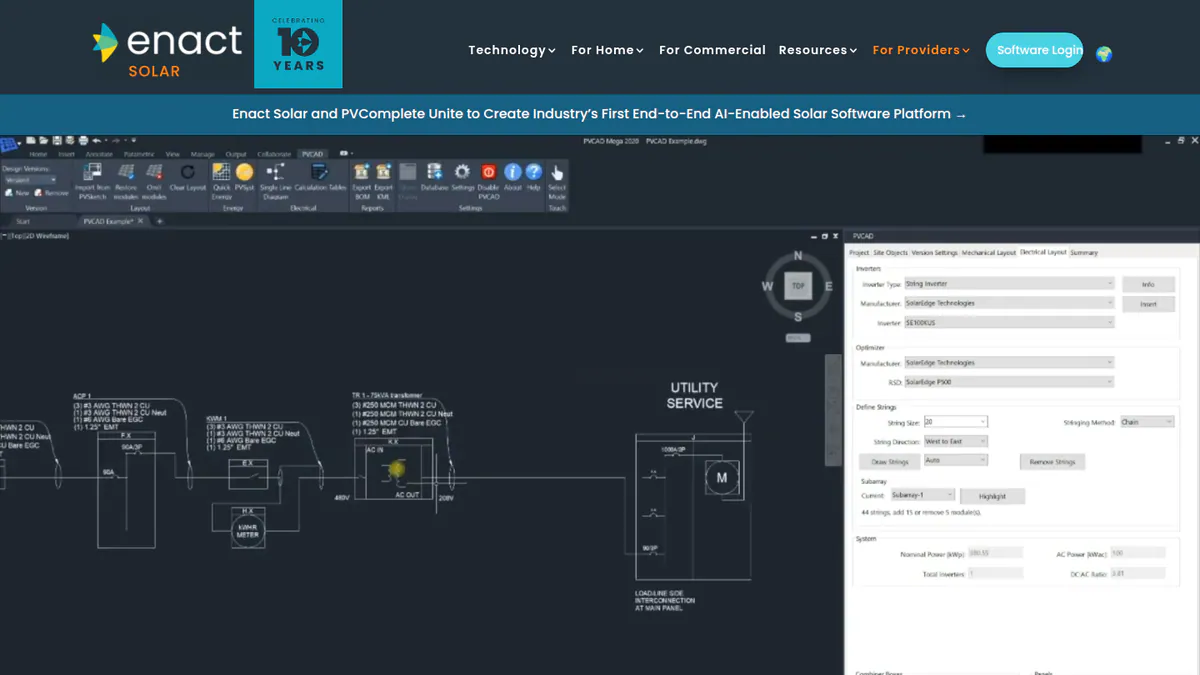
- Single-line drawings, BOM and permit-ready build documents via PVCAD.
- Fleet monitoring and the Enact Home app.
Pricing: Not confirmed. We could not reach the Enact pricing page in October 2026.
Pros (from our research, based on trade press):
- Trade press describes one company from proposal to engineering and monitoring.
- PVCAD Mega reaches utility-scale engineering, so firms that grow past rooftops can stay put.
- Enact bought PVComplete in January 2026, so PVCAD engineering is now part of the product.
Cons (from our research):
- No user reviews on G2 or Capterra, so there is nothing to judge it by.
- You cannot see a price before a demo: we could not reach the pricing page.
- The combined tool is new, since PVCAD only joined in January 2026.
Reviews: No user reviews found on G2 or Capterra as of October 2026.
What we could not confirm: any feature, price or free trial on Enact’s own site.
Read our full Enact review or our Enact alternatives.
Want to see Enact (Design & Proposals) working? Book a demo with the SolarSoftwares team.
Book a demoYour request goes by email to the SolarSoftwares team. A time is set only after we reply. It does not change any score or ranking.
SurgePV (unscored): for readers comparing roof modelling, array layout and proposals in one browser project. Compare required imports, design depth and local outputs on your own project. The numbered scores above do not include it.
Sources checked 27 October 2026: SurgePV product information · SolarSoftwares SurgePV review
Book a demo of SurgePV with the SolarSoftwares team.
Book a demoYour request goes by email to the SolarSoftwares team. A time is set only after we reply. It does not change any score or ranking.
How do the 7 Solargraf alternatives compare?
This table compares permits, pricing and reach.
Product | Permit output | SLD | Pricing basis | Free plan / trial | Markets |
|---|---|---|---|---|---|
Plan sets to NEC 2026. AHJ database | Yes, plus three-line | Annual bundle from USD 2,799 | Not stated | US, CA, BR, DE, AT | |
Not documented | Editable SLD | Per project from GBP 4 | 5 free credits | AU, UK, IE, US | |
Enterprise only | Could not confirm | Per user from USD 159/month | None stated | US focus | |
SolarAPP+ integration | Not documented | Free core | Free | 160+ countries | |
Permitting checks | Export (Premium) | From USD 159/month (international list) | Demo only | US, India | |
AHJ validation checks | Not documented | Quote. Unlimited users | Demo only | US | |
Permit documents (not described) | Not documented | From USD 59/user/month | Not confirmed | US | |
Via PVCAD (trade press) | Via PVCAD | Not confirmed | Unknown | US and others |
Also considered
- SolarEdge Designer (scored 51.5/100, ranked 8th, so outside our top 7): A free web tool for design, simulation and proposals. It is built around SolarEdge inverters and optimisers. It is free per SolarEdge’s own 2018 press release. We could not confirm current terms (checked October 2026). It ties you to one hardware brand, and we found no user reviews, finance or permit output. See our SolarEdge Designer alternatives.
- EasySolar (scored 45.5/100, ranked 9th, so outside our top 7): A design-and-offer app from Poznań, Poland, for small sales teams. It may be dormant. The newest dated coverage we found is from February 2020, and we found no company price or user reviews.
- Scanifly (below our match bar): Drone and remote site modelling with a field app. Permit plan sets come as an outsourced service in about 48 hours. It is quote only and not a proposal tool. So it works with Solargraf rather than replacing it (Scanifly, checked October 2026).
How do you choose a Solargraf alternative?
- If you want to leave because of the yearly bundle, pick Pylon (per project) or OpenSolar (free core).
- If you are a US team that wants depth and reviews, pick Aurora Solar. Budget for Enterprise if you need plan sets.
- If you design more than 240 projects a year on a tight budget, look at Arka 360’s US plan with unlimited projects.
- If your sales firm lives in a CRM and wants fast AI designs, pick Solo.
- If permits are why you chose Solargraf, keep it. Or pair a new tool with one from our solar permitting software list.
- If you install only SolarEdge kit, look at SolarEdge Designer (also considered). It was free at launch, but we could not confirm its current terms.
For wider shortlists, see our solar design and proposal software, residential solar design software and free solar proposal software rankings. You can also browse the proposals and sales hub.
Want more choices? Browse every tool we checked in our proposals and sales category.
Solargraf alternatives FAQs
What is the best alternative to Solargraf?
Pylon is the best Solargraf alternative in our October 2026 ranking, at 85.9/100. It wins on per-project pricing, no cap on users and strong Capterra reviews (4.6/5 from 25). Aurora Solar (81.4) suits US teams that want detailed 3D design and can pay per user.
Is there a cheaper alternative to Solargraf?
Yes. Solargraf starts at USD 2,799 a year for 240 projects (checked October 2026). OpenSolar’s core tool is free. Pylon charges GBP 4 per Standard project on its UK page. Arka 360’s international-list Basic plan is USD 1,699 a year with unlimited projects.
Does a Solargraf alternative work with non-Enphase hardware?
None of the seven ranked tools is owned by a hardware maker. SolarEdge Designer, under Also considered, is built around one maker’s kit. We could not find out from Solargraf’s own pages if it limits non-Enphase kit. So test your usual modules and inverters in a demo.
Is there a free trial of Solargraf alternatives?
Some have one. Pylon gives five free project credits with no card, and OpenSolar is free to use. Aurora, Arka 360 and Solo offered demos, not stated trials, in October 2026. Solargraf’s own price page does not mention a trial.
Can customers sign the proposal on their phone?
Several tools send web proposals with e-sign. OpenSolar (with payment collection), Pylon and Sunbase all show it as of October 2026. We did not check how signing works on a phone for any tool. So send yourself a test proposal during a trial.
Sources
Checked 22 to 25 October 2026.
- Solargraf: pricing, Q2 2026 highlights, Enphase release, Capterra
- Pylon: pricing, July 2026 update, Capterra, G2
- Aurora Solar: pricing, G2, Capterra
- OpenSolar: pricing update, features, news, G2
- Arka 360: pricing, G2
- Solo: pricing, Solo Studio, integrations, April 2026 release notes, G2
- Sunbase: pricing, design module, Capterra
- Enact: Solar Power World (January 2026)
- SolarEdge Designer: 2018 press release
- EasySolar: Apptopia app listing
- Scanifly: homepage
Last updated 28 October 2026. Next scheduled review: 23 January 2027.