Solar design software helps you plan solar panels on a roof or a field. It shows where shade falls and estimates how much power the panels will make. Aurora Solar ranks first on this list, at 82.7/100, for US residential design-to-proposal teams.
This list covers every segment, from homes to commercial and industrial (C&I) sites and utility-scale solar farms. We scored 15 tools from 22 to 24 October 2026 and ranked the top 7.
If you only design rooftops, read our residential solar design software ranking, which also weighs proposals. If cost at low volume decides it, see our guide to residential solar design software.
Quick picks
Rank | Product | Best for | Starting price (company page, checked October 2026) | Pricing model | Free plan / trial | Score /100 |
|---|---|---|---|---|---|---|
1 | US residential design-to-proposal teams | ✓ USD 159/user/month (USD 135 annual) | Per seat | None stated | 82.7 | |
2 | Desktop simulation with storage, heat pump and EV loads | ✓ EUR 845/user/year + VAT | Per seat | 30-day trial | 77.7 | |
3 | Per-job design in the UK, Ireland and Australia | ✓ GBP 4 per project (UK page) | Per project | 5 free project credits | 77.5 | |
4 | Bankable yield reports for C&I and utility | ✓ CHF 700/seat/year | Per seat | 30-day evaluation | 74.3 | |
5 | Utility-scale layout and electrical engineering | Quote only | Tiered, quote | Demo only | 73.3 | |
6 | C&I rooftop and carport up to 30 MW DC | ✓ USD 159/month | Per licence | Free trial (length not stated) | 73.1 | |
7 | Mixed residential and C&I in India and the US | ✓ USD 159/month (international list) | Flat plan | Demo only | 71.3 |
✓ Verified on the company’s own pricing page. ◐ Published by the company outside its pricing page (help centre, store or press release). ? We could not read the company’s pricing page, so the figure is not confirmed. Prices checked October 2026.
Quote only means the company shows no public price. You ask it for a quote.
How the 7 tools scored
- Use-case fit 35%
- User reviews 20%
- Pricing 15%
- Ease of use 10%
- Support 10%
- Momentum 10%
Tool | Score chart | Score |
|---|---|---|
82.7 out of 100 | 82.7 | |
77.7 out of 100 | 77.7 | |
77.5 out of 100 | 77.5 | |
74.3 out of 100 | 74.3 | |
73.3 out of 100 | 73.3 | |
73.1 out of 100 | 73.1 | |
71.3 out of 100 | 71.3 |
Each bar shows the weighted score out of 100.
Sub-scores at a glance (0-10)
Product | Use-case fit | User reviews | Pricing | Ease of use | Support | Momentum | Total /100 |
|---|---|---|---|---|---|---|---|
9.3 | 7.9 | 8.0 | 7.5 | 7.5 | 7.5 | 82.7 | |
9.3 | 5.4 | 8.0 | 7.5 | 7.5 | 7.5 | 77.7 | |
7.0 | 6.7 | 8.0 | 7.5 | 10.0 | 10.0 | 77.5 | |
7.8 | 6.3 | 8.0 | 5.0 | 7.5 | 10.0 | 74.3 | |
8.2 | 6.9 | 4.0 | 7.5 | 7.5 | 10.0 | 73.3 | |
8.9 | 6.2 | 8.0 | 7.5 | 5.0 | 5.0 | 73.1 | |
7.8 | 6.3 | 6.0 | 7.5 | 10.0 | 5.0 | 71.3 |
A 5.0 on reviews, ease, support or momentum is our neutral score. We use it when public evidence is thin. It is not a judgement.
Which segment are you designing for?
"Solar design software" covers four different jobs. A high total does not make a residential tool a utility tool, so your segment matters more than the rank.
- Residential and light commercial sales design: Aurora Solar, Pylon and Arka 360. OpenSolar, Solargraf, Scanifly, Easy PV, SolarEdge Designer and Enact are also considered below. We compare them in depth on our residential page.
- Detailed simulation: PV*SOL premium and PVsyst. See solar simulation software.
- Commercial and industrial: HelioScope and the C&I tiers of Pylon and Arka 360. See commercial solar design software.
- Utility scale: RatedPower. PVcase Ground Mount and Virto.CAD are also considered below. See utility-scale solar design software.
Aurora Solar is built for residential and light commercial work. It does not replace PVsyst for lender-accepted yield reports, or RatedPower for utility layout. Aurora itself sends large C&I and utility projects to HelioScope.
How did we rank the best solar design software?
How the score is weighted
- Use-case fit 35%
- User reviews 20%
- Pricing 15%
- Ease of use 10%
- Support 10%
- Momentum 10%
We scored 15 products from 22 to 24 October 2026 and ranked the top 7. We used company documents, pricing pages and public user reviews. This was desk research. We did not run projects in any tool.
Each total comes from six sub-scores, each out of 10:
- Use-case fit (35%): How well the tool does this page’s job. We checked documented 2D layout (weighted highest), 3D modelling, shading, stringing (how panels wire into inverters) and yield simulation (a forecast of how much power the system will make).
- User reviews (20%): G2 and Capterra ratings. Ratings based on only a few reviews count for less, and fewer than 8 reviews scores a middle 5.0.
- Pricing (15%): Free and published prices score highest. Hardware-tied free tools score lower, and quote-only prices score lowest.
- Ease of use, support and momentum (10% each): Review sub-scores and dated release notes. Each gets a middle score when we found no evidence.
Scores are specific to each page. We weigh the job this page covers, so the same tool can score differently on another page. Products below our minimum match score (4 out of 10) go to "Also considered". So do products ranked 8th or lower, because we rank at most 7. Momentum loses 2 points when we could not check core facts on the company’s own site. Third-party ratings are context only. We never use them in rating markup (the code that shows star ratings in search results).
SurgePV is not part of this ranking. Read the full method: how we score software.
1. Aurora Solar: best for US residential design-to-proposal teams
Best for: US installers who design and sell from one cloud tool. Score: 82.7/100.
What it is: Aurora Solar is a cloud platform for 3D design, shading, simulation and proposals. Aurora Solar Inc. makes it for US residential and light commercial installers.
Why we picked it: It had the highest fit score here for design work, and 121 G2 reviews back it up. Its prices are published, so you can budget before a demo.
Key features:
- 3D modelling with LIDAR (laser height data) and bankable (lender-accepted) shade reports (Premium).
- Battery modelling for backup, self-consumption (using the solar power you make on site) and arbitrage (storing cheap power to use or sell when prices are high).
- Proposals with financing.
- Plan sets (permit drawing packages) and engineering stamps (Enterprise).
Pricing: Basic costs USD 159 per user per month, or USD 135 a month billed annually. It includes 50 projects a month. Premium is USD 259 (USD 220 annually). Enterprise is custom and priced per project. Checked October 2026 on the Aurora pricing page.
Pros (from user reviews):
- Shade reports you can trust, with LIDAR that shows roof obstructions (Capterra).
- Accurate designs and strong customer service (G2).
- Videos and a knowledge base help new designers learn fast.
Cons (from user reviews):
- It uses a lot of memory and runs slowly on weaker computers (2019 reviews).
- Proposal and financial tools feel thin for the price.
- It connects to few other software tools.
Reviews: G2 4.7/5 (121 reviews) and Capterra 4.1/5 (7 reviews), checked October 2026.
What we could not confirm: how deep its stringing and SLD (single-line diagram) tools go, and whether it has a free trial.
Read our full Aurora Solar review or our Aurora Solar alternatives.

Want to see Aurora Solar working? Book a demo with the SolarSoftwares team.
Book a demoYour request goes by email to the SolarSoftwares team. A time is set only after we reply. It does not change any score or ranking.
2. PV*SOL premium: best for desktop simulation with storage, heat pump and EV loads
Best for: European planners modelling self-consumption in homes and C&I buildings. Score: 77.7/100.
What it is: PV*SOL premium is a Windows tool for 3D design, shading and yield simulation. It comes from Valentin Software in Germany. European installers and planners use it widely. The 2026 version shipped on 24 November 2025.
Why we picked it: It matched Aurora on design fit, with 3D shading, yield simulation and storage modelling in one tool. Its yearly and 3-month prices are published.
Key features:
- 3D design with detailed shading analysis.
- Yield simulation using Meteonorm 9 climate data as input.
- AC- and DC-coupled storage, heat pumps and EV tariffs.
- Customer presentation export (PDF or DOCX) and JSON export.
Pricing: EUR 845 per named user per year, or EUR 285 for 3 months, plus VAT. The 2D version, PV*SOL, costs EUR 585 per year. A 30-day trial is available. Checked October 2026 in the Valentin Software shop.
Pros (from our research):
- You can buy a 3-month licence for a busy season instead of a full year.
- You model storage, heat pumps and EV charging in one run, so self-consumption figures cover the whole building.
- A new major version ships every year, so you are not stuck on old software.
Cons (from our research):
- It is Windows desktop software, so there is no browser or tablet access.
- You get a PDF or DOCX presentation, not a web proposal customers can sign.
- Each licence covers one named user, priced in EUR plus VAT.
Reviews: G2 4.2/5 (12 reviews), checked October 2026. There is too little review text to summarise.
What we could not confirm: how deep its stringing and SLD (single-line diagram) tools go, and what the trial blocks.
Read our full PV*SOL premium review or our PV*SOL premium alternatives.
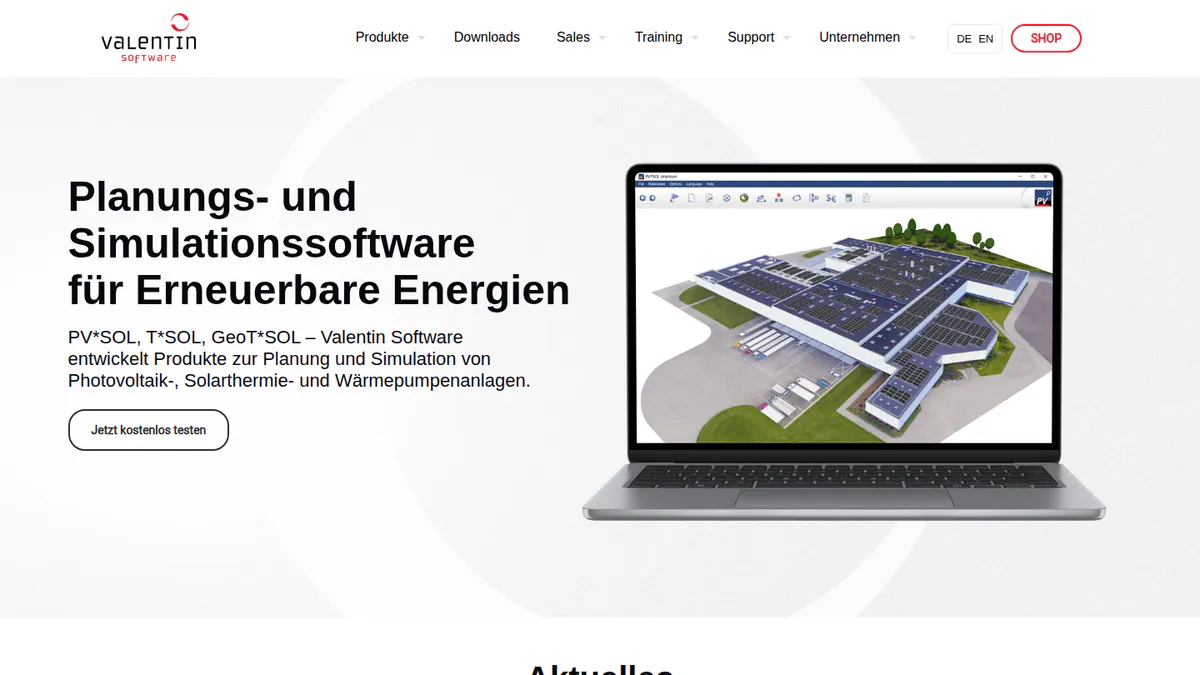
Want to see PV*SOL premium working? Book a demo with the SolarSoftwares team.
Book a demoYour request goes by email to the SolarSoftwares team. A time is set only after we reply. It does not change any score or ranking.
3. Pylon: best for per-job design in the UK, Ireland and Australia
Best for: Small and mid-sized installers who want to pay per project. Score: 77.5/100.
What it is: Pylon is a design and proposal tool with an optional CRM (software that tracks customers and sales). The Sydney company sells it to installers in Australia, the UK, Ireland and the US.
Why we picked it: Its per-project prices are published. Pylon also ships product updates every month, such as editable SLDs in July 2026.
Key features:
- Solar and battery design on aerial imagery.
- Editable single-line diagrams (July 2026).
- MCS (UK installer certification) reports in the UK and STC/PDRS (Australian incentive schemes) in Australia.
- API with webhooks.
Pricing: Standard is GBP 4 per project, for systems up to 30 kW DC. Pro is GBP 10 per project and adds commercial sizes, which Pylon lists as 99 kW and up. The UK page does not say which plan covers 30 to 99 kW, so ask Pylon. Enterprise is quote only, and the CRM starts at GBP 49 per user per month. New accounts get 5 free project credits. Checked October 2026 on the Pylon UK pricing page. We could not confirm USD or AUD prices.
Pros (from user reviews):
- Paying per job keeps design costs low for small teams (Capterra).
- Most beginners find the layout and manual friendly.
- Designs turn into detailed customer proposals (G2).
Cons (from user reviews):
- Aerial imagery is sharper and newer in some places than others.
- Entering energy usage for the model is awkward.
- Some users say the more advanced design tools take time to learn.
Reviews: Capterra 4.6/5 (25 reviews) and G2 4.3/5 (2 reviews), checked October 2026. Most Capterra reviews date from 2021 to 2023.
Read our full Pylon review or our Pylon alternatives.

Want to see Pylon working? Book a demo with the SolarSoftwares team.
Book a demoYour request goes by email to the SolarSoftwares team. A time is set only after we reply. It does not change any score or ranking.
4. PVsyst: best for bankable yield reports on C&I and utility projects
Best for: Engineers, EPCs (engineering and construction firms) and consultants producing P50/P90 (yield confidence level) assessments. Score: 74.3/100.
What it is: PVsyst is Windows simulation software from PVsyst SA in Switzerland. Engineers, EPCs and consultants use it for yield studies. RatedPower’s own comparison page calls it the bankable standard, which means lenders accept its reports.
Why we picked it: It covers detailed yield work that no rooftop sales tool on this list does. That includes P50/P90 reports and loss diagrams. It is still maintained, with a patch in August 2026.
Key features:
- Loss diagram and P50/P90 yield reports.
- 3D near-shading with electrical mismatch losses.
- Bifacial modules (panels that collect light on both sides) and trackers with backtracking (tilting back to avoid row-to-row shade).
- Weather inputs from Meteonorm 9, PVGIS, NSRDB and Solcast.
Pricing: PVsyst 8 Professional costs CHF 700 per seat per year, with 5-20% off for multiple seats. The Student licence is CHF 25 per year. A fresh install runs a 30-day evaluation. Checked October 2026 in the PVsyst shop.
Pros (from user reviews, G2 reviewer themes):
- Detailed, accurate yield modelling.
- Thorough loss analysis.
- SketchUp route for 3D shading scenes.
Cons (from user reviews):
- Dated interface (G2 ease of use 6.7/10).
- Steep learning curve for new engineers.
- 3D scene management takes time.
Reviews: G2 4.5/5 (22 reviews), checked October 2026.
Read our full PVsyst review or our PVsyst alternatives.
Want to see PVsyst working? Book a demo with the SolarSoftwares team.
Book a demoYour request goes by email to the SolarSoftwares team. A time is set only after we reply. It does not change any score or ranking.
5. RatedPower: best for utility-scale layout and electrical engineering
Best for: Developers and EPCs designing PV, BESS and hybrid plants. Score: 73.3/100.
What it is: RatedPower is a cloud platform for utility-scale PV, BESS (battery storage) and hybrid plants. It comes from RatedPower, an Enverus company. Developers, EPCs and IPPs (independent power producers) use it for siting, layout and yield.
Why we picked it: It is the only layout tool in our top 7 built for utility plants, from site layout to substation documents. Its 305 G2 reviews are the largest review base on this page.
Key features:
- Rule-based layout with setbacks, roads and cut-and-fill (earthworks to level the ground).
- Yield model reconciled with PVsyst, plus a 3D ray-traced mode.
- MV/LV (medium and low voltage) electrical design and CAPEX/LCOE (build and energy cost) studies.
- SLDs and substation engineering among 400+ editable documents.
- DWG (AutoCAD drawing file) round-trip with AutoCAD.
Pricing: Quote only, with Basic, Advanced and Enterprise tiers. Checked October 2026 on the RatedPower pricing page.
Pros (from user reviews, G2 review themes):
- Ease of use (22 mentions).
- Time saved on feasibility layouts (18 mentions).
- Intuitive layout and support (11 mentions each).
Cons (from user reviews):
- Layout and constraint handling (14 mentions).
- Missing BESS-PCS (battery and power conversion system) combinations (8 mentions on missing features).
- Limited customisation and drawing flexibility (6 and 3 mentions).
Reviews: G2 4.4/5 (305 reviews), checked October 2026.
Read our full RatedPower review or our RatedPower alternatives.
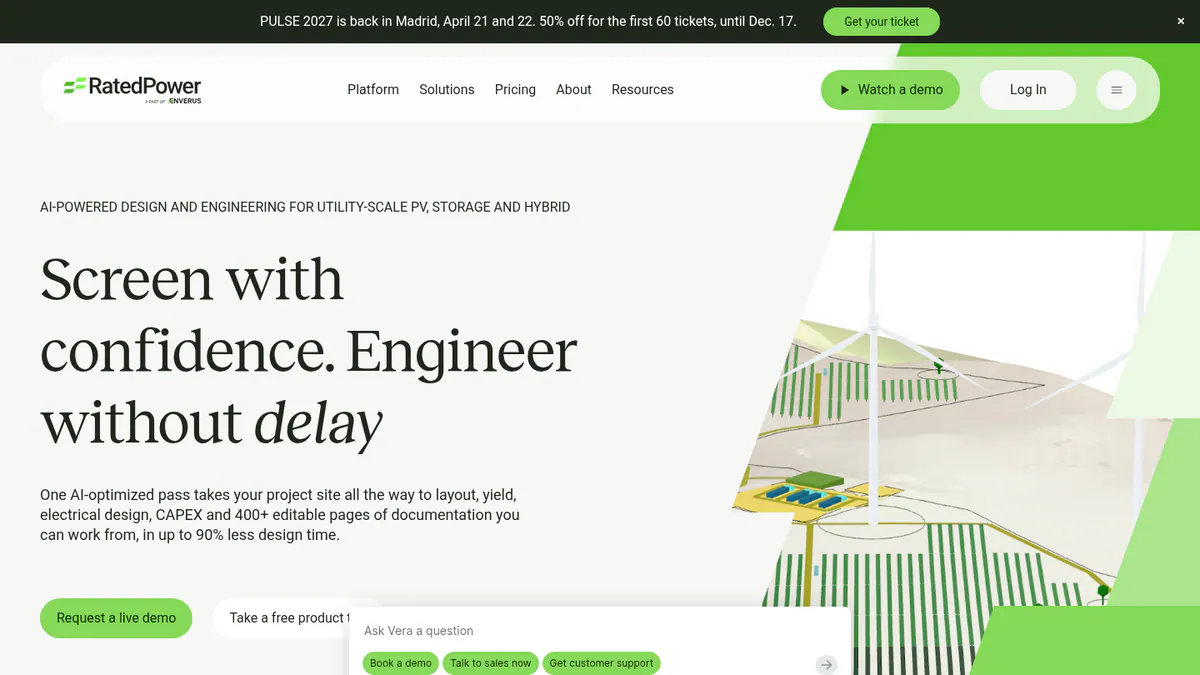
Want to see RatedPower working? Book a demo with the SolarSoftwares team.
Book a demoYour request goes by email to the SolarSoftwares team. A time is set only after we reply. It does not change any score or ranking.
6. HelioScope: best for C&I rooftop and carport projects up to 30 MW DC
Best for: Commercial EPCs sizing rooftop, carport and small ground arrays. Score: 73.1/100.
What it is: HelioScope is a web tool for commercial PV design and performance simulation. Aurora Solar sells it as a separate product, with its own login. It is aimed at C&I installers and EPCs working on projects up to 30 MW DC.
Why we picked it: It scored high on fit for commercial layout, shading and yield work. Its tiers have published prices, which many C&I tools do not offer.
Key features:
- Rooftop, carport and ground-mount layout.
- Shading and wiring-loss modelling.
- P90/P95/P99 values (yields you can expect to beat 90, 95 or 99% of the time) and proposals (Pro).
- Single-axis trackers and PVsyst export (Enterprise).
Pricing: Basic is USD 159 per month (USD 1,620 per year if billed yearly). It covers up to 1.25 MW DC and 10 projects a month. Pro is USD 259 per month, up to 5 MW DC. Enterprise is custom, up to 30 MW DC. There is a free trial, but its length is not stated. Checked October 2026 on the HelioScope pricing page.
Pros (from user reviews, G2):
- Simple interface that is quick to learn.
- Fast layouts with shading and wiring-loss figures.
- Quick reports and SLDs.
Cons (from reviews and our research):
- Reviewers find the subscription expensive, and the tiers do not suit occasional users.
- Plans cap projects, which reviewers feel on large systems.
- Proposals, LIDAR and P90/P95/P99 values need Pro, at USD 259 a month.
Reviews: G2 4.5/5 (19 reviews), checked October 2026.
Read our full HelioScope review or our HelioScope alternatives.
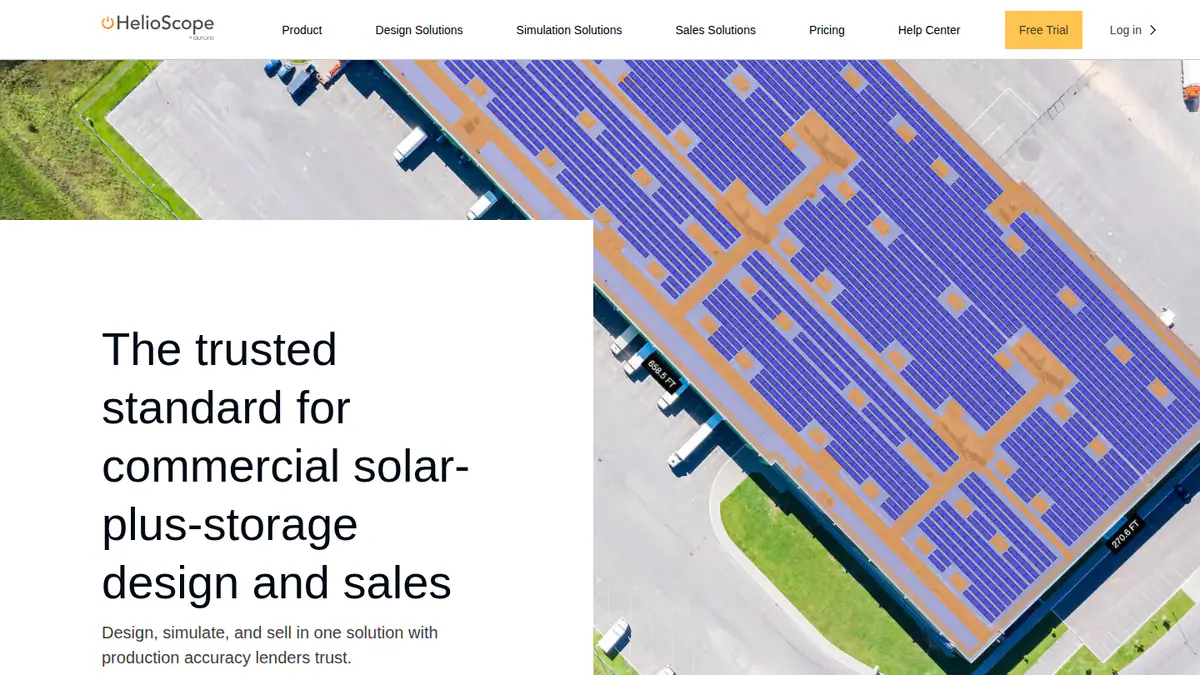
Want to see HelioScope working? Book a demo with the SolarSoftwares team.
Book a demoYour request goes by email to the SolarSoftwares team. A time is set only after we reply. It does not change any score or ranking.
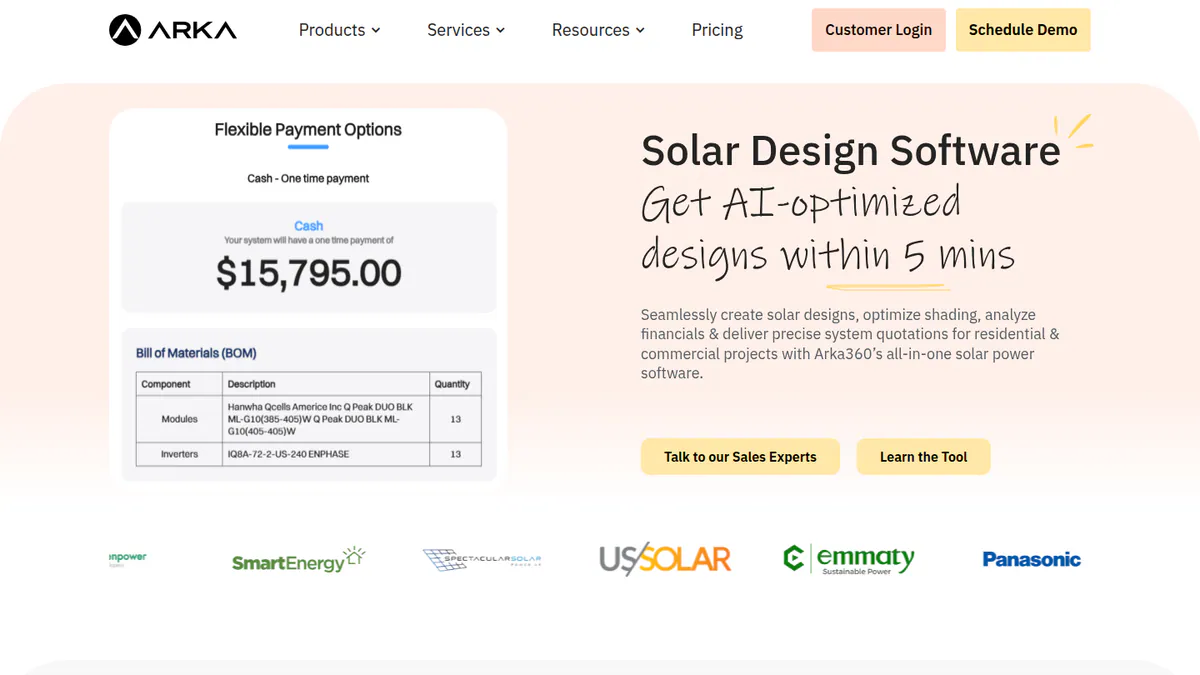
7. Arka 360: best for mixed residential and C&I work in India and the US
Best for: Installers who want unlimited projects on a flat plan. Score: 71.3/100.
What it is: Arka 360, formerly The Solar Labs, is a cloud platform for design, proposals and light CRM. Residential and commercial installers in India and the US use it. Its offices are in Bengaluru and Allen, Texas.
Why we picked it: Every US plan covers unlimited projects at a published price, for both home and commercial roofs. It also serves installers in India, which few tools on this list do.
Key features:
- 3D rooftop and ground-mount design with shading.
- Micro-inverter and optimiser stringing.
- SLD export, SketchUp and PVsyst 3D export, and API (Premium).
- AI design generation and permitting checks.
Pricing: The international-list Basic is USD 159 per month (USD 1,699 per year), with unlimited projects. Premium is USD 199 (USD 1,999 per year), and Enterprise is USD 999 (USD 9,999 per year). The Indian page shows two conflicting INR price sets, so we have not quoted them. Checked October 2026 on the Arka 360 pricing page.
Pros (from user reviews, G2):
- Easy to use (14 mentions).
- Shadow analysis and project estimates.
- 3D views help close deals.
Cons (from user reviews):
- It lags or hangs on projects of 3 MWp (megawatts peak) and above.
- Reviewers report limits when several users share an account.
- Choosing the mounting structure is confusing.
Reviews: G2 4.3/5 (137 reviews), checked October 2026. Support scores 9.2/10.
Read our full Arka 360 review or our Arka 360 alternatives.
Want to see Arka 360 working? Book a demo with the SolarSoftwares team.
Book a demoYour request goes by email to the SolarSoftwares team. A time is set only after we reply. It does not change any score or ranking.
SurgePV (unscored): for readers comparing roof modelling, panel layout, shading, electrical drawings and proposals. Verify the outputs and commercial fit on a representative project. The numbered scores above do not include it.
Sources checked 27 October 2026: SurgePV product information · SolarSoftwares SurgePV review
Book a demo of SurgePV with the SolarSoftwares team.
Book a demoYour request goes by email to the SolarSoftwares team. A time is set only after we reply. It does not change any score or ranking.
How do the 7 solar design tools compare?
Product | Segment | Platform | Proposals | Yield output |
|---|---|---|---|---|
Residential, light C&I | Cloud | Yes, with financing | Simulation. Bankable shade reports | |
Residential, C&I | Windows | Presentation export | Detailed simulation | |
Residential, C&I | Cloud | Yes, eSignature | Financial projections | |
C&I, utility | Windows | No | P50/P90 reports | |
Utility | Cloud | No | Simplified and 3D ray-traced | |
C&I | Cloud | Pro only | P90/P95/P99 (Pro) | |
Residential, C&I | Cloud | Yes | Generation reports |
Also considered
All 15 products cleared the minimum score. We rank only the top 7, so these 8 sit just below the list:
- OpenSolar (scored 69.3/100): The core platform is free. It missed the top 7 because its feature depth comes from marketing pages and it has only 3 G2 reviews.
- PVcase Ground Mount (scored 68.6/100): Strong for ground-mount layout in AutoCAD. It is quote only and serves utility work, not rooftops.
- Scanifly (scored 65.8/100): Good for drone site models. It has no published prices and focuses on the US only.
- Solargraf (scored 65.4/100): Builds US permit plan sets from the design. Weak user reviews (Capterra 3.2/5, 15 reviews) pull its total down.
- Virto.CAD (scored 63.2/100): A PV plug-in for AutoCAD or BricsCAD. We could not confirm its core facts on the company site, and it has no published price.
- Easy PV (scored 56.8/100): It has a free Basic plan for UK MCS work. Pro costs GBP 35 plus VAT per user a month. It is UK only and has no user reviews. Its last dated update was February 2023.
- SolarEdge Designer (scored 56.6/100): Free for SolarEdge systems, per a 2018 press release. It covers one brand’s equipment, and we could not confirm its facts on the company site.
- Enact (Design & Proposals) (scored 49.5/100): Design plus fleet monitoring. It has no price we could check and no user reviews. Its features come from trade press only.
We also left these off on purpose:
- Meteonorm and NSRDB: Weather data inputs that PVsyst and PV*SOL read, not design software.
- Plan-set drafting services: Services, not software.
- Free-only shortlists: See our free solar design software ranking.
How do you choose solar design software?
- Design and sell residential systems in the US? Pick Aurora Solar. If you draft permits in-house, also look at Solargraf (also considered).
- For per-job pricing in the UK, Ireland or Australia, Pylon fits.
- PVsyst is the choice when you need P50/P90 reports for project finance. For European self-consumption with heat pumps and EVs, use PV*SOL premium.
- Commercial rooftops and carports up to 30 MW DC suit HelioScope.
- Utility plant teams working in the cloud should look at RatedPower. CAD teams can check PVcase Ground Mount or Virto.CAD (both also considered).
- Want unlimited residential and C&I projects on one flat plan? Arka 360 fits, from USD 159 per month in the US.
Want more choices? Browse every tool we checked in our design and simulation category.
Solar design software FAQs
What is the best solar design software?
Aurora Solar is the best solar design software in our October 2026 ranking, at 82.7/100, for US residential design-to-proposal teams. PV*SOL premium, Pylon, PVsyst, RatedPower, HelioScope and Arka 360 follow. PVsyst suits lender-accepted yield reports, and RatedPower suits utility-scale engineering.
Is there free solar design software?
Yes, but none of the free tools made our top 7. As of October 2026, OpenSolar’s core platform and Easy PV’s Basic plan are free (both also considered). OpenSolar has charged for API access and accounting connectors since 16 April 2026. PV*SOL premium and PVsyst offer 30-day trials.
How much does solar design software cost?
Among our top 7, prices checked in October 2026 start at GBP 4 per project (Pylon Standard). Aurora Basic costs USD 159 per user per month. PVsyst costs CHF 700 per seat per year. RatedPower is quote only, so you ask the company for a price.
Why is Aurora Solar so expensive?
Aurora charges per user, at USD 159 a month on Basic or USD 259 on Premium (checked October 2026). Premium adds modelling with LIDAR (laser height data), lender-accepted (bankable) shade reports and battery modelling. One Capterra reviewer felt proposal features were limited for the cost.
Can solar design software create permit-ready documents?
Some can. Among our top 7, Aurora offers plan sets (permit drawing packages) only on Enterprise (October 2026). Solargraf (also considered) lists permit-ready SLDs (single-line diagrams), three-line diagrams and NEC 2026 plan sets on all plans. See our solar SLD software comparison.
Can one solar design platform handle both residential and commercial projects?
Yes, some can. Pylon Standard covers systems up to 30 kW DC, and Pro adds commercial sizes from 99 kW (GBP, UK page). Ask Pylon about sizes in between. Arka 360’s US plans include unlimited residential and commercial projects (October 2026).
Sources
All checked 22 to 24 October 2026.
- Aurora Solar: pricing, G2, Capterra
- PV*SOL premium: shop, 2026 release, G2
- Pylon: pricing, July 2026 update, Capterra, G2
- PVsyst: shop, product page, G2, patch history
- RatedPower: pricing, comparison page, G2
- HelioScope: pricing, G2
- Arka 360: pricing, G2
- OpenSolar: pricing notice, features, news
- PVcase Ground Mount: pricing, G2
- Scanifly: product site, G2
- Solargraf: pricing, Enphase release, Capterra
- Virto.CAD: Intersolar listing, G2, Capterra
- Easy PV: pricing, 2023 update
- SolarEdge Designer: 2018 press release, Solar Power World, 2020
- Enact: Solar Power World, January 2026
Last updated 28 October 2026. Next scheduled review: 23 January 2027.