Easy PV alternatives are design tools you can use instead of Easy PV, a free browser tool from the UK distributor Midsummer. Pylon ranks first at 76.2/100. Many MCS (UK certification scheme) installers use Easy PV for domestic roofs.
Easy PV does the MCS sums, draws a schematic and fills in DNO (UK grid connection) forms at no cost. So price is rarely why people leave.
Installers switch when they need something the free tool does not give them. Some move into commercial work. Some want an active product with user reviews they can check. Others want design, proposals and CRM in one place.
Why do installers look for Easy PV alternatives?
- Mainly domestic. Easy PV’s help centre says you can do C&I (commercial and industrial) designs, but the tool is mainly for homes. Firms that win bigger roofs often want a commercial tool.
- Slow visible updates. The last dated public update we found is the 3D design release in February 2023. Easy PV has no dated changelog on its site.
- No user reviews. We found no Easy PV listing on G2, Capterra or Trustpilot in October 2026. That makes it hard to judge from outside.
- Tied to one distributor. Easy PV links to a Midsummer trade account for live stock and trade prices. That helps if you buy from Midsummer, and helps less if you buy elsewhere.
- Team tools cost extra. CRM links, e-signing, team management and the automatic DNO application sit on Pro, at GBP 35 + VAT per user per month.
What you would give up: free MCS calculations and automated DNO forms. Of the tools below, only Pylon has MCS reports in its files. We found no alternative that fills in DNO forms for you, so plan for that before you switch.
Easy PV at a glance
Item | Easy PV (checked October 2026) |
|---|---|
What it is | Browser-based UK design, MCS calculation, DNO form and proposal tool from Midsummer |
Pricing | Basic free. Pro GBP 35 + VAT per user per month, no contract. Enterprise on request |
Ratings | No G2, Capterra or Trustpilot listing found (October 2026) |
Still suits | Domestic MCS installers who buy kit from Midsummer and want free MCS sums and DNO forms |
Source: Easy PV, checked October 2026. Read our full Easy PV review.
Quick picks
Rank | Product | Best for | Starting price (company page, checked October 2026) | UK fit | Score /100 |
|---|---|---|---|---|---|
1 | UK MCS installers, per-project pricing | ✓ GBP 4 per project | UK pricing and MCS reports | 76.2 | |
2 | Battery, heat pump and EV modelling | ✓ EUR 845 a year + VAT | No UK features found | 65.7 | |
3 | 3D shade work for large sales teams | ✓ USD 159 per user a month | US-focused | 65.7 | |
4 | Commercial yield reports | ✓ CHF 700 a year | Global, no UK features | 61.4 | |
5 | Solar plus heat pump firms | Quote only | UK site and UK reviews | 59.5 | |
6 | Free small designs, paid commercial tiers | ✓ Free tier (9 kWp cap, unconfirmed) | France-focused | 54.8 | |
7 | Commercial engineering in AutoCAD | ? Not confirmed | US-focused | 44.3 |
✓ Verified on the company’s own pricing page. ◐ Published by the company outside its pricing page (help centre, store or press release). ? We could not read the company’s pricing page, so the figure is not confirmed. Prices checked October 2026.
Quote only means the company shows no public price. You ask it for a quote.
How did the 7 tools score?
- Use-case fit 35%
- User reviews 20%
- Pricing 15%
- Ease of use 10%
- Support 10%
- Momentum 10%
Tool | Score chart | Score |
|---|---|---|
76.2 out of 100 | 76.2 | |
65.7 out of 100 | 65.7 | |
65.7 out of 100 | 65.7 | |
61.4 out of 100 | 61.4 | |
59.5 out of 100 | 59.5 | |
54.8 out of 100 | 54.8 | |
44.3 out of 100 | 44.3 |
Each bar shows the weighted score out of 100.
Sub-scores at a glance (0-10)
Product | Use-case fit | User reviews | Pricing | Ease of use | Support | Momentum | Total /100 |
|---|---|---|---|---|---|---|---|
6.7 | 6.7 | 8.0 | 7.5 | 10.0 | 10.0 | 76.2 | |
5.8 | 5.4 | 8.0 | 7.5 | 7.5 | 7.5 | 65.7 | |
5.2 | 7.9 | 6.0 | 7.5 | 7.5 | 7.5 | 65.7 | |
4.1 | 6.3 | 8.0 | 5.0 | 7.5 | 10.0 | 61.4 | |
5.8 | 6.6 | 4.0 | 7.5 | 7.5 | 5.0 | 59.5 | |
4.7 | 5.0 | 9.0 | 5.0 | 5.0 | 5.0 | 54.8 | |
4.1 | 5.0 | 3.0 | 7.5 | 5.0 | 3.0 | 44.3 |
A 5.0 on reviews, ease, support or momentum is our neutral score. We use it when public evidence is thin. It is not a judgement.
How did we choose and score these Easy PV alternatives?
How the score is weighted
- Use-case fit 35%
- User reviews 20%
- Pricing 15%
- Ease of use 10%
- Support 10%
- Momentum 10%
We scored 13 alternatives from 22 to 25 October 2026, using company pages, pricing and user reviews. This was desk research. We did not test any tool hands-on. Seven reached our minimum fit score, so we rank seven. The rest are under Also considered. Easy PV is not ranked on its own page.
- Use-case fit (35%): How well a tool does Easy PV’s job. That means domestic layout, 3D, yield (how much power the system will make) and electrical design. Tools with no UK presence lost half their fit points, and tools with no named UK presence lost 30%.
- User reviews (20%): G2, Capterra and Trustpilot ratings. Fewer than eight reviews scores a neutral 5.
- Pricing (15%): A public price or free tier scores higher than quote-only.
- Ease of use, support and momentum (10% each): Taken from review sub-scores and dated release notes.
Third-party ratings are context only. We never use them in rating markup (the code that shows star ratings in search results). Read the full method.
1. Pylon: best for UK MCS installers who want per-project pricing
Best for: UK domestic and small commercial installers who want MCS reports, proposals and an optional CRM (software that tracks customers and sales). Score: 76.2/100.
vs Easy PV: Easy PV Basic is free, while Pylon costs GBP 4 per domestic job. In return you get regular dated updates, editable SLDs (single-line diagrams, simple drawings of how the wires connect) and 25 Capterra reviews to check.
What it is: Pylon is a design and proposal tool from a Sydney firm that sells in the UK with GBP prices and MCS reports. Each project uses a credit, and there is no cap on users and no monthly minimum.
Why we picked it: It is the only tool here with MCS reports in its files, and it lists UK prices in GBP. You can also read 25 Capterra reviews before you buy.
Key features:
- MCS reports for UK jobs.
- Solar and battery design over aerial photos.
- Single-line diagrams that can be edited (from July 2026).
- Web and PDF proposals with eSignature.
- Optional solar CRM with email sync, web forms and SMS.
- Commercial sizes from 99 kW on the Pro plan.
Pricing: Standard is GBP 4 per project (up to 30 kW DC). Pro is GBP 10 per project and adds custom load profiles and commercial sizes. Enterprise is quote only. The CRM add-on starts from GBP 49 per user per month, and eSignature is a paid add-on per project. New accounts start with five free Standard credits, no card needed. Checked October 2026 on the Pylon UK pricing page.
Pros (from user reviews):
- Paying per job suits small teams and keeps each job cheap (Capterra).
- Beginners say the interface and manual are easy to follow (Capterra).
- Proposals come out detailed and ready to send (G2).
Cons (from reviews and our research):
- Image quality depends on location, and the Nearmap integration is hit and miss (Capterra).
- Entering usage data is fiddly (Capterra).
- Each domestic job costs GBP 4, where Easy PV Basic costs nothing.
Reviews: Capterra 4.6/5 (25 reviews, customer service 4.9/5) and G2 4.3/5 (2 reviews), checked October 2026.
What we could not confirm: Automated DNO forms, and which plan covers systems between 30 and 99 kW.
Read our full Pylon review or see our Pylon alternatives.

Want to see Pylon working? Book a demo with the SolarSoftwares team.
Book a demoYour request goes by email to the SolarSoftwares team. A time is set only after we reply. It does not change any score or ranking.
2. PV*SOL premium: best for battery, heat pump and EV modelling
Best for: Designers who model self-consumption with batteries, heat pumps and EV chargers in detail. Score: 65.7/100.
vs Easy PV: It is a paid desktop licence instead of a free browser tool. It goes much deeper on loads and tariffs, but we found no MCS or DNO outputs.
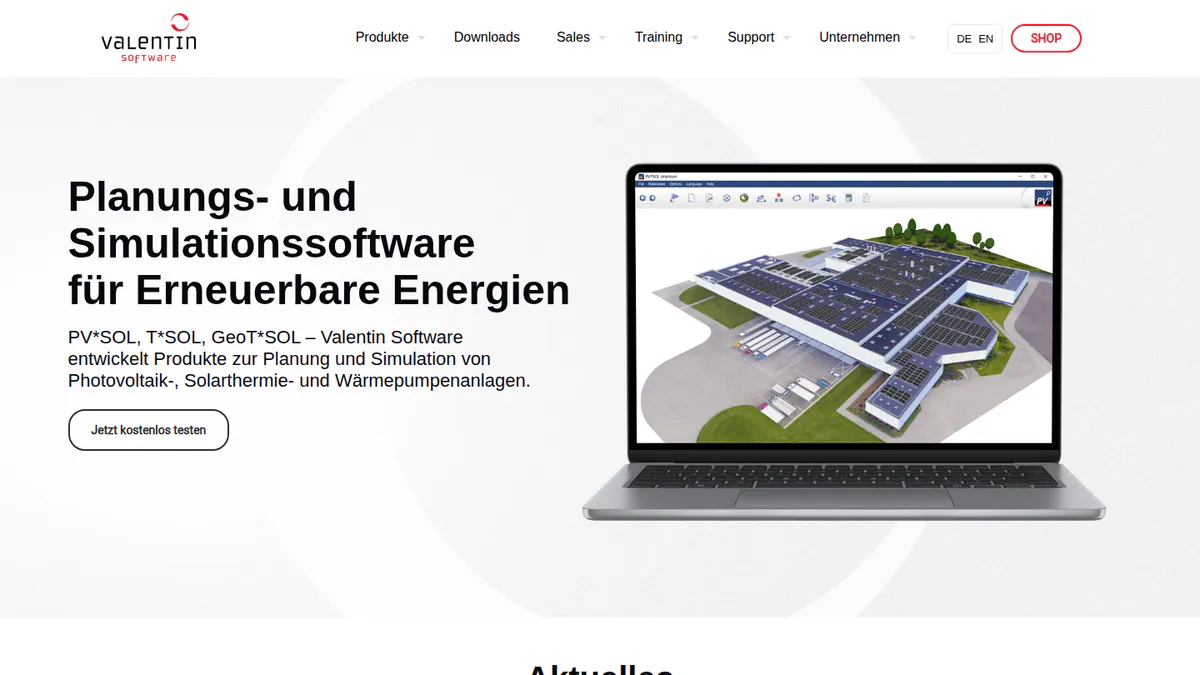
What it is: PV*SOL premium is a German desktop program from Valentin Software for 3D design and yield simulation (a forecast of how much power the system will make). Most users are European installers and planners. It has no named UK presence.
Why we picked it: It models batteries, heat pumps and EV loads with their own tariffs, which scored well for fit. The price is public, and a three-month licence lets you test it on real jobs.
Key features:
- 3D design with detailed shading.
- Meteonorm 9 climate data behind each yield run.
- AC- and DC-coupled batteries.
- Heat pump, immersion heater and EV loads with their own tariffs.
- Customer report export as PDF or DOCX.
Pricing: EUR 845 per year per named user plus VAT, or EUR 285 for three months. The 2D PV*SOL costs EUR 585 a year. Checked October 2026 in the Valentin shop. A 30-day trial is offered.
Pros (from reviews and our research):
- Short three-month licences suit seasonal peaks.
- G2 users rate its ease of use 8.2 out of 10.
- A new version comes out each year. The 2026 version arrived on 24 November 2025.
Cons (from our research):
- We found no MCS calculation or DNO form features.
- It is a desktop program, so there is no browser version for site visits.
- Each named user needs a licence, priced in euros.
Reviews: G2 4.2/5 (12 reviews), checked October 2026.
What we could not confirm: Stringing (how panels wire into inverters) and SLD depth.
Read our full PV*SOL premium review or see our PV*SOL alternatives.
Want to see PV*SOL premium working? Book a demo with the SolarSoftwares team.
Book a demoYour request goes by email to the SolarSoftwares team. A time is set only after we reply. It does not change any score or ranking.
3. Aurora Solar: best for 3D shade work in large sales teams
Best for: Bigger firms that want detailed 3D design, shade reports and sales proposals, and can live without UK-specific outputs. Score: 65.7/100.
vs Easy PV: Aurora is much deeper on 3D design and sales. But it costs USD 159 per user a month against Easy PV’s free Basic plan. Its pricing page is written for North America.
What it is: Aurora Solar is a cloud platform for design, shading and sales proposals. Its main users are US home and light-commercial installers. We found no named UK presence, which cost it points here.
Why we picked it: It has the largest review base on this page, with 121 G2 reviews, and users trust its shade reports.
Key features:
- Cloud 3D design with shade analysis.
- Bankable (lender-accepted) shade reports and battery modelling on Premium.
- Sales proposals with financing options.
- Site models on demand, some built with AI.
- Design API.
Pricing: Basic is USD 159 per user per month, or USD 135 billed annually, for one user and 50 projects a month. Premium is USD 259 (USD 220 billed annually). Enterprise is custom, priced per project. Checked October 2026 on the Aurora Solar pricing page. No free plan.
Pros (from user reviews):
- Reviewers trust its shade reports and output estimates, and LiDAR spots obstructions (Capterra).
- Customer service is strong (G2 review).
- New users lean on its videos and help articles (Capterra).
Cons (from reviews and our research):
- Some find the proposal and finance tools light for the price (Capterra).
- It does not connect well with other software (G2 review).
- Prices are in US dollars, and we found no MCS or DNO outputs.
Reviews: G2 4.7/5 (121 reviews) and Capterra 4.1/5 (7 reviews), checked October 2026.
Read our full Aurora Solar review or see our Aurora Solar alternatives.

Want to see Aurora Solar working? Book a demo with the SolarSoftwares team.
Book a demoYour request goes by email to the SolarSoftwares team. A time is set only after we reply. It does not change any score or ranking.
4. PVsyst: best for moving into commercial yield reports
Best for: Firms growing into commercial and larger ground-mount jobs that need detailed yield and loss reports. Score: 61.4/100.
vs Easy PV: Easy PV is mainly a domestic tool. PVsyst is built for detailed yield work on bigger systems, but it makes no customer proposals and no DNO forms.
What it is: PVsyst SA, a Swiss firm, makes this Windows-only simulation software. Engineers, EPCs (firms that design and build solar projects) and consultants use it for P50/P90 yield reports (the expected and the cautious yield figure). It has no named UK presence.
Why we picked it: It produces the P50/P90 yield and loss reports that commercial clients ask for. The price is public, and 22 G2 reviews back up its accuracy.
Key features:
- Near-shading in a 3D scene, including electrical mismatch losses.
- A full loss diagram plus P50/P90 yield reports.
- Weather import from Meteonorm 9, PVGIS, Solcast and others.
- Battery storage and self-consumption options.
- Money checks: NPV, LCOE (lifetime cost per kWh) and ROI.
Pricing: PVsyst 8 Professional is CHF 700 a year per seat. Multi-seat discounts run from 5% to 20%. Student and Classroom licences cost CHF 25 a year. Prices are shown only in Swiss francs. Checked October 2026 in the PVsyst shop. A 30-day evaluation mode is included.
Pros (from user reviews):
- Modelling and yield results are detailed and accurate (G2 theme).
- The loss analysis is thorough (G2 theme).
- You can bring in 3D shading scenes from SketchUp (G2 theme).
Cons (from user reviews):
- The interface is old and complex (G2 theme).
- It takes a long time to learn (G2 theme).
- Managing 3D scenes is slow work (G2 theme).
Reviews: G2 4.5/5 (22 reviews), with ease of use 6.7/10, checked October 2026.
Read our full PVsyst review or see our PVsyst alternatives.
Want to see PVsyst working? Book a demo with the SolarSoftwares team.
Book a demoYour request goes by email to the SolarSoftwares team. A time is set only after we reply. It does not change any score or ranking.
5. Reonic: best for UK firms that fit solar and heat pumps
Best for: Installers who sell solar, batteries, wallboxes (home EV chargers) and heat pumps and want design, CRM and projects in one system. Score: 59.5/100.
vs Easy PV: Reonic adds a CRM, project management and heat pump planning that Easy PV lacks. But it is quote only, where Easy PV Basic is free.
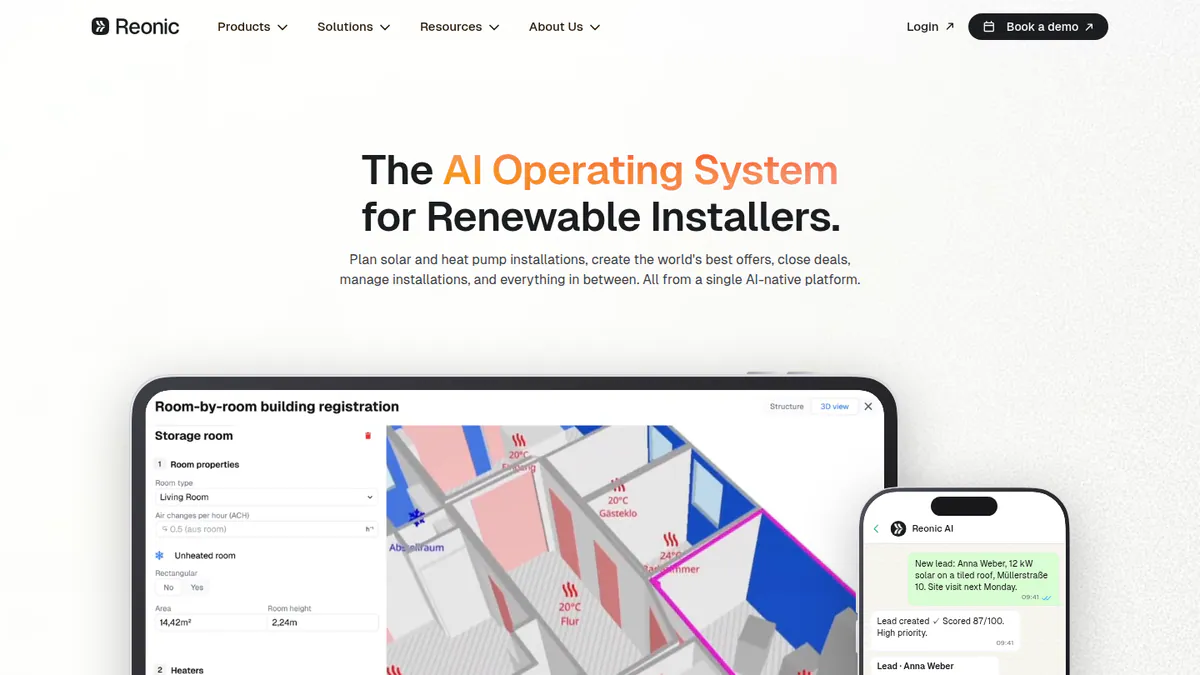
What it is: Reonic is an all-in-one installer platform from Reonic GmbH in Germany. Its core market is Germany, Austria and Switzerland, and it has a UK site and UK reviewers. It is not a solar-only tool.
Why we picked it: It is one of only two ranked tools with a UK site and UK reviewers. It also plans heat pumps as well as solar.
Key features:
- 3D roof model from satellite, aerial or drone scans with auto-layout.
- Shading from nearby buildings, trees and roof objects.
- Hourly yield forecast with per-module analysis.
- Proposals with profit sums, branded PDF and e-signature.
- CRM, tasks, site visits and a customer portal.
- Heat pump design alongside solar and storage.
Pricing: Quote only, after a free demo. Checked October 2026 on the Reonic product page.
Pros (from user reviews):
- The heat loss and system design tools, and the clean layout, impress a UK reviewer (Trustpilot, March 2026).
- Onboarding support is strong, and the tool feels easy to use (Trustpilot, March 2026).
- Energy-flow simulation and fast proposals helped one firm sell more (Trustpilot, September 2024).
Cons (from our research):
- There is no public price, so you need a demo to budget.
- Grid registration and KfW help only work in Germany.
- We found no MCS or DNO features in its files.
Reviews: Trustpilot 4.5/5 (33 reviews), checked October 2026. Its Capterra listing has no reviews.
What we could not confirm: Any negative review text, and whether the Trustpilot reviews are a fair sample.
See our Reonic alternatives guide.
Want to see Reonic working? Book a demo with the SolarSoftwares team.
Book a demoYour request goes by email to the SolarSoftwares team. A time is set only after we reply. It does not change any score or ranking.
6. Archelios Pro: best free tier with paid commercial upgrades
Best for: Designers who want a free tool for small systems and a clear paid path to bigger commercial jobs. Score: 54.8/100.
vs Easy PV: Both have a free tier. Archelios adds paid tiers up to 1 MWp and beyond, with P75/P90 yield on Gold, but it is built around French rules, not MCS.
What it is: Archelios Pro is 3D design, yield and finance software from Trace Software in France. It has SketchUp and Revit plug-ins. Its sister tool, archelios CALC, handles full electrical design and is sold on its own.
Why we picked it: Like Easy PV, it has a free tier, and its paid tiers have public prices. That gives you a clear path to bigger jobs without a sales call.
Key features:
- 3D modelling with nearby buildings and trees brought in for you.
- Auto table layout and string setup (how panels wire into inverters), including micro-inverters and optimisers.
- Self-consumption with load profiles and battery storage.
- Finance results: NPV, LCOE, IRR and payback.
- Simple SLD export and DXF site plans.
Pricing: The product page says the Free version covers projects up to 9 kWp. Silver costs EUR 990 a year (up to 100 kWp). Gold costs EUR 1,490 (up to 1 MWp). Platinum costs EUR 1,990 (no power limit). All prices exclude VAT. Checked October 2026 in the Trace Software shop (French page).
Pros (from our research):
- You can design small systems free, with no time limit.
- Prices are public, so you can budget a commercial upgrade before a call.
- Gold adds P75/P90 yield figures for clients who ask for them.
Cons (from our research):
- It is built for France (Enedis and Linky links), with no MCS or DNO features found.
- Full electrical design needs archelios CALC, which costs extra.
- We found no user reviews. Its G2 listing is empty.
Reviews: No user reviews found as of October 2026.
What we could not confirm: The exact free-tier cap. We saw a different figure in earlier research, so check it with Trace Software.
See our Archelios alternatives guide.
Want to see Archelios Pro working? Book a demo with the SolarSoftwares team.
Book a demoYour request goes by email to the SolarSoftwares team. A time is set only after we reply. It does not change any score or ranking.
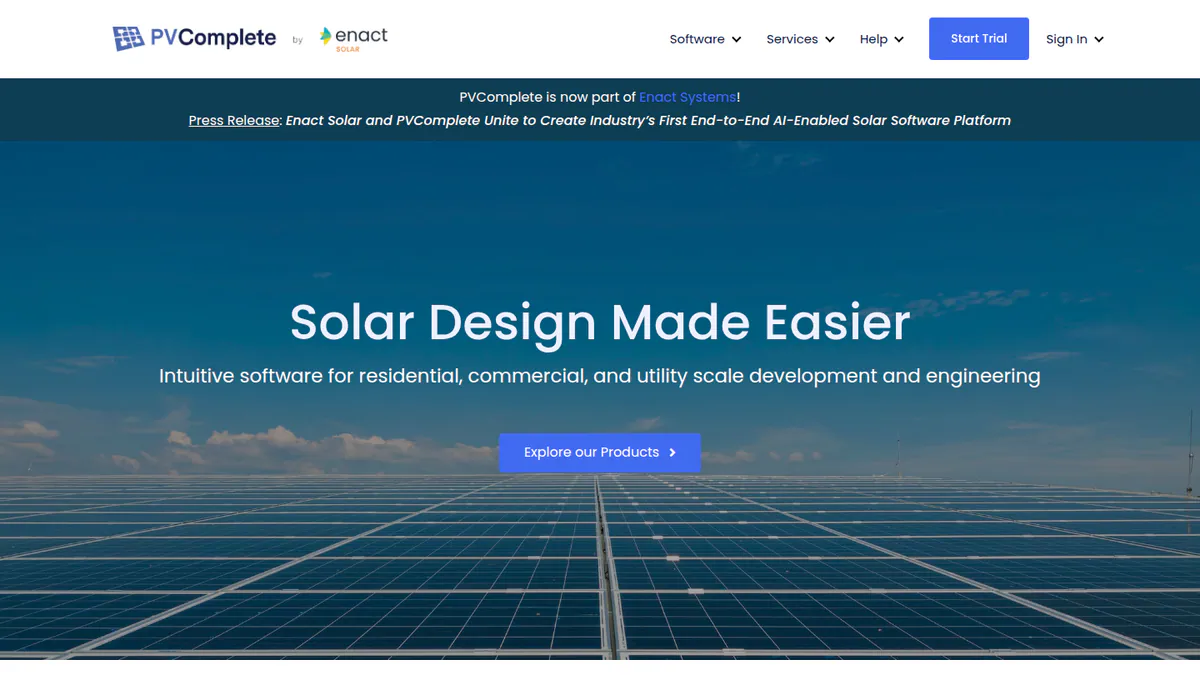
7. PVComplete / PVCAD: best for commercial engineering in AutoCAD
Best for: Commercial and utility designers who already draw in AutoCAD and need SLDs and plan sets (permit drawing packages). Score: 44.3/100.
vs Easy PV: It is a commercial engineering tool, not a domestic sales tool. It suits a firm that has outgrown Easy PV’s domestic focus, not one that wants a cheaper MCS tool.
What it is: PVCAD is solar engineering software that runs inside AutoCAD. Enact Solar bought its maker, PVComplete, on 13 January 2026. Note: we could not open the company’s website, so its prices and current plans are unconfirmed and its facts come from trade press and G2.
Why we picked it: It cleared our minimum fit score as a commercial engineering tool with SLDs and plan sets. It is here for firms moving past domestic work, not as a like-for-like swap.
Key features:
- Solar layout and engineering inside AutoCAD.
- Automated single-line diagrams and wire sizing.
- Permit-ready plan sets for commercial projects.
- PVCAD Mega for terrain, piers and trackers on large sites.
- Export to PVsyst.
Pricing: Not confirmed. G2’s listing, supplied by the company, shows PVCAD from USD 325 per user per month with your own AutoCAD licence. It shows USD 400 with AutoCAD included. Other sites show different figures. Checked October 2026 on G2. Ask Enact for a current quote.
Pros (from reviews and our research):
- Automation cuts manual design work and creates a PVsyst project file (G2, August 2026).
- One reviewer calls it easy to use, with fast support (G2, July 2026).
- One tool family covers commercial roofs and utility-scale sites.
Cons (from reviews and our research):
- It slows down on larger projects (G2, August 2026).
- Its plan sets are built for the US, with no UK features found.
- You need AutoCAD, and the price is not confirmed by the company.
Reviews: G2 4.5/5 (2 reviews), checked October 2026.
See our PVComplete alternatives guide.
Want to see PVComplete / PVCAD working? Book a demo with the SolarSoftwares team.
Book a demoYour request goes by email to the SolarSoftwares team. A time is set only after we reply. It does not change any score or ranking.
SurgePV (unscored): for readers comparing roof design, shading, electrical drawings and proposals in one browser tool. Test local imagery, equipment data and approval outputs for your market. The numbered scores above do not include it.
Sources checked 27 October 2026: SurgePV product information · SolarSoftwares SurgePV review
Book a demo of SurgePV with the SolarSoftwares team.
Book a demoYour request goes by email to the SolarSoftwares team. A time is set only after we reply. It does not change any score or ranking.
How do the 7 Easy PV alternatives compare?
Product | Entry price (checked October 2026) | MCS / UK outputs | Commercial jobs | Proposals and e-sign | Platform |
|---|---|---|---|---|---|
Free (Pro GBP 35 + VAT per user a month) | MCS sums, DNO forms | Possible, mainly domestic | Proposals. E-sign on Pro | Browser | |
GBP 4 per project | MCS reports | Pro plan, 99 kW and up | Yes, eSignature add-on | Browser | |
EUR 845 a year + VAT | None found | Yes | Report export only | Desktop | |
USD 159 per user a month | None found | Light commercial | Yes, with financing | Browser | |
CHF 700 a year | None found | Yes, P50/P90 reports | No | Windows desktop | |
Quote only | None found | Yes | Yes, with e-signature | Browser | |
Free tier (cap unconfirmed) | None found | Silver to Platinum tiers | Finance results. No e-sign found | Desktop | |
Not confirmed | None found | Yes, plan sets | No | AutoCAD |
Also considered
- Arka 360: Scored 57.2/100. It has 137 G2 reviews, but it sells in India and the US with no UK presence. So its fit for Easy PV’s job fell below our minimum. See our Arka 360 alternatives.
- Solargraf: Scored 48.7/100. Enphase’s tool makes US permit packs to US codes, with no UK presence found. See our Solargraf alternatives.
- Scanifly: Scored 47.7/100. A US drone and design platform with no stated UK availability and three G2 reviews. See our Scanifly alternatives.
- SolarPlus: Scored 47.2/100. Built for Australia and New Zealand, with one G2 review.
- Solarius PV: Scored 40.7/100. An Italian desktop tool. We could not open its company page to check price or version.
- BlueSol Design: Scored 33.7/100. An Italian desktop tool. Its company site was not reachable, and it has one user review.
How do you choose an Easy PV alternative?
- If you left Easy PV because you want an active UK tool with MCS reports and reviews, pick Pylon.
- If you left because you also fit heat pumps and need a CRM, pick Reonic.
- If you left because clients ask for battery, heat pump and EV modelling, pick PV*SOL premium.
- If you left because you now win commercial roofs and need yield reports, pick PVsyst.
- If you want a free start with a paid path to large jobs, try Archelios Pro, but expect no MCS outputs.
- If you design commercial jobs in AutoCAD, look at PVCAD once Enact confirms a price.
- If you only do a few domestic jobs and buy from Midsummer, staying on Easy PV Basic may be the cheapest choice.
For wider UK shortlists, see our UK solar design software and UK solar software rankings. For bigger roofs, see commercial solar design software and the design and simulation category. For a ranked list across every segment, see our best solar design software ranking.
How do you switch from Easy PV?
- Download the proposals, MCS paperwork and DNO forms for live and recent jobs. Keep them with the customer file.
- Write down your Easy PV settings: kit lists, prices, margins and proposal wording. You will rebuild these as templates in the new tool.
- Decide how you will handle DNO forms if the new tool does not fill them in.
- Run two or three new jobs in both tools side by side and compare expected power output and costs.
- Move fully once the new tool’s outputs match what your MCS assessor and DNO expect.
Easy PV alternatives FAQs
What is the best alternative to Easy PV for MCS installers?
Pylon is the best Easy PV alternative for MCS installers in our October 2026 ranking, at 76.2/100. It makes MCS reports and costs GBP 4 per domestic project on its UK Standard plan. We found no alternative that fills in DNO forms the way Easy PV does.
Is Easy PV free?
Yes. Easy PV Basic is free and includes 2D and 3D design, MCS calculations, a schematic, proposals and DNO forms (checked October 2026). Pro costs GBP 35 + VAT per user per month, with no contract. Enterprise is priced on request.
Can Easy PV do commercial or industrial designs?
Only to a point. Easy PV’s help centre says C&I designs are possible, but the tool is mainly for domestic work. If commercial jobs are growing, look at PVsyst for yield reports or Pylon’s Pro plan, which covers sizes from 99 kW.
Is Easy PV better than Pylon for UK installers?
It depends on volume. Easy PV Basic is free and fills in DNO forms. Pylon costs GBP 4 per project but has MCS reports, a CRM add-on, regular updates and Capterra 4.6/5 from 25 reviews (October 2026).
Which Easy PV alternative has a CRM and e-signature built in?
Reonic includes a CRM and e-signature in one system, priced by quote. Pylon offers eSignature and a CRM as paid add-ons, with the CRM from GBP 49 per user per month (checked October 2026). Reonic has no public price, so you need a demo to budget.
What does Easy PV Pro add for GBP 35 a month?
Pro adds unlimited Magic design mode, team management, CRM links, e-signing and proposal branding. It also adds a pre-install survey, photo record, automatic DNO application and priority support. Pro costs GBP 35 + VAT per user per month (checked October 2026).
Sources
All read 22 October 2026 unless stated.
- Easy PV: home and pricing, help centre on Pro pricing (25 October 2026), help centre on C&I designs, Solar Power Portal (3D release)
- Pylon: UK pricing, July 2026 update, Capterra, G2
- PV*SOL premium: shop, 2026 release, G2
- Aurora Solar: pricing, G2, Capterra, G2 review
- PVsyst: shop, product page, G2, G2 comparison
- Reonic: product page, Trustpilot
- Archelios Pro: shop, product page, G2
- PVComplete / PVCAD: G2 pricing, G2 reviews, Solar Power World (January 2026)
- Also considered: Arka 360, Solargraf, Scanifly, SolarPlus
Last updated 28 October 2026. Next scheduled review: 23 January 2027.