Solar proposal software turns a system design and price into a document your customer can review, finance and sign. Pylon ranks first on this list, at 82.8/100.
We judged each tool on the document your customer signs. That means what it shows, how it offers financing, how the customer signs it and what it costs you. Design depth matters less here.
Want one product that designs the array and writes the proposal? Our design and proposal software ranking compares those. For C&I (commercial and industrial) tariff and storage economics, see commercial solar proposal software.
Quick picks: best solar proposal software
Rank | Product | Best for | Starting price (company page, checked October 2026) | Pricing model | Free plan / trial | Score /100 |
|---|---|---|---|---|---|---|
1 | Low cost per proposal, unlimited users | ✓ GBP 4 per project | Per project | 5 free project credits | 82.8 | |
2 | US proposals with financing and shade data | ✓ USD 159 per user per month | Per user | None stated | 80.3 | |
3 | Free interactive web proposals | ✓ Free core platform | Free. Paid API and connectors | Free core platform | 76.0 | |
4 | Financing, contract and permit from one proposal | ? USD 2,799 per year | Annual bundles | Not stated by the company | 68.9 | |
5 | Rep-friendly proposals with a lender marketplace | Quote only | Usage-based | Demo only | 66.6 | |
6 | Proposals backed by detailed 3D design | ✓ USD 159 per month (international list) | Per account | Demo only | 62.5 | |
7 | Proposal and financing layer for US dealers | Quote only | Flat monthly by volume, 12-month minimum | Demo only | 57.7 |
✓ Verified on the company’s own pricing page. ◐ Published by the company outside its pricing page (help centre, store or press release). ? We could not read the company’s pricing page, so the figure is not confirmed. Prices checked October 2026.
Quote only means the company shows no public price. You ask it for a quote.
How the 7 tools scored
- Use-case fit 35%
- User reviews 20%
- Pricing 15%
- Ease of use 10%
- Support 10%
- Momentum 10%
Tool | Score chart | Score |
|---|---|---|
82.8 out of 100 | 82.8 | |
80.3 out of 100 | 80.3 | |
76 out of 100 | 76.0 | |
68.9 out of 100 | 68.9 | |
66.6 out of 100 | 66.6 | |
62.5 out of 100 | 62.5 | |
57.7 out of 100 | 57.7 |
Each bar shows the weighted score out of 100.
Sub-scores at a glance (0-10)
Product | Use-case fit | User reviews | Pricing | Ease of use | Support | Momentum | Total /100 |
|---|---|---|---|---|---|---|---|
8.6 | 6.7 | 8.0 | 7.5 | 10.0 | 10.0 | 82.8 | |
8.6 | 7.9 | 8.0 | 7.5 | 7.5 | 7.5 | 80.3 | |
8.6 | 5.0 | 9.0 | 7.5 | 5.0 | 10.0 | 76.0 | |
9.5 | 3.3 | 6.0 | 5.0 | 5.0 | 10.0 | 68.9 | |
8.1 | 6.1 | 4.0 | 5.0 | 5.0 | 10.0 | 66.6 | |
5.2 | 6.3 | 6.0 | 7.5 | 10.0 | 5.0 | 62.5 | |
7.6 | 5.0 | 4.0 | 5.0 | 5.0 | 5.0 | 57.7 |
A 5.0 on reviews, ease, support or momentum is our neutral score. We use it when public evidence is thin. It is not a judgement.
How did we rank these solar proposal tools?
How the score is weighted
- Use-case fit 35%
- User reviews 20%
- Pricing 15%
- Ease of use 10%
- Support 10%
- Momentum 10%
We scored 13 products from 22 to 25 October 2026 and ranked the top 7. The rest are under "Also considered". We used company documents, pricing pages, trade press and public user reviews. This was desk research, so we did not build proposals in any tool. SurgePV is not part of this ranking.
We scored each product on six criteria that add up to 100%.
- Use-case fit (35%): How well it does this page’s job. Documented proposal output counts most, then financial modelling, then layout and quoting.
- User reviews (20%): G2 and Capterra ratings. Ratings based on only a few reviews count for less. No reviews means a middle score (5 out of 10), not zero.
- Pricing (15%): Published prices score higher than prices you must ask for, or prices we could not check.
- Ease of use, support and momentum (10% each): Review sub-scores and dated release notes. Without evidence, each gets a middle score.
Scores are specific to this page, so the same tool can score differently elsewhere. Read the full method: how we score software.
What are the three kinds of solar proposal software?
The tools we scored fall into three groups. The right group depends on who builds the system before the proposal goes out.
- Design-led proposal tools: Pylon, Aurora Solar, OpenSolar, Solargraf and Arka 360. The rep or designer lays out the array, and the tool builds the proposal from it.
- Sales and financing layers: Solo and Enerflo. They focus on pricing, adders, lender options, contracts and the CRM hand-off. Enerflo does not design. It pulls designs from other tools.
- Economics engines: Energy Toolbase (also considered) models tariffs, storage dispatch and incentives. It then outputs a white-label proposal, which suits storage-heavy and commercial work.
1. Pylon: best for low cost per proposal with unlimited users
Best for: Residential installers in the UK, Australia and Ireland who send uneven proposal volumes and want no per-seat fees. Score: 82.8/100.
What it is: Pylon is solar design and proposal software from a company based in Sydney. It builds web and PDF proposals from a design drawn on aerial imagery. Most of its users are small and mid-sized installers in Australia, the UK, Ireland and the US.
Why we picked it: It has a public price per proposal, unlimited users and 25 Capterra reviews, the best mix on this page. Web proposals with eSignature and payment cover the closing step.
Key features:
- Web and PDF proposals with eSignature.
- Payment collection through the gateway.
- Financial projections with load profiles.
- MCS (Microgeneration Certification Scheme) reports in the UK, and STC/PDRS incentive figures in Australia.
- Optional CRM with email sync, SMS and web forms.
Pricing: Standard is GBP 4 per project, up to 30 kW DC. Pro is GBP 10 per project and adds custom load profiles and commercial sizes. Enterprise is quote only (you must ask for a price). The eSignature add-on shows as "80c" per project, and the payment gateway takes 2.5% per transaction. The CRM add-on starts at GBP 49 per user per month. Users are unlimited, and you get 5 free Standard projects. Checked October 2026 on the Pylon UK pricing page. We could not confirm USD and AUD prices.
Pros (from user reviews):
- You pay per job, so a quiet month costs very little (Capterra).
- Customers get detailed quotes and proposals (G2).
- Help is quick to reach: Capterra users rate customer service 4.9/5 from 22 ratings.
Cons (from user reviews):
- Usage modelling, which feeds the savings figures, is awkward to use.
- Imagery quality varies by location.
- Some users say the interface takes time to pick up (G2).
Reviews: Capterra 4.6/5 (25 reviews) and G2 4.3/5 (2 reviews), checked October 2026. Most Capterra reviews date from 2021-2023.
What we could not confirm: We found no lender or financing marketplace in Pylon’s documents.
Read our full Pylon review or our Pylon alternatives.

Want to see Pylon working? Book a demo with the SolarSoftwares team.
Book a demoYour request goes by email to the SolarSoftwares team. A time is set only after we reply. It does not change any score or ranking.
2. Aurora Solar: best for US proposals with financing and shade data
Best for: US residential sales teams whose customers compare cash, loan and third-party ownership. Score: 80.3/100.
What it is: Aurora Solar is a cloud design, simulation and sales proposal platform from Aurora Solar Inc. Its proposals sit on top of its 3D design. The platform is aimed at US residential and light commercial installers, from small firms to large teams.
Why we picked it: US customers ask about loans, leases and the tax credit, and Aurora puts all three in the proposal. It backs that with 121 G2 reviews and public prices.
Key features:
- Sales proposals with financing, including tax-credit estimates (US credit rules change, check current law) and TPO/AVL (approved vendor list) options.
- Shade reports that banks trust, to attach (Premium).
- Battery modelling for backup, self-consumption and arbitrage (storing cheap power to use at peak rates).
- Design API, plus unlimited users on Enterprise.
Pricing: Basic is USD 159 per user per month, or USD 135 billed annually, with 50 projects a month. Premium is USD 259, or USD 220 annually. Enterprise is custom and priced per project. Checked October 2026 on the Aurora pricing page.
Pros (from user reviews):
- Accurate shade reports and production estimates give customers numbers they can trust (Capterra).
- Customer service is strong (G2).
- Videos and a knowledge base help new reps learn.
Cons (from reviews and our research):
- Proposal and financial features feel limited for the cost (Capterra).
- Few connections to other software (G2).
- Per-user pricing adds up for large rep teams below Enterprise.
Reviews: G2 4.7/5 (121 reviews) and Capterra 4.1/5 (7 reviews), checked October 2026.
Read our full Aurora Solar review or our Aurora Solar alternatives.

Want to see Aurora Solar working? Book a demo with the SolarSoftwares team.
Book a demoYour request goes by email to the SolarSoftwares team. A time is set only after we reply. It does not change any score or ranking.
3. OpenSolar: best for free interactive web proposals
Best for: Installers of any size who want web proposals with e-signature, payment and finance options and no subscription. Score: 76.0/100.
What it is: OpenSolar is a free design, proposal and sales platform from OpenSolar Inc., funded by partners. Its users range from sole traders to large firms. Its 2026 releases added AI lead generation (June) and sales tools (August).
Why we picked it: It is the only ranked tool whose core proposal app costs nothing. You still get e-signature, payment and finance options in the web proposal.
Key features:
- Interactive web proposals with e-signature and payment collection.
- Built-in finance options.
- AI lead generation and PROfile lead capture.
- Hardware shop and imagery marketplace.
Pricing: The core platform is free. Since 16 April 2026, API access and the Xero and QuickBooks connectors cost extra, at rates the company does not publish. API access has a 30-day free trial. Checked October 2026 on the OpenSolar pricing notice.
Pros (from reviews and our research):
- Reps can add, remove and change panels very easily (G2).
- The interactive app gives reps useful information in the field.
- You can send proposals without paying a fee.
Cons (from reviews and our research):
- It is "not completely free" once you need API or accounting connectors, and those rates are unpublished.
- The interface feels dated.
- Panel layouts lack automatic adjustment, so designs still need an engineering review.
Reviews: G2 4.8/5 (3 reviews), checked October 2026. That is too few to rely on.
What we could not confirm: Feature depth comes from OpenSolar’s marketing pages, not its manuals.
Read our full OpenSolar review or our OpenSolar alternatives.

Want to see OpenSolar working? Book a demo with the SolarSoftwares team.
Book a demoYour request goes by email to the SolarSoftwares team. A time is set only after we reply. It does not change any score or ranking.
4. Solargraf: best for financing, contract and permit from one proposal
Best for: US and Canadian residential installers who want the signed proposal to move straight to financing and a permit set. Score: 68.9/100.
What it is: Solargraf is a design, proposal, financing and permitting platform owned by Enphase Energy. It sells to residential and small commercial installers in the US and Canada. On this page’s job, it is a strong match.
Why we picked it: A signed proposal can go on to lender financing and a permit set without leaving the tool. Its bundle prices are public, so you can budget a year ahead.
Key features:
- Interactive proposals with solar plus battery savings modelling.
- Built-in TPO and loan financing through Concert, LightReach and EnFin.
- CRM and sales dashboard.
- Permit-ready plan sets (NEC 2026, the US electrical code) from the same project.
Pricing: Starter costs USD 2,799 per year for 240 projects and 2 users. Small Business costs USD 4,799 (480 projects, 4 users), and Teams costs USD 6,399 (720 projects, 6 users). Enterprise costs USD 12,999 (1,500 projects, unlimited users). All plans include proposals, financing, permitting and CRM. Checked October 2026 on the Solargraf pricing page.
Pros (from user reviews):
- Customers get client-friendly proposals and contracts (Capterra).
- One tool takes the job from proposal through to permitting.
- Good shading and 3D tools sit behind the numbers.
Cons (from reviews and our research):
- Users report frequent crashes and wrong property data.
- It is expensive next to other tools, and support waits have grown.
- The company page lists annual plans only, so you cannot pay month to month.
Reviews: Capterra 3.2/5 (15 reviews), checked October 2026. We found no G2 listing.
Read our full Solargraf review or our Solargraf alternatives.
Want to see Solargraf working? Book a demo with the SolarSoftwares team.
Book a demoYour request goes by email to the SolarSoftwares team. A time is set only after we reply. It does not change any score or ranking.
5. Solo: best for rep-friendly proposals with a lender marketplace
Best for: US residential dealers with many reps who need fast AI layouts and lender options side by side. Score: 66.6/100.
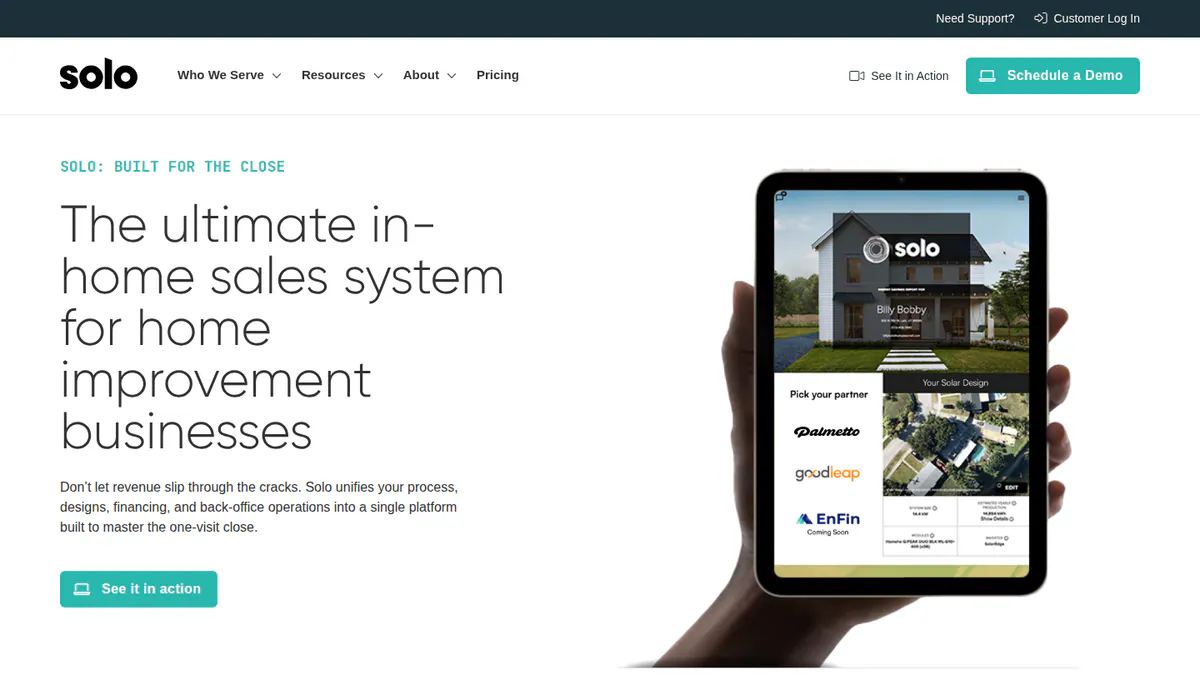
What it is: Solo is an AI-assisted design, proposal and financing platform from Solo, based in Lehi, Utah. It builds the layout with AI, prices it with adders and pulls in lenders. Its customers are US residential sales teams, from small dealers to large ones.
Why we picked it: It is built around the rep’s closing step, with lenders, adders and pre-send checks in one flow. It also holds a 4.6 rating from 12 G2 reviews.
Key features:
- Financial marketplace with Sungage, GoodLeap, Mosaic, LightReach and Dividend.
- Pricing and adders in the proposal.
- Validation checks that flag lender, utility and AHJ (local permit authority) issues before sending.
- Solo Analytics for proposal tracking.
- Managed, on-demand proposals.
- CRM connections with Salesforce, HubSpot, Pipedrive and JobNimbus.
Pricing: Quote only, based on usage, support level and scale. Unlimited users and concierge onboarding are included. Checked October 2026 on the Solo pricing page.
Pros (from reviews and our research):
- New reps are easy to train, says one December 2025 Capterra review.
- Over 20 named connections, including DocuSign and Zapier, link it to the tools you already use.
- The product gets monthly updates, with dated release notes through April 2026.
Cons (from reviews and our research):
- Reps can change too many settings, which hurts quality control (same review).
- Prices are not published, so you must ask for a quote.
- It works in the US only.
Reviews: G2 4.6/5 (12 reviews), checked October 2026. The review text sits behind a login.
Read our full Solo review or our Solo alternatives.
Want to see Solo working? Book a demo with the SolarSoftwares team.
Book a demoYour request goes by email to the SolarSoftwares team. A time is set only after we reply. It does not change any score or ranking.
6. Arka 360: best for proposals backed by detailed 3D design
Best for: Installers in India and the US whose proposals rely on 3D views and generation reports rather than financing. Score: 62.5/100.
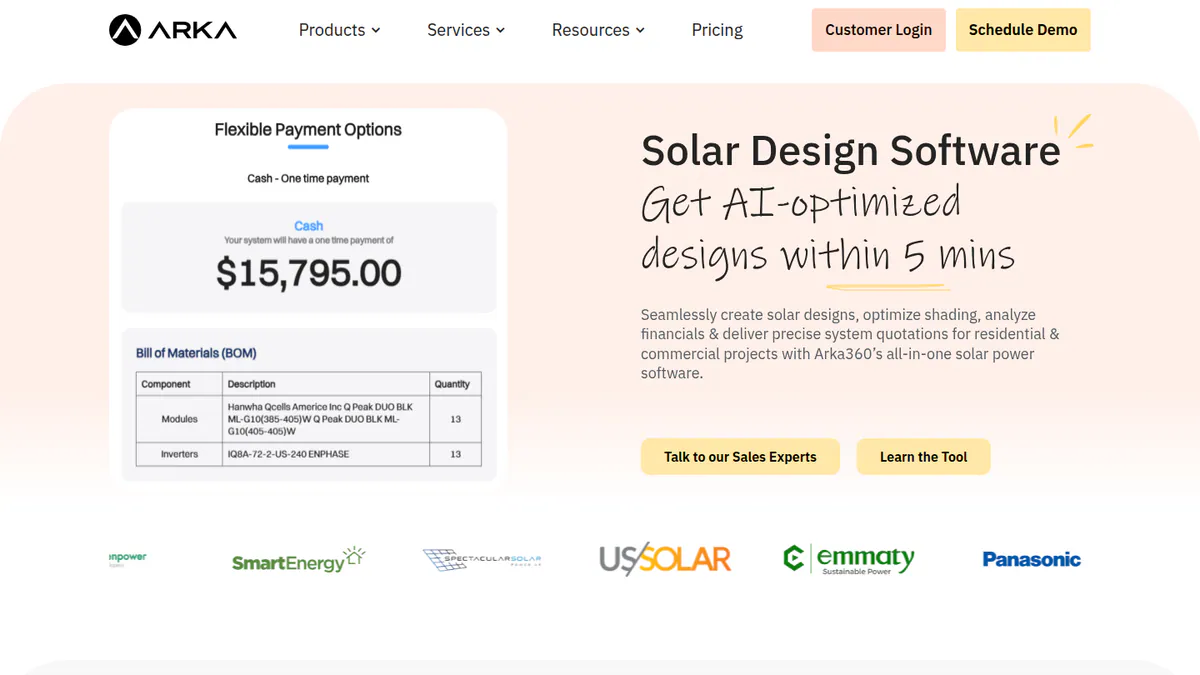
What it is: Arka 360 is a cloud design, proposal and light CRM platform from Arka360, formerly The Solar Labs. Its market is residential and commercial installers in India and the US. It ranks lower here than on our design and proposal page, because we found no financing in its proposals.
Why we picked it: It has the most reviews on this page, 137 on G2, and public US prices. Its 3D views help customers picture the system before they sign.
Key features:
- Sales proposals and generation reports.
- 3D views of rooftop and ground-mount designs.
- Lead management CRM add-on.
- API on Premium.
Pricing: On the international list, Basic is USD 159 per month (USD 1,699 per year). Premium is USD 199 per month (USD 1,999 per year), and Enterprise is USD 999 per month (USD 9,999 per year). We do not quote INR prices, because the Indian page shows two conflicting sets. Checked October 2026 on the Arka 360 pricing page.
Pros:
- 3D views help close deals with customers (G2).
- It is easy to use, with 14 mentions (G2).
- Support staff are caring (G2).
Cons:
- Some features and flexibility are missing (G2).
- It lags on projects of 3 MWp (megawatts peak) and above (G2).
- Multi-user setups have limits (G2).
Reviews: G2 4.3/5 (137 reviews), checked October 2026.
Read our full Arka 360 review or our Arka 360 alternatives.
Want to see Arka 360 working? Book a demo with the SolarSoftwares team.
Book a demoYour request goes by email to the SolarSoftwares team. A time is set only after we reply. It does not change any score or ranking.
7. Enerflo: best as a proposal and financing layer for US dealers
Best for: Mid-sized and large US dealers and EPCs that design in Aurora, OpenSolar, Solargraf or Solo and need one sales flow. Score: 57.7/100.
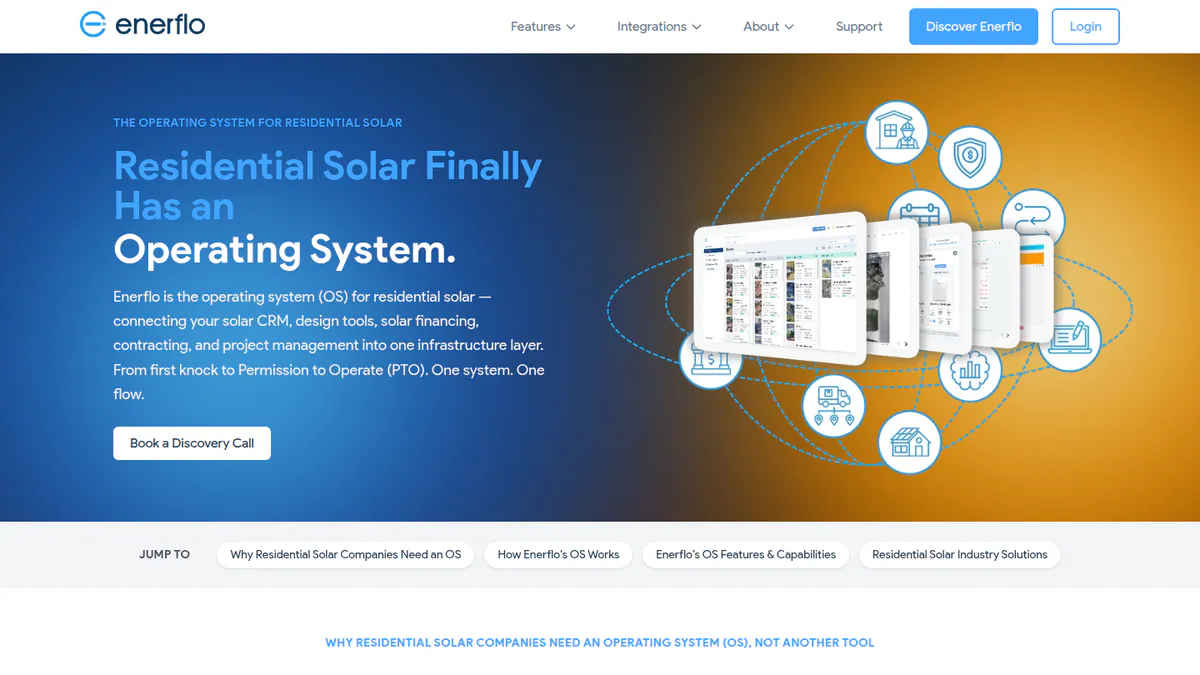
What it is: Enerflo is a sales-to-install platform for US residential dealers, installers and EPCs (engineering, procurement and construction firms). It does not replace your design tool. Instead, it adds proposals, lender routing, contract packets, install tracking and a white-label customer portal.
Why we picked it: It made the list on fit: big US dealers can keep their design tool and add financing and contracts on top. Reviews and public prices are thin, which keeps it at number 7.
Key features:
- Proposals with battery sizing, financing and e-sign.
- Lendflo routing across loan, TPO and cash.
- Docflo contract packets.
- Virtual Sales Rep for self-serve quoting.
- REST and GraphQL APIs with webhooks, for linking other software.
Pricing: Quote only. You pay a flat monthly fee based on average volume, with no per-seat or per-proposal fees. There is also a one-time implementation fee and a 12-month minimum. Enerflo’s company-managed G2 profile says "starting at" USD 1,750 per month, but this does not appear on enerflo.com. Checked October 2026 on the Enerflo FAQ.
Pros (from our research):
- You keep your design tool: it connects to Aurora, OpenSolar, Solargraf, Solo, Scanifly, Salesforce and HubSpot.
- There are no per-seat fees, which suits large rep teams.
- You can track the install after the customer signs.
Cons (from our research):
- You sign for at least 12 months and pay a one-time implementation fee.
- It works in the US only.
- It does not design, so you also need a separate design tool.
Reviews: G2 5.0/5 (2 reviews), checked October 2026, but the review text is not visible. The Capterra listing has 0 reviews.
What we could not confirm: We could not read any user review text for Enerflo.
Read our full Enerflo review or our Enerflo alternatives.
Want to see Enerflo working? Book a demo with the SolarSoftwares team.
Book a demoYour request goes by email to the SolarSoftwares team. A time is set only after we reply. It does not change any score or ranking.
SurgePV (unscored): for readers comparing branded proposals generated from the same project as the design. Confirm your required payment, lender and signing workflow during a demo. The numbered scores above do not include it.
Sources checked 27 October 2026: SurgePV product information · SolarSoftwares SurgePV review
Book a demo of SurgePV with the SolarSoftwares team.
Book a demoYour request goes by email to the SolarSoftwares team. A time is set only after we reply. It does not change any score or ranking.
What does the customer receive and what does it cost you?
Product | Proposal format | E-signature | Financing in proposal | CRM | Cost at 20 proposals a month, one user (our arithmetic from list prices) |
|---|---|---|---|---|---|
Web and PDF | Add-on | Not documented | Add-on from GBP 49/user | GBP 80 (Standard, up to 30 kW DC) | |
Sales proposal | Not documented | Tax-credit estimates, TPO/AVL | Not documented | USD 159 (Basic, monthly) | |
Interactive web | Yes | Integrated finance | Light (lead management) | Free (core) | |
Interactive | Contracts | Concert, LightReach, EnFin | Included | USD 2,799 a year (Starter, 240 projects, about 20 a month) | |
Proposal with adders | DocuSign | Lender marketplace | Integrations | Quote only | |
Proposal and generation report | Not documented | Not documented | Add-on | USD 159 (Basic US, monthly) | |
Proposal and customer portal | Yes | Lendflo routing | Pipeline plus integrations | Quote only |
Also considered
- Easy PV (scored 56.0/100): A free UK tool from Midsummer for domestic MCS proposals. It missed the top 7 because the free plan has no e-signing, we found no financing options and it has no user reviews.
- Energy Toolbase (ETB Developer) (scored 52.7/100): Strong on tariffs, battery dispatch and incentives. It missed the top 7 because it has no layout design, no published price and no public reviews.
- Sunbase (scored 50.5/100): A residential CRM from USD 59 per user per month. Proposals are one module among many, and we found no financing options or named connections to other apps.
- Enact (Design & Proposals) (scored 50.0/100): Offers cash, loan, lease and PPA (power purchase agreement) scenarios. We could not confirm its pricing or its connections to other apps, and its features come only from trade press.
- SolarHub CRM (below the minimum score): A low-cost Australian CRM with proposal templates and e-signature. Its proposal and financial depth was too thin to rank, and we could confirm its prices only on Capterra. It is ranked on our design and proposal page.
- Voltflo (below the minimum score): A Dublin-based lead capture and instant proposal tool. Its features come only from company-supplied G2 text. We could not reach the company site, and it has no reviews.
Can general proposal tools replace solar software?
Generic proposal tools such as PandaDoc, Proposify, Qwilr and Better Proposals can send and sign a proposal. They do not model production, savings or solar financing. They are not solar software, so we did not score them.
Some installers pair one with a design tool. If you do, check that system size, price and production flow in without re-typing.
How do you choose the best solar proposal software?
- Pay per proposal with unlimited users: pick Pylon.
- Most of your US customers finance: compare Aurora Solar, Solo and Solargraf, and check the lenders each one lists.
- You already design in Aurora, OpenSolar, Solargraf or Solo and run a large US sales team: add Enerflo rather than switch design tools.
- Zero budget: use OpenSolar. In the UK, Easy PV’s Basic plan (also considered) covers MCS figures. See our free proposal software guide.
- Batteries, tariffs and demand charges drive the savings case: look at Energy Toolbase (also considered), and read our commercial proposal ranking.
- You want proposals, CRM and projects in one login: see Sunbase (also considered) and our solar sales software ranking.
Want more choices? Browse every tool we checked in our proposals and sales category.
Solar proposal software FAQs
What is solar proposal software?
Solar proposal software turns a system design and price into a document your customer can review, finance and sign. The best tools add e-signature, payment collection and lender options. In our October 2026 ranking, Pylon, Aurora Solar and OpenSolar score highest.
What should a solar proposal include?
At minimum, include system size and layout, estimated production, price with adders and savings. Add payment or financing options, warranties and a signature step. For battery jobs, Solargraf documents solar plus battery savings and Aurora documents battery modelling, as of October 2026.
How much does solar proposal software cost?
At 20 proposals a month for one user, list prices checked in October 2026 work out at about GBP 80 on Pylon Standard. Aurora Basic costs USD 159 a month. Solargraf Starter costs USD 2,799 a year for 240 projects. OpenSolar’s core is free. Solo and Enerflo are quote only.
Is there free solar proposal software?
Yes. OpenSolar’s core proposal platform is free, though API access and accounting connectors have cost extra since 16 April 2026. Easy PV’s free Basic plan (also considered) includes a customer proposal for UK installers. E-signing needs Pro, at GBP 35 plus VAT per user per month with no contract.
What is the best solar proposal software for small installers?
Pylon suits small teams because it charges per project, with unlimited users and no monthly minimum. Standard costs GBP 4 a project (checked October 2026). OpenSolar is the free option. Enerflo’s 12-month minimum suits larger dealers. See also our small installer design guide.
Can solar proposal software include financing options and e-signatures?
Yes. As of October 2026, Solo lists a lender marketplace with GoodLeap and Sungage, and Solargraf links to Concert, LightReach and EnFin. Enerflo routes deals across loan, TPO and cash. OpenSolar and Pylon document e-signature. We do not rank lenders or compare rates.
Sources
All checked 22 to 25 October 2026.
- Pylon: pricing, Capterra, G2
- Aurora Solar: pricing, G2, Capterra
- OpenSolar: pricing notice, features, news, G2
- Solargraf: pricing, Q2 2026 highlights, Capterra
- Solo: pricing, integrations, April 2026 release notes, G2
- Arka 360: pricing, G2
- Enerflo: FAQ and pricing model, product site, G2
- Easy PV: pricing and features, Pro billing (help centre)
- Energy Toolbase: pricing, ETB Developer
- Sunbase: pricing, CRM, Capterra
- Enact: Solar Power World, January 2026
- SolarHub CRM: Capterra. Voltflo: G2
Last updated 28 October 2026. Next scheduled review: 23 January 2027.