SmartSLD alternatives are tools that draw a solar single-line diagram (SLD, a simple drawing of how the wires connect) from your PV design. Pylon ranks first at 68.4/100. RatedPower ranks second at 66.1/100.
SmartSLD itself is a free browser editor for SLDs. Its AI copilot turns a text description, or a photo of a hand sketch, into a diagram. It is a general electrical tool at a very early stage. Its Product Hunt listing had 3 upvotes.
For solar work, that is the catch. We found no claim of NEC (the US electrical code) or AS/NZS (Australian and New Zealand standards) compliance. We found no stringing (wiring panels into inverters) or plan-set output (permit drawing packages) either. Solar tools build the SLD from the PV design itself, so a module or inverter change flows through. For the wider SLD market, see our best solar SLD software list.
Why do installers look for SmartSLD alternatives?
We found these reasons to look elsewhere:
- Not built for solar. It is a general SLD editor with a symbol library and templates. It claims no NEC or AS/NZS checks and no string or wire sizing.
- No plan sets. We found no site plans, three-line diagrams (drawings that show every wire) or full permit set in its feature list. It makes one diagram at a time.
- Unclear maker. We could not find the company behind it or open smartsld.com.
- Daily caps and an unpublished paid tier. The free plan has a daily AI quota of 100 messages and 20 image requests per user. The paid tier has no public price.
SmartSLD at a glance
Item | SmartSLD (checked October 2026) |
|---|---|
What it is | Browser-based, AI-assisted single-line diagram editor. General electrical, not solar-specific |
Pricing | Free with a daily AI quota (100 messages, 20 image requests per user). Paid tier "contact company" |
Ratings | No user reviews found (Capterra listing has 0 reviews. None on G2 or Trustpilot) |
Still suits | Anyone who needs a quick, free generic diagram and will check code compliance by hand |
Sources: Capterra listing and Product Hunt mirror, checked October 2026.
Quick picks
Rank | Product | Best for | Starting price (company page, checked October 2026) | SLD output | Score /100 |
|---|---|---|---|---|---|
1 | Small installers, SLD plus proposal | ✓ GBP 4 per project | Editable SLDs | 68.4 | |
2 | Utility MV/LV and substation SLDs | Quote only | Automated SLDs | 66.1 | |
3 | C&I rooftop stringing in AutoCAD | Quote only | SLD export | 63.8 | |
4 | India and US cloud design | ✓ USD 159 a month (international list) | SLD export on Premium | 63.6 | |
5 | AutoCAD commercial plan sets | ? Not confirmed by the company | Automated SLDs, wire sizing | 63.0 | |
6 | US NEC SLDs and three-lines | ? USD 2,799 a year | SLDs, three-lines, plan sets | 62.8 | |
7 | Ground-mount layout first | Quote only | SLDs | 58.2 | |
8 | Quick C&I SLDs in a browser | ✓ USD 159 a month | SLDs (per reviews) | 57.5 | |
9 | Aurora Solar Instant Plan Sets | US home plan sets in seconds | Quote only | Permit plan-set PDF | 56.8 |
10 | String plans in AutoCAD or BricsCAD | Quote only | Single-line drawings | 55.4 |
✓ Verified on the company’s own pricing page. ◐ Published by the company outside its pricing page (help centre, store or press release). ? We could not read the company’s pricing page, so the figure is not confirmed. Prices checked October 2026.
Quote only means the company shows no public price. You ask it for a quote.
How the 10 tools scored
- Use-case fit 35%
- User reviews 20%
- Pricing 15%
- Ease of use 10%
- Support 10%
- Momentum 10%
Tool | Score chart | Score |
|---|---|---|
68.4 out of 100 | 68.4 | |
66.1 out of 100 | 66.1 | |
63.8 out of 100 | 63.8 | |
63.6 out of 100 | 63.6 | |
63 out of 100 | 63.0 | |
62.8 out of 100 | 62.8 | |
58.2 out of 100 | 58.2 | |
57.5 out of 100 | 57.5 | |
56.8 out of 100 | 56.8 | |
55.4 out of 100 | 55.4 |
Each bar shows the weighted score out of 100.
Sub-scores at a glance (0-10)
Product | Use-case fit | User reviews | Pricing | Ease of use | Support | Momentum | Total /100 |
|---|---|---|---|---|---|---|---|
4.4 | 6.7 | 8.0 | 7.5 | 10.0 | 10.0 | 68.4 | |
6.1 | 6.9 | 4.0 | 7.5 | 7.5 | 10.0 | 66.1 | |
5.0 | 6.4 | 4.0 | 10.0 | 10.0 | 7.5 | 63.8 | |
5.6 | 6.3 | 6.0 | 7.5 | 10.0 | 5.0 | 63.6 | |
9.4 | 5.0 | 3.0 | 7.5 | 5.0 | 3.0 | 63.0 | |
7.8 | 3.3 | 6.0 | 5.0 | 5.0 | 10.0 | 62.8 | |
4.4 | 8.3 | 4.0 | 7.5 | 7.5 | 5.0 | 58.2 | |
4.4 | 6.2 | 8.0 | 7.5 | 5.0 | 5.0 | 57.5 | |
6.7 | 5.0 | 4.0 | 5.0 | 5.0 | 7.5 | 56.8 | |
4.4 | 6.7 | 4.0 | 7.5 | 10.0 | 3.0 | 55.4 |
A 5.0 on reviews, ease, support or momentum is our neutral score. We use it when public evidence is thin. It is not a judgement.
How did we choose and score these SmartSLD alternatives?
How the score is weighted
- Use-case fit 35%
- User reviews 20%
- Pricing 15%
- Ease of use 10%
- Support 10%
- Momentum 10%
We scored 13 alternatives from 22 to 25 October 2026 using company pages, pricing and user reviews. This was desk research. We did not test any tool hands-on. All 13 passed our minimum fit score, so we rank the top 10 and list three under Also considered. SmartSLD is not ranked on its own page.
- Use-case fit (35%): SLD and electrical output first, then permit plan sets, then stringing.
- User reviews (20%): G2 and Capterra ratings. A tool with under eight reviews gets a middle score.
- Pricing (15%): Published prices and free entry points beat quote only.
- Ease of use, support and momentum (10% each): Review sub-scores and dated releases.
1. Pylon: best for small installers who want the SLD and the proposal in one job
Best for: Home and small commercial installers in the UK, Australia and Ireland who quote and draw the diagram in one place. Score: 68.4/100.
vs SmartSLD: Pylon draws the SLD from the system you designed and sold. SmartSLD starts from a blank page or a prompt.
What it is: Pylon, based in Sydney, makes design and proposal software with an add-on solar CRM (software that tracks customers and sales). Billing is per project, with no seat fees and no monthly minimum.
Why we picked it: It had the highest total score, helped by a low, published per-project price and 25 Capterra reviews. You can test the SLD editor on five free projects.
Key features:
- An SLD editor, added in the July 2026 update, so you can change the diagram by hand.
- PV and battery layouts drawn on aerial imagery.
- MCS (UK certification scheme) reports and STC/PDRS (Australian incentive) support.
- Proposals online or as PDF, signed with eSignature.
Pricing: Standard is GBP 4 per project (up to 30 kW DC). Pro is GBP 10 per project and adds commercial sizes from 99 kW. Enterprise is quote only, which means you have to ask the company for a price. You get five free Standard credits with no card. Checked October 2026 on the Pylon UK pricing page.
Pros (from user reviews):
- Small firms like paying only per job (Capterra).
- New users find it friendly, and the manual helps (Capterra).
- A G2 reviewer says quotes and proposals are thorough.
Cons (from reviews and our research):
- Imagery is sharper in some areas than others, and Nearmap does not always connect (Capterra).
- One G2 reviewer says the interface takes time to pick up.
- We found no NEC compliance claim, so US permit SLDs need checking by hand.
Reviews: Capterra 4.6/5 (25 reviews) and G2 4.3/5 (2 reviews), checked October 2026.
What we could not confirm: US-dollar and Australian-dollar prices, and which plan includes the SLD editor.
Read our full Pylon review or our Pylon alternatives.

Want to see Pylon working? Book a demo with the SolarSoftwares team.
Book a demoYour request goes by email to the SolarSoftwares team. A time is set only after we reply. It does not change any score or ranking.
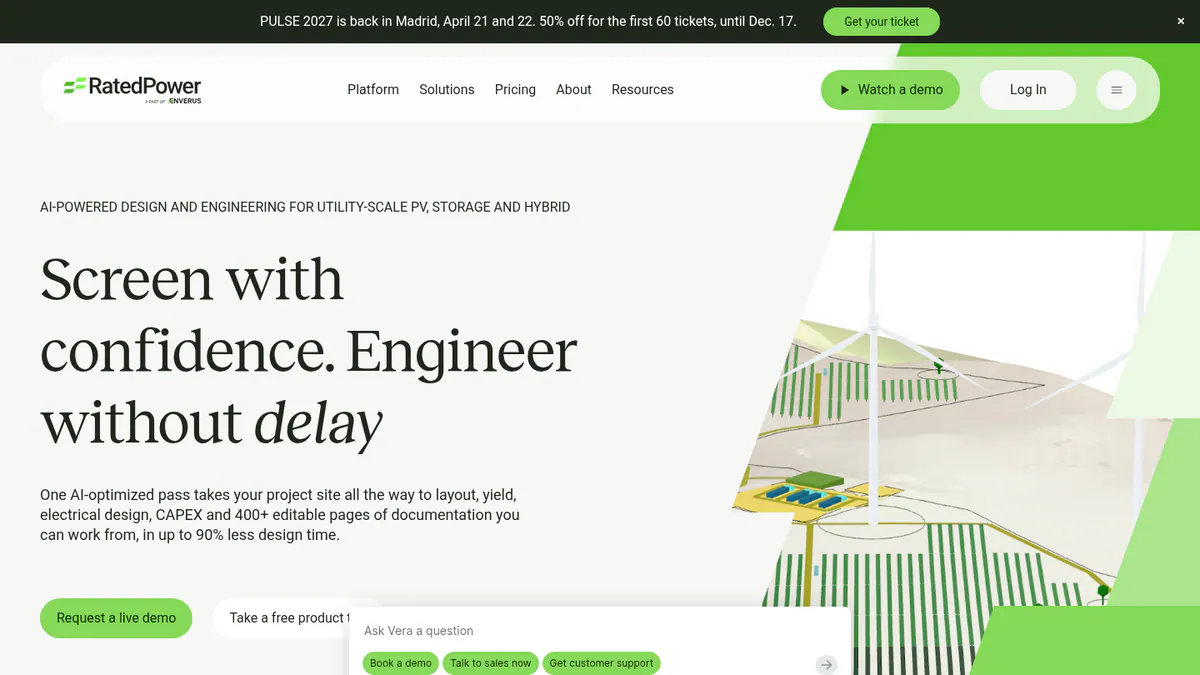
2. RatedPower: best for utility-scale MV/LV and substation SLDs
Best for: Developers, EPCs (firms that design and build projects) and engineering firms that need SLDs for very large (utility-scale) PV, storage and hybrid plants. Score: 66.1/100.
vs SmartSLD: It builds MV/LV (medium and low voltage) electrical design and SLDs from the plant layout. That is a scale SmartSLD does not touch.
What it is: RatedPower is a cloud platform for utility-scale solar and BESS (battery energy storage) design. It is now an Enverus company. It covers siting, layout, yield (how much power the plant will make) and electrical design.
Why we picked it: Its SLDs come straight from the plant design, and 305 G2 reviews back it. That makes it a safe pick for large electrical work.
Key features:
- MV/LV electrical design, single-line diagrams and substation engineering.
- 400+ editable documents, including BoQ (bill of quantities, a list of parts), drawings and SLDs.
- DWG files go out to AutoCAD and back in.
- Interconnection design on every tier.
Pricing: Quote only. Basic, Advanced and Enterprise tiers are listed with "talk to sales". Checked October 2026 on the RatedPower pricing page. Demo only.
Pros (from user reviews):
- G2 users name ease of use more than any other strength (22 mentions).
- Reviewers praise automated electrical diagrams for fast layouts.
- Customer support is a common pro (11 mentions).
Cons (from user reviews):
- The most common complaint (14 mentions) is how layouts handle land limits.
- Some features are missing, such as some BESS-PCS (battery system and power converter) pairings.
- Drawing customisation is limited, and some engineering skill is needed.
Reviews: G2 4.4/5 (305 reviews), checked October 2026.
Read our full RatedPower review or our RatedPower alternatives.
Want to see RatedPower working? Book a demo with the SolarSoftwares team.
Book a demoYour request goes by email to the SolarSoftwares team. A time is set only after we reply. It does not change any score or ranking.
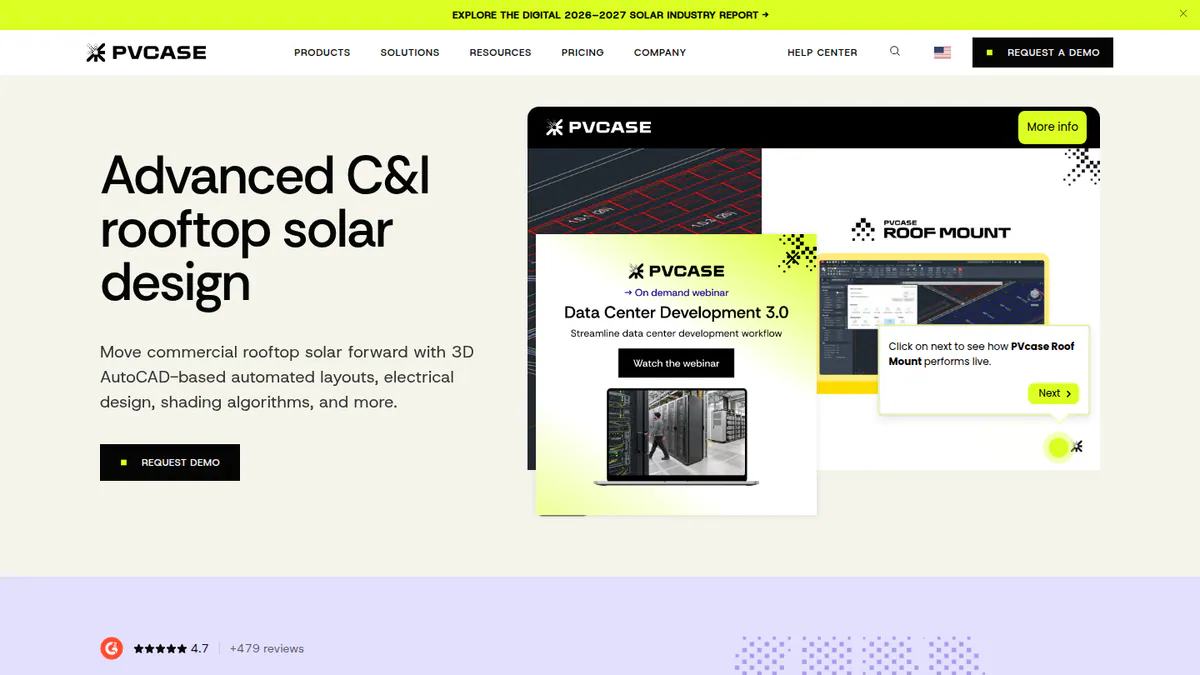
3. PVcase Roof Mount: best for C&I rooftop stringing and cabling in AutoCAD
Best for: Commercial and industrial (C&I) EPCs and engineering teams that want the SLD to follow detailed rooftop stringing. Score: 63.8/100.
vs SmartSLD: It sizes strings, cables and voltage drop (power lost along a cable) first, then exports the SLD. SmartSLD has no stringing or cable sizing.
What it is: PVcase Roof Mount is a rooftop design plug-in (an add-on) for AutoCAD from PVcase. It covers layout, mounting, electrical design, shading and yield for commercial roofs.
Why we picked it: It does the stringing and cable sizing that a correct SLD depends on. G2 users rate its ease of use and support near the top of the scale.
Key features:
- Strings and MPPT (the inverter’s power-tracking) inputs, with cable trays and 3D cable runs.
- Cable sizing and voltage drop.
- SLD export and BOM (parts list) export.
- Roof shapes from DWG/DXF (CAD) files or drone images.
Pricing: Quote only. One Professional plan, price on request. Checked October 2026 on the PVcase Roof Mount pricing page. Demo only.
Pros (from reviews and our research):
- Reviewers rate it very easy to use (G2 ease of use 9.1/10).
- Support scores are high (G2 quality of support 9.8/10).
- G2 tags highlight time saved and the AutoCAD link.
Cons (from our research):
- Prices come only from sales.
- Ballast (weight that holds panels on flat roofs) reports with PanelClaw are limited to Eurocode (European building standard) countries.
- It is not aimed at residential work.
Reviews: G2 4.6/5 (17 reviews), checked October 2026. Review text was not visible.
What we could not confirm: whether you need your own AutoCAD licence, as the pricing page does not say.
Want to see PVcase Roof Mount working? Book a demo with the SolarSoftwares team.
Book a demoYour request goes by email to the SolarSoftwares team. A time is set only after we reply. It does not change any score or ranking.
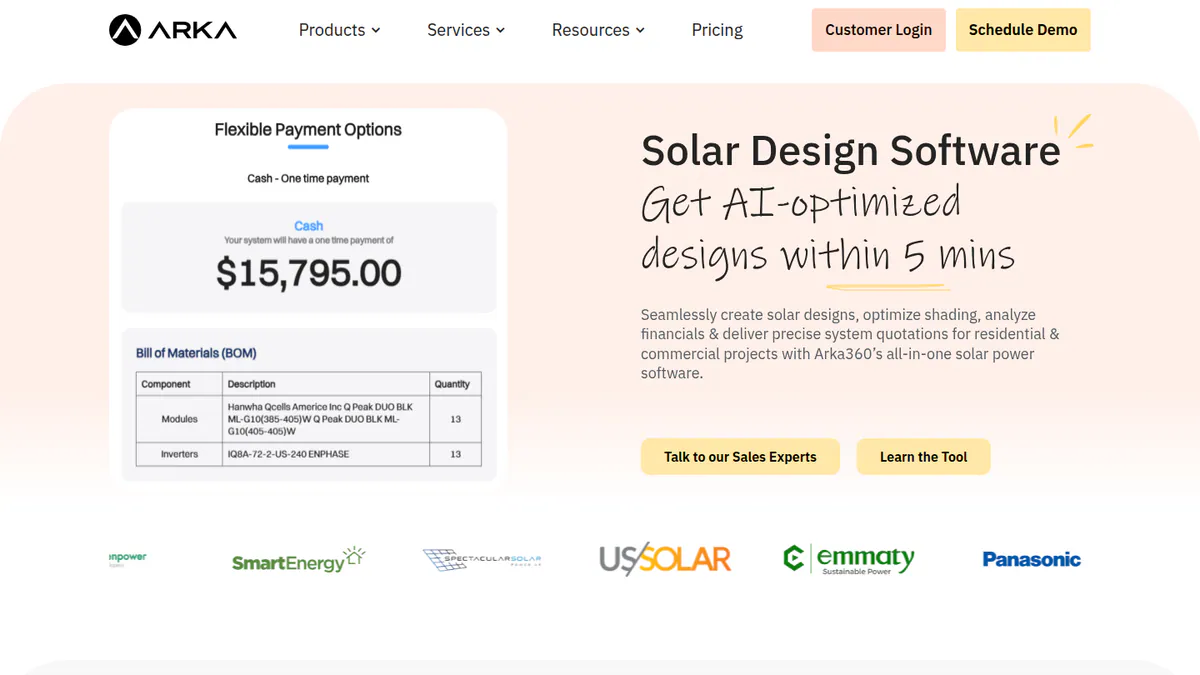
4. Arka 360: best for cloud SLD export in India and the US
Best for: Indian installers, and US installers who want SLD export in a cloud design tool with unlimited projects. Score: 63.6/100.
vs SmartSLD: The SLD comes from the 3D design and stringing, not from a prompt. You pay for it on the Premium plan.
What it is: Arka 360 (once The Solar Labs) runs in the cloud and mixes design, proposals and a light CRM (customer tracking). Its teams sit in Bengaluru and Allen, Texas.
Why we picked it: It is one of few tools here with SLD export at a published price. It also has a large review base, with 137 G2 reviews.
Key features:
- SLD export on Premium.
- Manual stringing and optimiser (a device on each panel) design on Premium.
- Roof and ground-mount design in 3D, with shade checks.
- AI drafts designs and runs permit checks.
Pricing: The international-list Basic is USD 159 a month or USD 1,699 a year. US Premium, which adds SLD export, is USD 199 a month or USD 1,999 a year. Indian plans are priced in INR plus 18% GST, but the page shows two conflicting INR price sets, so we do not quote one. Checked October 2026 on the Arka 360 pricing page. Demo only.
Pros (from user reviews):
- New staff pick it up fast (14 G2 mentions of ease of use).
- Reviewers quote from its shade and yield estimates.
- Support staff are helpful (G2 support 9.2/10).
Cons (from user reviews):
- Big jobs of 3 MWp (megawatts of panel power) or more can lag.
- Some features are missing, and structure options can confuse.
- Multi-user limits frustrate larger teams.
Reviews: G2 4.3/5 (137 reviews), with ease of use 8.5/10, checked October 2026.
Read our full Arka 360 review or our Arka 360 alternatives.
Want to see Arka 360 working? Book a demo with the SolarSoftwares team.
Book a demoYour request goes by email to the SolarSoftwares team. A time is set only after we reply. It does not change any score or ranking.
5. PVComplete / PVCAD: best for AutoCAD-based commercial plan sets
Best for: C&I designers who draw in AutoCAD and need SLDs, wire sizing and permit sets together. Score: 63.0/100.
vs SmartSLD: It automates the SLD and wire sizing inside AutoCAD and adds commercial plan sets.
What it is: PVCAD is an AutoCAD add-on for solar engineering. Enact Systems bought PVComplete on 13 January 2026, and PVCAD is now Enact’s engineering module. We could not open PVComplete’s or Enact’s websites, so features come from trade press and G2.
Why we picked it: It automates SLDs and wire sizing, then adds commercial plan sets, which few tools here do. We rank it despite only two reviews because its features fit this job so closely.
Key features:
- SLDs and wire sizes worked out automatically.
- Commercial plan sets ready for permit.
- PVCAD Mega for utility-scale terrain, trackers (mounts that turn panels to follow the sun) and automated stringing.
- PVsyst project export.
Pricing: Not confirmed by the company. G2 lists, as supplied by the company, PVCAD from USD 325 per user per month with your own AutoCAD, and a Bundle from USD 400 with AutoCAD included. TrustRadius shows "starting at USD 50 per month". The figures conflict. Checked October 2026 on G2.
Pros (from user reviews):
- Automation cuts manual design work (G2, August 2026).
- It creates a PVsyst project file for yield work (same review).
- Another reviewer calls it user-friendly, with quick support (G2, July 2026).
Cons (from reviews and our research):
- One reviewer finds it slow on big projects (G2, August 2026).
- Stringing, cable-trench and road tagging need work (same review).
- Pricing has been set by Enact since the sale, and no current price list was reachable.
Reviews: G2 4.5/5 (2 reviews), checked October 2026. That is too few to judge.
Want to see PVComplete / PVCAD working? Book a demo with the SolarSoftwares team.
Book a demoYour request goes by email to the SolarSoftwares team. A time is set only after we reply. It does not change any score or ranking.
6. Solargraf: best for US NEC SLDs and three-line diagrams
Best for: US home and small commercial installers who need permit-ready SLDs, three-lines (drawings that show every wire) and plan sets from the same design. Score: 62.8/100.
vs SmartSLD: It produces SLDs and three-line diagrams to NEC 2026 inside a full plan set. SmartSLD claims no code compliance.
What it is: Solargraf came to Enphase with the Sofdesk purchase in 2021. It covers design, proposals, financing and permits, mainly for US and Canadian installers.
Why we picked it: It is the clearest choice here for code-named US SLDs, built to NEC 2026. Prices are published, and every plan includes plan sets.
Key features:
- SLDs, three-lines and full plan sets, built to NEC 2026.
- A database of 14,000+ AHJs (local permit offices).
- 3D design that finds rooflines and obstacles for you.
- Financing from Concert, LightReach and EnFin inside proposals.
Pricing: Annual bundles. Starter is USD 2,799 (240 projects, 2 users). Small Business is USD 4,799 (480 projects, 4 users). Teams is USD 6,399 (720 projects, 6 users). Enterprise is USD 12,999 (1,500 projects, unlimited users). Checked October 2026 on the Solargraf pricing page. No trial stated.
Pros (from user reviews):
- Reviewers like having proposal, design and permit in one place.
- Shading and 3D tools get good marks.
- Reviewers say proposals and contracts are clear for clients.
Cons (from user reviews):
- Some users hit crashes, and the 3D tool can pull the wrong property data.
- Reviewers find it expensive.
- Support waits have grown longer.
Reviews: Capterra 3.2/5 (15 reviews), with ease of use 3.7/5 and support 3.4/5, checked October 2026.
Read our full Solargraf review or our Solargraf alternatives.
Want to see Solargraf working? Book a demo with the SolarSoftwares team.
Book a demoYour request goes by email to the SolarSoftwares team. A time is set only after we reply. It does not change any score or ranking.
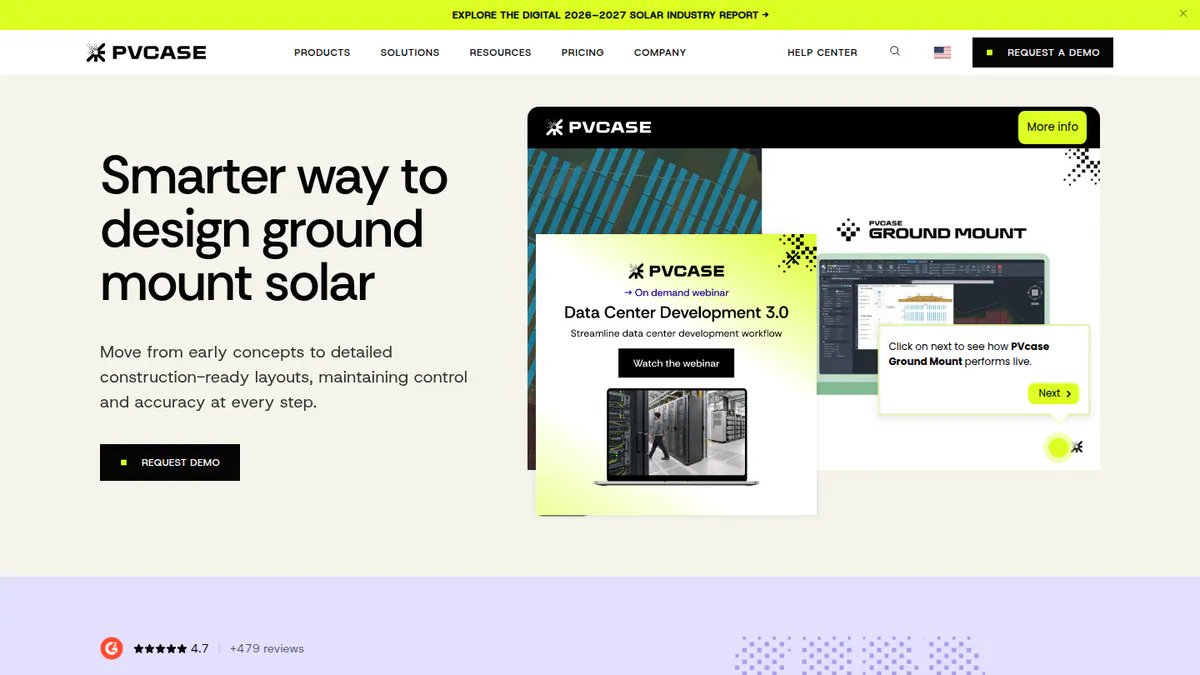
7. PVcase Ground Mount: best when ground-mount layout comes first
Best for: Utility and large C&I ground-mount teams who want SLDs as part of a terrain-led layout tool. Score: 58.2/100.
vs SmartSLD: Strings, cables and SLDs follow the terrain layout in AutoCAD. Reviewers say the SLD side is weaker than the layout side.
What it is: PVcase Ground Mount is a CAD tool from PVcase for ground plants. Developers, EPCs and engineers use it for layout, grading and electrical work.
Why we picked it: On ground plants, its SLD follows the strings and cables you laid out. It has more G2 reviews than any other tool here.
Key features:
- Stringing, cable sizing, voltage drop and single-line diagrams.
- Rows for fixed-tilt and trackers that follow the terrain.
- Slope, grading and piling analysis.
- BESS (battery storage) layout and BOM (parts list) exports.
Pricing: Quote only. One Professional plan, contact sales. Checked October 2026 on the PVcase Ground Mount pricing page. Demo only.
Pros (from user reviews):
- Layout automation saves a lot of time, including fast tracker layouts.
- The AutoCAD setting feels familiar, and PVsyst export saves hours.
- Support often replies within a day.
Cons (from user reviews):
- Users want more automation for SLDs, cable sizing, breakers and DC boxes.
- Reviewers at smaller firms call it costly.
- New users need training.
Reviews: G2 4.7/5 (415 reviews per the G2 search listing, though the company cites 479), checked October 2026.
Read our full PVcase Ground Mount review or our PVcase alternatives.
Want to see PVcase Ground Mount working? Book a demo with the SolarSoftwares team.
Book a demoYour request goes by email to the SolarSoftwares team. A time is set only after we reply. It does not change any score or ranking.
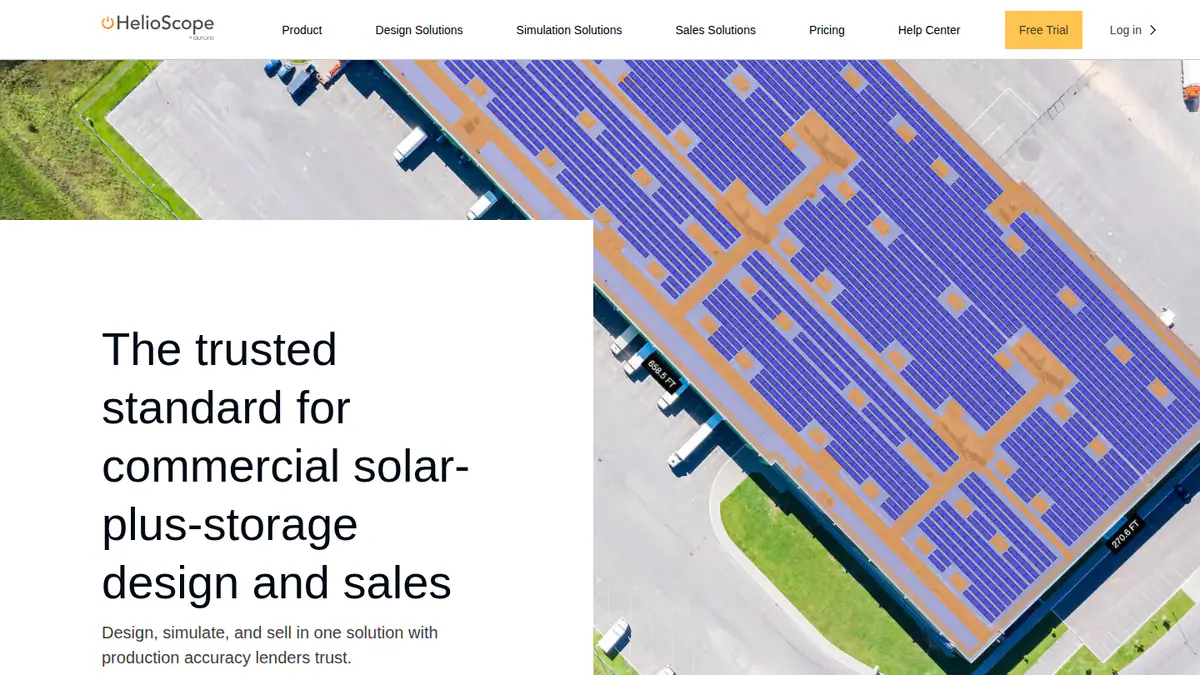
8. HelioScope: best for quick C&I SLDs in a browser
Best for: C&I designers who want layouts, wiring losses and SLDs in a browser with a published price. Score: 57.5/100.
vs SmartSLD: The SLD comes from a modelled C&I layout with wiring losses. It costs USD 159 a month, against SmartSLD’s free plan.
What it is: HelioScope is Aurora Solar’s web tool for commercial PV design and yield (power output forecasts). Aurora sells it separately from its home product.
Why we picked it: It is one of the few tools here with a published monthly price and a free trial. You can test its SLD output before you commit.
Key features:
- Rooftop, carport and ground-mount layout.
- Shading and wiring-loss modelling.
- Storage design from the Basic plan up.
- PVsyst export and single-axis trackers on Enterprise.
Pricing: Basic is USD 159 a month, or USD 1,620 a year if billed yearly (up to 1.25 MW DC). Pro is USD 259 a month or USD 2,640 a year (up to 5 MW DC). Enterprise is custom, per project. Checked October 2026 on the HelioScope pricing page. Free trial offered.
Pros (from user reviews):
- Reviewers find the interface simple to learn.
- Layouts and shading or wiring-loss maths are fast.
- SLDs and reports are fast to produce.
Cons (from reviews and our research):
- Occasional users find the fee steep.
- Project limits are tight for large systems.
- Basic allows only 10 projects a month.
Reviews: G2 4.5/5 (19 reviews), with ease of use 8.8/10, checked October 2026.
Read our full HelioScope review or our HelioScope alternatives.
Want to see HelioScope working? Book a demo with the SolarSoftwares team.
Book a demoYour request goes by email to the SolarSoftwares team. A time is set only after we reply. It does not change any score or ranking.
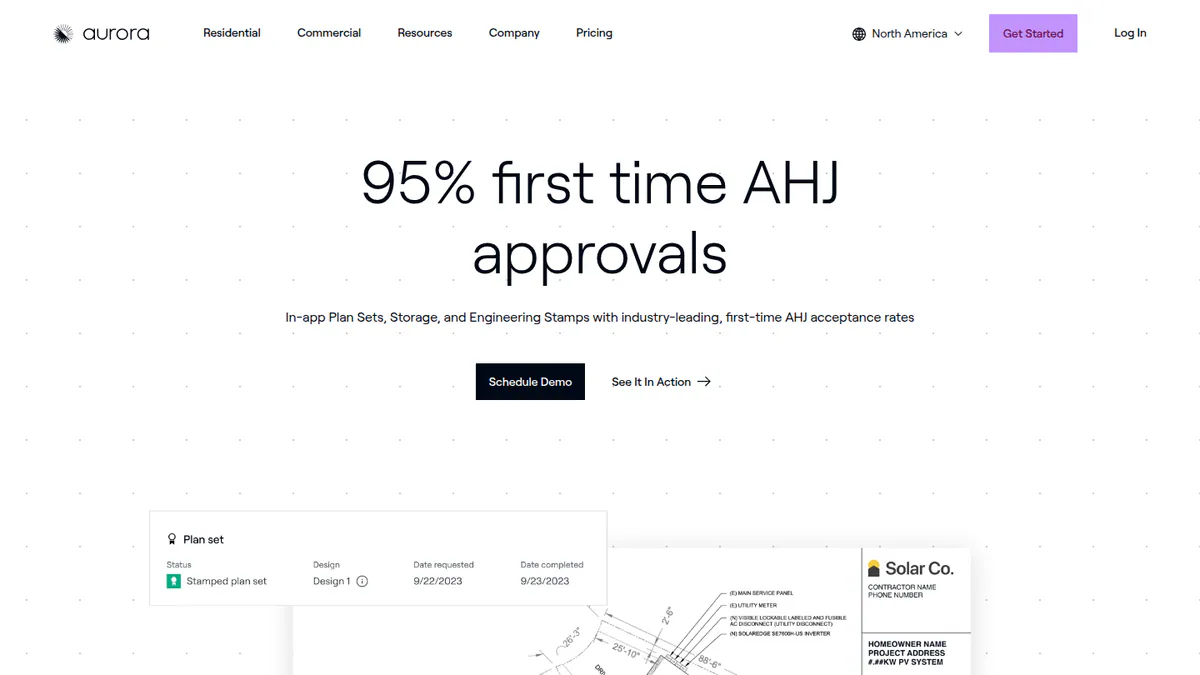
9. Aurora Solar Instant Plan Sets: best for US home plan sets in seconds
Best for: US residential installers already on Aurora who want a plan-set PDF straight from a sold design. Score: 56.8/100.
vs SmartSLD: It turns a finished design into a full permit plan-set PDF, not a single diagram. Access is limited to select Aurora customers.
What it is: Instant Plan Sets lives inside Aurora Solar. It uses technology Aurora gained when it bought Lyra in July 2024.
Why we picked it: It is the fastest route we found from a sold design to a full permit set with the SLD. Its help article names NEC 2026 support.
Key features:
- Plan-set PDF generated in seconds from an Aurora design.
- Works with string, optimiser and microinverter (a small inverter on each panel) systems.
- Preview and regenerate revisions at no extra cost.
- The AHJ and the utility are found automatically for each project.
Pricing: Quote only. No per-plan-set price is published. Aurora lists plan sets as an Enterprise add-on priced by volume. Basic (USD 159 per user per month) and Premium (USD 259) do not include plan sets. Checked October 2026 on the Aurora pricing page.
Pros (from our research):
- A plan set is ready in seconds instead of days.
- You can fix and regenerate a revision without paying again.
- The help article was updated in January 2026 with NEC 2026 support.
Cons (from our research):
- Only select customers can use it so far.
- It covers US grid-tied, single-phase, pitched-roof systems up to 25 kW AC.
- It needs Aurora, and plan sets sit on the Enterprise tier.
Reviews: No user reviews found for Instant Plan Sets as of October 2026.
Want to see Aurora Solar Instant Plan Sets working? Book a demo with the SolarSoftwares team.
Book a demoYour request goes by email to the SolarSoftwares team. A time is set only after we reply. It does not change any score or ranking.
10. Virto.CAD: best for string plans in AutoCAD or BricsCAD
Best for: European C&I and utility engineering teams who want string plans and single-line drawings in a CAD plug-in. Score: 55.4/100.
vs SmartSLD: It draws string plans and single-line drawings from a CAD layout. It also runs in BricsCAD.
What it is: Virto Solar, from Geel in Belgium, makes Virto.CAD as a plug-in for AutoCAD and BricsCAD. Its website would not open for us, so facts come from an Intersolar exhibitor page, G2 and Capterra.
Why we picked it: It is the only ranked tool that draws single-line plans in BricsCAD as well as AutoCAD. Its support score on G2 is among the highest here.
Key features:
- String plans and single-line drawings.
- Automatic PV layouts inside your CAD program.
- 3D models with PVsyst export.
- Bills of materials, with PDF, CSV, XML or XLS reports.
Pricing: Quote only. We could not reach the company’s pricing, and third-party figures are not confirmed. You also need a separate AutoCAD or BricsCAD licence. Checked October 2026.
Pros (from user reviews):
- Support is the top review theme (G2 support 9.7/10).
- Reviewers find it easy to use (7 mentions).
- Setup is quick (G2 ease of setup 9.3/10).
Cons (from reviews and our research):
- Missing features come up on G2 (6 mentions).
- NEC compliance is not confirmed, so US permit work is a risk.
- A CAD licence is an extra cost.
Reviews: G2 4.6/5 (26 reviews), with ease of use 8.4/10, checked October 2026.
Want to see Virto.CAD working? Book a demo with the SolarSoftwares team.
Book a demoYour request goes by email to the SolarSoftwares team. A time is set only after we reply. It does not change any score or ranking.
SurgePV (unscored): for readers comparing single-line diagrams generated from the solar design. Have the responsible engineer review the drawing against local approval rules. The numbered scores above do not include it.
Sources checked 27 October 2026: SurgePV product information · SolarSoftwares SurgePV review
Book a demo of SurgePV with the SolarSoftwares team.
Book a demoYour request goes by email to the SolarSoftwares team. A time is set only after we reply. It does not change any score or ranking.
How do the 10 SmartSLD alternatives compare?
This table shows what changes when you leave SmartSLD.
Product | SLD built from PV design | Three-line / plan set | Code named | Runs on |
|---|---|---|---|---|
SmartSLD (reference) | No, drawn or prompted | No | None claimed | Browser |
Yes, editable | No | MCS (UK) | Cloud | |
Yes, MV/LV | Drawings and documents | Not stated | Cloud | |
Yes, export | No | Eurocode ballast | AutoCAD | |
Yes, on Premium | Permitting checks | Not stated | Cloud | |
Yes, with wire sizing | Commercial plan sets | Not confirmed | AutoCAD | |
Yes | Three-lines and plan sets | NEC 2026 | Cloud | |
Yes | No | Not stated | AutoCAD | |
Yes (per reviews) | No | Not stated | Browser | |
Aurora Solar Instant Plan Sets | Within the plan set | Plan sets | NEC 2026 | Cloud (Aurora) |
Yes | No | Not confirmed | AutoCAD or BricsCAD |
Also considered
- Solar Proof: Scored 55.0/100. An Australian design and quoting tool with a browser SLD editor filled from the quote, with A3/A4 PDF export. It is built for Australian rules only and has no user reviews.
- Enact (Design & Proposals): Scored 49.5/100. Enact now owns PVCAD, so its SLDs and plan sets come from the same engine. Its website would not open for us, and it has no user reviews. See our Enact alternatives.
- HELIOS 3D: Scored 44.5/100. A German utility-scale tool that builds SLDs from the electrical tree. It runs on Autodesk Civil 3D with Microsoft SQL Server, and its single G2 review scores 2.0/5.
Plan-set drafting services, including Aurora’s human Plan Set Service, are services, not software. We rank them separately in our solar plan set services list.
How do you choose a SmartSLD alternative?
- If you left SmartSLD because it ignores your PV design, pick Pylon (UK, Australia, Ireland) or Arka 360 (India, US).
- If your AHJ wants NEC three-lines and a full plan set, pick Solargraf.
- If you draw C&I roofs in AutoCAD, pick PVcase Roof Mount for stringing or PVCAD for plan sets.
- If you have no AutoCAD licence but use BricsCAD, try Virto.CAD.
- If you build utility plants, pick RatedPower for MV/LV and substation SLDs.
- If you work in Australia and want a free SLD editor, look at Solar Proof (also considered).
For more options, see our solar SLD software list and our solar permitting software list. You can also compare the best solar design software.
Want more choices? Browse every tool we checked in our design and simulation category.
How do you switch from SmartSLD?
- Export every diagram you need to keep in a format you can open later.
- List the symbols, title block and notes your AHJ (local permit office) expects, and set up templates.
- Redraw one recent job in the new tool from the PV design, and compare it with your SmartSLD diagram.
- We found no documented SmartSLD import in any ranked tool, so plan to rebuild live jobs.
SmartSLD alternatives FAQs
What is the best software for solar single line diagrams?
It depends on the job. Pylon scores highest for solar single line diagrams in our October 2026 ranking, at 68.4/100, and it suits small installers. Solargraf leads for US NEC SLDs and three-lines. RatedPower leads for utility-scale MV/LV diagrams.
Is there a free SLD generator for solar PV?
Yes, but with limits. SmartSLD is free, with a daily quota of 100 AI messages and 20 image requests. It is not built for solar. Solar Proof offers a standalone free SLD editor for Australian work. We checked both in October 2026.
Can AI create a single line diagram?
Yes. SmartSLD’s AI copilot builds an SLD from a text description or a photo of a sketch. As of October 2026, it claims no NEC or AS/NZS checks. Solar tools such as Arka 360 and Solargraf build the diagram from the PV design instead, which keeps it in step with the array.
Which tools produce NEC-compliant solar SLDs?
Solargraf states that its SLDs, three-line diagrams and plan sets follow NEC 2026 (checked October 2026). Aurora’s Instant Plan Sets help article also lists NEC 2026 support. A qualified person should still check the drawings.
Can I get a permit-ready plan set including the SLD automatically?
Yes, several tools can. Every Solargraf plan includes permitting and plan sets, starting at USD 2,799 a year. Aurora’s Instant Plan Sets makes one in seconds, but only for select customers. PVCAD produces commercial plan sets inside AutoCAD (October 2026).
What is the difference between an SLD and a three-line diagram?
An SLD shows each circuit as one line, which keeps the system easy to read. A three-line diagram draws every wire, including neutral and ground, so inspectors can check wiring in detail. Ask your AHJ (local permit office) which diagrams it wants in the permit set.
Sources
All read 22 to 25 October 2026.
- SmartSLD: Capterra, Product Hunt mirror
- Pylon: UK pricing, Capterra, G2, July 2026 update
- RatedPower: pricing, G2
- PVcase Roof Mount: pricing, G2 comparison
- Arka 360: pricing, G2, G2 comparison
- PVComplete / PVCAD: Solar Power World (January 2026), G2 reviews, G2 pricing
- Solargraf: pricing, Capterra
- PVcase Ground Mount: pricing, G2
- HelioScope: pricing, G2
- Aurora Solar Instant Plan Sets: help article, product page, Aurora pricing
- Virto.CAD: Intersolar listing, G2, G2 comparison
- Solar Proof: pricing, SLD editor article
- Enact: G2
- HELIOS 3D: G2
Last updated 28 October 2026. Next scheduled review: 23 January 2027.