Solar SLD software draws the single-line diagram (SLD) for a solar project. An SLD shows each circuit of a solar system as one line. Pylon ranks first at 74.5/100 for residential installers in the UK, Australia and Ireland.
Your local permit office (AHJ), utility or network operator sets what an SLD must show. We scored 15 tools and ranked the top 7, with documented SLD output counting most.
For a ranking across every design job, see our best solar design software list.
Quick picks
Rank | Product | Best for | Starting price (company page, checked October 2026) | Free plan / trial | Score /100 |
|---|---|---|---|---|---|
1 | Residential, per-job pricing (UK, AU, IE) | ✓ GBP 4 per project | 5 free project credits | 74.5 | |
2 | Utility-scale: MV/LV SLDs and substations | Quote only | Demo only | 71.4 | |
3 | Residential US design and sales | ✓ USD 159 per user per month | None stated | 68.6 | |
4 | Residential and C&I: India and US | ✓ USD 159 per month (international list) | Demo only | 67.5 | |
5 | Utility-scale, in AutoCAD | Quote only | Demo only | 64.3 | |
6 | C&I: rooftop and carport up to 30 MW DC | ✓ USD 159 per month | Free trial (length not stated) | 63.6 | |
7 | Residential US permit sets | ? USD 2,799 per year | Not stated by the company | 62.2 |
✓ Verified on the company’s own pricing page. ◐ Published by the company outside its pricing page (help centre, store or press release). ? We could not read the company’s pricing page, so the figure is not confirmed. Prices checked October 2026.
Quote only means the company shows no public price. You ask it for a quote.
How the 7 tools scored
- Use-case fit 35%
- User reviews 20%
- Pricing 15%
- Ease of use 10%
- Support 10%
- Momentum 10%
Tool | Score chart | Score |
|---|---|---|
74.5 out of 100 | 74.5 | |
71.4 out of 100 | 71.4 | |
68.6 out of 100 | 68.6 | |
67.5 out of 100 | 67.5 | |
64.3 out of 100 | 64.3 | |
63.6 out of 100 | 63.6 | |
62.2 out of 100 | 62.2 |
Each bar shows the weighted score out of 100.
Sub-scores at a glance (0-10)
Product | Use-case fit | User reviews | Pricing | Ease of use | Support | Momentum | Total /100 |
|---|---|---|---|---|---|---|---|
6.2 | 6.7 | 8.0 | 7.5 | 10.0 | 10.0 | 74.5 | |
7.6 | 6.9 | 4.0 | 7.5 | 7.5 | 10.0 | 71.4 | |
5.2 | 7.9 | 8.0 | 7.5 | 7.5 | 7.5 | 68.6 | |
6.7 | 6.3 | 6.0 | 7.5 | 10.0 | 5.0 | 67.5 | |
6.2 | 8.3 | 4.0 | 7.5 | 7.5 | 5.0 | 64.3 | |
6.2 | 6.2 | 8.0 | 7.5 | 5.0 | 5.0 | 63.6 | |
7.6 | 3.3 | 6.0 | 5.0 | 5.0 | 10.0 | 62.2 |
A 5.0 on reviews, ease, support or momentum is our neutral value where public evidence is thin, not a judgement.
Which solar SLD software suits each project type?
Residential tools produce an SLD inside a sales and permit workflow. C&I (commercial and industrial) and utility tools produce it as part of plant electrical engineering.
For the wider design platforms in each segment, see our guides to residential solar design software, commercial solar design software and utility-scale solar design software.
- US residential permit packages: Solargraf documents SLDs, three-line diagrams (drawings of every conductor) and plan sets (permit drawing packages). Aurora has plan sets only on Enterprise.
- Residential in the UK, Ireland or Australia: Pylon. Solar Proof (Australia) and Easy PV (UK, free plan) are in Also considered.
- India: Arka 360 (SLD export documented on the US Premium plan).
- Commercial rooftop and carport: HelioScope. PVCAD, Archelios Pro (France) and Solarius PV (Italy) are in Also considered.
- Utility-scale ground mount: RatedPower and PVcase Ground Mount.
How did we rank these solar SLD tools?
How the score is weighted
- Use-case fit 35%
- User reviews 20%
- Pricing 15%
- Ease of use 10%
- Support 10%
- Momentum 10%
We scored 15 products from 22 to 25 October 2026 and ranked the top 7. The other eight sit in "Also considered". We used company docs, pricing pages and public user reviews. This was desk research, so we did not run projects in any tool.
Each product is scored on six criteria:
- Use-case fit (35%): How well the tool does this page’s job. Documented SLD output counts most, then stringing (how panels wire into inverters), plan sets and layout.
- User reviews (20%): G2 and Capterra ratings. Ratings based on only a few reviews count for less. Most specialist PV tools have few or no public reviews. For them this criterion is neutral (5 out of 10), not a penalty.
- Pricing (15%): Published pricing scores higher than quote-only or unverified prices.
- Ease of use, support, momentum (10% each): Review sub-scores and dated release notes. Each is neutral without evidence.
Scores are specific to this page’s job, so a tool can score differently elsewhere. We leave out plan-set drafting services, and general drawing tools such as AutoCAD or Visio. SurgePV is not part of this ranking. Full method: how we score software.
1. Pylon: best for residential installers in the UK, Australia and Ireland
Best for: Small residential installers who want an SLD in a per-job design tool. Score: 74.5/100.
What it is: Pylon is a design and proposal tool from Sydney, with an optional CRM. You pay per project, and every plan has unlimited users. Its July 2026 update added editable SLDs.
Why we picked it: Its July 2026 update added editable SLDs to a per-job tool with unlimited users. The price is published, and 25 Capterra reviews average 4.6/5.
Key features:
- Editable single-line diagrams (July 2026 update).
- Solar and battery design on aerial imagery.
- Web and PDF proposals with eSignature.
- MCS reports (UK certification scheme) and STC/PDRS incentives (Australian rebate schemes).
- API with webhooks.
Pricing: Standard is GBP 4 per project up to 30 kW DC. Pro is GBP 10 per project and covers commercial sizes of 99 kW+. Enterprise is quote only. The CRM add-on starts at GBP 49 per user per month. We could not confirm USD or AUD prices. Checked October 2026 on the Pylon UK pricing page.
Pros (from user reviews):
- You pay only when you design, so quiet months cost little (Capterra).
- Most users find it easy to learn, with a friendly layout and manual. Some on G2 say it takes time to master.
- Detailed quotes and proposals help you win the job (G2).
Cons (from reviews and our research):
- Imagery quality varies by location, per Capterra reviewers.
- Usage modelling is awkward, per Capterra reviewers.
- No three-line diagrams, plan sets or CAD export documented.
Reviews: Capterra 4.6/5 (25 reviews) and G2 4.3/5 (2 reviews), checked October 2026. Most Capterra reviews date from 2021-2023, before the SLD editor.
Read our full Pylon review or our Pylon alternatives.

Want to see Pylon working? Book a demo with the SolarSoftwares team.
Book a demoYour request goes by email to the SolarSoftwares team. A time is set only after we reply. It does not change any score or ranking.
2. RatedPower: best for utility-scale electrical engineering
Best for: Developers, EPCs (engineering and construction firms) and IPPs (independent power producers) engineering utility-scale PV, BESS and hybrid plants. Score: 71.4/100.
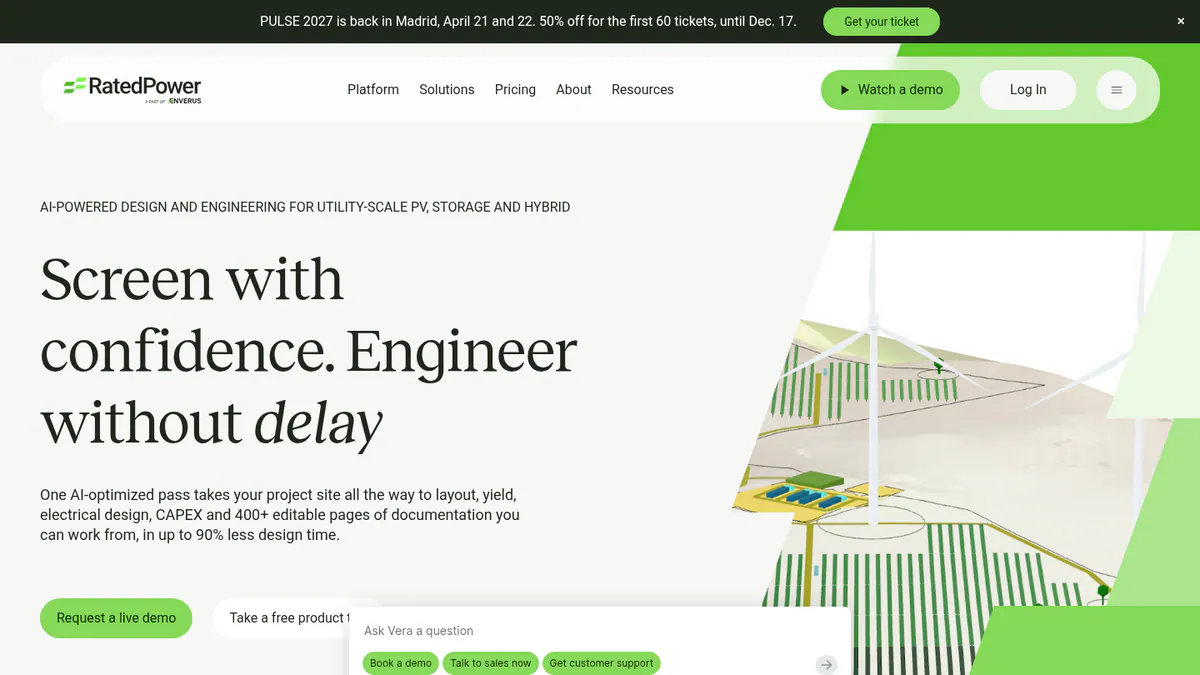
What it is: RatedPower is a cloud platform for siting, layout, yield and electrical design. It is now part of Enverus and is built for utility-scale projects.
Why we picked it: It documents MV/LV SLDs, substation engineering and a DWG (AutoCAD drawing file) round-trip with AutoCAD. It also has the most reviews here: 305 on G2, averaging 4.4/5.
Key features:
- MV/LV (medium and low voltage) electrical design, single-line diagrams and substation engineering.
- SLDs among 400+ editable documents.
- DWG export and re-import round-trip with AutoCAD.
- Rule-based layout with setbacks, roads and cut-and-fill (earthworks).
- BESS (battery storage) and hybrid design with dispatch simulation.
- Yield model reconciled with PVsyst.
Pricing: Quote only, across Basic, Advanced and Enterprise tiers. Checked October 2026 on the RatedPower pricing page.
Pros (from user reviews):
- Easy to use, which saves time when you assess sites (22 mentions).
- Automated electrical diagrams help you finish layouts fast.
- Intuitive PV layout design and helpful support (11 mentions each).
Cons (from reviews and our research):
- Layout issues are the top complaint (14 mentions), such as land and constraint handling.
- Missing features (8 mentions), such as some BESS-PCS (power conversion system) pairs. We found no three-line diagrams or AHJ permit sets documented.
- Drawings are not very flexible, and you need some engineering knowledge.
Reviews: G2 4.4/5 (305 reviews), checked October 2026. The pros and cons above are G2 review themes.
Read our full RatedPower review or our RatedPower alternatives.
Want to see RatedPower working? Book a demo with the SolarSoftwares team.
Book a demoYour request goes by email to the SolarSoftwares team. A time is set only after we reply. It does not change any score or ranking.
3. Aurora Solar: best for US residential design and sales teams
Best for: US residential installers who put design and proposals ahead of SLDs. Score: 68.6/100.
What it is: Aurora Solar is a cloud 3D design and proposal platform for US residential teams. Aurora routes large C&I and utility work to HelioScope.
Why we picked it: It ranks on reviews and published prices rather than SLD output. Its 121 G2 reviews average 4.7/5, and plan sets come on Enterprise.
Key features:
- 3D design with LIDAR-assisted modelling.
- Shade analysis and bankable shade reports (Premium).
- Battery modelling.
- Plan sets and engineering stamps (Enterprise only).
Pricing: Basic is USD 159 per user per month (USD 135 billed annually). Premium is USD 259 (USD 220 annually). Enterprise is custom, per project. Checked October 2026 on the Aurora pricing page.
Pros (from user reviews):
- Accurate shade reports (Capterra).
- Accurate design and strong customer service (G2).
- Videos and a knowledge base make it easy to learn (Capterra).
Cons (from user reviews):
- Heavy memory use on weaker machines (2019 reviews, Capterra).
- Proposal and financial features are limited for the cost (Capterra).
- Limited integration with other software (G2).
Reviews: G2 4.7/5 (121 reviews) and Capterra 4.1/5 (7 reviews), checked October 2026.
What we could not confirm: SLD output in Aurora’s own docs.
Read our full Aurora Solar review or our Aurora Solar alternatives.

Want to see Aurora Solar working? Book a demo with the SolarSoftwares team.
Book a demoYour request goes by email to the SolarSoftwares team. A time is set only after we reply. It does not change any score or ranking.
4. Arka 360: best for residential and C&I installers in India and the US
Best for: Installers in India and the US who want SLD export in a design tool. Score: 67.5/100.
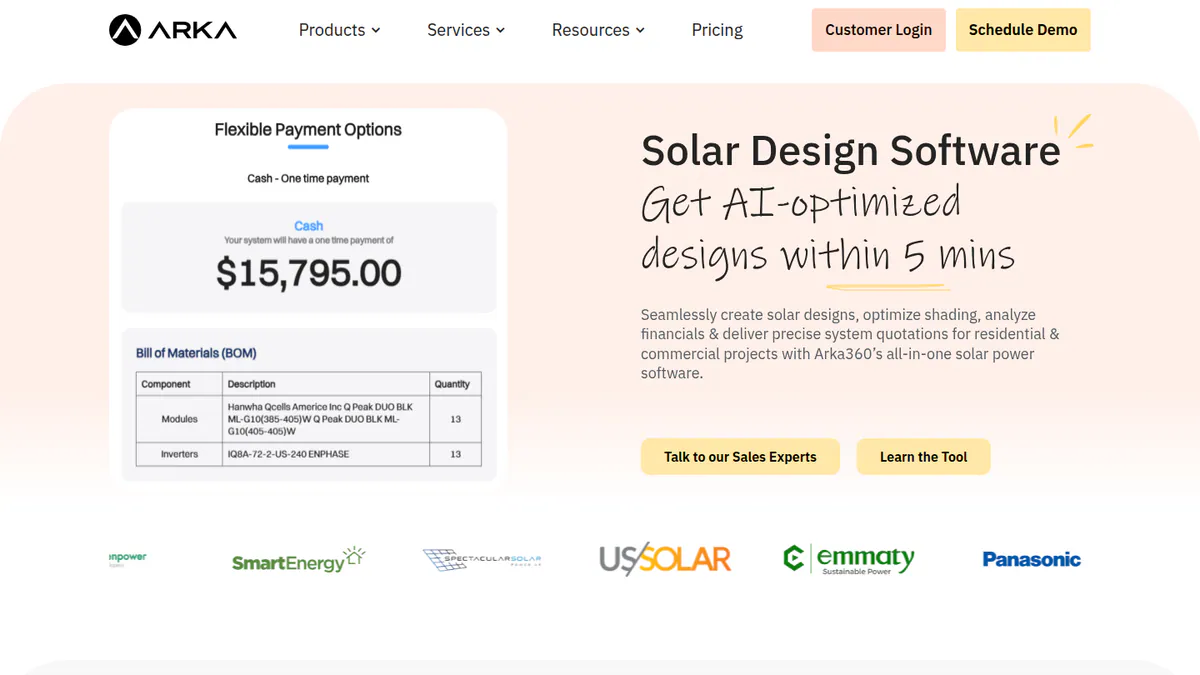
What it is: Arka 360 (formerly The Solar Labs) is a cloud platform for design, proposals and light CRM. It is strongest in India and also sells in the US.
Why we picked it: SLD export is listed on its US Premium plan, and its US prices are published. It also has 137 G2 reviews, averaging 4.3/5.
Key features:
- SLD export, listed on the US Premium plan.
- 3D rooftop and ground-mount design.
- Stringing, including micro-inverter and optimiser design.
- AI design generation and permitting checks.
- 3D export to SketchUp and PVsyst.
Pricing: The international-list Basic is USD 159 per month (USD 1,699 per year). Premium is USD 199 per month (USD 1,999 per year) and includes SLD export. Enterprise is USD 999 per month (USD 9,999 per year). The Indian pricing page shows two conflicting INR price sets, so we have not quoted them. Checked October 2026 on the Arka 360 pricing page.
Pros (from user reviews):
- Easy to use, with many useful tools (14 mentions).
- Shadow analysis and project estimates speed up quoting.
- 3D views help you close deals, and support staff are caring.
Cons (from reviews and our research):
- Reviewers report missing features, a steep learning curve and multi-user limits.
- Reviewers say it lags on projects of 3 MWp and above.
- No plan sets, three-line diagrams or DWG export documented.
Reviews: G2 4.3/5 (137 reviews), checked October 2026.
Read our full Arka 360 review or our Arka 360 alternatives.
Want to see Arka 360 working? Book a demo with the SolarSoftwares team.
Book a demoYour request goes by email to the SolarSoftwares team. A time is set only after we reply. It does not change any score or ranking.
5. PVcase Ground Mount: best for utility-scale layout in AutoCAD
Best for: EPCs designing ground-mount plants in AutoCAD. Score: 64.3/100.
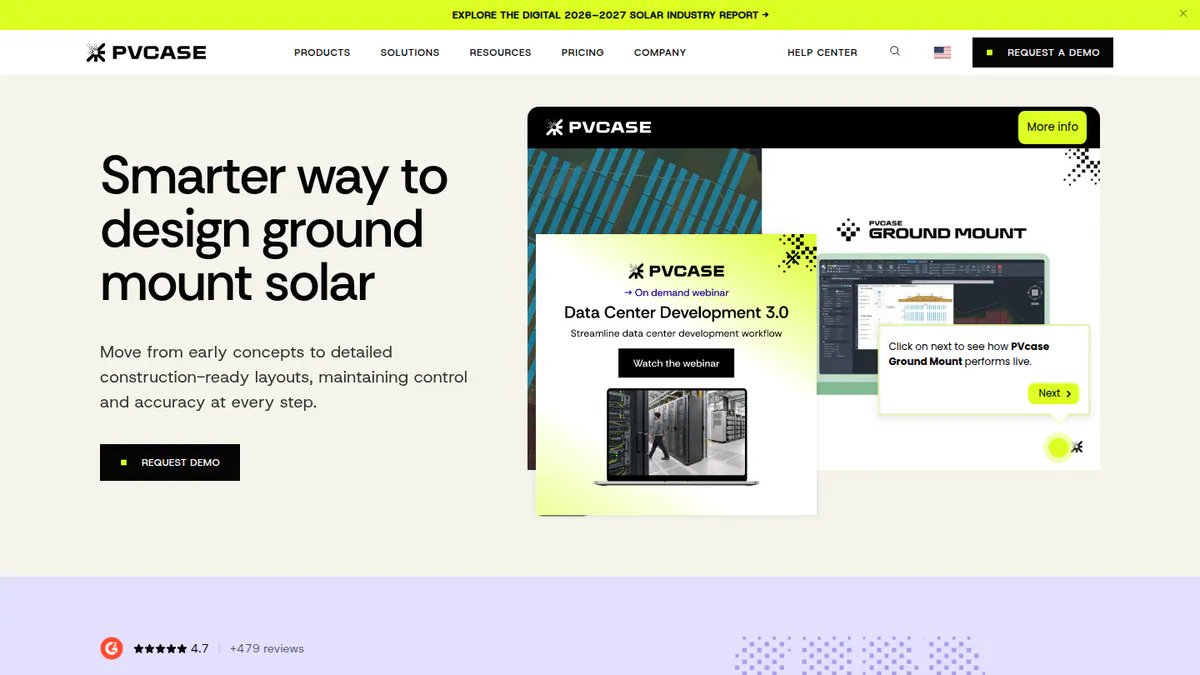
What it is: PVcase Ground Mount handles terrain-following layout, civil and electrical design for ground-mount plants. G2 reviewers describe it as an AutoCAD plug-in, though the company’s pricing page does not say so.
Why we picked it: It documents SLDs, stringing, cable sizing and voltage drop for ground-mount plants. Its 415 G2 reviews average 4.7/5.
Key features:
- Single-line diagrams, stringing, cable sizing and voltage drop.
- Automated layout for fixed tilt and trackers.
- Grading, cross-sections and piling analysis.
- BOM (bill of materials) export, plus export to PVcase Yield and PVsyst.
Pricing: Quote only, with a single Professional plan. Checked October 2026 on the PVcase pricing page.
Pros (from user reviews):
- Automation saves large amounts of layout time, with fast tracker layouts.
- Your team works in familiar AutoCAD and can export shade scenes to PVsyst.
- Strong terrain handling, and support often replies within a day.
Cons (from reviews and our research):
- The electrical tools lag the layout tools. Users want more automation for SLDs, cable sizing, breakers and CT (current transformer) selection.
- Expensive for small and mid-sized firms, and new users need training.
- No three-line diagrams or permit plan sets documented.
Reviews: G2 4.7/5 (415 reviews per G2’s search listing, while the company cites 479), checked October 2026.
Read our full PVcase Ground Mount review or our PVcase alternatives.
Want to see PVcase Ground Mount working? Book a demo with the SolarSoftwares team.
Book a demoYour request goes by email to the SolarSoftwares team. A time is set only after we reply. It does not change any score or ranking.
6. HelioScope: best for commercial rooftop and carport projects
Best for: C&I rooftop and carport projects up to 30 MW DC. Score: 63.6/100.
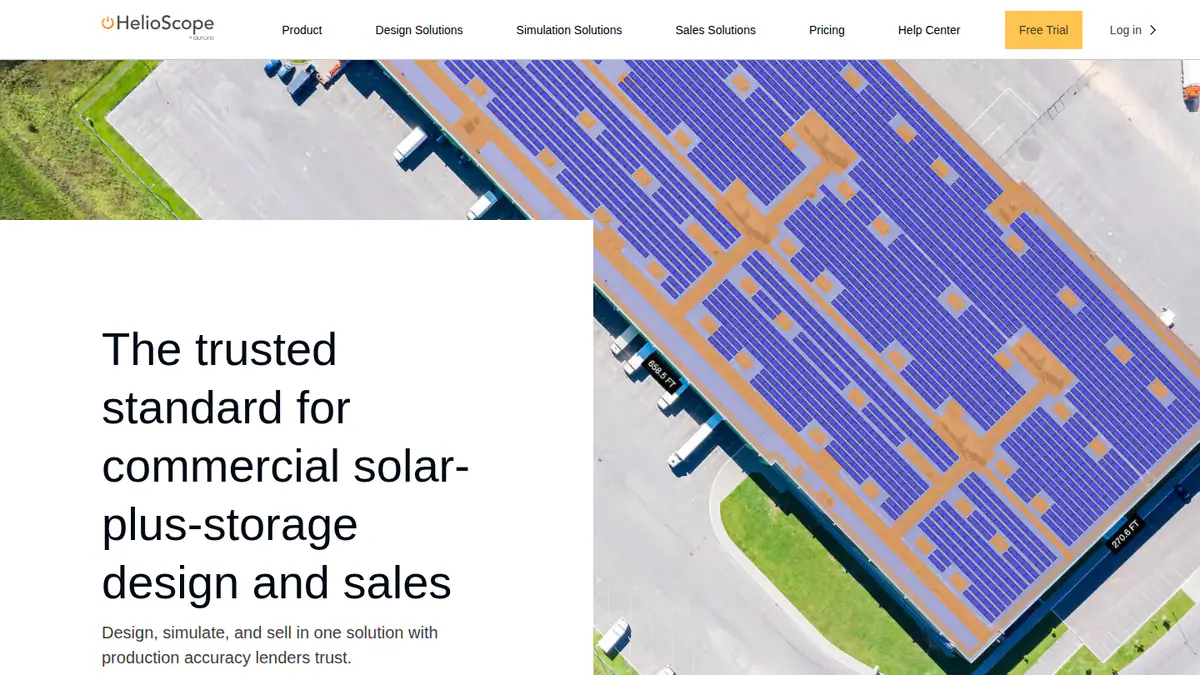
What it is: HelioScope is Aurora Solar’s separate commercial design and simulation tool. It covers C&I and small utility projects up to 30 MW DC.
Why we picked it: Reviewers say it turns out quick SLDs next to fast commercial layouts. Its prices are published, and it covers jobs up to 30 MW DC.
Key features:
- Quick SLDs, per G2 reviewers (the company pricing page does not list them).
- Rooftop, carport and ground-mount layout.
- Shading and wiring-loss modelling.
- P90/P95/P99 yield values (output the plant should beat in 90, 95 or 99% of years). Pro plan.
- Single-axis trackers and PVsyst export (Enterprise).
Pricing: Basic is USD 159 per month (USD 1,620 per year if billed yearly), for up to 1.25 MW DC and 10 projects per month. Pro is USD 259 per month (USD 2,640 per year if billed yearly), up to 5 MW DC. Enterprise is custom, up to 30 MW DC. Checked October 2026 on the HelioScope pricing page.
Pros (from user reviews):
- Easy to learn, so new designers get going fast.
- Fast, accurate layouts with shading and wiring-loss figures.
- Quick reports and SLDs for each design.
Cons (from reviews and our research):
- Reviewers find it expensive, and the tiers do not suit occasional users.
- Basic caps you at 10 projects a month and 1.25 MW DC.
- No three-line diagrams, plan sets or DWG export documented.
Reviews: G2 4.5/5 (19 reviews), checked October 2026.
Read our full HelioScope review or our HelioScope alternatives.
Want to see HelioScope working? Book a demo with the SolarSoftwares team.
Book a demoYour request goes by email to the SolarSoftwares team. A time is set only after we reply. It does not change any score or ranking.
7. Solargraf: best for US residential permit SLDs and plan sets
Best for: US and Canadian residential permit packages without a drafter. Score: 62.2/100.
What it is: Solargraf is Enphase’s residential platform for design, proposals, financing and permits.
Why we picked it: It has the most complete permit output here: SLDs, three-line diagrams and plan sets on every plan. Weak Capterra reviews (3.2/5) keep it seventh.
Key features:
- Permit-ready SLDs, three-line diagrams and plan sets to NEC 2026 (the US electrical code).
- AHJ (local permit office) database of 14,000+ jurisdictions.
- Permit output on all plans.
- Solar plus battery design and savings modelling.
- Integrated TPO (third-party ownership) and loan financing, plus a public API.
Pricing: Starter is USD 2,799 per year (240 projects, 2 users). Small Business is USD 4,799, Teams USD 6,399 and Enterprise USD 12,999. Checked October 2026 on the Solargraf pricing page.
Pros (from user reviews):
- Easy design tool with good shading and 3D, once past a short learning curve.
- One tool takes you from proposal to permit, so you skip a drafter.
- Client-friendly proposals and contracts.
Cons (from reviews and our research):
- Reviewers report frequent crashes and wrong property data.
- Reviewers find it expensive, and support wait times have grown.
- No CAD export documented.
Reviews: Capterra 3.2/5 (15 reviews), checked October 2026. We found no G2 listing.
Read our full Solargraf review or our Solargraf alternatives.
Want to see Solargraf working? Book a demo with the SolarSoftwares team.
Book a demoYour request goes by email to the SolarSoftwares team. A time is set only after we reply. It does not change any score or ranking.
SurgePV (unscored): for readers comparing single-line diagrams generated from the solar design. Have the responsible engineer review the drawing against local approval rules. The numbered scores above do not include it.
Sources checked 27 October 2026: SurgePV product information · SolarSoftwares SurgePV review
Book a demo of SurgePV with the SolarSoftwares team.
Book a demoYour request goes by email to the SolarSoftwares team. A time is set only after we reply. It does not change any score or ranking.
How do the 7 solar SLD tools compare?
This table compares the 7 ranked tools side by side.
Product | SLD output (as documented) | Three-line diagram | Permit plan sets | CAD export | Segment | Starting price |
|---|---|---|---|---|---|---|
Editable SLD (Jul 2026) | Not documented | Not documented | Not documented | Residential, light C&I | GBP 4/project | |
MV/LV SLDs, substation | Not documented | No (engineering documents) | DWG round-trip | Utility | Quote only | |
Could not confirm | Not documented | Enterprise only | Not documented | Residential, light C&I | USD 159/user/mo | |
SLD export (US Premium) | Not documented | Permitting checks only | SketchUp, PVsyst 3D | Residential, C&I | USD 159/mo | |
SLDs, cable sizing | Not documented | Not documented | Runs in AutoCAD (per G2 reviewers) | Utility, C&I | Quote only | |
SLDs (per G2 reviewers) | Not documented | Not documented | Not documented (PVsyst export on Enterprise) | C&I, small utility | USD 159/mo | |
Permit-ready SLDs | Yes | Yes (NEC 2026) | Not documented | Residential, small C&I | USD 2,799/yr |
Also considered
- PVComplete / PVCAD (scored 61.7/100): Automated SLDs and commercial plan sets inside AutoCAD, per trade press. We could not verify features or pricing on the company site after the Enact merger, and it has only 2 G2 reviews.
- Solar Proof (scored 59.5/100): Australian quoting tool with a free browser SLD editor filled from the quote. It is built for Australian rules only and has no user reviews.
- Easy PV (scored 56.0/100): Free UK design tool with an "automatic electrical schematic" and DNO (distribution network operator) forms. Pro costs GBP 35 + VAT per user per month, with no contract. We could not confirm the schematic is a full SLD, and the last dated update we found is February 2023.
- Archelios Pro (scored 53.5/100): French C&I design tool, free up to 9 kWp. It exports only a simplified SLD, and full electrical design needs archelios CALC, sold separately.
- Enact (Design & Proposals) (scored 46.7/100): Design, proposals and monitoring, now bundling PVCAD. Its pricing and features are not verified on the company site, and it has no user reviews.
- Solarius PV (scored 45.7/100): Italian BIM (building information modelling) tool with an SLD linked to cable and protection sizing. Price is quote only, and our facts come from a 2021 brochure.
- OpenSolar (well below the minimum score): A free residential design and proposal platform with SolarAPP+ (automated US permit approval) integration. We could not confirm any SLD output.
- SmartSLD (below the minimum score): An early-stage browser AI SLD editor with a free daily AI quota. It claims no NEC or AS/NZS compliance, and we could not identify the company behind it.
- Plan-set drafting services: See our plan-set services guide.
How do you choose solar SLD software?
- If you need US residential SLDs, three-line diagrams and plan sets from the design, pick Solargraf.
- If you are a small installer in the UK, Ireland or Australia paying per job, pick Pylon. In Australia, also look at Solar Proof’s free SLD editor (also considered).
- If you want SLD export in a design tool in India or the US, look at Arka 360 Premium.
- If you design commercial rooftops and carports up to 30 MW DC, try HelioScope.
- If you design utility plants, pick RatedPower for cloud electrical and substation work. AutoCAD teams should look at PVcase Ground Mount.
- If you engineer commercial projects in AutoCAD, or work in France or Italy, see PVCAD, Archelios Pro and Solarius PV under Also considered.
Want more choices? Browse every tool we checked in our design and simulation category.
Solar SLD software FAQs
What is the best software for solar single line diagrams?
It depends on the segment. In our October 2026 ranking, Pylon scores highest (74.5/100) for UK, Irish and Australian installers. Solargraf has the most complete residential permit output (SLDs, three-line diagrams and NEC 2026 plan sets). RatedPower leads for engineering SLDs.
What is the difference between a single line diagram and a three line diagram?
A single line diagram shows each circuit as one line. A three-line diagram draws every conductor, which some jurisdictions and utilities ask for. Of the 15 tools we scored, only Solargraf documents three-line output as of October 2026.
Can I generate an SLD for a solar plus battery system?
Yes, in some tools. Solargraf supports solar plus battery design alongside its permit SLDs. RatedPower covers BESS (battery energy storage systems) and hybrid plants at utility scale. Solar Proof (also considered) pre-wires batteries and the BMS (battery management system) in its SLD editor.
Can solar SLDs be exported to AutoCAD?
Some can. RatedPower has a DWG round-trip, and PVcase Ground Mount works inside AutoCAD (per G2 reviewers). Also considered: PVCAD runs in AutoCAD, Solarius PV handles DXF/DWG and Archelios Pro exports DXF site plans (Gold plan, EUR 1,490 per year). The residential tools show no DWG or DXF export.
What must a solar SLD include for permit approval?
Your AHJ (local permit office), utility or network operator sets the requirements. They typically cover modules, strings, inverters, disconnects, overcurrent protection, conductor sizes and the point of connection. Solargraf keeps an AHJ database of 14,000+ jurisdictions for US permit sets.
Sources
All checked 22 to 25 October 2026.
- Pylon: pricing, July 2026 update, Capterra, G2
- RatedPower: pricing, feature comparison, G2
- Aurora Solar: pricing, G2, Capterra
- Arka 360: pricing, G2
- PVcase Ground Mount: pricing, G2
- HelioScope: pricing, G2
- Solargraf: pricing, Q2 2026 highlights, Enphase release, Capterra
- PVCAD and Enact: Solar Power World, January 2026, G2 reviews, G2 pricing
- Solar Proof: pricing, SLD editor article
- Easy PV: pricing and features
- Archelios Pro: shop, product page
- Solarius PV: company brochure
- OpenSolar: features. SmartSLD: Capterra listing
Last updated 28 October 2026. Next scheduled review: 23 January 2027.