Solar panel layout software places solar panels on a roof or a site plan. It shows where each panel goes around vents, setbacks and other obstacles. Pylon ranks first on this list, at 80.8/100, for residential roof layouts priced per job.
We scored 15 tools from 22 to 25 October 2026 and ranked the top 7. This page covers homes, commercial and industrial (C&I) roofs and ground-mount sites. Layout is a different job at each scale, so no single tool wins all three.
Quick picks
Rank | Product | Best for | Starting price (company page, checked October 2026) | Pricing model | Free plan / trial | Score /100 |
|---|---|---|---|---|---|---|
1 | Residential roof layouts, per job | ✓ GBP 4 per project | Per project | 5 free project credits | 80.8 | |
2 | Complex residential roofs in 3D | ✓ USD 159 per user per month | Per user | None stated | 79.9 | |
3 | C&I roof layouts in AutoCAD | Quote only | Single Professional plan | Demo only | 78.9 | |
4 | Desktop 3D layout with simulation | ✓ EUR 845 per year plus VAT | Named-user licence | 30-day trial | 75.6 | |
5 | Utility-scale layout in the cloud | Quote only | Three tiers | Demo only | 75.1 | |
6 | Rooftop and ground mount, India and US | ✓ USD 159 per month (international list) | Monthly or yearly | Demo only | 74.5 | |
7 | Terrain-following ground-mount layout in AutoCAD | Quote only | Single Professional plan | Demo only | 73.0 |
✓ Verified on the company’s own pricing page. ◐ Published by the company outside its pricing page (help centre, store or press release). ? We could not read the company’s pricing page, so the figure is not confirmed. Prices checked October 2026.
Quote only means the company shows no public price. You ask it for a quote.
How the 7 tools scored
- Use-case fit 35%
- User reviews 20%
- Pricing 15%
- Ease of use 10%
- Support 10%
- Momentum 10%
Tool | Score chart | Score |
|---|---|---|
80.8 out of 100 | 80.8 | |
79.9 out of 100 | 79.9 | |
78.9 out of 100 | 78.9 | |
75.6 out of 100 | 75.6 | |
75.1 out of 100 | 75.1 | |
74.5 out of 100 | 74.5 | |
73 out of 100 | 73.0 |
Each bar shows the weighted score out of 100.
Sub-scores at a glance (0-10)
Product | Use-case fit | User reviews | Pricing | Ease of use | Support | Momentum | Total /100 |
|---|---|---|---|---|---|---|---|
8.0 | 6.7 | 8.0 | 7.5 | 10.0 | 10.0 | 80.8 | |
9.3 | 7.9 | 6.0 | 7.5 | 7.5 | 7.5 | 79.9 | |
9.3 | 6.4 | 4.0 | 10.0 | 10.0 | 7.5 | 78.9 | |
8.7 | 5.4 | 8.0 | 7.5 | 7.5 | 7.5 | 75.6 | |
8.7 | 6.9 | 4.0 | 7.5 | 7.5 | 10.0 | 75.1 | |
8.7 | 6.3 | 6.0 | 7.5 | 10.0 | 5.0 | 74.5 | |
8.7 | 8.3 | 4.0 | 7.5 | 7.5 | 5.0 | 73.0 |
A 5.0 on reviews, ease, support or momentum is our neutral score. We use it when public evidence is thin. It is not a judgement.
Which solar panel layout software fits each project scale?
Layout means different work at each scale. On a house, you fit modules (solar panels) around vents and fire setbacks (clear space the rules require along roof edges). On a commercial roof, you work around parapets (low walls at the roof edge) and ballast (weights that hold panels down). On a ground-mount site, you set rows, trackers (mounts that turn to follow the sun) and grading (shaping the ground). No single tool covers all three well.
- Residential roofs: Pylon, Aurora Solar and Arka 360. Also considered: OpenSolar, Scanifly, SolarEdge Designer, IronRidge Atlas and EasySolar.
- Commercial roofs and carports: PVcase Roof Mount and PV*SOL premium. Also considered: HelioScope, PVCAD and Skelion.
- Ground mount and utility: RatedPower and PVcase Ground Mount. PVCAD Mega is also considered. Aurora’s core product is not one of these, as Aurora sends large C&I and utility work to HelioScope.
This page scores the layout step only. See our best solar design software list for the full design job. For segment depth, see residential, commercial and utility-scale design software.
How did we rank these solar panel layout tools?
How the score is weighted
- Use-case fit 35%
- User reviews 20%
- Pricing 15%
- Ease of use 10%
- Support 10%
- Momentum 10%
We reviewed 15 products from 22 to 25 October 2026, scored all 15 and ranked the top 7. The other 8 are listed under "Also considered". We used company documents, pricing pages and public user reviews. This was desk research, so we did not lay out projects in any tool. Each product is scored on six criteria:
- Use-case fit (35%): How well it does this page’s job. Module layout counts three times as much as 3D modelling and stringing (wiring panels to the inverter).
- User reviews (20%): G2 and Capterra ratings. Ratings based on only a few reviews count for less. With fewer than 8 reviews, a tool gets a middle score (5 out of 10).
- Pricing (15%): Free and published pricing score higher than quote-only or unverified pricing.
- Ease of use, support and momentum (10% each): Review sub-scores and dated release notes. Without evidence, a tool gets a middle score.
All 15 cleared our minimum match score (4 out of 10). Scores are specific to each page. We weigh the job this page covers, so the same tool can score differently elsewhere. Products whose core facts we found only in third-party sources lose 2 points on their product-updates score. Drafting and plan-set services are not ranked.
Third-party ratings are shown for context only. We never use them in rating markup (the code that shows star ratings in search results). SurgePV is not part of this ranking. Read the full method: how we score software.
1. Pylon: best for residential roof layouts priced per job
Best for: Small home installers who want to pay per job. Score: 80.8/100.
What it is: Pylon is a design and proposal tool from Sydney, sold per project with unlimited users. Most users are small and mid-sized installers in Australia, the UK, Ireland and the US. You lay out solar and batteries on aerial imagery and send the proposal from the same project.
Why we picked it: It lays out home roofs on aerial imagery with clear per-job prices and strong support reviews. Monthly updates, such as the July 2026 SLD (single-line diagram) editor, also helped.
Key features:
- Solar and battery layout on aerial imagery (select countries).
- Editable single-line diagrams (July 2026).
- Web and PDF proposals with eSignature.
- Financial projections and load profiles.
Pricing: Standard is GBP 4 per project up to 30 kW DC. Pro is GBP 10 per project and adds custom load profiles and commercial sizes (99 kW and up).
Enterprise is on quote. You get 5 free Standard credits on sign-up. Checked October 2026 on the Pylon UK pricing page.
Pros (from user reviews):
- Paying per project keeps layout costs low when you only do a few jobs (Capterra).
- Beginners get going fast with the friendly layout and manual.
- The finished layout turns into a detailed proposal (G2).
Cons (from reviews and our research):
- Aerial imagery quality varies by location, which can slow the layout.
- Usage modelling is awkward, and some users take a while to learn it.
- Its docs show no 3D roof model, so steep or cut-up roofs are harder.
Reviews: Capterra 4.6/5 (25 reviews) and G2 4.3/5 (2 reviews), checked October 2026. Most Capterra reviews date from 2021-2023.
What we could not confirm: USD or AUD prices, and which plan covers jobs of 30 to 99 kW.
Read our full Pylon review or our Pylon alternatives.

Want to see Pylon working? Book a demo with the SolarSoftwares team.
Book a demoYour request goes by email to the SolarSoftwares team. A time is set only after we reply. It does not change any score or ranking.
2. Aurora Solar: best for complex residential roofs in 3D
Best for: US residential teams whose layout time goes on steep, cut-up roofs. Score: 79.9/100.
What it is: Aurora Solar is a cloud platform for 3D design, simulation and sales proposals, built for US homes and light-commercial roofs. It is not a utility layout tool.
Why we picked it: Its 3D modelling ties it with PVcase Roof Mount for the best layout fit on this page. It also has strong reviews, with G2 4.7/5 from 121 reviews.
Key features:
- Cloud 3D design with LIDAR-assisted modelling (built from laser-scanned height data) on Premium.
- On-demand and AI-assisted site models.
- Drone mapping on Enterprise.
- Shade analysis that feeds the layout.
Pricing: Basic is USD 159 per user per month (USD 135 annually, 50 projects a month). Premium is USD 259 (USD 220 annually) and adds LIDAR-assisted modelling. Enterprise is custom, per project. On-demand site models start at USD 9.99. Checked October 2026 on the Aurora pricing page.
Pros (from user reviews):
- LiDAR shows obstructions, so you place modules around vents and trees with fewer site visits (Capterra).
- Designs are accurate and the service team is strong (G2).
- New designers can learn it from videos.
Cons (from reviews and our research):
- Older reviews (2019) report heavy memory use on weaker machines.
- It links to few other tools.
- Per-user pricing adds up for large teams.
Reviews: G2 4.7/5 (121 reviews) and Capterra 4.1/5 (7 reviews), checked October 2026.
What we could not confirm: how deep its stringing tools go, and whether it offers a free trial.
Read our full Aurora Solar review or our Aurora Solar alternatives.

Want to see Aurora Solar working? Book a demo with the SolarSoftwares team.
Book a demoYour request goes by email to the SolarSoftwares team. A time is set only after we reply. It does not change any score or ranking.
3. PVcase Roof Mount: best for C&I roof layouts in AutoCAD
Best for: C&I teams laying out large flat or multi-area roofs. Score: 78.9/100.
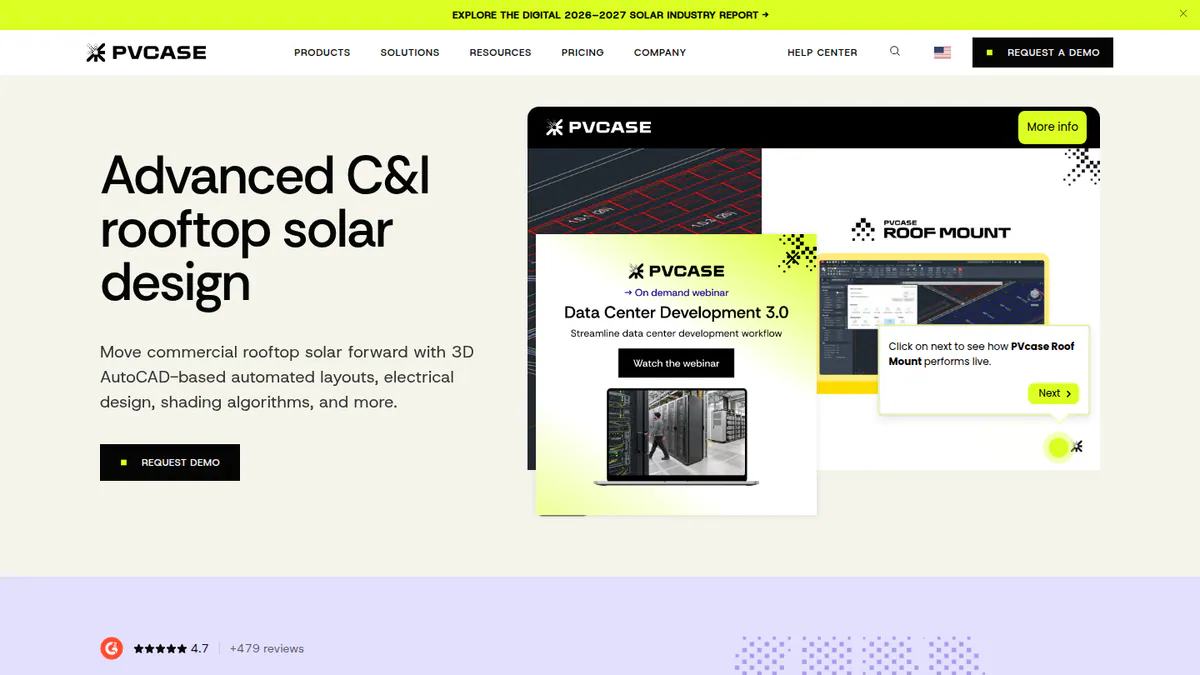
What it is: PVcase Roof Mount is a rooftop design tool that runs as an AutoCAD plug-in (AutoCAD 2026 compatible). Its buyers are C&I EPCs (engineering and construction firms) and engineering teams. It is a separate product from PVcase Ground Mount and is not aimed at residential work.
Why we picked it: It ties with Aurora for the best layout fit here, and it handles multi-area C&I roofs inside AutoCAD. Quote-only pricing cost it points.
Key features:
- Single and multi-area layout with setbacks, parapets and obstructions.
- DWG/DXF (CAD files) and drone images turned into roof geometry.
- Mounting calculator, with PanelClaw ballast reports in Eurocode countries (those using the European structural design codes).
- Stringing, MPPT (the inverter’s power-tracking inputs), cable trays and cable sizing.
- SLD (single-line diagram), BOM (parts list) and PVsyst export.
Pricing: Quote only (single Professional plan). Checked October 2026 on the PVcase Roof Mount pricing page.
Pros (from user reviews):
- Reviewers say it saves time on roof layouts (G2 theme tags).
- It works inside AutoCAD, so CAD teams keep the tool they know.
- G2 users rate ease of use 9.1/10 and support 9.8/10 (16 reviews).
Cons (from our research):
- There is no published price, so you must talk to sales first.
- Ballast reports cover Eurocode countries only.
- You need AutoCAD skills to use it.
Reviews: G2 4.6/5 (17 reviews), checked October 2026.
What we could not confirm: what users dislike, as G2 review text was not visible, and whether an AutoCAD licence is included.
Want to see PVcase Roof Mount working? Book a demo with the SolarSoftwares team.
Book a demoYour request goes by email to the SolarSoftwares team. A time is set only after we reply. It does not change any score or ranking.
4. PV*SOL premium: best for desktop 3D layouts tied to simulation
Best for: Planners who lay out roofs and simulate storage and loads in one file. Score: 75.6/100.
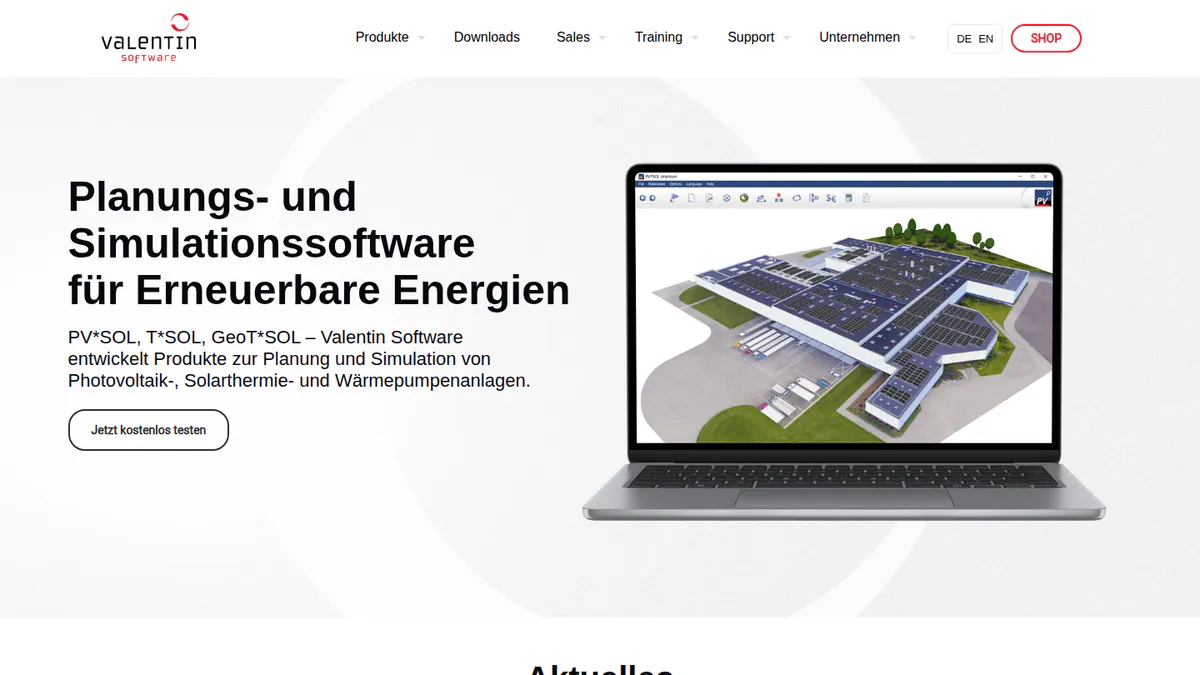
What it is: PV*SOL premium is desktop 3D design and simulation software from Valentin Software in Germany. Installers and planners in Europe use it for residential and C&I systems. The 2026 version came out on 24 November 2025.
Why we picked it: It scores well on fit because the layout feeds straight into yield (how much power the panels will make), storage and load simulation. Public prices helped too.
Key features:
- 3D layout with detailed shading analysis.
- Yield simulation using Meteonorm 9 climate data as an input.
- Battery, heat pump and EV load modelling.
- Customer presentation export (PDF/DOCX).
Pricing: EUR 845 per year per named user, or EUR 285 for 3 months, plus VAT. The 2D PV*SOL costs EUR 585 per year. A 30-day trial is available. Checked October 2026 in the Valentin Software shop.
Pros (from our research):
- Prices are public, and a 3-month licence covers a busy season.
- You lay out the roof and simulate storage and loads in one model, so nothing is typed in twice.
- A new major version comes out each year.
Cons (from our research):
- It is desktop only, so reps cannot lay out a roof in a browser.
- Customer output is a PDF or DOCX export, not a live web proposal.
- Each named user needs a licence, which adds up for bigger teams.
Reviews: G2 4.2/5 (12 reviews), checked October 2026, with G2 ease of use 8.2/10.
What we could not confirm: how deep its stringing tools go. G2 shows too little review text for pros and cons.
Read our full PV*SOL premium review or our PV*SOL premium alternatives.
Want to see PV*SOL premium working? Book a demo with the SolarSoftwares team.
Book a demoYour request goes by email to the SolarSoftwares team. A time is set only after we reply. It does not change any score or ranking.
5. RatedPower: best for utility-scale layout in the cloud
Best for: Teams laying out utility PV, BESS (battery storage) and hybrid plants. Score: 75.1/100.
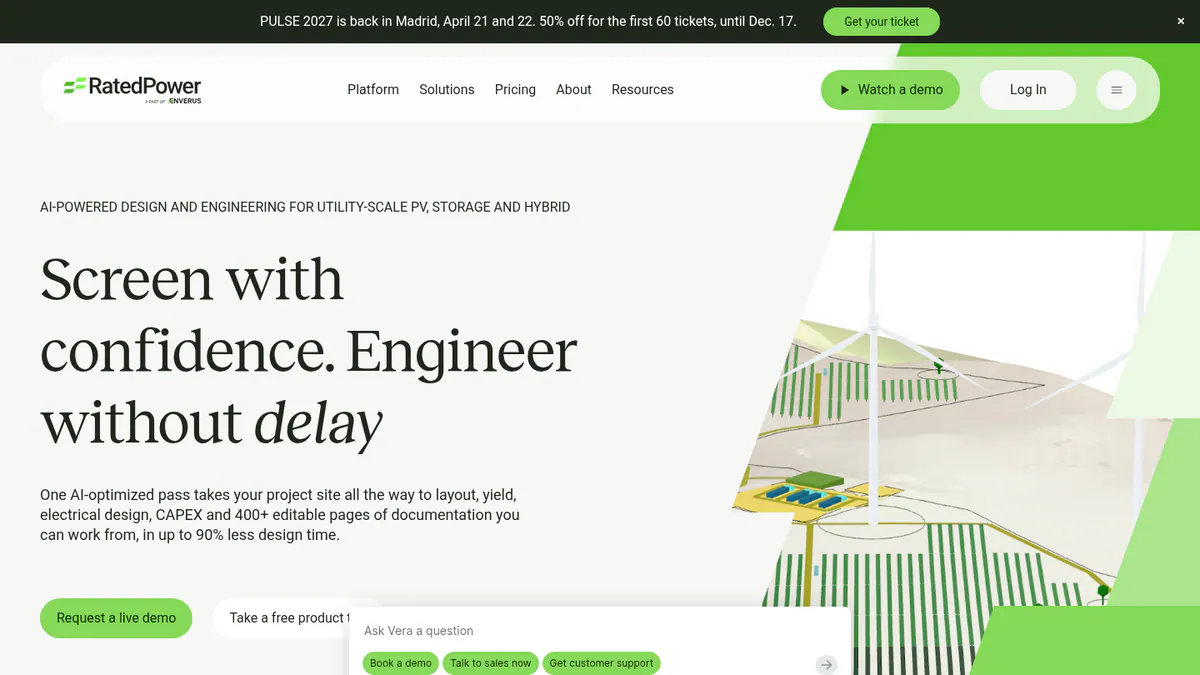
What it is: RatedPower is a cloud design and engineering platform from Enverus. It builds rule-based plant layouts in the browser, through to yield, electrical design and CAPEX (build cost). Its customers are developers, EPCs and IPPs (independent power producers) working on utility PV, BESS and hybrid plants.
Why we picked it: It is the highest-scoring utility layout tool here, and 305 G2 reviews back it up. Quote-only pricing held it back.
Key features:
- Rule-based layout with setbacks, roads, slope and cut-and-fill (earthworks to level the ground).
- Site screening with parcel and substation mapping (selected geographies).
- DWG export and re-import round-trip with AutoCAD.
- Layout editing on Advanced and above.
Pricing: Quote only (Basic, Advanced, Enterprise). Checked October 2026 on the RatedPower pricing page.
Pros (from user reviews):
- Ease of use is the top praise (22 mentions in G2 themes).
- Fast feasibility layouts save time when you size up a new site.
- Reviewers often praise customer support (11 mentions).
Cons (from user reviews):
- Layout issues are the top complaint (14 mentions), such as how it handles land and site limits.
- Some features are missing (8 mentions), such as some battery and inverter pairings.
- You get less freedom to customise and redraw the design.
Reviews: G2 4.4/5 (305 reviews), checked October 2026.
Read our full RatedPower review or our RatedPower alternatives.
Want to see RatedPower working? Book a demo with the SolarSoftwares team.
Book a demoYour request goes by email to the SolarSoftwares team. A time is set only after we reply. It does not change any score or ranking.
6. Arka 360: best for rooftop and ground-mount layouts in India and the US
Best for: Installers in India and the US doing residential and small commercial layouts. Score: 74.5/100.
What it is: Arka 360, formerly The Solar Labs, is a cloud design and proposal platform. It has offices in Bengaluru and Allen, Texas. It sells to residential and small commercial installers in both countries.
Why we picked it: It covers rooftop and ground-mount layout in one cloud tool, with AI design and a public US price. It also has a large review base, with 137 G2 reviews.
Key features:
- 3D rooftop and ground-mount layout.
- Shading analysis.
- AI design generation.
- 3D export to SketchUp and PVsyst (Premium).
Pricing: The international-list Basic is USD 159 per month (USD 1,699 per year). Premium is USD 199 per month (USD 1,999 per year). Enterprise is USD 999 per month. The Indian page shows two conflicting INR price sets, so we have not quoted them. Checked October 2026 on the Arka 360 pricing page.
Pros (from user reviews):
- Many reviewers find it smooth, with lots of useful tools (14 mentions on G2).
- Shadow analysis and estimates help you place modules where they produce most.
- Customers can see the layout in 3D, which helps close deals.
Cons (from user reviews):
- It lags on projects of 3 MWp (megawatts peak) and above.
- Some features are missing, and the structure choice confuses some users.
- It has limits for teams with many users.
Reviews: G2 4.3/5 (137 reviews), checked October 2026, with G2 support 9.2/10.
Read our full Arka 360 review or our Arka 360 alternatives.
Want to see Arka 360 working? Book a demo with the SolarSoftwares team.
Book a demoYour request goes by email to the SolarSoftwares team. A time is set only after we reply. It does not change any score or ranking.
7. PVcase Ground Mount: best for terrain-following ground-mount layout in AutoCAD
Best for: EPCs and engineering firms on hilly or tracker-based sites. Score: 73.0/100.
What it is: PVcase Ground Mount automates fixed-tilt and tracker layouts across terrain for developers, EPCs and engineering firms. G2 reviewers describe it as an AutoCAD plug-in, though the company pricing page does not say so.
Why we picked it: It ties Aurora Solar for the best G2 score on this page (4.7/5) and handles hilly and tracker sites well. Quote-only pricing and few dated updates held it back.
Key features:
- Automated terrain-following layout for fixed tilt and trackers.
- Slope, collision and grading heatmaps.
- Cross-sections and piling analysis.
- BESS layout.
- BOM and PVsyst export.
Pricing: Quote only (single Professional plan). Checked October 2026 on the PVcase Ground Mount pricing page.
Pros (from user reviews):
- All 10 visible reviews say it saves layout time (G2).
- Designers work in AutoCAD, which many already know.
- It handles slopes and rough terrain well, so hilly sites take less rework.
Cons (from user reviews):
- SLD and cable tools are less automated than the layout tools.
- Small firms find it expensive.
- New users need training.
Reviews: G2 4.7/5 (415 reviews per G2’s search listing, while the company cites 479), checked October 2026.
Read our full PVcase Ground Mount review.
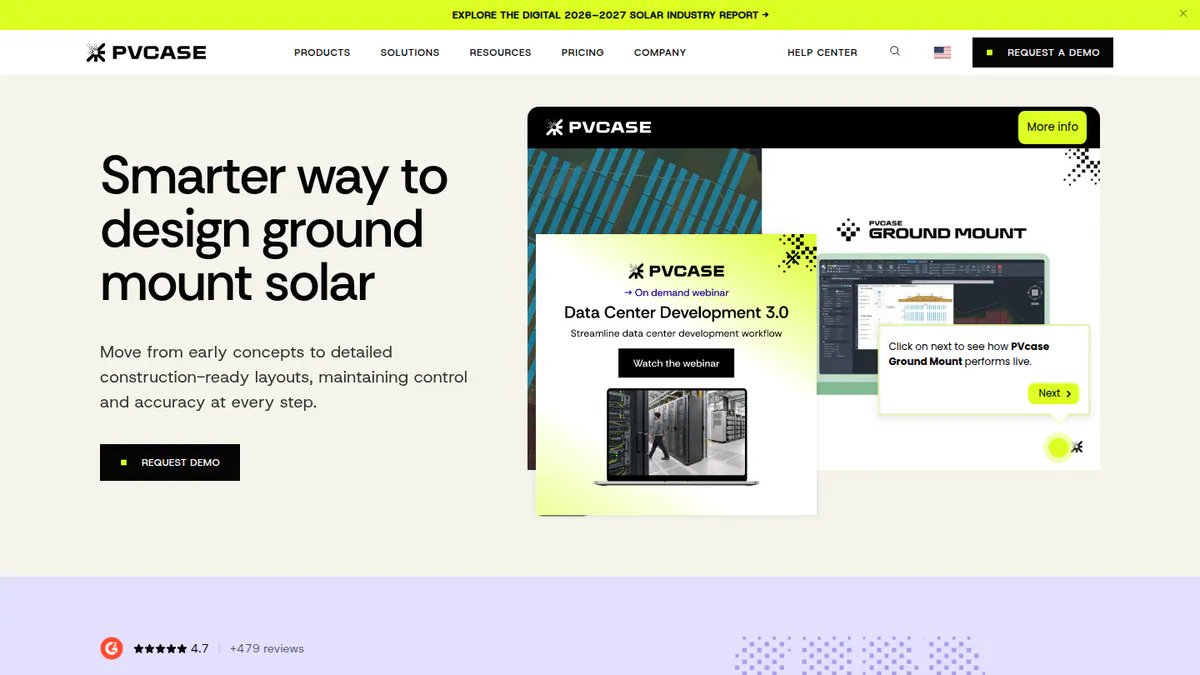
Want to see PVcase Ground Mount working? Book a demo with the SolarSoftwares team.
Book a demoYour request goes by email to the SolarSoftwares team. A time is set only after we reply. It does not change any score or ranking.
SurgePV (unscored): for readers comparing roof modelling, panel layout, shading, electrical drawings and proposals. Verify the outputs and commercial fit on a representative project. The numbered scores above do not include it.
Sources checked 27 October 2026: SurgePV product information · SolarSoftwares SurgePV review
Book a demo of SurgePV with the SolarSoftwares team.
Book a demoYour request goes by email to the SolarSoftwares team. A time is set only after we reply. It does not change any score or ranking.
How do the 7 solar panel layout tools compare?
Product | Layout environment | 3D model source | Automated layout | CAD exchange | Starting price |
|---|---|---|---|---|---|
Cloud | Aerial imagery | Not documented | Not documented | GBP 4/project | |
Cloud | LIDAR, AI and on-demand site models | AI site models (Enterprise) | Not documented | USD 159/user/mo | |
AutoCAD plug-in | DWG/DXF, drone images | Layout generation and optimisation | DWG/DXF in. PVsyst out | Quote only | |
Desktop | 3D model in tool | Not documented | Not documented | EUR 845/yr | |
Cloud | Terrain data | Rule-based layout | DWG round-trip | Quote only | |
Cloud | 3D in tool | AI design generation | SketchUp, PVsyst export | USD 159/mo | |
AutoCAD (per G2 reviewers) | Terrain | Terrain-following layout | PVsyst export | Quote only |
Also considered
We scored these eight tools for this page, but they ranked below the top 7.
- OpenSolar scored 71.7/100. Its core rooftop layout platform is free, with AI design since OS 3.0. It has only 3 G2 reviews, and reviewers say its layouts need engineering review. It is not built for C&I or ground mount.
- HelioScope scored 69.3/100. It is Aurora’s browser tool for C&I layouts up to 30 MW DC without AutoCAD, from USD 159 per month. Reviewers find it expensive for occasional use, and trackers need Enterprise.
- Scanifly scored 64.0/100. It builds 3D site models from drone surveys for US installers. It is quote only, US-focused and has just 3 G2 reviews.
- SolarEdge Designer scored 57.7/100. It is free per third-party sources, but built around SolarEdge equipment. Its features come from 2018-2020 sources, and it has no reviews.
- PVComplete / PVCAD scored 55.7/100. It offers AutoCAD layout with engineering output, including PVCAD Mega for utility sites. Pricing is unconfirmed since Enact bought PVComplete on 13 January 2026, and it has only 2 G2 reviews.
- Skelion scored 54.7/100. It adds panel placement to SketchUp for USD 200 per year per licence. It has no stringing, no proposals and no user reviews.
- IronRidge Atlas scored 51.8/100. IronRidge’s free Design Assistant handles racking layout and BOM, but it is tied to IronRidge racking and has no user reviews. See also mounting structure design software.
- EasySolar scored 40.0/100. It does quick layouts on a roof photo, but its active status is unconfirmed. Its newest dated coverage is February 2020, and it has no current pricing or reviews.
- SunDAT: Still named in some older roundups. We could not confirm it is still offered (checked October 2026), so we did not score it.
- The Solar Labs: This is Arka 360’s former name, so it is covered at number 6 rather than listed twice.
- Plan-set and drafting services: Services are not ranked against software.
How do you choose solar panel layout software?
- If you lay out a few houses a week, pick Pylon.
- If you sell in the US and roofs are complex, pick Aurora Solar Premium.
- If you design C&I roofs in AutoCAD, pick PVcase Roof Mount. Without AutoCAD, look at HelioScope (also considered).
- If you want layout and simulation in one desktop file, pick PV*SOL premium.
- For ground mount, pick RatedPower (cloud) or PVcase Ground Mount (AutoCAD).
- If the budget is zero, start with OpenSolar. If you install only SolarEdge, add SolarEdge Designer. Both are also considered.
- If you fly drones on surveys, or already model in SketchUp, see Scanifly and Skelion under Also considered.
- For 3D-first tools, see 3D solar design software.
Want more choices? Browse every tool we checked in our design and simulation category.
Solar panel layout software FAQs
What software is used to design solar panel layouts?
It depends on scale. In our October 2026 ranking, the leading residential options are cloud tools such as Pylon, Aurora Solar and Arka 360. For C&I roofs, use PVcase Roof Mount, and for utility, RatedPower or PVcase Ground Mount.
Is there free software to lay out solar panels on a roof?
Yes. OpenSolar’s core platform is free, though API and accounting connectors have carried unpublished fees since 16 April 2026. SolarEdge Designer is free for SolarEdge equipment, and IronRidge’s Design Assistant is free for IronRidge racking. All three sit under Also considered. See our free solar design software list for more.
How do you design a solar panel layout for a roof?
Build an accurate roof model from aerial imagery, LiDAR or a drone survey. Then mark obstructions and required setbacks. Place modules, check shading and string them to the inverter. As of October 2026, Scanifly and HelioScope Pro automate the obstruction step with AI detection.
Can I use SketchUp or AutoCAD for solar panel layout?
Yes, with plug-ins. Skelion adds panel placement to SketchUp for USD 200 per year per licence (checked October 2026). It has no stringing, no proposals and no user reviews. PVcase Roof Mount and PVCAD run in AutoCAD, and PVCAD adds engineering output.
What is the best solar layout software for utility-scale projects?
In our October 2026 ranking, RatedPower scores highest for utility layouts (75.1/100), with rule-based layouts and a DWG round-trip. PVcase Ground Mount (73.0/100) is the AutoCAD option with the most G2 reviews. Aurora’s core product is not built for utility-scale layout.
Sources
All checked 22 to 25 October 2026.
- Pylon: pricing, July 2026 update, Capterra, G2
- Aurora Solar: pricing, G2, Capterra
- PVcase Roof Mount: pricing, PanelClaw integration, G2
- PV*SOL premium: shop, 2026 release, G2
- RatedPower: pricing, feature comparison, G2
- Arka 360: pricing, G2
- PVcase Ground Mount: pricing, G2
- OpenSolar: pricing notice, features, G2
- HelioScope: pricing, G2
- Scanifly: website, Solar Power World, March 2026, G2
- SolarEdge Designer: 2018 press release, Solar Power World, January 2020
- PVComplete / PVCAD: Solar Power World, January 2026, G2 reviews, G2 pricing
- Skelion: Pro licence page, SketchUp forum, June 2025
- IronRidge: Atlas, design tools, HelioScope integration, February 2026
- EasySolar: PV Europe, Apptopia
Last updated 28 October 2026. Next scheduled review: 23 January 2027.