Solar mounting structure design software helps you plan the racking that holds solar panels on a roof or on the ground. It checks wind and snow loads, spans (the gaps between supports) and ballast (weights that hold panels down), and it lists the parts. PVcase Ground Mount ranks first at 68.9/100 for utility-scale ground-mount layout.
No tool on this page replaces a PE (licensed professional engineer) or structural engineer’s stamp. You still need one where your AHJ (local permit authority), building authority or client requires it.
We scored 14 tools and ranked the top 7. For a ranking across every design job, see our best solar design software list.
Quick picks
Rank | Product | Best for | Starting price (company page, checked October 2026) | Free plan / trial | Score /100 |
|---|---|---|---|---|---|
1 | Utility ground-mount layout, grading and piling | Quote only | Demo only | 68.9 | |
2 | K2 roof and facade racking, Eurocode markets | ✓ Free, tied to K2 Systems racking | Free (account) | 68.6 | |
3 | Schletter roof racking in 13 European countries | ✓ Free, tied to Schletter racking | Free | 68.6 | |
4 | IronRidge Atlas / Design Assistant | US racking with permit packs | ✓ Free, tied to IronRidge racking (Atlas plan sets quote only) | Free account. Atlas demo | 67.6 |
5 | Flat-roof ballast and CAD plans, EU, UK and US | ✓ Free, tied to AEROCOMPACT racking | Free (registration) | 66.1 | |
6 | Esdec ClickFit and FlatFix BOMs in Europe | ◐ Free, tied to Enstall-brand racking | Free (MyEnstall account) | 66.1 | |
7 | Renusol racking inside your design tool | ◐ Free, tied to Renusol racking (not re-confirmed) | Free (account) | 64.1 |
✓ Verified on the company’s own pricing page. ◐ Published by the company outside its pricing page (help centre, store or press release). ? We could not read the company’s pricing page, so the figure is not confirmed. Prices checked October 2026.
Quote only means the company shows no public price. You ask it for a quote.
How the 10 tools scored
- Use-case fit 35%
- User reviews 20%
- Pricing 15%
- Ease of use 10%
- Support 10%
- Momentum 10%
Tool | Score chart | Score |
|---|---|---|
68.9 out of 100 | 68.9 | |
68.6 out of 100 | 68.6 | |
68.6 out of 100 | 68.6 | |
IronRidge Atlas and Design Assista | 67.6 out of 100 | 67.6 |
66.1 out of 100 | 66.1 | |
66.1 out of 100 | 66.1 | |
64.1 out of 100 | 64.1 | |
SkyCiv Structural 3D + Load Ge (general) | 63.8 out of 100 | 63.8 |
STAAD.Pro (general) | 63.7 out of 100 | 63.7 |
StruCalc (general) | 46.8 out of 100 | 46.8 |
Each bar shows the weighted score out of 100. Tools marked (general) are general tools that are not solar-specific.
Sub-scores at a glance (0-10)
Product | Use-case fit | User reviews | Pricing | Ease of use | Support | Momentum | Total /100 |
|---|---|---|---|---|---|---|---|
7.5 | 8.3 | 4.0 | 7.5 | 7.5 | 5.0 | 68.9 | |
9.2 | 5.0 | 6.0 | 5.0 | 5.0 | 7.5 | 68.6 | |
9.2 | 5.0 | 6.0 | 5.0 | 5.0 | 7.5 | 68.6 | |
IronRidge Atlas and Design Assista | 9.2 | 5.0 | 7.0 | 5.0 | 5.0 | 5.0 | 67.6 |
9.2 | 5.0 | 6.0 | 5.0 | 5.0 | 5.0 | 66.1 | |
9.2 | 5.0 | 6.0 | 5.0 | 5.0 | 5.0 | 66.1 | |
9.2 | 5.0 | 6.0 | 5.0 | 5.0 | 3.0 | 64.1 | |
SkyCiv Structural 3D + Load Ge (general) | 5.0 | 7.1 | 3.0 | 7.5 | 10.0 | 10.0 | 63.8 |
STAAD.Pro (general) | 5.0 | 6.6 | 7.0 | 7.5 | 7.5 | 7.5 | 63.7 |
StruCalc (general) | 2.5 | 5.0 | 7.0 | 5.0 | 5.0 | 7.5 | 46.8 |
A 5.0 on reviews, ease, support or momentum is our neutral value where public evidence is thin, not a judgement.
What does mounting structure design software cover?
Mounting structure design covers three jobs:
- Configuring a maker’s racking: spans, attachments, ballast and BOM (bill of materials).
- Laying out a plant mechanically: rows, trackers, grading (levelling the ground) and piles (posts driven into the ground).
- Engineering a custom frame with FEA (finite element analysis) and design codes.
We rank the first two, which are solar-specific. General structural tools handle the third, listed separately.
For panel placement only, see solar panel layout software. For full plant design, see utility-scale solar design software.
Six of the 7 ranked tools are manufacturer configurators. They are free because the maker sells racking, and the report covers only its parts. Switching brands means redoing the design.
Which design standards do these tools use?
This is what each company (or a named third party) states as of October 2026. Eurocode is the European set of structural design standards. ASCE 7 is the US standard for wind, snow and seismic loads.
Tool | Standard documented (source if not the company) |
|---|---|
Eurocode (distributor VP Solar). ASCE 7 not mentioned | |
Eurocode. No ASCE 7 | |
IronRidge Design Assistant | Not named |
EN, MCS (UK), ASCE (US) per February 2025 news. Product page says EN only | |
Enstall Calculator | Not stated |
Eurocode safety concept (trade press) | |
No racking code check documented |
How did we rank these mounting structure tools?
How the score is weighted
- Use-case fit 35%
- User reviews 20%
- Pricing 15%
- Ease of use 10%
- Support 10%
- Momentum 10%
We scored 14 products from 22 to 24 October 2026 and ranked the top 7. Four more solar tools sit in "Also considered" with their scores, and 3 general structural tools have their own section. The last three "Also considered" names were not scored. We used company documents, pricing pages, trade press and user reviews, and ran no designs.
We used six criteria:
- Use-case fit (35%): How well the tool does this page’s job. Structural output (loads, ballast, spans, report, BOM) counts most, then layout.
- User reviews (20%): Ratings based on only a few reviews count for less. No configurator has review-site listings, so they sit at a neutral 5 out of 10, not a penalty.
- Pricing (15%): Published pricing scores higher than quote-only or unverified prices.
- Ease of use, support and momentum (10% each): Review sub-scores, support channels and dated releases.
Scores are specific to this page’s job, so a tool can score differently elsewhere. Products whose core facts came from third parties lose 2 points. SurgePV is not part of this ranking. Full method: how we score software.
1. PVcase Ground Mount: best for utility-scale ground-mount layout, grading and piling
Best for: EPCs (engineering and construction firms) and engineering firms laying out fixed-tilt and tracker plants on uneven terrain. Score: 68.9/100.
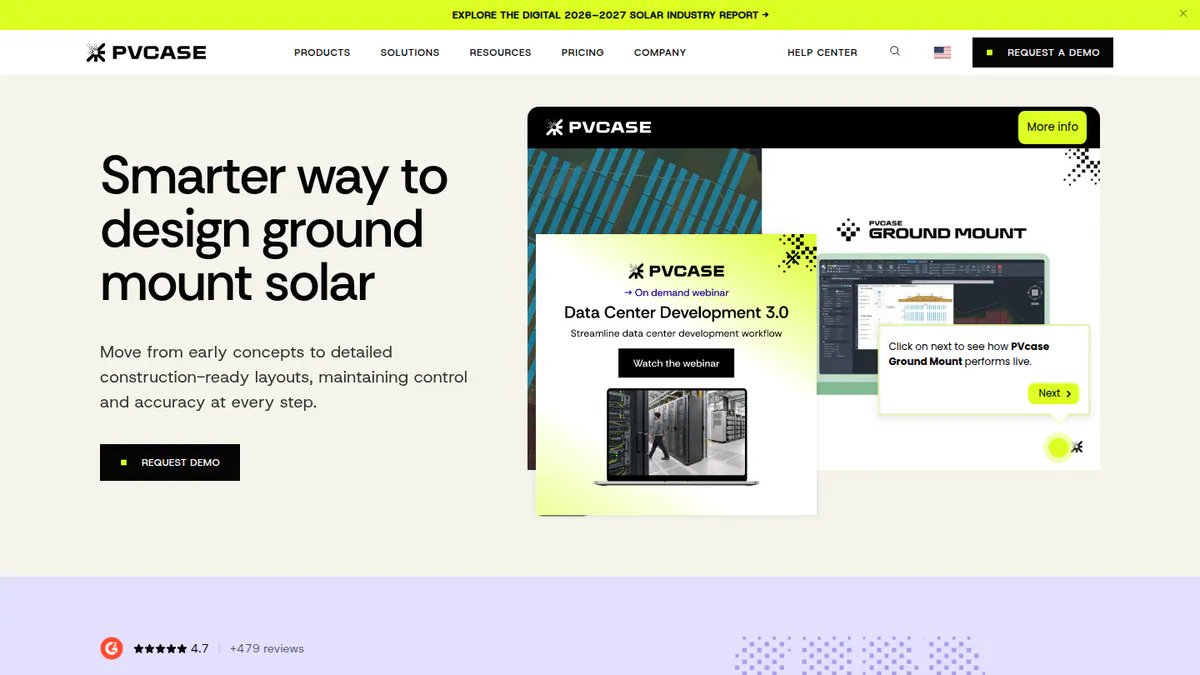
What it is: PVcase Ground Mount is a CAD-based layout, civil and electrical design tool for utility and large C&I (commercial and industrial) plants. It is not tied to any racking brand. G2 reviewers describe it as an AutoCAD plug-in.
Why we picked it: It is the only brand-neutral tool in the ranking, and it handles terrain, grading and piling for ground-mount plants. Its 415 G2 reviews average 4.7/5.
Key features:
- Terrain-following placement of tables and trackers, with slope and collision checks.
- Grading heatmaps, cross-sections and piling analysis.
- Automated layout for fixed tilt and single-axis trackers.
- Stringing (how panels wire into inverters), cable sizing and single-line diagrams.
- BOM export, plus export to PVcase Yield and PVsyst.
Pricing: Quote only, with a single Professional plan. Checked October 2026 on the PVcase pricing page.
Pros (from user reviews):
- It saves a lot of layout time: all 10 visible G2 reviews say so.
- Strong terrain and slope handling for hilly sites.
- Support often replies within a day, so you are not left waiting.
Cons (from reviews and our research):
- Reviewers find it expensive for small and mid-sized firms, and new users need training.
- The electrical tools lag the layout tools. Users want more SLD and cable automation.
- It does no Eurocode or ASCE 7 check of racking members. That calculation stays with the racking or tracker supplier.
Reviews: G2 4.7/5 (415 reviews per G2’s search listing, while the company cites 479), checked October 2026.
Read our full PVcase Ground Mount review or our PVcase alternatives.
Want to see PVcase Ground Mount working? Book a demo with the SolarSoftwares team.
Book a demoYour request goes by email to the SolarSoftwares team. A time is set only after we reply. It does not change any score or ranking.
2. K2 Base: best for K2 roof and facade racking in Eurocode markets
Best for: Installers already buying K2 Systems racking for pitched, flat or facade jobs. Score: 68.6/100.
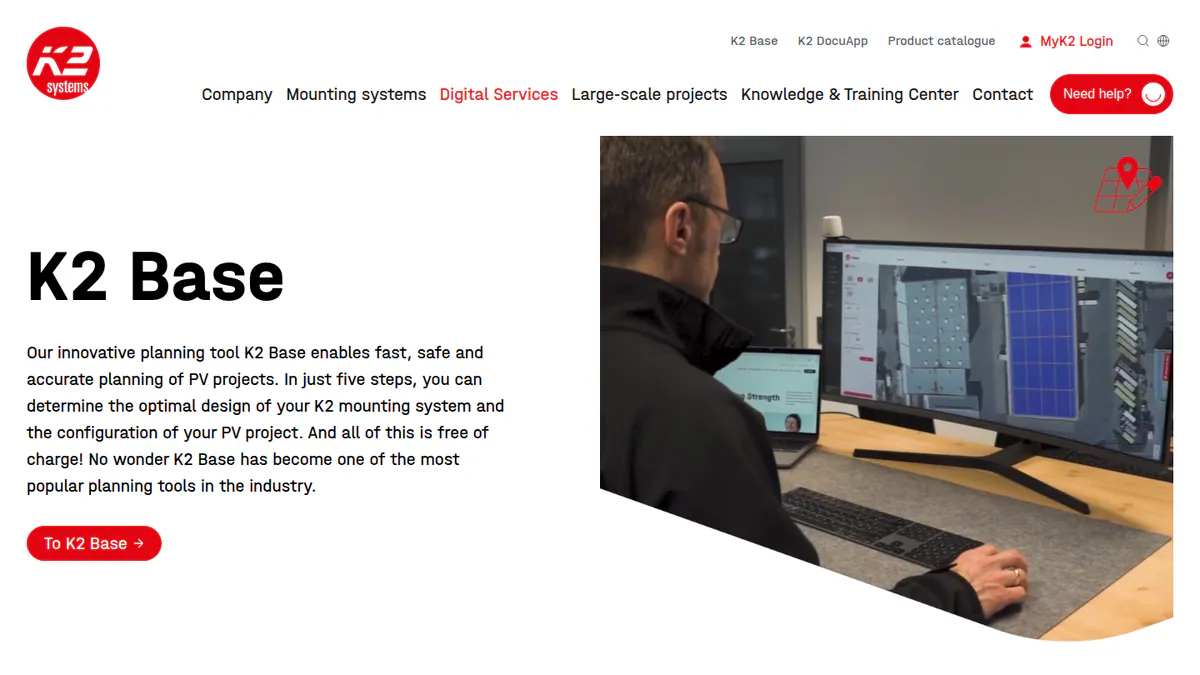
What it is: K2 Base is racking maker K2 Systems’ free browser planning tool. Five steps (project, roof, draft, loads, results) produce a structural analysis, assembly plans and an editable BOM for K2 hardware.
Why we picked it: In five steps it turns a roof into a structural analysis, assembly plans and an editable BOM, at no cost. It covers pitched, flat and facade jobs.
Key features:
- Automatic wind and snow loads.
- Roof fastener and ballast calculation.
- BOM sent straight to wholesaler webshop carts.
- Links to SolarEdge Designer, SMA Sunny Design, Fronius, Kostal, GoodWe, PV*SOL premium and archelios Pro.
- Standards: distributor VP Solar says loads follow Eurocode.
Pricing: Free with a K2 Base account. Checked October 2026 on the K2 Base page.
Pros (from our research):
- It keeps improving: K2 Base 3.0 (October 2024) added a new interface and the Dome 6 flat-roof system.
- It links to more design and inverter tools than any other tool here, so you retype less.
- Ten video tutorials help new staff learn it.
Cons (from our research):
- It designs K2 hardware only, so switching brands means redoing the design.
- We found no mention of ASCE 7 (the US loads standard) or US stamped letters.
- There are no user reviews to judge it by.
Reviews: No user reviews on G2, Capterra or Trustpilot as of October 2026.
What we could not confirm: Which standard K2 itself uses (only a distributor names Eurocode), and Excel and CAD export (shown in a distributor tutorial, not by K2).
Want to see K2 Base working? Book a demo with the SolarSoftwares team.
Book a demoYour request goes by email to the SolarSoftwares team. A time is set only after we reply. It does not change any score or ranking.
3. Schletter Creator: best for Schletter roof racking in Europe
Best for: Installers in the 13 supported European countries using Schletter flat or pitched roof systems. Score: 68.6/100.
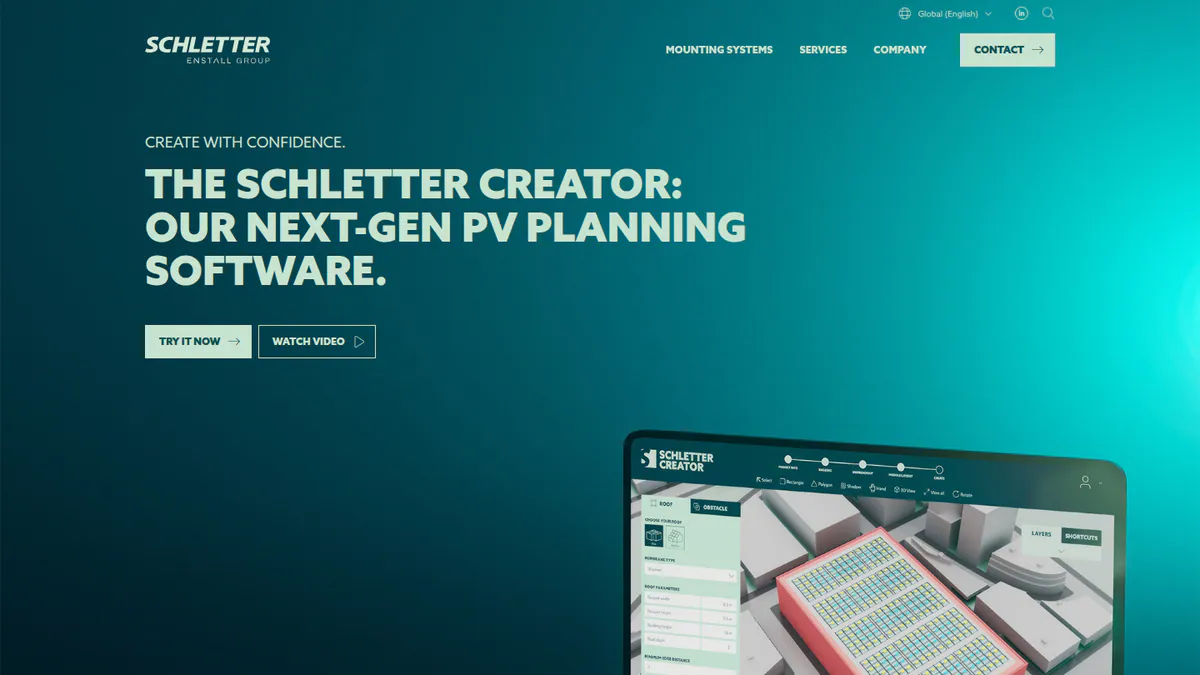
What it is: Installers use Schletter Creator, a free browser app, to plan Schletter flat and pitched roof racking. It launched in Europe in April 2025, replacing Schletter Configurator 3.0. Schletter has been part of Enstall Group since January 2025.
Why we picked it: It takes wind and snow loads from the postcode and runs Eurocode checks for free. That covers most of a European roof job in one browser app.
Key features:
- Wind and snow loads from the postcode (Schletter cites about 97% of regions covered).
- Automatic Eurocode calculations with static strength verification.
- Minimum ballast using edge and corner wind effects and real building height and pitch.
- Blueprints and BOM as PDF and CSV.
- Live in DE, AT, CH, HU, PL, UK, IE, BE, SE, ES, FR, IT and NL.
Pricing: Free browser app. Checked October 2026 on the Schletter Creator page.
Pros (from our research):
- Schletter names Eurocode on its own page, which helps with building control.
- It works out the minimum ballast for edge and corner zones, so you do not order more than the roof needs.
- Free webinars in November-December 2026 help your team get started.
Cons (from our research):
- It is live in 13 European countries only. North America is listed as "soon", and no ASCE 7 output is documented.
- It designs Schletter hardware only.
- Output is PDF and CSV. No CAD export is mentioned.
Reviews: No user reviews on G2, Capterra or Trustpilot as of October 2026.
What we could not confirm: Which inverter tools connect through its API.
Want to see Schletter Creator working? Book a demo with the SolarSoftwares team.
Book a demoYour request goes by email to the SolarSoftwares team. A time is set only after we reply. It does not change any score or ranking.
4. IronRidge Atlas and Design Assistant: best for US installers who also want permit packs
Best for: US residential and small commercial installers on IronRidge rails. Score: 67.6/100.
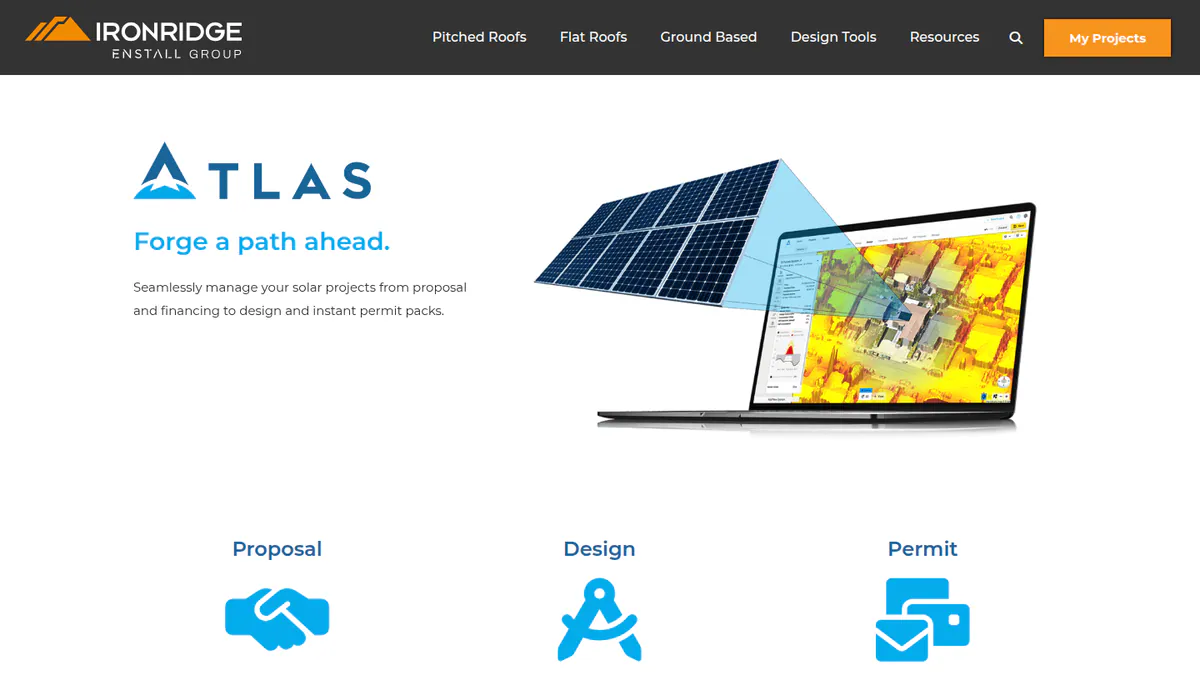
What it is: IronRidge is part of Enstall Group. It has a free configurator, Design Assistant, and Atlas, which adds proposals and permit plan sets.
Why we picked it: It is the highest-ranked tool built for US racking, with free span and load checks for roof and ground racking. Atlas adds permit plan sets from the same maker.
Key features:
- Pitched roofs, flat roofs (tilt and ballasted BX) and ground mount.
- Span and load calculations, plus rail comparison.
- Residential permit plan sets (Atlas).
- HelioScope integration in Design Assistant (February 2026).
Pricing: Design Assistant is free with an IronRidge account. Atlas plan sets are quote only. GreenLancer permit packs are about 25% off via Design Assistant. Checked October 2026 on the IronRidge design tools page.
Pros (from our research):
- Design, BOM and permit plan sets come from one maker, so you have fewer hand-offs.
- It covers ground mounts as well as roofs.
- Atlas Academy certification helps you train designers.
Cons (from our research):
- IronRidge names no load standard. Confirm the ASCE 7 edition with IronRidge before relying on the output.
- Atlas pricing sits behind a demo.
- It is US only and designs IronRidge hardware only.
Reviews: No user reviews on G2, Capterra or Trustpilot as of October 2026.
Want to see IronRidge Atlas and Design Assistant working? Book a demo with the SolarSoftwares team.
Book a demoYour request goes by email to the SolarSoftwares team. A time is set only after we reply. It does not change any score or ranking.
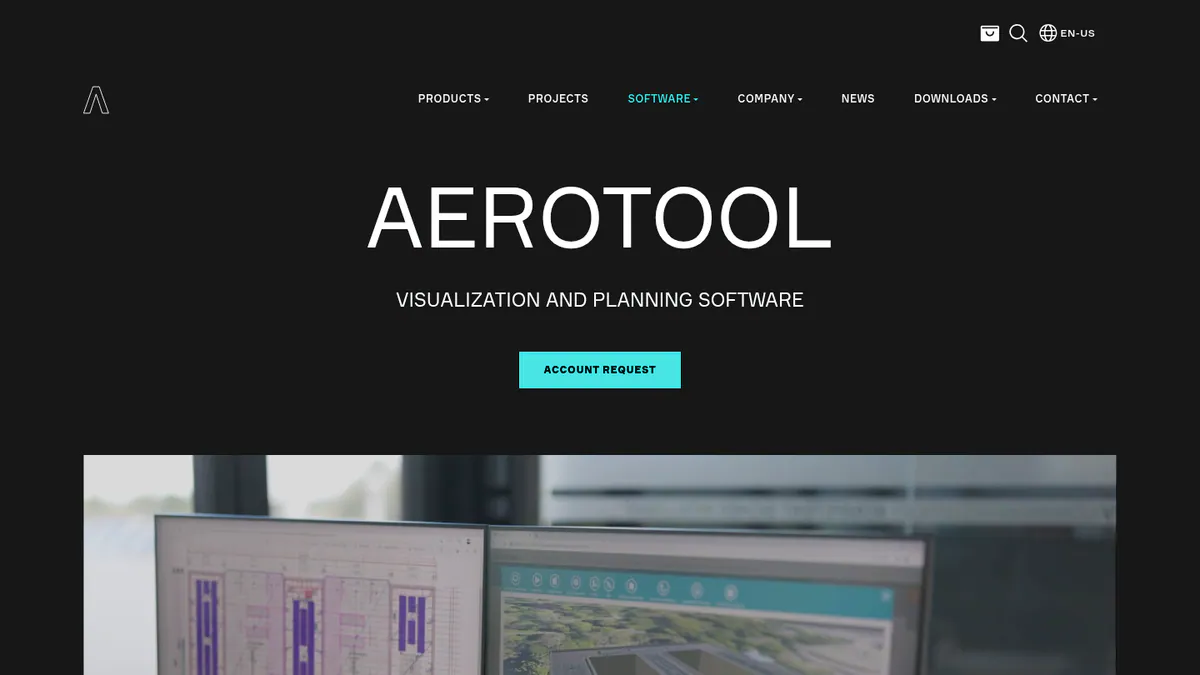
5. AEROTOOL: best for flat-roof ballast design with CAD output
Best for: C&I installers using AEROCOMPACT flat-roof, metal-roof, facade or ground-mount systems. Score: 66.1/100.
What it is: AEROCOMPACT, a racking maker, runs AEROTOOL as a cloud planning tool. It has been licence-free after registration since February 2025.
Why we picked it: It is the only ranked configurator whose own pages name DWG/DXF output, and it adds a report for building authorities. It has been free since February 2025.
Key features:
- Statics including weather loads, seismic data and ballasting.
- DWG/DXF plans (DXF is a common CAD exchange file) and a report for building authorities.
- BOM including anchors and rail cuts.
- Yield calculation and string plans.
- Standards: February 2025 news says EN in Europe, MCS in the UK and ASCE in the US.
Pricing: Free after registration. Checked October 2026 on AEROCOMPACT’s announcement.
Pros (from our research):
- DWG/DXF plans drop straight into your CAD drawings.
- The statics include seismic data, which matters in quake zones.
- You get help by support portal, email and a US phone line.
Cons (from our research):
- The product page mentions EN only, so US buyers should check a sample report for ASCE.
- It designs AEROCOMPACT hardware only.
- We found no dated updates since February 2025.
Reviews: No user reviews on G2 or Capterra as of October 2026.
What we could not confirm: Ground-mount and facade support, which appears only in a news article.
Want to see AEROTOOL working? Book a demo with the SolarSoftwares team.
Book a demoYour request goes by email to the SolarSoftwares team. A time is set only after we reply. It does not change any score or ranking.
6. Esdec / Enstall Calculator: best for Esdec BOMs in European residential work
Best for: European installers on Esdec ClickFit Evo or FlatFix Fusion who want a fast BOM and construction plan. Score: 66.1/100.
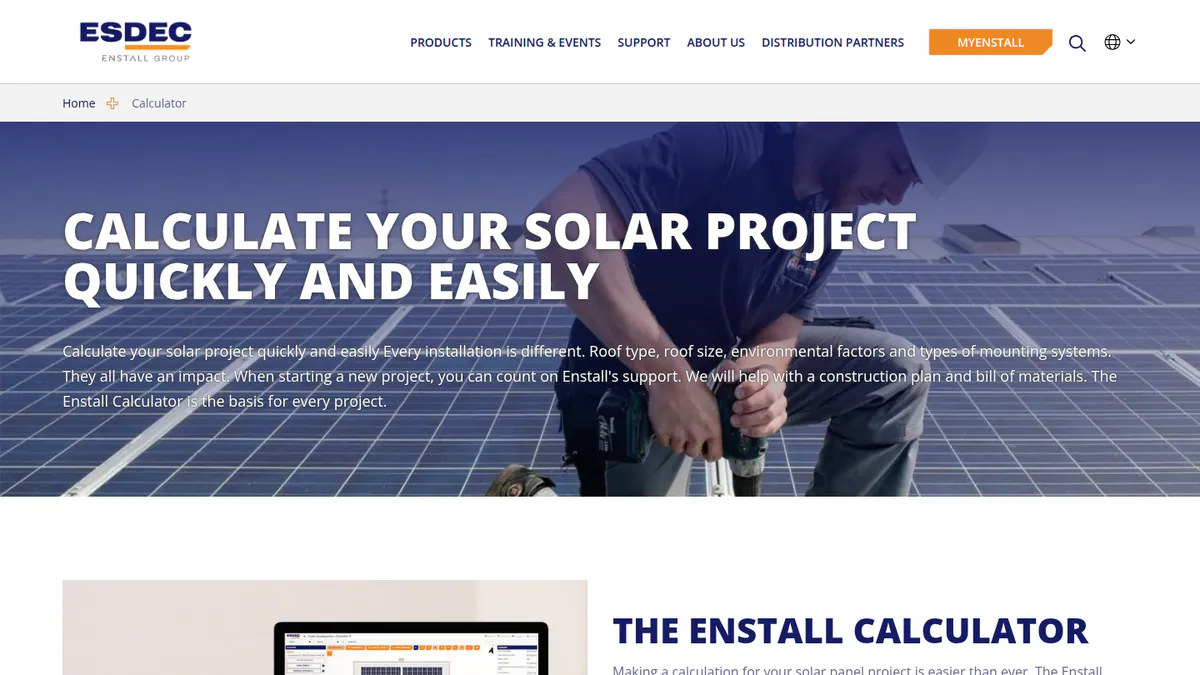
What it is: The Enstall Calculator turns roof, region and module inputs into a construction plan and BOM. Esdec’s European business is moving to the Enstall name, and the calculator sits in the free MyEnstall portal.
Why we picked it: It covers Esdec ClickFit Evo and FlatFix Fusion jobs at no cost and applies wind zones for you. It tied with AEROTOOL on 66.1.
Key features:
- Wind zones and surroundings applied automatically.
- A construction plan with roof and wind load data, plus a BOM.
- OnSite inspection app pre-fills the calculator.
Pricing: Free ("the use of MyEnstall is free"). OneFlow ERP is a separate premium service. Checked October 2026 on the Enstall services page.
Pros (from our research):
- Survey data flows in from the OnSite app, so you skip retyping.
- Free training for your team.
- Simple inputs suit high-volume residential work.
Cons (from our research):
- Enstall names no structural standard and does not describe snow handling.
- We found no export to third-party design tools.
- It designs Enstall-brand hardware only.
Reviews: No user reviews on G2, Capterra or Trustpilot as of October 2026.
What we could not confirm: Whether it produces a formal structural report.
Want to see Esdec / Enstall Calculator working? Book a demo with the SolarSoftwares team.
Book a demoYour request goes by email to the SolarSoftwares team. A time is set only after we reply. It does not change any score or ranking.
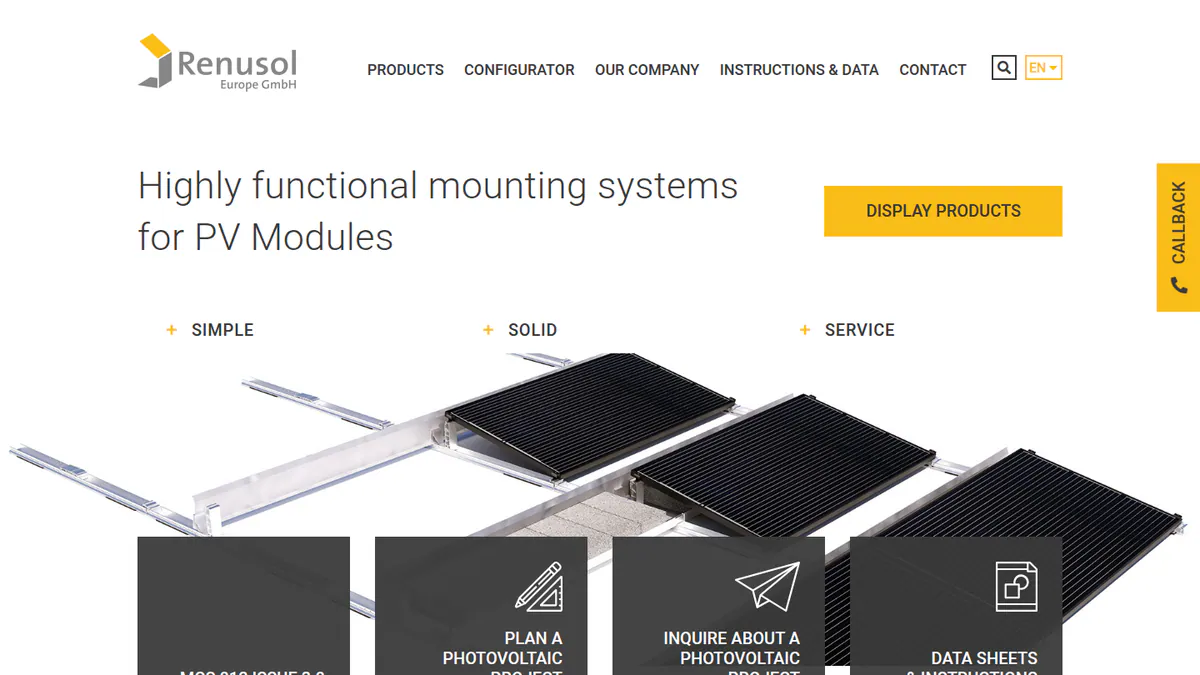
7. Renusol PV-Configurator 3.0: best for Renusol racking inside your design tool
Best for: Installers designing in PV*SOL premium, SMA Sunny Design or OpenSolar who buy Renusol racking. Score: 64.1/100.
What it is: PV-Configurator 3.0 is Renusol’s web configurator for its pitched and flat roof mounting. Note: we could not open Renusol’s own pages, so its features and free price come from trade press and partner documents and are unconfirmed.
Why we picked it: It adds Renusol racking inside the design tool you already use, with a structural check per part. It ranks seventh because we could not confirm its facts on Renusol’s own pages.
Key features:
- A geodatabase sets wind and snow loads, using wind-tunnel-based loads.
- Statics follow the Eurocode safety concept, with selectable service life and consequence class (how serious a failure would be).
- Report with the structural calculation per component, plus an assembly plan and parts list.
- Module database of 100,000+ PV modules.
- PV*SOL premium 2025 interface (June 2025), and OpenSolar in the UK, DE, NL, BE and PL.
- Load standards for 17 countries (a 2018 figure).
Pricing: Free per an earlier company check, not re-confirmed in October 2026. Account required. Source: Renusol configurator page.
Pros (from our research):
- You can design in PV*SOL premium, SMA Sunny Design or OpenSolar and add Renusol racking there (per partner docs).
- The report shows the calculation for each part, so an engineer can check it (per trade press).
- You can pick the consequence class to suit the building (per trade press).
Cons (from our research):
- The core version dates from 2018, and no ASCE 7 output is documented.
- The OpenSolar link fails if the browser blocks third-party cookies.
- It designs Renusol hardware only.
Reviews: No user reviews on G2, Capterra or Trustpilot as of October 2026.
What we could not confirm: Current country coverage beyond the 2018 count.
Want to see Renusol PV-Configurator 3.0 working? Book a demo with the SolarSoftwares team.
Book a demoYour request goes by email to the SolarSoftwares team. A time is set only after we reply. It does not change any score or ranking.
Which general structural tools do engineers also use?
These three are general structural products. We scored them on the same rubric but do not rank them, because they do not lay out PV racking or produce a racking BOM.
SkyCiv Structural 3D + Load Generator (general structural tool): 63.8/100
SkyCiv is a cloud FEA suite. Its Load Generator calculates ASCE 7-16 and AS/NZS 1170.2 (Australian and New Zealand wind code) loads for solar panels. The free account excludes these, and we could not verify paid prices on the company site. G2 4.6/5 (15 reviews) and Capterra 4.6/5 (34 reviews), checked October 2026.
STAAD.Pro (general structural tool): 63.7/100
STAAD.Pro is Bentley’s 3D analysis and design software for steel, concrete and timber. It has no solar module, though Bentley publishes guidance on modelling solar mounting structures. It starts at USD 3,995 per year, Advanced at USD 5,490 and Structural WorkSuite at USD 6,097 (Bentley, checked October 2026). G2 4.4/5 (75 reviews).
StruCalc (general structural tool): 46.8/100
StruCalc is US member-sizing software for beams, rafters, posts and footings. It works to 2024 IBC, ASCE 7-22, 2024 NDS, ACI 318-19 and AISC 360-16 (US building and material codes). It has no PV racking module, but it can check the framing a residential array attaches to. CORE costs USD 99.97 per month or USD 1,079.67 per year, with a 30-day trial. Checked October 2026 on the StruCalc pricing page. No G2 or Capterra listing.
How do the 7 mounting structure design tools compare?
This table compares the 7 ranked tools side by side.
Product | Tied to brand | Mount types | Structural output | CAD export | Region |
|---|---|---|---|---|---|
No | Ground, trackers | Grading, piling | In AutoCAD (per G2) | Global | |
K2 | Pitched, flat, facade | Structural analysis, ballast | Per distributor | EU, AU, US | |
Schletter | Pitched, flat | Static verification, ballast | Not mentioned | 13 EU countries | |
IronRidge | IronRidge | Pitched, flat, ground | Span and load calcs | Not documented | US |
AEROCOMPACT | Flat, metal, facade, ground | Statics, authority report | DWG, DXF | EU, UK, US | |
Enstall Calculator | Enstall brands | Pitched, flat | Plan with load data | Not found | EU, UK |
Renusol | Renusol | Pitched, flat | Per-component calc | Not documented | EU, UK |
Also considered
- Unirac U-Builder (scored 61.1/100): Free US configurator with an engineering report, state certification letters and CAD export. It misses the top 7 because it has no user manual or visible support, and a December 2025 forum post calls it "really clunky".
- HELIOS 3D (scored 55.2/100): Utility plant layout inside Autodesk Civil 3D. It has no published pricing, and its features are known only from third parties.
- Roof Tech Span Calculator and Project Estimator (scored 47.9/100): Free span and BOM tools for Roof Tech rail-less mounts. Our only source is a May 2021 article, which names no load standard or structural report.
- Sunfig SIFT (scored 40.6/100): Feasibility tool that runs up to 500 GCR (ground coverage ratio) and DC:AC configurations at once. It does no structural calculation, and its owner is unclear. For siting, see our solar site selection software guide.
- EcoFasten Design Assistant: We could not confirm it is still offered (checked October 2026).
- RISA: General structural software with no solar module.
- SunDAT: Listed on some AI-generated pages. We could not confirm it is still offered (checked October 2026).
How do you choose solar mounting structure design software?
- If you lay out utility ground mounts on rolling terrain, pick PVcase Ground Mount. Civil 3D teams can look at HELIOS 3D (also considered). Take racking calculations from your supplier.
- If you already buy one racking brand, use its free configurator, so the BOM matches your order.
- If European building control wants Eurocode calculations, Schletter Creator names Eurocode on its own page. For Renusol and K2, only third parties say so.
- If you install in the US, IronRidge covers roof and ground racking and offers Atlas permit plan sets. Unirac U-Builder (also considered) adds state certification letters.
- If you need DWG drawings of a ballast layout, AEROTOOL is the only ranked configurator whose own pages name DWG/DXF output.
- If the structure is custom (carport, high wind or seismic), hand it to an engineer working in SkyCiv or STAAD.Pro.
For broader design tools, see solar design software for EPCs and solar estimating software.
Want more choices? Browse every tool we checked in our design and simulation category.
Solar mounting structure design software FAQs
What software is used to design solar mounting structures?
Installers mostly use the racking maker’s free configurator, such as K2 Base, Schletter Creator or IronRidge. It outputs a BOM and load calculation for that brand. Utility EPCs use PVcase Ground Mount. Custom frames go to tools such as STAAD.Pro, from USD 3,995 per year as of October 2026.
Can racking design tools produce stamped engineering letters?
Not on their own. IronRidge discounts GreenLancer permit packs. Unirac (also considered) offers state certification letters and sells PE-stamped plan sets as a paid service. None of the configurators we reviewed in October 2026 includes a free PE stamp.
How are wind and snow loads calculated for solar racking?
Configurators look up wind and snow loads from the site location, then apply a design standard. Schletter Creator applies Eurocode (European structural standards), and AEROCOMPACT says AEROTOOL uses ASCE (US standards) in the US. SkyCiv’s Load Generator calculates ASCE 7-16 solar panel loads.
Is STAAD.Pro used for solar structure design?
Yes, by structural engineers. STAAD.Pro is Bentley’s 3D analysis and design software for steel, concrete and timber. It has no solar module, but Bentley publishes guidance on modelling cold-formed solar mounting structures. It starts at USD 3,995 per year (checked October 2026).
Are manufacturer racking configurators free?
Yes, the main ones are. As of October 2026, K2 Base, Schletter Creator, IronRidge Design Assistant, AEROTOOL and the Enstall Calculator are free, usually with an account. They are free because the maker sells racking, and each report covers only that maker’s parts.
Sources
All checked 22 to 24 October 2026.
- PVcase Ground Mount: pricing, product page, G2
- K2 Base: K2 Base page, VP Solar on K2 Base 3.0
- Schletter Creator: Creator page, Solar Power World, April 2025
- IronRidge: design tools, HelioScope integration, February 2026
- AEROTOOL: product page, February 2025 news
- Enstall Calculator: Enstall services
- Renusol: pv Europe, Valentin Software, June 2025, OpenSolar help
- Unirac: U-Builder page, Mike Holt forum, Greentech Renewables
- HELIOS 3D: G2 pricing, G2 reviews
- Roof Tech: Solar Builder, May 2021
- Sunfig SIFT: SIFT page, Solar Power World, July 2026, Solar Power World, February 2026
- SkyCiv: free account, G2, Capterra
- STAAD.Pro: Bentley product page, G2, Eng-Tips
- StruCalc: pricing
Last updated 28 October 2026. Next scheduled review: 23 January 2027.