Solar design software in the UK helps installers plan solar systems and produce the paperwork a UK job needs. It lays out panels, models shade and estimates how much power a system will make. Pylon ranks first at 78.5/100 for domestic MCS installers who pay per job.
For UK installers, the shortlist turns on MCS (Microgeneration Certification Scheme) paperwork, DNO (distribution network operator) notifications and pricing in pounds. We scored 12 tools and ranked 7.
For the global ranking, see our best solar design software list. For free options in any market, see our best free solar design software guide.
Quick picks
Rank | Product | Best for | Starting price (company page, checked October 2026) | Pricing model | Free plan / trial | UK presence (our research) | Score /100 |
|---|---|---|---|---|---|---|---|
1 | Domestic MCS installers paying per job | ✓ GBP 4 per project | Pay per project, unlimited users | 5 free project credits | UK pricing page. MCS reports | 78.5 | |
2 | Installers wanting free design and proposals | ✓ Free core platform | Free. Paid API and connectors | Free core platform | UK named by the company | 70.5 | |
3 | Larger teams wanting 3D and LIDAR tools, priced in USD | ✓ USD 159 per user per month | Per user subscription | None stated | Global only | 70.1 | |
4 | Designers modelling PV with batteries, heat pumps and EVs | ✓ EUR 845 per named user per year plus VAT | Annual or 3-month licence | 30-day trial | Global only | 66.5 | |
5 | P50/P90 yield reports for C&I and solar farms | ✓ CHF 700 per seat per year | Annual subscription | 30-day evaluation | Global only | 64.3 | |
6 | Installers selling solar, storage and heat pumps together | Quote only | Sales-led | Demo only | UK site (reonic.com/en-gb) | 62.5 | |
7 | Commercial rooftop and carport projects | ✓ USD 159 per month | Per licence, capped by MW DC | Free trial (length not stated) | Global only | 59.3 |
✓ Verified on the company’s own pricing page. ◐ Published by the company outside its pricing page (help centre, store or press release). ? We could not read the company’s pricing page, so the figure is not confirmed. Prices checked October 2026.
Quote only means the company shows no public price. You ask it for a quote.
How the 7 tools scored
- Use-case fit 35%
- User reviews 20%
- Pricing 15%
- Ease of use 10%
- Support 10%
- Momentum 10%
Tool | Score chart | Score |
|---|---|---|
78.5 out of 100 | 78.5 | |
70.5 out of 100 | 70.5 | |
70.1 out of 100 | 70.1 | |
66.5 out of 100 | 66.5 | |
64.3 out of 100 | 64.3 | |
62.5 out of 100 | 62.5 | |
59.3 out of 100 | 59.3 |
Each bar shows the weighted score out of 100.
Sub-scores at a glance (0-10)
Product | Use-case fit | User reviews | Pricing | Ease of use | Support | Momentum | Total /100 |
|---|---|---|---|---|---|---|---|
7.3 | 6.7 | 8.0 | 7.5 | 10.0 | 10.0 | 78.5 | |
7.0 | 5.0 | 9.0 | 7.5 | 5.0 | 10.0 | 70.5 | |
6.5 | 7.9 | 6.0 | 7.5 | 7.5 | 7.5 | 70.1 | |
6.1 | 5.4 | 8.0 | 7.5 | 7.5 | 7.5 | 66.5 | |
4.9 | 6.3 | 8.0 | 5.0 | 7.5 | 10.0 | 64.3 | |
6.7 | 6.6 | 4.0 | 7.5 | 7.5 | 5.0 | 62.5 | |
5.8 | 6.2 | 6.0 | 7.5 | 5.0 | 5.0 | 59.3 |
A 5.0 on reviews, ease, support or momentum is our neutral value where public evidence is thin, not a judgement.
What must the best solar design software in the UK handle?
A UK domestic job has paperwork that most global design tools ignore. MCS certification expects a performance estimate and structural checks on the roof.
The DNO must be notified, or asked for permission, before connection. This uses the G98 or G99 process (the UK grid connection standards). Many customers now ask about batteries and heat pumps in the same visit.
Few of the ranked tools document these UK steps. Pylon lists MCS reports. Reonic and PV*SOL premium document heat pump planning or modelling. Easy PV (also considered) lists MCS-compliant structural and performance calculations and automated DNO forms.
We checked company docs, not the outputs themselves, so ask for a sample MCS output before you buy.
How did we rank these UK solar design tools?
How the score is weighted
- Use-case fit 35%
- User reviews 20%
- Pricing 15%
- Ease of use 10%
- Support 10%
- Momentum 10%
We looked at 13 products from 22 to 25 October 2026, using company docs, pricing pages and public user reviews. We scored 12, ranked the top 7 and put 5 under "Also considered". We excluded one, Midsummer’s Kit Builder, because no company page confirms it exists. This was desk research: we did not run designs in any tool. We score six criteria:
- Use-case fit (35%): layout, 3D, shading, stringing (how panels wire into inverters), yield and proposals, weighted towards layout. Tools with no named UK presence score lower.
- User reviews (20%): G2, Capterra and Trustpilot ratings. Small review counts count for less.
- Pricing (15%): free and published prices score higher than quote-only.
- Ease of use, support and momentum (10% each): review sub-scores and dated release notes.
Nine products cleared our minimum match score, so Easy PV and SolarEdge Designer sit just outside the top 7. Scores are specific to this page’s job, so a tool can score differently elsewhere. Fine print: how we score software.
1. Pylon: best for domestic MCS installers paying per job
Best for: Small and mid-sized UK installers who want design, MCS reports and proposals without a monthly seat fee. Score: 78.5/100.
What it is: Sydney-based Pylon sells its design and proposal tool per project, with unlimited users and an optional CRM. It has a UK pricing page in pounds and lists MCS reports among its regional compliance features.
Why we picked it: It is the only ranked tool that lists MCS reports, and it prices in pounds. Per-job pricing, top support ratings and monthly updates add to its lead.
Key features:
- Solar and battery design on aerial imagery.
- MCS reports for UK jobs.
- Editable single-line diagrams, added in the July 2026 update.
- Web and PDF proposals with eSignature.
- API with webhooks, plus Xero and ServiceM8 integrations.
Pricing: Standard is GBP 4 per project up to 30 kW DC. Pro is GBP 10 per project and adds custom load profiles and commercial sizes. Enterprise is quote only. The CRM add-on starts at GBP 49 per user per month. eSignature is shown as "80c" per project (currency not stated), and the payment gateway takes 2.5% per transaction. You get five free Standard credits, with no card required. Checked October 2026 on the Pylon UK pricing page.
Pros (from user reviews):
- You pay per job, so a small firm pays little in a quiet month (Capterra).
- New staff pick it up fast: Capterra ease of use is 4.5/5.
- Customers get detailed, thorough proposals (G2).
Cons (from reviews and our research):
- Imagery quality and recency vary by location, and the Nearmap link is patchy (Capterra).
- Usage modelling is awkward to use, which matters when you size batteries.
- Standard stops at 30 kW DC, so larger jobs need Pro at GBP 10 per project.
Reviews: Capterra 4.6/5 (25 reviews) and G2 4.3/5 (2 reviews), checked October 2026. Capterra rates customer service 4.9/5. Most reviews date from 2021-2023.
Read our full Pylon review or our Pylon alternatives.

Want to see Pylon working? Book a demo with the SolarSoftwares team.
Book a demoYour request goes by email to the SolarSoftwares team. A time is set only after we reply. It does not change any score or ranking.
2. OpenSolar: best for free design and proposals
Best for: UK installers who want design, proposals and e-signature without a software bill. Score: 70.5/100.
What it is: You pay nothing for the core of OpenSolar, a design, proposal and sales platform from OpenSolar Inc. Hardware and finance partners, imagery and, since 16 April 2026, API and connector fees pay for it. The company names the UK among its markets and pushed its hardware shop in the UK in 2026.
Why we picked it: Free core design and proposals with e-signature make it a free way to start. Regular, dated releases show the product is moving fast.
Key features:
- Free 2D and 3D rooftop design with shading.
- AI design (OS 3.0, September 2025).
- Interactive web proposals with e-signature and payment collection.
- A hardware shop with distributors. The link to Segen’s trade portal ended on 18 March 2026.
Pricing: The core platform is free. API access and Xero or QuickBooks connectors are charged from 16 April 2026, at rates the company does not publish. Premium imagery is optional. Checked October 2026 on OpenSolar’s pricing announcement.
Pros (from reviews and our research):
- Adding, removing and changing panels is very easy (G2).
- The app gives your team project details in the field.
- Design and proposals cost nothing, however many users you add.
Cons (from reviews and our research):
- Panel layouts lack automatic tweaks and still need an engineering review.
- It is "not completely free", say reviewers: API and accounting connectors now cost extra, at unpublished rates.
- Its docs show no MCS or DNO output, so you need another tool for that paperwork.
Reviews: G2 4.8/5 (3 reviews), checked October 2026. That is too few to rely on.
Read our full OpenSolar review or our OpenSolar alternatives.

Want to see OpenSolar working? Book a demo with the SolarSoftwares team.
Book a demoYour request goes by email to the SolarSoftwares team. A time is set only after we reply. It does not change any score or ranking.
3. Aurora Solar: best for larger teams wanting 3D and LIDAR tools
Best for: Larger residential and light commercial teams that want strong 3D and shade tools and accept USD pricing. Score: 70.1/100.
What it is: Aurora Solar Inc. built Aurora Solar for US installers, as a cloud platform for 3D design, simulation and proposals. Its pricing page is North American and in USD, and we found no named UK presence, MCS output or DNO forms.
Why we picked it: Its 3D, LIDAR and shade tools are among the strongest here, and users rate it highly. It ranks third on those strengths, not on UK fit.
Key features:
- Cloud 3D design with LIDAR (laser-scanned height data) modelling on Premium.
- Shade analysis and bankable shade reports.
- Battery modelling for backup, self-consumption and arbitrage (charging cheap, using or exporting at peak).
- A Nearmap imagery add-on and a design API.
Pricing: Basic is USD 159 per user per month (USD 135 billed annually). Premium is USD 259 (USD 220 annually). Enterprise is custom, priced per project. Checked October 2026 on the Aurora pricing page.
Pros (from user reviews):
- Accurate shade reports and production estimates (Capterra).
- Accurate design and strong customer service (G2).
- Videos and a knowledge base make it easy to learn (Capterra).
Cons (from reviews and our research):
- Proposal finance is built for US schemes, such as tax-credit estimates (US credit rules change, check current law) and TPO (third-party ownership).
- Reviewers call its proposal and finance features limited for the cost.
- Limited integration with other software (G2).
Reviews: G2 4.7/5 (121 reviews) and Capterra 4.1/5 (7 reviews), checked October 2026.
Read our full Aurora Solar review or our Aurora Solar alternatives.

Want to see Aurora Solar working? Book a demo with the SolarSoftwares team.
Book a demoYour request goes by email to the SolarSoftwares team. A time is set only after we reply. It does not change any score or ranking.
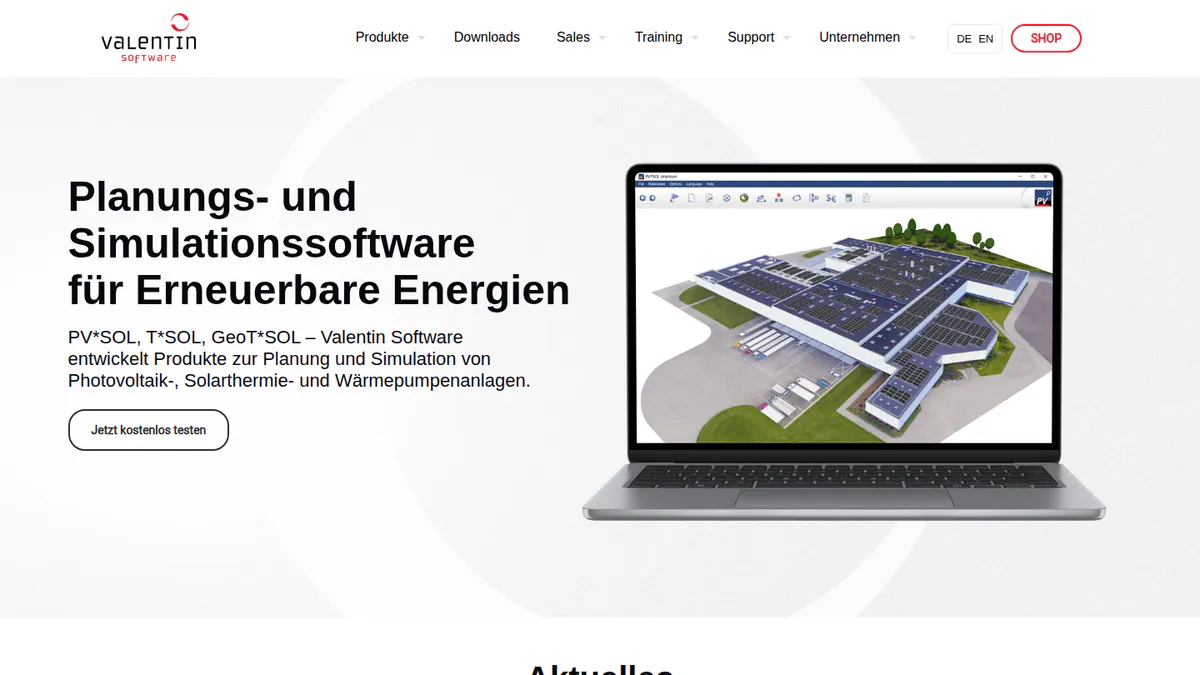
4. PV*SOL premium: best for PV with batteries, heat pumps and EV loads
Best for: Designers who model self-consumption (how much solar power a building uses itself) with batteries, heat pumps, immersion heaters and EV charging. Score: 66.5/100.
What it is: German firm Valentin Software makes PV*SOL premium, a desktop tool for 3D design and simulation. It is sold globally in EUR, and we found no UK office or reseller.
Why we picked it: It models PV, batteries, heat pumps and EV loads together, which suits UK installers selling low-carbon heating. Prices are published.
Key features:
- 3D design with detailed shading analysis.
- Yield simulation using Meteonorm 9 climate data as the input.
- Heat pump and immersion heater integration.
- Per-consumer tariffs, including EVs and heat pumps.
- AC- and DC-coupled battery storage.
Pricing: PV*SOL premium 2026 costs EUR 845 per named user per year, or EUR 285 for 3 months. The 2D PV*SOL 2026 costs EUR 585 per year. All prices are plus VAT. Checked October 2026 on the Valentin Software shop.
Pros (from our research):
- You can show a customer PV, battery and heat pump savings in one simulation.
- You can buy 3 months (EUR 285) to cover a busy season.
- You get a new major version each year (the 2026 one came out on 24 November 2025).
Cons (from our research):
- Priced in EUR, so your cost moves with the exchange rate.
- Its docs show no MCS or DNO output.
- It is desktop software, so you cannot use it in a browser on site.
Reviews: G2 4.2/5 (12 reviews), checked October 2026.
What we could not confirm: G2 shows no review text, so these pros and cons come from our research only.
Read our full PV*SOL premium review or our PV*SOL alternatives.
Want to see PV*SOL premium working? Book a demo with the SolarSoftwares team.
Book a demoYour request goes by email to the SolarSoftwares team. A time is set only after we reply. It does not change any score or ranking.
5. PVsyst: best for yield reports on C&I and solar farms
Best for: Engineers producing P50/P90 (probability-based yield estimates) and loss reports for commercial rooftops and ground-mount solar farms. Score: 64.3/100.
What it is: Yield and loss modelling is the whole job of PVsyst, Windows software from Switzerland’s PVsyst SA. It is not a layout or sales tool. UK domestic installers rarely need it, while C&I (commercial and industrial) and solar-farm engineers usually do.
Why we picked it: It is the usual choice for P50/P90 yield reports on commercial roofs and solar farms. Prices are published, and patches come out often.
Key features:
- A detailed loss diagram and P50/P90 yield reports.
- 3D near-shading with electrical mismatch losses.
- Bifacial modules and trackers.
- Meteo inputs from Meteonorm 9, PVGIS, Solcast, Solargis and others.
Pricing: PVsyst 8 Professional costs CHF 700 per seat per year, with multi-seat discounts of 5%, 15% and 20%. Student and Classroom licences cost CHF 25 per year. Prices are shown only in CHF, with no VAT statement. Checked October 2026 on the PVsyst shop.
Pros (from user reviews):
- Detailed, accurate yield simulation (G2 reviewer themes).
- A full loss diagram and analysis.
- SketchUp integration for 3D shading scenes.
Cons (from reviews and our research):
- An outdated, complex interface, with G2 ease of use at 6.7/10.
- Time-consuming 3D scene management.
- Windows only, so Mac users need a Windows virtual machine.
Reviews: G2 4.5/5 (22 reviews), checked October 2026.
Read our full PVsyst review or our PVsyst alternatives.
Want to see PVsyst working? Book a demo with the SolarSoftwares team.
Book a demoYour request goes by email to the SolarSoftwares team. A time is set only after we reply. It does not change any score or ranking.
6. Reonic: best for installers selling solar, storage and heat pumps together
Best for: Multi-trade installers who quote PV, batteries, wallboxes and heat pumps from one platform. Score: 62.5/100.
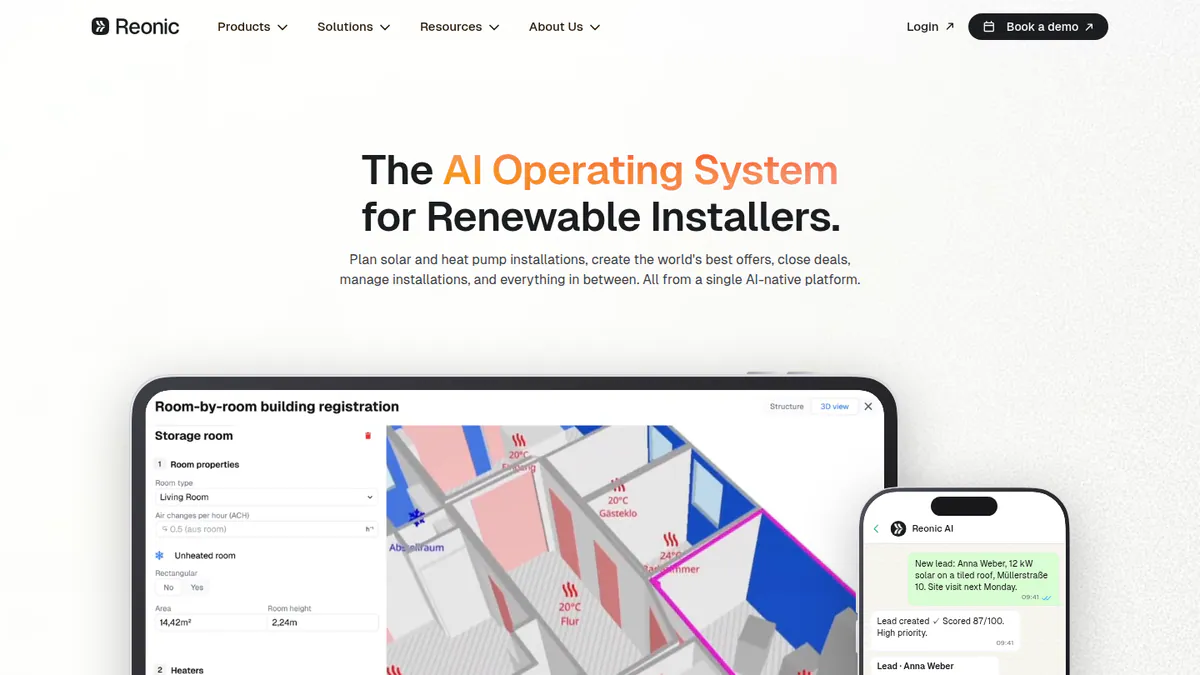
What it is: Reonic GmbH, a German company, sells Reonic as an all-in-one platform for installers. It covers 3D design, yield simulation, proposals, CRM and project management. It has a UK website and UK customer reviews from March 2026, though its core market is Germany, Austria and Switzerland.
Why we picked it: It plans heat pumps next to PV and storage, with CRM and project tools in the same platform. That suits UK installers who sell more than solar.
Key features:
- 3D roof model from satellite, orthophoto (corrected aerial photo) or drone scans, with auto-layout.
- Shading and hourly yield forecast with per-module analysis.
- Heat pump planning alongside PV and storage.
- A proposal configurator with branded PDF and e-signature.
- CRM and project management, with a single-line diagram module listed.
Pricing: Quote only, with a free demo on request. Checked October 2026 on the Reonic product page.
Pros (from user reviews):
- Heat loss and system design tools with a clean interface (UK review, March 2026, Trustpilot).
- Excellent onboarding support (UK review, March 2026).
- Energy-flow simulation and fast proposals improved sales (Germany, September 2024).
Cons (from our research):
- No published price, so you must sit through a demo to get a quote.
- Its docs show no MCS or DNO output, and its grid registration service is German only.
- Its UK reviews only go back to March 2026, as its home market is Germany, Austria and Switzerland.
Reviews: Trustpilot 4.5/5 (33 reviews), checked October 2026. Trustpilot flags that the company has not recently invited reviews. We found no Capterra reviews.
What we could not confirm: we saw no negative review text and no dated changelog.
See our Reonic alternatives.
Want to see Reonic working? Book a demo with the SolarSoftwares team.
Book a demoYour request goes by email to the SolarSoftwares team. A time is set only after we reply. It does not change any score or ranking.
7. HelioScope: best for commercial rooftop and carport projects
Best for: UK C&I installers designing rooftop and carport systems up to 30 MW DC. Score: 59.3/100.
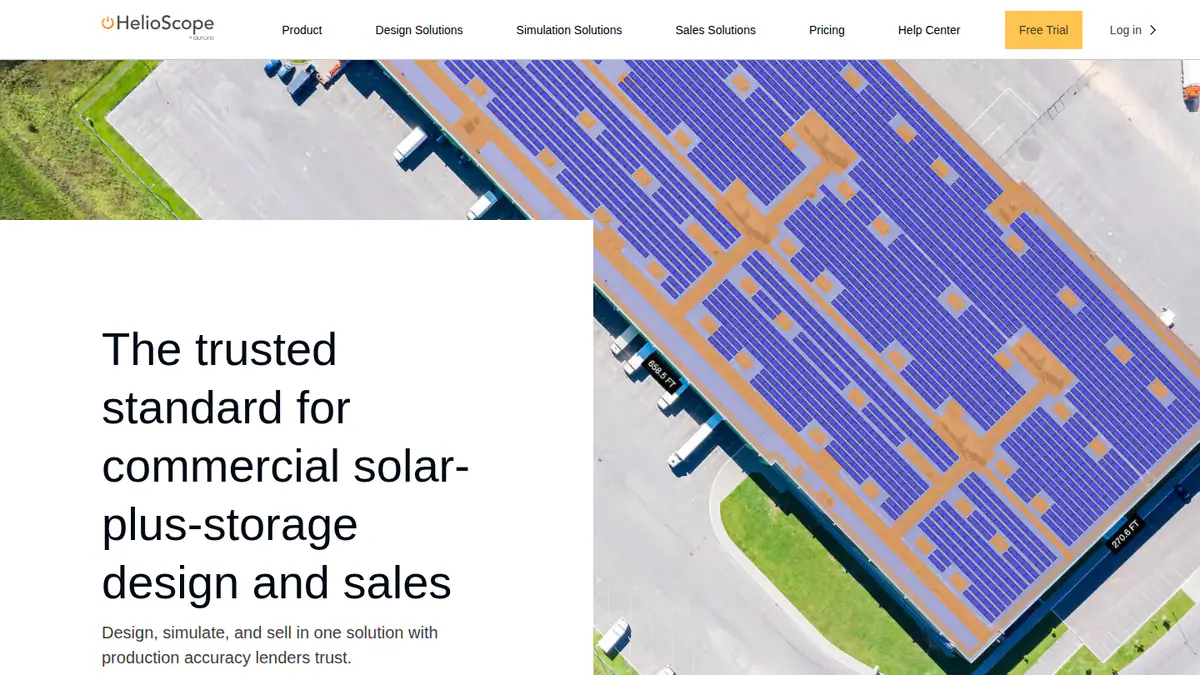
What it is: HelioScope is Aurora Solar’s separate commercial design and simulation tool. It is sold in USD, with no named UK presence in our research. Reviewers outside the US mention US-default units and prices.
Why we picked it: It is built for commercial rooftops and carports up to 30 MW DC, with published prices. Reviewers find it easy to learn.
Key features:
- Rooftop, carport and ground-mount layout.
- Shading and wiring-loss modelling.
- P90/P95/P99 values (Pro).
- Single-axis trackers and PVsyst export (Enterprise).
Pricing: Basic is USD 159 per month (USD 1,620 per year if billed yearly), with 10 projects a month up to 1.25 MW DC. Pro is USD 259 per month (USD 2,640 per year if billed yearly), up to 5 MW DC. Enterprise is custom, up to 30 MW DC. Checked October 2026 on the HelioScope pricing page.
Pros (from user reviews):
- Easy to learn, with G2 ease of use at 8.8/10 (G2).
- Fast layouts, plus shading and wiring-loss calculations.
- Quick reports and SLDs (single-line diagrams).
Cons (from reviews and our research):
- Expensive, and the tiers do not suit occasional users, say reviewers.
- A cap of 10 projects a month on Basic.
- Priced in USD, with no UK-specific outputs in its docs.
Reviews: G2 4.5/5 (19 reviews), checked October 2026.
Read our full HelioScope review or our HelioScope alternatives.
Want to see HelioScope working? Book a demo with the SolarSoftwares team.
Book a demoYour request goes by email to the SolarSoftwares team. A time is set only after we reply. It does not change any score or ranking.
SurgePV (unscored): for readers comparing roof design, shading, electrical drawings and proposals in one browser tool. Test local imagery, equipment data and approval outputs for your market. The numbered scores above do not include it.
Sources checked 27 October 2026: SurgePV product information · SolarSoftwares SurgePV review
Book a demo of SurgePV with the SolarSoftwares team.
Book a demoYour request goes by email to the SolarSoftwares team. A time is set only after we reply. It does not change any score or ranking.
How do the 7 UK solar design tools compare?
This table compares the 7 ranked tools side by side.
Product | GBP pricing | MCS output (documented) | DNO forms | Heat pump design | Starting price | Segment |
|---|---|---|---|---|---|---|
Yes | MCS reports | Not documented | Not documented | GBP 4/project | Residential, light C&I | |
Free | Not documented | Not documented | Not documented | Free | Residential, small C&I | |
No (USD) | Not documented | Not documented | Not documented | USD 159/user/mo | Residential, light C&I | |
No (EUR) | Not documented | Not documented | Yes (modelling) | EUR 845/yr | Residential, C&I | |
No (CHF) | Not documented | Not documented | No | CHF 700/yr | C&I, solar farms | |
Quote only | Not documented | Not documented (German service only) | Yes (planning) | Quote only | Residential, C&I | |
No (USD) | Not documented | Not documented | No | USD 159/mo | C&I |
Also considered
- Easy PV (scored 57.0/100): Midsummer Wholesale’s free browser tool is the most UK-specific one we found. Its free Basic plan covers MCS calculations and DNO forms, and Pro is GBP 35 plus VAT per user per month, with no contract. It misses the top 7 because we found no user reviews and no dated update since February 2023.
- SolarEdge Designer (scored 49.1/100): A free web tool for SolarEdge kit, with one-click optimiser stringing. It misses the top 7 because we could not confirm its current status with SolarEdge, and it has no user reviews.
- Arka 360 (below the minimum score, as it has no UK presence): A capable cloud design tool, but its markets are India and the US. We found no UK presence or GBP pricing.
- SMA Sunny Design (below the minimum score): Free planning for SMA inverters. Its PRO tier costs EUR 600 per year net. It adds sector coupling (linking power with heat and transport) for heat pumps, CHP (combined heat and power) and EVs. Layout tools are limited.
- Segen Design Tool + Quick Quote (a weak match): Segen’s portal has free Quick Quote, Heat Pump Designer and Battery Calculator tools. Its new design tool was still "coming soon" on a page updated 23 June 2026.
- Midsummer Solar & Heat Pump Kit Builder (excluded): We found no company page confirming it exists. Midsummer’s design tool is Easy PV, listed above.
Which general tools do UK installers also use?
Payaca is a UK-built CRM, quoting and compliance platform for clean-tech installers. It handles MCS documentation and DNO G98/G99 applications via ENA Connect, the network operators’ online application portal.
Prices start at GBP 299 per month ex VAT for new businesses (Accelerator), or GBP 1,199 per month (Growth). Checked October 2026 on the Payaca UK pricing page.
Its own solar design module, Glow, was only in limited release in September-October 2026. So Payaca is not ranked here as a design tool. See our solar CRM UK list.
How do you choose solar design software in the UK?
- Domestic MCS installers quoting a few jobs a week should pick Pylon and pay per project.
- On a zero budget, start with OpenSolar for free design and proposals. For free MCS calcs and DNO forms, try Easy PV (also considered).
- Selling heat pumps alongside PV? Shortlist Reonic for a full platform, or PV*SOL premium for detailed simulation.
- For commercial roofs and carports, pick HelioScope. Add PVsyst when a funder wants a P50/P90 report.
- Solar farm designers should use PVsyst for yield. See our solar simulation software page for alternatives.
- If you install SolarEdge only, SolarEdge Designer (also considered) can help with stringing. Use a ranked tool for customer proposals.
Need a permit-grade single-line diagram? Compare our solar SLD software ranking. Installers in other markets can compare Australia and India.
Want more choices? Browse every tool we checked in our design and simulation category.
Solar design software in the UK FAQs
What is the best free solar design software in the UK?
OpenSolar is the highest-ranked free option. Its core platform is free, with design, proposals and e-signature (checked October 2026). It documents no MCS or DNO output. Easy PV (also considered) is the most UK-specific free tool. Its Basic plan includes MCS calculations and automated DNO forms at no cost.
Does the software produce an MCS-compliant performance estimate?
One ranked tool documents MCS output as of October 2026: Pylon lists MCS reports for UK jobs. Easy PV (also considered) lists MCS-compliant performance and structural calculations. We checked company documentation, not the outputs against the MCS standard. Request a sample report before you rely on it for certification.
Does Aurora Solar work for UK installers?
It can be used, but it is built for the US. In October 2026 Aurora’s pricing page was North American and in USD, from USD 159 per user per month. Its proposal finance covered US schemes, and we found no named UK presence, MCS output or DNO forms.
Can solar design software handle DNO G98/G99 applications?
No ranked tool documents DNO output as of October 2026. Easy PV (also considered) produces automated DNO forms on its free plan. It submits DNO applications automatically on Pro (GBP 35 plus VAT per user per month, no contract). Payaca, a UK CRM, handles G98/G99 applications through ENA Connect.
Can one tool design both solar and heat pumps?
Yes. Reonic documents heat pump planning alongside PV and storage. PV*SOL premium models heat pumps and immersion heaters within its PV simulation (EUR 845 per year plus VAT, October 2026). SMA’s Sunny Design PRO also adds heat pump sector coupling for EUR 600 per year net.
Can the software model the Smart Export Guarantee?
We could not confirm modelling of the Smart Export Guarantee (SEG) in any ranked tool as of October 2026. PV*SOL premium supports per-consumer tariffs, and Pylon includes financial projections. You may be able to enter your SEG export rate by hand. Check this in a trial before quoting customers.
Sources
Checked 22 to 25 October 2026.
- Pylon: UK pricing, July 2026 update, Capterra, G2
- OpenSolar: pricing announcement, features, news, G2
- Aurora Solar: pricing, G2, Capterra
- PV*SOL premium: shop, 2026 release, G2
- PVsyst: shop, product page, G2
- Reonic: product page, integrations, Trustpilot
- HelioScope: pricing, G2
- Easy PV: pricing and features, Solar Power Portal, February 2023
- SolarEdge Designer: pv magazine USA (2018 release)
- Also considered and general tools: Arka 360 pricing, SMA Sunny Design, Segen design tool news, Segen portal, Payaca UK pricing
Last updated 28 October 2026. Next scheduled review: 23 January 2027.