Solar design software in Australia helps installers plan solar and battery systems and quote Australian incentives. It lays out panels, models shade and estimates how much power a system will make. Pylon ranks first at 78.5/100 for residential installers who pay per job.
We scored 12 tools and ranked 7. Four of the seven ranked tools have no named Australian presence in our research, and we say so on each card.
Quick picks
Rank | Product | Best for | Starting price (company page, checked October 2026) | Pricing model | Free plan / trial | Australian presence (our research) | Score /100 |
|---|---|---|---|---|---|---|---|
1 | Residential and light commercial, per-job pricing | ✓ GBP 4 per project (UK page. AUD not confirmed) | Per project | 5 free project credits | Sydney-based company | 78.5 | |
2 | Zero-cost design and proposals | ✓ Free core platform | Free. Paid API and connectors | Free core platform | Australia listed among markets | 70.5 | |
3 | 3D residential design with LIDAR modelling | ✓ USD 159 per user per month | Per user, monthly or annual | None stated | Global only. None named | 70.1 | |
4 | Desktop 3D design with battery, heat pump and EV loads | ✓ EUR 845 per year plus VAT | Named-user licence | 30-day trial | Global only. None named | 66.5 | |
5 | Detailed yield and loss reports for C&I engineers | ✓ CHF 700 per year | Annual subscription per seat | 30-day evaluation | Global only. None named | 64.3 | |
6 | Commercial rooftop and carport up to 30 MW DC | ✓ USD 159 per month | Per licence, monthly or annual | Free trial (length not stated) | Global only. None named | 59.3 | |
7 | STC, battery rebate and VEEC quoting | ✓ AUD 4 per project (AUD implied) | Per project credits or monthly Pro | 5 free projects | Kingscliff, NSW company | 59.3 |
✓ Verified on the company’s own pricing page. ◐ Published by the company outside its pricing page (help centre, store or press release). ? We could not read the company’s pricing page, so the figure is not confirmed. Prices checked October 2026.
How the 7 tools scored
- Use-case fit 35%
- User reviews 20%
- Pricing 15%
- Ease of use 10%
- Support 10%
- Momentum 10%
Tool | Score chart | Score |
|---|---|---|
78.5 out of 100 | 78.5 | |
70.5 out of 100 | 70.5 | |
70.1 out of 100 | 70.1 | |
66.5 out of 100 | 66.5 | |
64.3 out of 100 | 64.3 | |
59.3 out of 100 | 59.3 | |
59.3 out of 100 | 59.3 |
Each bar shows the weighted score out of 100.
Sub-scores at a glance (0-10)
Product | Use-case fit | User reviews | Pricing | Ease of use | Support | Momentum | Total /100 |
|---|---|---|---|---|---|---|---|
7.3 | 6.7 | 8.0 | 7.5 | 10.0 | 10.0 | 78.5 | |
7.0 | 5.0 | 9.0 | 7.5 | 5.0 | 10.0 | 70.5 | |
6.5 | 7.9 | 6.0 | 7.5 | 7.5 | 7.5 | 70.1 | |
6.1 | 5.4 | 8.0 | 7.5 | 7.5 | 7.5 | 66.5 | |
4.9 | 6.3 | 8.0 | 5.0 | 7.5 | 10.0 | 64.3 | |
5.8 | 6.2 | 6.0 | 7.5 | 5.0 | 5.0 | 59.3 | |
5.7 | 5.0 | 8.0 | 5.0 | 5.0 | 7.5 | 59.3 |
A 5.0 on reviews, ease, support or momentum is our neutral value where public evidence is thin, not a judgement.
What must the best solar design software in Australia handle?
A design tool that works well in the US can still be a poor fit here. Australian home jobs are quoted around STCs (small-scale technology certificates) and the Cheaper Home Batteries rebate. State schemes matter too: PDRS (the NSW peak demand reduction scheme) and VEECs (Victorian energy efficiency certificates). The local tools on this page also design on Nearmap or Metromap aerial imagery.
That is why this page differs from our global best solar design software list. We applied a local-presence check. A tool with no Australian office, pricing or market named in our research scored lower. One with no sign of Australian sales at all scored lower still.
Several well-known global tools still rank because their design depth is strong, so check local support before buying.
If you mainly need a CRM, see our best solar CRM in Australia page. If you are outside Australia, the UK list covers MCS-focused tools.
How did we rank these Australian solar design tools?
How the score is weighted
- Use-case fit 35%
- User reviews 20%
- Pricing 15%
- Ease of use 10%
- Support 10%
- Momentum 10%
We scored 12 products from 22 to 25 October 2026, ranked the top 7 and put 5 under "Also considered". We used company docs, pricing pages and public user reviews. This was desk research: we did not run projects in any tool. We score six criteria:
- Use-case fit (35%): roof layout first, then 3D and shading, then stringing (how panels wire into inverters), yield and proposals. The local-presence check lowers it.
- User reviews (20%): G2 and Capterra ratings. Small review counts count for less.
- Pricing (15%): free and published prices score higher than quote-only.
- Ease of use, support and momentum (10% each): review sub-scores and dated release notes.
SolarEdge Designer placed eighth, so it sits under "Also considered" with the tools below our minimum match score. Scores are specific to this page’s job, so a tool can score differently elsewhere. Fine print: how we score software.
1. Pylon: best for Australian residential installers paying per job
Best for: Small and mid-sized residential installers who quote STC jobs and do not want a per-seat subscription. Score: 78.5/100.
What it is: Built in Sydney, Pylon is a design and proposal tool with an optional CRM. You pay per project, with unlimited users and no monthly minimum. It published dated product updates in December 2025 and in March, May and July 2026.
Why we picked it: It is built in Sydney and documents STC and PDRS handling for Australian quotes. Low per-job prices and top support ratings complete the case.
Key features:
- Solar and battery design on aerial imagery (imagery in select countries).
- STC and PDRS incentive handling for Australian quotes.
- Editable single-line diagrams, added in the July 2026 update.
- Web and PDF proposals with eSignature, plus financial projections and load profiles.
- Integrations including Xero, ServiceM8 and Amber VPP (virtual power plant), plus an API with webhooks.
Pricing: The UK pricing page lists Standard at GBP 4 per project (up to 30 kW DC). Pro is GBP 10 per project and adds commercial sizes of 99 kW and above and custom load profiles. Enterprise is on quote, and a CRM add-on starts at GBP 49 per user per month. Checked October 2026 on the Pylon UK pricing page. We could not confirm Australian dollar prices, so ask Pylon for AUD rates. New accounts get 5 free Standard project credits with no card required.
Pros (from user reviews):
- You pay per job, so a small firm pays little in a quiet month (Capterra).
- New staff pick it up fast, helped by a friendly interface and manual.
- Customers get detailed, thorough proposals (G2).
Cons (from reviews and our research):
- Imagery quality and recency vary by location, and the Nearmap link has been patchy (Capterra).
- Usage modelling is awkward to use, which matters when you size batteries.
- You design on flat aerial imagery: its docs show no 3D roof modelling.
Reviews: Capterra 4.6/5 (25 reviews) and G2 4.3/5 (2 reviews), checked October 2026. Capterra rates customer service 4.9/5 from 22 ratings. Most Capterra reviews date from 2021-2023.
Read our full Pylon review or our Pylon alternatives.

Want to see Pylon working? Book a demo with the SolarSoftwares team.
Book a demoYour request goes by email to the SolarSoftwares team. A time is set only after we reply. It does not change any score or ranking.
2. OpenSolar: best free design and proposal platform for Australian installers
Best for: Installers of any size who want design, proposals and e-signature without a licence fee. Score: 70.5/100.
What it is: Hardware and finance partners fund OpenSolar, so its design, proposal and sales platform costs you nothing. OpenSolar Inc. makes it. Our research lists Australia among its markets, and the company cites use in more than 160 countries.
Why we picked it: Free core design and proposals make it a free way to start. Regular, dated releases show the product is moving fast.
Key features:
- Free 3D and 2D rooftop design with shading.
- AI design, introduced with OS 3.0 in September 2025.
- Interactive web proposals with e-signature and payment collection.
- Integrated finance options and a hardware shop with distributors.
- A premium imagery marketplace.
Pricing: The core platform is free, and the company says it "will always be free for you to use". Since 16 April 2026, API access and the Xero and QuickBooks accounting connectors carry fees, but the rates are not published. API access is usage-based through the OpenSolar Wallet, with a 30-day free trial. Premium imagery is an optional paid add-on. Checked October 2026 on the OpenSolar pricing notice.
Pros (from reviews and our research):
- Adding, removing and changing panels is very easy (G2).
- The app gives your team project details in the field.
- Design and proposals cost nothing, however many users you add.
Cons (from user reviews):
- Panel layouts lack automatic tweaks and still need an engineering review.
- The interface feels dated.
- It is "not completely free": API and accounting connectors cost extra, at unpublished rates.
Reviews: G2 4.8/5 (3 reviews), checked October 2026. That is too few to rely on, and we found no Capterra listing.
Read our full OpenSolar review or our OpenSolar alternatives.

Want to see OpenSolar working? Book a demo with the SolarSoftwares team.
Book a demoYour request goes by email to the SolarSoftwares team. A time is set only after we reply. It does not change any score or ranking.
3. Aurora Solar: best for detailed 3D residential modelling
Best for: Residential teams that want 3D models built with LIDAR (laser-scanned height data) and shade reports, and can accept USD billing. Score: 70.1/100.
What it is: US firm Aurora Solar Inc. makes Aurora, a cloud platform for 3D design, simulation and proposals. Its pricing page is North American and in USD, and our research found no Australian office, pricing or market.
Why we picked it: Its 3D, LIDAR and shade tools are among the deepest here, backed by a large, positive review base. Those outweigh its missing local presence, which lowered its score.
Key features:
- Cloud 3D design with LIDAR-assisted modelling (Premium).
- Shade analysis and production simulation.
- Battery modelling for backup, self-consumption and arbitrage (charging cheap, using or exporting at peak).
- AI site models, drone mapping and plan sets on Enterprise.
- A Nearmap imagery add-on.
Pricing: Basic is USD 159 per user per month (USD 135 billed annually), with 50 projects a month and 1 user. Premium is USD 259 (USD 220 annually) and adds LIDAR-assisted modelling, bankable shade reports and battery modelling. Enterprise is custom, per project. On-demand site models start at USD 9.99. Checked October 2026 on the Aurora pricing page.
Pros (from user reviews):
- Accurate shade reports, and LiDAR shows obstructions (Capterra).
- Accurate design and strong customer service (G2).
- Videos and a knowledge base make it easy to learn (Capterra).
Cons (from reviews and our research):
- Reviewers call its proposal and finance features limited for the cost.
- Limited integration with other software.
- No STC handling, and you pay in USD.
Reviews: G2 4.7/5 (121 reviews) and Capterra 4.1/5 (7 reviews), checked October 2026.
Read our full Aurora Solar review or our Aurora Solar alternatives.

Want to see Aurora Solar working? Book a demo with the SolarSoftwares team.
Book a demoYour request goes by email to the SolarSoftwares team. A time is set only after we reply. It does not change any score or ranking.
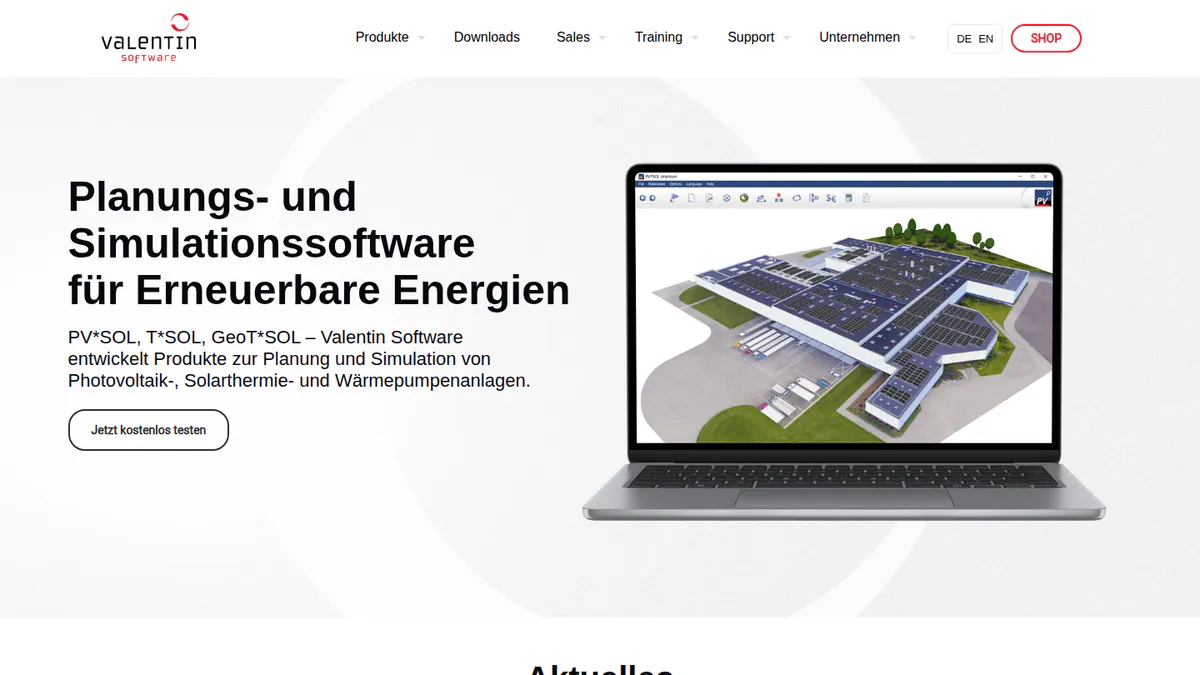
4. PV*SOL premium: best for desktop 3D design with battery, heat pump and EV loads
Best for: Designers modelling self-consumption (how much solar power a building uses itself) with storage, heat pumps and EV charging on one site. Score: 66.5/100.
What it is: Germany’s Valentin Software sells PV*SOL premium as desktop software for 3D design and simulation. Our research found no named Australian presence, and pricing is in EUR. The 2026 version was released on 24 November 2025.
Why we picked it: It models batteries, heat pumps and EV loads in one simulation, which helps when you quote self-consumption. Prices are published, with a 3-month option.
Key features:
- 3D design with detailed shading analysis.
- Yield simulation using Meteonorm 9 climate data as an input.
- AC- and DC-coupled battery storage.
- Heat pump, immersion heater and EV tariffs per consumer.
- Customer presentation export (PDF or DOCX) and JSON export of results.
Pricing: PV*SOL premium 2026 costs EUR 845 per year per named user, or EUR 285 for 3 months, plus VAT. The shop also lists an "extension" at EUR 802.75 but does not say what it covers. The 2D PV*SOL 2026 costs EUR 585 per year. A 30-day trial is available. Checked October 2026 in the Valentin Software shop.
Pros (from our research):
- You can buy 3 months (EUR 285) to cover a busy season.
- You can show battery, heat pump and EV savings in one simulation.
- You get a new major version each year.
Cons (from our research):
- It is desktop software, so you cannot use it in a browser on site.
- No STC or rebate calculations, and you pay in EUR.
- Proposal output is a presentation export, not a sales proposal with e-signature.
Reviews: G2 4.2/5 (12 reviews), checked October 2026. G2 shows ease of use at 8.2/10 and support at 7.5/10.
What we could not confirm: G2 shows too little review text, so these pros and cons come from our research only.
Read our full PV*SOL premium review or our PV*SOL alternatives.
Want to see PV*SOL premium working? Book a demo with the SolarSoftwares team.
Book a demoYour request goes by email to the SolarSoftwares team. A time is set only after we reply. It does not change any score or ranking.
5. PVsyst: best for detailed yield and loss reports on C&I projects
Best for: Engineers and EPCs (engineering, procurement and construction firms) who need P50/P90 (probability-based yield estimates) reports and loss diagrams for commercial systems. Score: 64.3/100.
What it is: Swiss company PVsyst SA makes PVsyst, Windows software for yield simulation. It is an engineering tool, not a sales or proposal tool, and our research found no named Australian presence.
Why we picked it: It makes the P50/P90 yield and loss reports engineers rely on for commercial systems. Steady releases, with 14 dated patches between June 2025 and August 2026, keep it current.
Key features:
- 3D near-shading scene with electrical mismatch losses.
- Bifacial modules and trackers with backtracking.
- A detailed loss diagram and P50/P90 yield reports.
- Weather data inputs from Meteonorm 9, PVGIS, NSRDB, Solcast, SolarAnywhere and Solargis.
- Battery storage and economic evaluation: NPV (net present value), ROI (return on investment) and LCOE (levelised cost of energy).
Pricing: PVsyst 8 Professional costs CHF 700 per year per seat. Multi-seat discounts are 5% (2-4 licences), 15% (5-9) and 20% (10+). Student and Classroom licences cost CHF 25 per year. Prices are shown only in CHF. A 30-day evaluation uses generic components and watermarks reports. Checked October 2026 in the PVsyst shop.
Pros (from user reviews):
- Detailed, accurate modelling and yield simulation (G2 reviewer themes).
- A full loss diagram and analysis.
- SketchUp integration for 3D shading scenes.
Cons (from reviews and our research):
- An outdated, complex interface (G2 ease of use 6.7/10 from 14 reviews).
- Time-consuming 3D scene management.
- Windows only, so Mac users need a Windows virtual machine.
Reviews: G2 4.5/5 (22 reviews), checked October 2026.
Read our full PVsyst review or our PVsyst alternatives.
Want to see PVsyst working? Book a demo with the SolarSoftwares team.
Book a demoYour request goes by email to the SolarSoftwares team. A time is set only after we reply. It does not change any score or ranking.
6. HelioScope: best for commercial rooftop and carport design
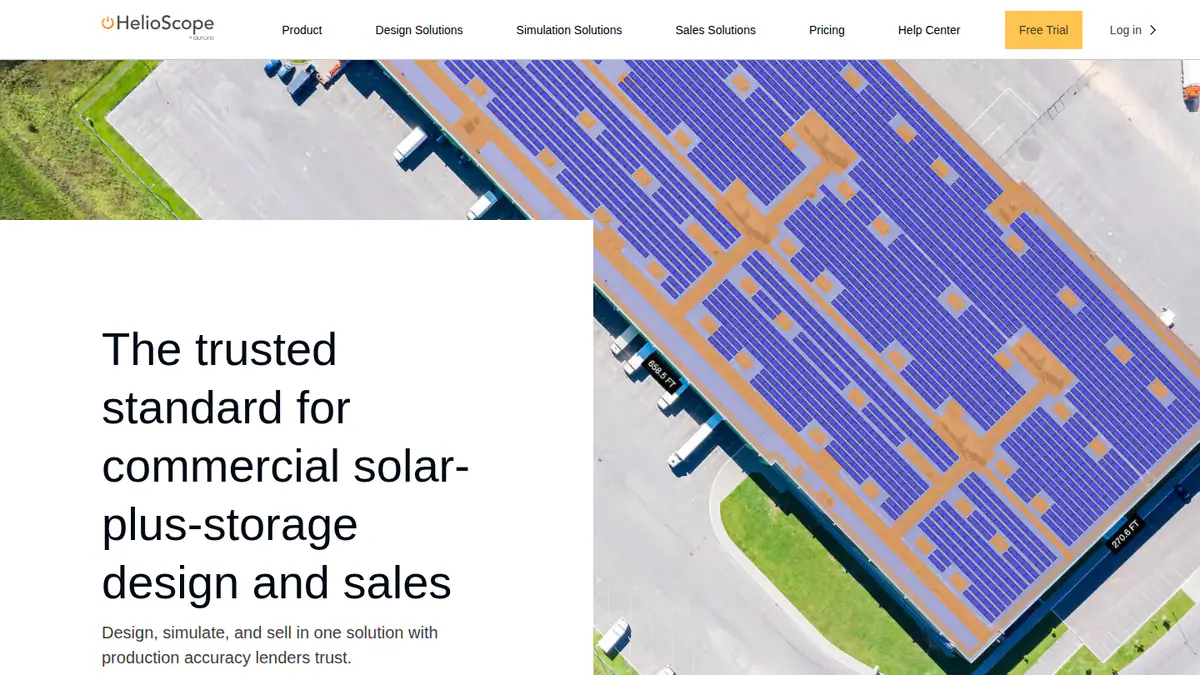
Best for: C&I designers working on rooftop and carport systems up to 30 MW DC. Score: 59.3/100.
What it is: HelioScope is Aurora Solar’s separate commercial design and simulation tool. Our research found no named Australian presence. G2 reviewers in India and Mexico say units and pricing default to US settings.
Why we picked it: It covers commercial rooftops and carports up to 30 MW DC, with published prices. Reviewers find it fast and easy to learn.
Key features:
- Rooftop, carport and ground-mount layout.
- Shading and wiring-loss modelling.
- LIDAR modelling, AI obstruction detection and P90/P95/P99 values (Pro).
- Single-axis trackers and PVsyst export (Enterprise).
Pricing: Basic is USD 159 per month (USD 1,620 per year if billed yearly), with 1 user, 10 projects a month and up to 1.25 MW DC. Pro is USD 259 per month (USD 2,640 per year if billed yearly), up to 5 MW DC. Enterprise is custom, up to 30 MW DC. Checked October 2026 on the HelioScope pricing page.
Pros (from user reviews):
- Easy to learn, with a simple interface (G2).
- Fast, accurate layouts, plus shading and wiring-loss calculations.
- Quick reports and SLDs.
Cons (from reviews and our research):
- Expensive, and the tiers do not suit occasional users.
- Project caps bite: Basic allows 10 projects a month.
- You pay in USD, and it has no Australian incentive tools.
Reviews: G2 4.5/5 (19 reviews), checked October 2026.
Read our full HelioScope review or our HelioScope alternatives.
Want to see HelioScope working? Book a demo with the SolarSoftwares team.
Book a demoYour request goes by email to the SolarSoftwares team. A time is set only after we reply. It does not change any score or ranking.
7. Solar Proof: best for STC, battery rebate and VEEC quoting
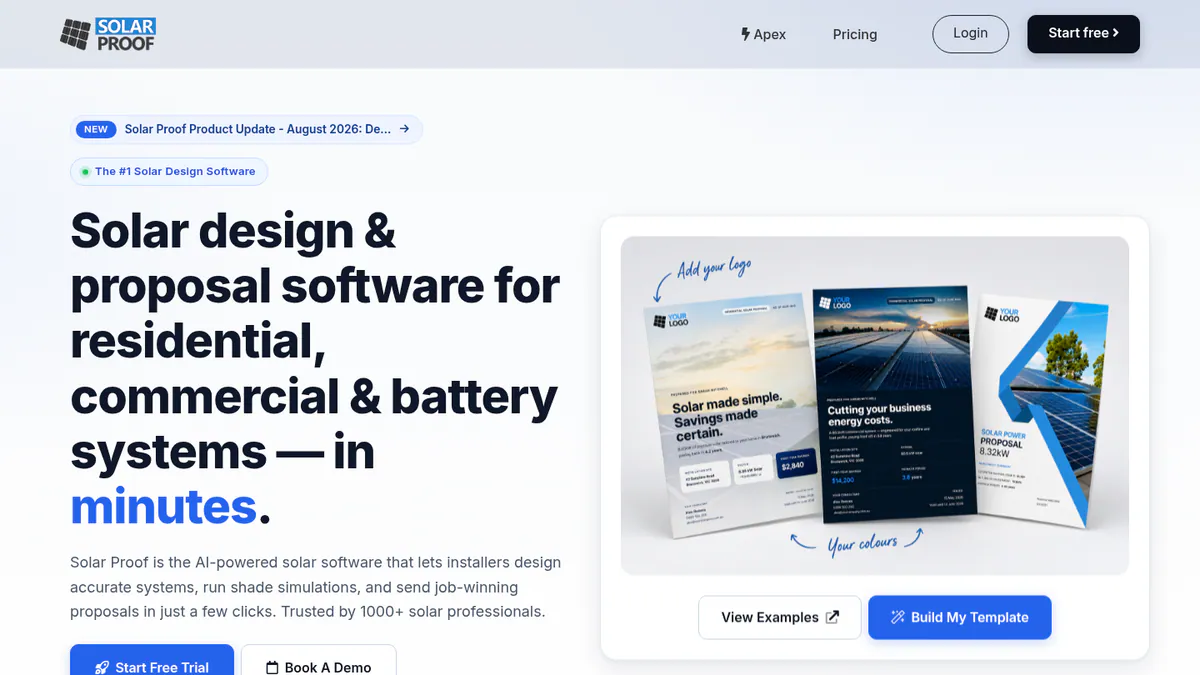
Best for: Australian residential and small commercial installers who want incentives, SLD and proposal from one quote. Score: 59.3/100.
What it is: Solar Proof is built by Solar Proof Solutions in Kingscliff, NSW, for Australian rules only. No public user reviews and lighter 3D modelling than the cloud leaders hold back its score.
Why we picked it: It is the most Australia-specific tool we found, with STC, battery rebate and VEEC sums built into the quote. Cheap pay-as-you-go credits make it easy to trial.
Key features:
- Automatic STC, Cheaper Home Batteries rebate and VEEC calculation.
- Design on Nearmap or Metromap imagery, including multi-inverter and multi-battery systems.
- 3D shade analysis with per-panel shade loss.
- A browser SLD editor populated from the quote, with PDF export at A3 or A4 (May 2026).
- Branded proposals the company calls NETCC-compliant (the New Energy Tech consumer code). Integrations include Xero, MYOB, HubSpot and Zapier.
Pricing: Pay-as-you-go costs AUD 4 per project, and credits never expire. Pro starts at AUD 99 per month, with 20% off yearly. The page shows a dollar sign only, so AUD is implied. GST treatment is not stated, and individual Pro tier prices are not listed. New accounts get 5 free projects. Checked October 2026 on the Solar Proof pricing page.
Pros (from our research):
- Quotes work out STCs, the Cheaper Home Batteries rebate and VEECs for you. No other ranked tool documents the last two.
- The SLD fills in from the quote, so you do not redraw it.
- At AUD 4 a project, with credits that never expire, a quiet month costs little.
Cons (from our research):
- No user reviews on G2 or Capterra.
- On pay-as-you-go, the SLD editor works only on In-Depth projects (3 credits).
- SLDs export as PDF only, with no DWG (CAD file) export.
Reviews: No user reviews found on G2 or Capterra as of October 2026.
What we could not confirm: that the SLD editor meets AS/NZS 5033 (the PV array installation standard).
Want to see Solar Proof working? Book a demo with the SolarSoftwares team.
Book a demoYour request goes by email to the SolarSoftwares team. A time is set only after we reply. It does not change any score or ranking.
SurgePV (unscored): for readers comparing roof design, shading, electrical drawings and proposals in one browser tool. Test local imagery, equipment data and approval outputs for your market. The numbered scores above do not include it.
Sources checked 27 October 2026: SurgePV product information · SolarSoftwares SurgePV review
Book a demo of SurgePV with the SolarSoftwares team.
Book a demoYour request goes by email to the SolarSoftwares team. A time is set only after we reply. It does not change any score or ranking.
How do the 7 Australian solar design tools compare?
This table compares the 7 ranked tools side by side.
Product | Australian presence (our research) | AU incentives documented | Imagery and 3D | SLD output | Platform | Starting price |
|---|---|---|---|---|---|---|
Sydney company | STC, PDRS | Aerial imagery. No 3D documented | Editable SLD (Jul 2026) | Cloud | GBP 4/project (AUD not confirmed) | |
Australia listed as a market | None found | 3D and 2D. Premium imagery marketplace | None found | Cloud | Free core | |
None named | None found | LIDAR-assisted 3D. Nearmap add-on | Not confirmed | Cloud | USD 159/user/mo | |
None named | None found | 3D with detailed shading | Not confirmed | Desktop | EUR 845/yr | |
None named | None found | 3D near-shading scene | None found | Windows desktop | CHF 700/yr | |
None named | None found | LIDAR and AI obstruction detection (Pro) | Per G2 reviewers | Cloud | USD 159/mo | |
Kingscliff, NSW company | STC, Cheaper Home Batteries, VEEC | Nearmap/Metromap. 3D shade analysis | Browser SLD editor, PDF | Cloud | AUD 4/project (implied) |
Also considered
- SolarEdge Designer (scored 49.1/100): SolarEdge’s free web tool for its own inverters and optimisers, with one-click stringing. It misses the top 7 because we could not confirm its current status on the company site. Its facts come from 2018-2020 sources, and it has no user reviews.
- Arka 360 (below the minimum score, as it has no Australian presence): A capable cloud design tool with 137 G2 reviews. Its offices and pricing are in India and the US, and our research found no Australian presence.
- Sunny Design (below the minimum score): SMA’s free planning tool is strong on string sizing but light on roof layout. It is built around SMA equipment.
- Fronius Solar.creator (a weak match for this job): A free Fronius configurator with localised Australian pages. It sizes inverters and batteries rather than laying out roofs, and we found no 3D layout or shading modelling.
- SolarHub CRM (a weak match for this job): An Australian solar CRM with simple design sketching. It is a CRM first, and we could not verify its pricing or free-tier limits on the company site. See our Australian CRM list.
How do you choose solar design software in Australia?
- Small residential businesses that want STC quoting with no per-seat fee should pick Pylon. Get AUD pricing in writing first.
- On a zero budget, and if you can live with unpublished add-on fees, start with OpenSolar.
- Quoting batteries under the Cheaper Home Batteries rebate, or working in Victoria with VEECs? Trial Solar Proof alongside Pylon.
- When complex roofs drive your design time and USD billing is acceptable, look at Aurora Solar’s Premium tier for LIDAR-assisted 3D.
- For commercial systems that need P50/P90 reports, use PVsyst for simulation and HelioScope or PV*SOL premium for layout.
- If you install only SolarEdge inverters, SolarEdge Designer (also considered) costs nothing. Confirm current features with SolarEdge first.
- For free tools across all markets, see our free solar design software list. For residential-only picks, see residential solar design software.
Want more choices? Browse every tool we checked in our design and simulation category.
Solar design software in Australia FAQs
What is the best solar design software for Australian installers?
Pylon scores highest in our October 2026 ranking (78.5/100). It is Sydney-based, handles STC and PDRS incentives and charges per project with unlimited users. Solar Proof is the most Australia-specific option, and OpenSolar is the best free one.
Does the software handle STCs and the federal battery rebate?
Two ranked tools do. As of October 2026, Solar Proof documents automatic STC, Cheaper Home Batteries rebate and VEEC calculations. Pylon documents STC and PDRS incentive handling. We found no Australian incentive calculations documented for the other five ranked tools.
Does it calculate voltage rise to AS/NZS 4777?
Not as far as we found. AS/NZS 4777 is the standard for connecting inverters to the grid. None of the seven ranked tools documents voltage-rise calculations to it (October 2026). Ask the company to show it in a demo. Keep your own calculation for grid applications.
Is there free solar design software in Australia?
Yes. OpenSolar’s core platform is free, though API access and accounting connectors have carried unpublished fees since 16 April 2026. Pylon and Solar Proof each give 5 free projects at sign-up. Solar Proof also has a standalone SLD editor you can use without an account.
Does Aurora Solar work in Australia?
Aurora is a cloud tool, but our October 2026 research found no Australian office, AUD pricing or Australian market named by Aurora. Its pricing page is North American, starting at USD 159 per user per month. Check local support hours and incentive handling before you buy.
Can it generate a CEC-compliant single line diagram?
Not confirmed. Pylon added editable single line diagrams (SLDs) in July 2026, and Solar Proof’s browser SLD editor builds one from the quote. We could not confirm that either output meets CEC (Clean Energy Council) or AS/NZS 5033 requirements. Have an accredited designer check every SLD before submission.
Sources
Checked 22 to 25 October 2026.
- Pylon: pricing, July 2026 update, Capterra, G2
- OpenSolar: pricing notice, features, news, G2
- Aurora Solar: pricing, G2, Capterra
- PV*SOL premium: shop, 2026 release, G2
- PVsyst: shop, product page, G2, G2 comparison
- HelioScope: pricing, G2
- Solar Proof: pricing, features, SLD editor article
- SolarEdge Designer: 2018 press release, Solar Power World, January 2020
- Also considered: Arka 360 on G2, Sunny Design, Fronius Solar.creator, SolarHub CRM on Capterra
Last updated 28 October 2026. Next scheduled review: 23 January 2027.