AI solar design software is design software where AI or auto design does part of the work. It can spot the roof and its obstacles, build a panel layout, or act as a chat assistant. Aurora Solar ranks first at 79.4/100 for US home installers.
We scored 11 tools on what their AI or auto design does, and ranked the top 7. This page asks one question of each tool: what does the "AI" do for the designer?
Roof-model quality has its own ranking in our 3D solar design software guide. Shade reports have theirs in our solar shading analysis software guide. For a ranking across every design job, see our best solar design software list.
Quick picks
Rank | Product | Best for | What the AI or automation does | Starting price (company page, checked October 2026) | Free plan / trial | Score /100 |
|---|---|---|---|---|---|---|
1 | AI-built residential site models | AI-assisted site models | ✓ USD 159 per user per month | None stated | 79.4 | |
2 | Free AI design | AI design (OS 3.0) | ✓ Free core platform | Free plan | 73.2 | |
3 | Pay-per-job design with AI-assisted CRM | AI assistance in CRM add-on only | ✓ GBP 4 per project | 5 free project credits | 68.4 | |
4 | Automated utility-scale layout | Rule-based layout. Power Analyst AI agent | Quote only | Demo only | 68.1 | |
5 | AI obstruction detection for C&I | AI obstruction detection (Pro) | ✓ USD 159 per month | Free trial (length not stated) | 63.3 | |
6 | AI design generation (India, US) | AI design generation, permitting checks | ✓ USD 159 per month (international list) | Demo only | 61.6 | |
7 | Auto-detection into US permit sets | Automatic roofline and obstruction detection | ? USD 2,799 per year | Not stated by the company | 57.0 |
✓ Verified on the company’s own pricing page. ◐ Published by the company outside its pricing page (help centre, store or press release). ? We could not read the company’s pricing page, so the figure is not confirmed. Prices checked October 2026.
Quote only means the company shows no public price. You ask it for a quote.
How the 7 tools scored
- Use-case fit 35%
- User reviews 20%
- Pricing 15%
- Ease of use 10%
- Support 10%
- Momentum 10%
Tool | Score chart | Score |
|---|---|---|
79.4 out of 100 | 79.4 | |
73.2 out of 100 | 73.2 | |
68.4 out of 100 | 68.4 | |
68.1 out of 100 | 68.1 | |
63.3 out of 100 | 63.3 | |
61.6 out of 100 | 61.6 | |
57 out of 100 | 57.0 |
Each bar shows the weighted score out of 100.
Sub-scores at a glance (0-10)
Product | Use-case fit | User reviews | Pricing | Ease of use | Support | Momentum | Total /100 |
|---|---|---|---|---|---|---|---|
8.3 | 7.9 | 8.0 | 7.5 | 7.5 | 7.5 | 79.4 | |
7.8 | 5.0 | 9.0 | 7.5 | 5.0 | 10.0 | 73.2 | |
4.4 | 6.7 | 8.0 | 7.5 | 10.0 | 10.0 | 68.4 | |
6.7 | 6.9 | 4.0 | 7.5 | 7.5 | 10.0 | 68.1 | |
6.1 | 6.2 | 8.0 | 7.5 | 5.0 | 5.0 | 63.3 | |
5.0 | 6.3 | 6.0 | 7.5 | 10.0 | 5.0 | 61.6 | |
6.1 | 3.3 | 6.0 | 5.0 | 5.0 | 10.0 | 57.0 |
A 5.0 on reviews, ease, support or momentum is our neutral value where public evidence is thin, not a judgement.
What counts as AI solar design software?
Most "AI" in solar design is one of three things. Companies rarely say which method sits underneath.
- Roof and obstacle spotting: The software reads imagery or LIDAR (laser-scanned height data) and builds the roof, vents and trees for you. Examples are Aurora AI site models, HelioScope Pro and Solargraf.
- Designs and layouts made for you: The software suggests a panel layout or a full plant layout. Examples are OpenSolar, Arka 360, RatedPower’s rule-based layouts and PVX.AI (also considered).
- AI agents and assistants: A chat-style agent, or one that tunes the design, sits on top. Examples are RatedPower Power Analyst and Pylon’s CRM help.
Rule-based auto-layout saves time, but it is not machine learning. We say which is which where the company’s docs make it clear, and they rarely explain how their models work.
How did we rank the best AI solar design software?
How the score is weighted
- Use-case fit 35%
- User reviews 20%
- Pricing 15%
- Ease of use 10%
- Support 10%
- Momentum 10%
We scored 11 products from 22 to 25 October 2026 and ranked 7. The other 4 are in "Also considered". This was desk research from company docs, pricing pages and public reviews, so we did not run designs in any tool. Three tools fell below our minimum match score (4 out of 10), and PVX.AI scored eighth. We used six weighted tests:
- Use-case fit (35%): How well it does this page’s job. AI or auto design shown in the docs comes first. Then come layout, roof spotting and the design outputs it feeds.
- User reviews (20%): G2 and Capterra ratings. Ratings from only a few reviews count for less.
- Pricing (15%): Published prices beat quote-only.
- Ease of use, support and momentum (10% each): Review sub-scores and dated releases. With no proof either way, a tool gets a middle score.
Scores are for this page’s job only, so the same tool can score differently on another page. Third-party ratings are shown for context, never in rating markup. SurgePV is not part of this ranking. Full method: how we score software.
1. Aurora Solar: best for AI-built residential site models
Best for: US home installers who want the roof modelled for them. Score: 79.4/100.
What it is: Aurora Solar Inc. builds this cloud tool for design, modelling and proposals. Its main buyers are US home and light business installers. It does not replace PVsyst or utility-scale tools. Aurora sends large C&I (commercial and industrial) and utility work to HelioScope.
Why we picked it: Its AI-assisted site models do real design work, building the roof so you do not have to. Its prices are published and its accuracy is well reviewed, so it scores highest on this list.
Key features:
- AI-assisted site models build the 3D roof from imagery. "AI site models" are listed on Enterprise.
- On-demand site models start at USD 9.99 on Basic.
- LIDAR-assisted modelling (Premium).
- Shade analysis and bankable (lender-accepted) shade reports (Premium).
- Drone mapping and a design API (Enterprise).
- Proposals with tax-credit estimates (US credit rules change, check current law) and TPO (third-party ownership) finance.
Pricing: Basic is USD 159 per user per month (USD 135 billed annually). Premium is USD 259 (USD 220 annually) and adds LIDAR-assisted modelling. Enterprise is custom, with a price per project. Checked October 2026 on the Aurora pricing page.
Pros (from user reviews):
- You can trust the shade reports and output estimates, and LIDAR shows roof obstacles (Capterra).
- Designs come out exact, and customer service is strong (G2).
- New staff learn fast from the videos and knowledge base (Capterra).
Cons (from user reviews):
- It uses a lot of memory and runs slowly on weaker machines (2019 Capterra reviews).
- Proposal and finance features are thin for the cost (Capterra).
- It links to few other software tools (G2).
Reviews: G2 4.7/5 (121 reviews) and Capterra 4.1/5 (7 reviews), checked October 2026. Reviewers praise how exact it is more than how much it does for you.
What we could not confirm: how the site models are made, and whether there is a free trial.
Read our full Aurora Solar review or our Aurora Solar alternatives.

Want to see Aurora Solar working? Book a demo with the SolarSoftwares team.
Book a demoYour request goes by email to the SolarSoftwares team. A time is set only after we reply. It does not change any score or ranking.
2. OpenSolar: best free AI design tool
Best for: Home and small business installers who want auto design at no software cost. Score: 73.2/100.
What it is: OpenSolar Inc. runs a free tool for design, proposals and sales. It is for home and small business installers. Hardware and finance partners pay for it, not you.
Why we picked it: It is the only tool here that puts AI design inside a free core platform. Regular, dated releases since OS 3.0 show the product is moving fast.
Key features:
- AI design, added in OS 3.0 in September 2025 (per marketing pages).
- AI lead generation (June 2026).
- Free 3D and 2D rooftop design with shading.
- Web proposals that the customer can sign and pay from.
- Links to SolarAPP+ (the US online permit tool for home solar).
Pricing: The core platform is free. From 16 April 2026 you pay for API access and Xero/QuickBooks connectors. The company does not publish the rates. Checked October 2026 on OpenSolar’s website.
Pros (from reviews and our research):
- Adding and moving panels is very easy (G2).
- The app gives you job facts on site (G2).
- You pay nothing for the core design and proposal tool.
Cons (from reviews and our research):
- Panel design lacks auto custom settings, so an engineer still has to check it (G2).
- The screens look dated (G2).
- It is "not completely free", as one reviewer puts it: API access and Xero/QuickBooks connectors cost extra.
Reviews: G2 4.8/5 (3 reviews), checked October 2026. That is too few to rely on.
What we could not confirm: what the AI design step makes or how it works. Its features come from marketing pages, not docs.
Read our full OpenSolar review or our OpenSolar alternatives.

Want to see OpenSolar working? Book a demo with the SolarSoftwares team.
Book a demoYour request goes by email to the SolarSoftwares team. A time is set only after we reply. It does not change any score or ranking.
3. Pylon: best for pay-per-job design with an AI-assisted CRM
Best for: Small installers in the UK, Australia and Ireland who want cheap design plus a CRM. Score: 68.4/100.
What it is: Pylon, based in Sydney, sells its design and proposal tool per project. Most buyers are small home and business installers.
Why we picked it: It ranks third on low per-job prices, top support ratings and monthly updates, not on AI. On AI design itself it is the weakest fit of the seven, only just above our minimum score.
Key features:
- "AI assistance" in the optional Solar CRM add-on.
- Solar and battery design on aerial imagery.
- Single-line diagrams you can edit (July 2026).
- API with webhooks.
- MCS (UK certification scheme) reports, plus STC/PDRS (Australian incentive schemes) paperwork.
Pricing: Standard is GBP 4 per project up to 30 kW DC. Pro is GBP 10 per project. The CRM add-on starts at GBP 49 per user per month. Checked October 2026 on the Pylon UK pricing page. We could not confirm USD and AUD prices.
Pros (from user reviews):
- Paying per job keeps costs low when you only design a few systems a month (Capterra).
- Most users find the layout friendly and the manual helpful, though some say it takes time to pick up (Capterra, G2).
- Customers get detailed quotes and proposals (G2).
Cons (from reviews and our research):
- It does not design for you: the only AI we found sits in the paid CRM add-on.
- Aerial photo quality and age vary by area (Capterra).
- Modelling a customer’s power use is awkward (Capterra).
Reviews: Capterra 4.6/5 (25 reviews) and G2 4.3/5 (2 reviews), checked October 2026.
Read our full Pylon review or our Pylon alternatives.

Want to see Pylon working? Book a demo with the SolarSoftwares team.
Book a demoYour request goes by email to the SolarSoftwares team. A time is set only after we reply. It does not change any score or ranking.
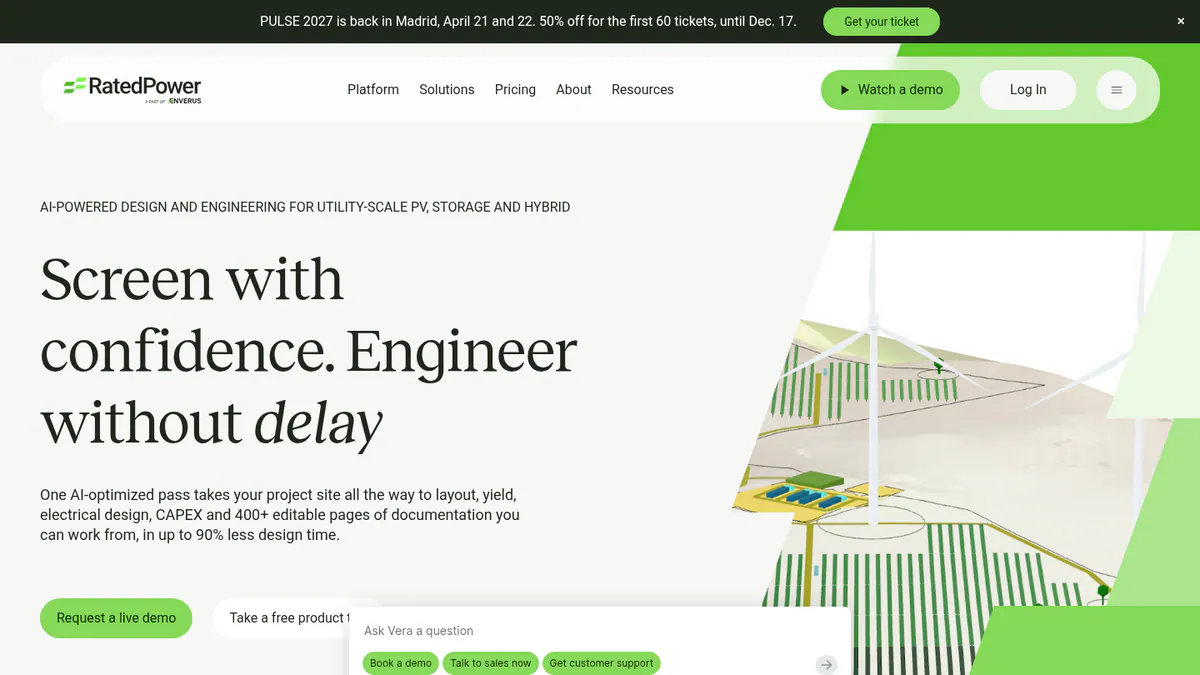
4. RatedPower: best for automated utility-scale layout
Best for: Teams that try many layout options on utility PV, BESS (battery energy storage) and hybrid sites. Score: 68.1/100.
What it is: RatedPower is part of Enverus. It does utility-scale siting, layout, yield and electrical design in the cloud. Its buyers are developers, EPCs (engineering and construction contractors) and IPPs (independent power producers).
Why we picked it: It builds whole utility plant layouts for you, and its Power Analyst agent compares design options. It also has the largest review base on this page.
Key features:
- Rule-based layouts built from setbacks, roads, slope and cut-and-fill (earthworks to level the ground).
- Power Analyst, the AI part: an add-on agent that compares design options and tunes KPIs (key performance indicators).
- MV/LV (medium and low voltage) design, single-line diagrams and substations.
- BESS and hybrid design, with modelling of when the battery charges and discharges.
- DWG (AutoCAD drawing file) round-trip to AutoCAD.
Pricing: Quote only, across Basic, Advanced and Enterprise. Power Analyst is sold as an add-on. Checked October 2026 on the RatedPower pricing page.
Pros (from user reviews):
- Ease of use is the most praised strength, with 22 mentions, and it saves time when you judge new sites (G2 review themes).
- Feasibility layouts come together fast, helped by auto electrical diagrams.
- Reviewers also praise the customer support.
Cons (from user reviews):
- The layout tools are easy to start with, but land and constraint handling is the top complaint (14 mentions).
- Some features are missing (8 mentions), such as some BESS-PCS (power conversion system) combinations.
- You get few ways to tailor designs and drawings, and some say you need basic engineering know-how.
Reviews: G2 4.4/5 (305 reviews), checked October 2026.
Read our full RatedPower review or our RatedPower alternatives.
Want to see RatedPower working? Book a demo with the SolarSoftwares team.
Book a demoYour request goes by email to the SolarSoftwares team. A time is set only after we reply. It does not change any score or ranking.
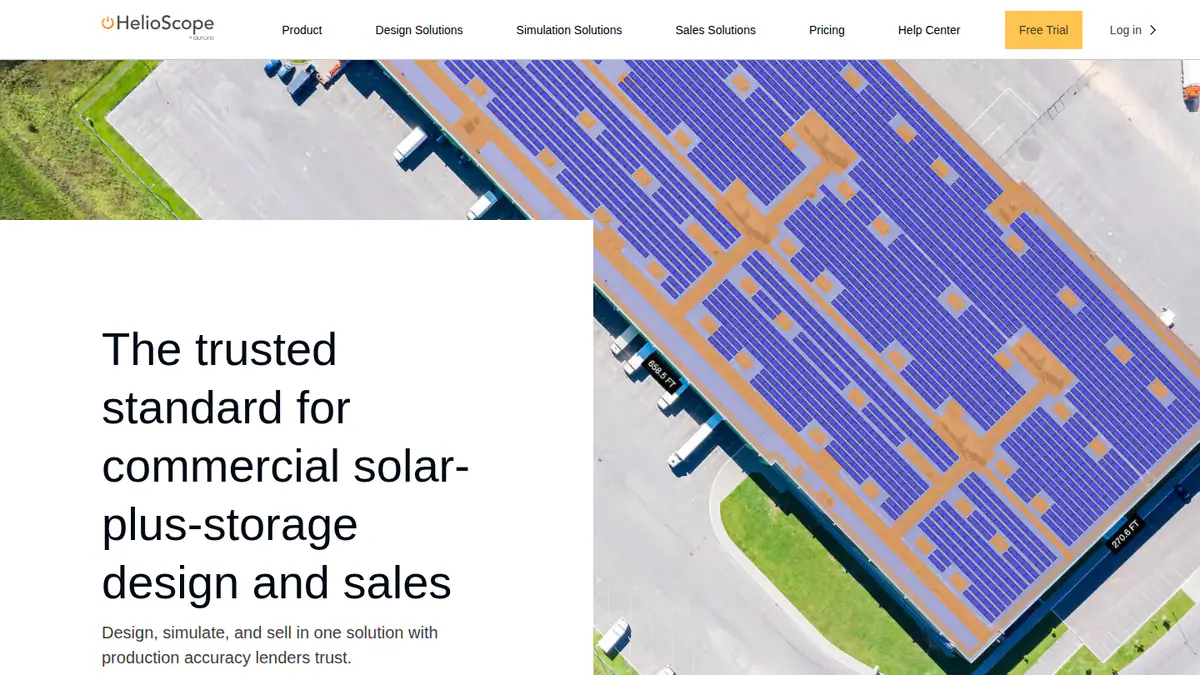
5. HelioScope: best for AI obstruction detection on C&I roofs
Best for: C&I rooftop and carport designers working up to 30 MW DC. Score: 63.3/100.
What it is: Business EPCs lay out rooftop, carport and ground-mount systems in HelioScope. Aurora Solar owns it but sells it as a separate product.
Why we picked it: Its Pro plan names AI obstruction detection, which saves time on busy commercial roofs. Prices are published, so you know the cost before a demo.
Key features:
- AI that spots roof obstacles, with LIDAR-assisted modelling (Pro).
- Shading and wiring-loss modelling.
- P90/P95/P99 values, the yield confidence levels (Pro).
- Trackers and PVsyst export (Enterprise).
Pricing: Basic is USD 159 per month (USD 1,620 per year if billed yearly). Pro is USD 259 per month (USD 2,640 per year if billed yearly) and includes the AI feature. Enterprise is custom. Checked October 2026 on the HelioScope pricing page.
Pros (from user reviews):
- New designers learn it fast on simple screens (G2).
- Layouts and shading and wiring-loss sums are fast and exact.
- Reports and SLDs (single-line diagrams) come out quickly.
Cons (from user reviews):
- It is costly if you only design now and then, and the tiers do not suit occasional users.
- Project limits per year bite on large systems.
- Older reviews say it lacks battery and tracker support. The pricing page now lists storage design (Basic) and trackers (Enterprise).
Reviews: G2 4.5/5 (19 reviews), checked October 2026.
What we could not confirm: how the AI obstruction detection works, and how long the free trial lasts.
Read our full HelioScope review or our HelioScope alternatives.
Want to see HelioScope working? Book a demo with the SolarSoftwares team.
Book a demoYour request goes by email to the SolarSoftwares team. A time is set only after we reply. It does not change any score or ranking.
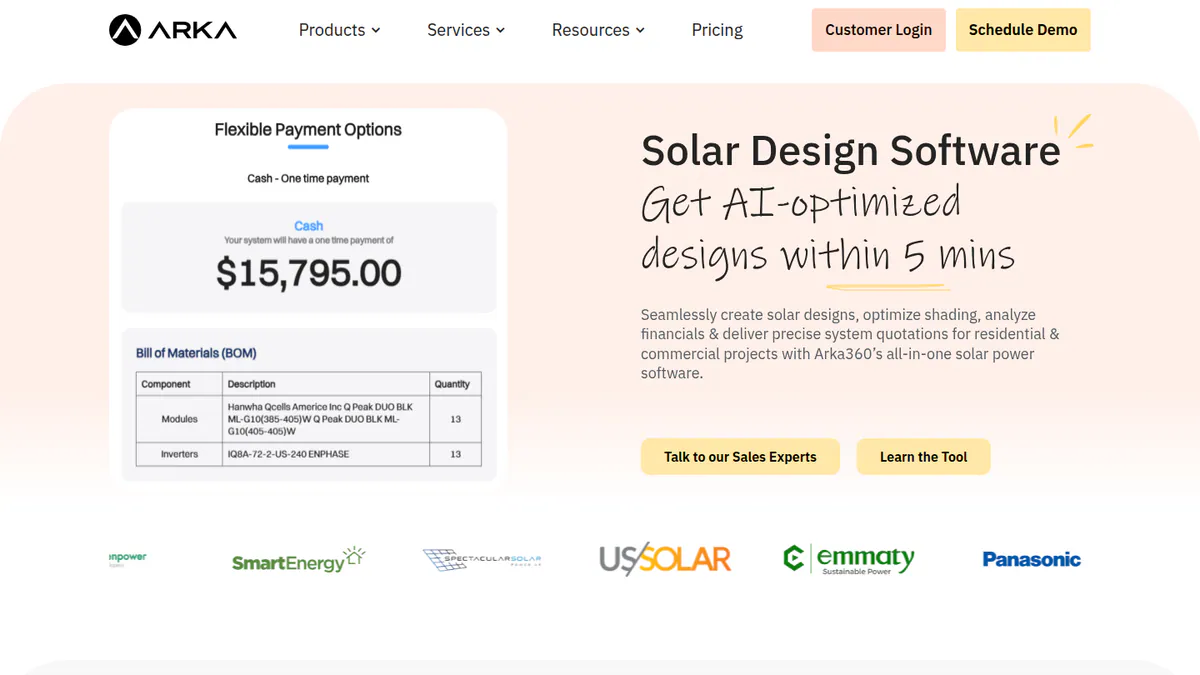
6. Arka 360: best for AI design generation in India and the US
Best for: Installers who want a generated first design. Score: 61.6/100.
What it is: Arka 360, formerly The Solar Labs, has offices in Bengaluru and Allen, Texas. Its cloud tool covers design, proposals and CRM (customer management). It is for home and C&I installers in both countries.
Why we picked it: It is one of the few tools that says its AI makes a first design for you, with permit checks on top. Published US prices and a large G2 review base back it up.
Key features:
- AI that makes a first design, plus permit checks.
- 3D rooftop and ground-mount design.
- Stringing (how panels wire into inverters), with optimisers.
- 3D export to SketchUp and PVsyst (Premium).
Pricing: The international-list Basic is USD 159 per month (USD 1,699 per year). Premium is USD 199 per month (USD 1,999 per year). Enterprise is USD 999 per month. We leave out Indian prices, because the page shows two INR sets that disagree. Checked October 2026 on the Arka 360 pricing page.
Pros (from user reviews):
- It is smooth to use and has many useful tools (14 mentions on G2).
- Shadow analysis and project estimates help you quote quickly.
- 3D views help close deals, and support staff are caring.
Cons (from user reviews):
- Some features are missing, and the structure choice is confusing.
- It lags or hangs on projects of 3 MWp and above.
- The learning curve is steep, and multi-user teams hit limits.
Reviews: G2 4.3/5 (137 reviews), checked October 2026.
What we could not confirm: what the AI-made design includes. We found no docs on it.
Read our full Arka 360 review or our Arka 360 alternatives.
Want to see Arka 360 working? Book a demo with the SolarSoftwares team.
Book a demoYour request goes by email to the SolarSoftwares team. A time is set only after we reply. It does not change any score or ranking.
7. Solargraf: best for automatic detection feeding US permit sets
Best for: North American home installers who want roof spotting, design and permits in one tool. Score: 57.0/100.
What it is: Enphase owns Solargraf. It takes home and small business jobs from design and proposal through to finance and permits. Its permit tools follow US rules.
Why we picked it: It spots rooflines and obstacles for you and carries that design straight into US permit sets. Published annual prices make budgeting simple.
Key features:
- 3D design that spots rooflines and obstacles for you.
- Permit-ready SLDs and plan sets built from the detected design.
- Plan sets to NEC 2026 (the US electrical code).
- An AHJ (local permitting authority) database of 14,000+.
- Built-in TPO and loan finance.
Pricing: Starter is USD 2,799 per year (240 projects, 2 users). Small Business is USD 4,799, Teams USD 6,399 and Enterprise USD 12,999. Checked October 2026 on the Solargraf pricing page.
Pros (from user reviews):
- Good shading and 3D tools make design quick (Capterra).
- One tool takes a job from proposal to permit, so there is less to juggle.
- Clients find the proposals and contracts easy to follow.
Cons (from user reviews):
- Users report crashes and wrong property data that confuses the 3D tool.
- It costs more than other options, and support waits have grown.
- Some users face a learning curve at the start.
Reviews: Capterra 3.2/5 (15 reviews), checked October 2026. We found no G2 listing.
What we could not confirm: whether the auto-detection uses AI, as the company does not call it that in our sources.
Read our full Solargraf review or our Solargraf alternatives.
Want to see Solargraf working? Book a demo with the SolarSoftwares team.
Book a demoYour request goes by email to the SolarSoftwares team. A time is set only after we reply. It does not change any score or ranking.
SurgePV (unscored): for readers comparing AI-assisted roof modelling followed by manual review. Check the generated geometry and energy assumptions before using the proposal. The numbered scores above do not include it.
Sources checked 27 October 2026: SurgePV product information · SolarSoftwares SurgePV review
Book a demo of SurgePV with the SolarSoftwares team.
Book a demoYour request goes by email to the SolarSoftwares team. A time is set only after we reply. It does not change any score or ranking.
How do the 7 AI solar design tools compare?
This table compares the 7 ranked tools side by side.
Product | AI or automation | Called AI by company? | Plan needed | Segment | Starting price |
|---|---|---|---|---|---|
Site models from imagery | Yes | On-demand (Basic). AI site models (Enterprise) | Residential | USD 159/user/mo | |
Design generation | Yes | Free | Residential, small C&I | Free | |
CRM assistance | Yes (CRM only) | CRM add-on | Residential | GBP 4/project | |
Rule-based layout. Optimisation agent | Agent only | Add-on | Utility | Quote only | |
Obstruction detection | Yes | Pro | C&I | USD 259/mo for Pro | |
Design generation, permit checks | Yes | Not stated | Residential, C&I | USD 159/mo | |
Roofline and obstruction detection | Not in our sources | All plans include design | Residential | USD 2,799/yr |
Also considered
- PVX.AI (scored 52.4/100): An AutoCAD and BricsCAD plug-in. It does terrain modelling, plant layout, stringing and cable routing for utility plants. It ranked eighth, so it falls outside our top 7. Its facts come from G2 and an EU listing, not the company site, and no prices are shown.
- Glint Solar (just below the minimum score): A tool that helps utility developers find sites, with one-click PV pre-design and a Glint AI design agent. It is for finding land and new projects, not installer design. See solar site selection software.
- PVcase Ground Mount (below the minimum score): Auto layouts that follow the terrain, but rule-based and not sold as AI. It ranks on our utility-scale design page.
- SolarEdge Designer (a weak match for this job): One-click stringing to SolarEdge rules, per third-party sources. We found no docs on AI design.
- PVsyst: Not scored. It is modelling software, not AI design.
How do you choose AI solar design software?
- For US home jobs where you want the roof built for you, pick Aurora Solar. Check which plan includes AI site models.
- Want auto design at no software cost? Start with OpenSolar, and review every design before it goes out.
- HelioScope Pro is the pick when spotting obstacles on business roofs matters.
- Solargraf suits you if roof spotting must flow into US permit sets.
- Utility plant designers should pick RatedPower for cloud auto design. If your team works in AutoCAD, also look at PVX.AI from Also considered.
- Pylon fits cheap per-job design with a CRM, but do not buy it for AI design.
Want more choices? Browse every tool we checked in our design and simulation category.
AI solar design software FAQs
What is the best AI solar design software?
Aurora Solar is the best AI solar design software in our October 2026 ranking, at 79.4/100, for AI-assisted site models. OpenSolar follows (73.2) and includes AI design free. For utility plants, RatedPower automates layout. PVX.AI, in Also considered, does the same inside AutoCAD.
Can AI design a complete solar panel system?
Not without a check, from what we found. A G2 reviewer says OpenSolar’s designs still need an engineer to check them. No company has published how exact its AI is. Tools do parts of the job for you: roof spotting, layout, stringing or cable routing.
Is PVsyst an AI solar design tool?
No. PVsyst is Windows modelling and yield software (CHF 700 per seat per year, checked October 2026), not an AI design tool. It models how much power a system will make. See our solar simulation software ranking.
How accurate is AI roof modelling compared with a site survey?
Nobody has published a clear answer. Our October 2026 research found no independent study of how exact these models are. None of the 7 ranked companies published AI accuracy figures either. Treat AI roof models as rough sales shapes until someone checks the roof.
Sources
Checked 22 to 25 October 2026.
- Aurora Solar: pricing, G2, Capterra
- OpenSolar: pricing, news, G2
- Pylon: pricing, Capterra, G2
- RatedPower: pricing, product site, G2
- HelioScope: pricing, G2
- Arka 360: pricing, G2
- Solargraf: pricing, Capterra
- PVX.AI: G2, G2 pricing, EEN listing
- Glint Solar: pricing, product updates
- PVcase Ground Mount: pricing
- SolarEdge Designer: pv magazine press release
Last updated 28 October 2026. Next scheduled review: 23 January 2027.