Solar financial modelling software works out whether a solar project makes money. It models cash flows, returns and payback. SAM ranks first on this list, at 80.0/100.
SAM suits analysts. It covers PPA (power purchase agreement), partnership-flip, leaseback and TPO (third-party ownership) cash flows. In a partnership flip, a tax investor takes most returns until a target, then the split flips. In a leaseback, you sell the system and lease it back. CAPEX is the upfront build cost, and LCOE (levelised cost of energy) is the lifetime cost per unit of power.
This page ranks software that models the money side of a project. That means IRR (internal rate of return), NPV (net present value), LCOE, payback and ownership structures. It does not compare lenders, loan rates or dealer fees. If you want to offer finance to clients, see our guide to solar financing platforms for installers.
Quick picks: best solar financial modelling software
Rank | Product | Best for | Starting price (company page, checked October 2026) | Pricing model | Free plan / trial | Score /100 |
|---|---|---|---|---|---|---|
1 | Developer project-finance models at no cost | ◐ Free | Open source (BSD-3) | Free | 80.0 | |
2 | US residential savings and financing proposals | ✓ USD 159 per user per month | Per user | None stated | 73.6 | |
3 | Pre-feasibility economics across technologies | ◐ Free Viewer. CAD 869 per year | 12-month subscription | Free Viewer mode | 73.1 | |
4 | Utility-scale CAPEX and LCOE studies | Quote only | Three tiers | Demo only | 71.0 | |
5 | Microgrid financials with incentives and resilience | ✓ USD 440 per user per month (billed annually) | Per user | 30-day paid demo | 70.1 | |
6 | Free installer proposals with finance options | ✓ Free | Free core, paid add-ons | Free plan | 66.4 | |
7 | US C&I solar-plus-storage savings models | Quote only | By team size | Demo only | 63.1 |
✓ Verified on the company’s own pricing page. ◐ Published by the company outside its pricing page (help centre, store or press release). ? We could not read the company’s pricing page, so the figure is not confirmed. Prices checked October 2026.
Quote only means the company shows no public price. You ask it for a quote.
How the 7 tools scored
- Use-case fit 35%
- User reviews 20%
- Pricing 15%
- Ease of use 10%
- Support 10%
- Momentum 10%
Tool | Score chart | Score |
|---|---|---|
80 out of 100 | 80.0 | |
73.6 out of 100 | 73.6 | |
73.1 out of 100 | 73.1 | |
71 out of 100 | 71.0 | |
70.1 out of 100 | 70.1 | |
66.4 out of 100 | 66.4 | |
63.1 out of 100 | 63.1 |
Each bar shows the weighted score out of 100.
Sub-scores at a glance (0-10)
Product | Use-case fit | User reviews | Pricing | Ease of use | Support | Momentum | Total /100 |
|---|---|---|---|---|---|---|---|
10.0 | 5.0 | 10.0 | 5.0 | 7.5 | 7.5 | 80.0 | |
6.7 | 7.9 | 8.0 | 7.5 | 7.5 | 7.5 | 73.6 | |
9.2 | 5.0 | 9.0 | 7.5 | 7.5 | 2.5 | 73.1 | |
7.5 | 6.9 | 4.0 | 7.5 | 7.5 | 10.0 | 71.0 | |
9.2 | 5.0 | 7.0 | 5.0 | 7.5 | 5.0 | 70.1 | |
5.8 | 5.0 | 9.0 | 7.5 | 5.0 | 10.0 | 66.4 | |
9.2 | 5.0 | 4.0 | 5.0 | 5.0 | 5.0 | 63.1 |
A 5.0 on reviews, ease, support or momentum is our neutral score. We use it when public evidence is thin. It is not a judgement.
How did we rank these solar financial modelling tools?
How the score is weighted
- Use-case fit 35%
- User reviews 20%
- Pricing 15%
- Ease of use 10%
- Support 10%
- Momentum 10%
We scored 11 products from 22 to 25 October 2026 from company documents, price pages and public user reviews. This was desk research. We did not build models in any tool. Nine reached our minimum match score (4 out of 10), and we rank the top 7. The other 4 are under "Also considered". We used six weighted factors:
- Use-case fit (35%): How well it does this page’s job. The depth of finance modelling in its docs counts most. That means cash flows, return measures, ownership structures, tariffs and incentives.
- User reviews (20%): G2 and Capterra ratings. A rating from only a few reviews counts for less. Tools with no reviews sit at a neutral 5.0.
- Pricing (15%): Free or public prices score higher than prices you must ask for.
- Ease of use, support and momentum (10% each): Review sub-scores, support channels and dated releases.
Scores are specific to this page’s job, so a tool can score higher or lower on another page. SurgePV is not part of this ranking. Read the full method: how we score software.
What are the two kinds of solar financial model?
"Solar financial model" means one thing to an installer and another to a developer. Read the ranking with your job in mind.
- Installer sales economics (Aurora Solar, OpenSolar, Energy Toolbase, and PV*SOL premium, which is also considered): the client’s bill savings, payback and finance options inside a proposal. Related: solar proposal software and commercial proposal software.
- Developer project finance (SAM, RETScreen Expert, RatedPower, Xendee, and Sunfig SIFT, which is also considered): project cash flows, LCOE, IRR and ownership structures, used to decide whether to invest.
A model is only as good as its energy input. For bankable yield (an energy estimate lenders will accept), see our solar simulation software list and PVsyst alternatives.
1. SAM: best for developer project-finance models at no cost
Best for: Developers, analysts and consultants who need a full cash-flow model tied to a physical model of how the system performs. Score: 80.0/100.
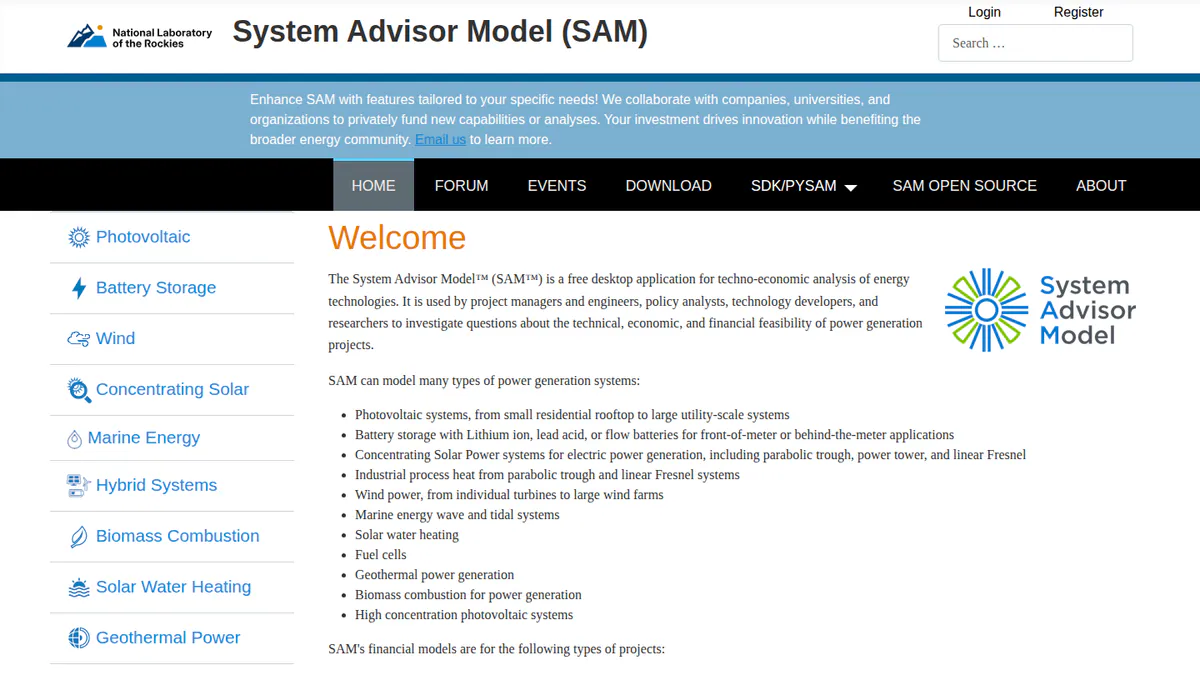
What it is: SAM (System Advisor Model) comes from a US Department of Energy lab. The lab was called NREL and is now the National Laboratory of the Rockies. Most users are researchers, consultants, developers and engineers. It joins detailed PV and battery simulation with several ownership models, in one free package.
Why we picked it: It is free, and it runs PPA, flip, leaseback and TPO cash flows on a tested PV model. It covers more ownership structures than the other tools here, per the comparison table.
Key features:
- Home and business behind-the-meter models (systems that serve a site’s own power use).
- PPA models, such as partnership flip and sale-leaseback, plus third-party ownership.
- The same finance inputs across PV, wind and other energy types.
- PV and battery storage, in front of or behind the meter.
- PySAM and an SDK (developer kit) for scripted scenario runs, plus published tests of the PV model.
- A new release each year since 2013 (the README cites v2026.7.3).
Pricing: Free for commercial, academic or personal use. The source code is under BSD-3-Clause (an open-source licence with few limits). You get a free key by email. Checked October 2026 on the SAM GitHub README.
Pros (from our research):
- It costs nothing, and you may use it for paid client work.
- The engineering firm Pure Power Engineering calls it validated and independent (December 2022).
- You can get help through a forum, email support and open round tables every two weeks.
Cons (from our research):
- Pure Power says most financiers will not take SAM yield in place of PVsyst, so the energy input often comes from elsewhere.
- Tariff and incentive data is mostly for the US.
- It is a desktop tool for analysts, with no proposal to show the client.
Reviews: No user reviews found. We found no G2 or Capterra listing as of October 2026.
Read our full SAM review or our SAM alternatives.
Want to see SAM working? Book a demo with the SolarSoftwares team.
Book a demoYour request goes by email to the SolarSoftwares team. A time is set only after we reply. It does not change any score or ranking.
2. Aurora Solar: best for US residential savings and financing proposals
Best for: US home solar sales teams who show savings, incentives and finance options in the proposal. Score: 73.6/100.
What it is: Aurora Solar Inc. makes a cloud design and proposal platform for US home and light commercial installers.
Why we picked it: It puts savings, tax-credit estimates (US credit rules change, check current law) and finance options into the proposal a homeowner signs. Its 121 G2 reviews average 4.7/5.
Key features:
- Finance-ready proposals with tax-credit estimates (US credit rules change, check current law), TPO and AVL (approved vendor list) options.
- Battery modelling for backup, self-consumption and arbitrage (Premium).
- Output simulation that feeds the savings case.
- Bankable shade reports (Premium).
- Design API (Enterprise).
Pricing: Basic costs USD 159 per user per month, or USD 135 billed yearly. Premium costs USD 259, or USD 220 billed yearly. Enterprise is custom, per project. Checked October 2026 on the Aurora pricing page.
Pros (from user reviews):
- Output estimates are accurate, so the savings case holds up (Capterra).
- Customer service is strong (G2).
- New staff pick it up fast: G2 rates ease of use 8.9/10.
Cons (from reviews and our research):
- A Capterra reviewer finds proposal and finance features thin for the price.
- It is built for home sales proposals, and its docs show no PPA, flip or LCOE project-finance models.
- It has few connections to other tools (G2).
Reviews: G2 4.7/5 (121 reviews), Capterra 4.1/5 (7 reviews), checked October 2026.
Read our full Aurora Solar review or our Aurora Solar alternatives.

Want to see Aurora Solar working? Book a demo with the SolarSoftwares team.
Book a demoYour request goes by email to the SolarSoftwares team. A time is set only after we reply. It does not change any score or ranking.
3. RETScreen Expert: best for pre-feasibility economics across technologies
Best for: Energy consultants, public bodies and teachers who screen PV against other clean energy options. Score: 73.1/100.
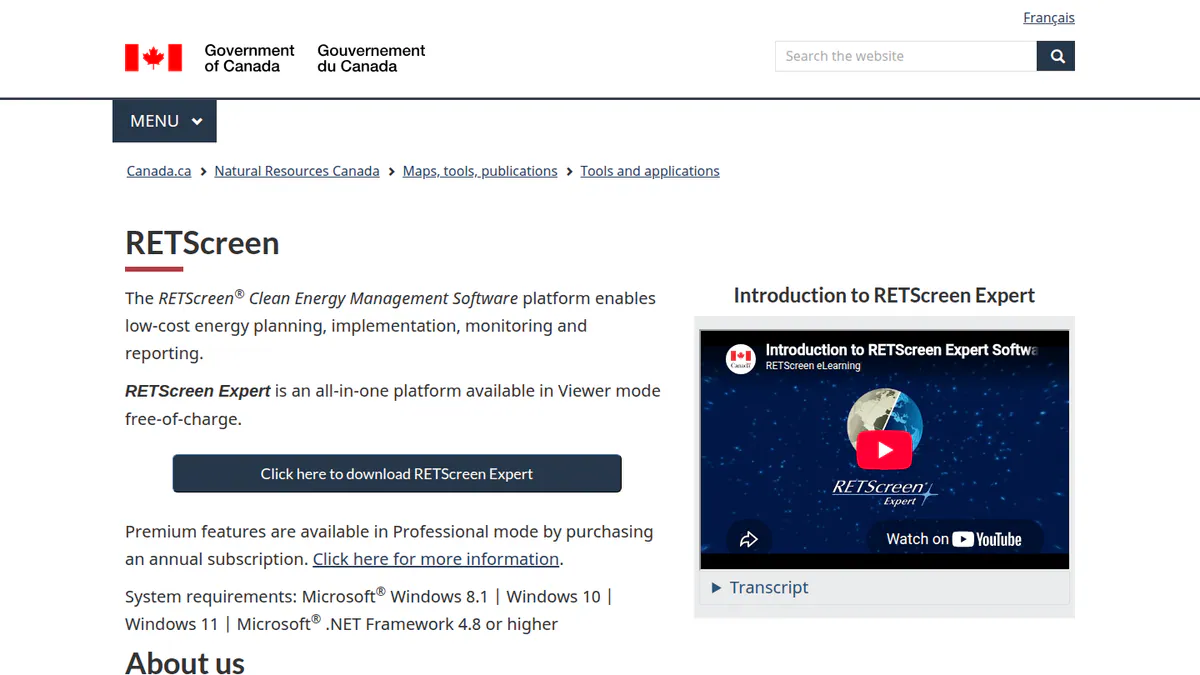
What it is: RETScreen Expert is Windows desktop software from Natural Resources Canada. It checks whether projects make sense, compares them with similar sites, and tracks results across many sites. Most users are consultants, engineers, public bodies and teachers.
Why we picked it: It runs joint technical and finance checks across many energy types, and Viewer mode is free. The paid mode has a public price.
Key features:
- Joint technical and finance checks for renewable, efficiency and cogeneration (heat and power) projects.
- Portfolio analysis across many sites.
- NASA satellite climate data built in.
- Benchmarks against similar sites.
- Performance measurement and checks.
Pricing: Viewer mode is free but cannot save, print or export. Professional mode costs CAD 869 per 12-month subscription, plus taxes in Canada. Checked October 2026 on the RETScreen subscription page.
Pros (from reviews and our research):
- It is easy to use, with a large systems library and benchmark data (Capterra).
- You can run useful early studies at no cost in Viewer mode (Capterra).
- Teams can work in about 36 languages.
Cons (from reviews and our research):
- A reviewer says the economic section needs work and some kit prices are not realistic (Capterra).
- You need the paid Professional mode to save, print or export.
- It runs on Windows desktop only.
Reviews: Capterra 4.5/5 (2 reviews, 2019-2020), checked October 2026. That is too few to rely on.
What we could not confirm: the current version or any dated release notes.
Want to see RETScreen Expert working? Book a demo with the SolarSoftwares team.
Book a demoYour request goes by email to the SolarSoftwares team. A time is set only after we reply. It does not change any score or ranking.
4. RatedPower: best for utility-scale CAPEX and LCOE studies
Best for: Utility developers and IPPs who compare CAPEX and LCOE across design options before they commit. Score: 71.0/100.
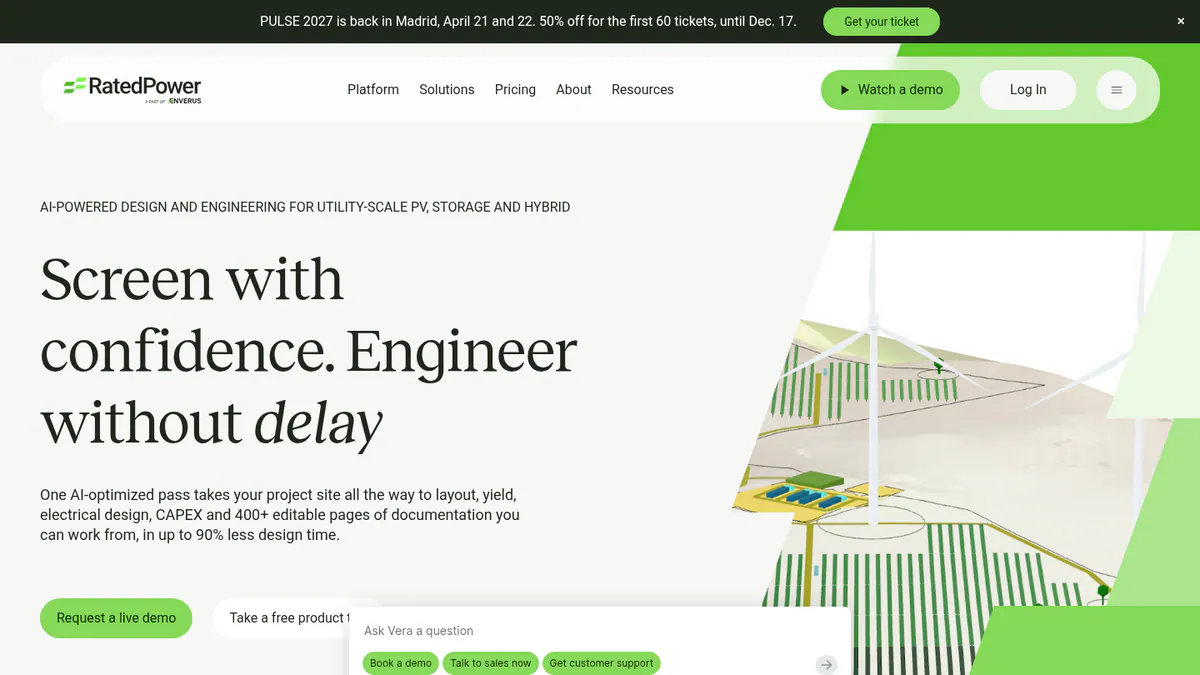
What it is: RatedPower is a cloud engineering tool from an Enverus company. It covers utility-scale PV, BESS (battery energy storage system) and hybrid plants. It is aimed at developers, EPCs, engineering firms and IPPs (independent power producers). Its cost figures come straight from the layout and electrical design.
Why we picked it: Its CAPEX and LCOE figures come straight from the layout and electrical design. It has the most reviews on this page, with 305 on G2.
Key features:
- CAPEX and LCOE outputs with a bill of quantities.
- Design matrices and KPI (key performance indicator) optimisation through the Power Analyst AI agent (an add-on).
- Site screening with parcel and grid maps (in some regions).
- Yield checked against PVsyst, plus a 3D ray-traced mode.
- 400+ editable documents.
Pricing: Quote only (you must ask for a price), on Basic, Advanced and Enterprise tiers. Demo only. Checked October 2026 on the RatedPower pricing page.
Pros (from user reviews):
- It saves time on early layouts (18 mentions in G2 review themes).
- Reviewers find it easy to use (22 mentions).
- Customer support gets praise (11 mentions).
Cons (from user reviews):
- You can only tailor the design and drawings so far.
- Layout and constraint handling is the top complaint (14 mentions).
- Some features are missing, such as certain battery and inverter pairings (8 mentions).
Reviews: G2 4.4/5 (305 reviews), checked October 2026.
Read our full RatedPower review or our RatedPower alternatives.
Want to see RatedPower working? Book a demo with the SolarSoftwares team.
Book a demoYour request goes by email to the SolarSoftwares team. A time is set only after we reply. It does not change any score or ranking.
5. Xendee: best for microgrid financials with incentives and resilience
Best for: C&I and utility microgrid developers who weigh cost, carbon and resilience (keeping power on in an outage). Score: 70.1/100.
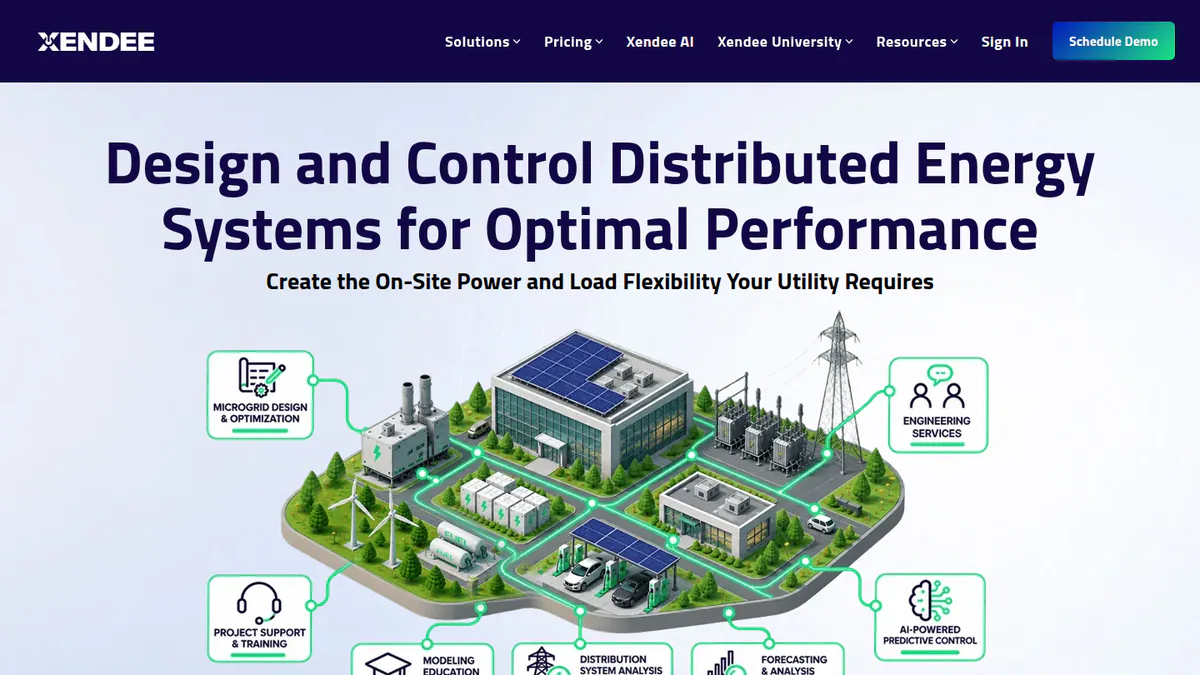
What it is: Xendee Corporation, based in San Diego, makes a cloud microgrid platform. It finds the best mix and dispatch of solar, storage and other DERs (distributed energy resources). Then it reports the money side. Its buyers are C&I and utility microgrid developers, engineers and EPCs.
Why we picked it: It is the only ranked tool that puts a value on keeping power on next to savings. It also shows per-user prices up front.
Key features:
- Financial results, grant and incentive modelling, and optimisation over many years.
- Utility tariffs and NEM 3.0 (California net metering rules).
- Cost-versus-carbon trade-offs.
- 25+ DER types and outage ride-through sums.
- DISCOVER API to screen many sites at once (Platinum).
Pricing: DESIGN Gold costs USD 440 and Platinum USD 540 per user per month. Both are billed yearly, with no monthly option. Platinum includes 3 free custom tariffs a year, while Gold charges USD 200 per custom tariff. Enterprise is by quote. USD is implied, as the page shows only a dollar sign. Checked October 2026 on the Xendee pricing page.
Pros (from our research):
- You can show resilience value in the same model as savings.
- You can see per-user prices before you talk to sales.
- Platinum and Enterprise include modelling help from Xendee, and Platinum adds 3 free custom tariffs a year.
Cons (from our research):
- There are no user reviews to judge it by (G2 lists none).
- There is no free trial, and the demo is paid.
- Tariff features focus on the US.
Reviews: No user reviews found on G2 or Capterra as of October 2026.
Want to see Xendee working? Book a demo with the SolarSoftwares team.
Book a demoYour request goes by email to the SolarSoftwares team. A time is set only after we reply. It does not change any score or ranking.
6. OpenSolar: best for free installer proposals with finance options
Best for: Small home solar installers who want savings and finance in the proposal with no licence fee. Score: 66.4/100.
What it is: OpenSolar gives home and small commercial installers a free design and proposal platform. OpenSolar Inc. funds it through hardware and finance partners.
Why we picked it: The core platform is free, and its web proposals carry finance options, e-signature and payment collection.
Key features:
- Built-in finance options in click-through web proposals, with e-signature and payment collection.
- Free 3D and 2D design with shading.
- AI design (OS 3.0).
- Xero and QuickBooks connectors.
Pricing: The core platform is free. API Access and the Xero/QuickBooks connectors cost extra from 16 April 2026, at rates the company does not publish. Checked October 2026 on the OpenSolar pricing notice.
Pros (from reviews and our research):
- Panel layouts are easy to edit (G2).
- The app is handy in the field (G2).
- You pay no licence fee for the core platform.
Cons (from reviews and our research):
- A reviewer says it is "not completely free": API and connector fees exist but are not public.
- Panel design lacks automatic customisation, so layouts need an engineering check (G2).
- It has no project-finance models.
Reviews: G2 4.8/5 (3 reviews), checked October 2026.
What we could not confirm: the depth of its finance features, which we know from marketing pages, not product docs.
Read our full OpenSolar review or our OpenSolar alternatives.

Want to see OpenSolar working? Book a demo with the SolarSoftwares team.
Book a demoYour request goes by email to the SolarSoftwares team. A time is set only after we reply. It does not change any score or ranking.
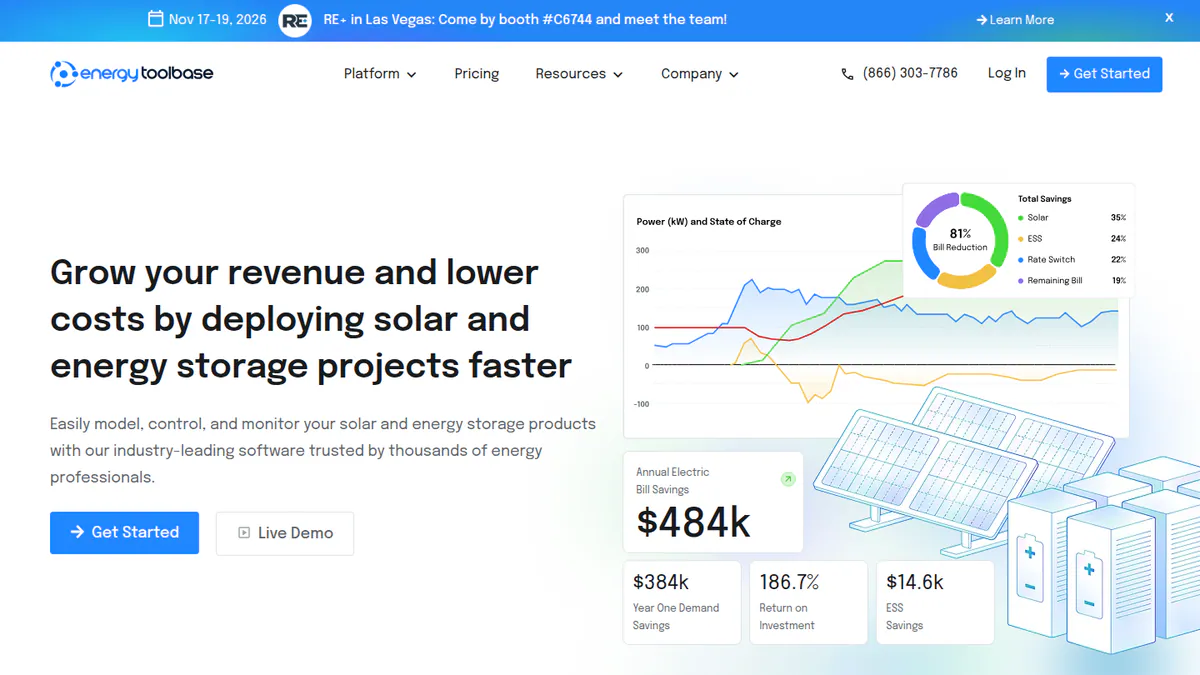
7. Energy Toolbase: best for US C&I solar-plus-storage savings models
Best for: US C&I developers whose savings case hangs on tariffs, storage dispatch and incentives. Score: 63.1/100.
What it is: Energy Toolbase Software Inc. makes ETB Developer, a tool for savings models and proposals. It serves US C&I solar and storage developers and installers, with an in-house rates team behind it. We cover its storage dispatch on our battery storage design list.
Why we picked it: An in-house rates team keeps 120,000+ tariffs current, and demand charges and storage dispatch feed the same model.
Key features:
- Finance comparisons and incentive sums.
- NEM, VNEM and NEMA (net metering variants) and time-of-use modelling.
- Demand-charge and grid-services revenue, plus guide prices from lenders inside the tool (we do not rank lenders).
- 120,000+ tracked utility tariffs.
- Unlimited white-label proposals that track how clients engage.
- PV and battery degradation inputs.
Pricing: Quote only, set by team size on a 30-minute call. Demo only. Checked October 2026 on the Energy Toolbase pricing page.
Pros (from our research):
- Deep tariff data makes US savings cases more precise.
- You can add grid-services revenue to the case (launched March 2024).
- The model and the client proposal come from one tool.
Cons (from our research):
- Price is quote only, set on a sales call.
- There are no user reviews to judge it by.
- It is built for US tariffs, so it does not suit other markets.
Reviews: No user reviews found on G2 or Capterra as of October 2026.
Read our full Energy Toolbase review or our Energy Toolbase alternatives.
Want to see Energy Toolbase working? Book a demo with the SolarSoftwares team.
Book a demoYour request goes by email to the SolarSoftwares team. A time is set only after we reply. It does not change any score or ranking.
SurgePV (unscored): for readers comparing project-level financial scenarios alongside design and yield estimates. Confirm assumptions and any lender or investor reporting requirements. The numbered scores above do not include it.
Sources checked 27 October 2026: SurgePV product information · SolarSoftwares SurgePV review
Book a demo of SurgePV with the SolarSoftwares team.
Book a demoYour request goes by email to the SolarSoftwares team. A time is set only after we reply. It does not change any score or ranking.
How do the solar financial modelling tools compare?
Product | Audience | Financial scope (as documented) | Ownership structures | Tariff or incentive modelling | Starting price |
|---|---|---|---|---|---|
Developer, analyst | Project cash flows, BTM savings | PPA, flip, leaseback, TPO | US-centric | Free | |
Installer sales | Customer savings, financing | TPO options in proposals | Tax-credit estimates | USD 159/user/mo | |
Consultant, public sector | Feasibility, portfolio | Not documented | Not documented | Free Viewer. CAD 869/yr | |
Utility developer | CAPEX, LCOE | Not documented | Not documented | Quote only | |
Microgrid developer | Financials, multi-year | Not documented | Tariffs, NEM 3.0, grants | USD 440/user/mo | |
Installer sales | Finance options in proposals | Not documented | Not documented | Free | |
C&I developer (US) | Savings, incentives | Not documented | 120,000+ tariffs, NEM | Quote only |
Also considered
- PV*SOL premium (scored 62.8/100): desktop design software for European self-consumption cases, from EUR 845 per named user per year plus VAT. It ranks eighth because the sources we read do not show its finance outputs.
- Sunfig (SIFT) (scored 58.1/100): a browser tool that screens utility-scale layouts by IRR. It ranks ninth. Its owner after Gibraltar’s 2026 sales is not confirmed, and we found no dated updates since 2022.
- Solargis Evaluate (a weak match for this job): a yield and solar-resource tool from EUR 12,000 a year. Its output feeds a finance model, but we found no finance modelling in it.
- PlantPredict (a weak match for this job): a utility-scale energy model from Terabase. Its docs show no finance module.
- HOMER Pro and HOMER Grid: strong NPC (net present cost), LCOE and tariff maths, but built for hybrid and storage projects. They sit on our battery storage design list.
- Financing platforms and lenders: they do not model project costs and returns, so we do not rank them here. See the financing platforms guide.
Which general tools do installers also use?
Many developers still build the final project model in a spreadsheet. They use yield and cost outputs from the tools above. Spreadsheets are general tools, so we do not rank them.
How do you choose the best solar financial modelling software?
- Need PPA, flip or leaseback cash flows with no budget? Start with SAM.
- Selling US home systems with savings and finance in the proposal? Pick Aurora Solar. On a zero budget, use OpenSolar.
- When your C&I savings hang on US tariffs, storage and incentives, pick Energy Toolbase. For microgrids with resilience value, pick Xendee.
- Comparing utility layouts on CAPEX and LCOE? Pick RatedPower. For fast IRR screening, SIFT (also considered) is worth a trial once you confirm its owner.
- For a quick early check across energy types, use RETScreen Expert’s free Viewer mode.
- If you must deliver a European self-consumption case, PV*SOL premium (also considered) covers the loads. Check its finance outputs in the trial.
Want more choices? Browse every tool we checked in our proposals and sales category.
Solar financial modelling software FAQs
What is the best solar financial modelling software?
SAM is the best solar financial modelling software in our October 2026 ranking, at 80.0/100. It is free and models PPA, partnership flip, leaseback and third-party ownership. Aurora Solar is the top installer option for US home savings proposals. RatedPower leads for utility-scale CAPEX and LCOE studies.
How do you build a financial model for a solar project?
Start with an energy estimate (P50, or P90 if debt is involved). Add costs, degradation, the revenue basis (tariff savings or PPA price) and the finance structure. The model then gives you cash flows and returns. SAM, free as of October 2026, links these to its own performance model.
Can solar software calculate IRR, NPV, LCOE and payback?
Yes, though coverage varies. RatedPower’s docs show CAPEX and LCOE. Sunfig SIFT (also considered) runs a built-in IRR model across up to 500 layout options. SAM models full project cash flows. Installer tools such as Aurora Solar focus on client savings and payback in proposals (checked October 2026).
Can financial models handle PPA, lease and loan structures?
SAM is the most complete here. As of October 2026, its docs list PPA models such as partnership flip and sale-leaseback, plus third-party ownership. Aurora Solar shows TPO and finance options inside home proposals. We do not compare lenders or rates on this page.
Are solar financial models accepted by lenders?
Lenders judge the model and, above all, the energy input. Engineering firm Pure Power wrote in December 2022 that most financiers prefer PVsyst yield reports. They do not accept SAM output in their place. Check the yield source and format your lender expects before you build the model.
Is SAM free for solar financial modelling?
Yes. SAM is free for commercial, academic and personal use, with source code under BSD-3-Clause, as checked in October 2026. You ask for a free key by email the first time you open the program.
Sources
Checked 22 October 2026, with some prices and ratings re-checked on 25 October 2026.
- SAM: README, product site, Pure Power Engineering
- Aurora Solar: pricing, G2, Capterra
- RETScreen Expert: subscription, product page (French), Capterra
- RatedPower: pricing, feature comparison, Power Analyst, G2
- Xendee: pricing
- OpenSolar: pricing notice, news, G2
- Energy Toolbase: pricing, ETB Developer
- PV*SOL premium: shop, 2026 release, G2
- Sunfig (SIFT): product page, Solar Power World, July 2026, Solar Power World, February 2026
- Solargis Evaluate: product page. PlantPredict: Terabase
Last updated 28 October 2026. Next scheduled review: 23 January 2027.