Solar software for Australia is a set of tools that design systems, write quotes with local incentives, track customers and run jobs. Pylon ranks first on this list, at 73.6/100, for design, STC quoting and a CRM (software that tracks customers and sales) from one Australian company.
OpenSolar ranks second at 64.2/100. Only 2 of the 15 tools we scored reach our minimum match score. So we also rank the four best general job apps, each labelled as general, and name the top tool for each job.
Why does the Australian solar software stack look different?
Certificates shape an Australian home job before software does. The quote has to net off STCs (small-scale technology certificates) and often a state incentive too. Examples are a VEEC (Victorian energy efficiency certificate), ESC (NSW energy savings certificate) or PRC (peak reduction certificate). Storage quotes also include the Cheaper Home Batteries rebate.
After the install, an STC platform captures the evidence: SPV (Solar Panel Validation) serial scans, photos, owner signatures and declarations. Only then are certificates created and paid for. Overseas design tools never touch this paperwork, so global tools with no named Australian presence scored lower here. For the full global field, see our best solar software hub.
Which solar software is the top pick for each job?
Job | Top pick for Australian installers | Why | Full ranking |
|---|---|---|---|
Design and quoting | Per-project pricing with STC and PDRS handling. Solar Proof adds Cheaper Home Batteries and VEEC calculation | ||
Free design and proposals | No licence fee for the core platform | ||
Off-grid and C&I quoting | SolarPlus (not scored here) | Off-grid load and generator design, tariff and peak-shaving models | |
STC and rebate paperwork | Greendeal or Formbay (not ranked here) | SPV scanning, installer app and retailer portal across federal and state schemes | Covered on this page |
CRM | Pylon CRM add-on. SolarHub CRM on a tight budget | Leads and quotes in the same tool as the design | |
Job management | ServiceM8 or AroFlo (general) | Australian-built job cards, scheduling and invoicing | |
Monitoring | The inverter maker’s portal. Solar Analytics across brands | Free with hardware, or AUD 6 per inverter per month | |
VPP and DERMS | SwitchDin (not ranked here) | Gateway-based control, export limiting and an accredited-installer programme |
Which tool is best for design and quoting: Pylon, Solar Proof, SolarPlus or OpenSolar?
Pylon tops our Australian design ranking and handles STC and PDRS (Peak Demand Reduction Scheme) incentives in its quotes.
Solar Proof, from Kingscliff in NSW, goes further on incentives. It works out STCs, the Cheaper Home Batteries rebate and VEECs automatically, and builds an SLD (single-line diagram) from the quote. It costs AUD 4 a project pay-as-you-go, or Pro from AUD 99 a month (the company shows only a dollar sign, so AUD is implied). It ranks seventh on the design page (59.3/100) and was not scored for this page.
SolarPlus, from Healesville in Victoria, suits retailers selling off-grid systems, batteries and C&I (commercial and industrial) jobs. It models off-grid loads, generators, peak shaving and tariffs. Plans are in USD and capped by quoted kW, from USD 135 a month on annual prepay. It was not scored for this page.
OpenSolar is the free option, but we found no STC workflow, so check incentive figures elsewhere. For battery-led quoting, see our battery storage design software guide.
Which tools handle STC and rebate paperwork: Greendeal, Formbay, Green Energy Trading or BridgeSelect?
These tools capture evidence on site and turn it into certificates. They do not design, quote or manage leads, so they score low here. Still, this is where the STC claim is made.
- Greendeal is the most open about cost. The platform is free, and you sell STCs through it. The CER (Clean Energy Regulator) creation fee is AUD 0.47 per STC excluding GST. Its installer app covers checklists, owner signatures and SPV scanning. Its retailer portal handles STCs, ESCs, PRCs, VEECs and NSW battery and VPP (virtual power plant) incentives.
- Formbay, a Sydney company founded in 2010, has an installer app, automatic validation, a PRISM AI issue checker and a retailer portal. It covers STCs for solar, batteries and water heaters, plus PRCs, VEECs, ESCs and LGCs (large-scale generation certificates). Fees are not published. Its app scores 3.2/5 on the Australian App Store (25 ratings, checked October 2026). Installers praise fast payment, but a 2025 review reports failed scans and lost data.
- Green Energy Trading (Hawthorn, Victoria) gives installers a free GET Onsite app for serial scans, geotagged photos and agreements. We could not reach its site, and it was not on the CER’s SPV app list when we checked from 22 to 24 October 2026.
- BridgeSelect (Melbourne) is a CER-listed SPV app provider covering STCs, VEECs, ESCs, PRCs and REPS (South Australia’s Retailer Energy Productivity Scheme). Its site was unreachable, and we found no pricing or reviews.
Which CRM is best: Pylon CRM or SolarHub CRM?
Pylon’s CRM add-on costs from GBP 49 per user per month on its UK page (AUD not confirmed). It ranks first in our Australian solar CRM ranking. SolarHub CRM, made by Glytrix, is the budget choice, with a free tier and paid tiers from 29 a month in USD on Capterra. We could not reach its site, and it has no user reviews.
Which tools cover job management, monitoring and VPP?
ServiceM8, AroFlo and Tradify cover the scheduling and invoicing that design tools leave out. None is solar-specific, and they rank 3 to 6 below, labelled as general. See also scheduling and dispatch software.
For monitoring, most installers use the inverter maker’s portal, such as Fronius Solar.web, Sungrow iSolarCloud or GoodWe SEMS. Solar Analytics, owned by Catch Power, is the Australian cross-brand option at AUD 6 per inverter per month including GST, or AUD 60 a year. Fleet tools are compared in fleet monitoring software for installers.
For VPP and grid control, SwitchDin sells its Stormcloud platform and Droplet gateways, mainly to networks and retailers, and runs an accredited-installer programme. It documents export limiting and ramp-rate compliance (limits on how fast output changes), and pricing is quote only.
Quick picks
Rank | Product | Best for | Starting price (company page, checked October 2026) | Pricing model | Free plan / trial | Australian presence (our research) | Score /100 |
|---|---|---|---|---|---|---|---|
1 | Design, STC quoting and CRM from one Australian company | ✓ AUD not confirmed. UK page GBP 4 per project | Per project, unlimited users. CRM per user | 5 free project credits | Sydney-based company | 73.6 | |
2 | Zero licence cost across design, proposals and leads | ✓ Free (API and connectors paid, rates not published) | Free core. Paid add-ons | Free plan | Australia among named markets | 64.2 | |
3 | Crews of three or more who hold stock | ✓ From AUD 80 per user per month (minimum 3 users) | Per user, volume-tiered. Setup fee | Demo only | Melbourne-based company | 53.3 | |
4 | Small crews who pay by job volume | ✓ Free tier. Starter AUD 29 a month (Capterra) | By jobs per month, unlimited users on paid tiers | Free tier. 14-day trial | Sydney-based company | 52.7 | |
5 | The simplest per-user job app | ✓ AUD not confirmed. Lite USD 47 per user (third-party) | Per user per month | 14-day trial | New Zealand company, sells in Australia | 49.7 | |
6 | Larger contractors who need job costing | Quote only | Not published | Demo only | Brisbane-based company | 39.2 |
✓ Verified on the company’s own pricing page. ◐ Published by the company outside its pricing page (help centre, store or press release). ? We could not read the company’s pricing page, so the figure is not confirmed. Prices checked October 2026.
Quote only means the company shows no public price. You ask it for a quote.
How the 6 tools scored
- Use-case fit 35%
- User reviews 20%
- Pricing 15%
- Ease of use 10%
- Support 10%
- Momentum 10%
Tool | Score chart | Score |
|---|---|---|
73.6 out of 100 | 73.6 | |
64.2 out of 100 | 64.2 | |
53.3 out of 100 | 53.3 | |
52.7 out of 100 | 52.7 | |
49.7 out of 100 | 49.7 | |
39.2 out of 100 | 39.2 |
Each bar shows the weighted score out of 100. Tools marked (general) are general tools that are not solar-specific.
Sub-scores at a glance (0-10)
Product | Use-case fit | User reviews | Pricing | Ease of use | Support | Momentum | Total /100 |
|---|---|---|---|---|---|---|---|
5.9 | 6.7 | 8.0 | 7.5 | 10.0 | 10.0 | 73.6 | |
5.2 | 5.0 | 9.0 | 7.5 | 5.0 | 10.0 | 64.2 | |
2.2 | 6.3 | 7.0 | 7.5 | 7.5 | 7.5 | 53.3 | |
2.2 | 7.2 | 7.0 | 7.5 | 5.0 | 7.5 | 52.7 | |
0.7 | 8.8 | 3.0 | 10.0 | 10.0 | 5.0 | 49.7 | |
2.2 | 5.2 | 4.0 | 5.0 | 5.0 | 5.0 | 39.2 |
A 5.0 on reviews, ease, support or momentum is our neutral value where public evidence is thin, not a judgement.
How did we rank these Australian solar software tools?
How the score is weighted
- Use-case fit 35%
- User reviews 20%
- Pricing 15%
- Ease of use 10%
- Support 10%
- Momentum 10%
We scored 15 products from 22 to 24 October 2026, using company documents, pricing pages and public user reviews. This was desk research: we did not run projects or lodge certificates in any tool.
15 scored: 6 ranked (2 solar tools and 4 general tools), 9 also considered. Only Pylon and OpenSolar reach the minimum match score. The four general tools have no solar features, but we rank them 3 to 6, labelled as general, so you have more than two options. Scores are specific to each page. Each product is scored on six criteria:
- Use-case fit (35%): How well it does this page’s job. Here that means breadth across design, quoting with Australian incentives, CRM, compliance paperwork and operations. Global tools with no named Australian presence in our research score lower.
- User reviews (20%): G2, Capterra, Trustpilot and app-store ratings. Ratings based on only a few reviews count for less. With fewer than 8 reviews, a product gets a middle score of 5 out of 10.
- Pricing (15%): Free and published prices score higher than quote-only.
- Ease of use, support and momentum (10% each): Review sub-scores and dated release notes. Each gets a middle score without evidence.
The CER’s REC Registry, lead marketplaces such as SolarQuotes and Solar Choice, and SunWiz Luminate are out of scope. SurgePV is not part of this ranking. Full method: how we score software.
1. Pylon: best for design, STC quoting and CRM from one Australian company
Best for: Installers who want incentives in the quote, a CRM they can switch on later and no per-seat licence. Score: 73.6/100.
What it is: Pylon is a design and proposal platform based in Sydney. Its customers are small to mid-size residential and commercial installers. Besides Australia, it sells in the UK, Ireland and the US.
Why we picked it: It is built in Sydney and nets STC and PDRS incentives off inside the quote, with an optional CRM on top. Pay-per-job pricing with unlimited users suits small crews.
Key features:
- STC and PDRS incentives built into Australian quotes.
- Solar and battery design on aerial images, with Nearmap per reviewers.
- Web and PDF proposals with eSignature and financial projections.
- Editable single-line diagrams (July 2026 update).
- An optional CRM with automations, web forms and SMS.
- Links to ServiceM8, Xero, Amber VPP and Mailchimp, plus an API (a link for other software).
Pricing: We could not confirm AUD prices. The UK page lists Standard at GBP 4 per project, up to 30 kW DC. Pro is GBP 10 per project, for custom load profiles and commercial systems of 99 kW and up. Enterprise is quote only. The CRM add-on starts at GBP 49 per user per month, and there is a 2.5% payment gateway fee. Users are unlimited with no monthly minimum, and new accounts get 5 free Standard credits. Checked October 2026 on the Pylon UK pricing page.
Pros (from user reviews): From Capterra and G2 reviewers.
- Paying per job keeps costs low for a small crew with an uneven pipeline.
- Support is a strength: Capterra rates customer service 4.9/5 from 22 ratings.
- Customers get detailed, thorough proposals with the incentives already netted off.
Cons (from user reviews):
- Imagery age varies by location, and the Nearmap link is patchy, so some regional roofs are harder to draw.
- Usage modelling is awkward to work with.
- Most find the layout friendly, but some say the advanced parts take time to learn.
Reviews: Capterra 4.6/5 (25 reviews) and G2 4.3/5 (2 reviews), checked October 2026. Most Capterra reviews date from 2021-2023, before the CRM and SLD updates.
What we could not confirm: Australian prices, and which plan covers systems of 30 to 99 kW.
Read our full Pylon review or our Pylon alternatives.

Want to see Pylon working? Book a demo with the SolarSoftwares team.
Book a demoYour request goes by email to the SolarSoftwares team. A time is set only after we reply. It does not change any score or ranking.
2. OpenSolar: best for zero licence cost across design, proposals and leads
Best for: Small Australian installers who want design to signed proposal with no subscription, and who will handle incentives and jobs elsewhere. Score: 64.2/100.
What it is: OpenSolar is a free design, proposal and sales platform. Hardware, finance and imagery partners fund it. Our research lists Australia among its named markets.
Why we picked it: Its core design and proposal platform is free, and Australia is one of its named markets. It is the only other solar tool to pass our minimum match score here.
Key features:
- 3D and 2D rooftop design with shading, and AI design in OS 3.0 (September 2025).
- Interactive web proposals with e-signature and payment collection.
- Built-in finance options.
- AI lead generation (June 2026) and lead capture.
- A hardware shop with distributors, plus API and accounting connectors.
Pricing: The core platform is free, and the company says it will always be free to use. From 16 April 2026, two things are charged at rates the company does not publish. These are API access (usage-based, with a 30-day free trial) and the Xero and QuickBooks connectors (a monthly fee per company). Premium imagery is optional and paid. Checked October 2026 on OpenSolar’s pricing announcement.
Pros (from reviews and our research):
- Panels are easy to add, remove and change, say G2 reviewers.
- The interactive app gives your team useful information on site.
- You pay no per-seat or per-project fee for the core platform.
Cons (from reviews and our research):
- Layouts need an engineering review, with little automatic customisation.
- Reviewers say it is "not completely free": API access and accounting connectors cost extra at unpublished rates.
- Incentive figures such as STCs, VEECs and the battery rebate have to come from another tool.
Reviews: G2 4.8/5 (3 reviews), checked October 2026. That is too few to rely on, and we found no Capterra listing.
Read our full OpenSolar review or our OpenSolar alternatives.

Want to see OpenSolar working? Book a demo with the SolarSoftwares team.
Book a demoYour request goes by email to the SolarSoftwares team. A time is set only after we reply. It does not change any score or ranking.
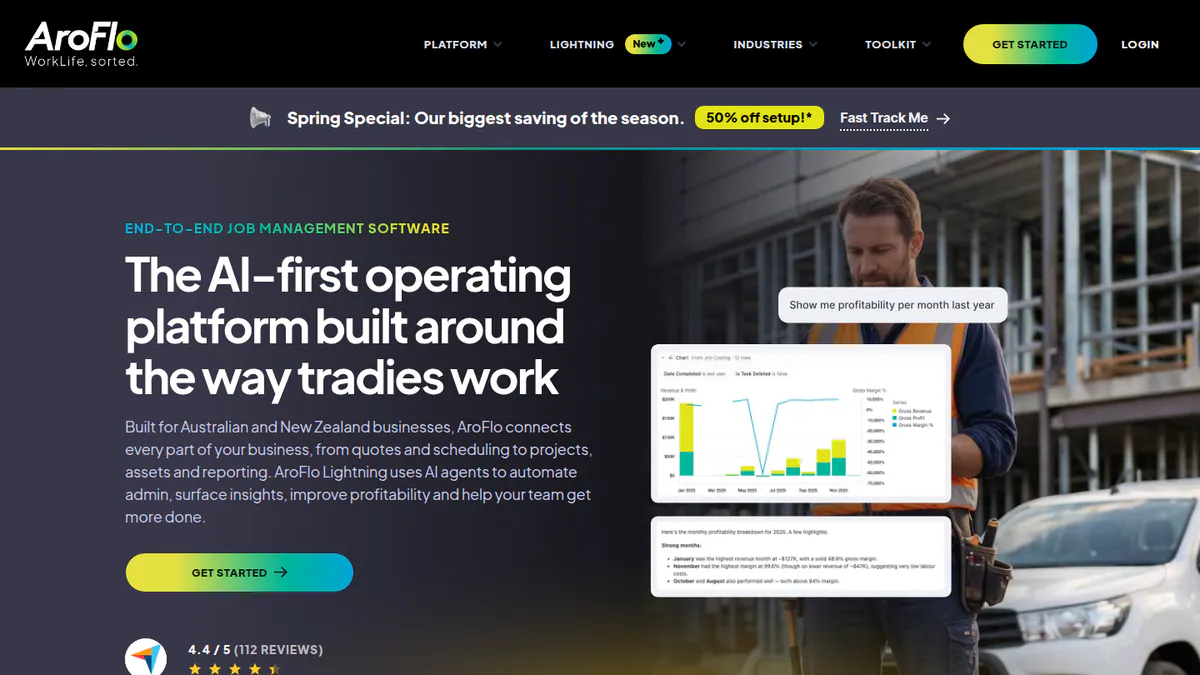
3. AroFlo (general job-management software): best for crews of three or more who hold stock
Best for: Trade crews of three or more users who need quoting, scheduling and stock in one place. Score: 53.3/100.
What it is: AroFlo is a job-management platform from AroFlo Pty Ltd in Melbourne. It serves trade businesses in Australia and New Zealand. Its solar industry page lists no solar-specific features.
Why we picked it: It is Melbourne-built job management with a published starting price and 118 Capterra reviews. Stock control and 600+ supplier catalogues suit crews that hold parts.
Key features:
- Quoting with margin visibility.
- Scheduling, job tracking and digital job cards.
- Inventory and purchasing, with 600+ supplier catalogues including Reece and Rexel.
- Asset maintenance and WHS (work health and safety) forms.
- Gantt charts (project timelines drawn as bars) for single projects.
Pricing: From AUD 80 per user per month, with a minimum of 3 users. It gets cheaper per user at higher volumes, and there is a setup fee. Demo only. Checked October 2026 on the AroFlo plans page.
Pros (from user reviews): From Capterra reviewers.
- It scales as you grow: one business went from 6 to 21 staff on it.
- Email import creates tasks automatically, which saves office typing.
- It is easy to use, with a good layout.
Cons (from user reviews):
- The MYOB link has tax rounding issues.
- You cannot see a Gantt chart across several projects at once.
- Bugs have caused lost timesheet entries.
Reviews: Capterra 4.3/5 (118 reviews), checked October 2026.
Want to see AroFlo (general job-management software) working? Book a demo with the SolarSoftwares team.
Book a demoYour request goes by email to the SolarSoftwares team. A time is set only after we reply. It does not change any score or ranking.
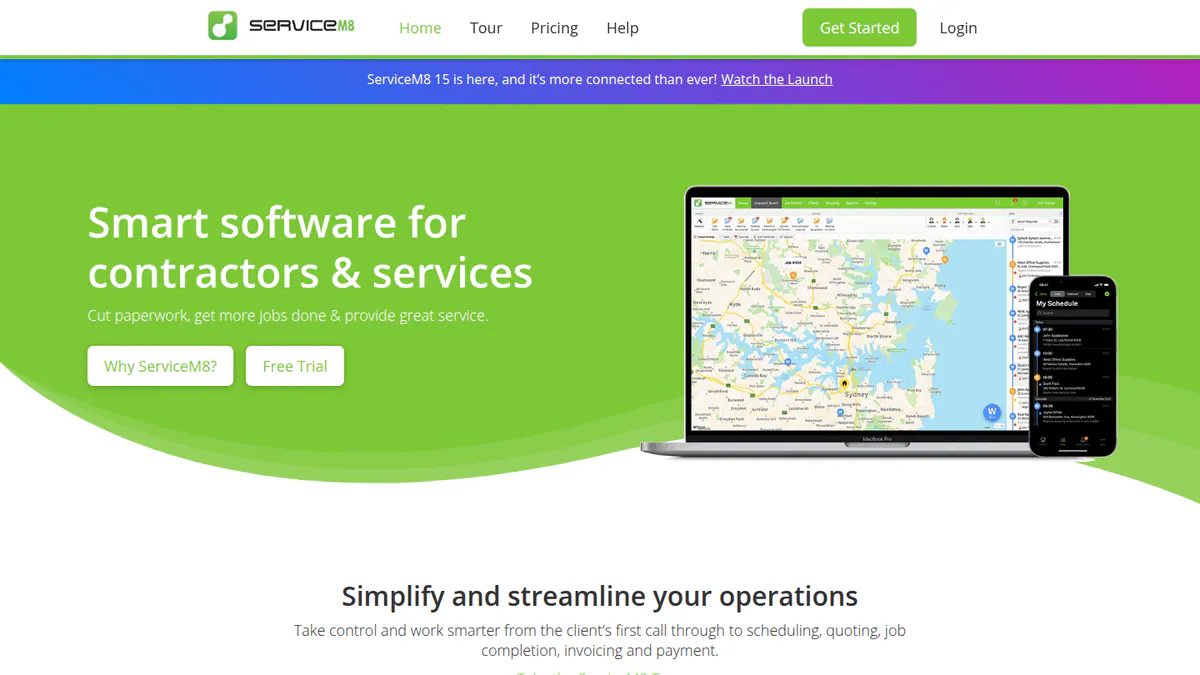
4. ServiceM8 (general job-management software): best for small crews who pay by job volume
Best for: Small installers who want a simple field app priced by jobs per month, not per user. Score: 52.7/100.
What it is: ServiceM8 is a mobile job app from ServiceM8 Pty Ltd in Sydney. Small trade businesses use it to run jobs from booking to payment. Pylon lists it as an integration.
Why we picked it: It is a Sydney-built job app with a free tier and 311 Capterra reviews. You pay by job volume, not per user, and Pylon links to it.
Key features:
- Job cards with photos, notes and client history.
- Scheduling and dispatch with staff alerts.
- On-site quoting, invoicing and card payments.
- GPS tracking, timesheets and job checklists.
- Two-way Xero sync.
Pricing: Capterra lists AUD tiers of Free, Starter AUD 29, Growing AUD 79, Premium AUD 149 and Premium Plus AUD 349 a month. We could not reach the company’s AUD page. The company’s EU page confirms the structure (Free to EUR 299 a month, unlimited users on paid tiers). The free tier allows 1 user and 30 jobs a month, and the trial is 14 days. Checked October 2026 on the ServiceM8 EU page.
Pros (from user reviews): From Capterra reviewers.
- It is easy to use, so new crew members pick it up fast.
- Customers like the alerts that tell them the crew is on the way.
- The mobile app works well for field staff.
Cons (from user reviews):
- Payment fees through ServiceM8 and Stripe are high.
- Support is chat-only.
- Staff cannot update their own availability.
Reviews: Capterra 4.5/5 (311 reviews) and G2 3.8/5 (15 reviews), checked October 2026.
Want to see ServiceM8 (general job-management software) working? Book a demo with the SolarSoftwares team.
Book a demoYour request goes by email to the SolarSoftwares team. A time is set only after we reply. It does not change any score or ranking.
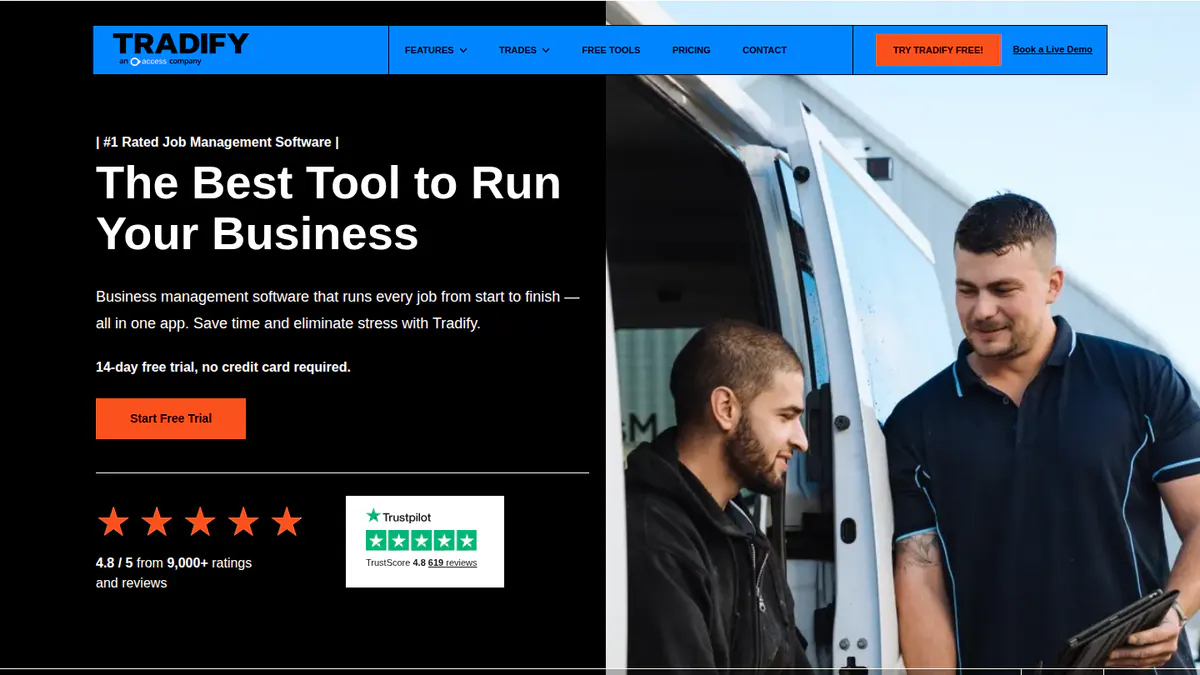
5. Tradify (general job-management software): best for the simplest per-user job app
Best for: Small crews who want a simple job app with strong support. Score: 49.7/100.
What it is: Tradify is a job-management app from Tradify Ltd in Auckland, New Zealand. Small trade businesses in New Zealand, Australia, the UK and the US use it. Note: we could not open Tradify’s own pricing page, so its prices are unconfirmed.
Why we picked it: It has the largest and best-rated review base of the six, led by 596 Trustpilot reviews at 4.8/5. Reviewers praise its ease of use and support.
Key features:
- Job management and scheduling with Google Calendar sync.
- Quoting and invoicing with templates and quote acceptance.
- Timesheets and subcontractor scheduling.
- Online payments through Stripe.
- Sync to Xero, QuickBooks and MYOB.
Pricing: Priced per user per month, varying by region. Third-party listings show Lite USD 47, Pro USD 51 and Plus USD 61. We could not confirm these or any AUD prices on the company’s pricing page. The trial is 14 days. Checked October 2026 via the Tradify help centre.
Pros (from user reviews): From Capterra and Trustpilot reviewers.
- It is easy to use and speeds up quoting, scheduling and invoicing.
- Onboarding and support are fast and patient.
- The mobile app works well in the field.
Cons (from user reviews):
- The Xero sync is fiddly and can duplicate entries.
- You cannot send customers job reports with photos.
- Building estimates is clunky, and the quote-viewed status is unreliable.
Reviews: Capterra 4.7/5 (152 reviews) and Trustpilot 4.8/5 (596 reviews), checked October 2026.
Want to see Tradify (general job-management software) working? Book a demo with the SolarSoftwares team.
Book a demoYour request goes by email to the SolarSoftwares team. A time is set only after we reply. It does not change any score or ranking.
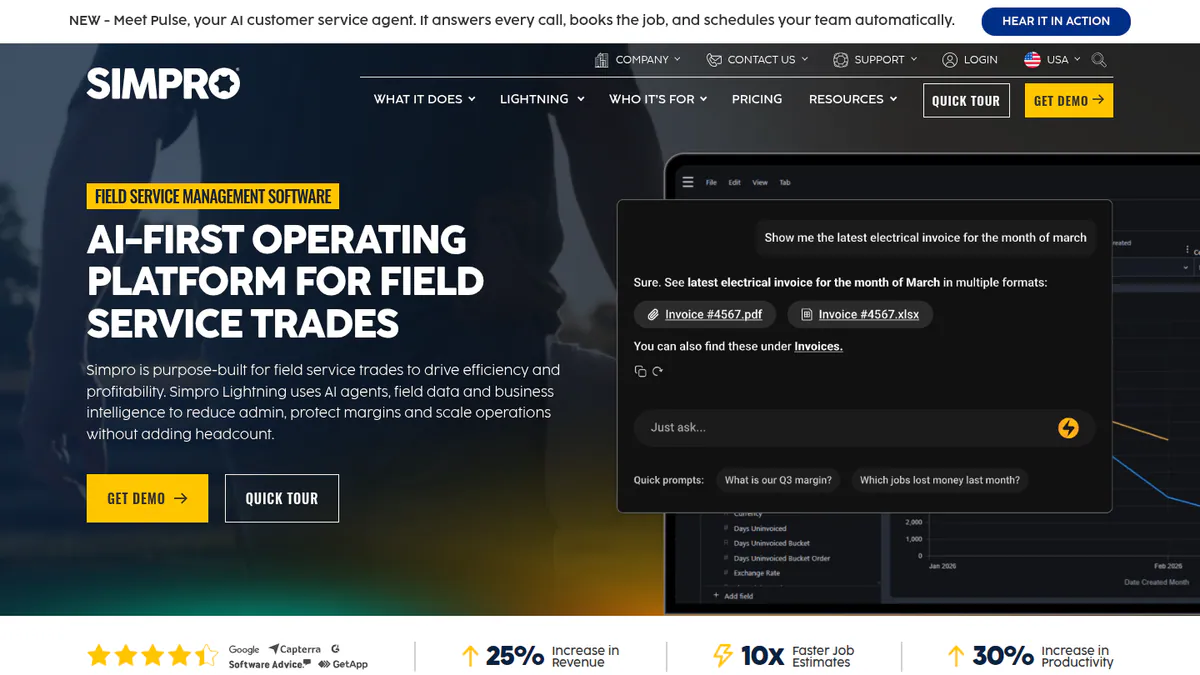
6. Simpro (general field-service software): best for larger contractors who need job costing
Best for: Mid-size and larger contractors who need estimating, job costing and progress billing. Score: 39.2/100.
What it is: Simpro is a field-service and project platform from Simpro Software in Brisbane. It serves mid-size and larger trade contractors, including electrical and solar firms. SolarPlus links to it, and OpenSolar connects through a third-party Snapfrozen app.
Why we picked it: It is a Brisbane-built platform with the job costing and progress billing that larger contractors need. SolarPlus links to it.
Key features:
- Estimating with a Takeoffs add-on, and job costing by phase.
- Scheduling and dispatch with Gantt views.
- Progress billing for deposits, claims and final invoices.
- Inventory with supplier price comparison.
- Asset maintenance, plus a mobile app with digital forms.
Pricing: Quote only. Checked October 2026 on the Simpro solar page.
Pros (from reviews and our research): The first two come from Capterra reviewers.
- One record runs from quote to job to invoice, so nothing is typed twice.
- Job-cost and profit reports show which jobs make money.
- It is built for bigger firms, with estimating and progress billing in one place.
Cons (from user reviews):
- Data import is slow and awkward.
- The Xero link makes errors, such as missed supplier invoices.
- The learning curve is steep, and the interface is clunky.
Reviews: Capterra 3.9/5 (151 reviews) and G2 4.1/5 (456 reviews), checked October 2026.
Want to see Simpro (general field-service software) working? Book a demo with the SolarSoftwares team.
Book a demoYour request goes by email to the SolarSoftwares team. A time is set only after we reply. It does not change any score or ranking.
SurgePV (unscored): for readers comparing the design-to-proposal part of an installer workflow. It is not a built-in CRM or fleet-monitoring platform. Check local outputs. The numbered scores above do not include it.
Sources checked 27 October 2026: SurgePV product information · SolarSoftwares SurgePV review
Book a demo of SurgePV with the SolarSoftwares team.
Book a demoYour request goes by email to the SolarSoftwares team. A time is set only after we reply. It does not change any score or ranking.
How do the 6 Australian solar software tools compare?
OpenSolar vs Pylon: Pylon scores higher (73.6 vs 64.2), because it documents STC and PDRS incentives, has a CRM add-on and links to ServiceM8. OpenSolar wins on cost, since its core platform is free.
"Not documented" means we did not find it in the sources we read in October 2026.
Product | Design and quoting | STC and state incentives | SPV and certificate lodgement | CRM | Job management | Pricing basis |
|---|---|---|---|---|---|---|
Yes, with SLDs | STC and PDRS in quotes | Not documented | Add-on | Via ServiceM8 link | Per project (AUD not confirmed) | |
Yes, AI design | Not documented | Not documented | Lead capture | Not documented | Free core | |
Quoting only | Not documented | Not documented | Trade CRM and SMS | Yes, with stock and Gantt projects | Per user, from AUD 80 a month | |
Quoting only | Not documented | Not documented | Light automation | Yes | By jobs per month | |
Quoting only | Not documented | Not documented | Not documented | Yes | Per user (AUD not confirmed) | |
Estimating only | Not documented | Not documented | Not documented | Yes, with progress billing | Quote only |
Also considered
- PVsyst (47.8/100): The C&I yield reference at CHF 700 per seat a year, but simulation only. See our simulation ranking.
- Greendeal (42.5): The free STC platform covered above, with no design, quoting or leads.
- SolarHub CRM (40.5): Closest to the minimum score. Its core facts come from Capterra rather than the company, and there are no user reviews.
- Green Energy Trading (38.0): A free certificate app, with facts from third-party sources only.
- Solar Analytics (36.9): Monitoring only, with support complaints after the Catch Power takeover.
- SwitchDin (33.6): VPP and DERMS (distributed energy resource management) for networks and retailers. Quote only, with no reviews.
- Formbay (29.1): Certificate paperwork only, with a mixed 3.2/5 App Store rating.
- BridgeSelect (29.0): An SPV app provider. Facts come from directories only, with no pricing.
- Fronius Solar.web (21.7): Monitoring for Fronius hardware only. Premium prices are not published outside the webshop.
How do you choose solar software in Australia?
- Crews of three or more who hold stock should demo AroFlo. Larger contractors who need progress billing can look at Simpro.
- Small home installers can pair Pylon for quotes with Greendeal for certificates and ServiceM8 for jobs, for little fixed cost.
- If your quotes lean on the Cheaper Home Batteries rebate or VEECs, trial Solar Proof alongside Pylon. Compare the incentive figures on the same job.
- If you sell off-grid systems or C&I with tariff modelling, book a SolarPlus demo. Budget for its kW-capped plans in USD.
- On a zero budget, use OpenSolar for design and proposals and a free certificate app. Check the incentive maths by hand.
- If you install one inverter brand, its free portal is enough for monitoring. For a mixed fleet, look at Solar Analytics, or see our VPP software guide for grid-control work.
- If you work overseas too, see our UK, India and South Africa guides. You can also browse the design and simulation category.
Australian solar software FAQs
What is the best solar software in Australia?
Pylon is the best solar software in Australia on our October 2026 scores, at 73.6/100. It is built in Sydney, handles STC and PDRS incentives in quotes and has an optional CRM. OpenSolar (64.2/100) is the best free option. Most installers also add an STC platform and a job app.
Does solar software need to handle STC and SRES rules?
Usually two tools share the work under the SRES (Small-scale Renewable Energy Scheme). The quoting tool nets off STCs and state incentives. Pylon and Solar Proof document this as of October 2026. An STC platform such as Formbay or Greendeal then captures serial scans and owner signatures.
What is a dynamic operating envelope and does my software need to support it?
A dynamic operating envelope is an export limit the network can change over time, not a fixed cap. None of the tools in our October 2026 research documents support for it by name. SwitchDin documents export limiting and ramp-rate compliance. Check with your inverter maker and network before you quote.
Which software is best for solar battery retrofits in Australia?
Solar Proof works out the Cheaper Home Batteries rebate automatically. Pylon and SolarPlus both design batteries. Formbay covers battery STCs, and Greendeal advertised next-day payment on them after CER approval (terms dated 25 August 2025). Our battery design guide compares design depth.
Do Australian solar installers need a solar-specific CRM?
Not always. In our October 2026 research, incentive handling lives in design and quoting tools, not in CRMs. So Pylon’s CRM add-on or a general CRM can work. Our Australian CRM ranking found only three solar-specific options.
How much does an Australian solar software stack cost per year?
A lean stack can cost under AUD 2,000 a year, using October 2026 prices. Solar Proof at AUD 4 a project is about AUD 400 for 100 jobs. Greendeal charges no subscription. ServiceM8 Growing is AUD 79 a month on Capterra, or AUD 948 a year. Inverter portals are free.
Sources
All checked 22 to 24 October 2026.
- Pylon: UK pricing, July 2026 update, Capterra, G2
- OpenSolar: pricing announcement, free platform, news, G2
- Solar Proof: pricing, features. SolarPlus: plans and pricing, G2
- Greendeal: battery FAQ, site. Formbay: features, App Store, pv magazine Australia. Green Energy Trading: App Store
- SolarHub CRM: Capterra
- AroFlo: plans, Capterra. ServiceM8: EU pricing, Capterra. Tradify: help centre, Capterra, Trustpilot. Simpro: solar page, Capterra
- Solar Analytics: subscription prices, SolarQuotes thread. SwitchDin: installer programme release. Fronius: Solar.web webshop
- PVsyst: shop
Last updated 28 October 2026. Next scheduled review: 23 January 2027.